Loading library…

YouVersion — Read the Bible, explore translations, and follow daily scripture and plans
iOS★ 4.810 screens
Version
Platform
iOS
Rating
4.80
CategoryLifestyle
Version
Screens10
10 screens
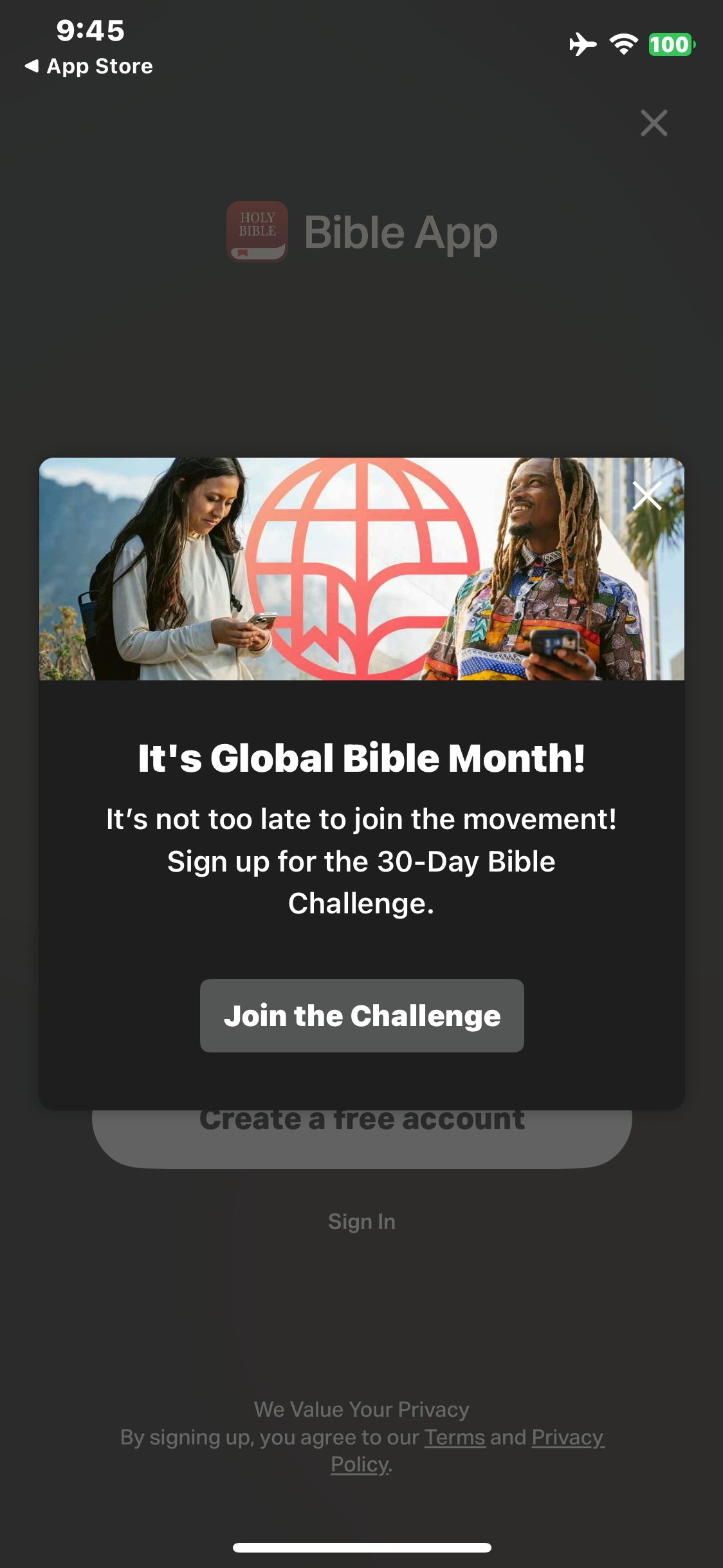

YouVersion
Launch Bible and view the Global Bible Month dialog
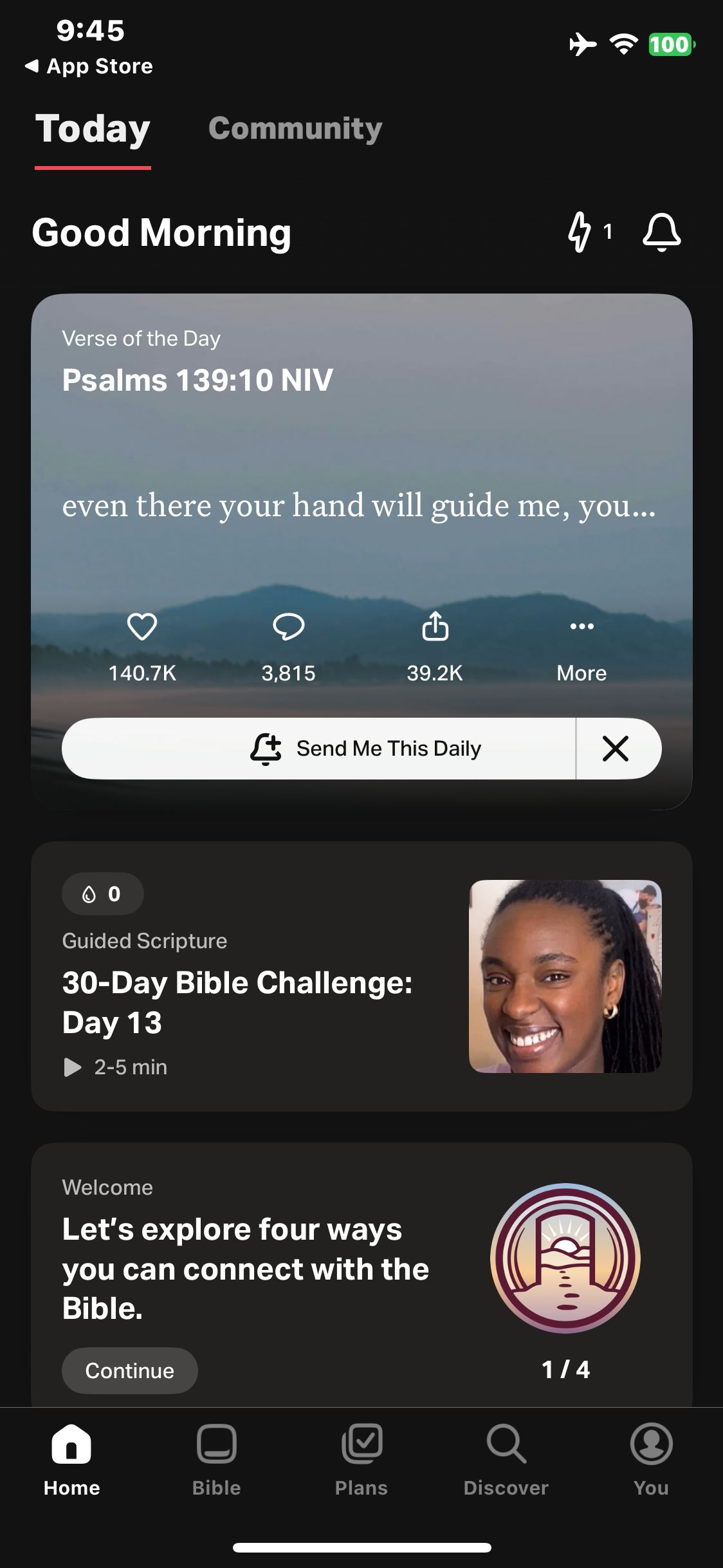
YouVersion
Close account options to enter as a guest
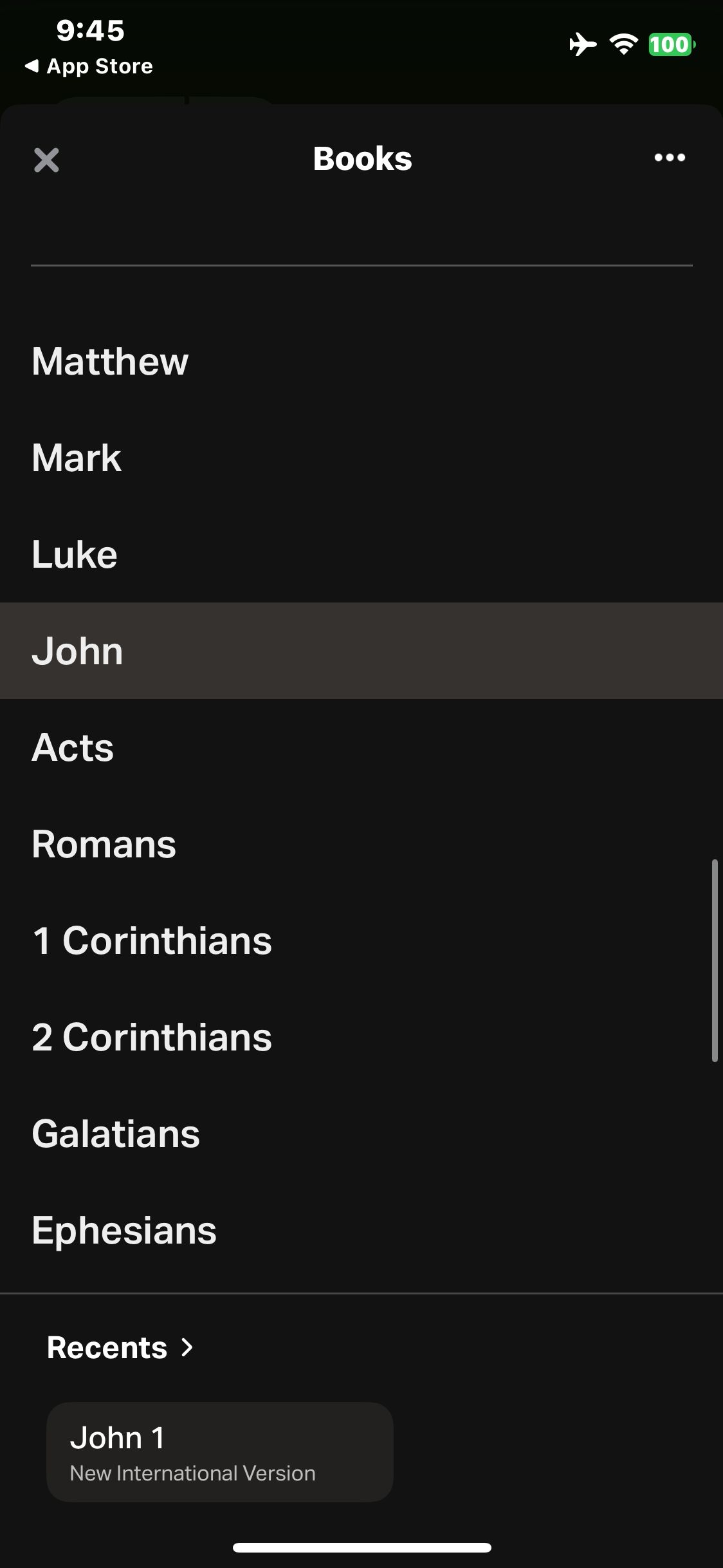
YouVersion
Open the Bible books picker
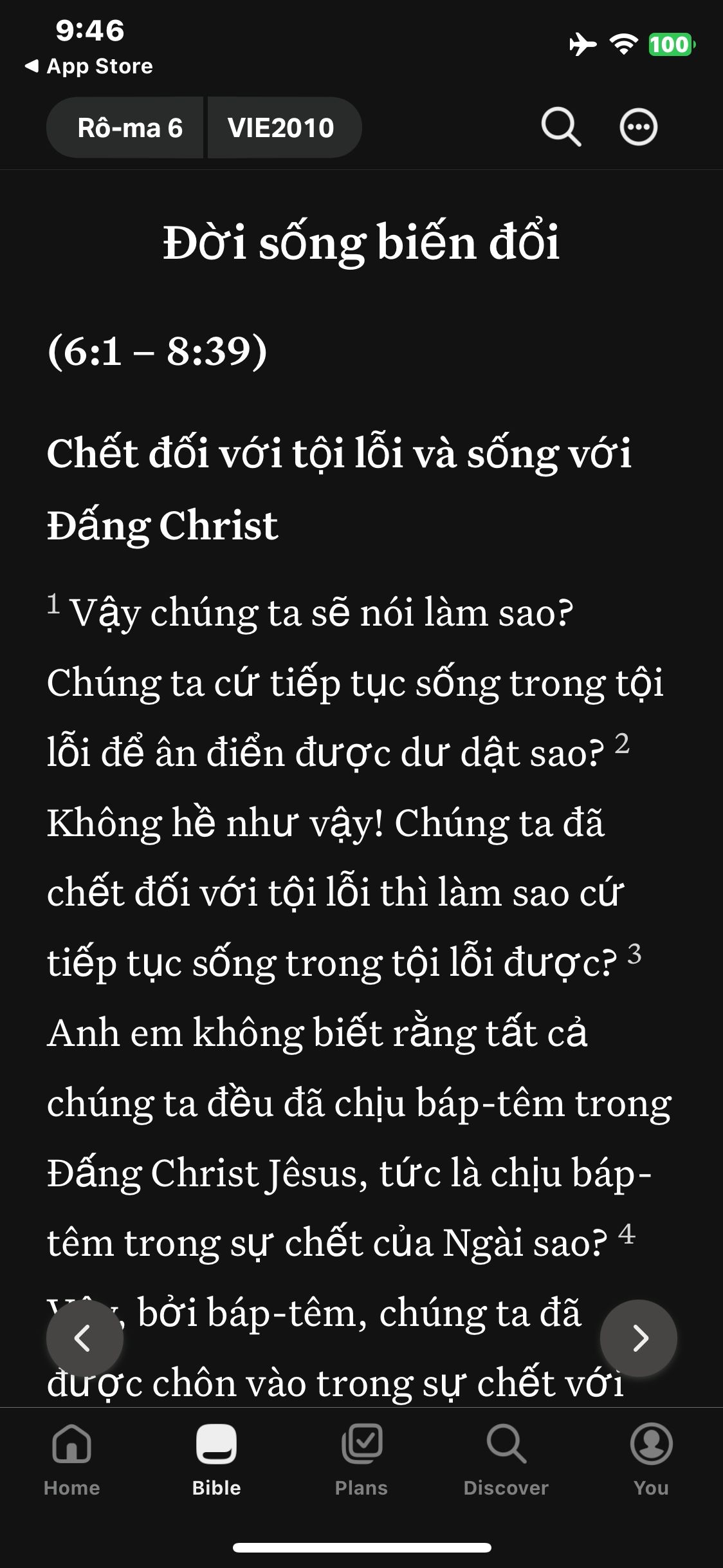
YouVersion
Select the Vietnamese 2010 version and confirm the text changes
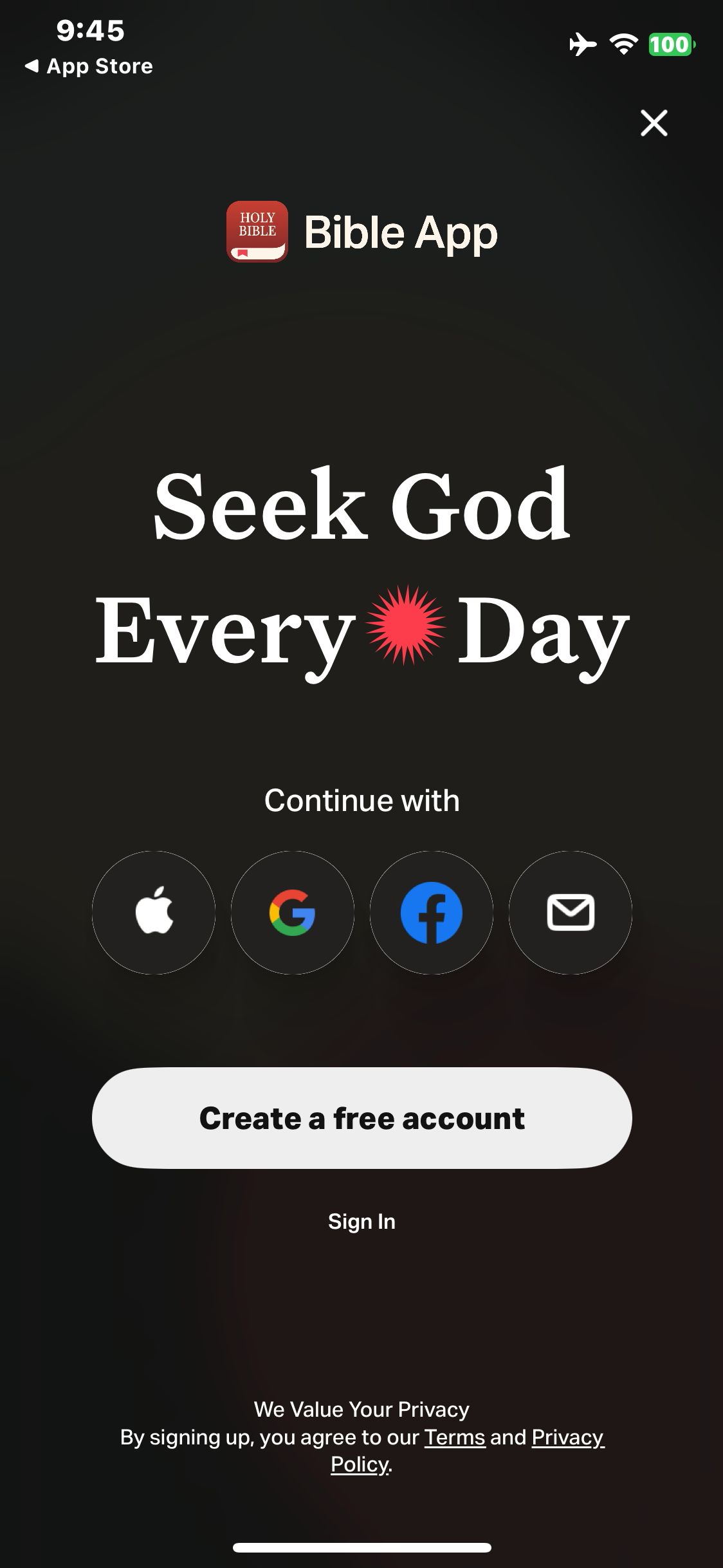
YouVersion
Dismiss the campaign and view account options
Paid screenUnlock with any plan
BROWSE
YouVersion
Open the Bible tab and see the Verse of the Day notification offer
Paid screenUnlock with any plan
BROWSE
YouVersion
Open the Bible tab and view John 1
Paid screenUnlock with any plan
BROWSE
YouVersion
Expand Romans and view available chapters
Paid screenUnlock with any plan
BROWSE
YouVersion
Open Romans 6
Paid screenUnlock with any plan
BROWSE
YouVersion
Open My Versions
You've reached the end
YouVersion App UI/UX Design Analysis
Comprehensive UX & UI flow analysis of YouVersion Bible (iOS): Daily Scripture Reading, Audio Bible Translations, Guided Devotional Plans, Verse of the Day & Prayer Lists. Covers 6 end-to-end user journeys across 24 verified screens including Verse of the Day & Daily Story, Scripture Reader & Audio Bible, Guided Reading Plans & Devotionals, and Prayer List, Highlights & Verse Images.