Loading library…

Muslim Pro — Read the Quran, explore translations, and track prayer times
iOS★ 4.815 screens
Version
Platform
iOS
Rating
4.80
CategoryLifestyle
Version
Screens15
15 screens

Muslim Pro
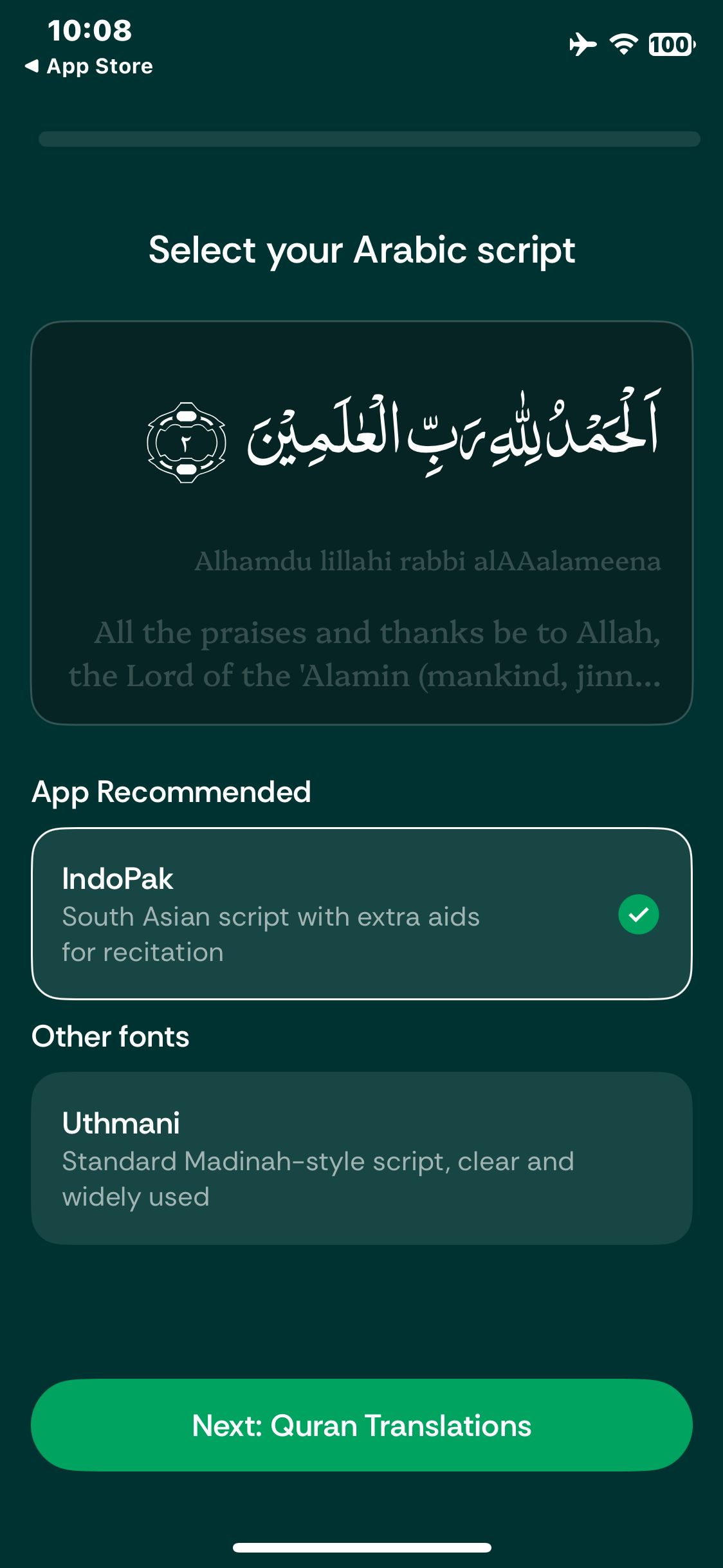
Open the Quran tab and view the Arabic script choices
Muslim Pro
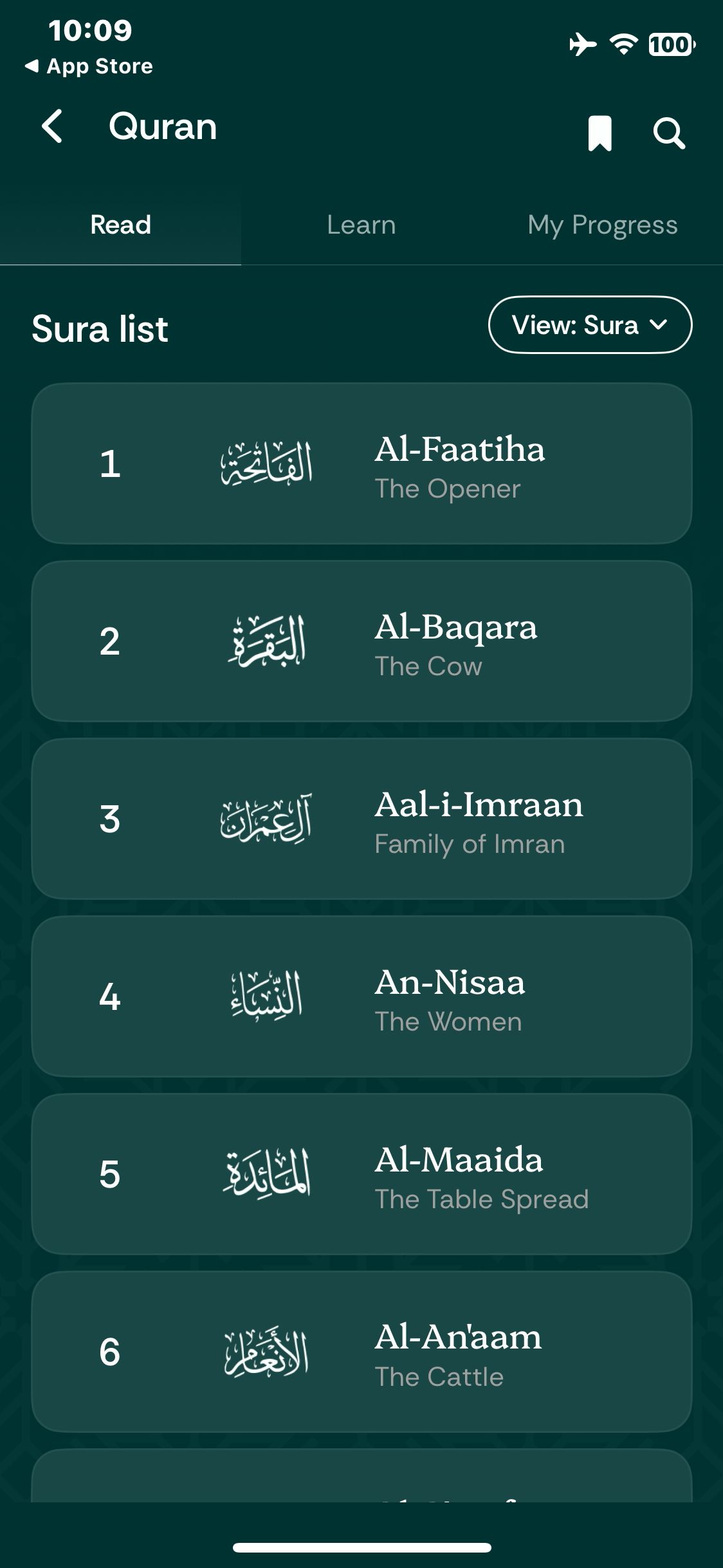
Dismiss the widget and view the sura list
Muslim Pro
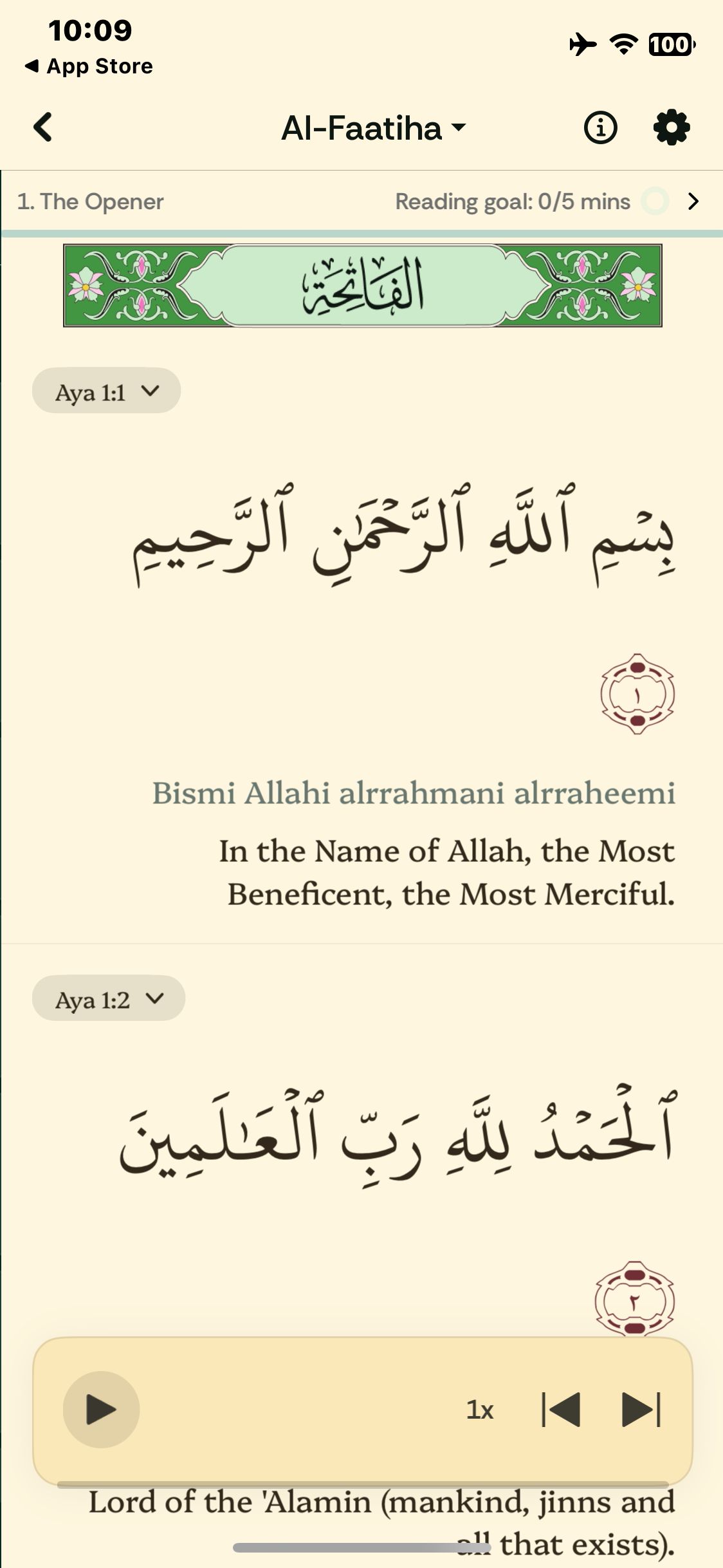
Open Al-Faatiha and view the text with translation
Muslim Pro
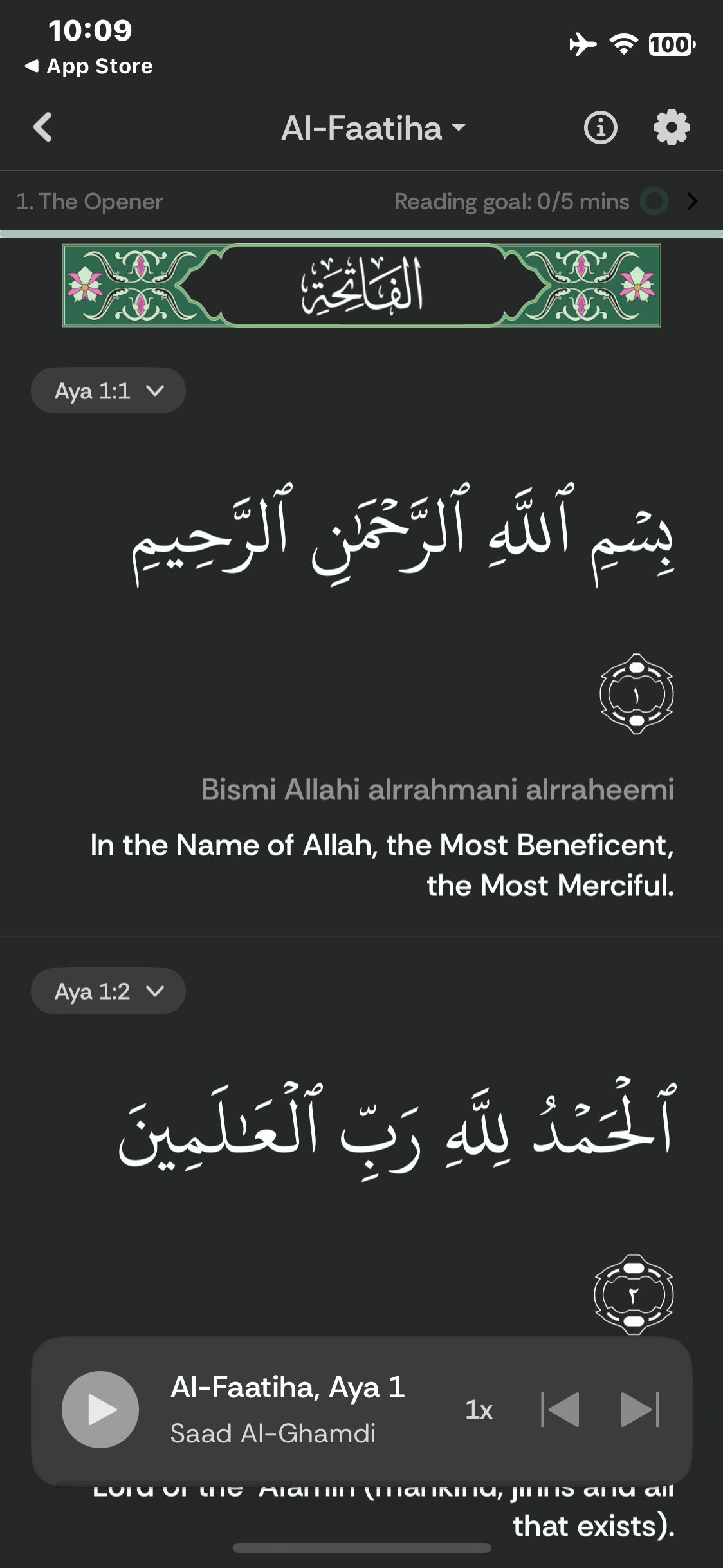
Close settings and verify the Dark reader theme
Muslim Pro
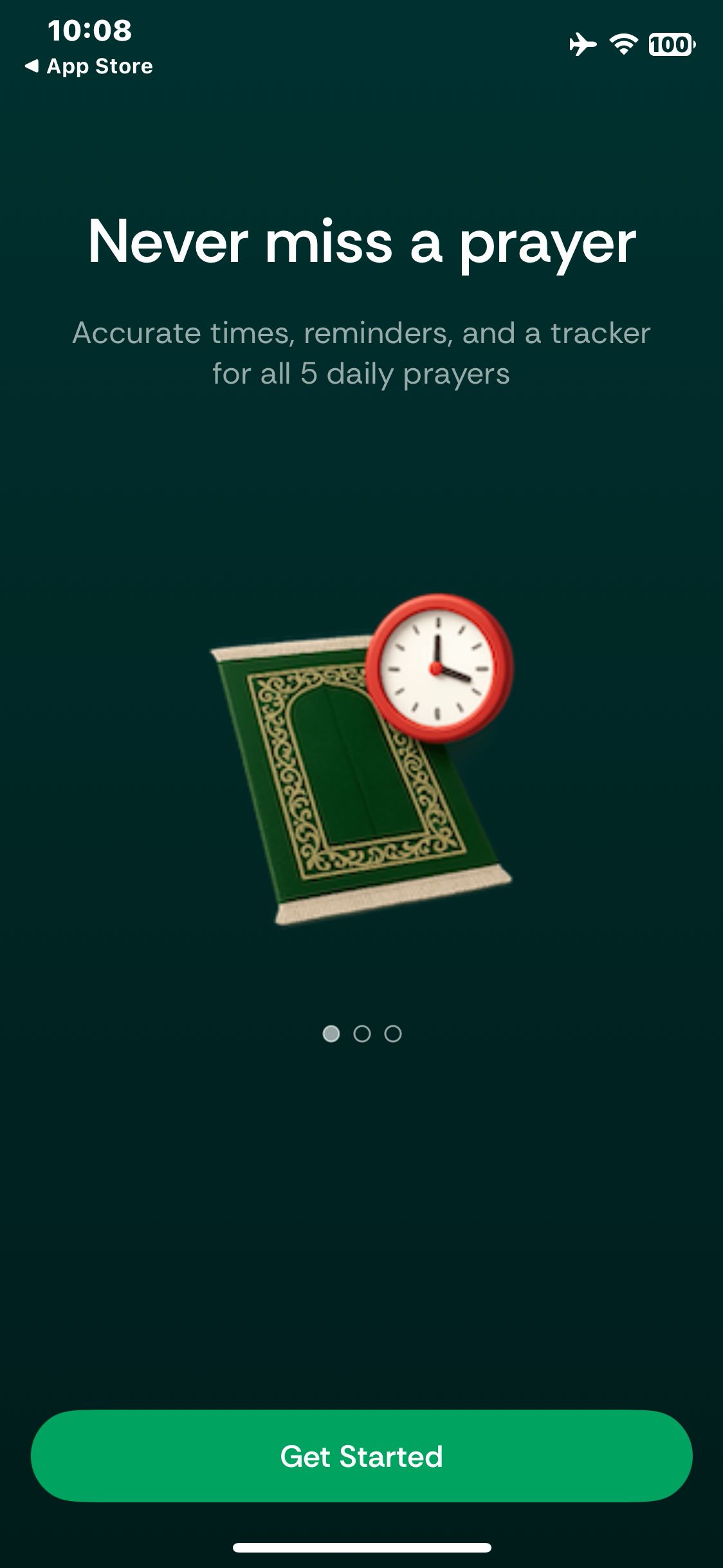
Launch Muslim Pro and view the welcome page
Paid screenUnlock with any plan
BROWSE
Muslim Pro
Open the Quran tab and see the introductory welcome gift
Paid screenUnlock with any plan
BROWSE
Muslim Pro
Continue past the welcome gift and decline notifications and tracking
Paid screenUnlock with any plan
BROWSE
Muslim Pro
Select the Uthmani script and confirm the preview changes
Paid screenUnlock with any plan
BROWSE
Muslim Pro
Continue to the Quran translation picker
Paid screenUnlock with any plan
BROWSE
Muslim Pro
Keep the English translation and view the reading goal options
Paid screenUnlock with any plan
BROWSE
Muslim Pro
Set a five-minute goal and reach the Daily Verse widget offer
Paid screenUnlock with any plan
BROWSE
Muslim Pro
Open the settings entry and encounter the offline recitation offer
Paid screenUnlock with any plan
BROWSE
Muslim Pro
Skip the download and return to the reader
Paid screenUnlock with any plan
BROWSE
Muslim Pro
Open the reader display settings
Paid screenUnlock with any plan
BROWSE
Muslim Pro
Select Dark and confirm the selection
You've reached the end
Muslim Pro App UI/UX Design Analysis
Comprehensive UX & UI flow analysis of Muslim Pro (iOS): Verified Prayer Times, Azan Notifications, Qibla Compass, Audio Quran with Tajweed, Ramadan Tracker & Qalbox. Covers 6 end-to-end user journeys across 24 verified screens including Location-Accurate Prayer Times & Azan Voice Picker, AR & Map Qibla Direction Compass to Makkah, Color-Coded Tajweed Quran & Audio Recitations, and Prayer & Fasting Tracker, Duas & Halal Finder.