Loading library…

Sofa — Organize books, movies, shows, games, podcasts and music into lists
iOS★ 4.89 screens
Version
Platform
iOS
Rating
4.80
CategoryEntertainment
Version
Screens9
9 screens
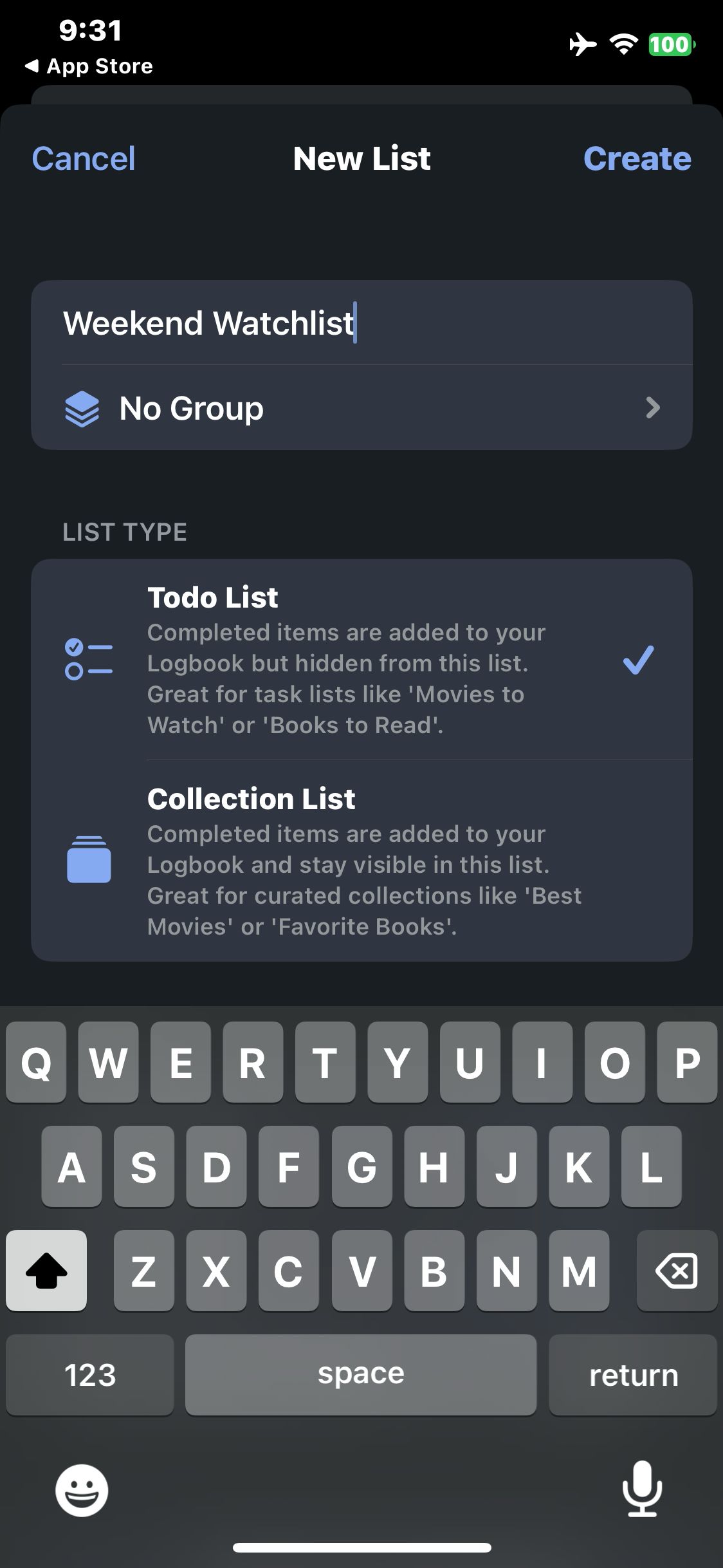

Sofa
Enter the sample list title Weekend Watchlist
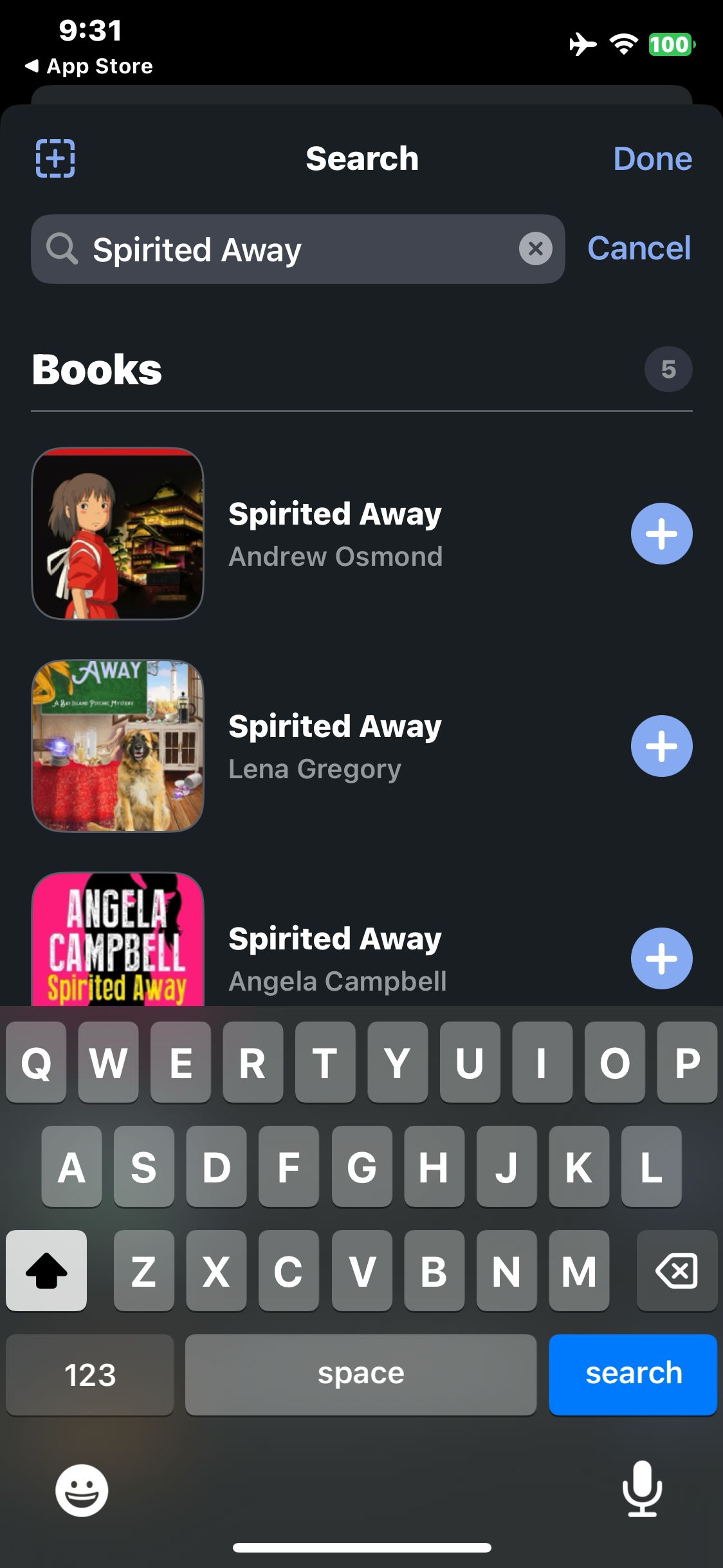
Sofa
Open Add Items, decline Apple Music access and search for Spirited Away
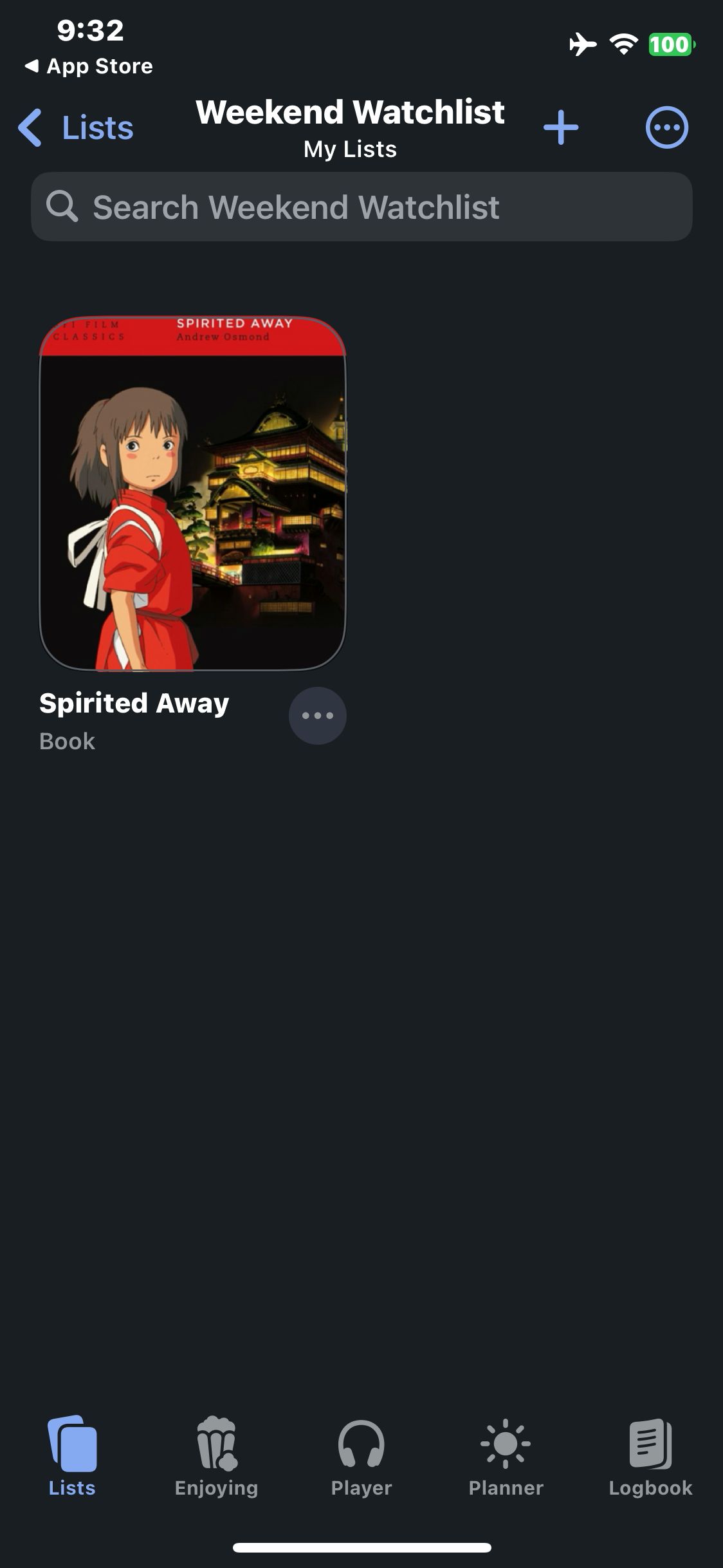
Sofa
Tap Done and verify the book appears in Weekend Watchlist
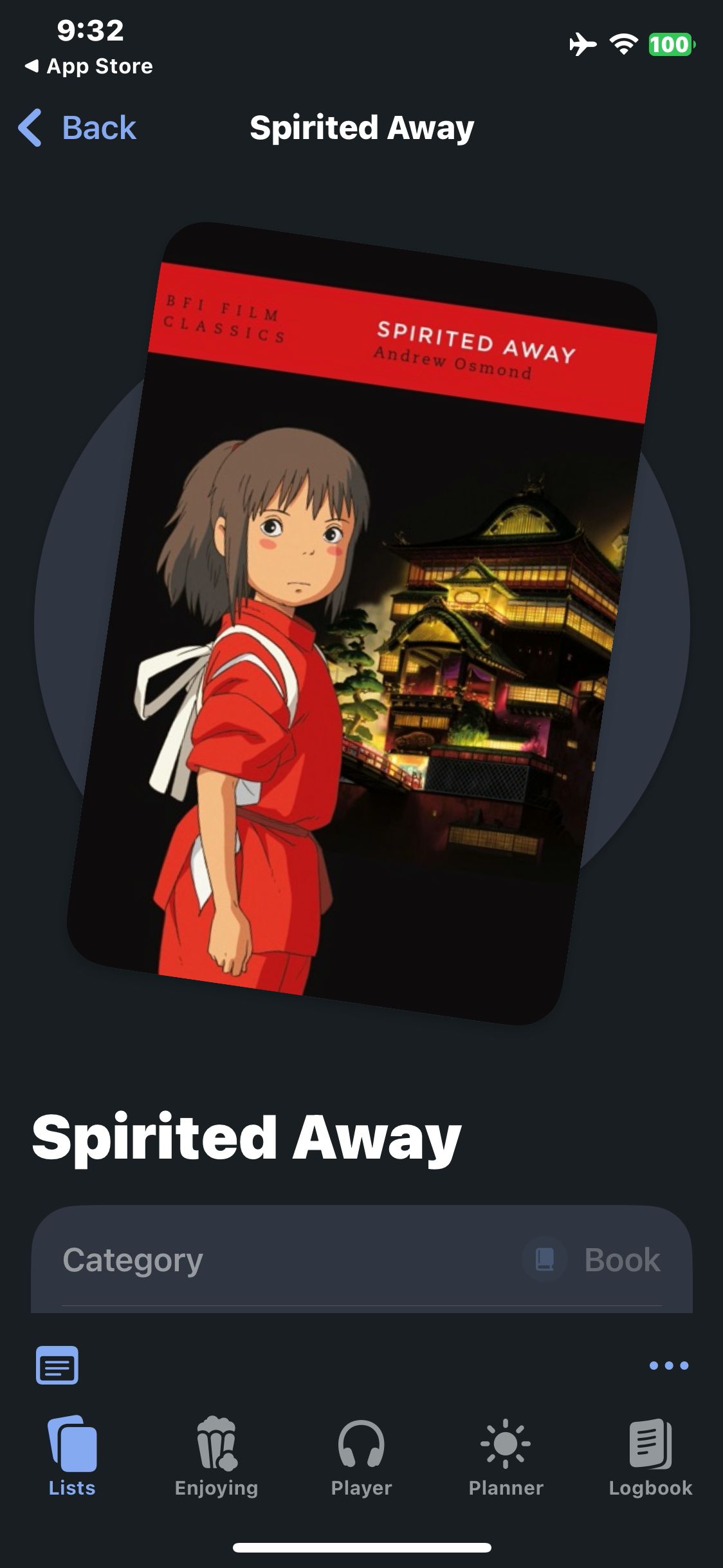
Sofa
Open the saved item and view the book details
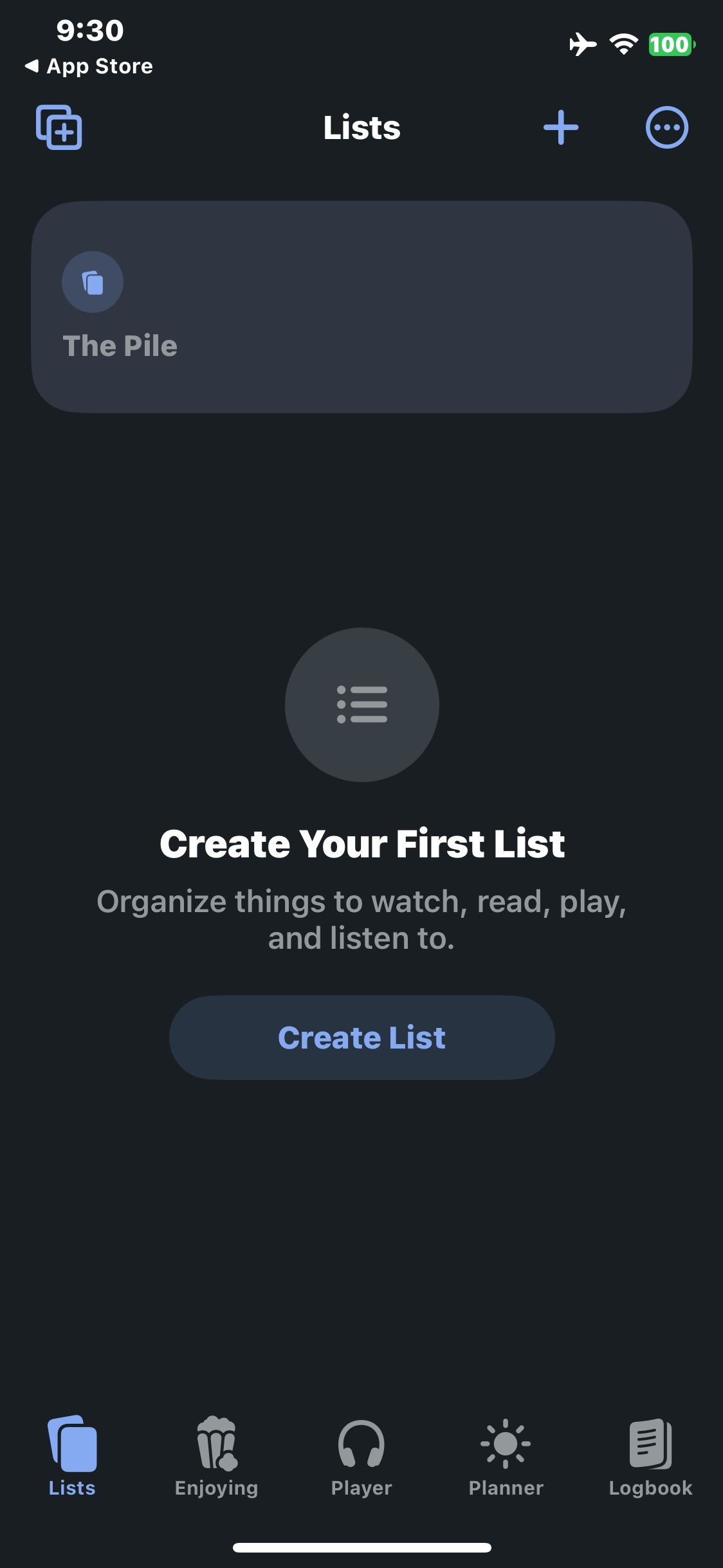
Sofa
Launch Sofa and view the empty Lists tab
Paid screenUnlock with any plan
BROWSE
Sofa
Tap Create List and open the New List form
Paid screenUnlock with any plan
BROWSE
Sofa
Tap Create and verify the list appears in Lists
Paid screenUnlock with any plan
BROWSE
Sofa
Open the new Weekend Watchlist
Paid screenUnlock with any plan
BROWSE
Sofa
Add the first matching book by Andrew Osmond and confirm the added message
You've reached the end
Sofa App UI/UX Design Analysis
Comprehensive UX & UI flow analysis of Sofa (iOS): Downtime Organizer for Books, Movies, TV Shows, Video Games, Podcasts & Music with Smart Lists & The Pile. Covers 6 end-to-end user journeys across 24 verified screens including Universal Media Search (Movies, TV, Books, Games), The Pile Quick-Save Queue & Custom Themed Lists, Rich Media Detail: Streaming Where-to-Watch & Cast, and Completed Activity Logbook, Sticky Notes & Themes.