Loading library…

Hallow — Guided prayer, meditation, scripture, and daily audio sessions
iOS★ 4.810 screens
Version
Platform
iOS
Rating
4.80
CategoryHealth & Fitness
Version
Screens10
10 screens
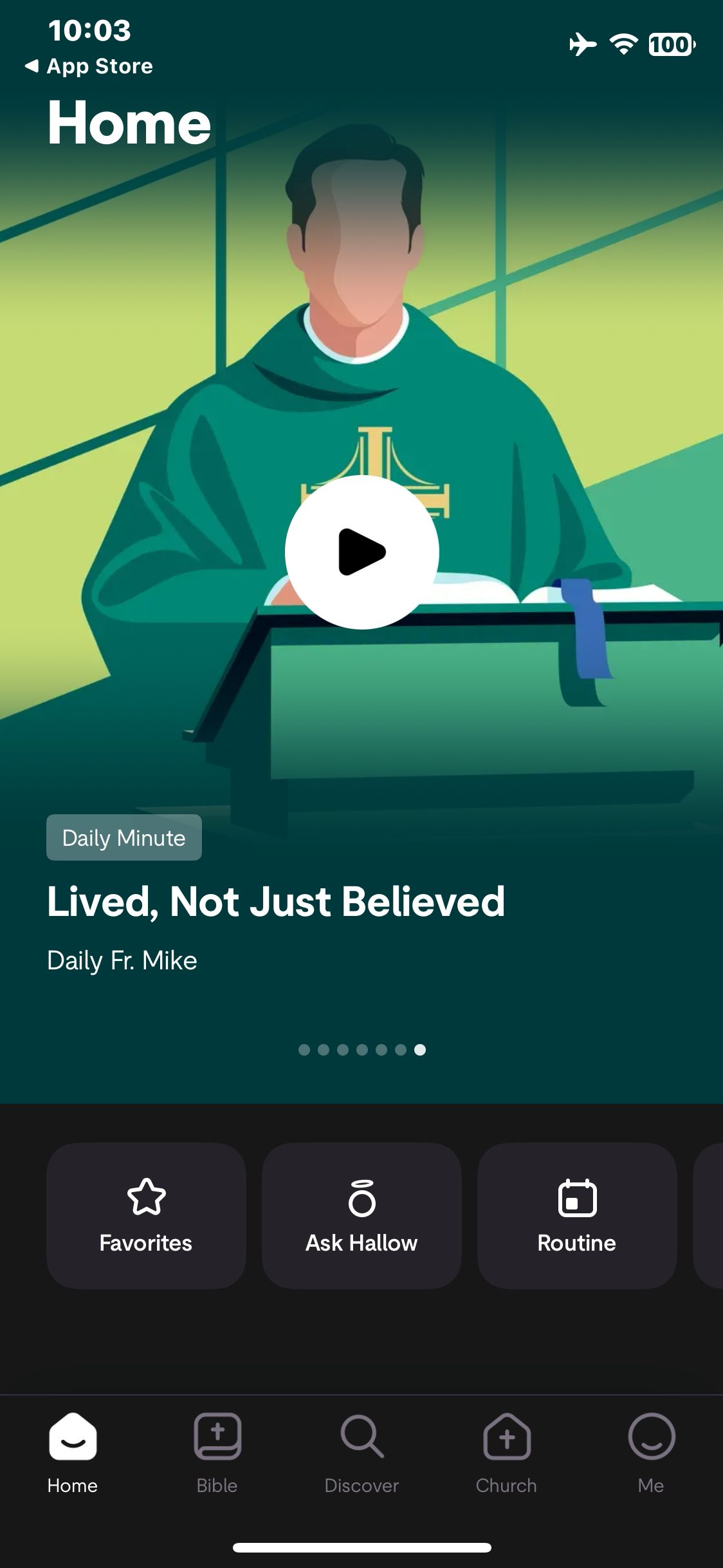

Hallow
Dismiss the account prompt and decline notifications to reach Home
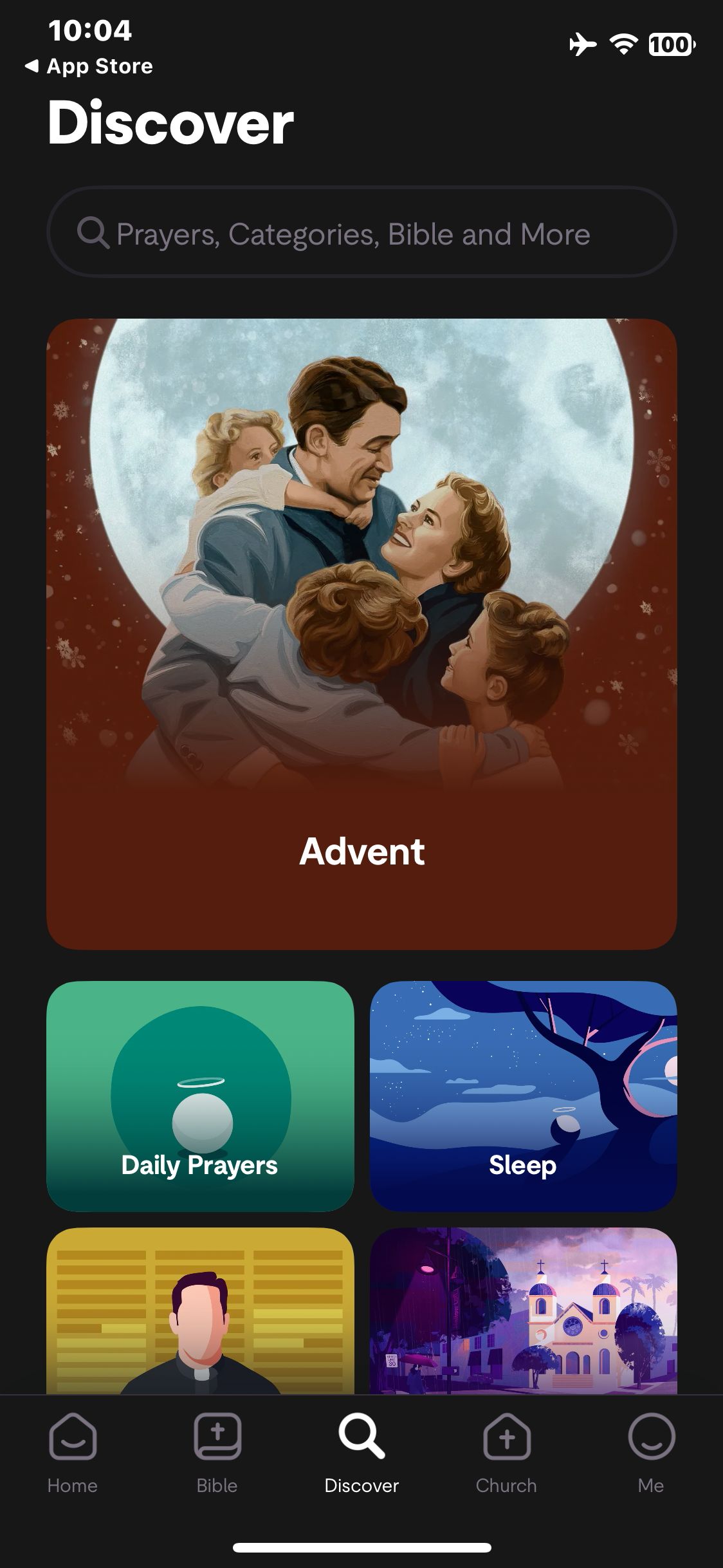
Hallow
Open Discover and view the prayer categories
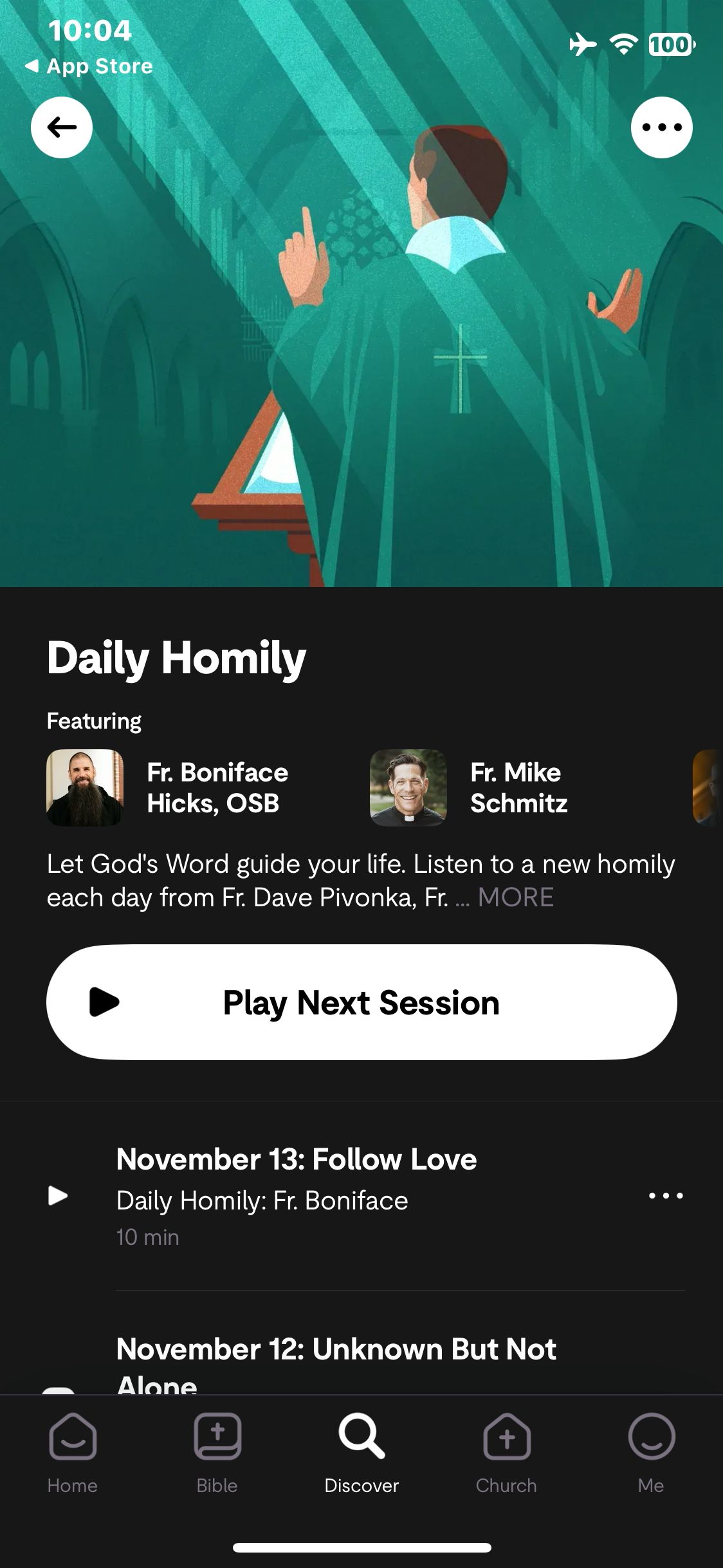
Hallow
Open Daily Homily and view the available sessions
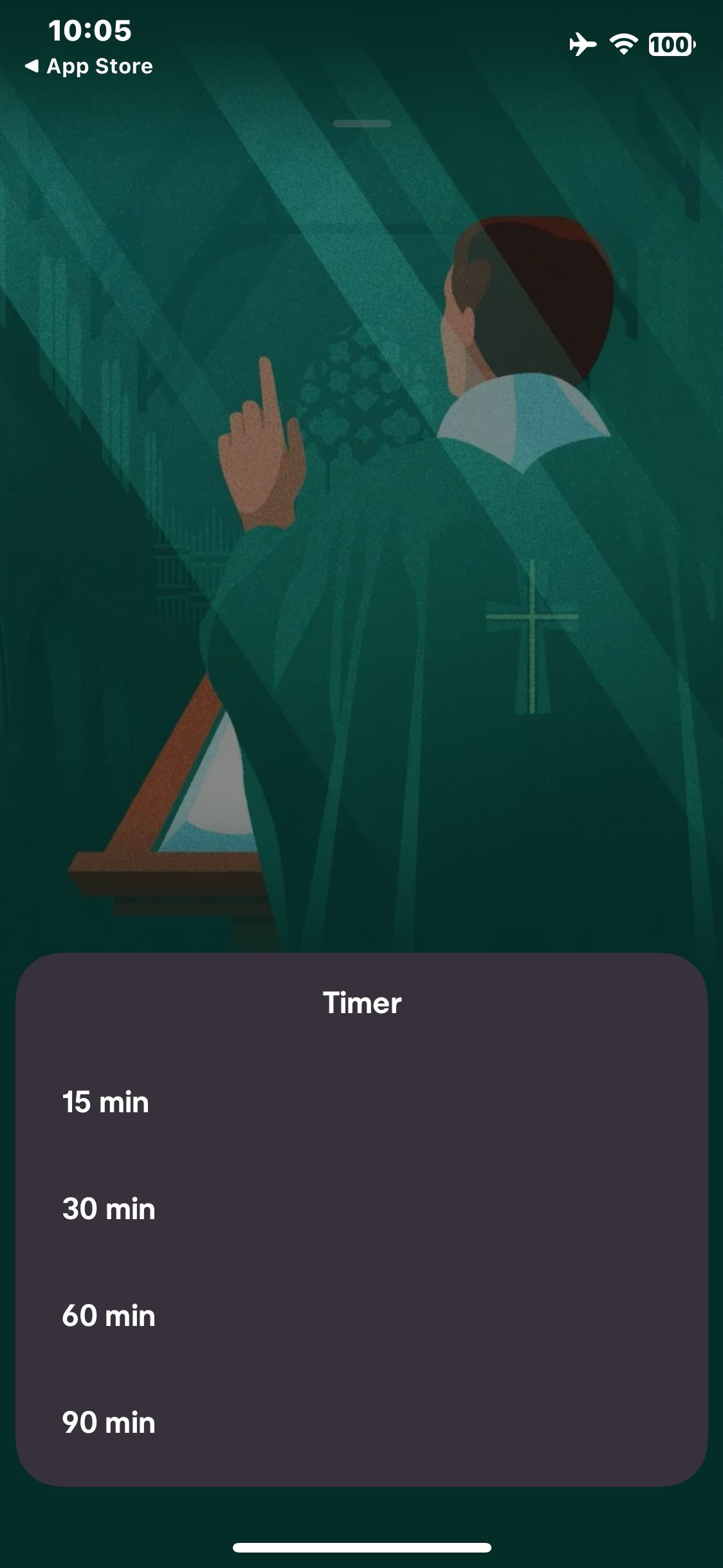
Hallow
Open Sleep Timer and view durations
Hallow
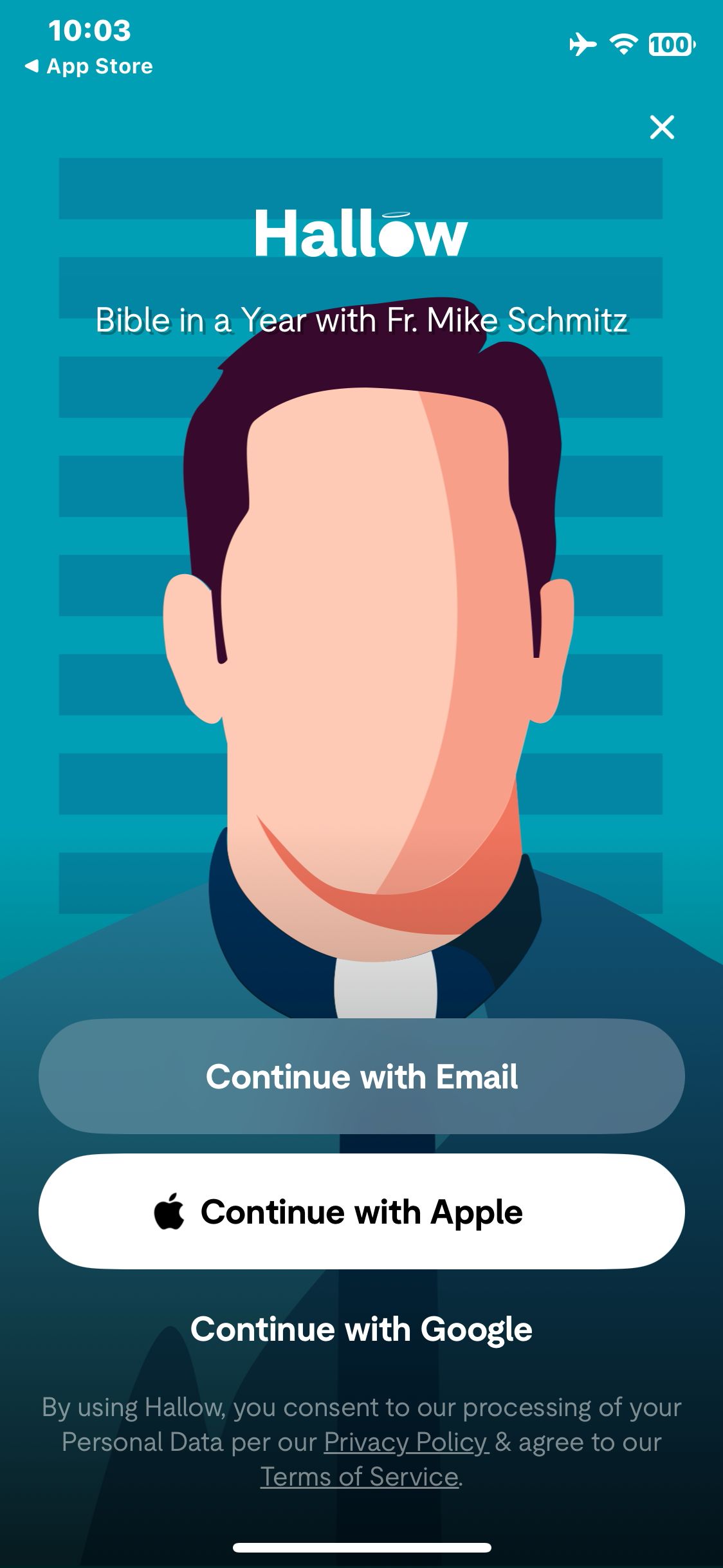
Decline tracking and view the account prompt
Paid screenUnlock with any plan
BROWSE
Hallow
Open Daily Prayers
Paid screenUnlock with any plan
BROWSE
Hallow
Play the next session and verify playback is in progress
Paid screenUnlock with any plan
BROWSE
Hallow
Pause playback and verify the play control is visible
Paid screenUnlock with any plan
BROWSE
Hallow
Open player Settings
Paid screenUnlock with any plan
BROWSE
Hallow
Choose 15 minutes and verify the countdown starts
You've reached the end
Hallow App UI/UX Design Analysis
Comprehensive UX & UI flow analysis of Hallow (iOS): Catholic Prayer, Daily Gospel Lectio Divina, Rosary, Examen, Sleep Bible Stories & Sacred Music. Covers 6 end-to-end user journeys across 24 verified screens including Daily Gospel Lectio Divina, Rosary & Examen, Customizable Prayer Player (Voice, Length, Chant), Bible Sleep Stories & Gregorian Chant Soundscapes, and Parish Community Prayer Challenges & Streak.