Loading library…

Daylio — A journal for tracking moods and activities
iOS★ 4.812 screens
Version
Platform
iOS
Rating
4.80
CategoryHealth & Fitness
Version
Screens12
12 screens
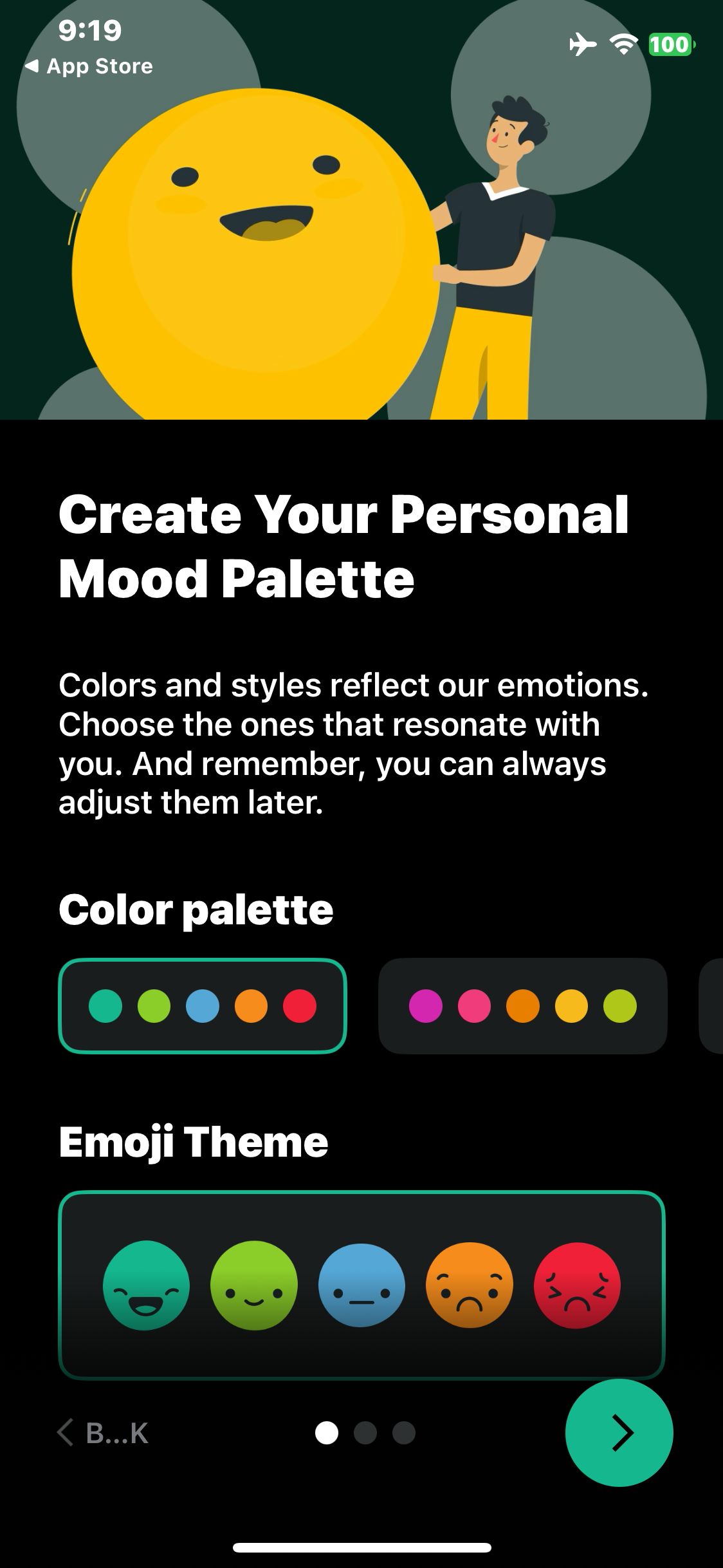

Daylio
Continue to the mood palette
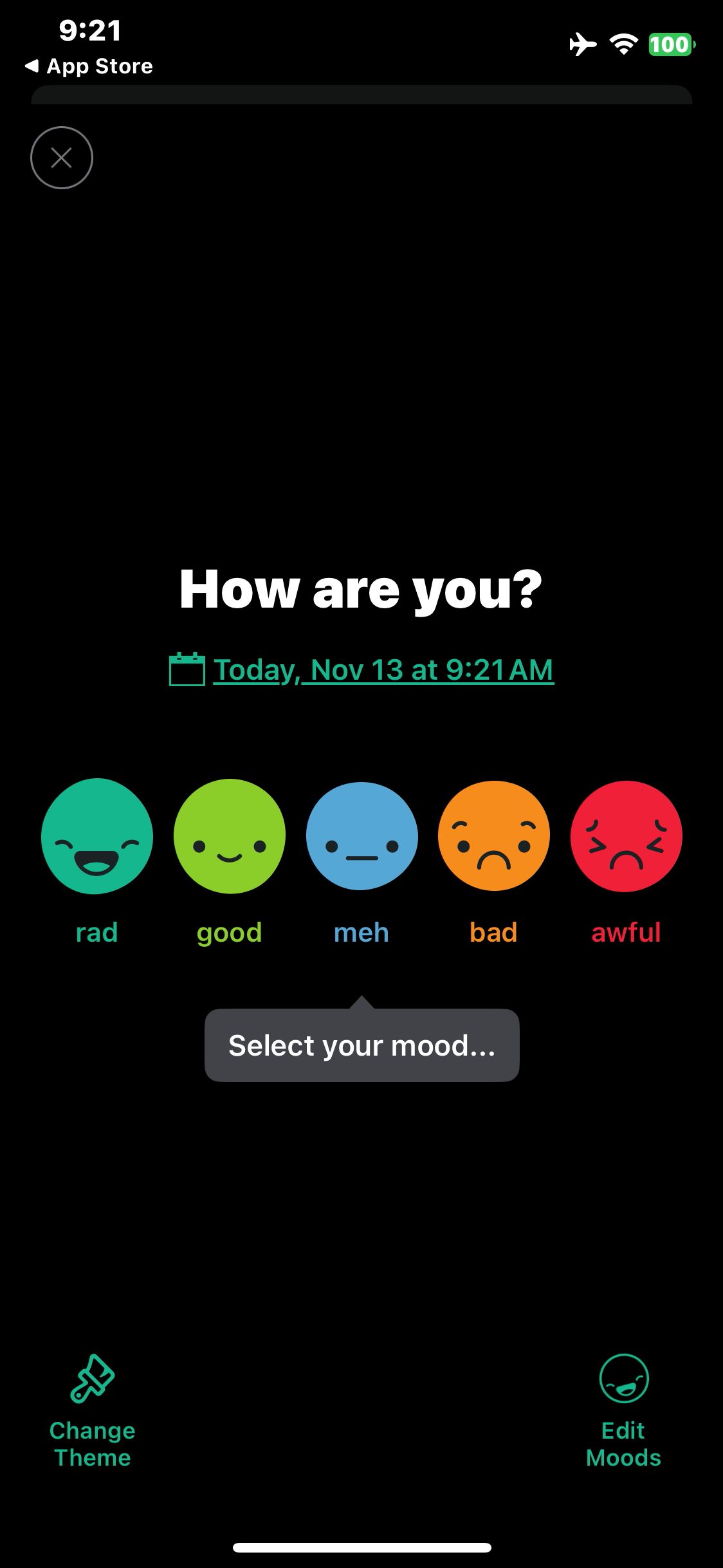
Daylio
Dismiss the Premium offer and wait for the mood picker
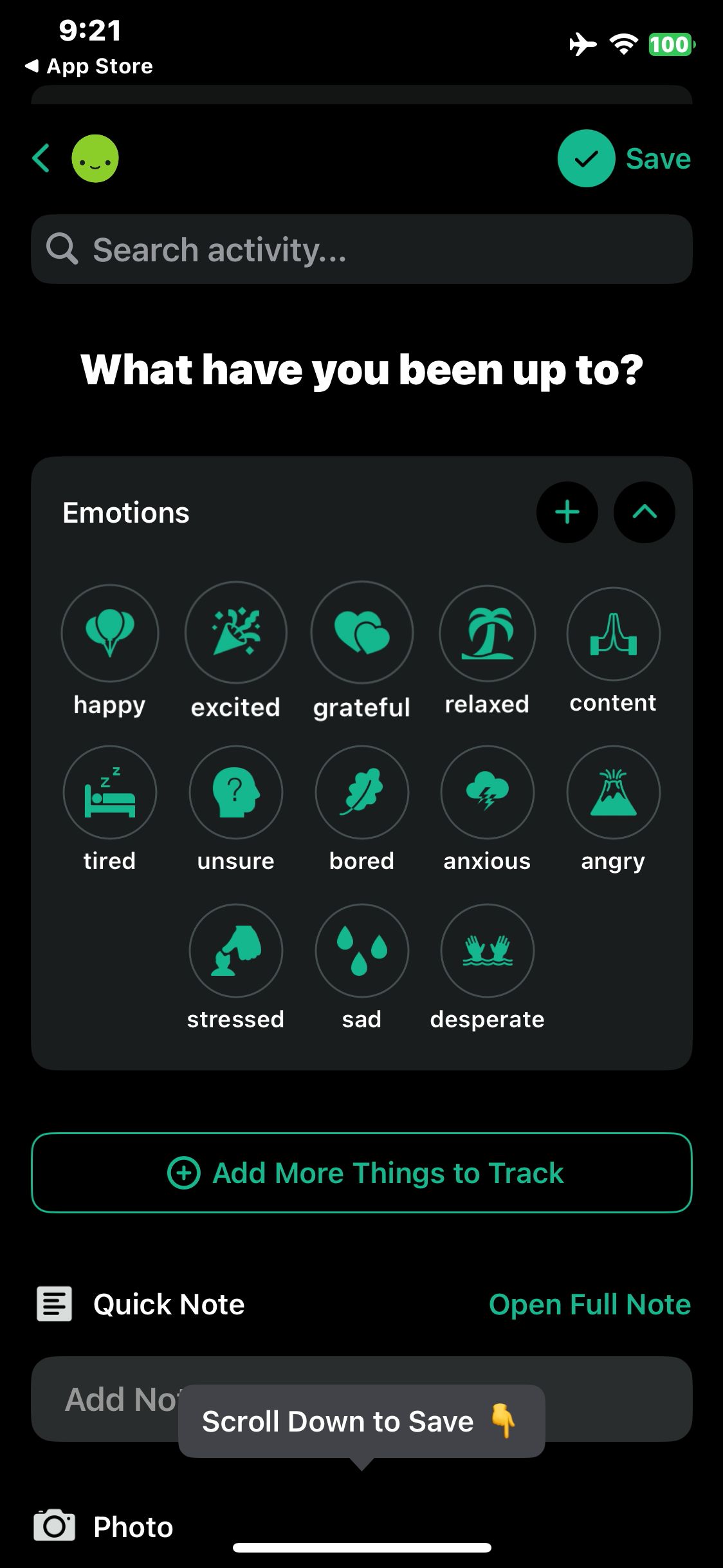
Daylio
Select the Good mood
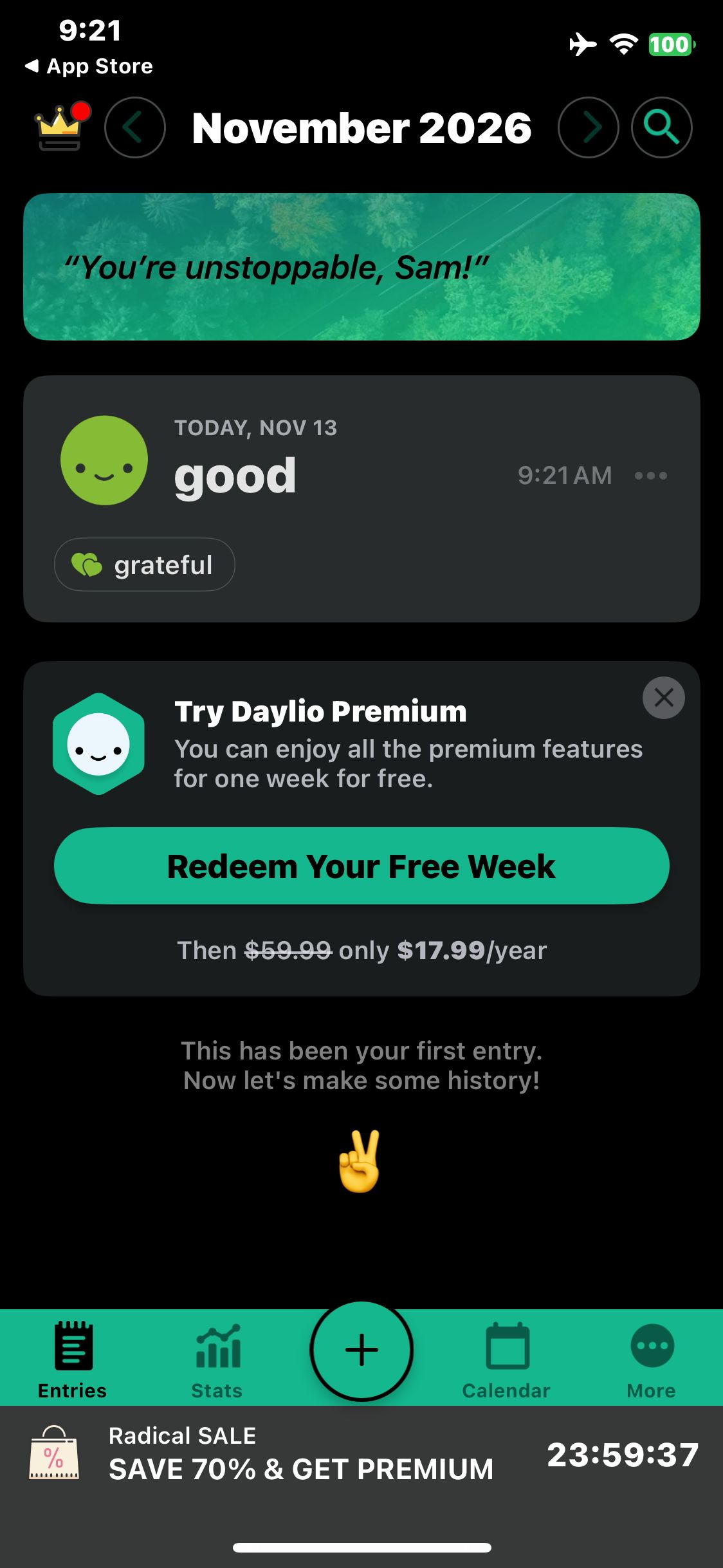
Daylio
Save the first mood entry and confirm it appears in Entries
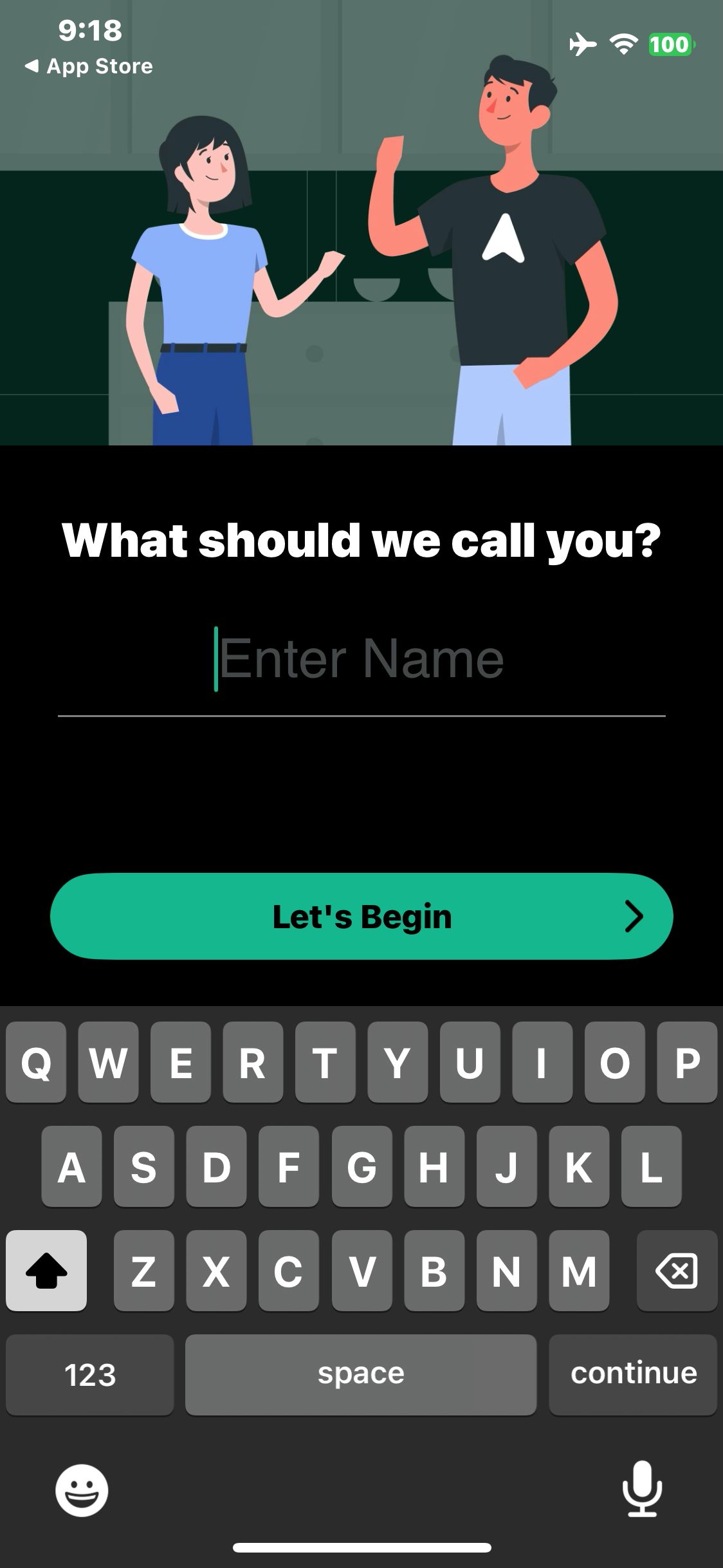
Daylio
Launch Daylio and open the display name prompt
Paid screenUnlock with any plan
BROWSE
Daylio
Enter the fictional display name Sam
Paid screenUnlock with any plan
BROWSE
Daylio
Tap Let’s Begin and view the welcome screen
Paid screenUnlock with any plan
BROWSE
Daylio
Keep the suggested palette and open activity groups
Paid screenUnlock with any plan
BROWSE
Daylio
Enable the Emotions activity group
Paid screenUnlock with any plan
BROWSE
Daylio
Continue to the reminders preview
Paid screenUnlock with any plan
BROWSE
Daylio
Continue past reminders, decline notifications and view the Premium offer
Paid screenUnlock with any plan
BROWSE
Daylio
Select Grateful in the Emotions activity group
You've reached the end
Daylio App UI/UX Design Analysis
Comprehensive UX & UI flow analysis of Daylio (iOS): Micro-Diary Mood Tracker, Two-Tap Activity Logging, Emotional Year in Pixels, Habit Streaks & Mood Correlations. Covers 6 end-to-end user journeys across 24 verified screens including 5-Point Mood Scale & Activity Icon Grid Check-In, Photo Attachment, Voice Memo & Gratitude Note, Year in Pixels Calendar & Mood-Habit Correlations, and Goal Habit Streaks, PIN Lock & PDF Export.