Loading library…

TickTick — GTD To-Do List, Eisenhower Matrix, Built-In Pomodoro Focus Timer, Habit Tracker & 5-View Calendar
iOS★ 4.88 screens
Version
Platform
iOS
Rating
4.80
CategoryProductivity
Version
Screens8
8 screens
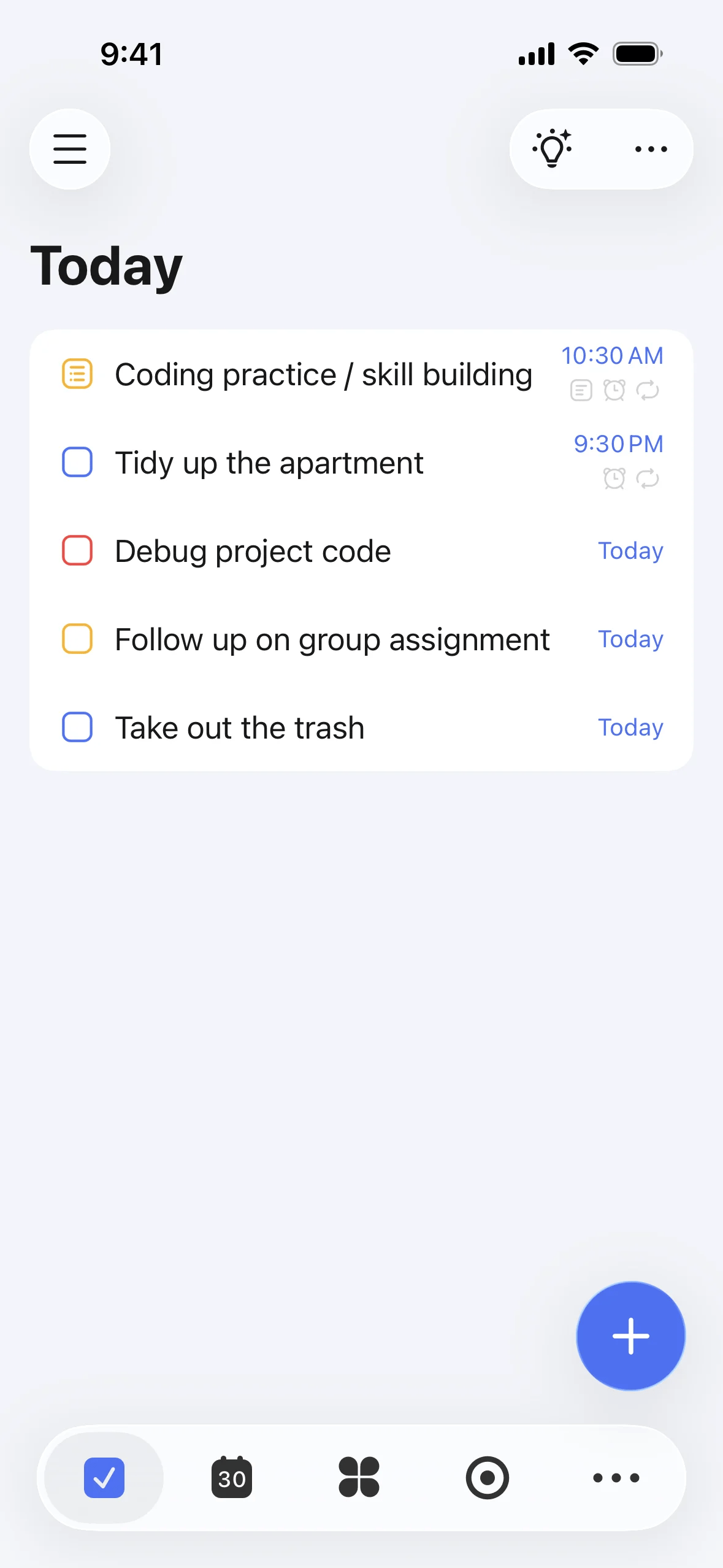

TickTick
Adding a task · Step 1
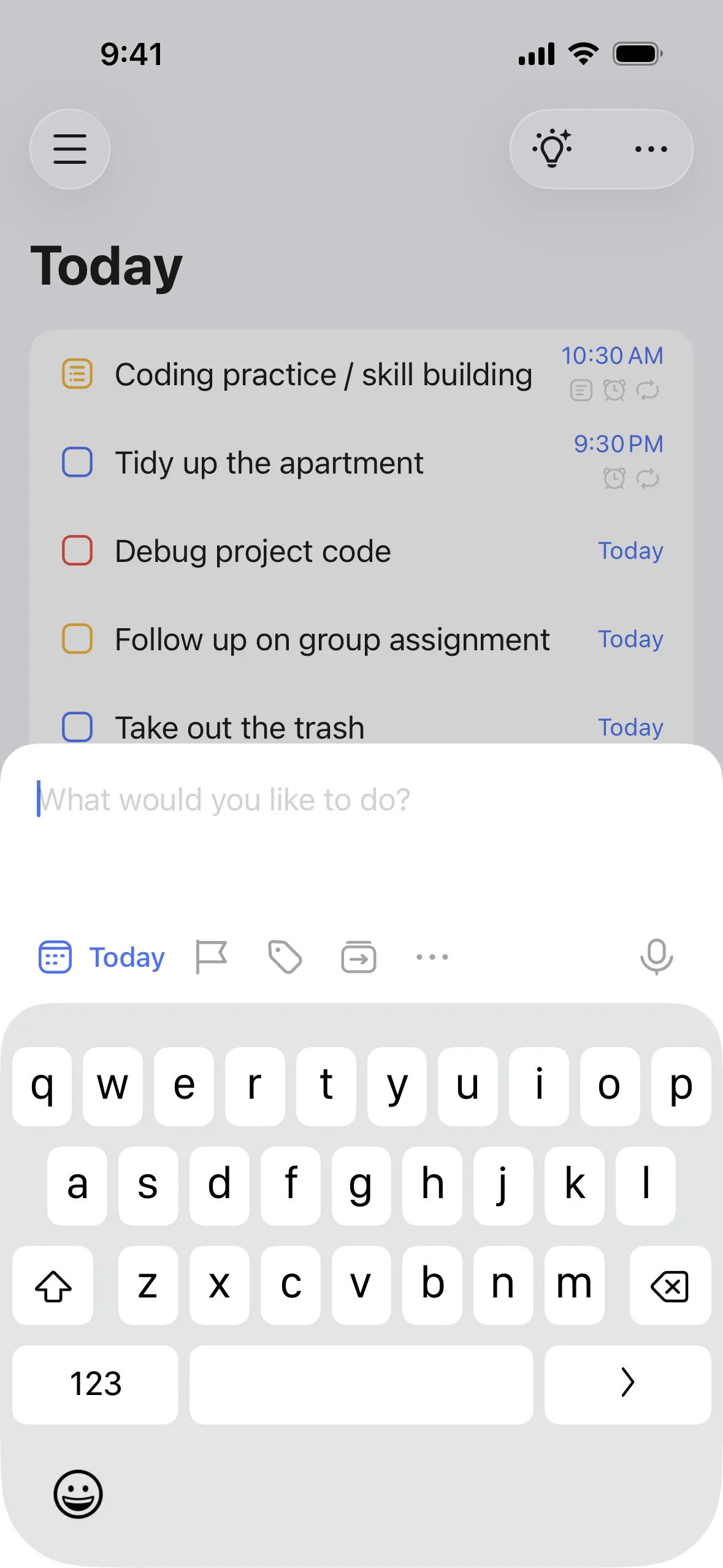
TickTick
Adding a task · Step 2
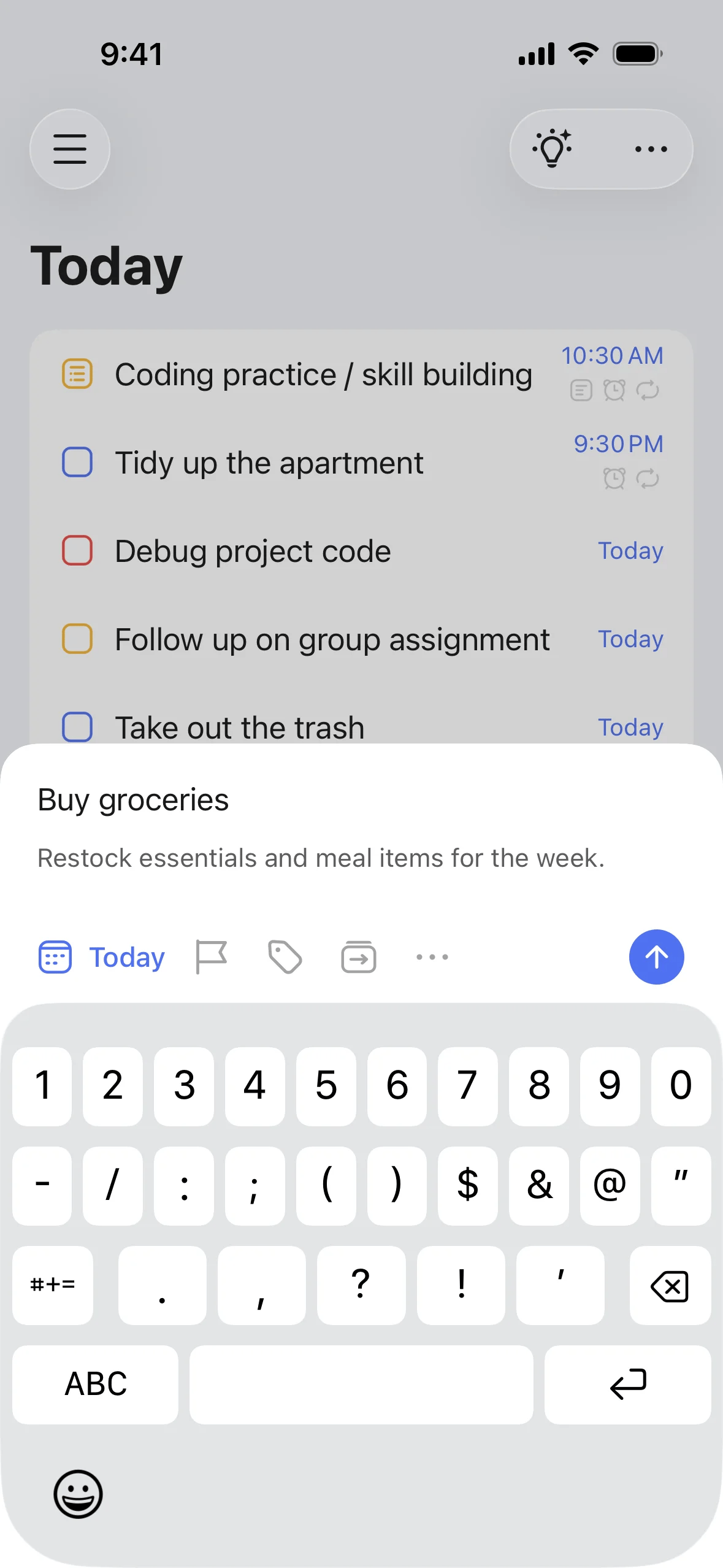
TickTick
Adding a task · Step 3
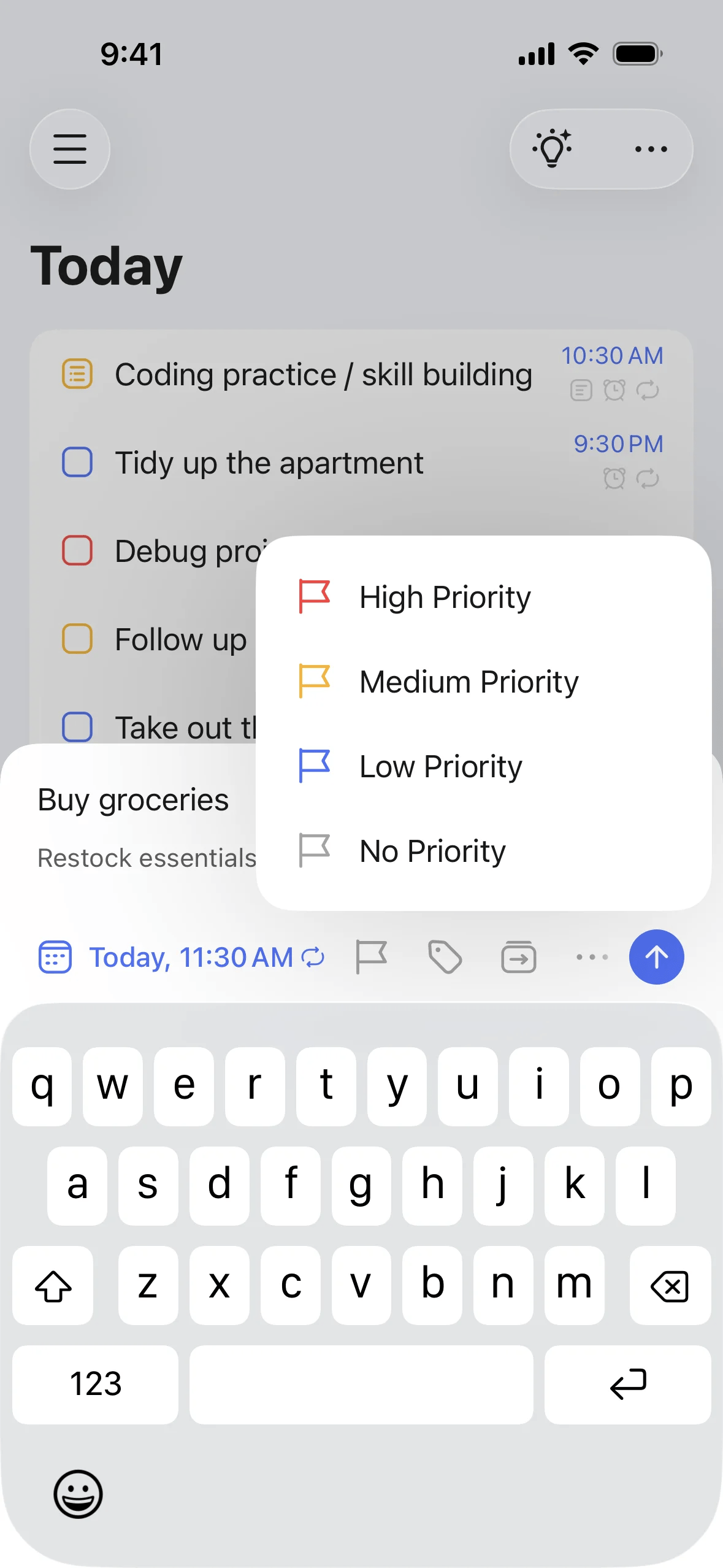
TickTick
Adding a task · Step 4
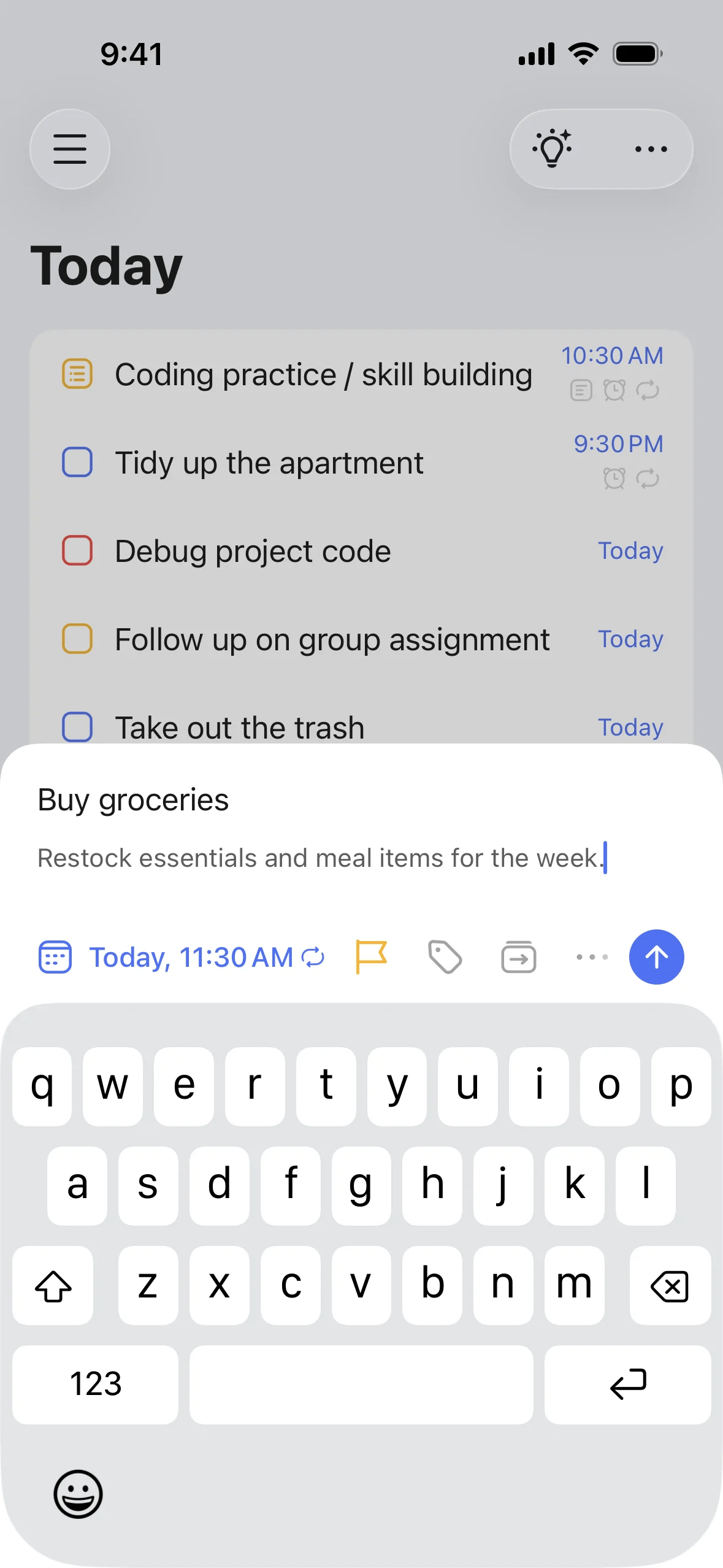
TickTick
Adding a task · Step 5
Paid screenUnlock with any plan
BROWSE
TickTick
Adding a task · Step 6
Paid screenUnlock with any plan
BROWSE
TickTick
Adding a task · Step 7
Paid screenUnlock with any plan
BROWSE
TickTick
Adding a task · Step 8
You've reached the end
TickTick App UI/UX Design Analysis
Comprehensive UX & UI flow analysis of TickTick (iOS): GTD To-Do List, Eisenhower Matrix, Built-In Pomodoro Focus Timer, Habit Tracker & 5-View Calendar. Covers 6 end-to-end user journeys across 24 verified screens including Smart Task Inbox with Natural Date & Tag Parsing, 4-Quadrant Eisenhower Priority Matrix, Pomodoro Focus Timer & White Noise Mixer, and Time-Blocking Calendar & Daily Habit Check-In.