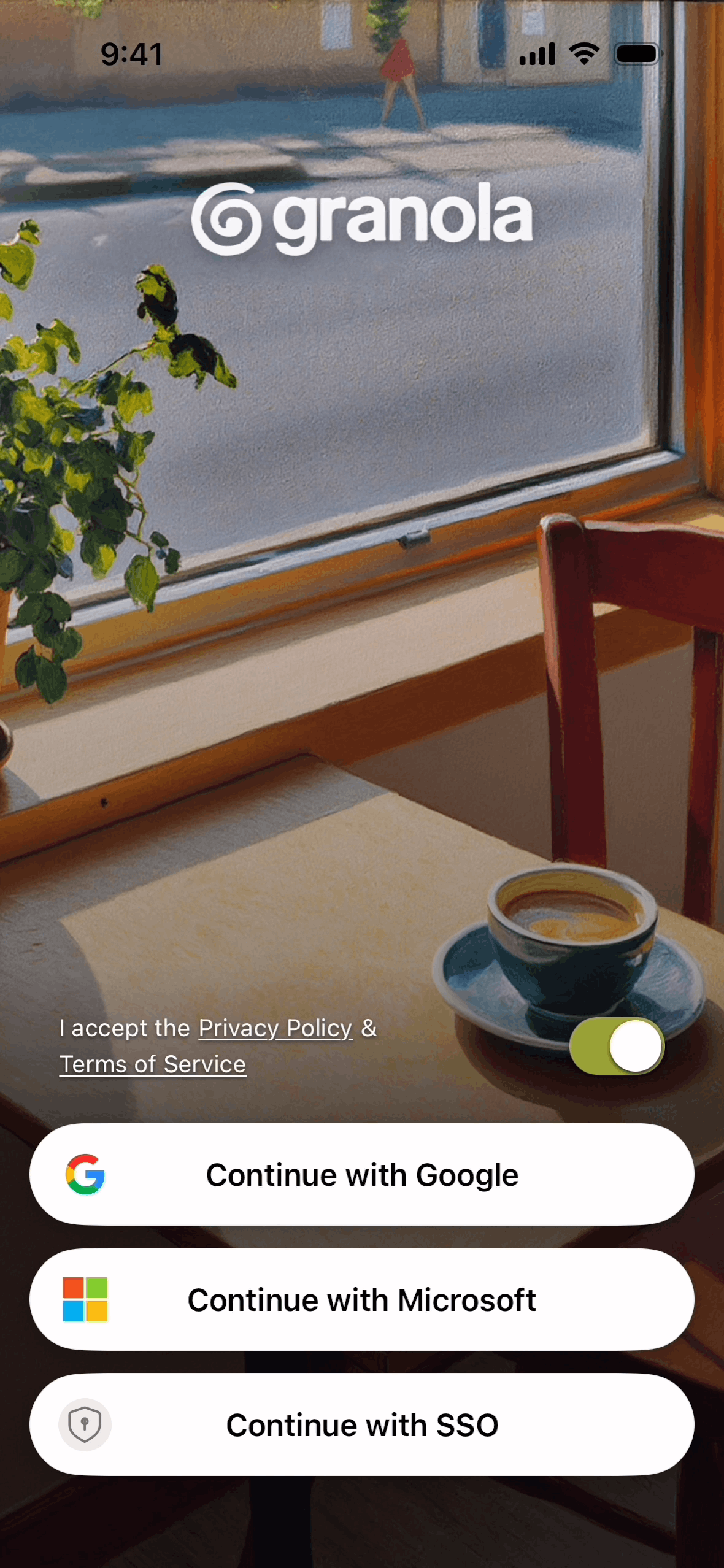
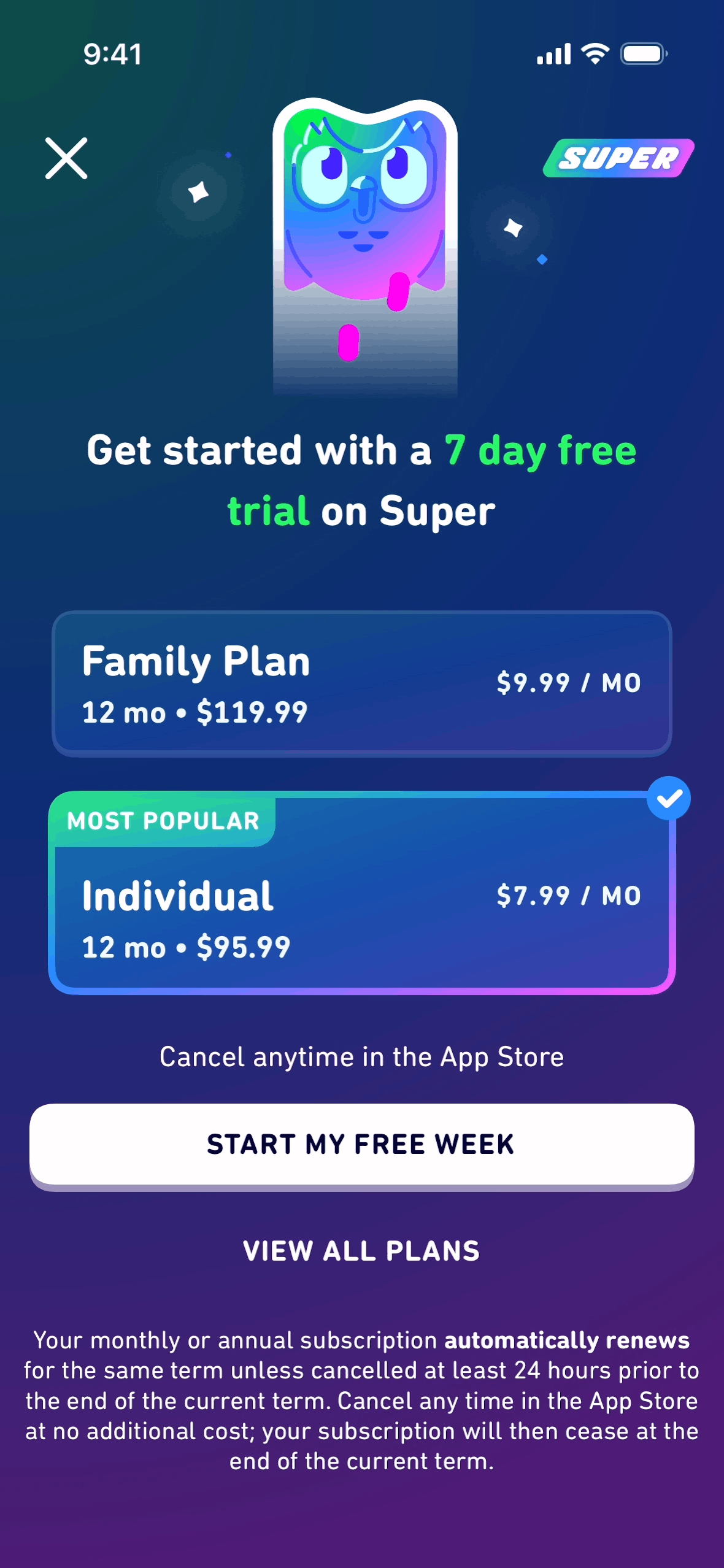
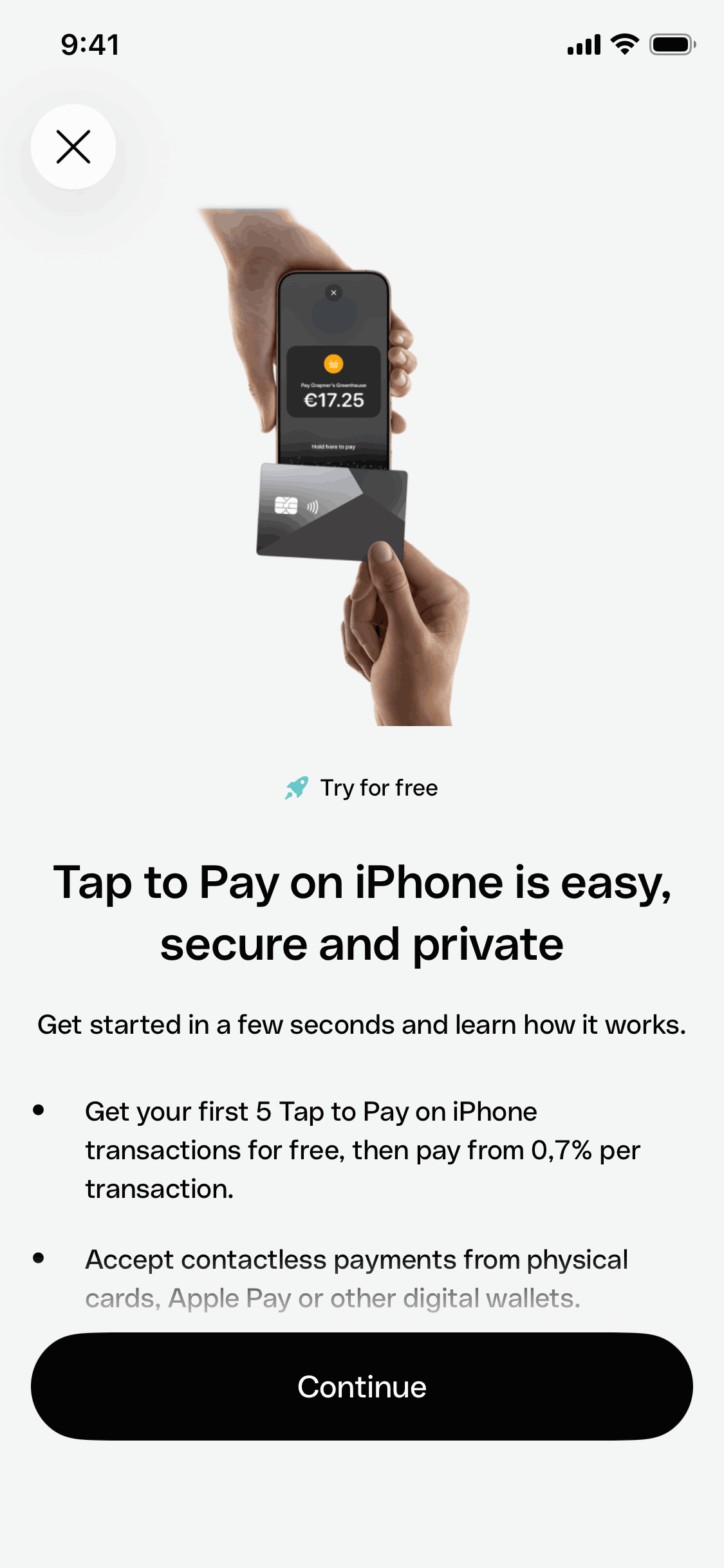
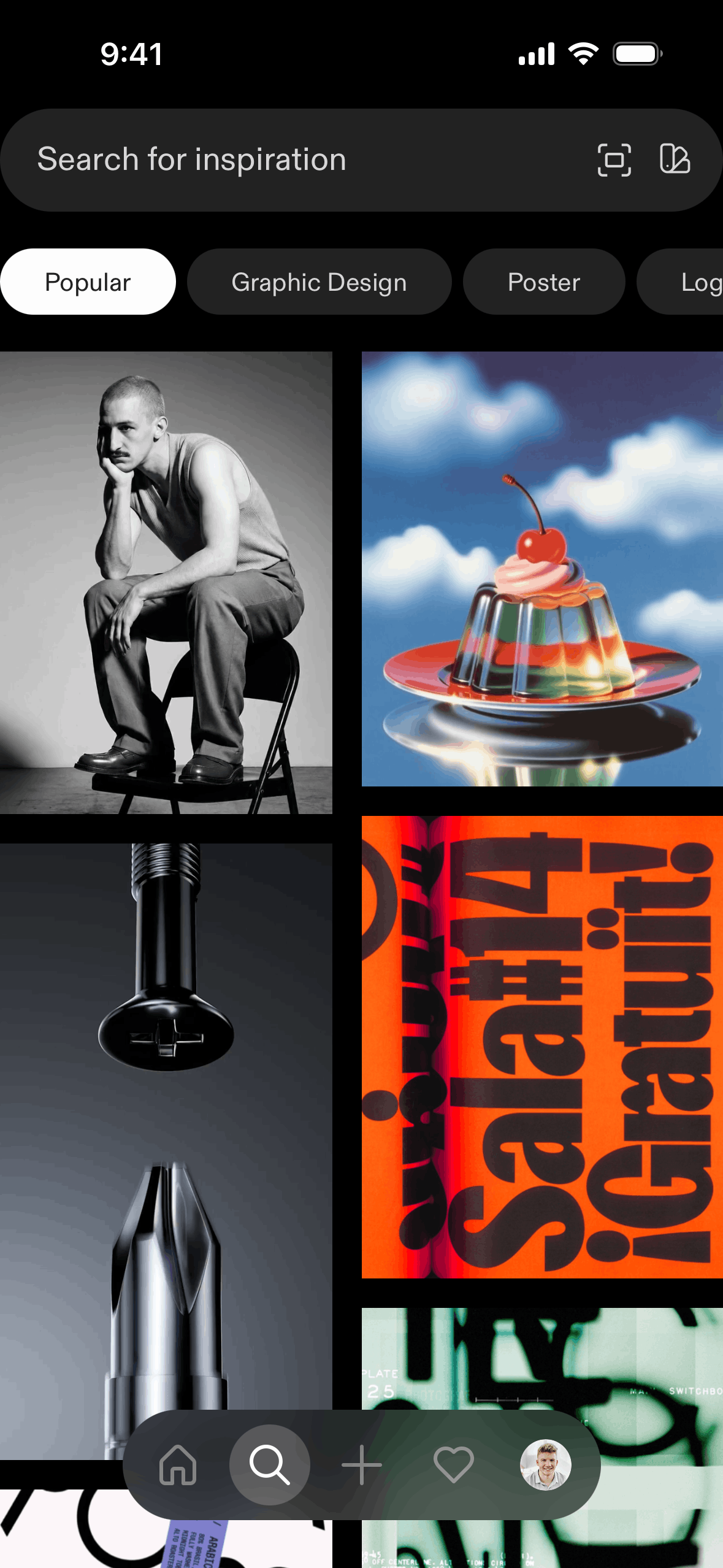
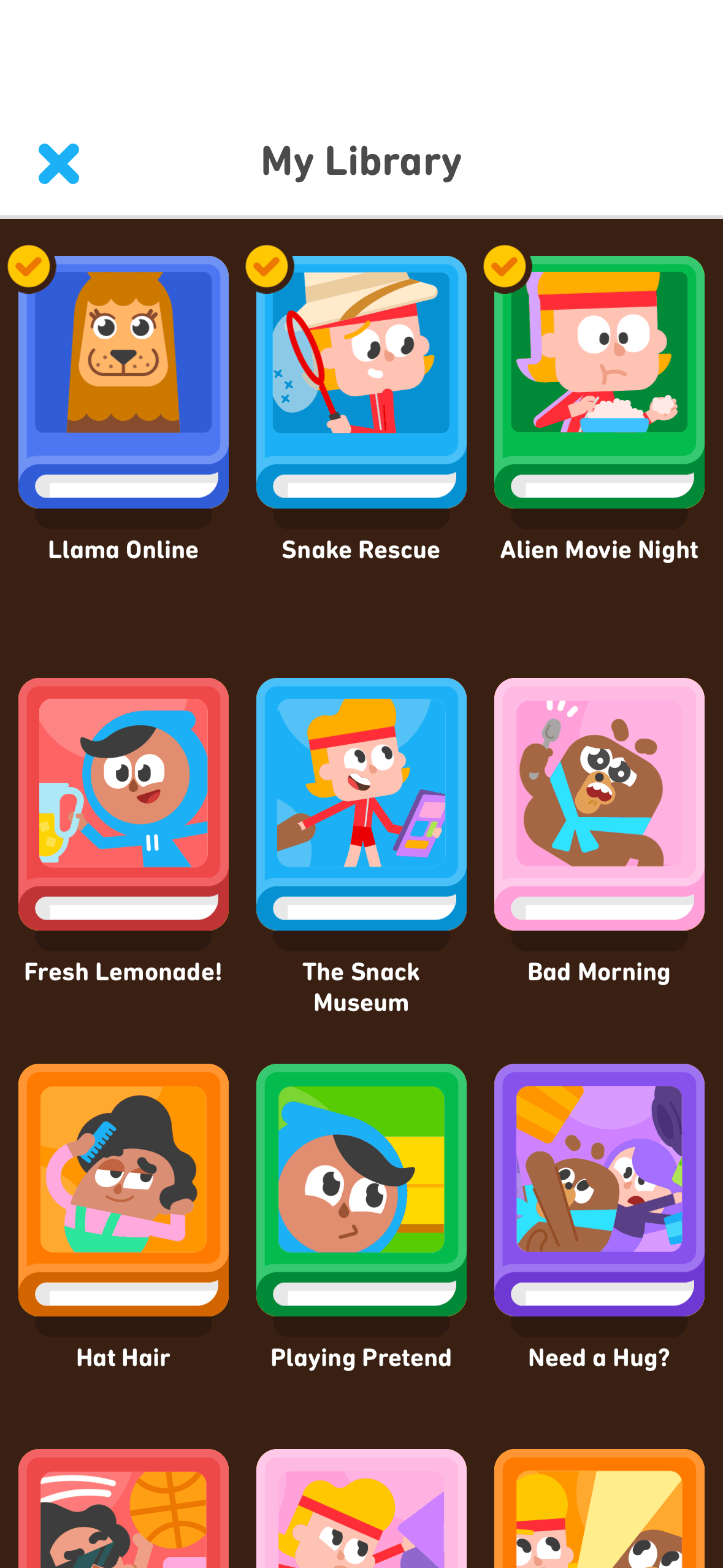
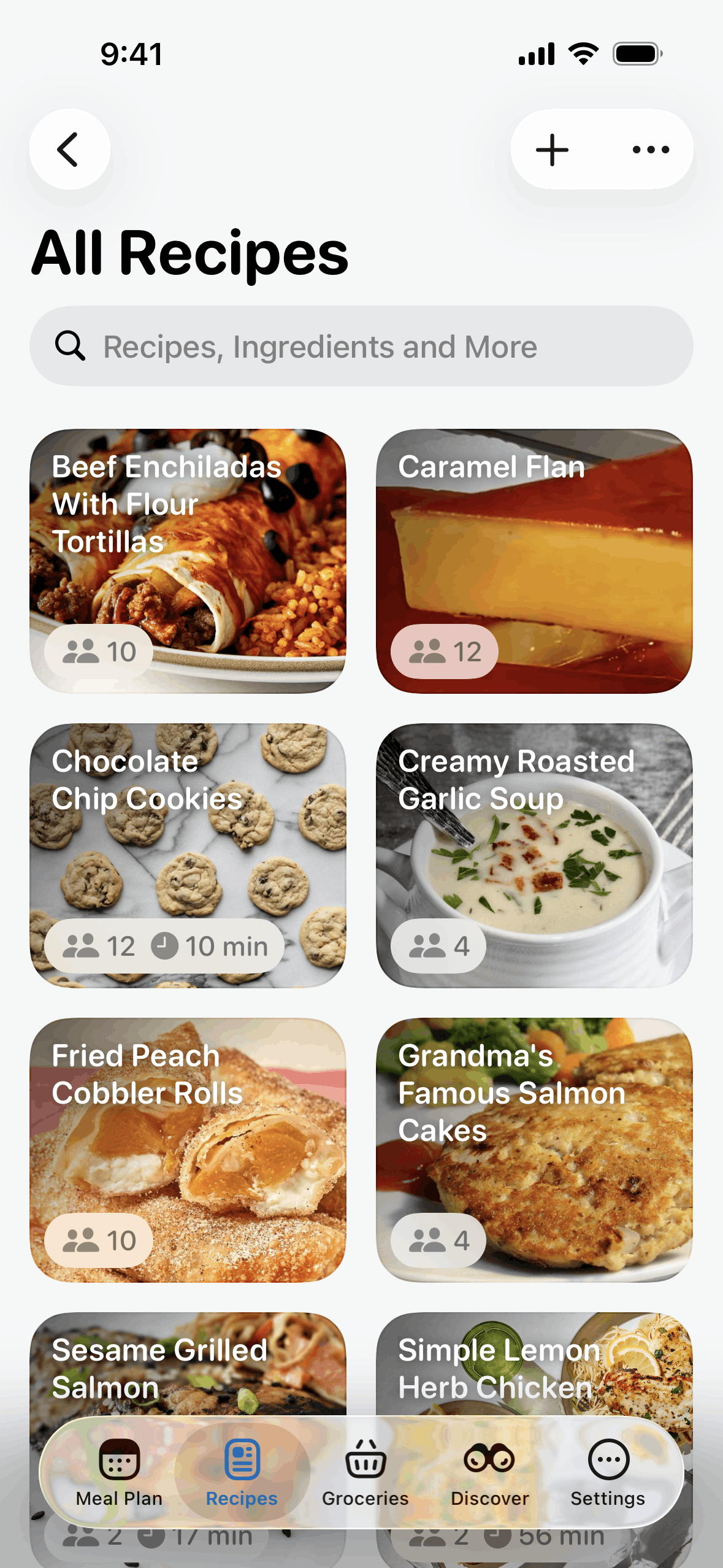
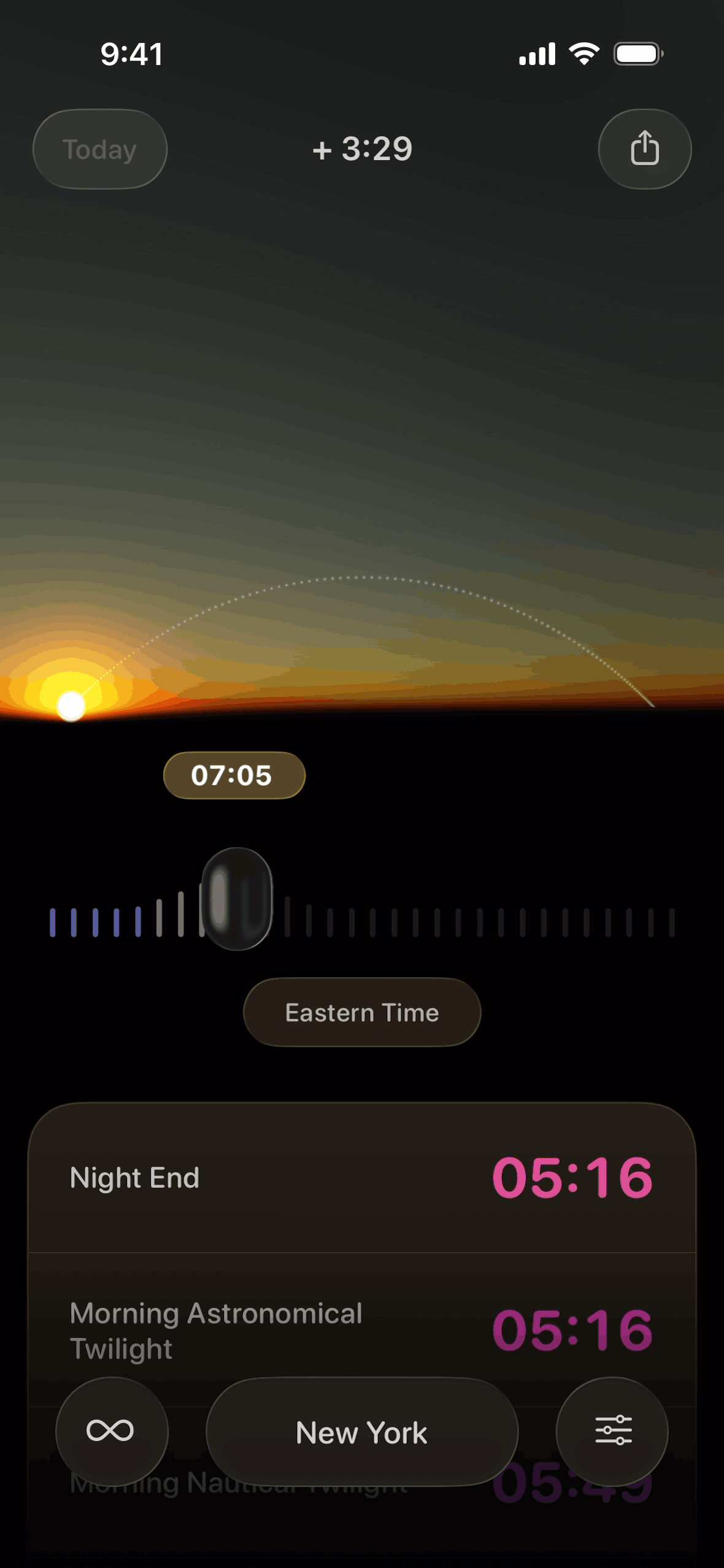
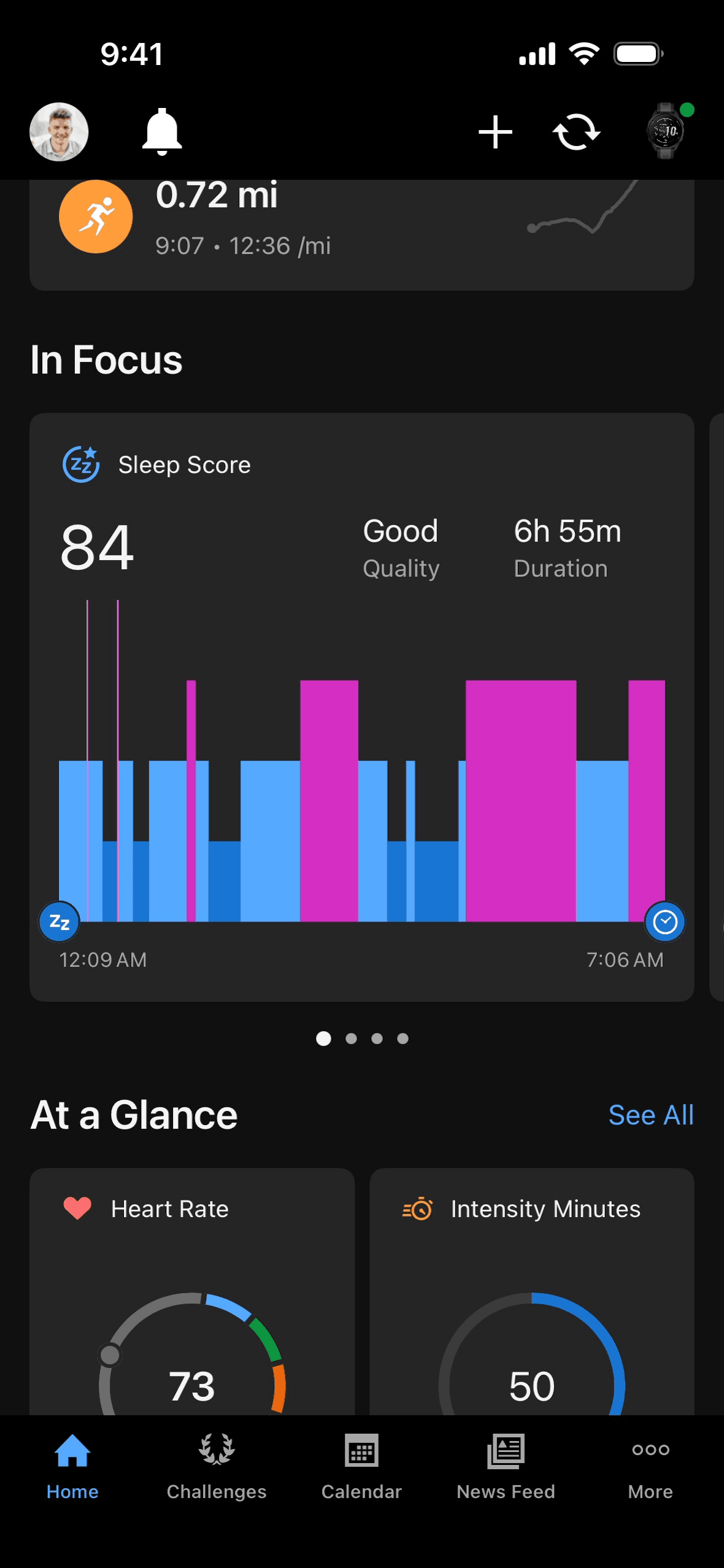
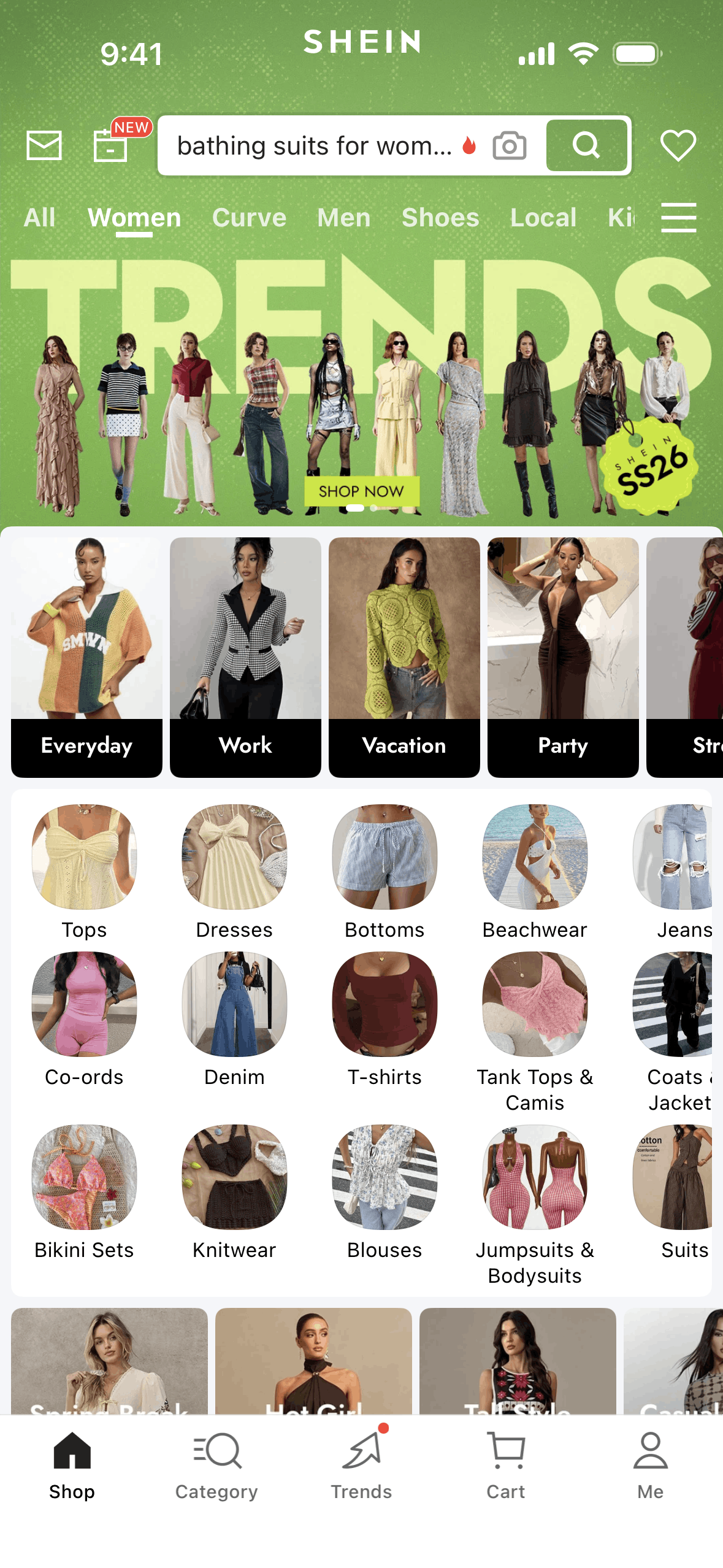
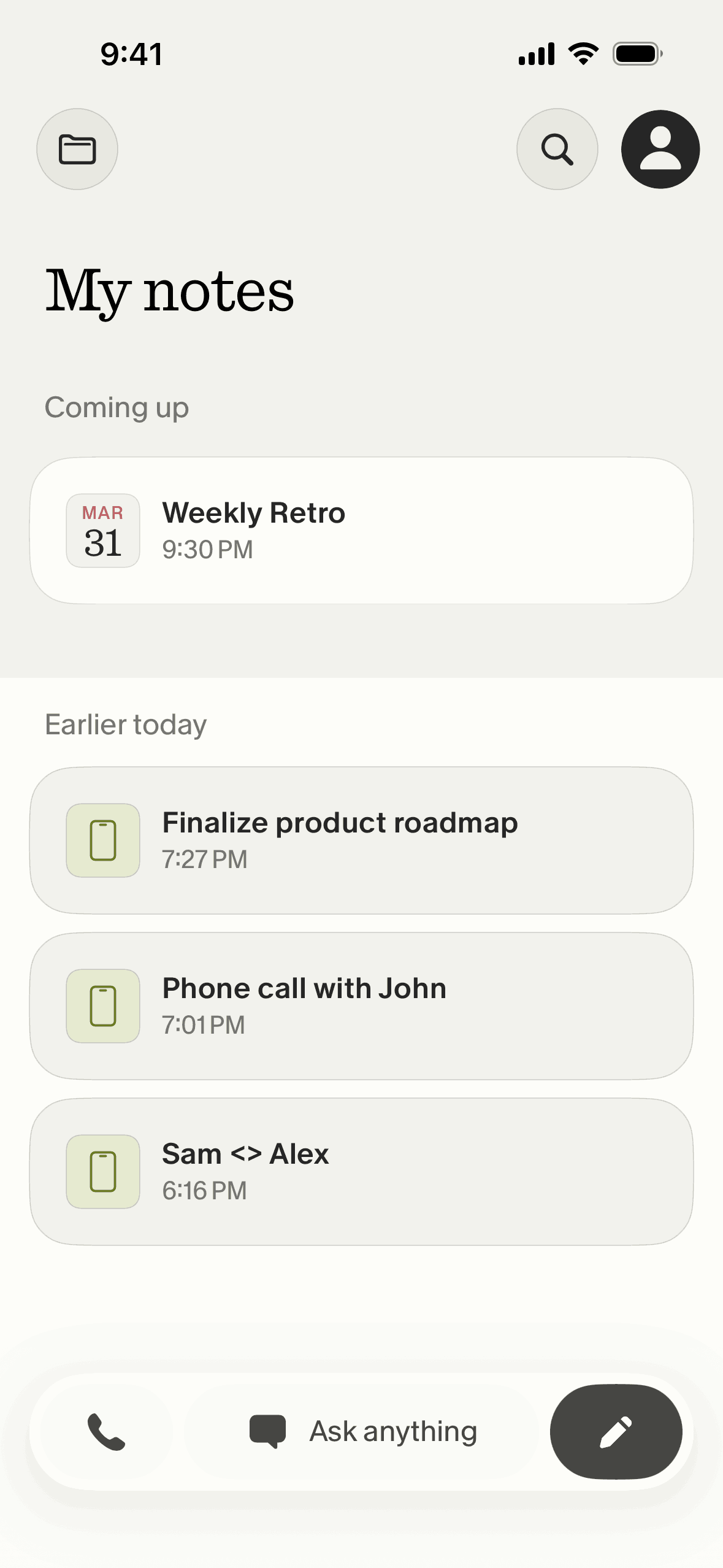
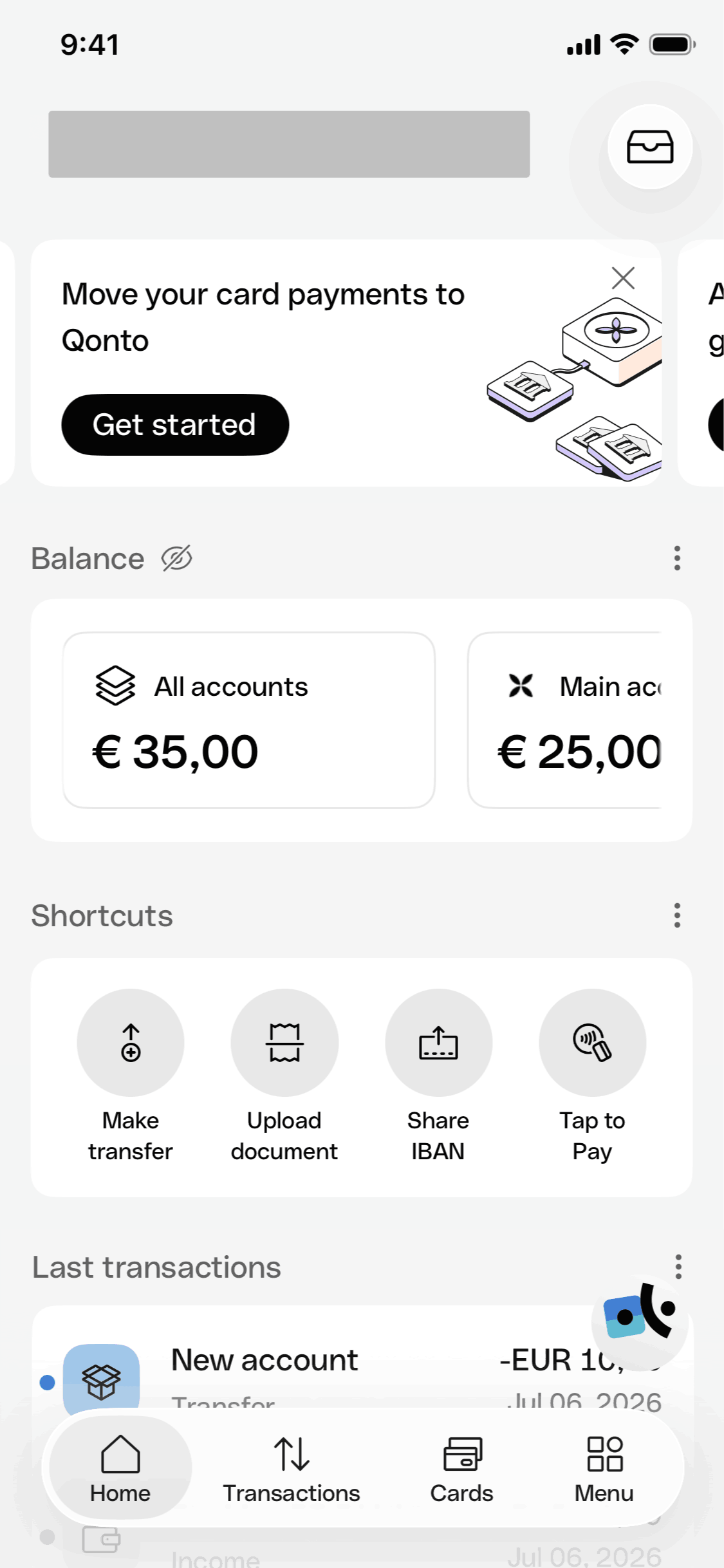
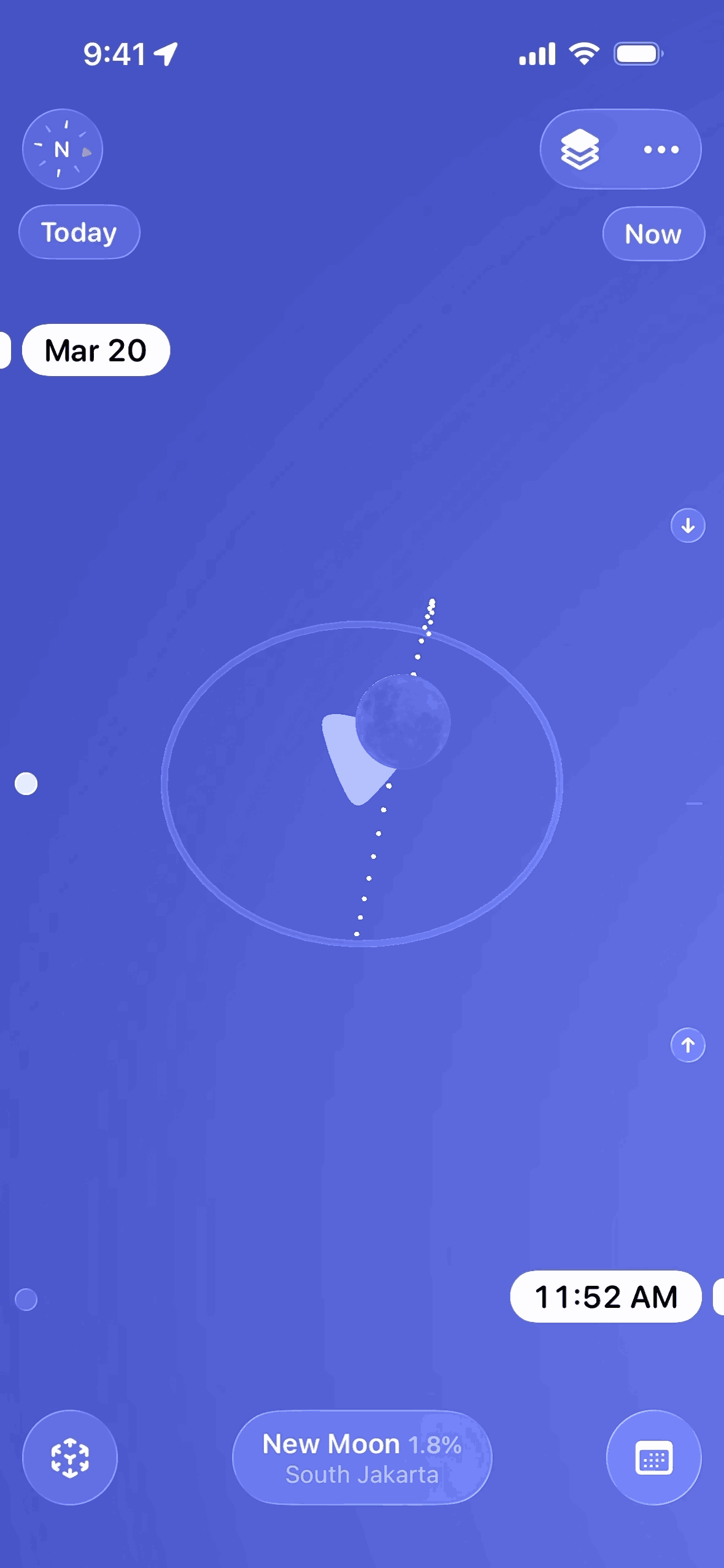
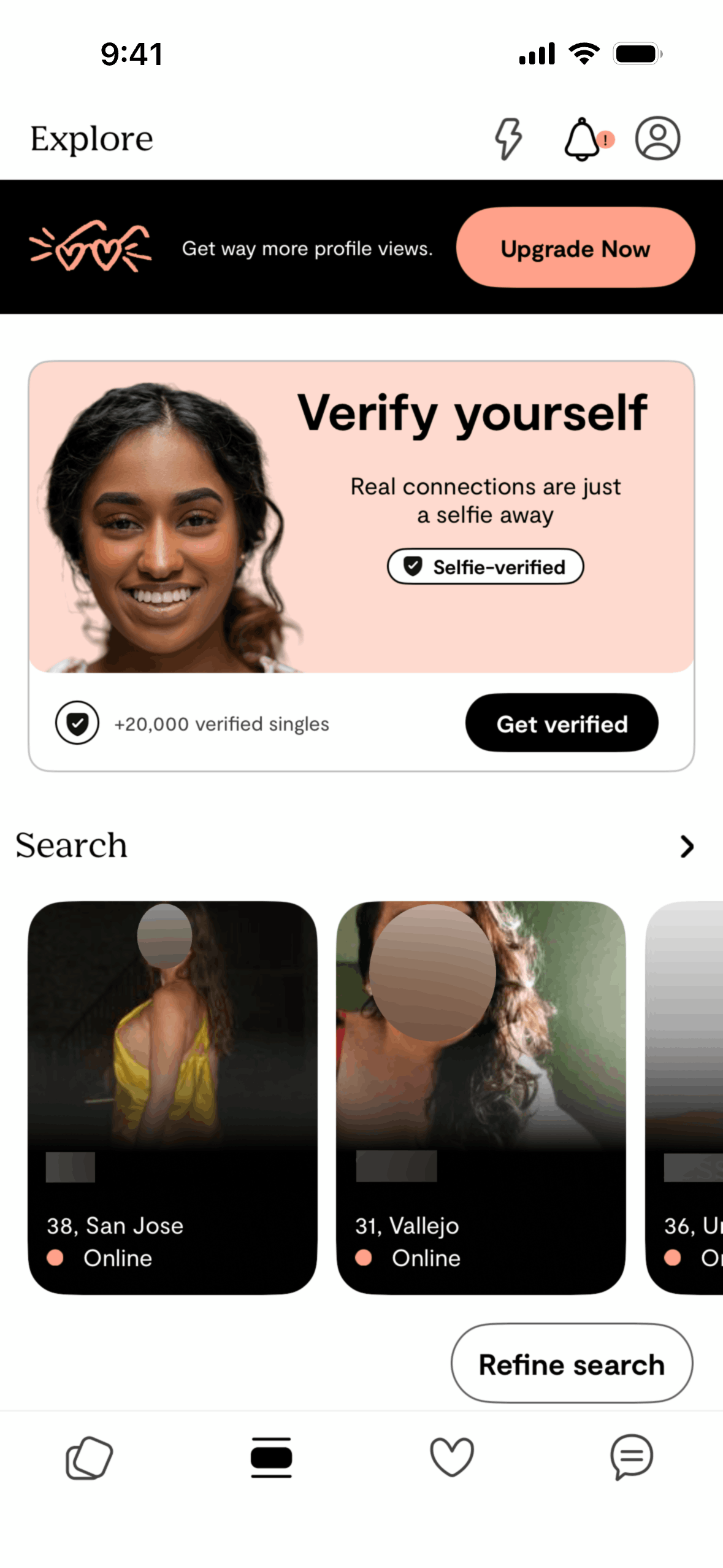
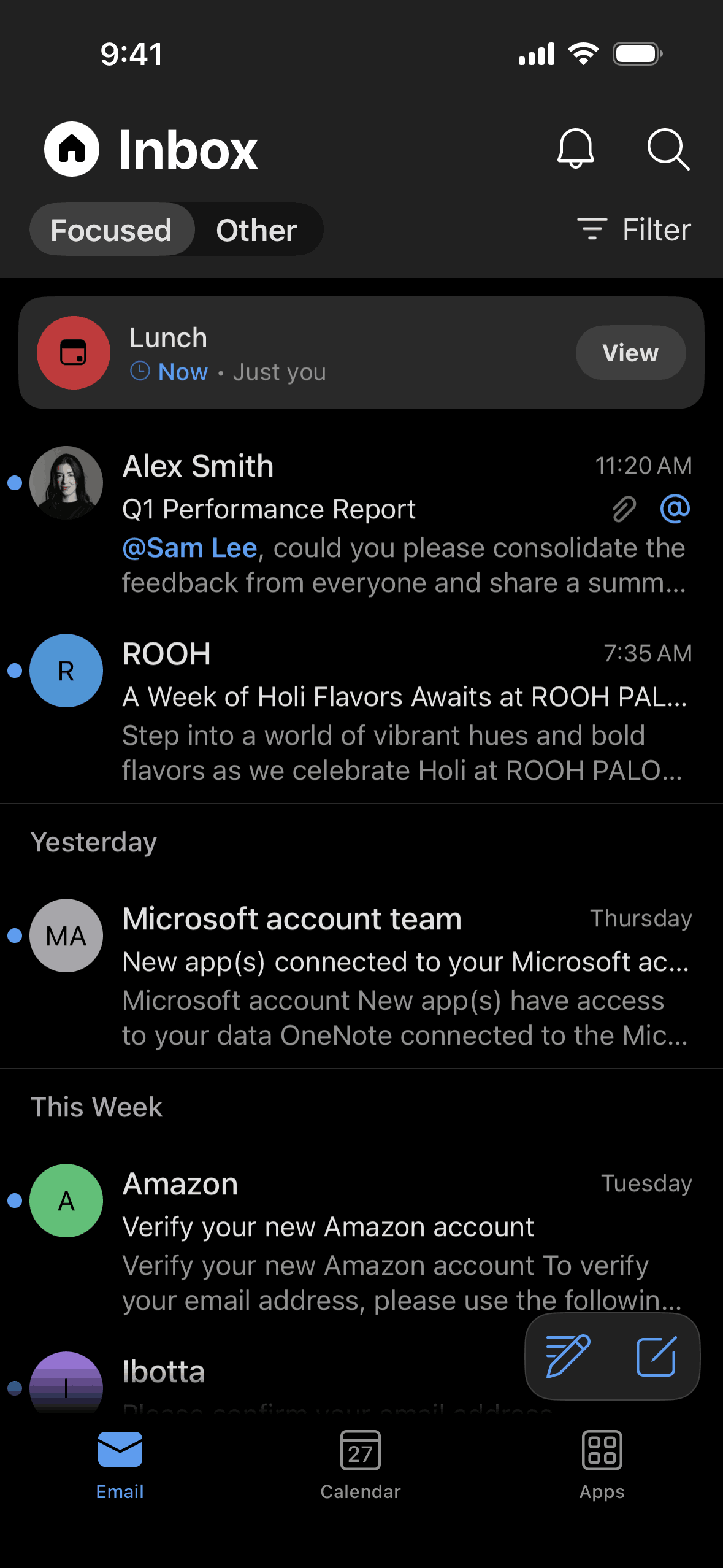
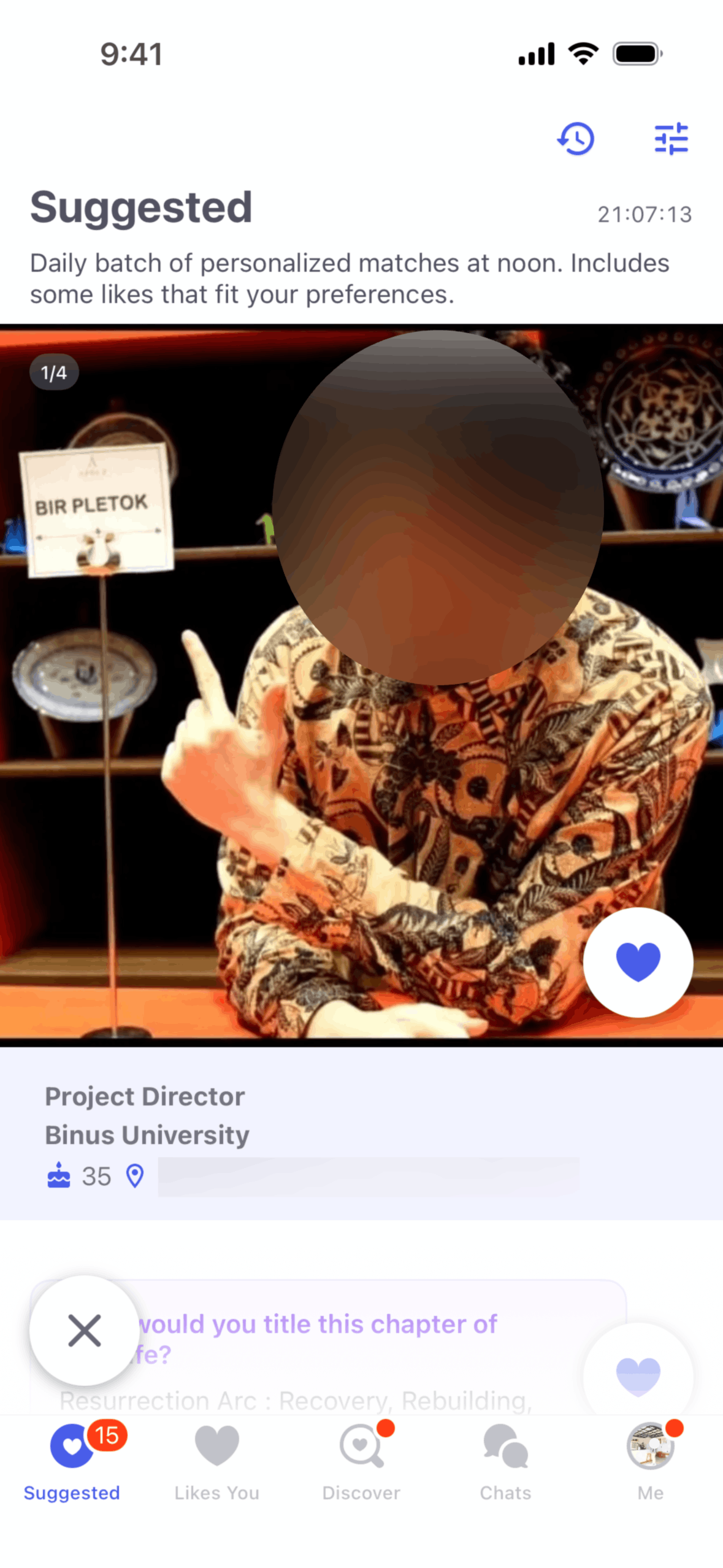
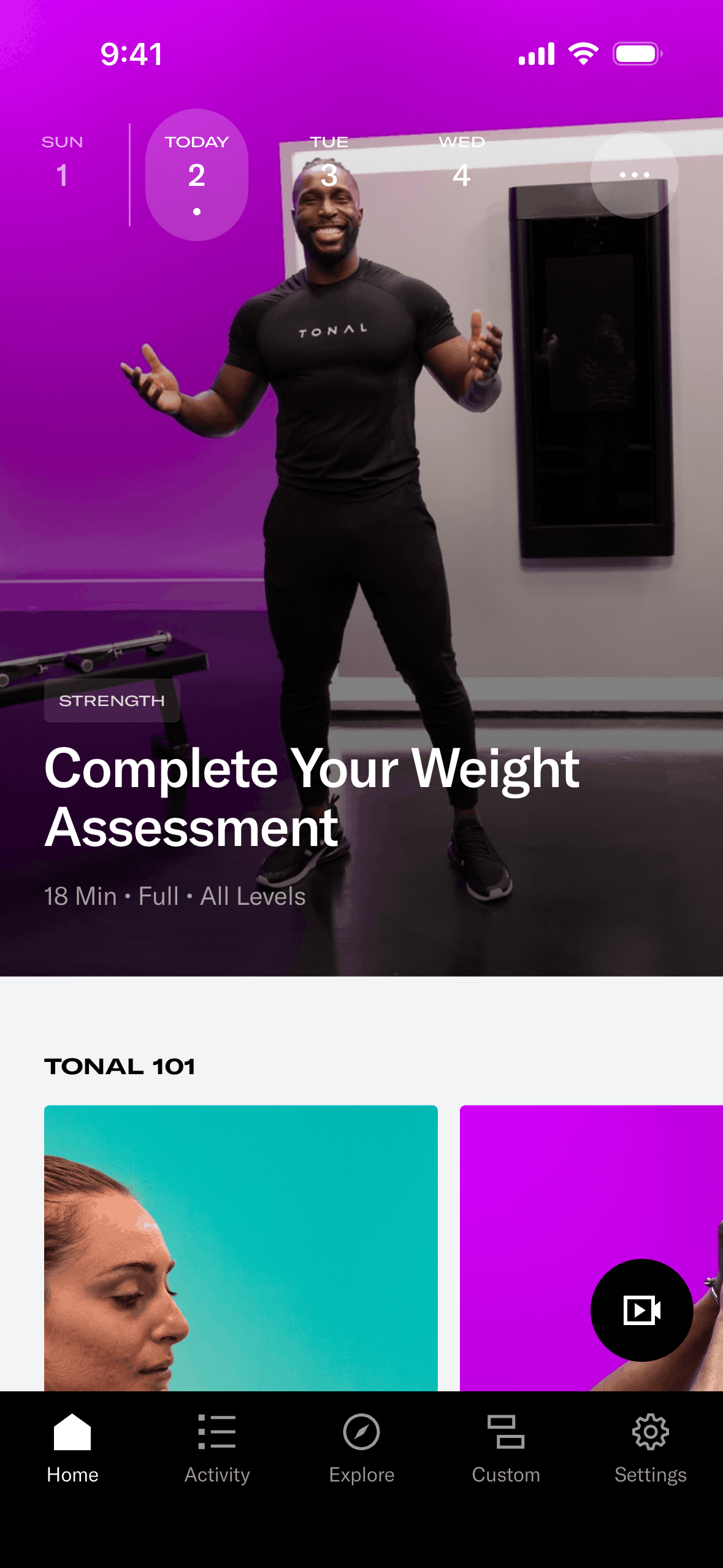
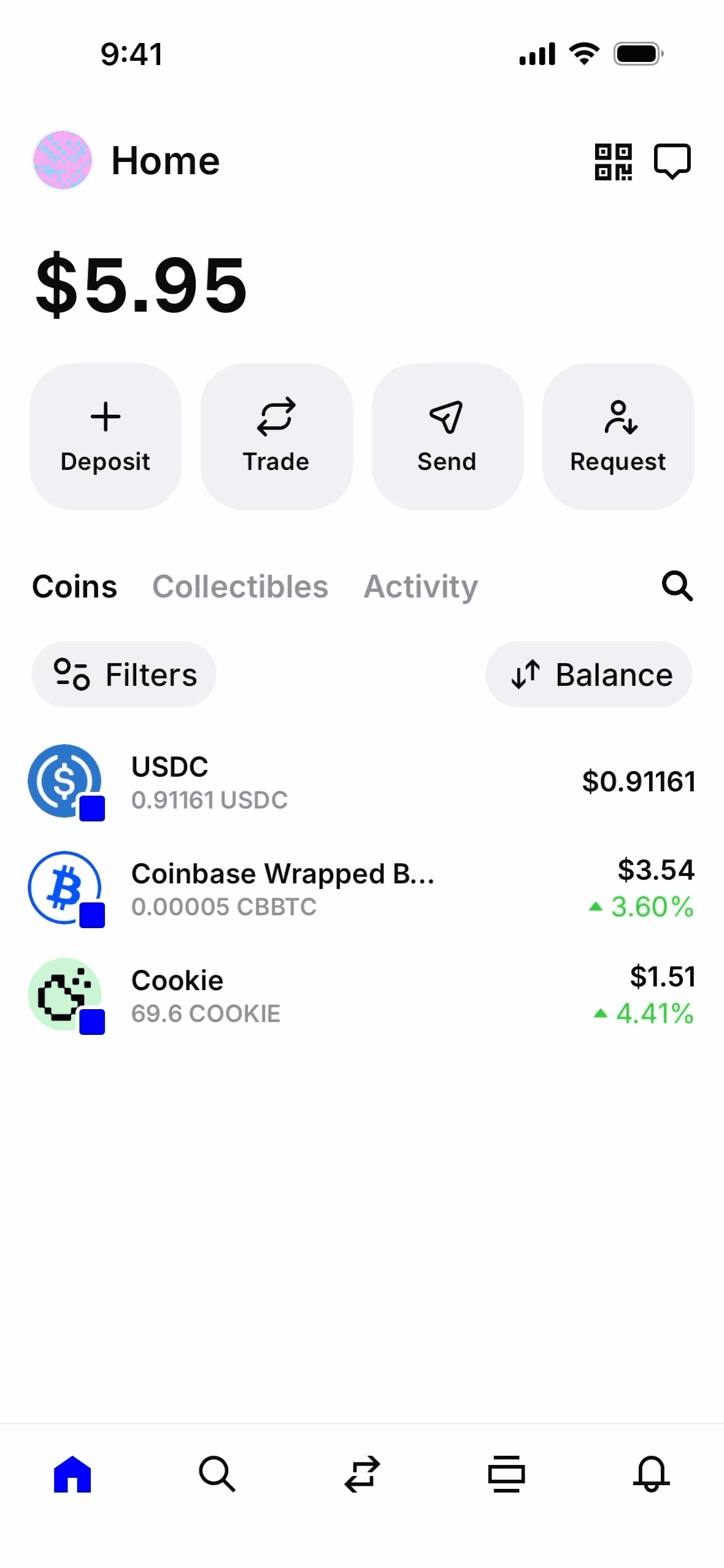
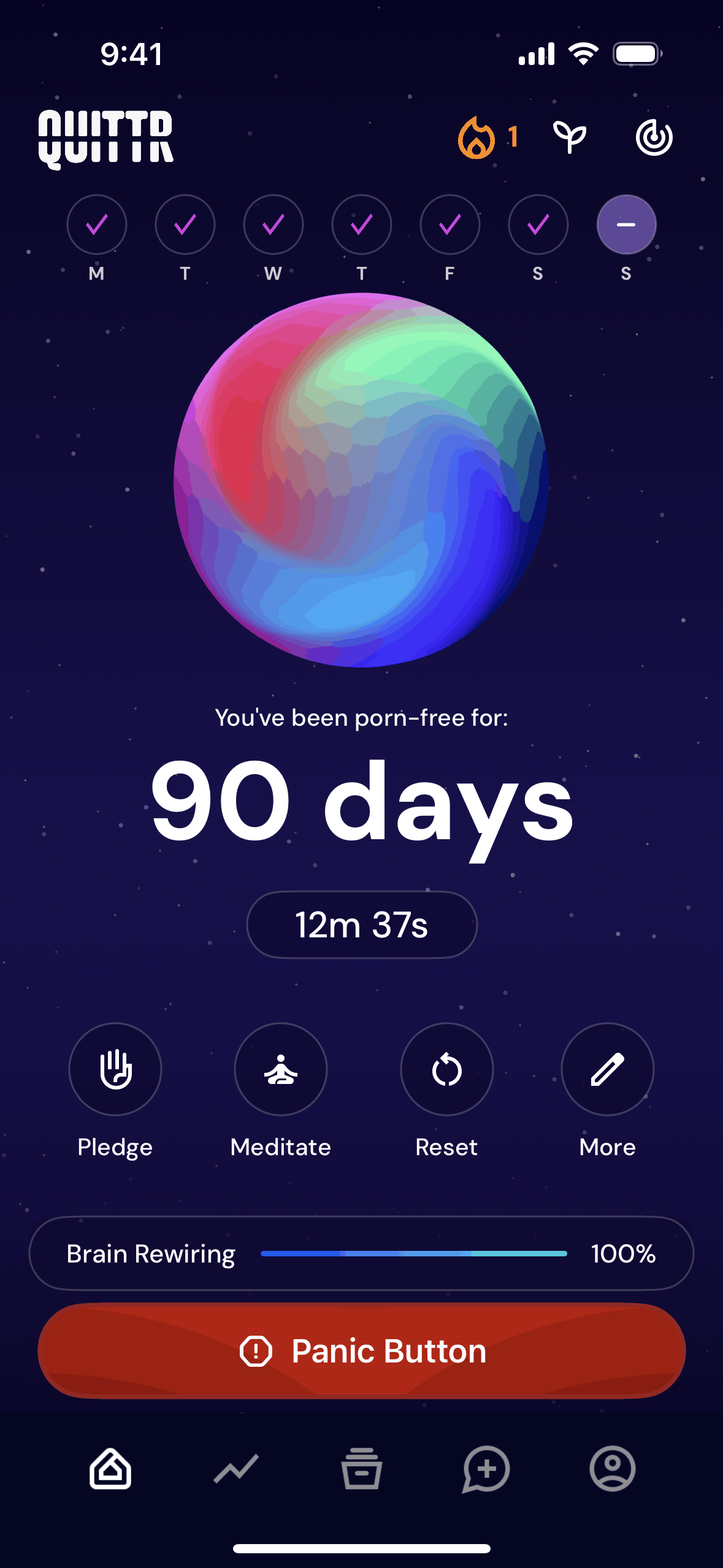
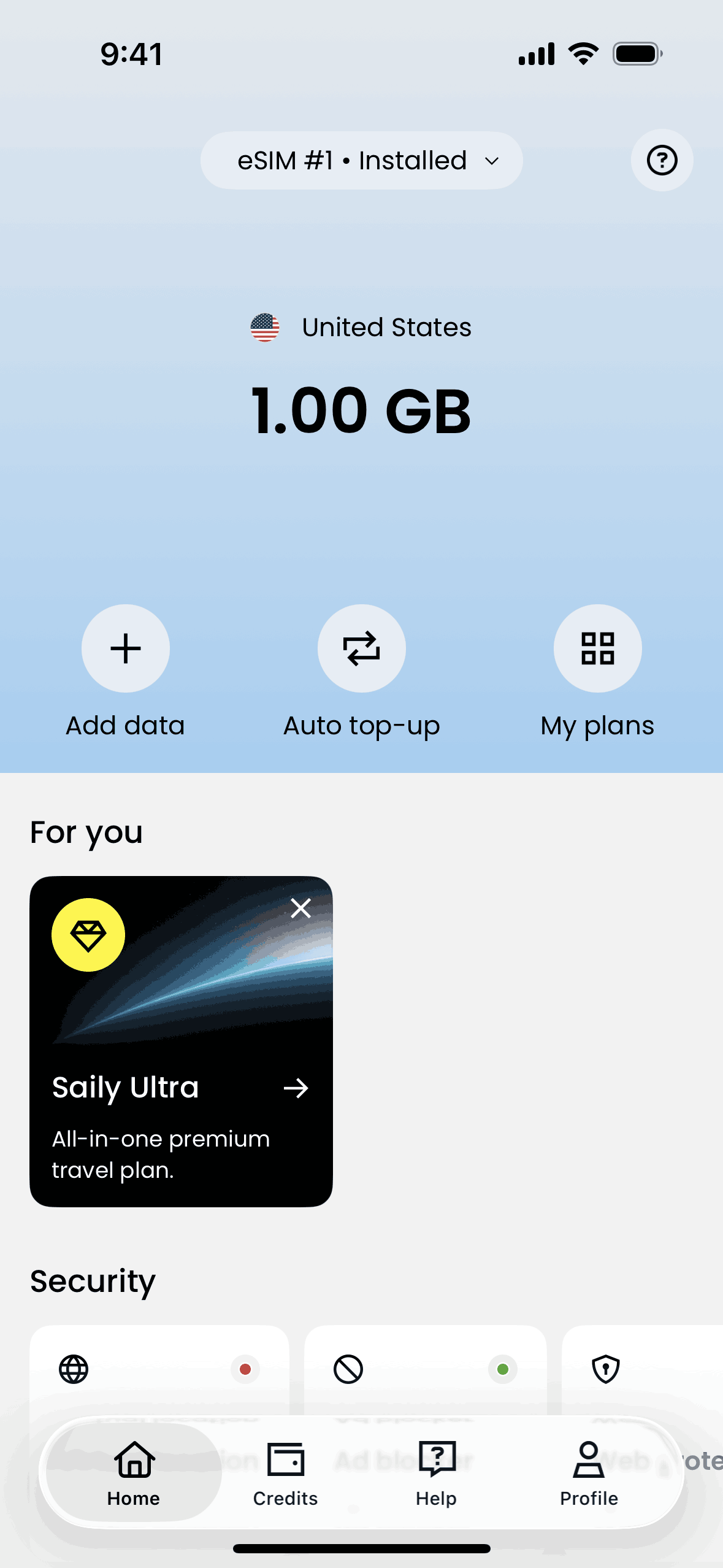
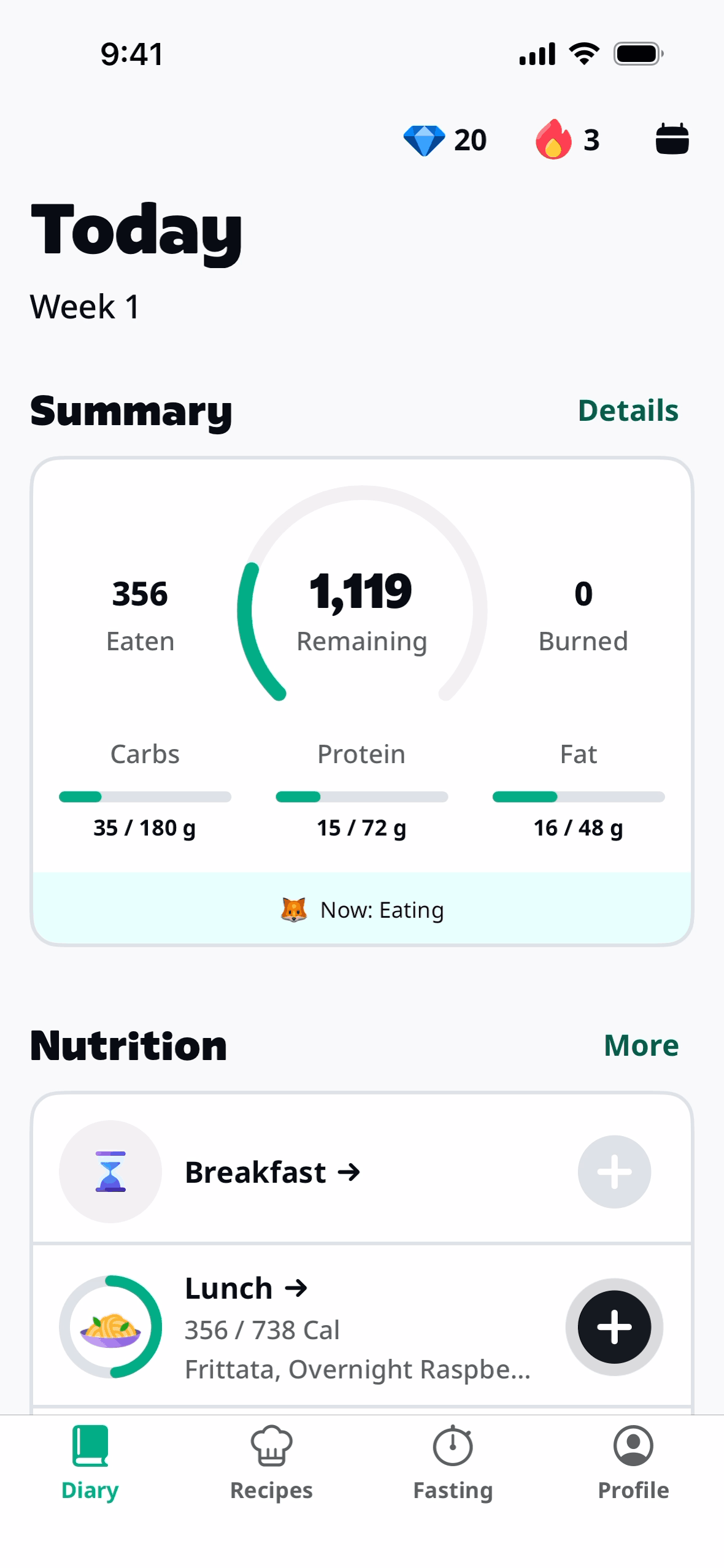
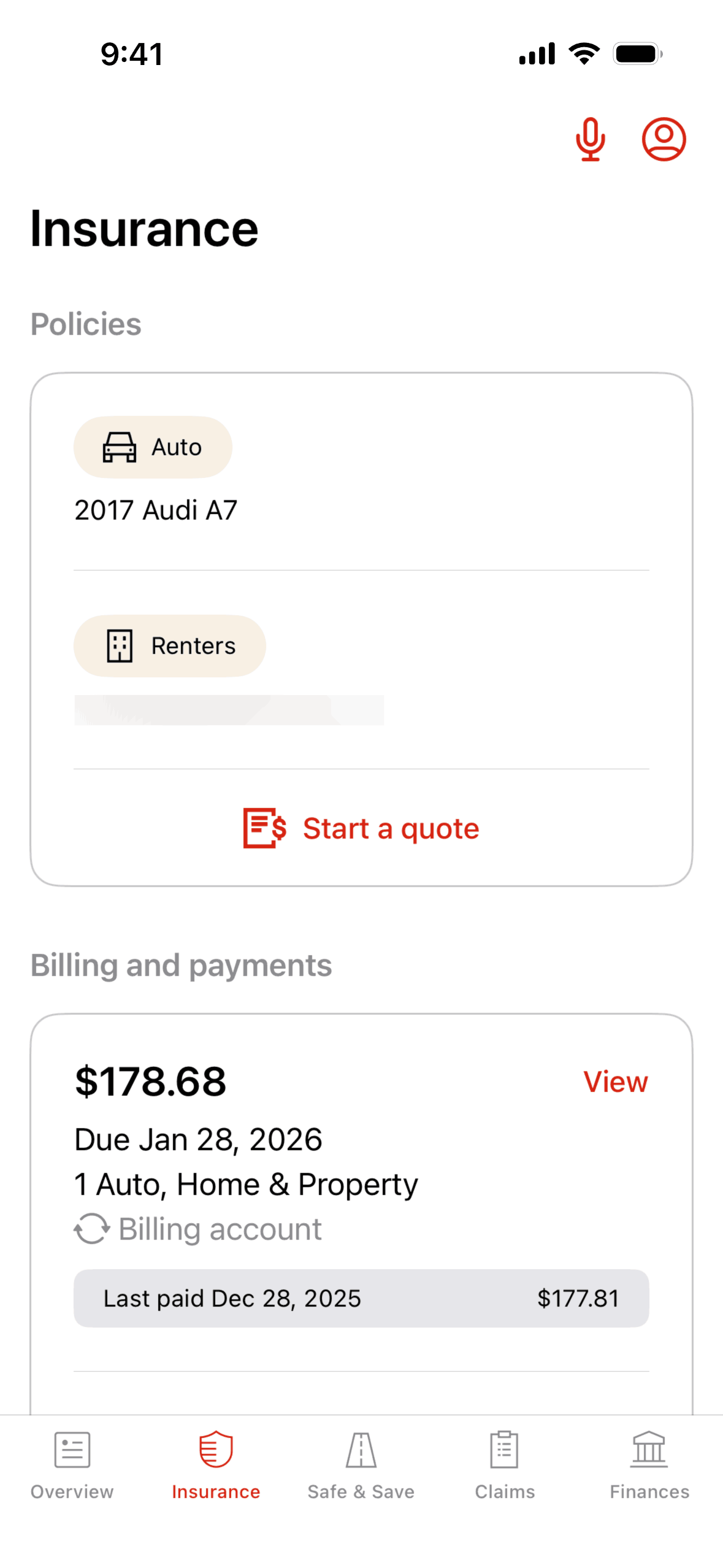
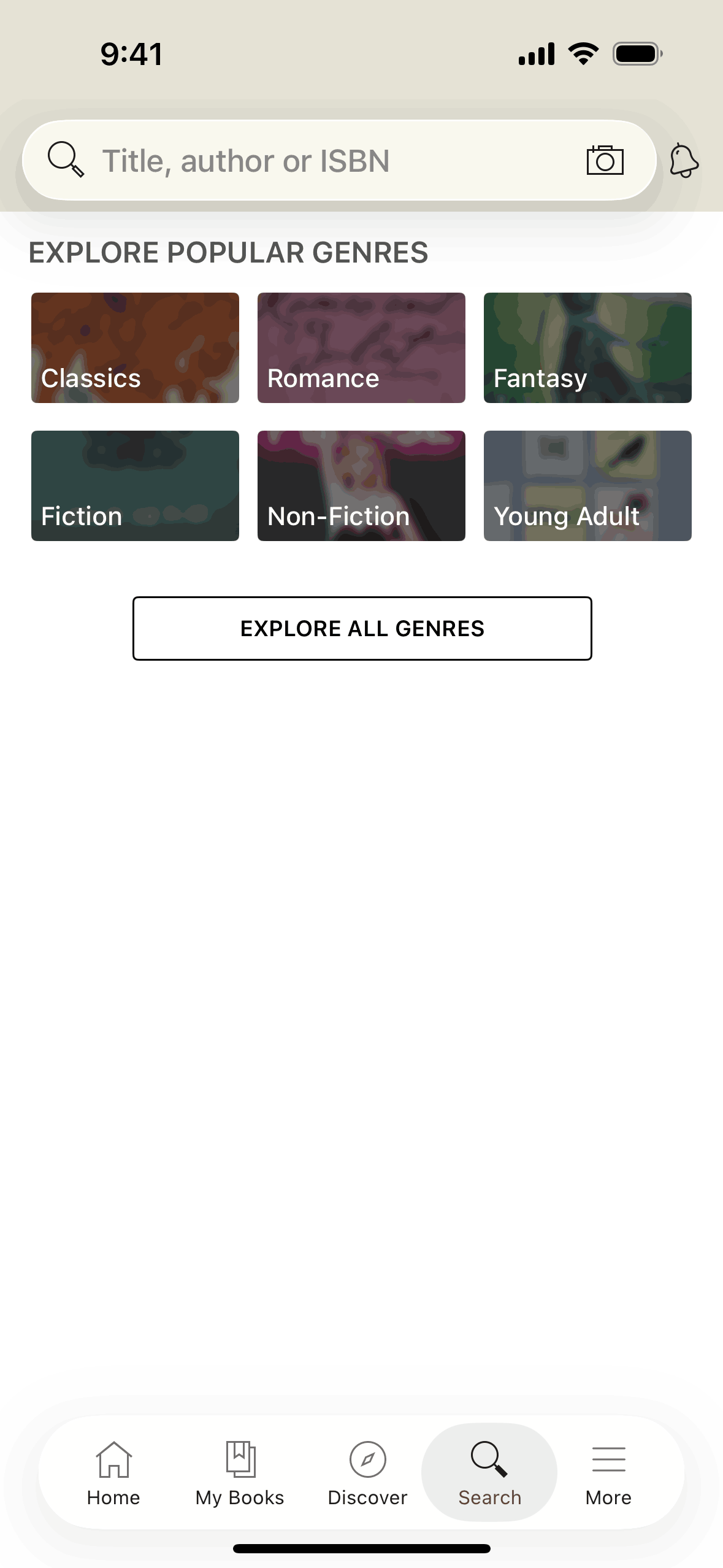
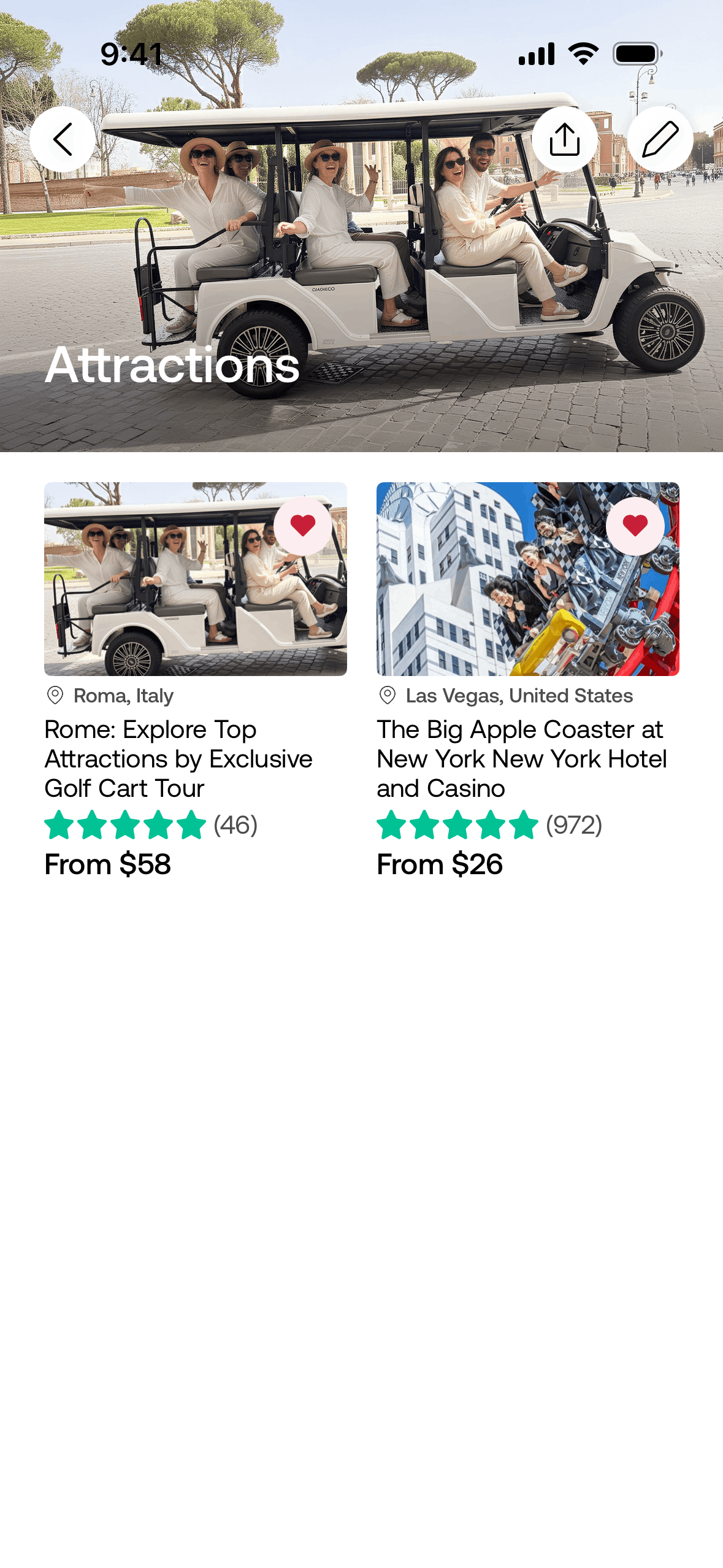
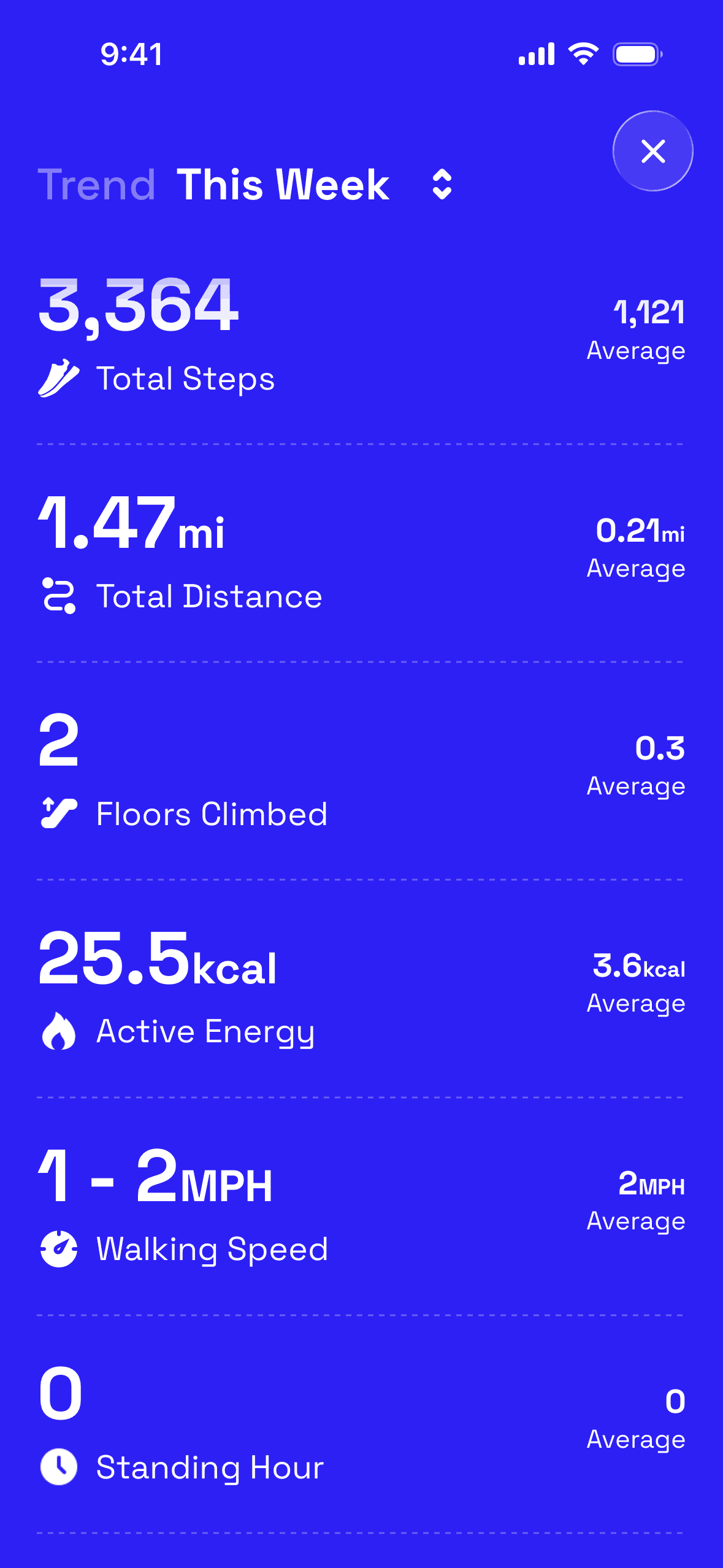
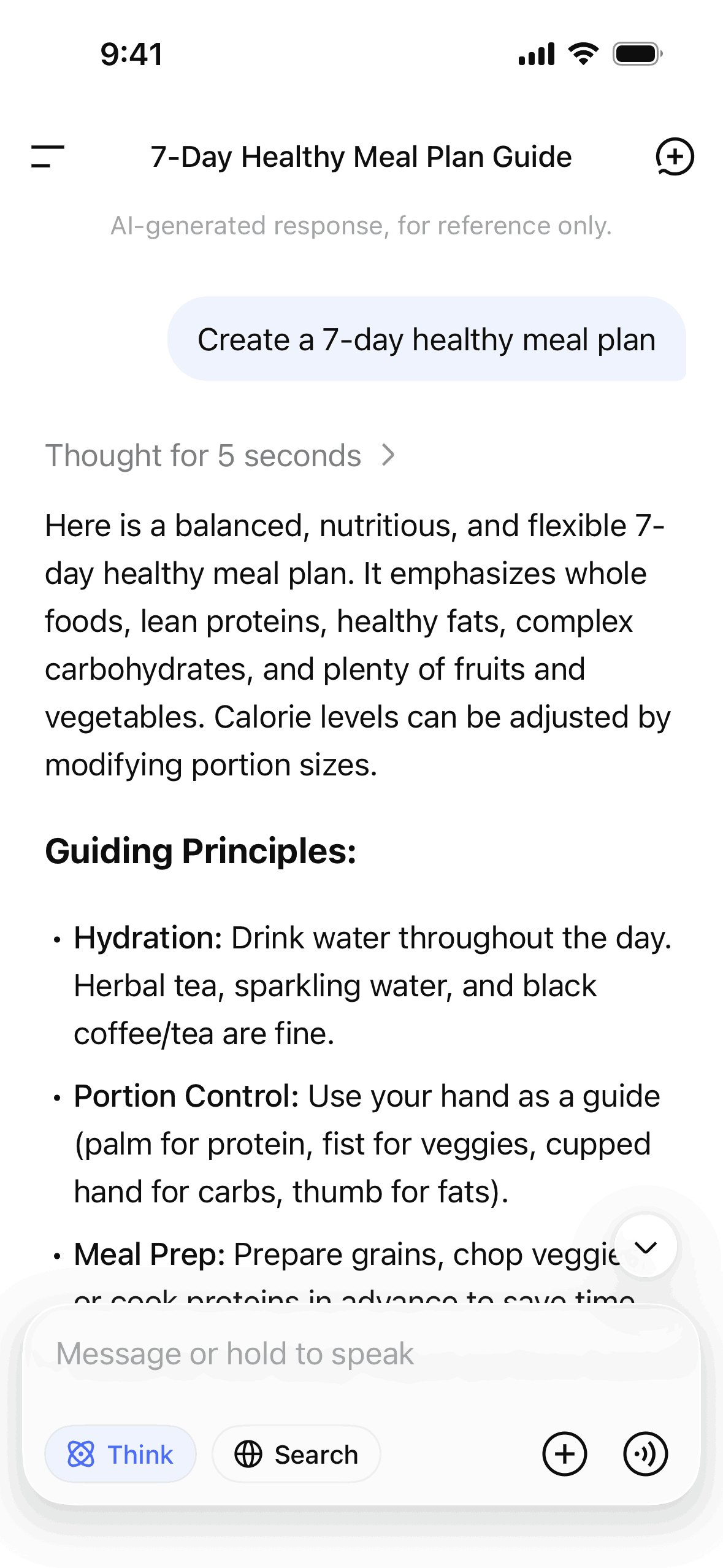
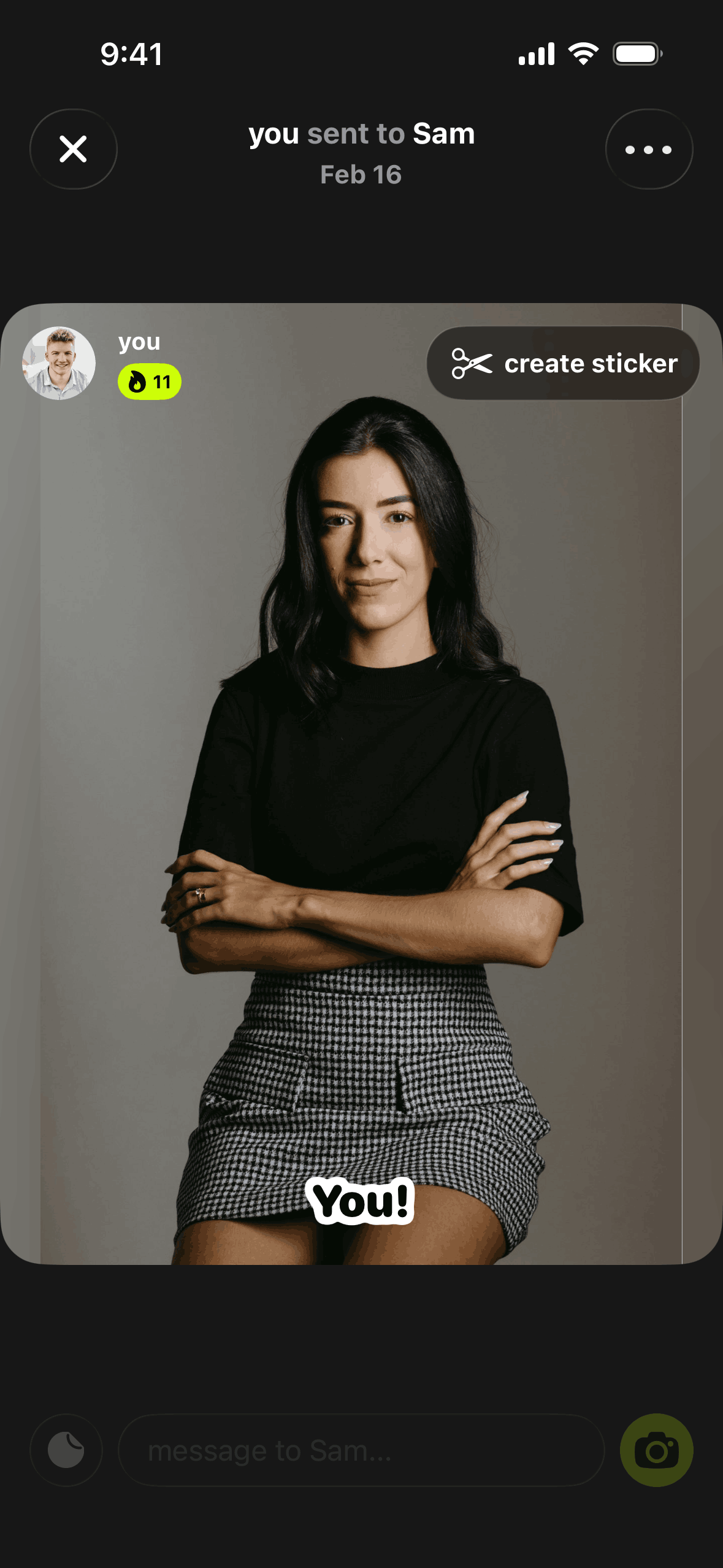
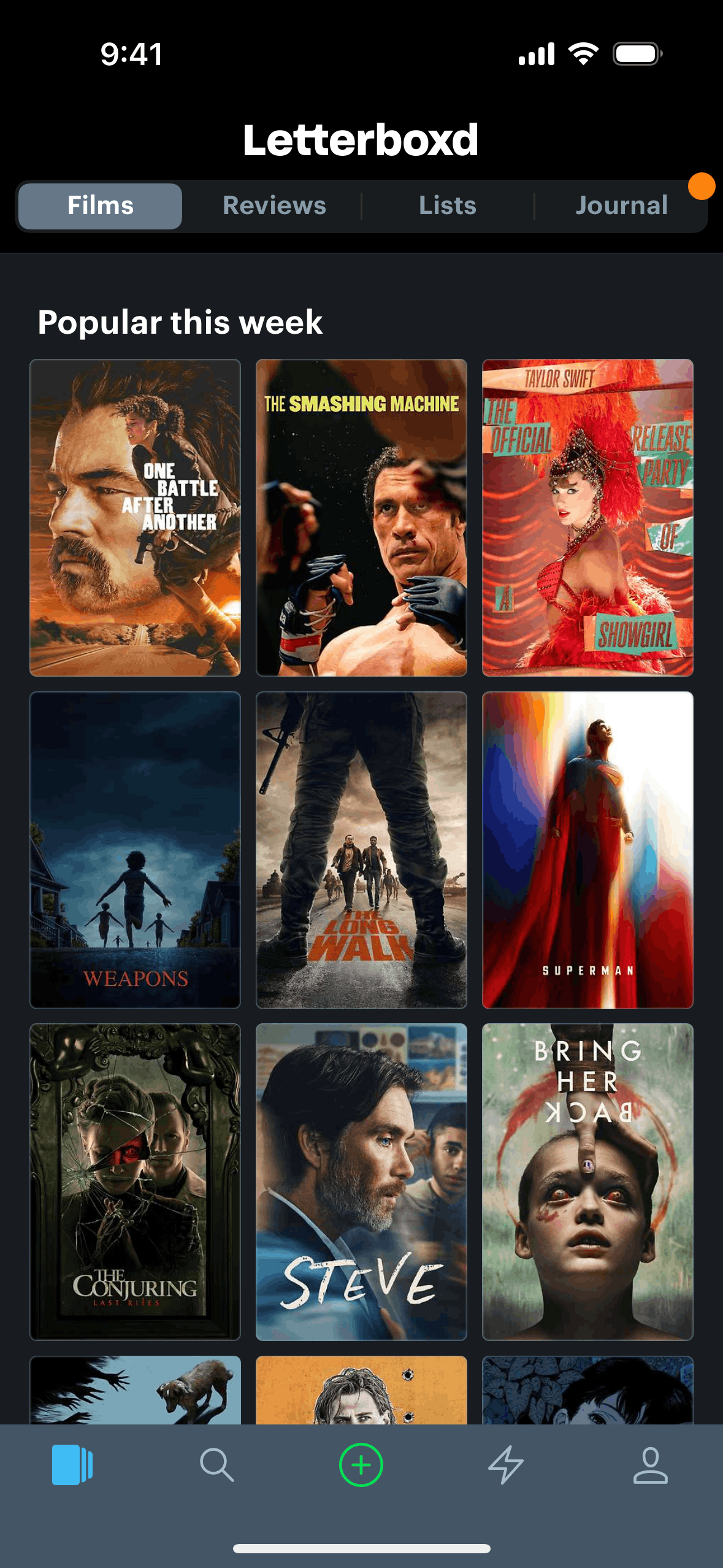
300,000+ real app screens and 21,000+ user flows, ready to search.Gummble is an organized library of 300,000+ screenshots and 21,000+ user flows from 1,500+ iOS, Android, and web apps. Find proven onboarding, paywall, checkout, and dashboard designs in seconds, for a fraction of the price.
The best research flow connects real references with context. Gummble is built for makers who want inspiration, competitive examples, and a clearer sense of what to build.
01
Spot a niche
Start from categories, keywords, and fast-growing apps instead of a blank canvas.
02
Inspect the UI
Open real screens and flows to see what products ship, not just what case studies show.
03
Compare the field
See how many apps tackle the same pattern and how each one designs it, so you choose with evidence.
04
Build with references
Collect patterns and make product decisions with examples your team can inspect.
Built for teams too
Research together, ship faster.
The Team plan turns Gummble into a shared design-research layer for your whole crew — shared collections, pin-and-discuss comments on any screen, and seats under one invoice.
One workspace, one invoice
Add seats and your whole team joins the same workspace under a single subscription — no per-person billing headaches.
Shared collections
Create collections your teammates can open, curate, and build on together. Set visibility to workspace so everyone stays in sync.
Pin comments on screens
Drop a threaded comment on any UI screen — anchored to the exact pixel. Discuss design decisions where the evidence lives.
Gummble is an organized library of real app screenshots from shipped iOS, Android, and web applications. Browse onboarding flows, login screens, checkout designs, and thousands of other UI patterns — all in one place.
Screenshot Library
300,000+ real UI screenshots captured from shipped apps and organized by app, platform, category, and screen type.
Design Patterns
Find specific UI patterns across hundreds of apps. See how shipped products design onboarding, search, settings, and more.
User Flow Analysis
View step-by-step user flows — from first launch to checkout — to understand how shipped apps guide their users through key journeys.
Gummble MCP is a remote Model Context Protocol server at https://mcp.gummble.com/mcp. It lets AI agents search 300,000+ real UI screens, 21,000+ UX flows, and product microcopy from 1,500+ shipped iOS, Android, and web apps, then cite those references before they design. You sign in with OAuth in the browser, with no API key, and all 14 tools are read-only: no write access and no destructive operations.
14 read-only tools
Search
gummble_search_screens — real app screens by pattern, domain, or keyword
gummble_search_flows — multi-step UX flows such as signup, onboarding, and paywalls
gummble_search_sections — marketing-site sections such as heroes, pricing, and testimonials
gummble_search_microcopy — real UI copy: empty states, errors, paywalls, and confirmations
gummble_search_patterns — UI pattern families to start broad before picking screens
gummble_search_apps — apps in the catalog by name, brand, or keyword
gummble_search_store_screenshots — live App Store screenshot sets of top-ranked apps for a keyword
Inspect
gummble_get_screen_detail — one screen with a high-fidelity image and its metadata
gummble_find_similar_screens — visually similar screens to a selected reference
gummble_get_flow_screens — every screen in one flow, in order
gummble_get_app — an app's metadata, versions, and screens
gummble_get_store_screenshots — the live App Store screenshot set for one iOS app
Batch
gummble_get_screen_details_batch — several screens in one call
gummble_get_flow_screens_batch — up to ten flows compared in one call
Supported clients
Works with Claude Code, Cursor, VS Code, Codex, Claude Desktop, Windsurf, and v0, plus any MCP client that supports remote Streamable HTTP servers.
Which plan includes MCP
MCP access is included on every paid Gummble plan. The cheapest is Browse at $9.99/month, billed monthly. Pro is $14.99/month, and Team is $15 per seat per month with a 3-seat minimum. The free plan does not include MCP.
Gummble is an organized library of 300,000+ real UI screenshots from shipped iOS, Android, and web applications. Use it to find design references for onboarding flows, login screens, checkout designs, pricing pages, and more.
How is Gummble different from Mobbin?
Gummble supports real-app UI research from $9.99/month, while Figma export starts on Pro at $14.99/month. Gummble includes dedicated microcopy search and MCP access on every paid plan. Check Mobbin's current catalog, features, and pricing for a like-for-like comparison.
Is Gummble a Page Flows alternative?
Yes. Gummble gives you 21,000+ step-by-step flows as searchable screenshots alongside a 300,000+ screenshot library and 15 pattern hubs, from $9.99/month. Check Page Flows' current catalog, formats, and pricing before comparing.
Is there a free plan?
Yes. Gummble's free plan lets you browse a limited number of screens with basic search. Paid plans start at $9.99/month (Browse) for unlimited screens, downloads, saved collections, and MCP access. Advanced search and Figma export start on Pro at $14.99/month.
Does Gummble work with AI tools like Claude and Cursor?
Yes. Every paid plan includes Gummble MCP, whose read-only tools let Claude, Cursor, Codex, and v0 search real screens, flows, and microcopy before they design.
What platforms does Gummble cover?
Gummble covers iOS, Android, and web applications. Screenshots are organized by app, category, screen type, and user flow so you can find relevant design patterns.
Can I export screenshots to Figma?
Yes. Pro and Team plan subscribers can export screenshots directly into Figma for design reference and benchmarking.