Design Research in Cursor and v0 With MCP (2026)
How to connect the Gummble design MCP server to Cursor and v0 so your AI agent pulls real UI references, flows, and microcopy before it generates frontend code.

How do you add a design MCP to Cursor and v0?
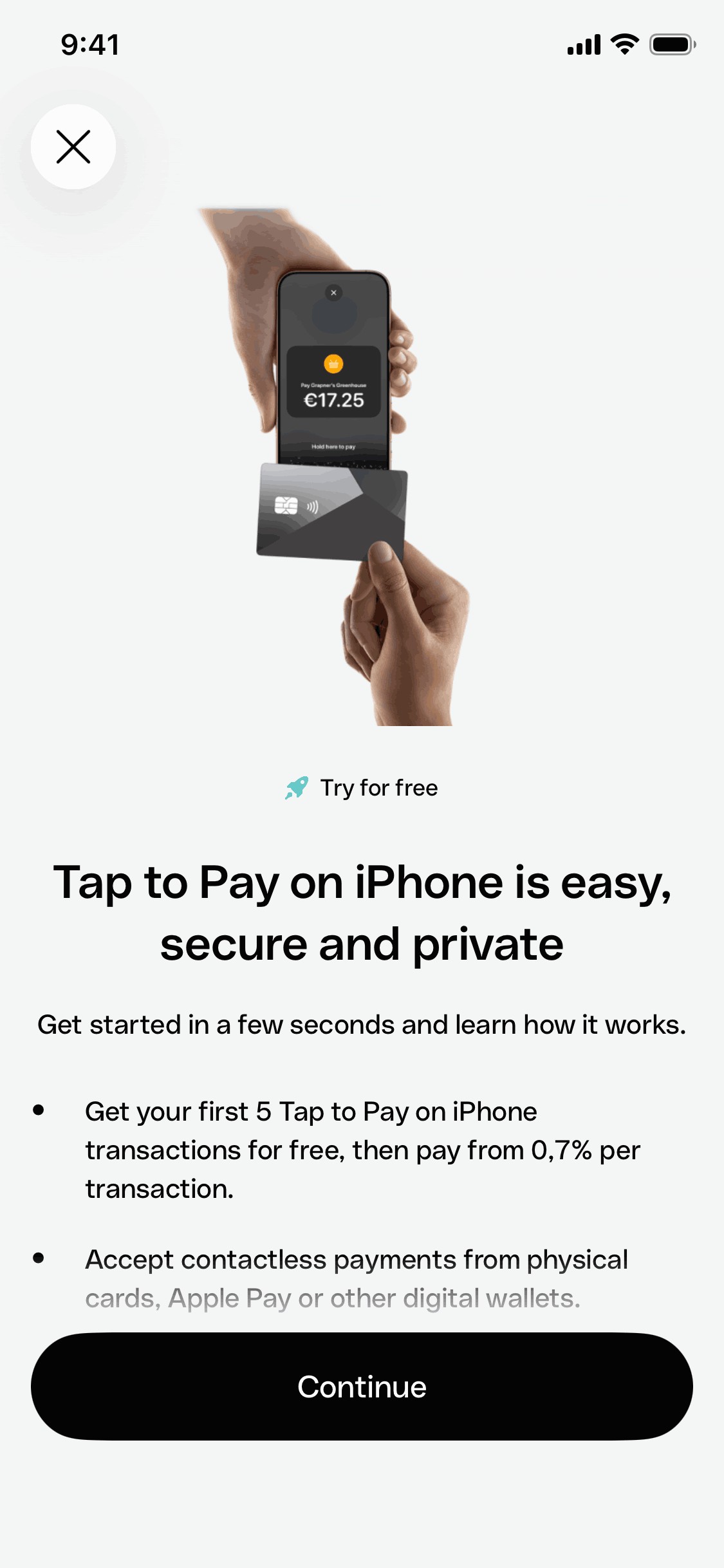
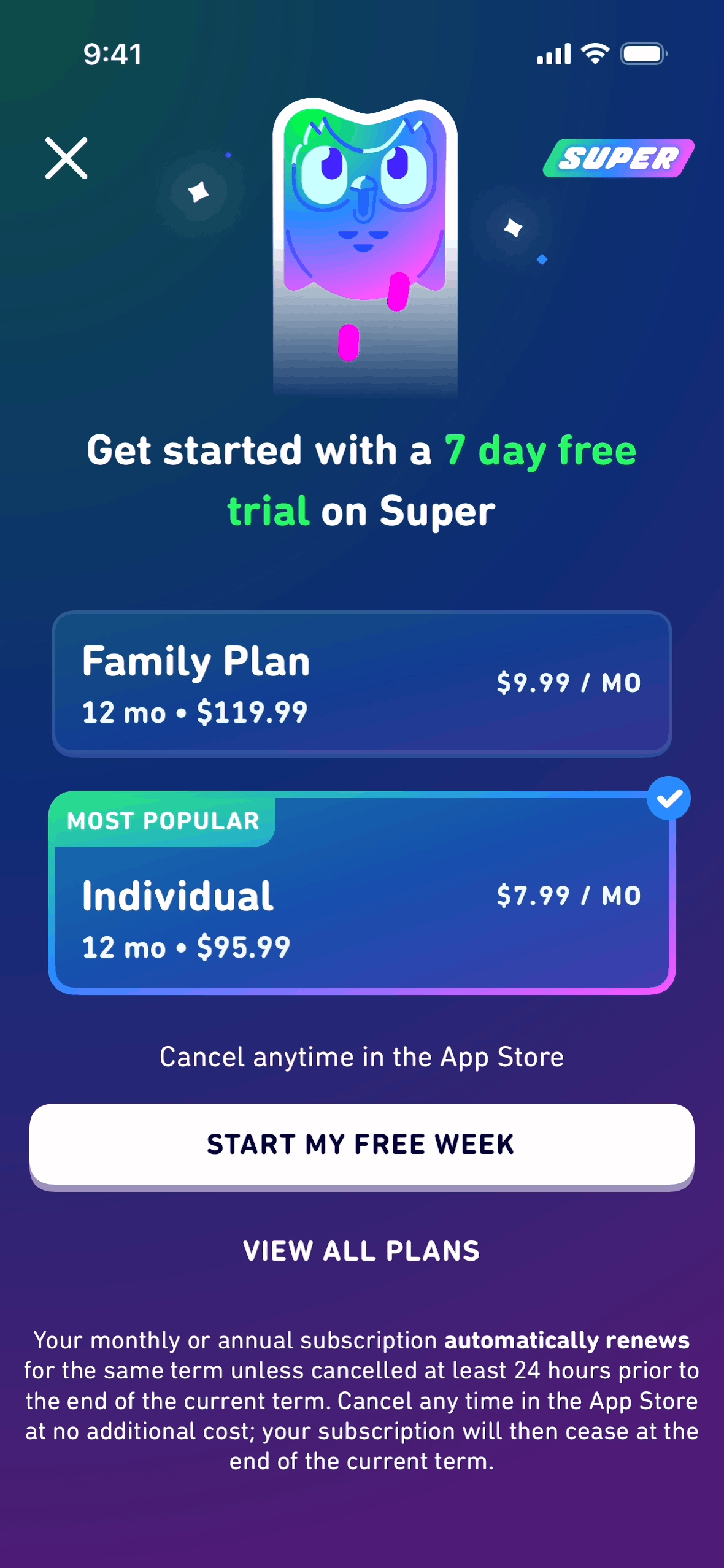
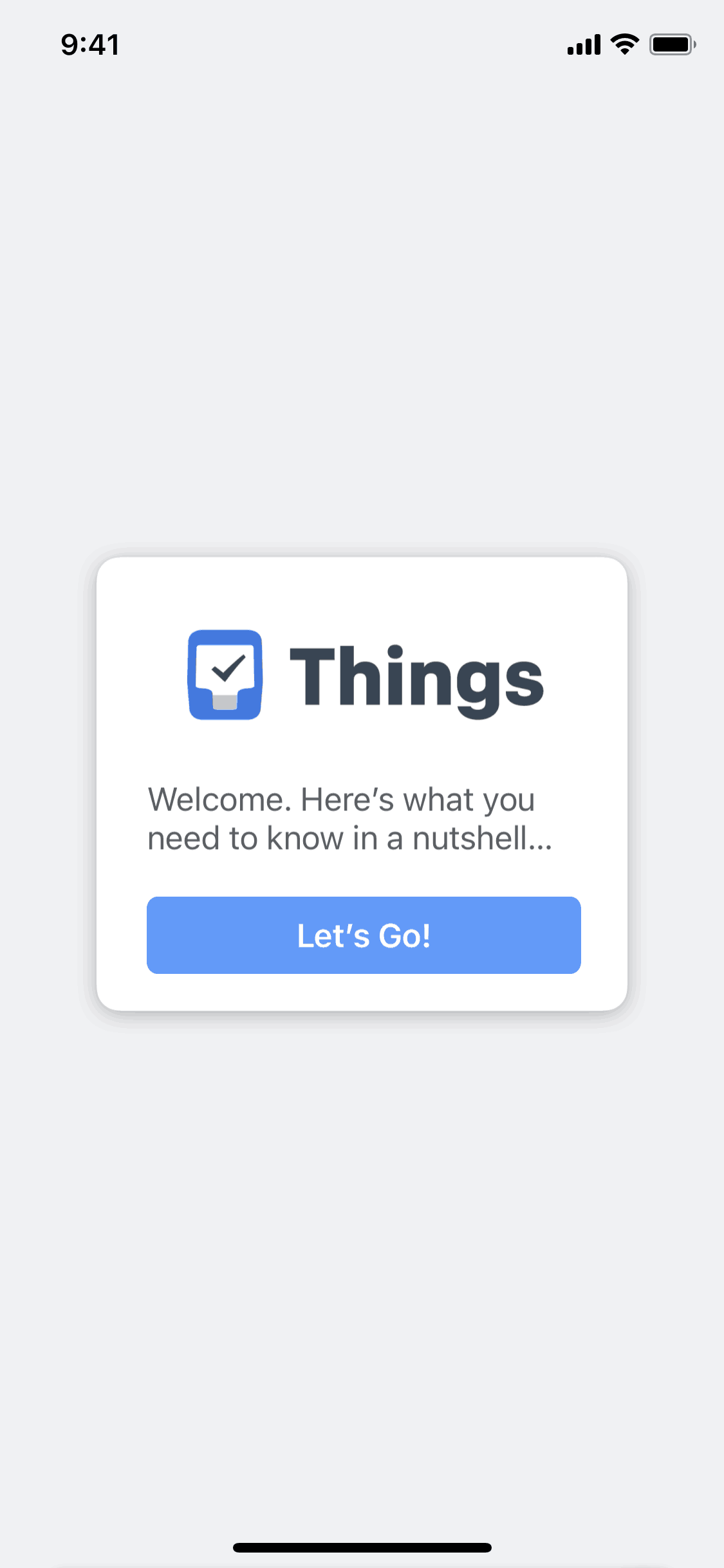
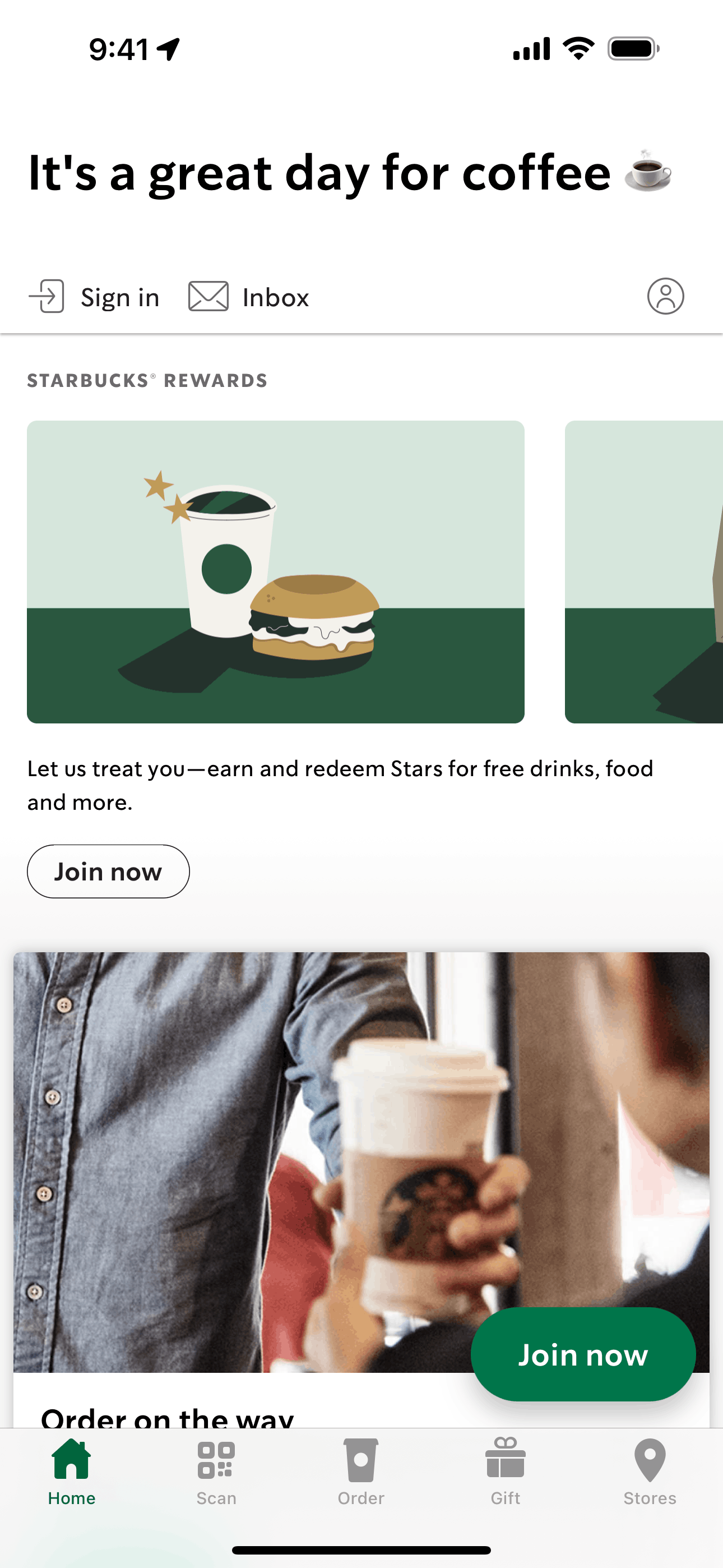
Point Cursor or v0 at the Gummble MCP server and your agent can search 300,000+ real app screens, 21,000+ browsable flows, and real UX microcopy before it writes a single component. Instead of generating a generic card layout from nothing, it starts from what shipped products actually do. MCP access is included on every paid Gummble plan; check the pricing page and checkout for current trial eligibility.
Cursor setup
Use the one-click Add gummble to Cursor link, or add this to ~/.cursor/mcp.json (or .cursor/mcp.json inside one project):
{
  "mcpServers": {
    "gummble": {
      "url": "https://mcp.gummble.com/mcp"
    }
  }
}
Then open Cursor's MCP settings, click Sign in next to gummble, and authorize in the browser. That is the setup.
v0 setup
In v0's MCP settings, add Gummble as a remote server:
Name: gummble
URL: https://mcp.gummble.com/mcp
Sign in with the account that owns your plan when v0 prompts you.
The workflow: reference before you generate
The point of a design MCP is to stop your agent from inventing UI. Prompt for a research step first, then generate against real references.
Ground a component before building it:
Use Gummble to find checkout screens from finance apps, then generate a tighter checkout layout that borrows their field order.
The agent calls gummble_search_screens, pulls real checkout references, and builds from them.
Compare flows before designing one:
Use Gummble to compare onboarding flows for two productivity apps, then draft a 3-step onboarding for ours that matches the shorter one.
The agent calls gummble_search_flows and reasons over full journeys.
Get the copy right, not just the layout:
Use Gummble to find empty-state microcopy for dashboards, then write ours for a "no data yet" state.
The agent calls gummble_search_microcopy, Gummble's differentiator, and returns real product wording instead of filler.
For the full set of 10 prompts across paywalls, onboarding, and UX writing, see How to Give Claude Code Real Design References. The same prompts work in Cursor and v0.
Frequently asked questions
Does Gummble MCP work in Cursor?
Yes. Add it with the one-click link or the ~/.cursor/mcp.json entry above, then authorize in the browser. It also works in Claude Code, Codex, Windsurf, and other MCP clients. See the MCP page.
Does Gummble MCP work in v0?
Yes. Add the remote server URL https://mcp.gummble.com/mcp in v0's MCP settings and sign in.
Why use a design MCP instead of pasting screenshots?
Speed and grounding. The agent searches a library of real references itself, mid-task, instead of you finding and pasting each screenshot. It also studies flows and microcopy, not just single screens.
Is there a free version?
MCP access is on paid plans from $9.99 per month. Trial eligibility depends on plan, account history, channel, and the current campaign; see pricing or the MCP page.
Published by the Gummble team. Setup steps are accurate as of July 2026; check the MCP page for the current install flow.
Founder of Gummble. I build and maintain the Gummble catalog — UI screenshots and UX flows from 1,500+ real iOS, Android, and web apps — and write about the design patterns I see across them.
About Azura →Gummble MCP
Put these references inside your AI workflow
Search real screens, step-by-step flows, patterns, and UI microcopy from Claude, Cursor, Codex, Windsurf, or v0. Plans start at $9.99/month.
See MCP setup & plans