How to Give Claude Code Real Design References (MCP Setup + 10 Prompts)
Connect the Gummble MCP server to Claude Code, Cursor, or Codex in one command, then use these 10 copy-paste prompts to research paywalls, compare onboarding flows, and pull real UX microcopy before your agent designs.

How do you give Claude Code real design references?
Install the Gummble MCP server, then prompt with a design job instead of a design instruction. Once connected, Claude Code can search a library of 300,000+ real app screens, 21,000+ browsable flows, and real UX microcopy before it writes UI. Cursor, Codex, Windsurf, and v0 require their own current client-specific setup steps.
This is the fix for AI slop. Ungrounded agents invent the same generic card layouts and the same placeholder copy because they have no reference. Give them one, and the output changes.
One-command setup (Claude Code)
MCP access is included on every paid Gummble plan. Check the pricing page and checkout for current trial eligibility. In your terminal:
claude mcp add --transport http --scope user gummble https://mcp.gummble.com/mcp
Then start a fresh Claude Code session, run /mcp, choose gummble, and select Authenticate. Your browser opens Gummble OAuth and returns you to the terminal. That is the whole setup.
Setup in other clients
You do not need a different guide per tool. The same remote server URL works everywhere; only the "where you paste it" changes.
Cursor. Use the one-click Add gummble to Cursor link, or add this entry to ~/.cursor/mcp.json:
{
  "mcpServers": {
    "gummble": {
      "url": "https://mcp.gummble.com/mcp"
    }
  }
}
Codex. One command, and that is all:
codex mcp add gummble --url https://mcp.gummble.com/mcp
Codex detects OAuth support and opens Gummble in your browser as part of add. Sign in, approve the consent screen, and you are done.
Windsurf. Settings, Cascade, MCP Servers, Edit JSON:
{
  "mcpServers": {
    "gummble": {
      "serverUrl": "https://mcp.gummble.com/mcp"
    }
  }
}
Reload the window, then Cascade runs OAuth on the first Gummble tool call.
v0, Lovable, Claude Desktop, or any other client. Wherever it asks for a remote MCP server, paste the URL https://mcp.gummble.com/mcp and sign in when prompted. Full per-client steps live on the Gummble MCP page.
The 10 prompts
The trick is to prompt for a research job, then let the agent pull references before it designs. Each prompt below lists the Gummble tool the agent calls and what comes back, so you know what to expect.
Research a paywall before designing one
1. Find real paywalls to reason from
Use Gummble to find 5 mobile paywalls with annual-discount framing, then summarize how each one anchors value before price.
Tool: gummble_search_screens. Returns a shortlist of real paywall screens with app context and image references, plus the agent's read on the pattern.
2. Discover the pattern family first
Use Gummble to list common paywall pattern families, then pick the one that fits a solo-founder productivity app and show me example screens.
Tools: gummble_search_patterns, then gummble_search_screens. Starting broad stops the agent from copying the first screen it sees. This is the recommended order: patterns first, then concrete references.
3. Turn references into a design brief
Based on those paywall references, write a design brief for our Pro upgrade screen: layout order, where trust proof sits, and one CTA. Cite which reference each decision came from.
Tool: none new, the agent reasons over the references it already pulled. You get a grounded brief instead of an invented one.
Compare onboarding flows
4. Pull end-to-end journeys, not single screens
Use Gummble to compare onboarding flows for three language-learning apps, step by step, and tell me where each one asks for commitment.
Tool: gummble_search_flows. Returns sequential flows the agent can critique as journeys, not disconnected screenshots.
5. Inspect one flow in detail
Take the strongest onboarding flow from that comparison and walk me through every screen in order, noting the job each screen does.
Tool: gummble_get_flow_screens. Expands one flow into its ordered screens so the agent can reason about pacing and drop-off risk.
6. Design against the pattern
Draft a 4-step onboarding for our habit tracker that borrows the pacing of the best reference but fits a once-a-day check-in. Map each step to the reference it came from.
The agent designs from a real pattern instead of a generic "welcome, features, signup" template.
Pull real UX microcopy with Gummble
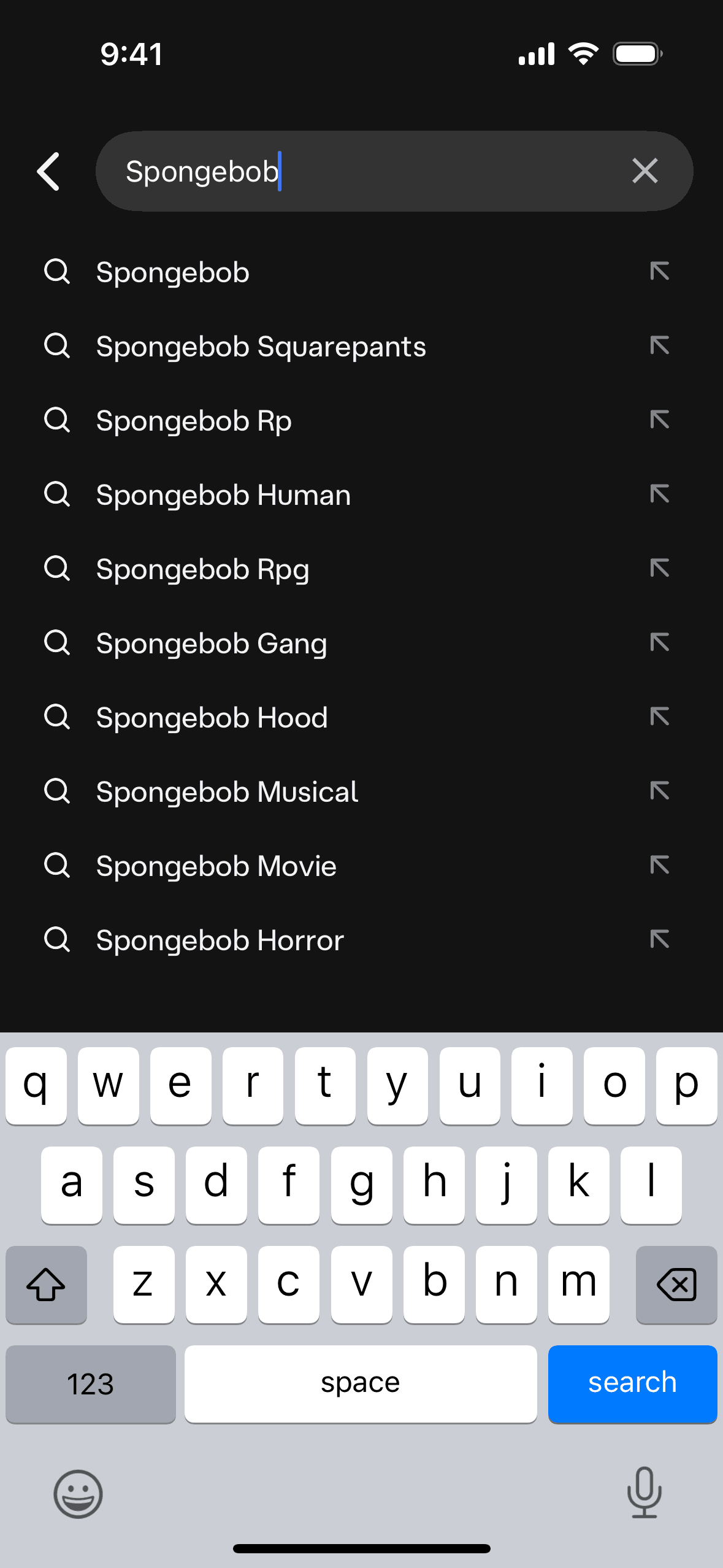
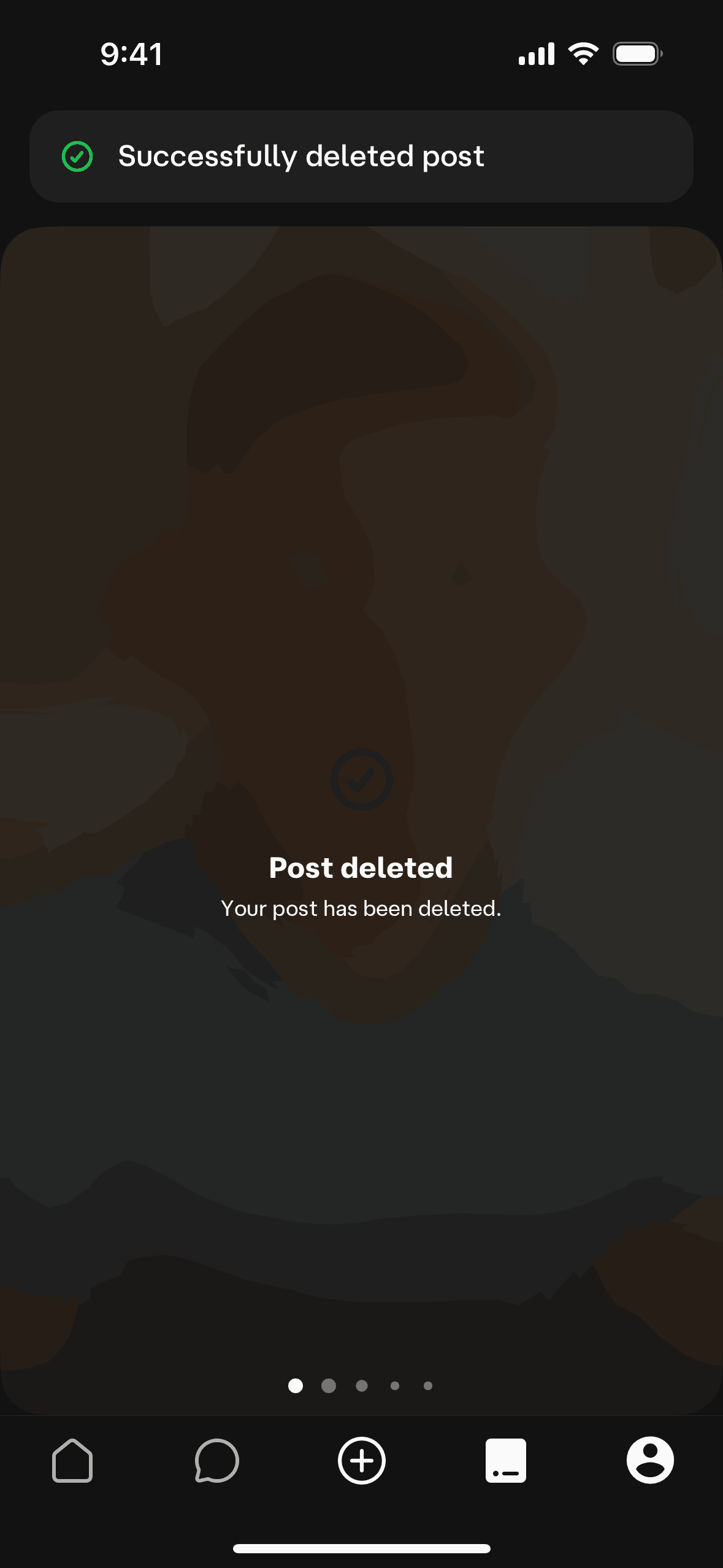
Microcopy is where agents fail most quietly. They write plausible-sounding empty states and error messages without source context. Gummble provides a dedicated microcopy search tool so your agent can study indexed wording from shipped products before drafting.
7. Empty-state copy from real apps
Use Gummble to find empty-state microcopy from fintech apps, then rewrite our "no transactions yet" screen in three of those voices.
Tool: gummble_search_microcopy. Returns real empty-state strings from shipped products, which the agent adapts instead of inventing.
8. Error and validation copy
Use Gummble to pull real form-validation and error-recovery microcopy, then fix our signup errors so they tell the user what to do next.
Tool: gummble_search_microcopy. Real recovery wording beats "Something went wrong."
9. Paywall and upgrade wording
Use Gummble to find paywall microcopy that frames the upgrade as unlocking value, then write three headline-and-subhead options for our Pro screen.
Tool: gummble_search_microcopy. Pairs naturally with the paywall screen research from prompt 1.
Run a competitor teardown
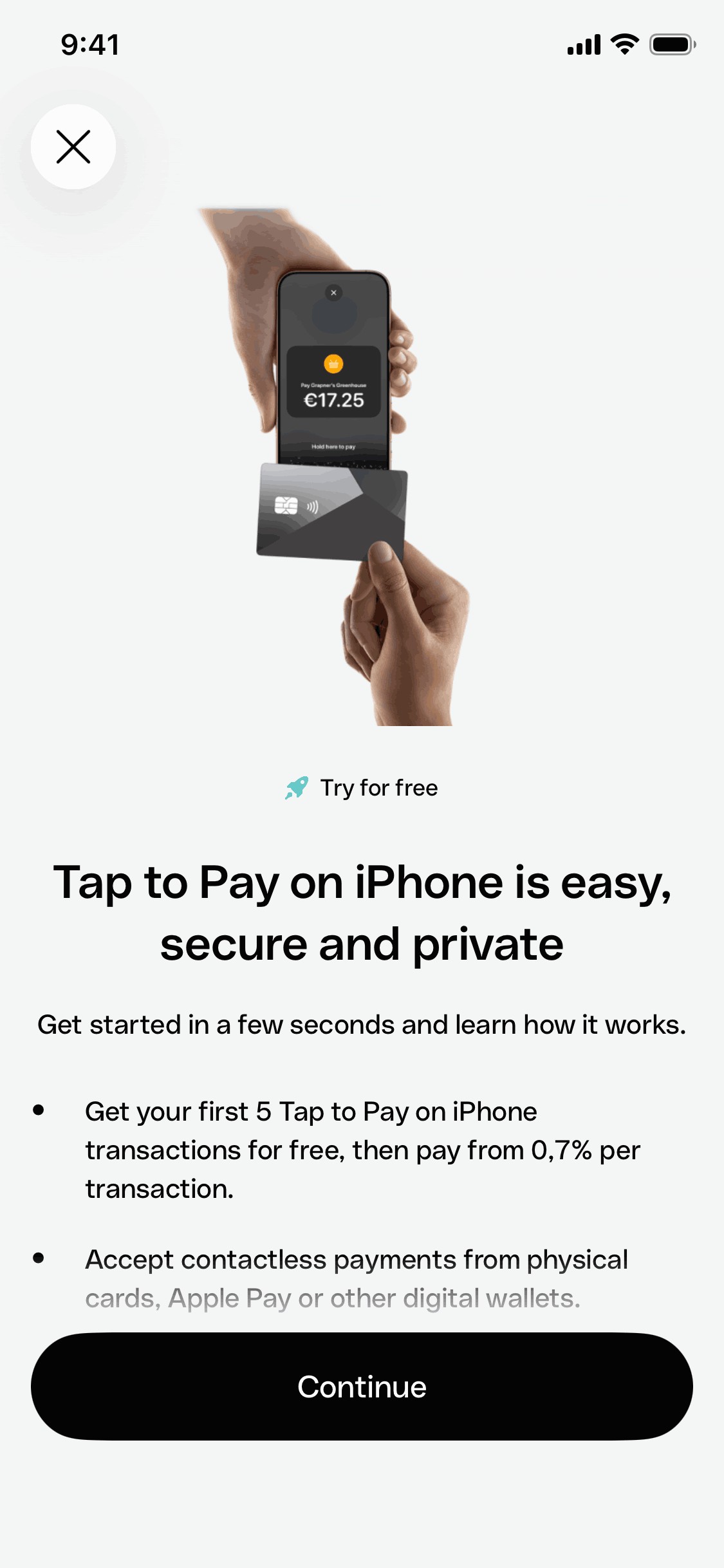
10. Study one app, then position against it
Use Gummble to find the app "Revolut", pull its key finance screens, and tell me three interaction choices we should copy and two we should deliberately do differently.
Tools: gummble_search_apps, then gummble_get_app and gummble_get_screen_detail for a high-fidelity look. The agent grounds a teardown in real screens rather than memory.
The workflow that works
The best sessions follow the same shape: discover the pattern family, then pull concrete references, then design against them, and cite sources. Force the agent to show its references before it generates. If it cannot point to a real screen or a real string behind a choice, that choice is a guess, and guesses are what make AI-generated UI look the same.
You still make the design calls. The MCP just stops your agent from starting every screen from a blank, average-of-the-internet default.
Frequently asked questions
How do I add an MCP server to Claude Code?
Run claude mcp add --transport http --scope user gummble https://mcp.gummble.com/mcp, start a new session, run /mcp, and authenticate. The same pattern works for any remote MCP server; only the URL changes.
Does this work in Cursor, Codex, Windsurf, and v0?
Yes. Gummble MCP is a remote server that works with any MCP-compatible client. The setup blocks above cover Cursor, Codex, and Windsurf; v0 and other clients take the same URL in their remote MCP settings.
How do I set up Gummble MCP in Codex?
Run codex mcp add gummble --url https://mcp.gummble.com/mcp. Codex opens Gummble OAuth in your browser; sign in, approve access, and the server is ready. Run codex mcp list to confirm it shows as logged in.
Can Gummble MCP write to my files?
No. It is read-only. It exposes search and reference tools such as gummble_search_screens, gummble_search_flows, and gummble_search_microcopy, with no write access and no destructive operations.
How is this different from other design MCP servers?
The dedicated microcopy search tool. Your agent can pull indexed product wording alongside screens and flows. For pricing, free access, and the side-by-side, see the canonical Mobbin MCP alternative comparison, and for the wider field, Best MCP Servers for Designers.
Do I need a paid plan?
Yes. MCP access is included on all paid plans, starting at $9.99 per month. Check the pricing page and checkout for current trial eligibility, then see the Gummble MCP page to install.
Published by the Gummble team. Setup commands and tool names are accurate as of July 2026; check the MCP page for the current install steps.
Founder of Gummble. I build and maintain the Gummble catalog — UI screenshots and UX flows from 1,500+ real iOS, Android, and web apps — and write about the design patterns I see across them.
About Azura →Gummble MCP
Put these references inside your AI workflow
Search real screens, step-by-step flows, patterns, and UI microcopy from Claude, Cursor, Codex, Windsurf, or v0. Plans start at $9.99/month.
See MCP setup & plans