Loading library…

BitePal — AI calorie counter & fasting
iOS325 screens
Version
24 screens



BitePal
BitePal — Onboarding · Step 1

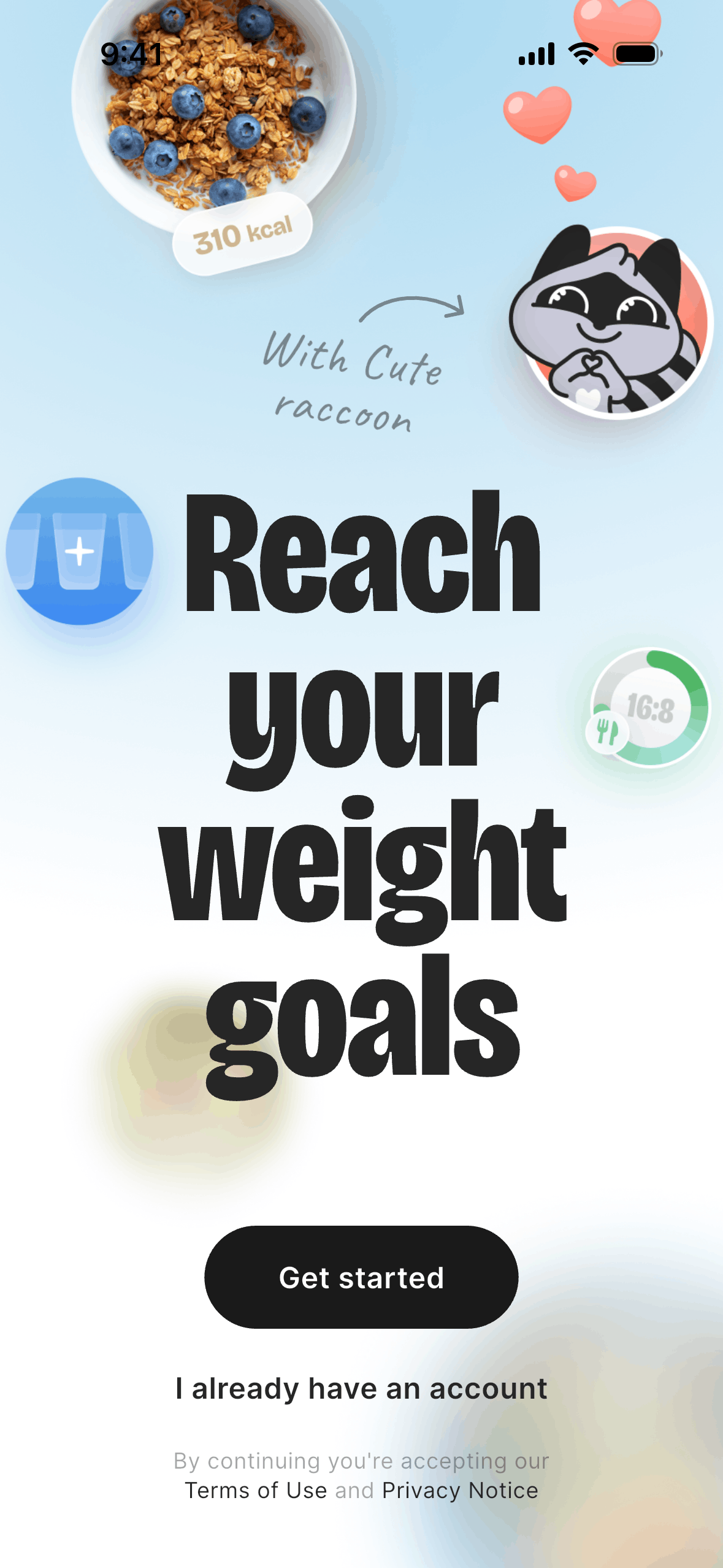
BitePal
BitePal — Onboarding · Step 2

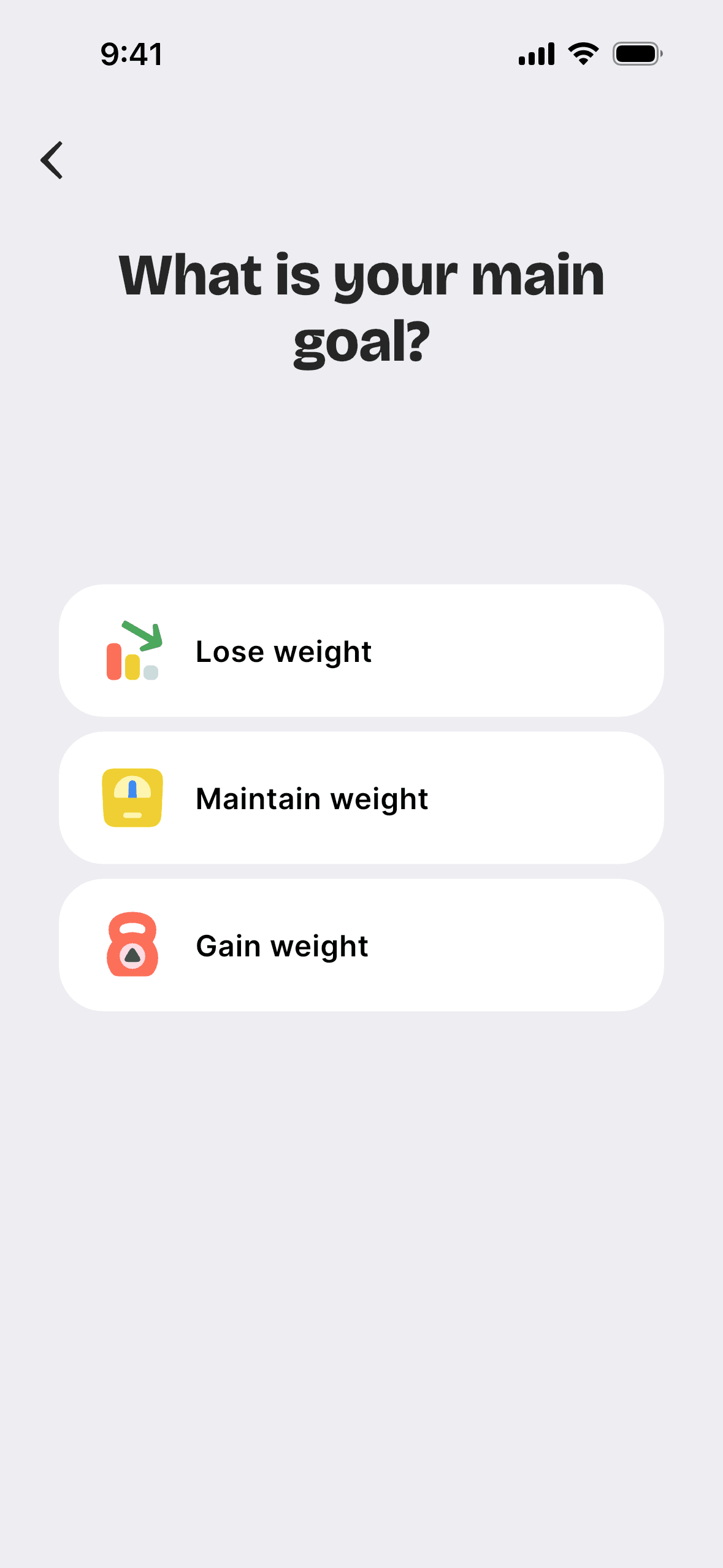
BitePal
BitePal — Onboarding · Step 3

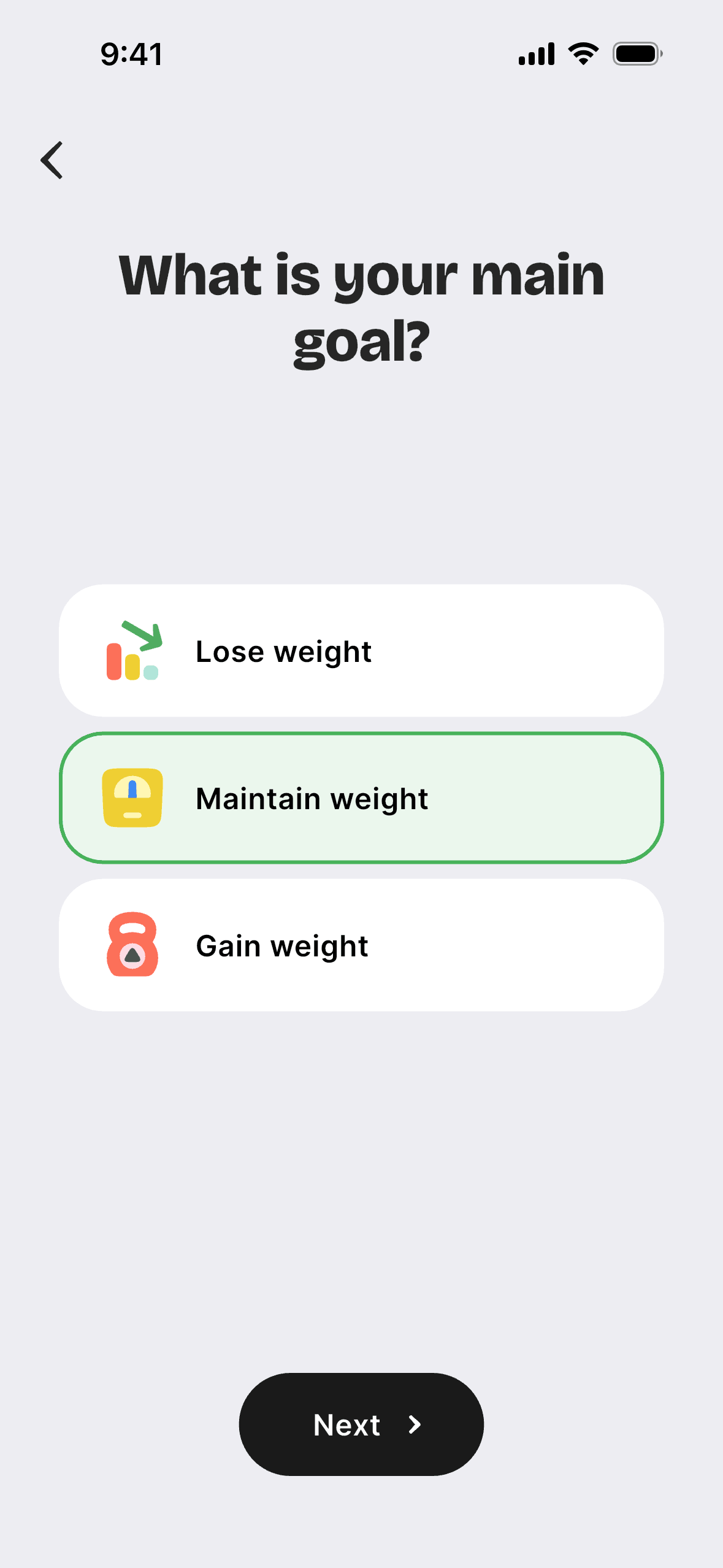
BitePal
BitePal — Onboarding · Step 4

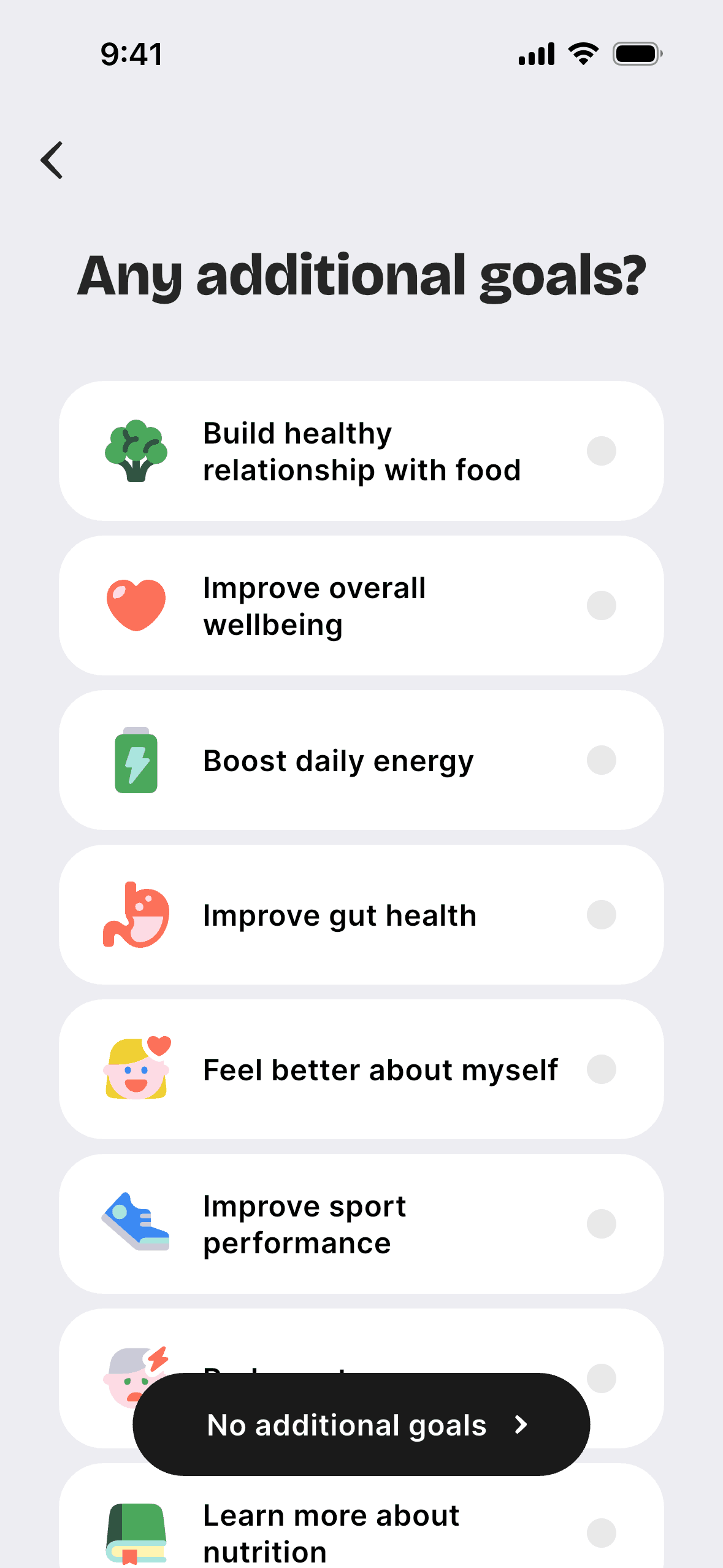
BitePal
BitePal — Onboarding · Step 5

BROWSE
BitePal
BitePal — Onboarding · Step 6

BROWSE
BitePal
BitePal — Onboarding · Step 7

BROWSE
BitePal
BitePal — Onboarding · Step 8

BROWSE
BitePal
BitePal — Onboarding · Step 9

BROWSE
BitePal
BitePal — Onboarding · Step 10

BROWSE
BitePal
BitePal — Onboarding · Step 11

BROWSE
BitePal
BitePal — Onboarding · Step 12

BROWSE
BitePal
BitePal — Onboarding · Step 13

BROWSE
BitePal
BitePal — Onboarding · Step 14

BROWSE
BitePal
BitePal — Onboarding · Step 15

BROWSE
BitePal
BitePal — Onboarding · Step 16

BROWSE
BitePal
BitePal — Onboarding · Step 17

BROWSE
BitePal
BitePal — Onboarding · Step 18

BROWSE
BitePal
BitePal — Onboarding · Step 19

BROWSE
BitePal
BitePal — Completing questionnaires · Step 1

BROWSE
BitePal
BitePal — Completing questionnaires · Step 2

BROWSE
BitePal
BitePal — Completing questionnaires · Step 3

BROWSE
BitePal
BitePal — Completing questionnaires · Step 4

BROWSE
BitePal
BitePal — Completing questionnaires · Step 5
BitePal App UI/UX Design Analysis
BitePal (IOS) — AI calorie counter fasting