SaaS Pricing Page Examples & Inspiration for 2026
Analyze the best SaaS pricing page designs that convert. Learn layout patterns, pricing psychology tricks, and UX best practices from Linear, Notion, Vercel, Stripe, and more.

Why Your SaaS Pricing Page Matters More Than You Think
Your pricing page is one of the highest-intent pages on your site. Visitors who land here are actively evaluating whether to pay — they've already passed the awareness and consideration stages. Yet most SaaS companies treat it as an afterthought: a generic grid of checkmarks slapped together by an engineer.
According to Profitwell research, companies that invest in pricing page optimization see an average revenue increase of 10-20% from design improvements alone — no product changes needed.
The best pricing pages combine clear information architecture, subtle psychological nudges, and beautiful design to convert browsers into paying customers. Let's break down what works.
The 4 Most Common Pricing Page Layouts
1. The Classic 3-Column Card Layout
The most popular format in SaaS: three side-by-side cards with the middle plan highlighted as "Most Popular" or "Recommended."
Why it works:
- The center position bias — research shows people naturally gravitate toward middle options in a horizontal lineup
- Three choices activate the decoy effect (source) — the cheapest plan feels limited, the expensive one feels excessive, making the middle look "just right"
- Easy to scan left-to-right and compare features at a glance
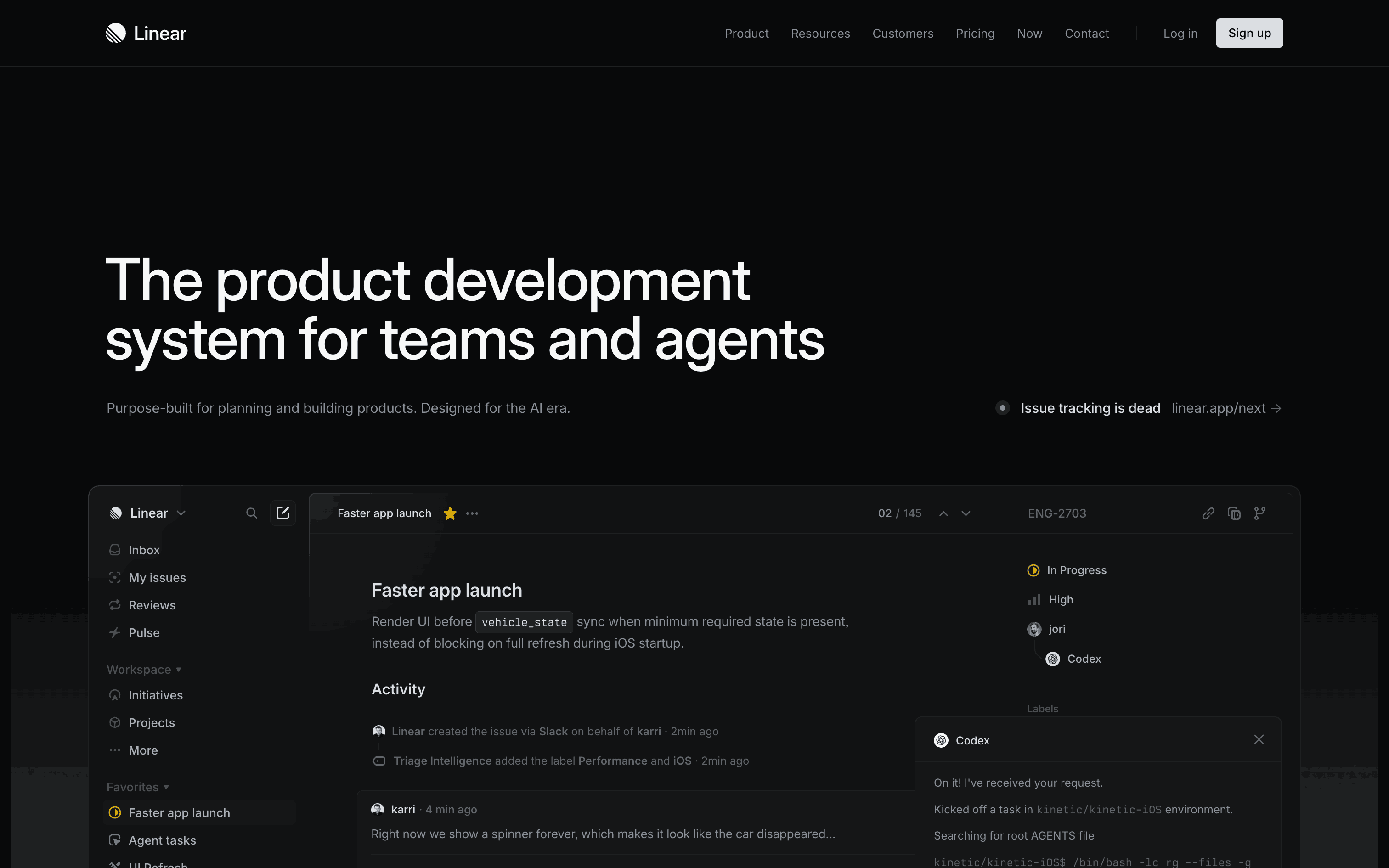
Companies using it well: Linear (clean dark cards), Notion (generous free tier emphasis), Stripe (simple pay-as-you-go), Gummble (toggle + gradient CTAs)
Design detail to study: Linear's pricing page uses uniform card heights with a subtle border highlight on the recommended plan. This avoids the common mistake of making the recommended card taller (which breaks visual rhythm).
2. The Toggle Layout (Monthly / Annual)
A billing toggle lets users switch between monthly and annual pricing. Annual plans typically show savings badges to steer users toward the higher-LTV commitment.
Best practices from top implementations:
- Default to annual billing — it's the option you want users to pick (higher LTV), so make it the pre-selected state
- Show the monthly price even on annual view — "$9.99/mo, billed annually" is more psychologically manageable than "$108/year"
- Add an explicit savings tag — "Save 20%" or "2 months free" next to the annual toggle
- Use animation — smooth price transitions when toggling feel polished and reinforce that prices are changing
3. The Slider / Usage-Based Layout
For usage-based products, a slider lets users pick their expected usage and see the price dynamically adjust.
Companies using it: Twilio (API calls), Stripe (volume-based transaction fees), Cloudflare Workers (requests)
Design tip: Show the price updating in real-time as the slider moves. Add common usage markers on the slider ("Most teams pick this" or "Startup" / "Scale-up" / "Enterprise" labels at different positions) to help users self-identify without knowing their exact numbers.
4. The Enterprise Card
Most SaaS pricing pages include a fourth "Enterprise" option that says "Contact Sales" instead of showing a price.
Design tips for execution:
- List enterprise-specific features (SSO/SAML, SLA guarantees, dedicated support, custom contracts)
- Add social proof — logos of enterprise customers create trust and aspiration
- Make the CTA specific: "Talk to Sales" or "Get a Demo" — not generic "Contact Us"
- Consider an ROI calculator or "Starting from $X/seat" to prequalify leads
Pricing Psychology Tricks That Actually Work
Anchoring
Show a higher-priced plan first (or emphasize "per user" pricing for team plans) to make the primary plan seem affordable by comparison. Research from Dan Ariely confirms that people don't evaluate prices in a vacuum — they compare to the first number they see.
Decoy Pricing
Add a plan that's intentionally less attractive to make the target plan look like the obvious choice. This is why most SaaS companies have exactly three plans: the cheapest is too limited, the most expensive is overkill, and the middle is "just right."
Classic example: The Economist's famous pricing experiment — adding a "print only" option at the same price as "print + digital" made the combo option feel like a steal, increasing its selection from 32% to 84%.
Annual Discount Framing
Instead of "Save $24," say "Get 2 months free." The latter feels more tangible and generous, even though the math is identical. Frame the discount as something gained, not money saved.
Zero-Price Anchoring
Including a $0 free tier makes paid plans feel like "upgrading" rather than "spending." Users perceive the jump from free to paid as gaining access, not losing money — a critical psychological reframe.
Feature Comparison Tables
The best pricing pages include a detailed comparison table below the pricing cards. This caters to the analytical buyer who needs more information before committing.
Best practices from high-converting pages:
- Group features by category (Core, Collaboration, Security, Support) — don't just dump everything in one list
- Use checkmarks and dashes — not paragraphs of text. The table should be scannable in seconds
- Highlight differences between plans with bold text or color — if a feature is the same across all plans, it's not helping the user decide
- Repeat the CTA button at the bottom of each column — users who've scrolled through the entire table are ready to act
FAQ Sections — Your Silent Sales Rep
A FAQ section addresses objections at the moment they arise and reduces support inquiries. The most common questions every SaaS pricing page should answer:
- "Can I cancel anytime?" (the #1 objection)
- "Do you offer refunds?" (removes purchase anxiety)
- "What payment methods do you accept?" (clarifying friction)
- "Can I switch between plans?" (future flexibility)
- "Is there a student/nonprofit discount?" (captures missed conversions)
Design tip: Use an accordion pattern (collapsible sections) to keep the page clean while making all answers accessible. We use this exact pattern on Gummble's pricing page.
Mobile Responsiveness — Don't Forget Half Your Traffic
Over 50% of B2B SaaS website traffic now comes from mobile (source: Statista). Your pricing cards must work on small screens:
- Stack cards vertically with the recommended plan on top
- Feature comparison tables should either use horizontal scroll with sticky headers or switch to a card-based layout where each plan is a separate expandable section
- Bottom-anchored CTAs on mobile ensure the action button is always accessible
- Test the billing toggle on touch devices — it needs to be tap-friendly, not just click-friendly
10 Real Pricing Page Examples Worth Studying
Here are real SaaS pricing pages that nail the execution — and what specifically to learn from each:
- Linear — Dark theme, clean 3-column, per-member pricing with generous free tier
- Notion — Massive free tier drives adoption, then upgrades on collaboration features
- Figma — Per-editor pricing with free viewer seats, smart for design teams
- Stripe — Simple pay-as-you-go with volume discount table, no plans to compare
- Shopify — Multi-tier pricing with clear upgrade path from starter to enterprise
- Canva — Clean 3-tier layout with monthly/yearly toggle and team emphasis
- Mercury — Business banking with transparent pricing and clear tiers
- Sentry — Developer-focused with usage-based + tier hybrid pricing
- Pipedrive — Sales-focused with clear per-user monthly pricing
- Slack — Per-member pricing with distinct free vs. paid differentiation
Key Takeaways
- Lead with value, not features. Your headline should communicate what the user gets, not what the product does.
- Highlight one plan. Make the decision easy by visually emphasizing the best option for most users.
- Show social proof. Customer counts, company logos, and testimonials build trust at the moment of commitment.
- Address objections inline. FAQ sections, money-back guarantees, and "cancel anytime" badges reduce friction.
- Test relentlessly. Pricing pages are the highest-leverage pages on your site — even small improvements drive measurable revenue lifts.
Browse More Pricing Page Designs
Want to see real pricing page designs side-by-side? Browse Gummble's web app library to find pricing patterns from hundreds of SaaS products, filterable by category.
Also check our curated pattern collections:
- Checkout flow designs — the natural next step in the conversion funnel
- Onboarding patterns — what happens after sign-up
- Dashboard designs — the first screen users see post-purchase
More reading: Checkout flow design guide · Onboarding screen designs · Mobbin alternatives
Founder of Gummble. I build and maintain the Gummble catalog — UI screenshots and UX flows from 1,500+ real iOS, Android, and web apps — and write about the design patterns I see across them.
See these patterns in action
Browse 1,500+ apps across shipped iOS, Android, and web products.
Browse the Library →