Character.AI App Design Analysis — UI Screenshots & UX Patterns
Deep dive into Character.AI's app design. Explore screenshots, UI patterns, and UX decisions that make Character.AI one of the most engaging AI chat experiences in 2026.

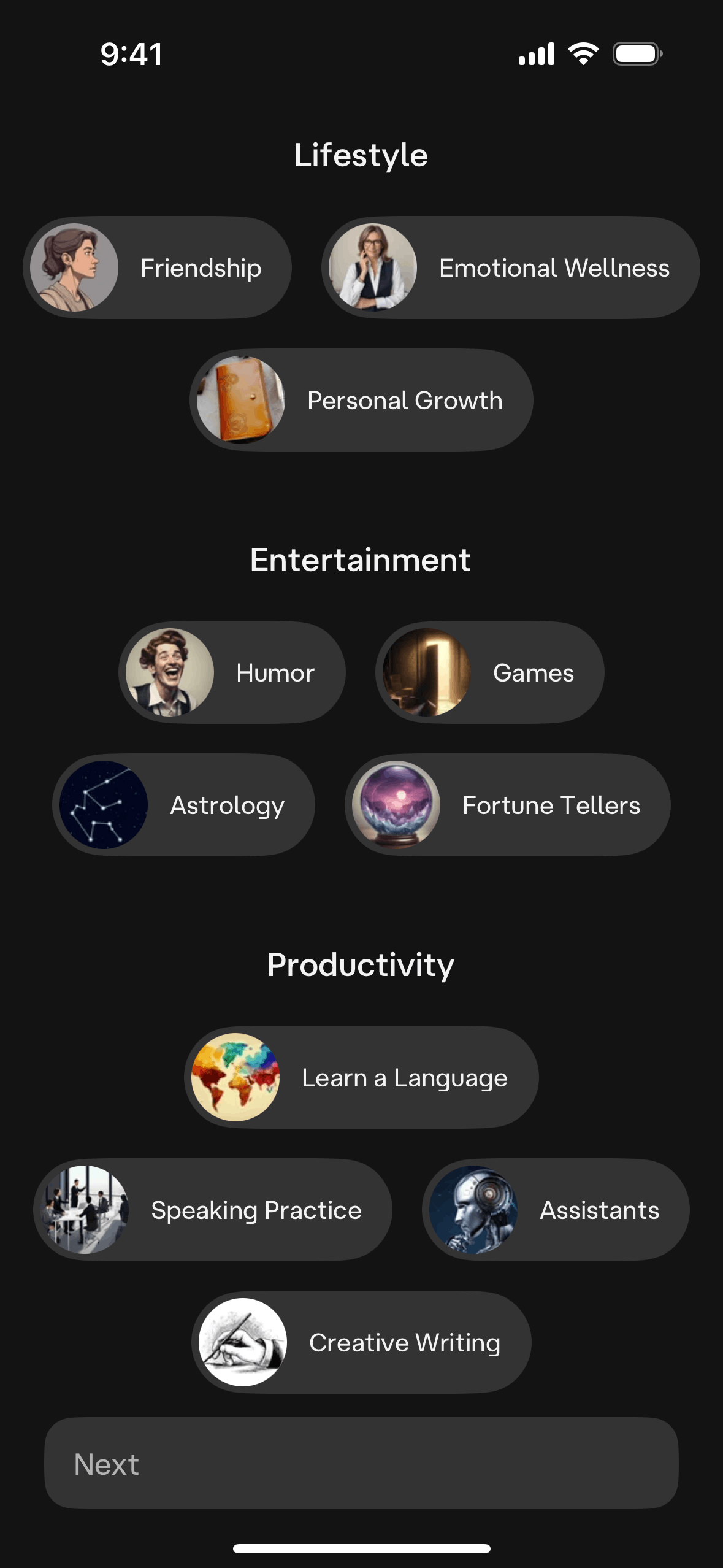
Character.AI App Design Analysis
Character.AI has emerged as one of the most engaging consumer AI products, with users spending an average of 2+ hours per session — rivaling social media engagement. The design choices that drive this engagement are worth studying for anyone building conversational AI experiences.
Let's break down what makes Character.AI's interface work.
Browse all Character.AI screenshots →
The Core Design Challenge
Character.AI lets users create and chat with AI personas. This presents unique design challenges:
- Multiple AI identities: Each character needs a distinct visual identity
- Long conversations: Sessions run for hours, requiring comfortable reading UX
- Character creation: Making persona design accessible to non-technical users
- Community discovery: Helping users find characters among millions of user-created options
Home & Discovery
Character.AI's home screen functions like a social media feed for AI characters. Featured characters, trending conversations, and category-based browsing help users discover new interactions.
Design patterns:
- Card-based character previews with avatar, name, and description
- Category tabs for quick filtering (Helpers, Games, Image Generators, etc.)
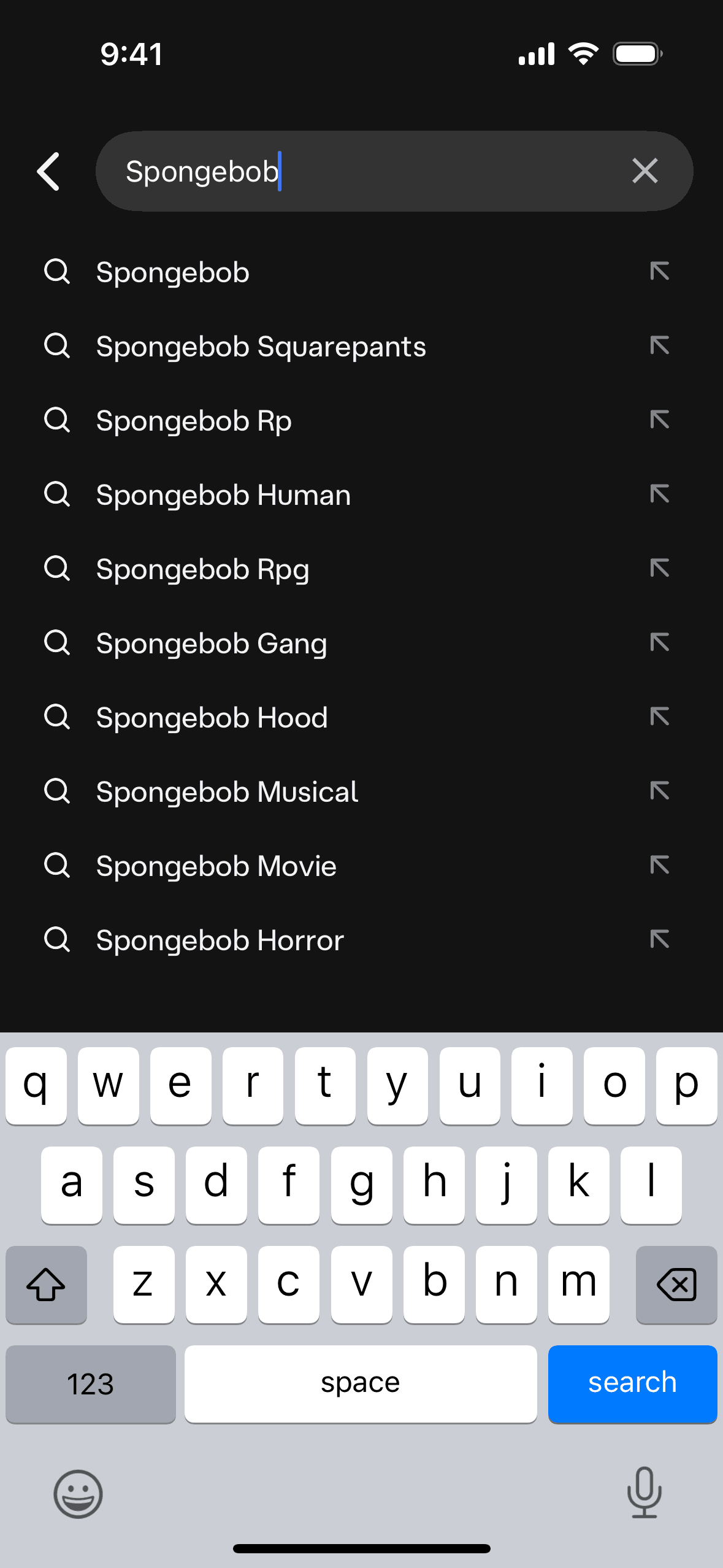
- Search with recent and suggested character results
Chat Interface
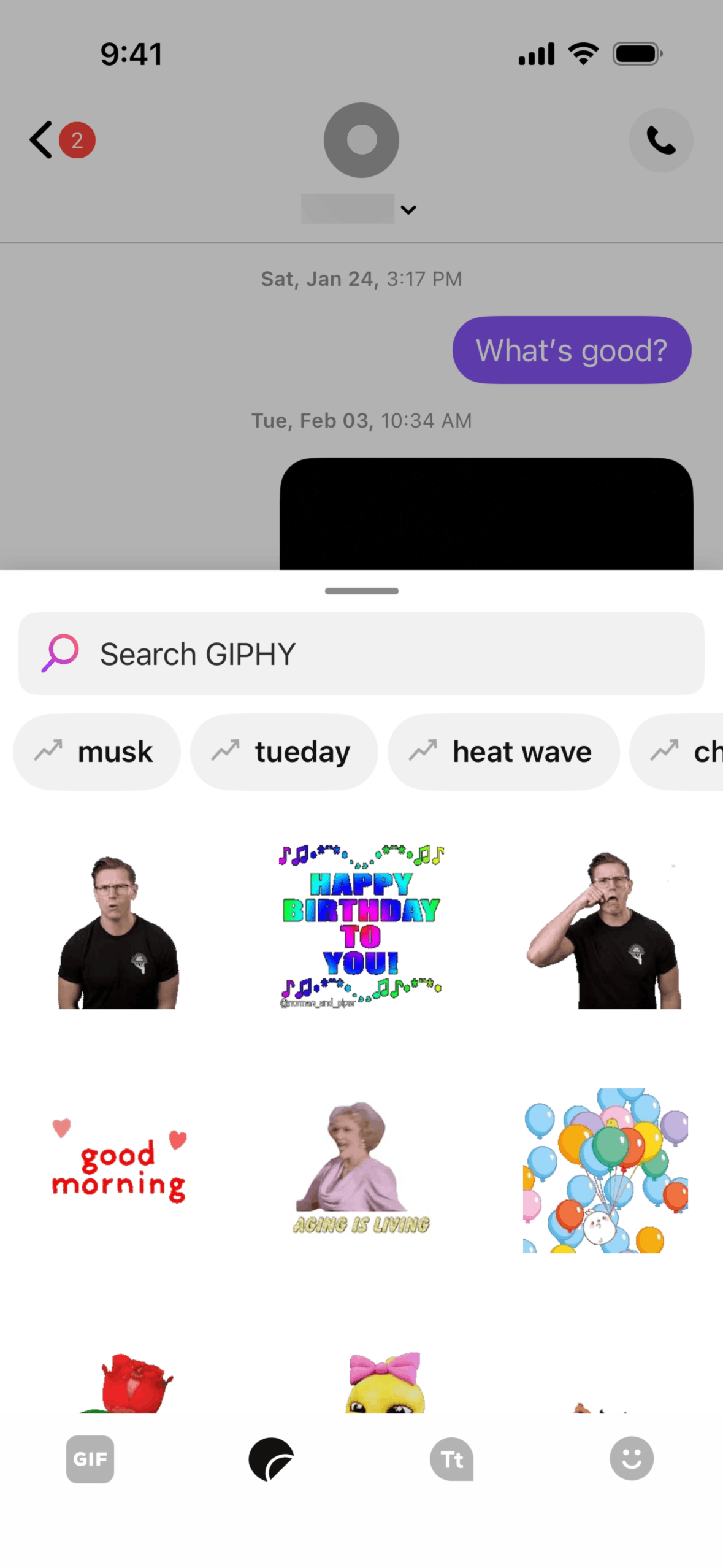
The chat UI is deceptively simple — it looks like a standard messaging app, but the details matter:
- Character avatars appear next to each response, reinforcing the persona
- Typing indicators that feel natural, not robotic
- Long message handling with proper text wrapping and paragraph spacing
- Image generation inline with conversation flow
- Swipe to see alternatives — multiple response options for the same prompt
Character Creation
The character creation flow turns complex AI configuration into a friendly wizard:
- Avatar upload/generation
- Name and tagline
- Personality description (free-form text)
- Greeting message
- Advanced settings (voice, visibility)
Why it works: Each step is one screen with clear defaults. You can create a character in under 2 minutes, but power users can spend hours fine-tuning personality prompts.
What Other Apps Can Learn
- Invest in onboarding-free engagement — Character.AI drops you into a conversation immediately. No tutorial needed.
- Visual identity for AI — Avatars and consistent styling make AI feel like an entity, not a tool.
- Community as content — User-created characters become the product's content moat.
- Session length over session count — The design optimizes for depth (long conversations) rather than breadth (frequent opens).
Study Character.AI's full design — Browse all Character.AI screenshots on Gummble →
Related reading:
Founder of Gummble. I build and maintain the Gummble catalog — UI screenshots and UX flows from 1,500+ real iOS, Android, and web apps — and write about the design patterns I see across them.
About Azura →See these patterns in action
Browse 1,500+ apps across shipped iOS, Android, and web products.
Browse the Library →