
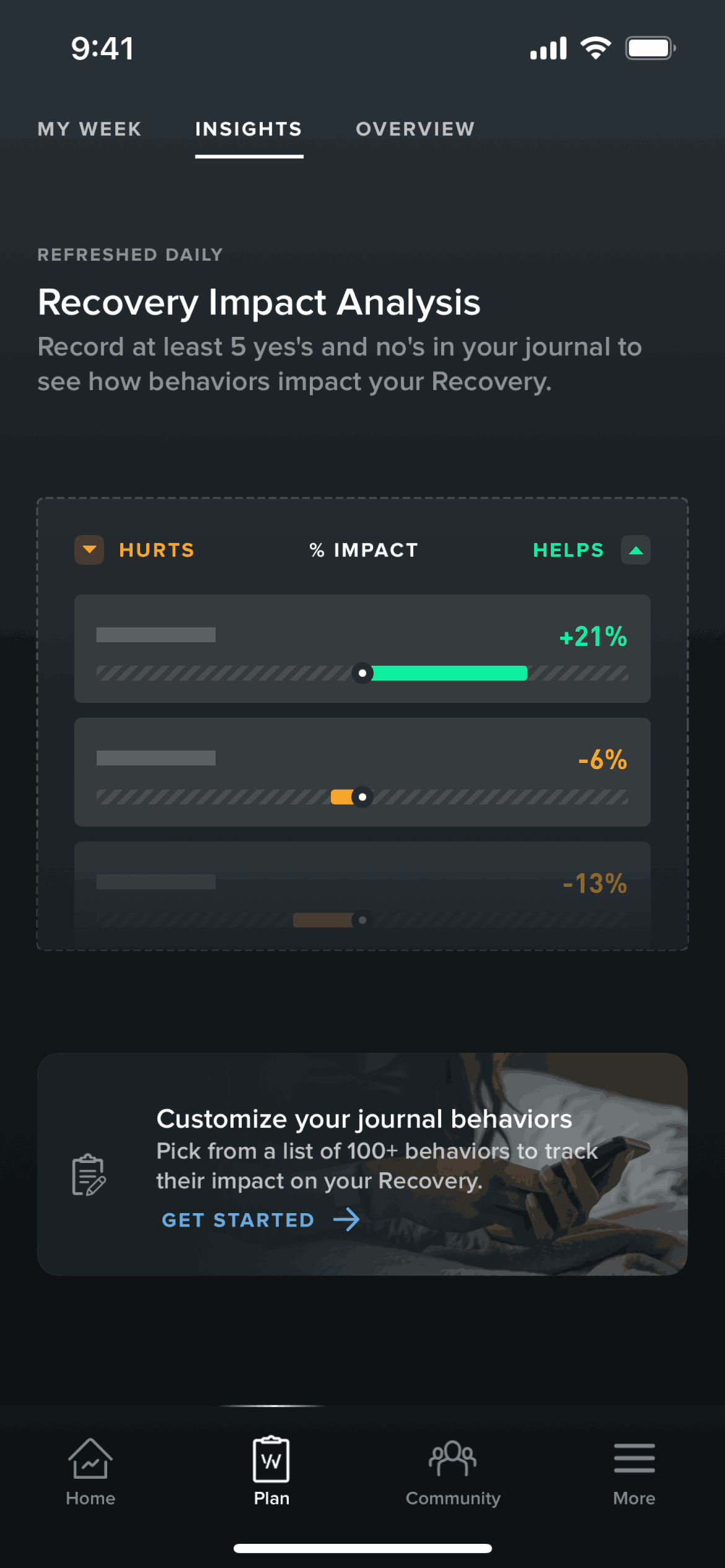

WHOOP iOS Health & Fitness interface screenshot 1

WHOOP iOS Health & Fitness interface screenshot 2
Onboarding on WHOOP (ios) screen 1

Creating an account on WHOOP (ios) screen 2
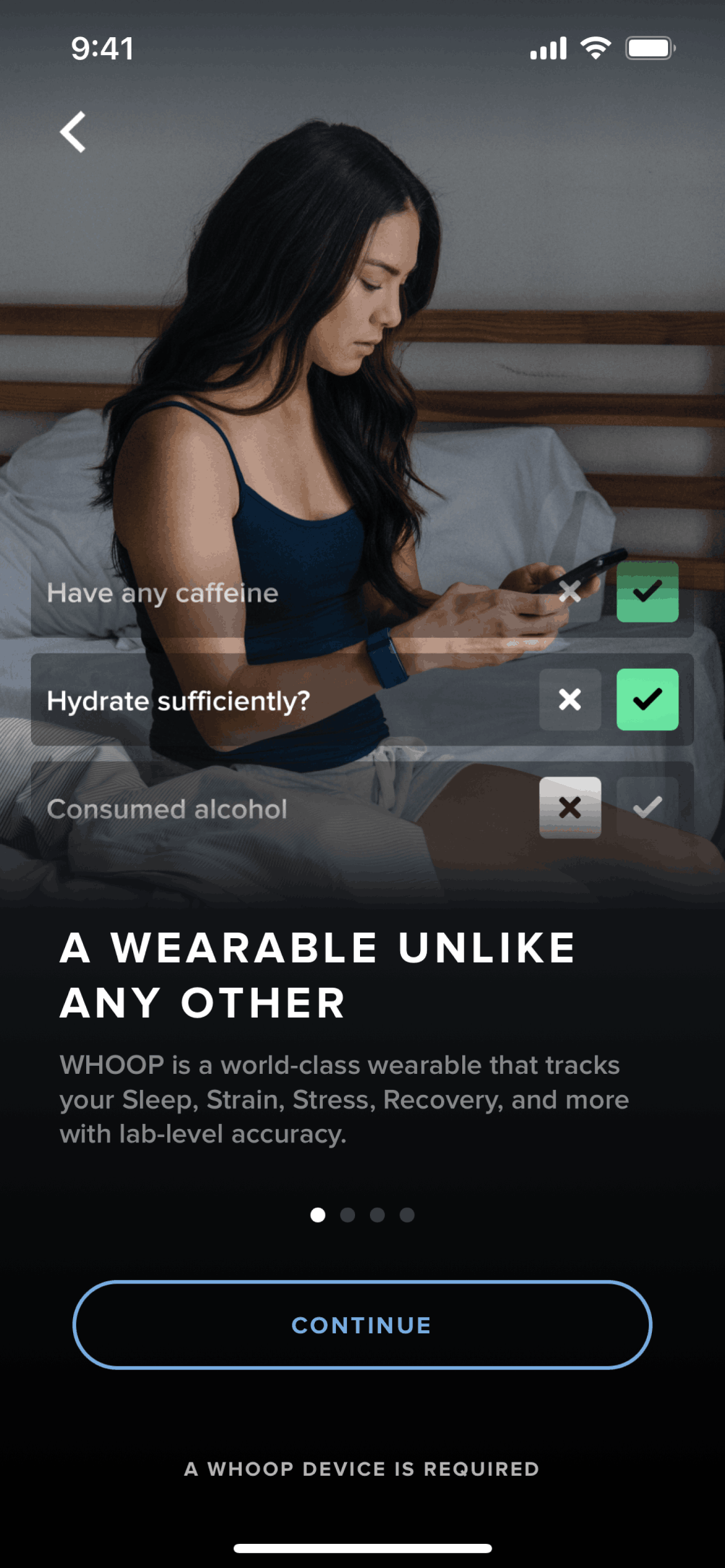
Ordering a device on WHOOP (ios) screen 2
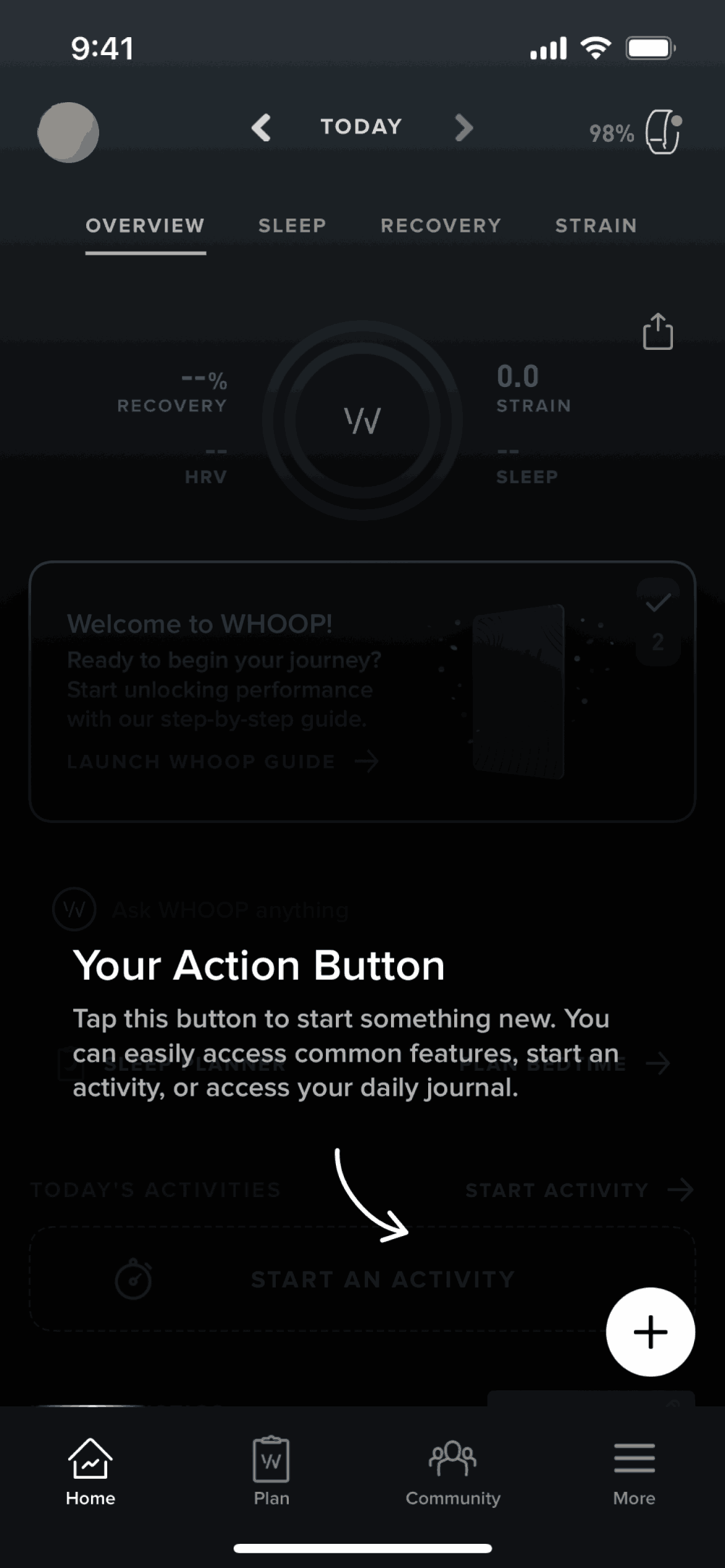
Home on WHOOP (ios) screen 2
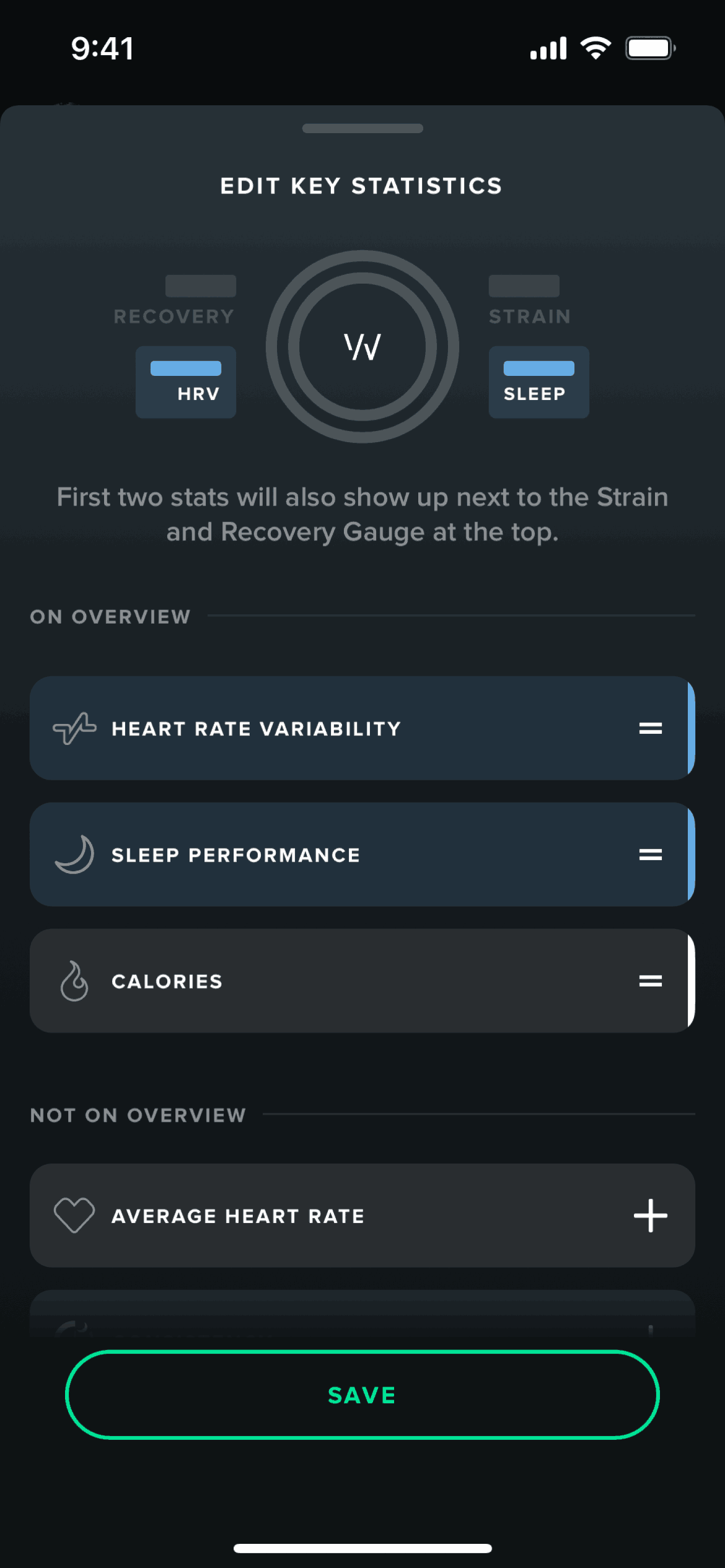
Editing key statistics on WHOOP (ios) screen 2
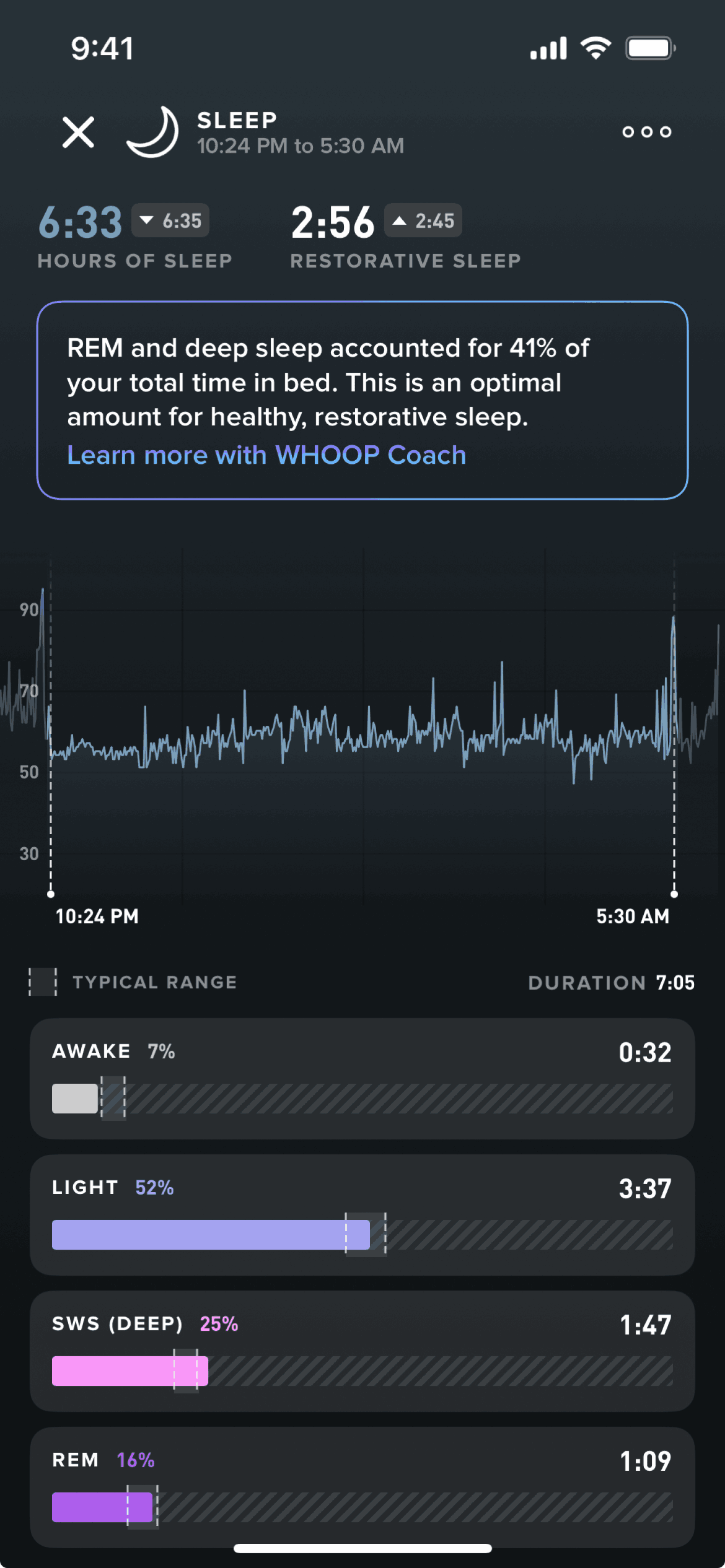
View daily sleep data on WHOOP (ios) screen 2

Stress monitor on WHOOP (ios) screen 2
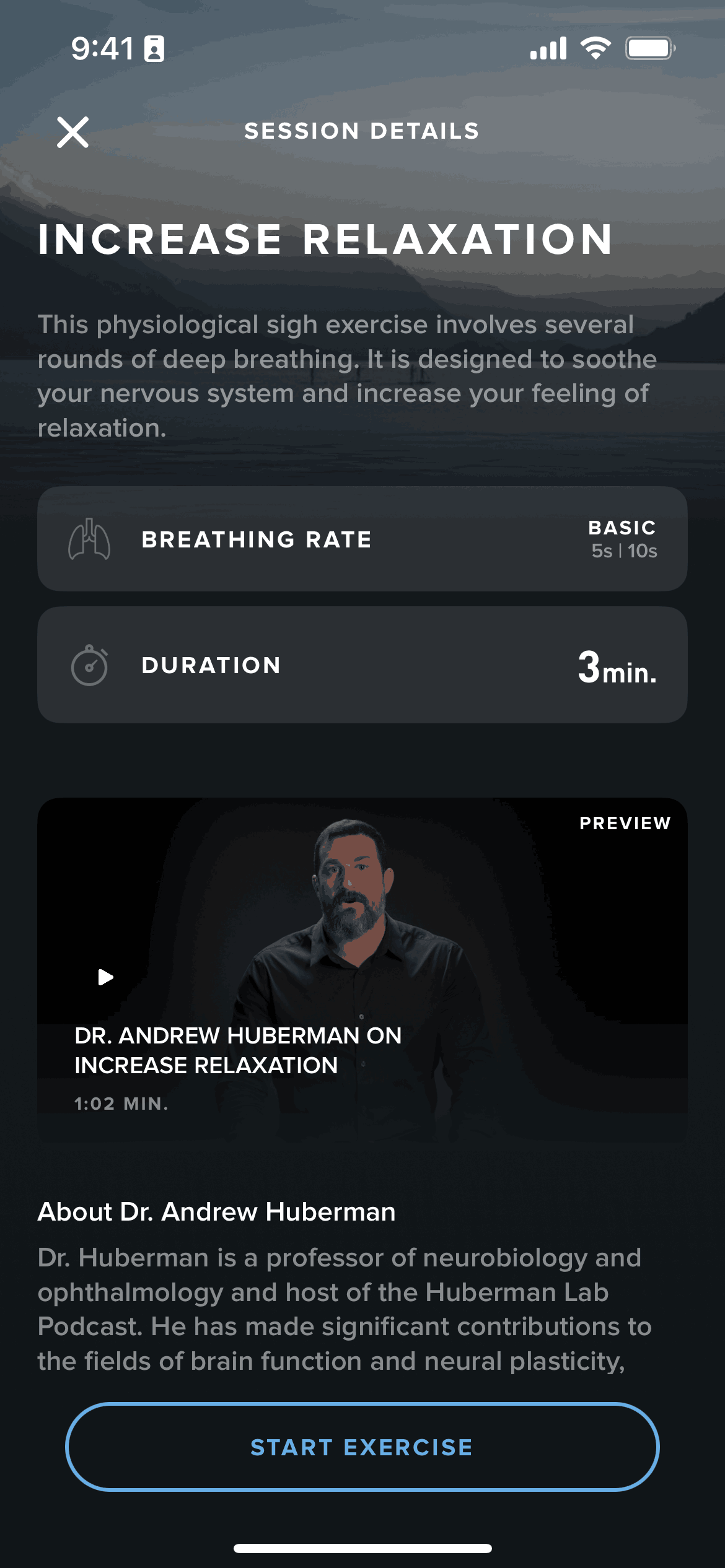
Starting a guided breathing exercise on WHOOP (ios) screen 2
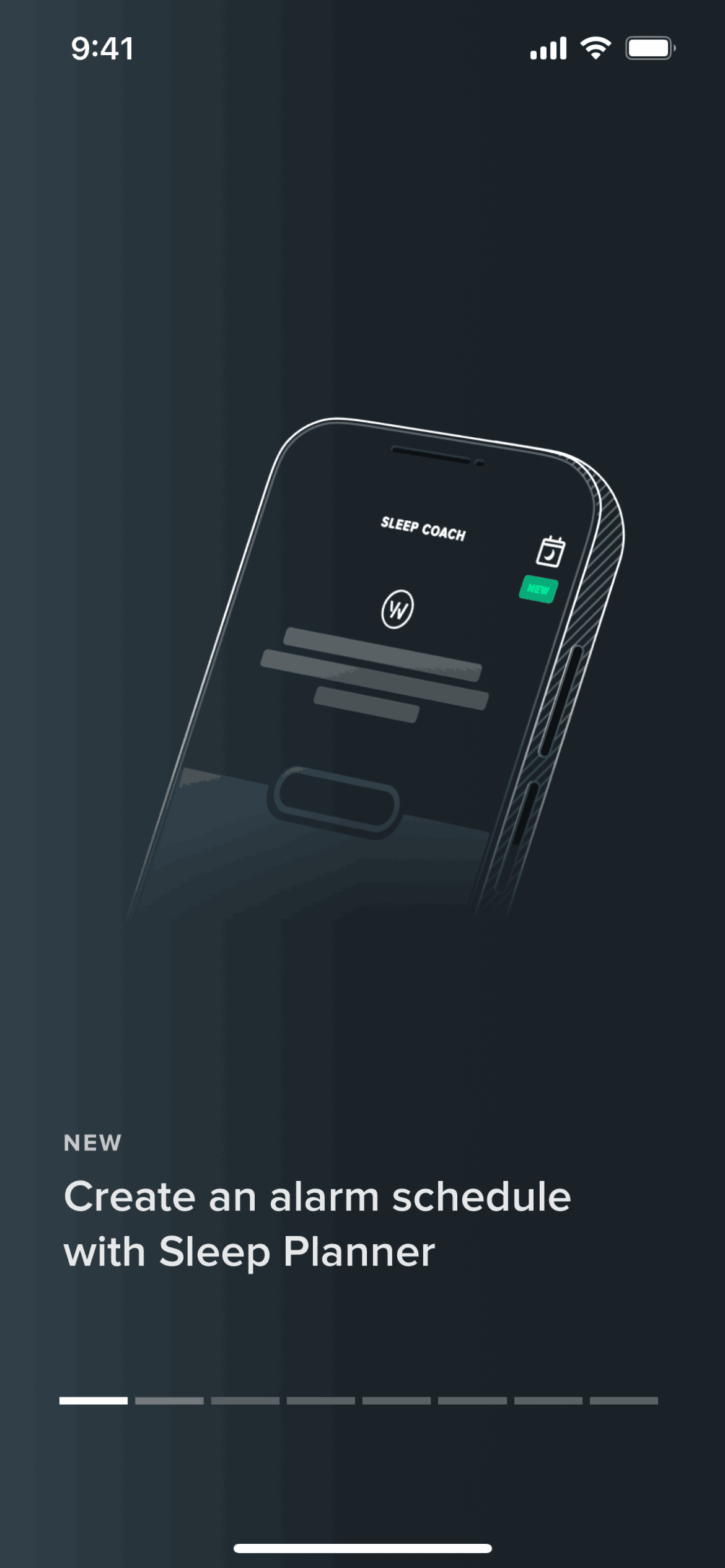
Setting a wake time on WHOOP (ios) screen 2
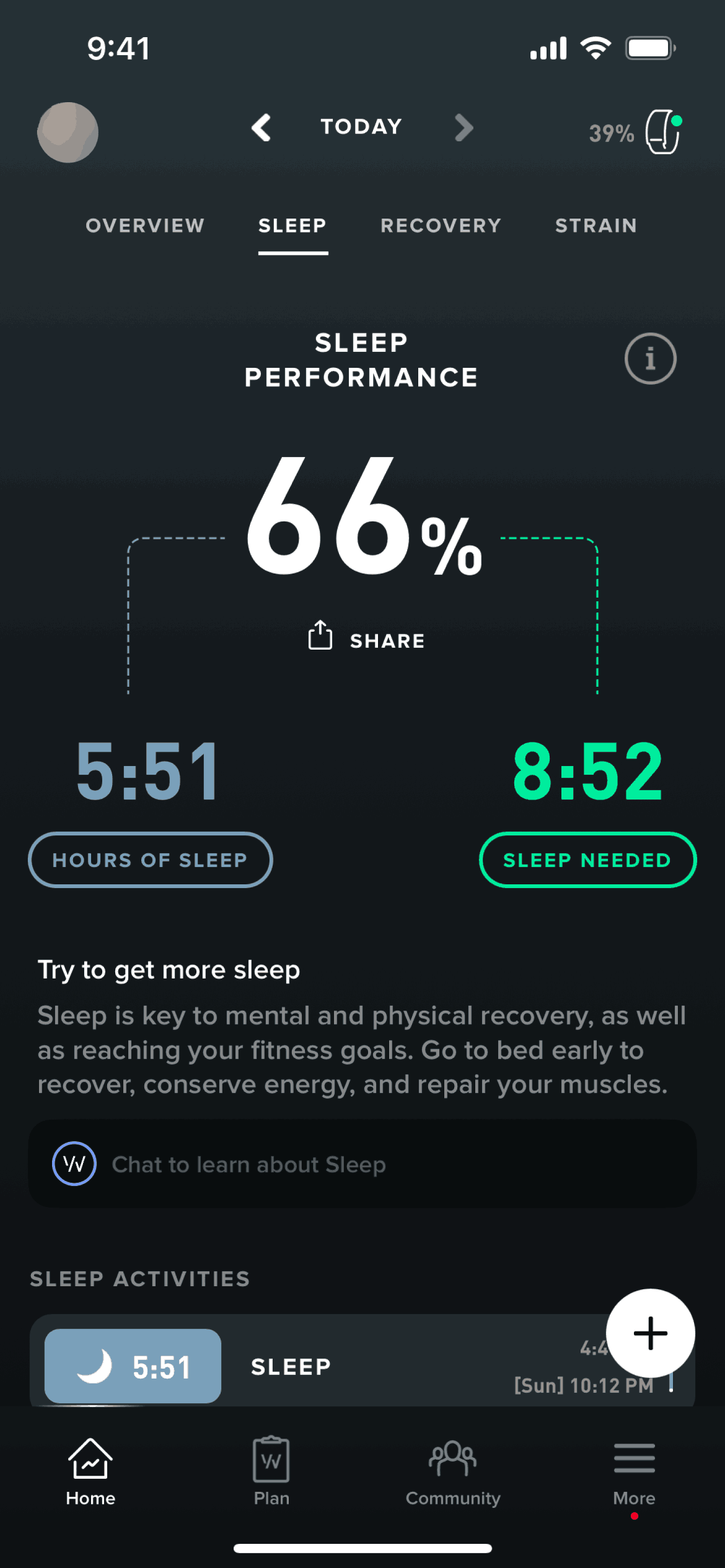
Sleep on WHOOP (ios) screen 2
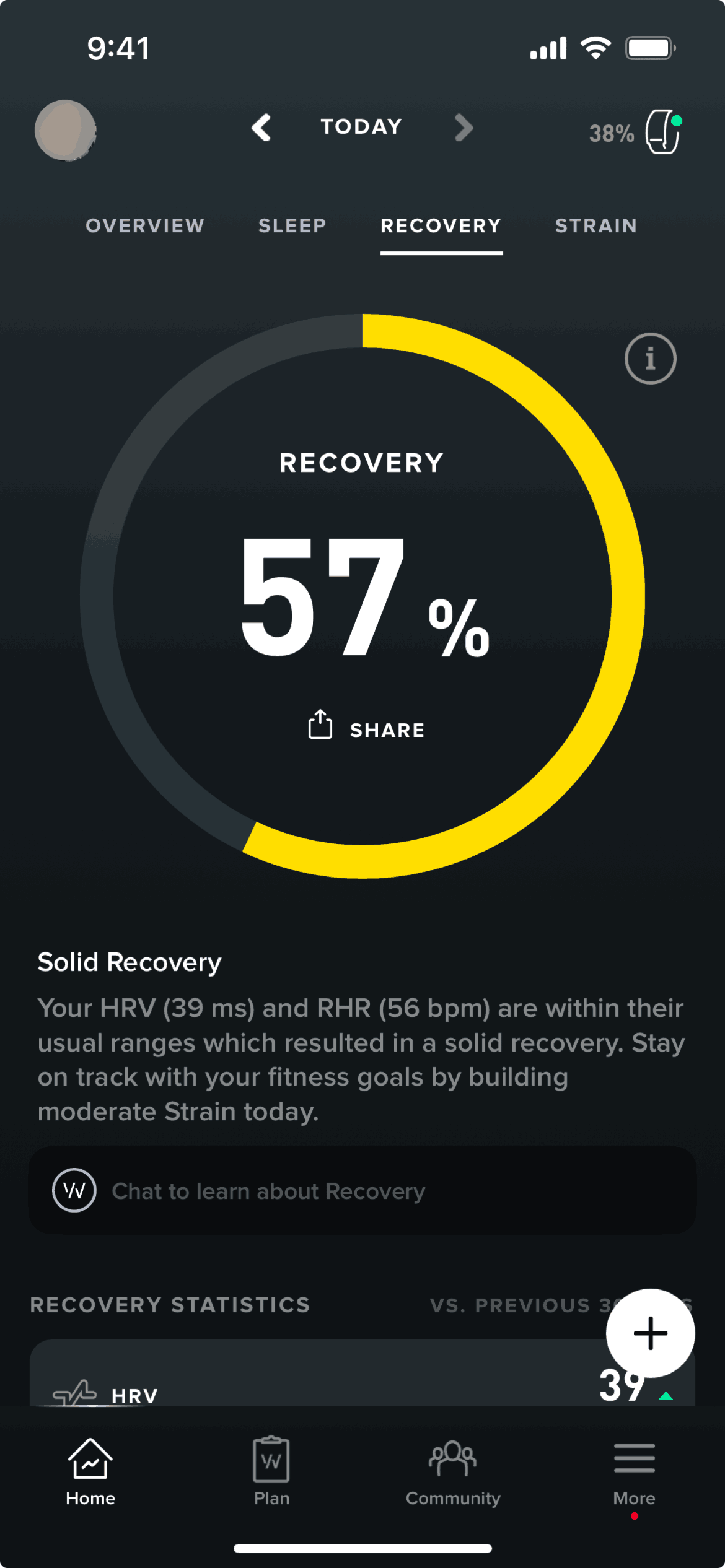
Recovery on WHOOP (ios) screen 2
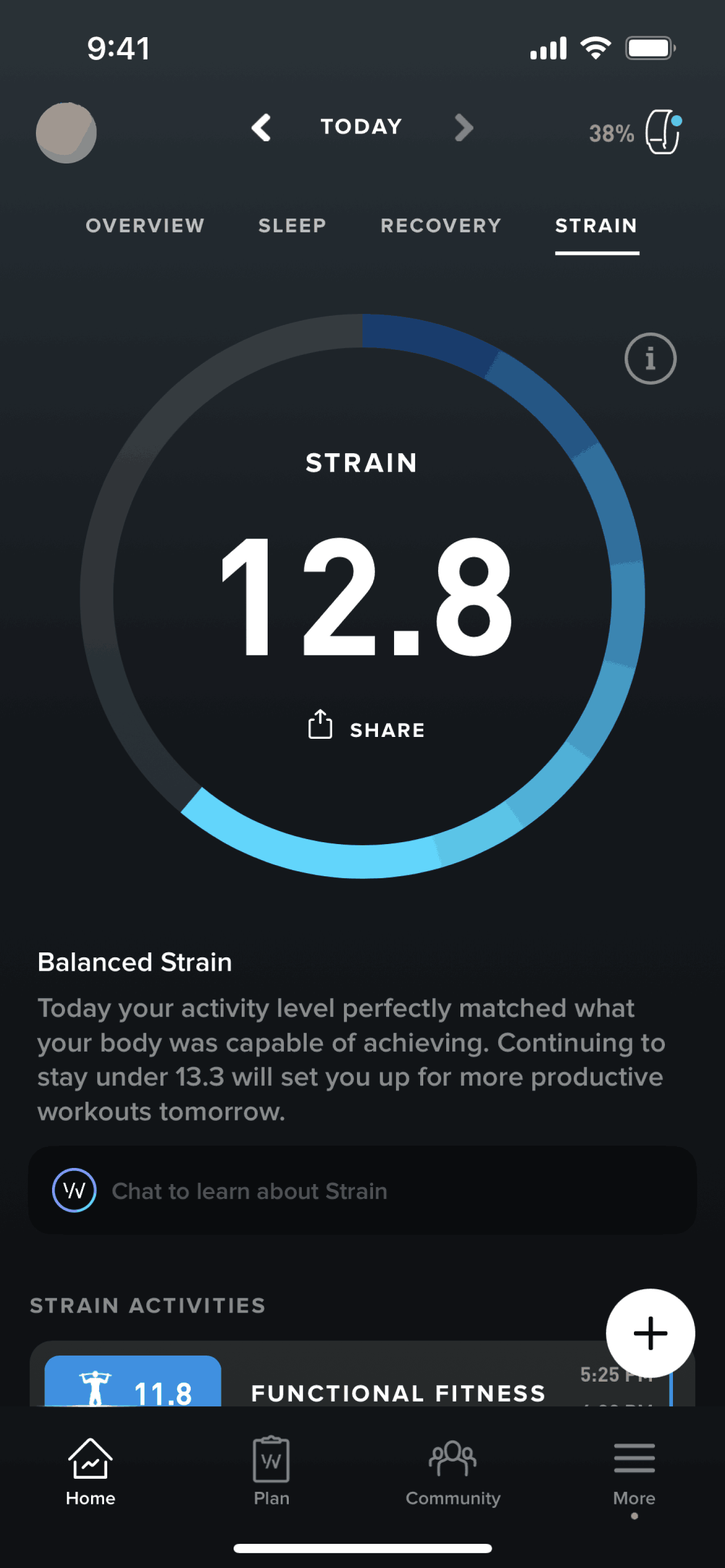
Strain on WHOOP (ios) screen 2
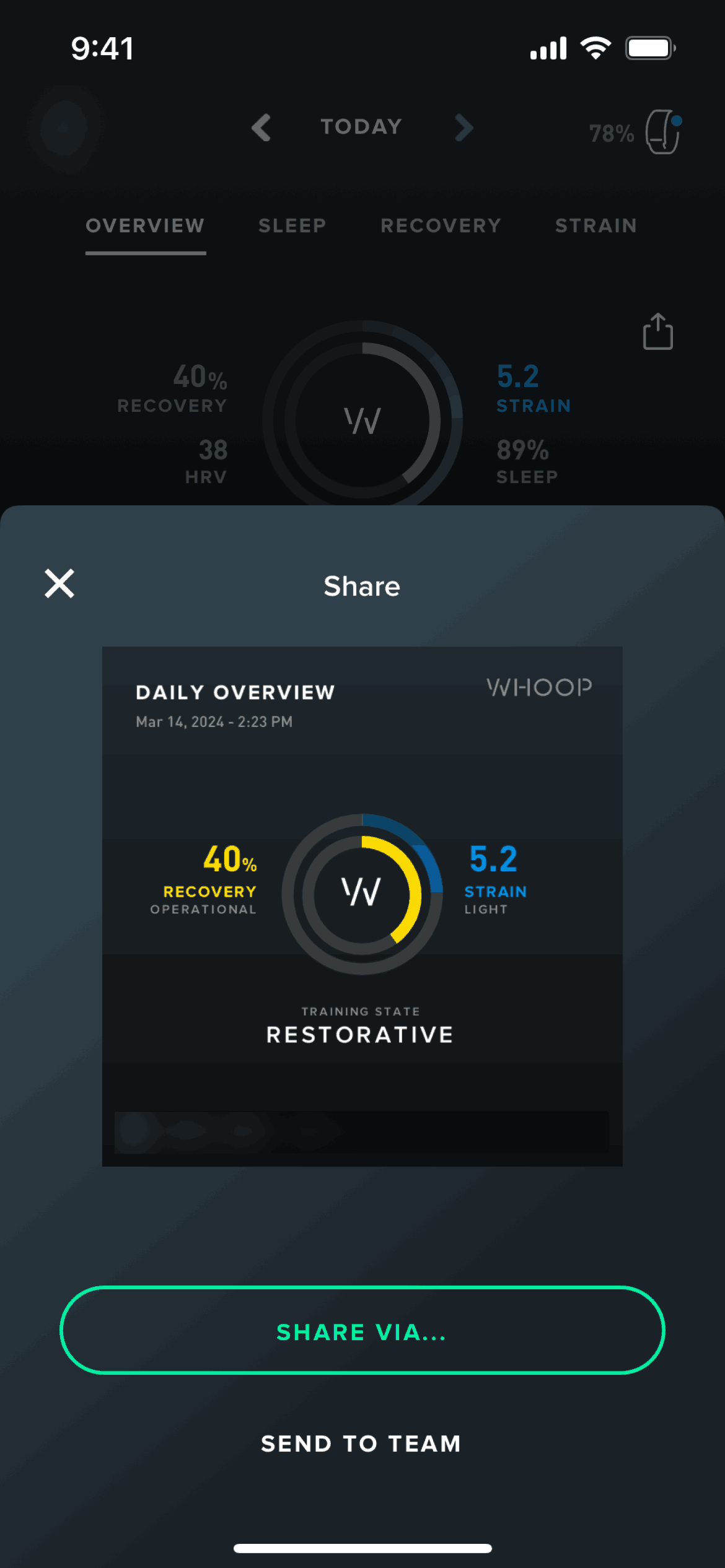
Sharing my daily overview on WHOOP (ios) screen 2
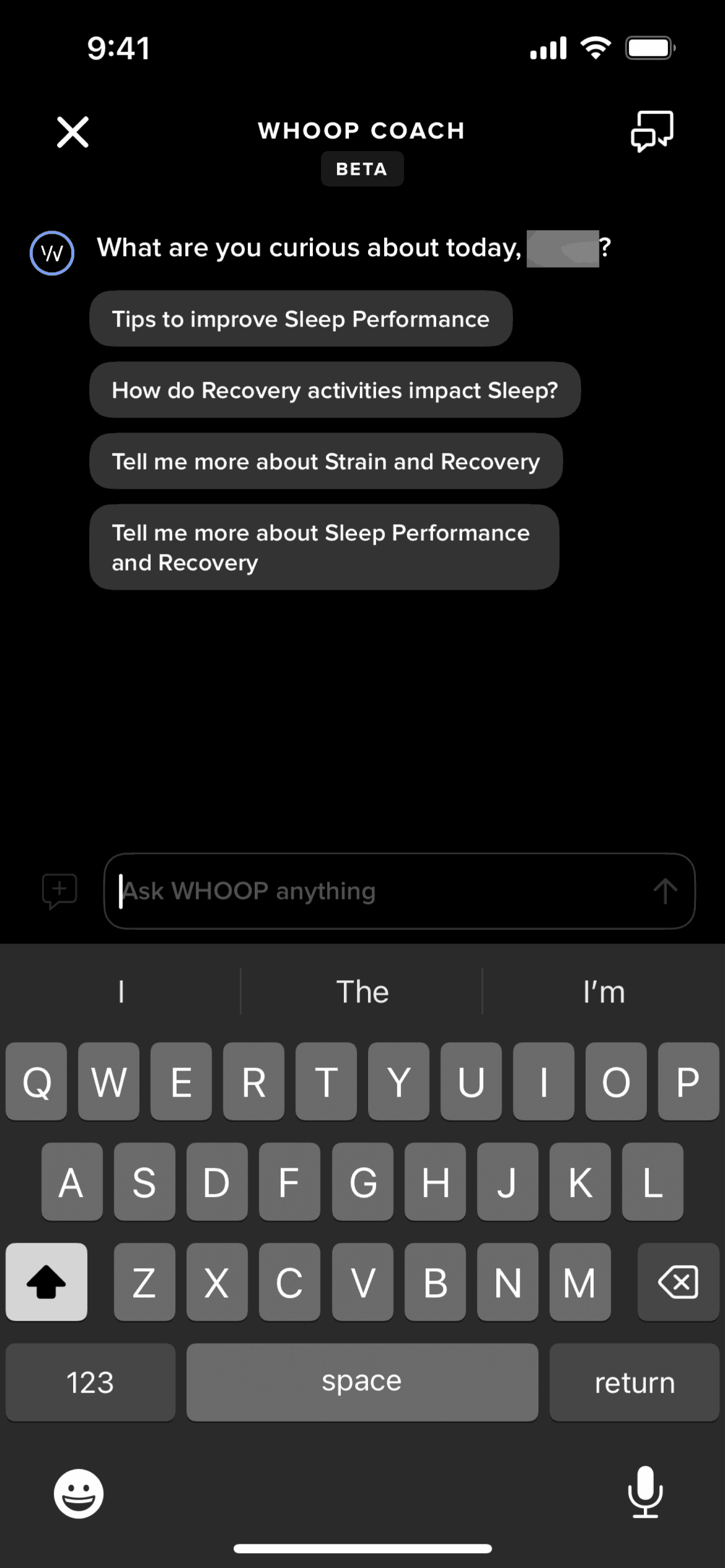
Chatting with WHOOP coach on WHOOP (ios) screen 2
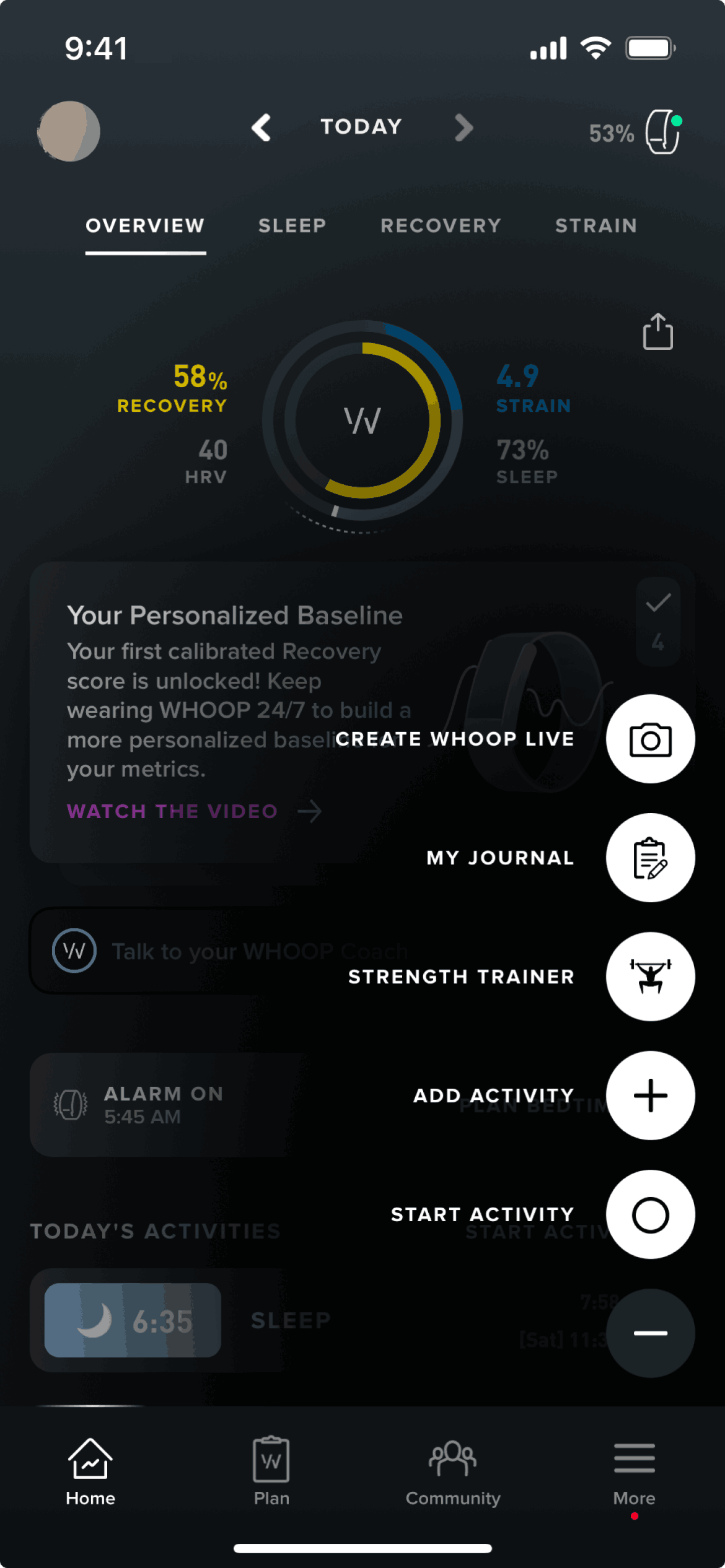
Action button on WHOOP (ios) screen 2
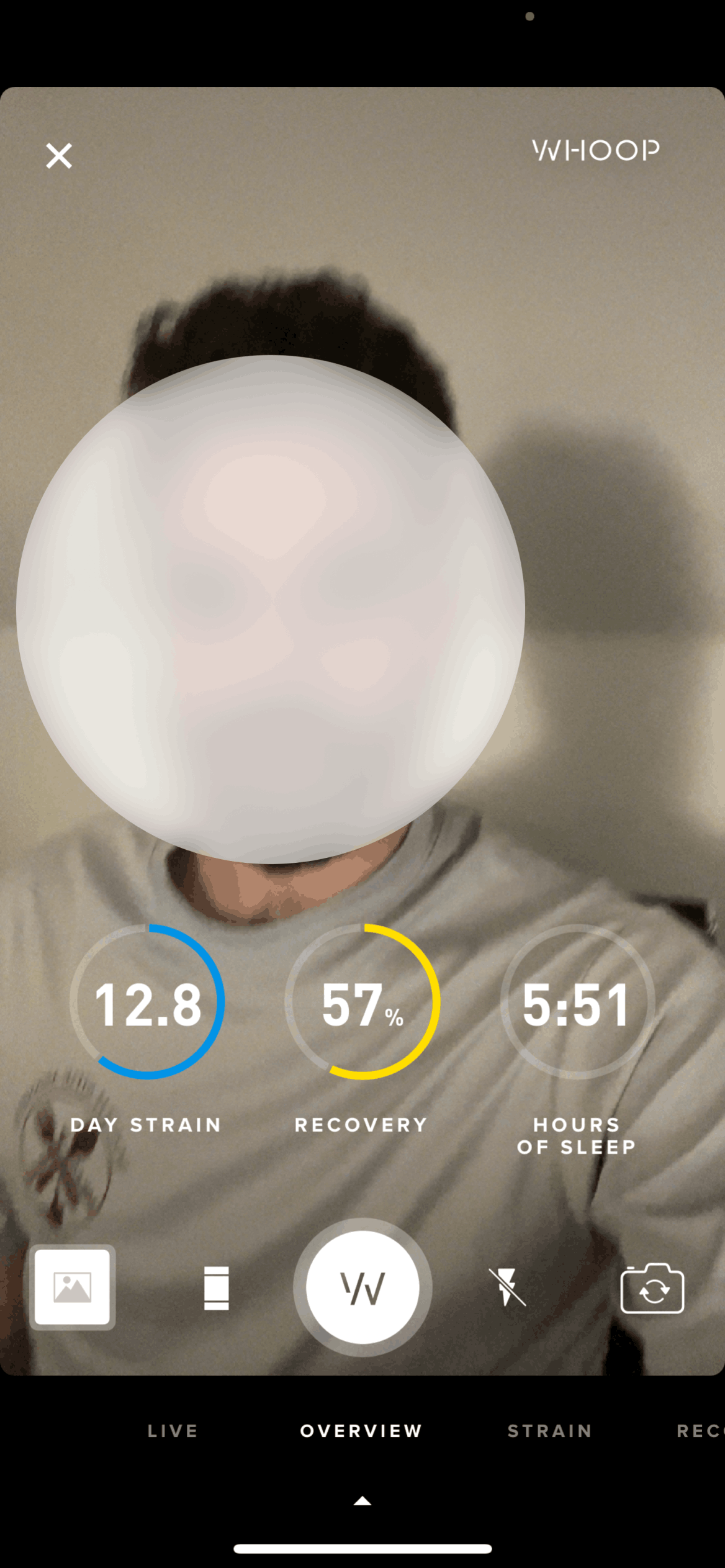
Creating a WHOOP Live on WHOOP (ios) screen 2

Adding a journal entry on WHOOP (ios) screen 2

Creating a strength workout on WHOOP (ios) screen 2
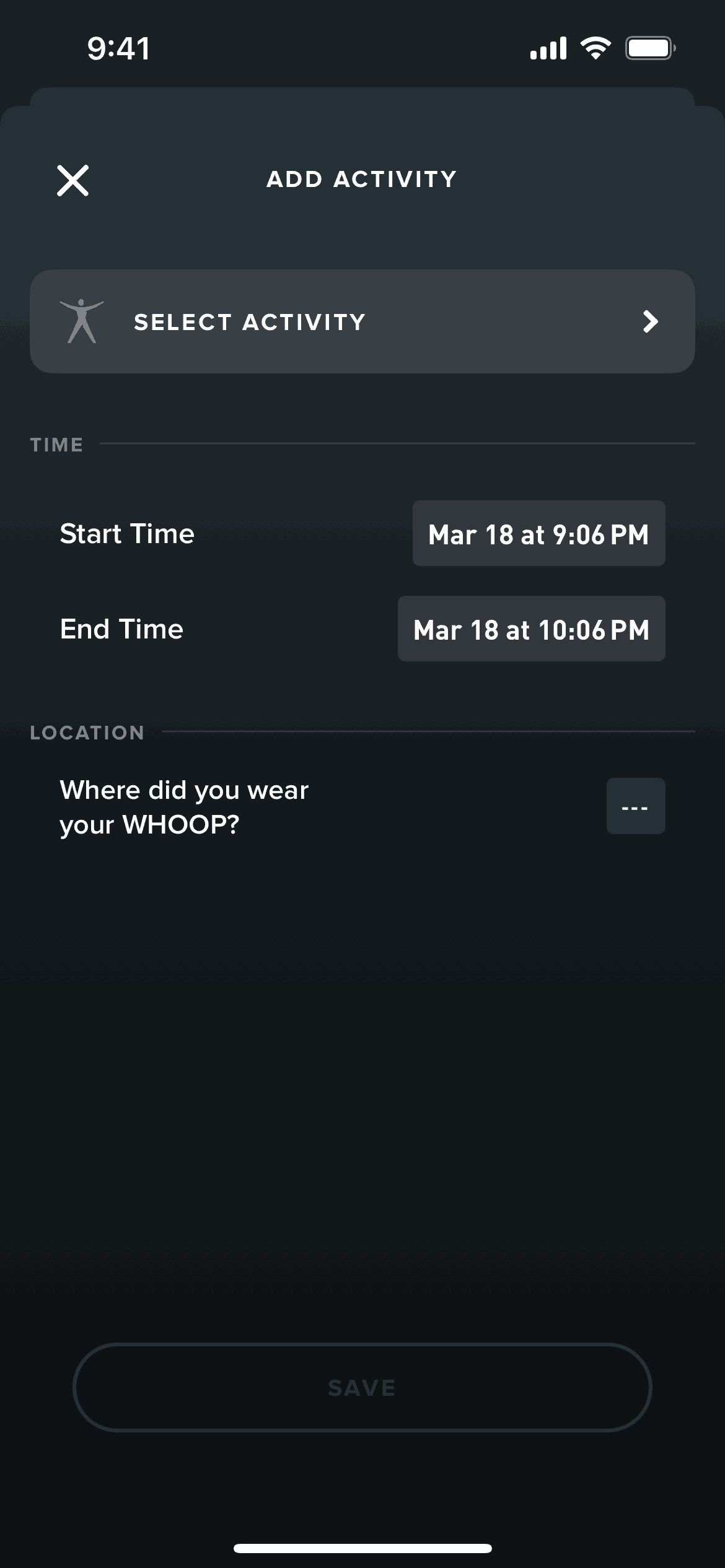
Logging an activity on WHOOP (ios) screen 2
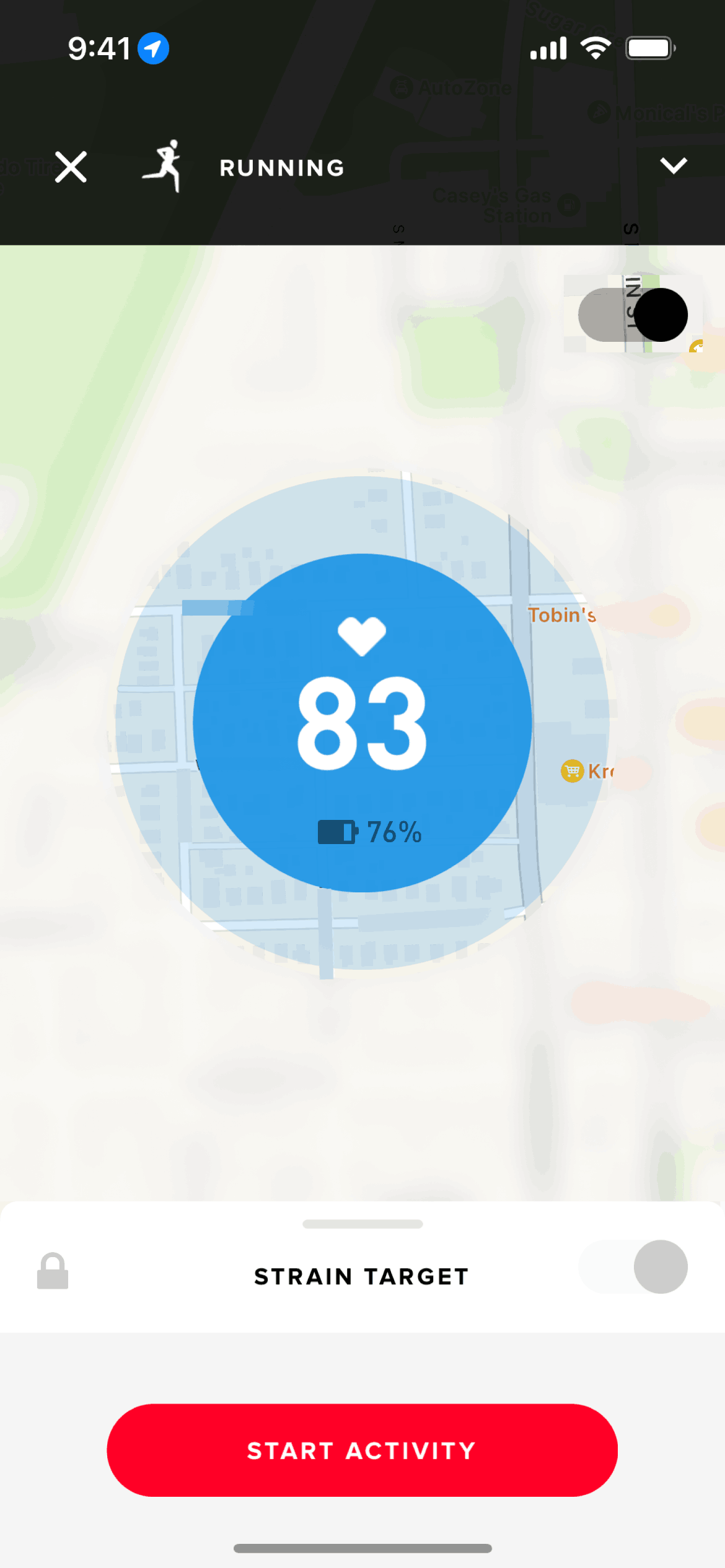
Starting an activity on WHOOP (ios) screen 2
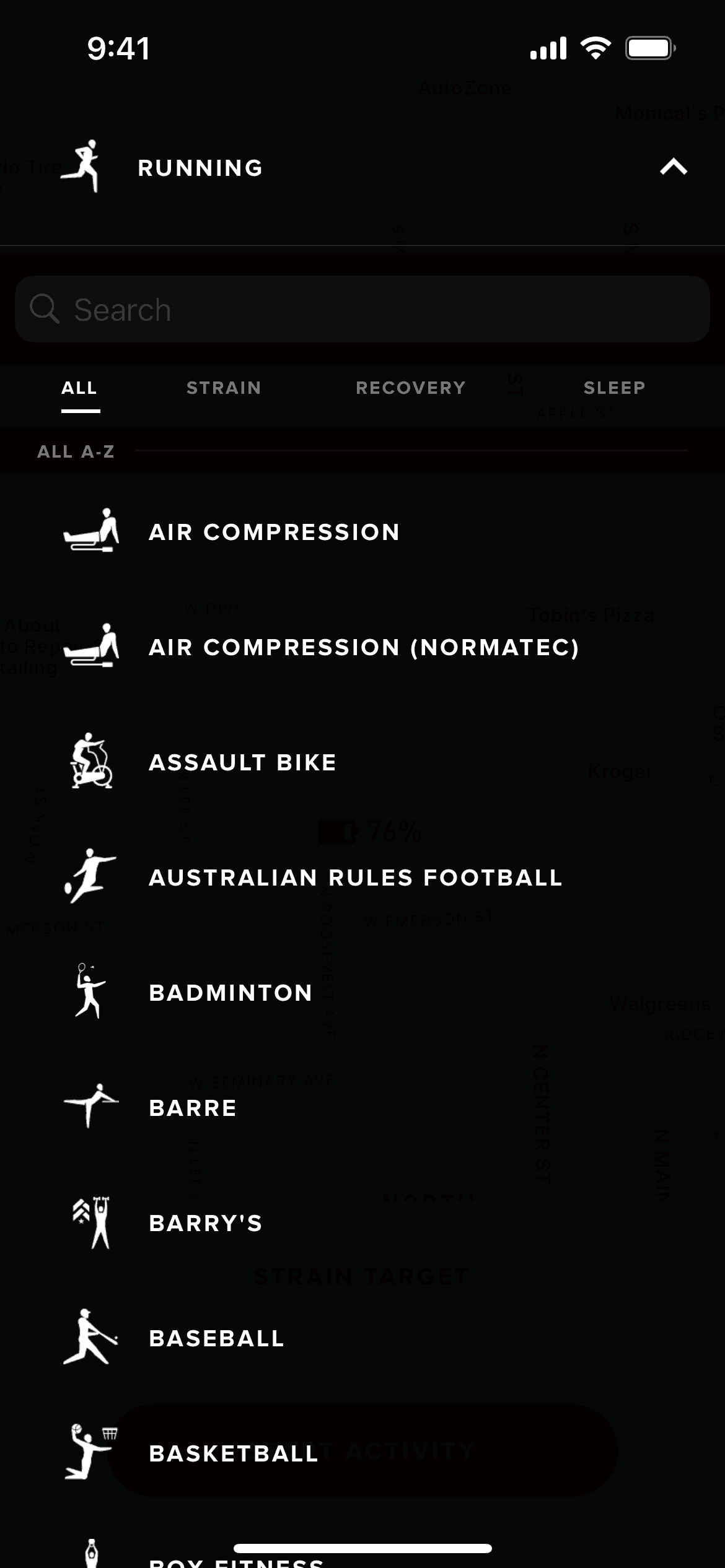
Activity types on WHOOP (ios) screen 2
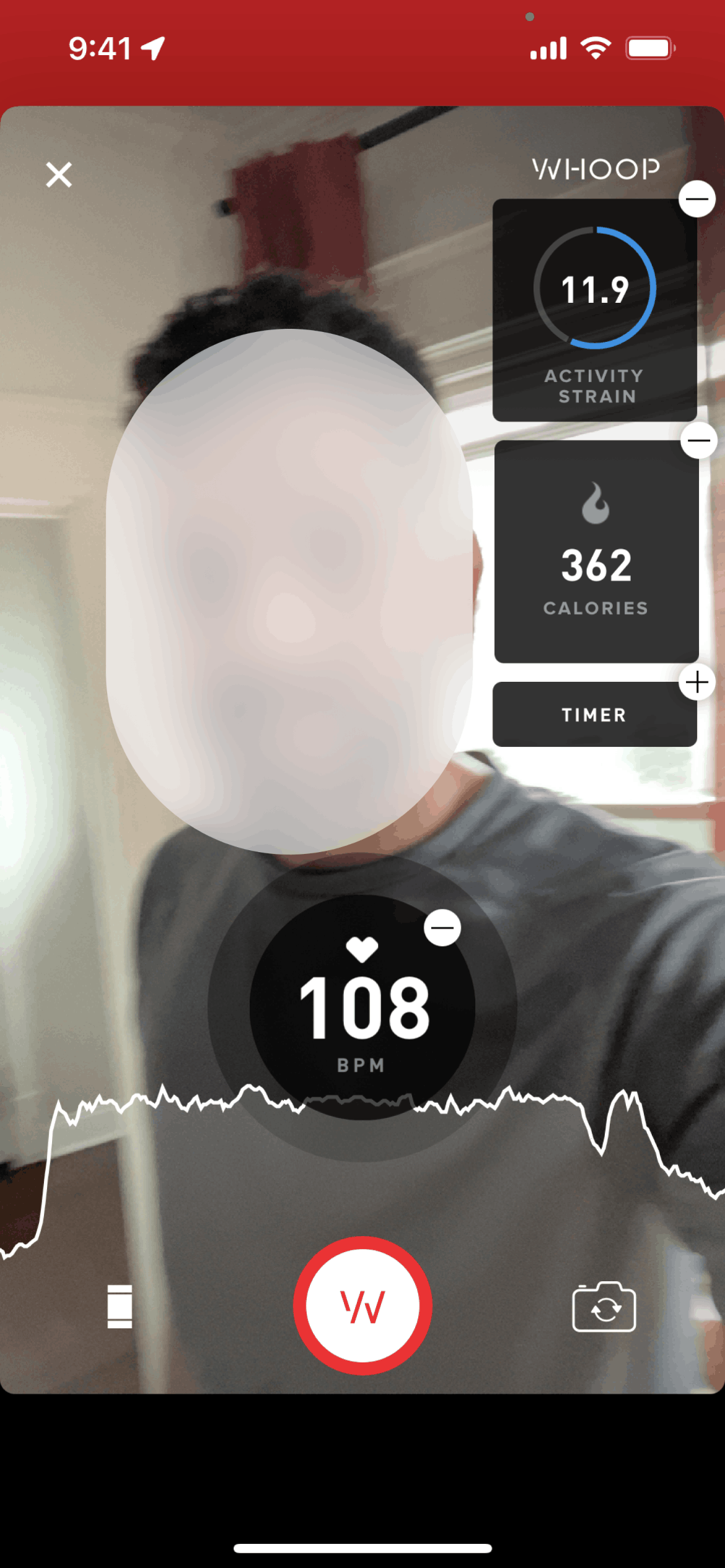
WHOOP Live (Activity) on WHOOP (ios) screen 2
Gummble currently indexes 482 WHOOP iOS screens captured Current Version and 8 captured UX flows including onboarding, login, and paywall. Unlock your potential. Categorized under Health & Fitness. Step through each captured WHOOP flow screen by screen, or study individual screens for navigation, layout, and microcopy patterns.
Editorial teardown
WHOOP is a fitness wearable and app focused on recovery, strain, and sleep optimization for athletes. Unlike step counting fitness trackers, WHOOP provides sophisticated metrics — Heart Rate Variability (HRV), recovery scores, and sleep performance — that guide training decisions. The iOS app displays data from the always on wristband, offering daily recovery assessments, workout strain analysis, and sleep coaching. The system targets serious athletes who want data driven performance optimization, not casual fitness motivation.
Read the full WHOOP UX teardownGummble currently indexes 482 WHOOP iOS screens captured Current Version and 8 captured UX flows including onboarding, login, and paywall. Browse the gallery to study WHOOP's interface patterns and design decisions.
WHOOP is categorized under Health & Fitness. Gummble holds 8 captured UX flows including onboarding, login, and paywall for WHOOP iOS. Open the Flows tab to step through each captured sequence screen by screen.
Yes. Gummble Browse, Pro, and Team users can download WHOOP iOS screenshots for design reference. Free users can browse a limited selection and view design analysis.