Loading library…

Anytype — An encrypted workspace for notes, pages, tasks, and channels
iOS★ 4.811 screens
Version
Platform
iOS
Rating
4.80
CategoryProductivity
Version
Screens11
11 screens
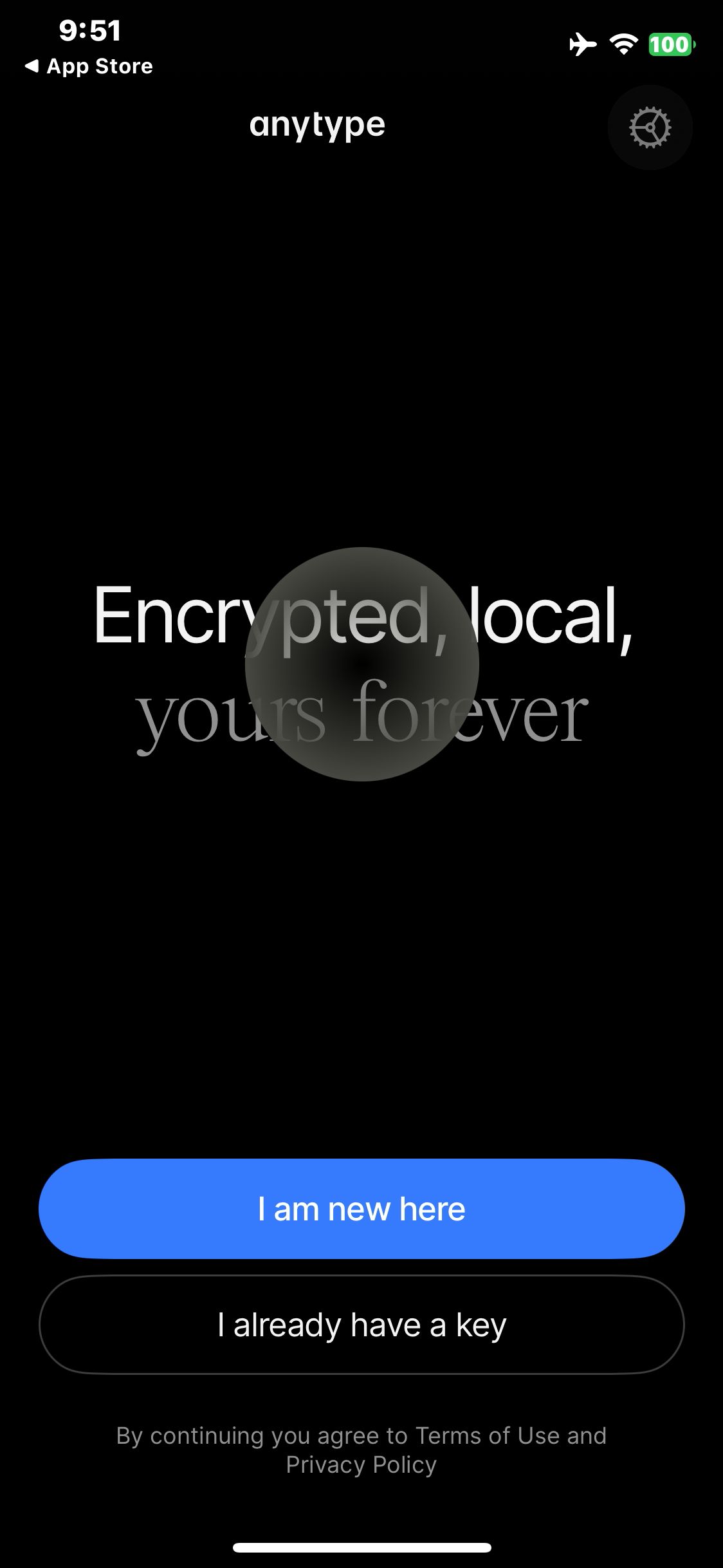

Anytype
Open the Anytype welcome screen
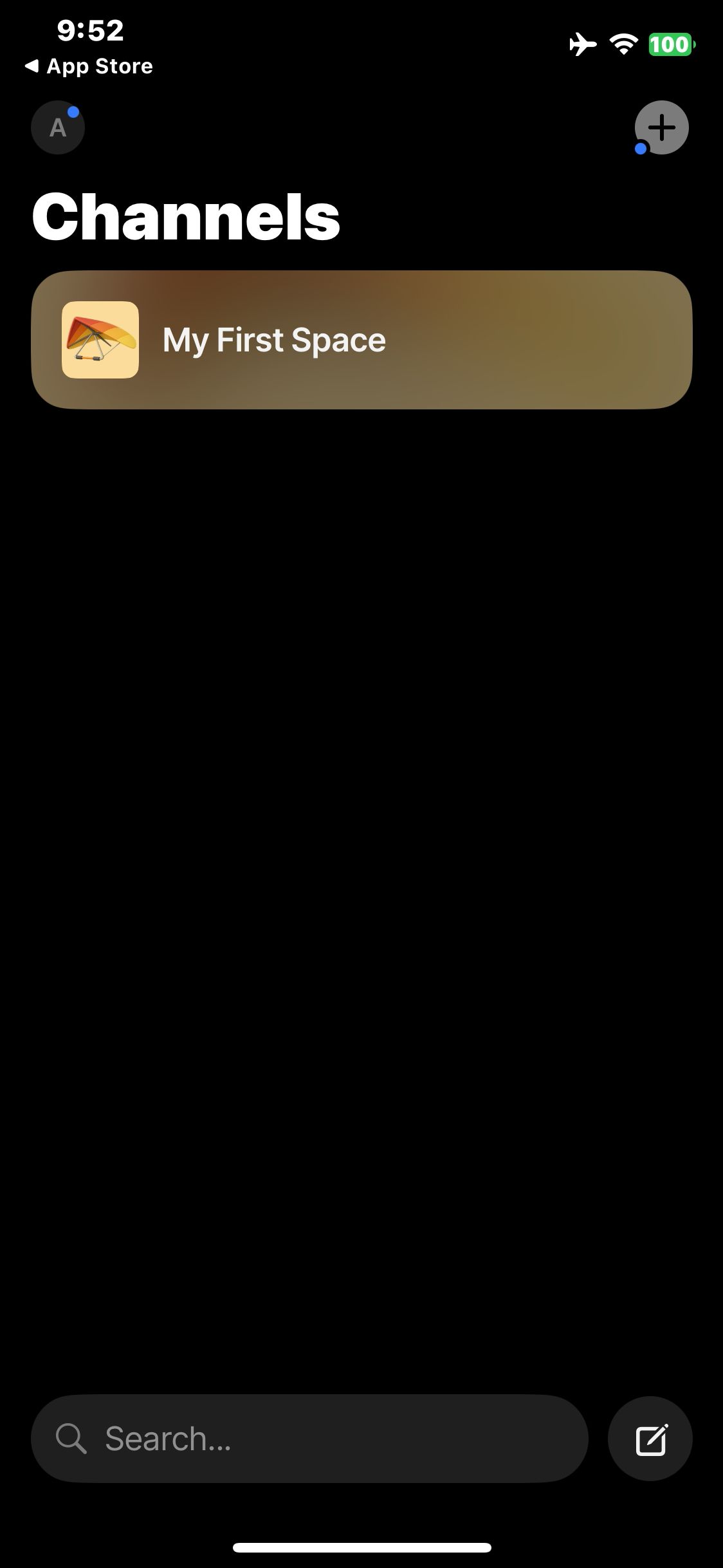
Anytype
Skip use-case selection and verify My First Space appears
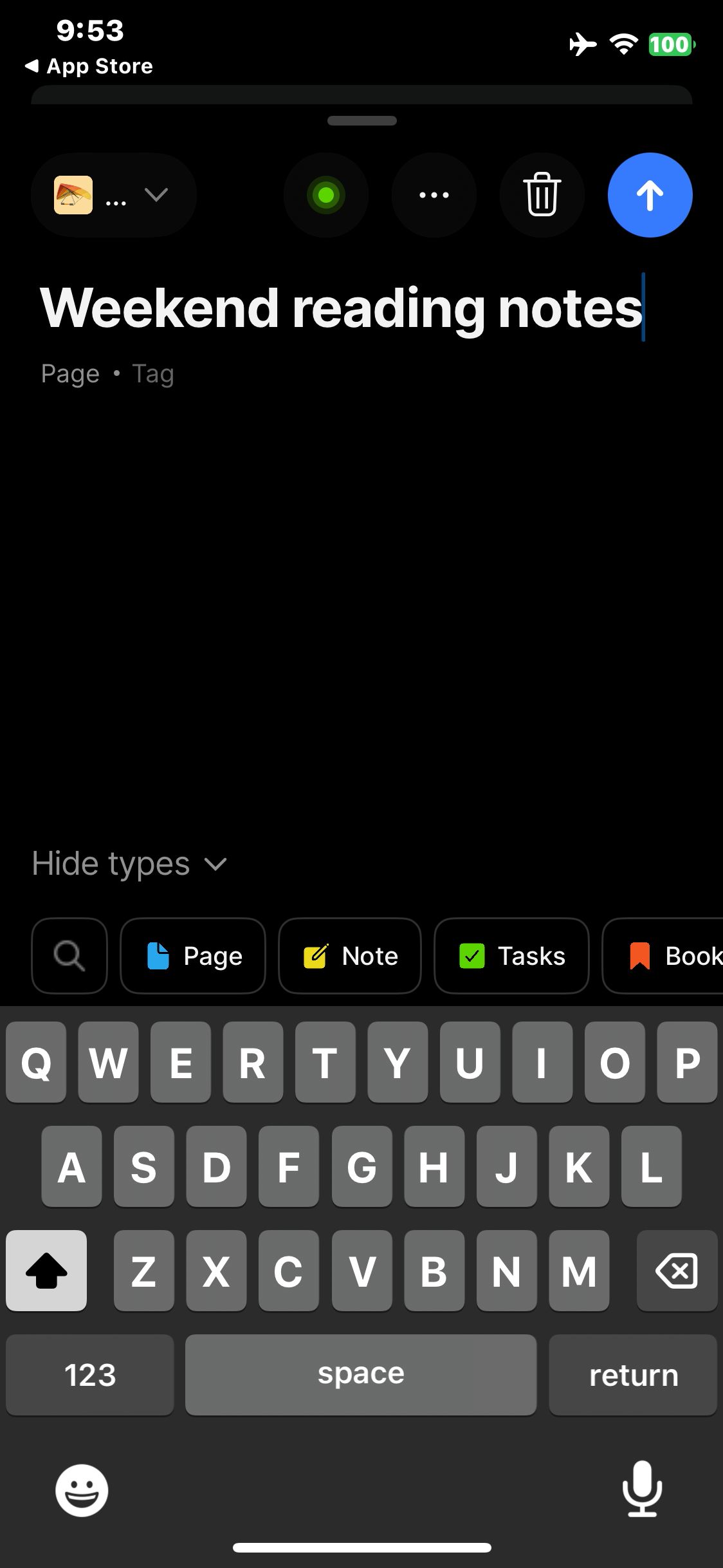
Anytype
Enter the sample page title Weekend reading notes

Anytype
Open the matched page and confirm its title
Anytype
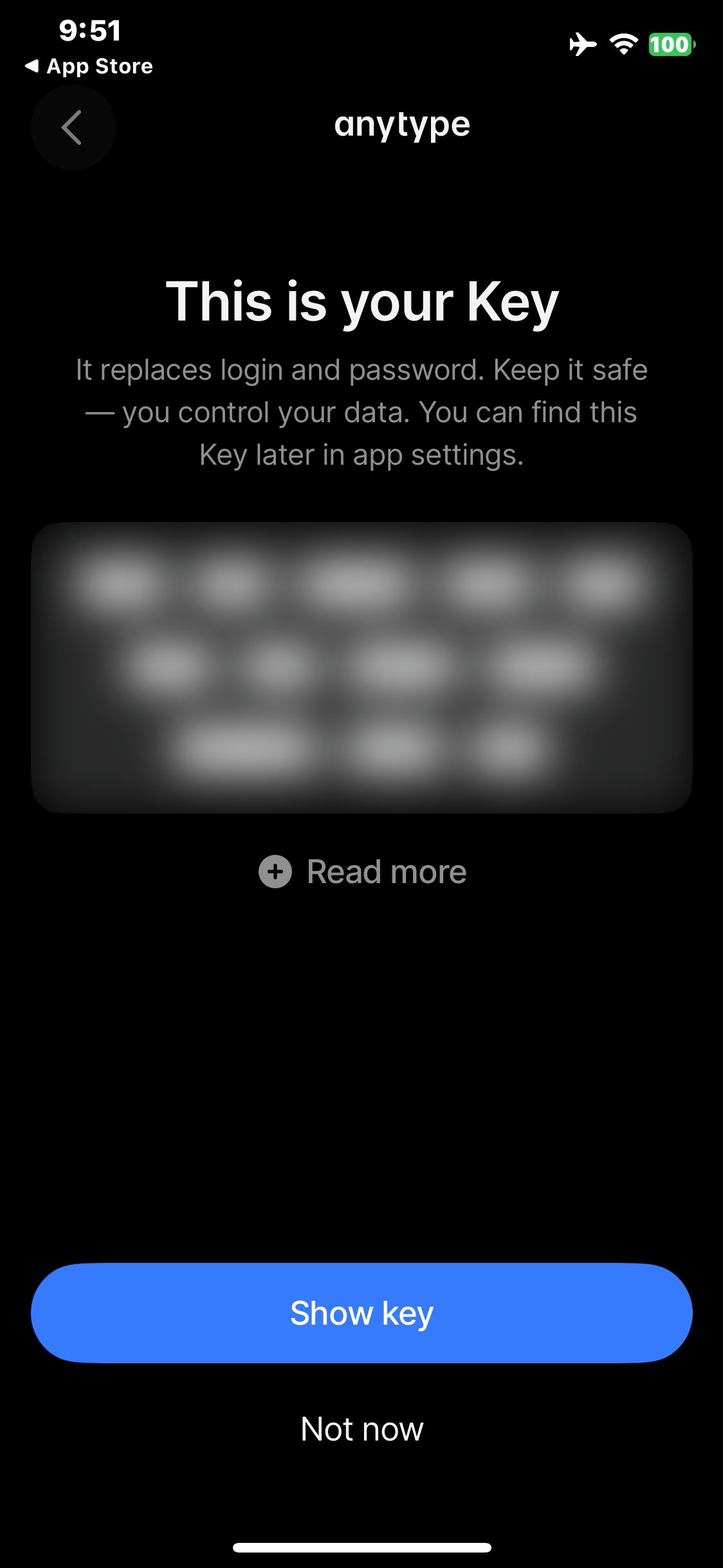
Choose I am new here and reach the masked recovery key screen
Paid screenUnlock with any plan
BROWSE
Anytype
Leave the recovery key concealed and view the optional email form
Paid screenUnlock with any plan
BROWSE
Anytype
Skip email and view role choices
Paid screenUnlock with any plan
BROWSE
Anytype
Skip role selection and view use-case choices
Paid screenUnlock with any plan
BROWSE
Anytype
Tap compose from Channels and open the new page editor
Paid screenUnlock with any plan
BROWSE
Anytype
Save the private page and verify the creation toast
Paid screenUnlock with any plan
BROWSE
Anytype
Search for Weekend reading and locate the saved page
You've reached the end
Anytype App UI/UX Design Analysis
Comprehensive UX & UI flow analysis of Anytype (iOS): Local-First Object-Based Knowledge Base, E2E Encrypted P2P Sync, Knowledge Graph, Sets, Queries & Templates. Covers 6 end-to-end user journeys across 24 verified screens including Object-Based Block Editor & Custom Relations, Dynamic Set & Collection Views (Kanban, Grid, Table), Interactive Local-First Object Knowledge Graph, and 12-Word Vault Key & P2P Encrypted Device Sync.