Loading library…

Chess.com — Play chess online, practice with bots, and solve puzzles
iOS★ 4.810 screens
Version
Platform
iOS
Rating
4.80
CategoryEntertainment
Version
Screens10
10 screens

Chess.com
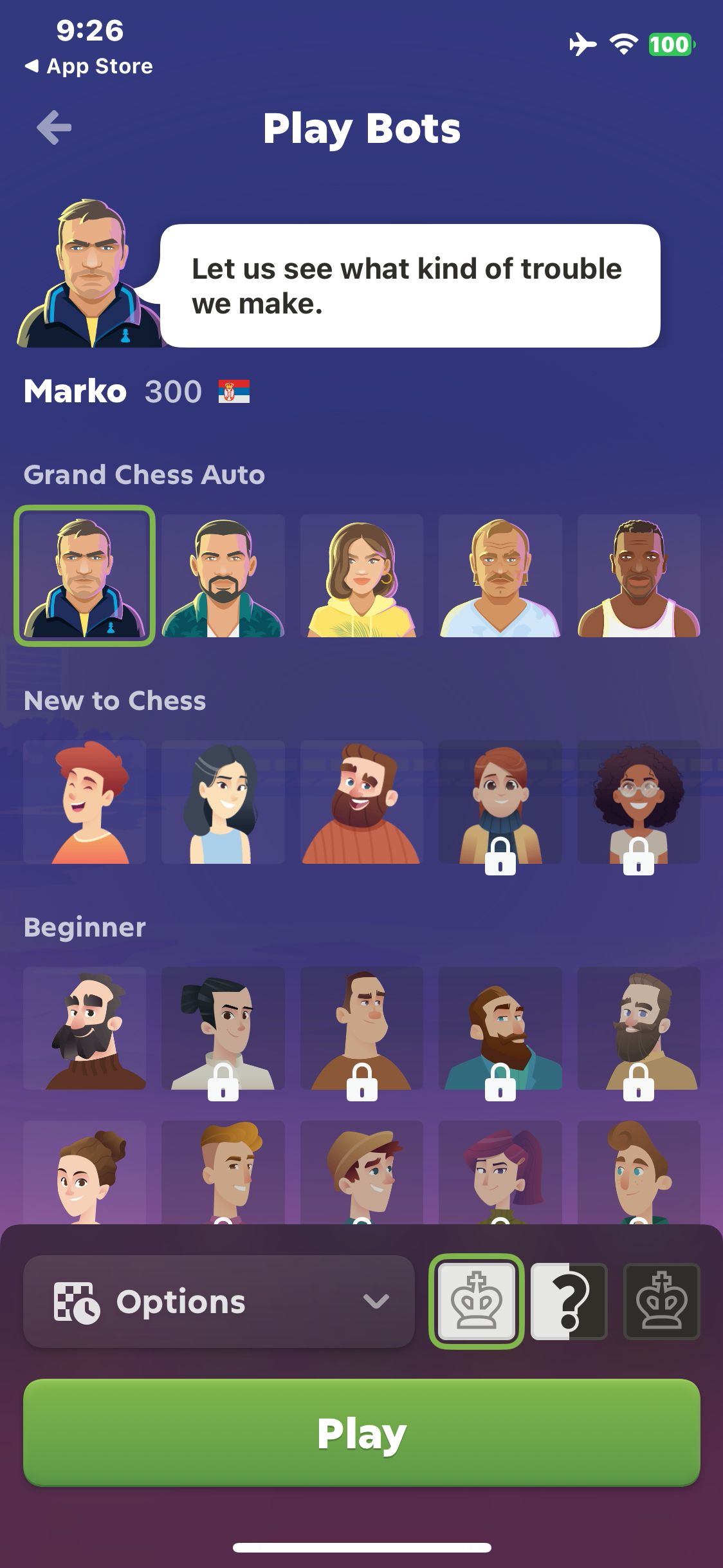
Open Play Bots and view the selected Marko bot
Chess.com
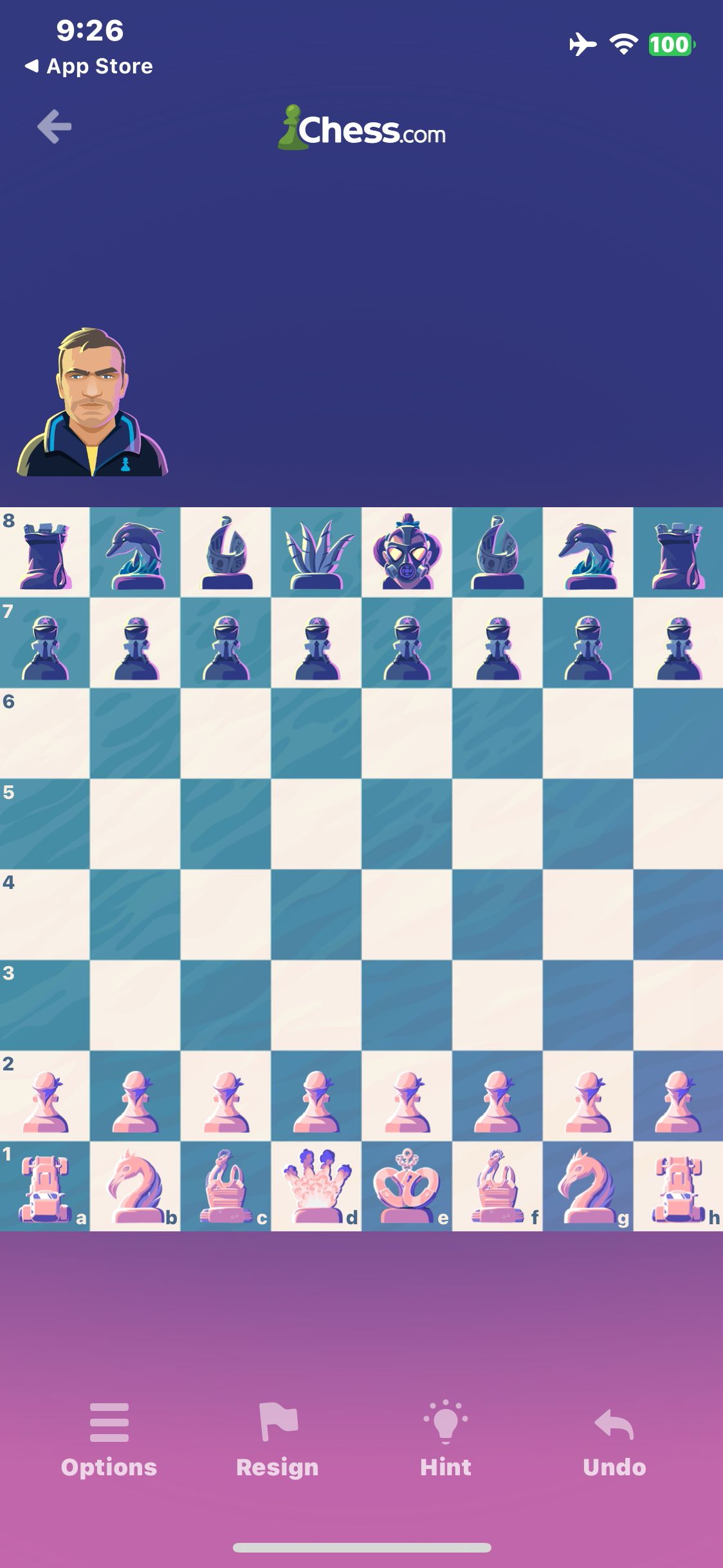
Tap Play to start a match against Marko
Chess.com
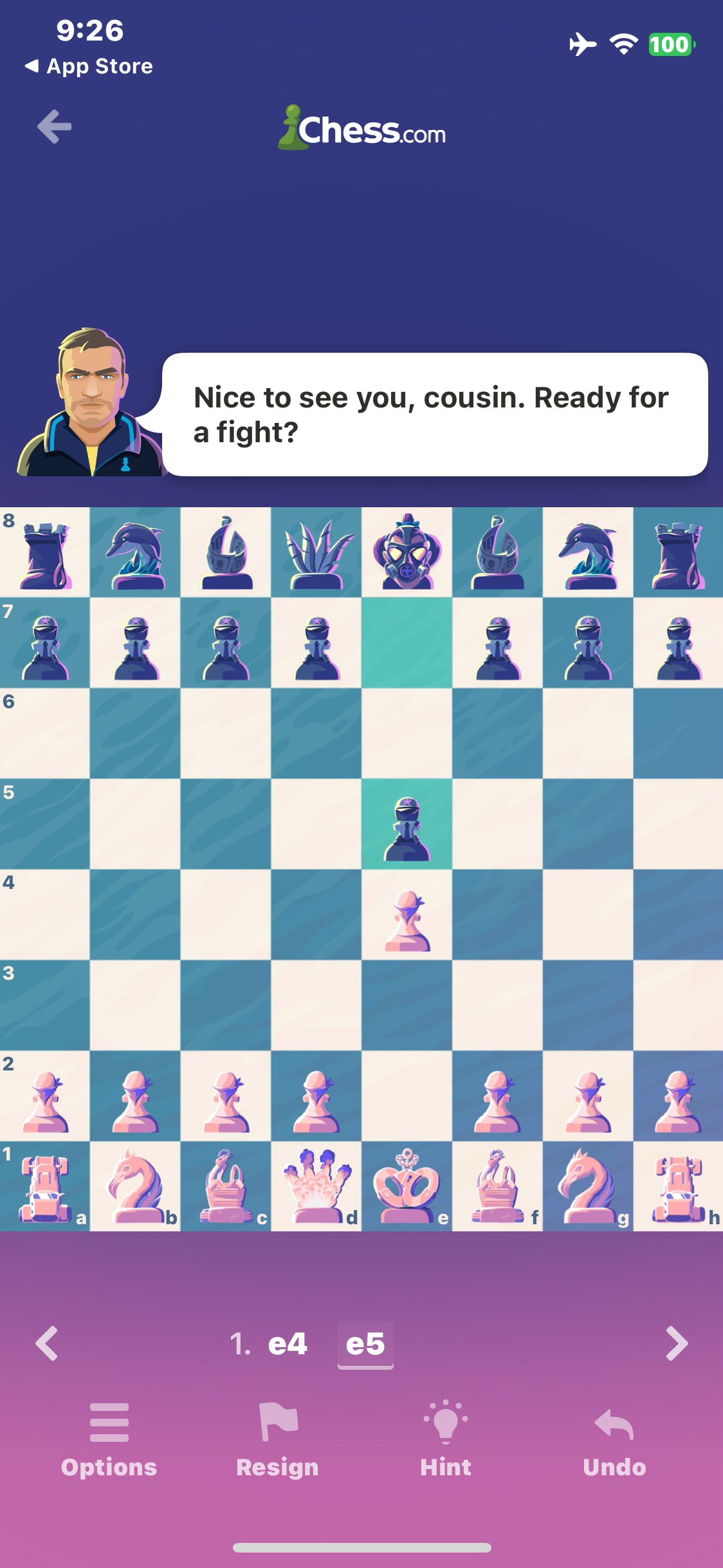
Move the pawn to e4 and observe the bot reply e5
Chess.com
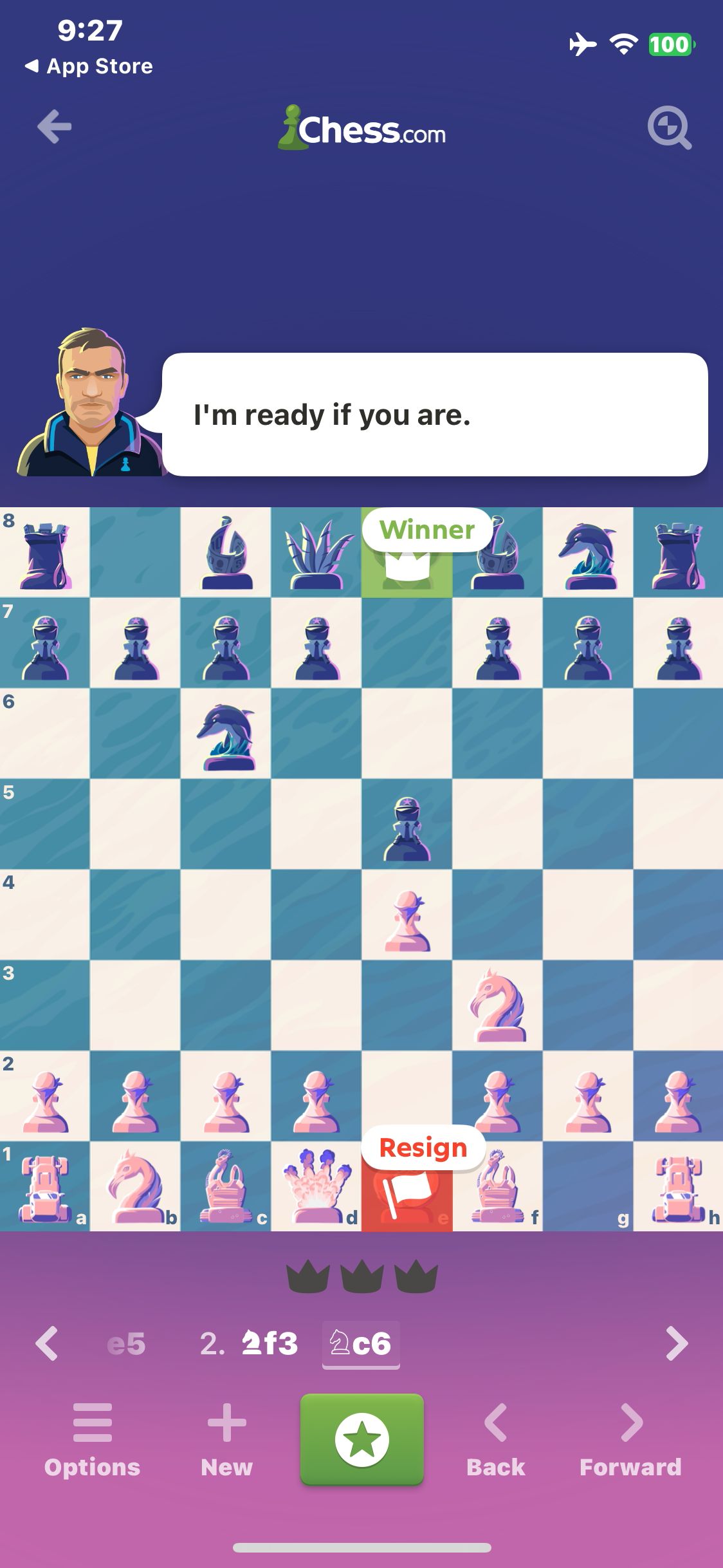
Confirm resignation and view the bot win
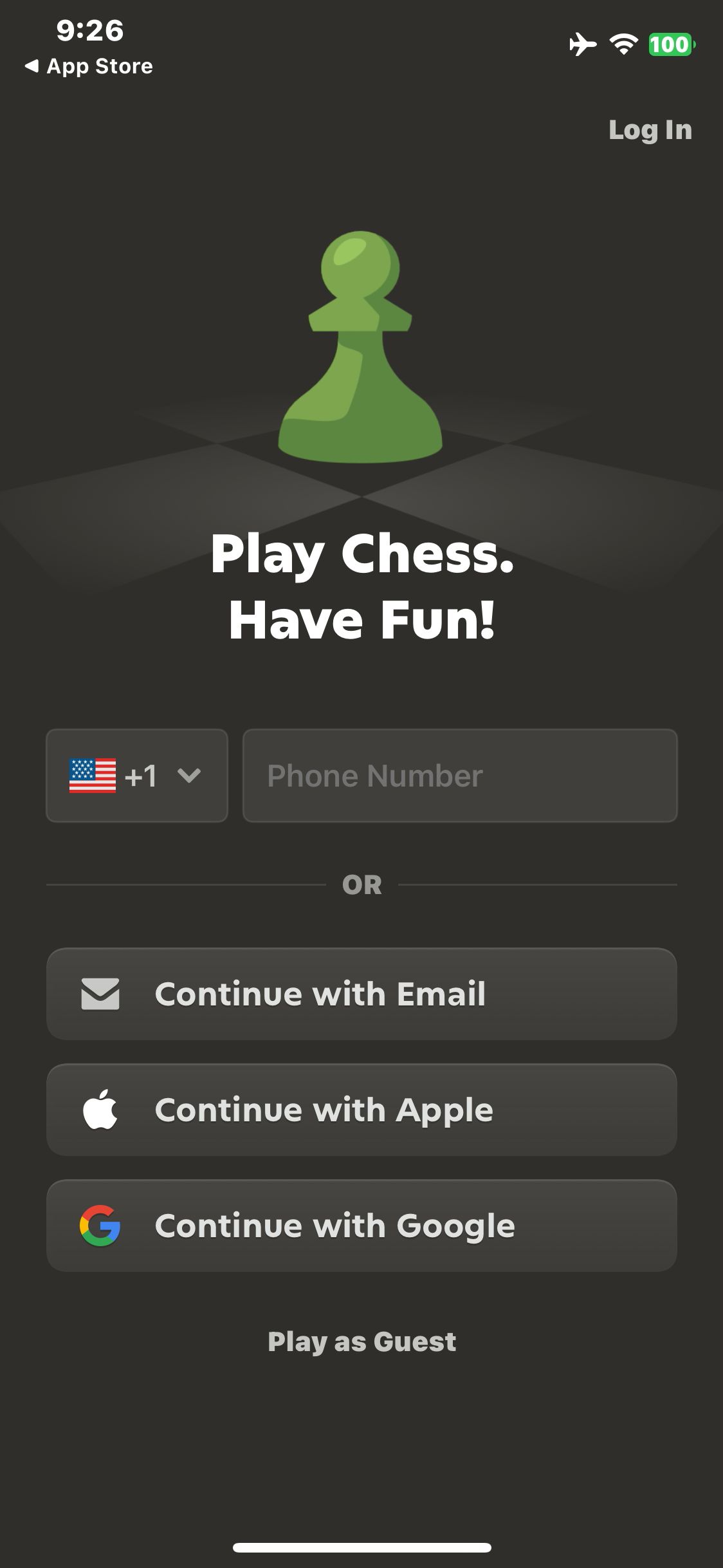
Chess.com
Launch Chess.com, decline notifications and view the guest entry point
Paid screenUnlock with any plan
BROWSE
Chess.com
Tap Play as Guest and wait for the home screen
Paid screenUnlock with any plan
BROWSE
Chess.com
Select the white pawn on e2 and view its legal destinations
Paid screenUnlock with any plan
BROWSE
Chess.com
Select the white knight on g1 and view its legal destinations
Paid screenUnlock with any plan
BROWSE
Chess.com
Move the knight to f3 and observe the bot reply Nc6
Paid screenUnlock with any plan
BROWSE
Chess.com
Tap Resign to open the confirmation
You've reached the end
Chess.com App UI/UX Design Analysis
Comprehensive UX & UI flow analysis of Chess.com (iOS): Online Bullet, Blitz & Rapid Chess, Tactical Puzzles, Game Review Coach, Computer Bots & Master Lessons. Covers 6 end-to-end user journeys across 24 verified screens including Live Matchmaking (Bullet, Blitz, Rapid) & Board, Post-Game Coach Review: Brilliant Moves & Blunders, Rated Tactical Puzzles, Puzzle Rush & Elo Graph, and Play Adaptive Personalities Bots & Opening Explorer.