Loading library…

Sainsbury's — Browse groceries, compare products, and shop for delivery or collection
iOS★ 4.89 screens
Version
Platform
iOS
Rating
4.80
CategoryShopping
Version
Screens9
9 screens
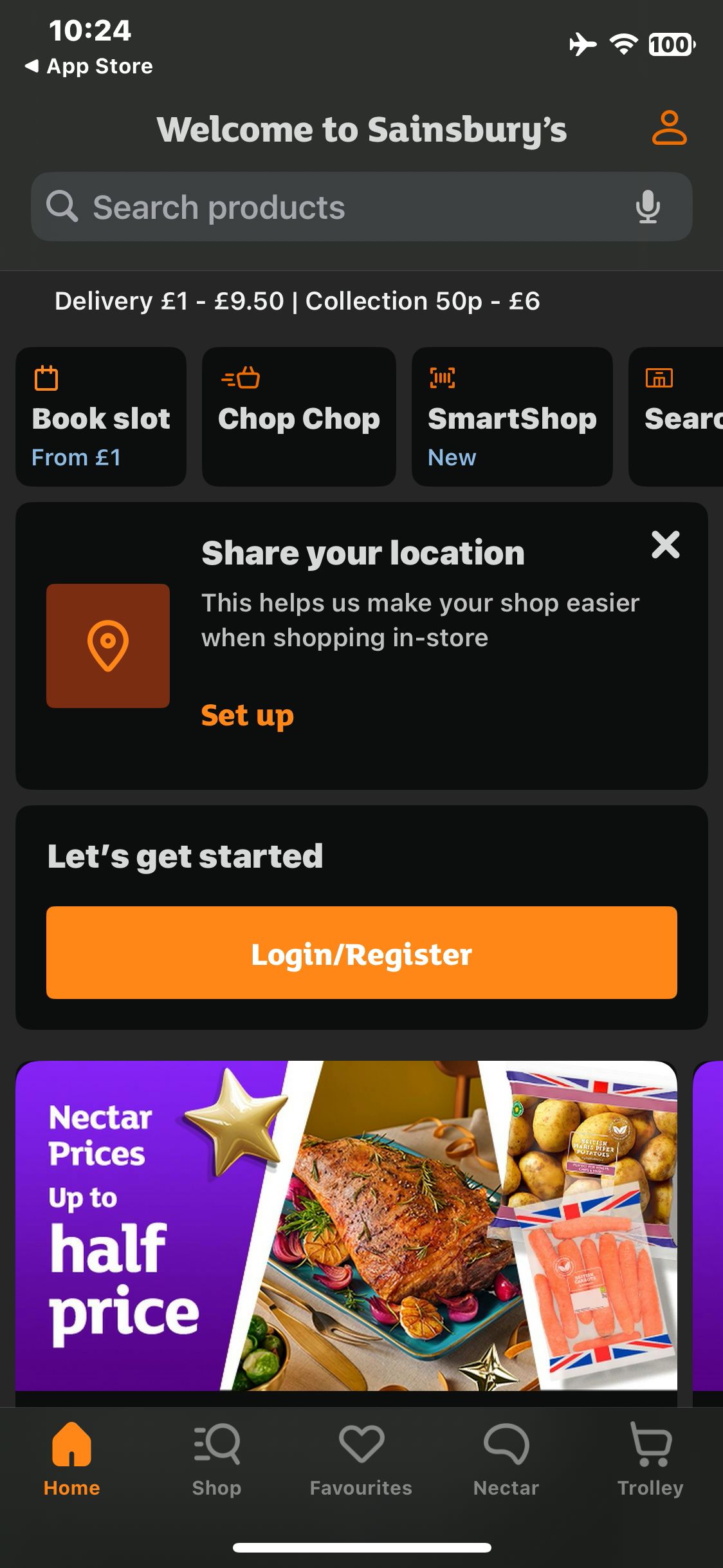

Sainsbury's
Choose Required only and verify the guest home
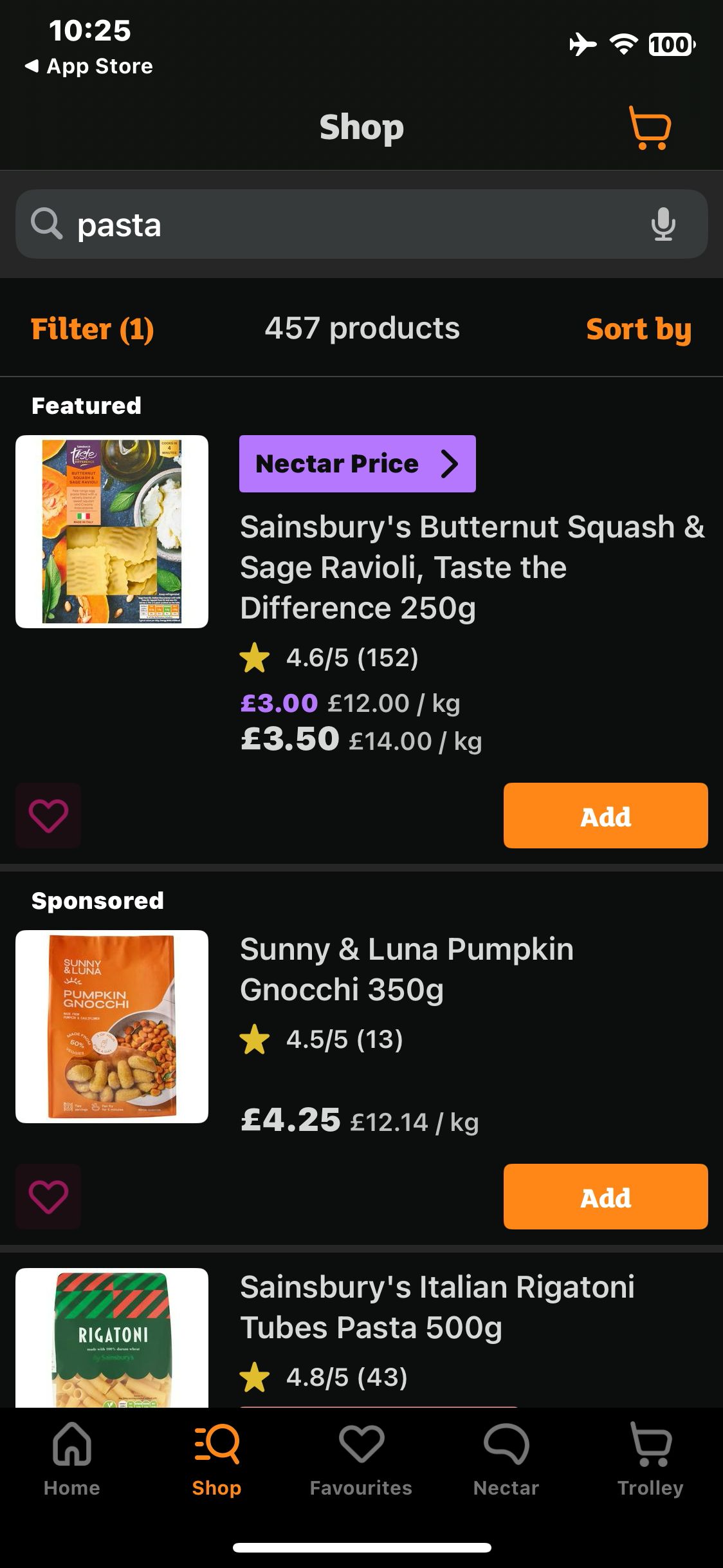
Sainsbury's
Submit the query and wait for product results
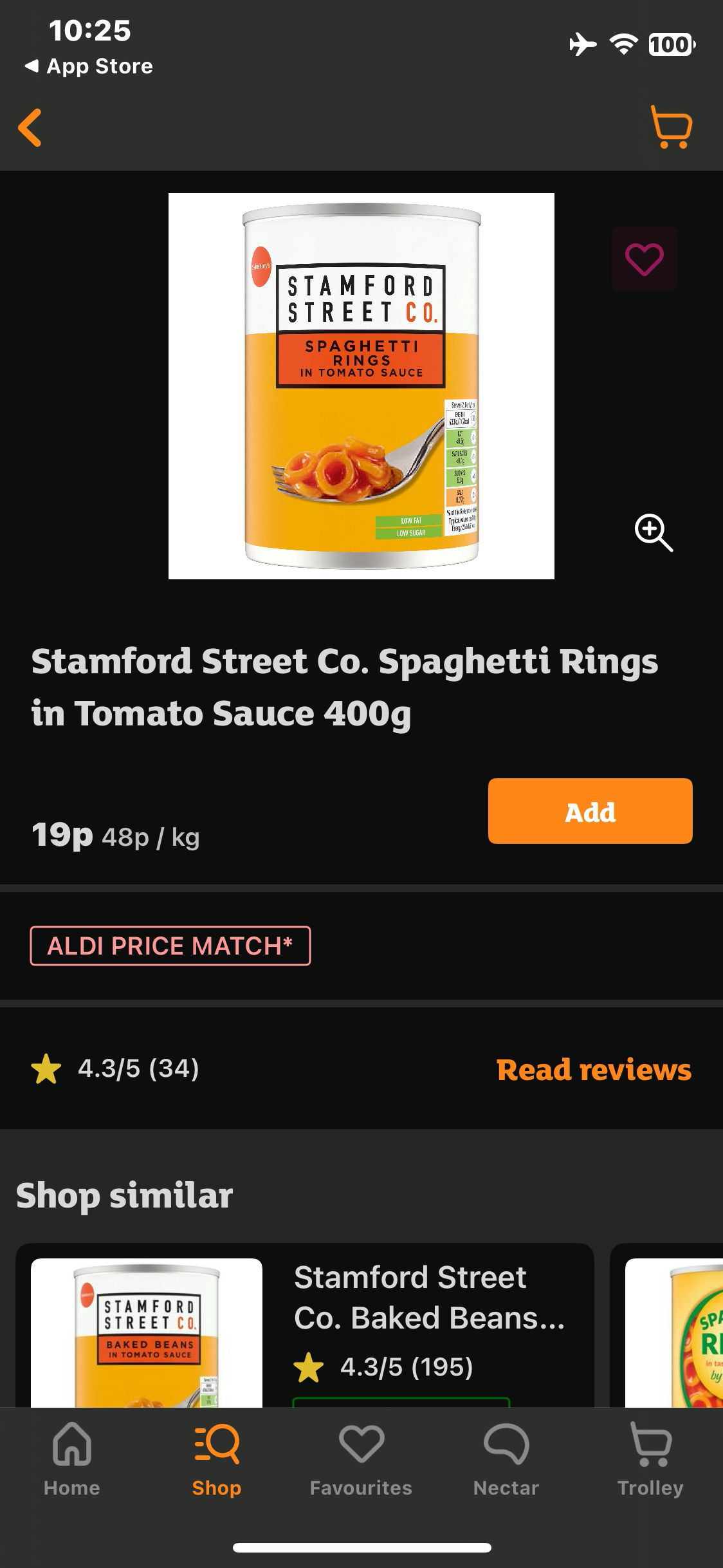
Sainsbury's
Open the Spaghetti Rings product and wait for its image
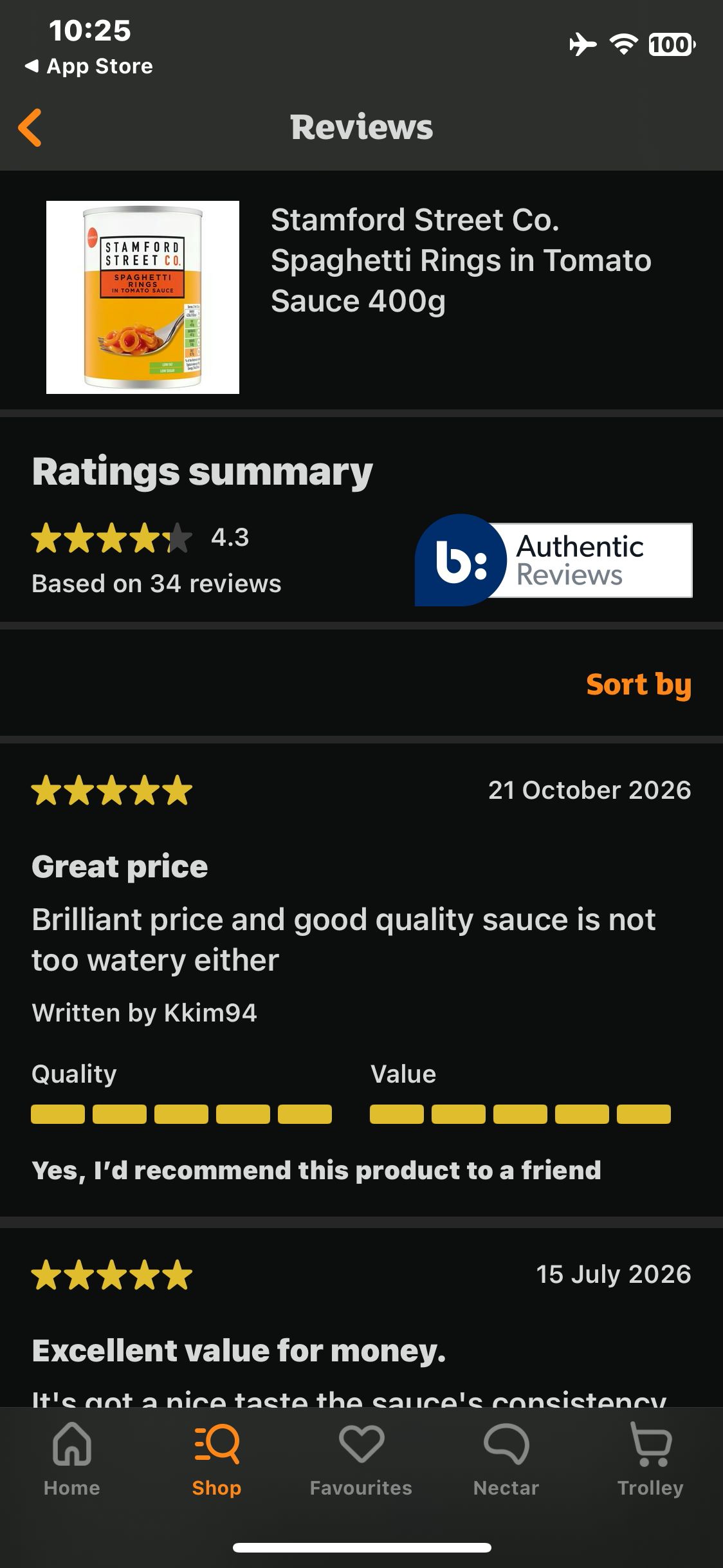
Sainsbury's
Tap Read reviews and view the ratings summary and customer reviews
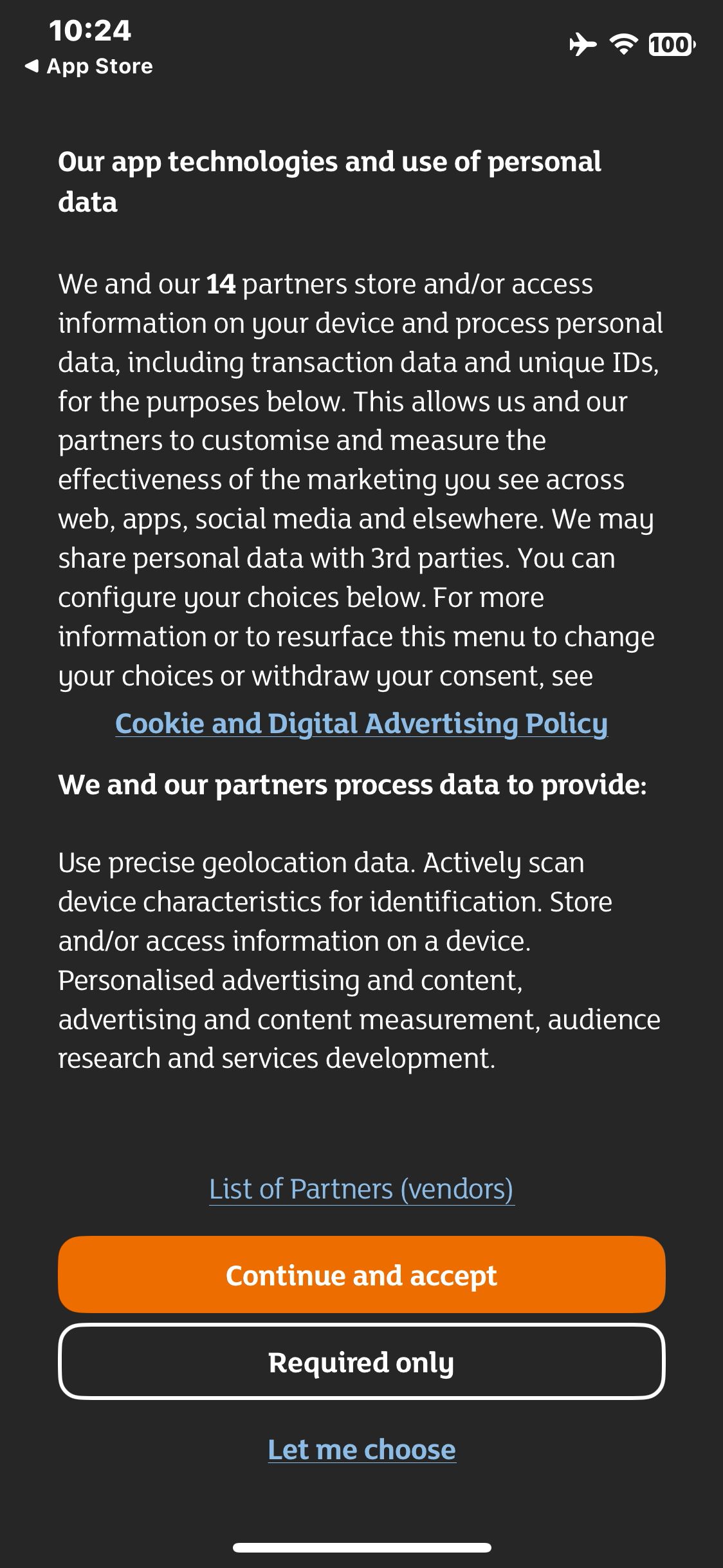
Sainsbury's
Launch Sainsbury’s and view the privacy choices
Paid screenUnlock with any plan
BROWSE
Sainsbury's
Open product search
Paid screenUnlock with any plan
BROWSE
Sainsbury's
Type pasta in the product search field
Paid screenUnlock with any plan
BROWSE
Sainsbury's
Open Sort by and view sorting options
Paid screenUnlock with any plan
BROWSE
Sainsbury's
Select Price Low to High and wait for the updated list
You've reached the end
Sainsbury's App UI/UX Design Analysis
Comprehensive UX & UI flow analysis of Sainsbury's (iOS): Groceries Online Delivery, Nectar Prices Integration, Delivery Pass, SmartShop Favourites & Recipe Lists. Covers 6 end-to-end user journeys across 24 verified screens including Book Delivery or Click & Collect Eco Slot, Nectar Prices & Personalized Points Offers, Usuals & Past Purchases Quick Reorder, and Trolley Review, Substitution Preferences & Pay.