Loading library…

Carvana — Browse used cars, filter inventory, and explore vehicle details
iOS★ 4.88 screens
Version
Platform
iOS
Rating
4.80
CategoryFinance
Version
Screens8
8 screens
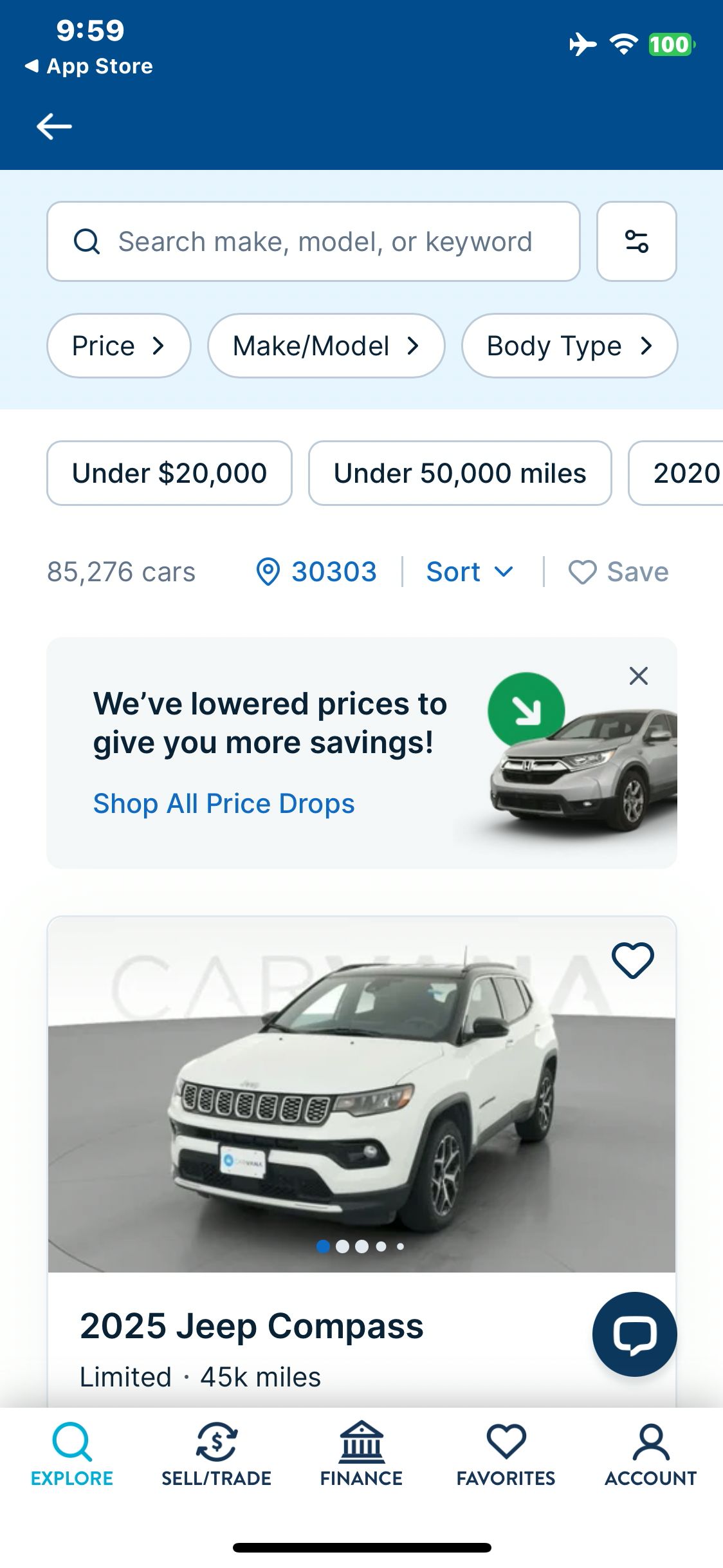

Carvana
Tap Start Searching and load the inventory as a guest
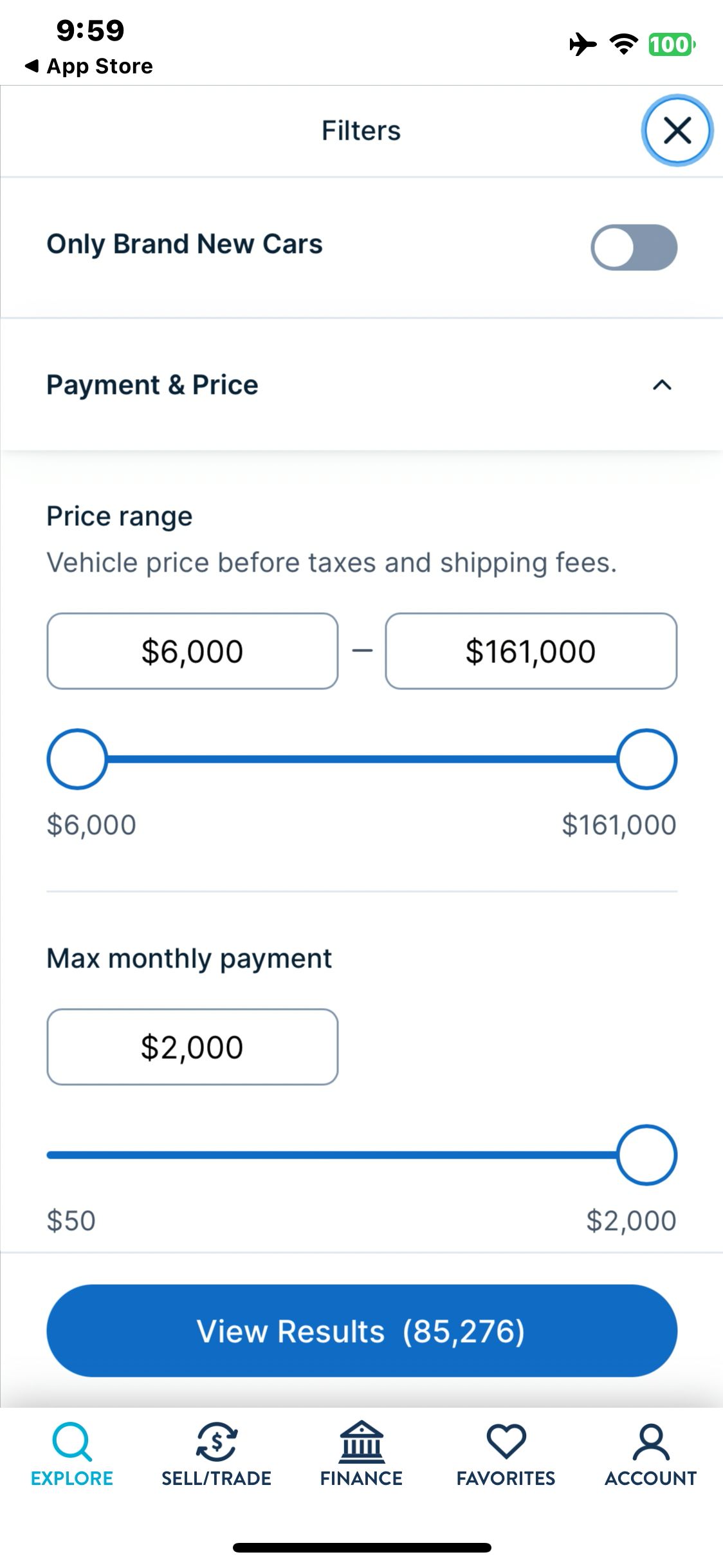
Carvana
Open Price and inspect inventory filters
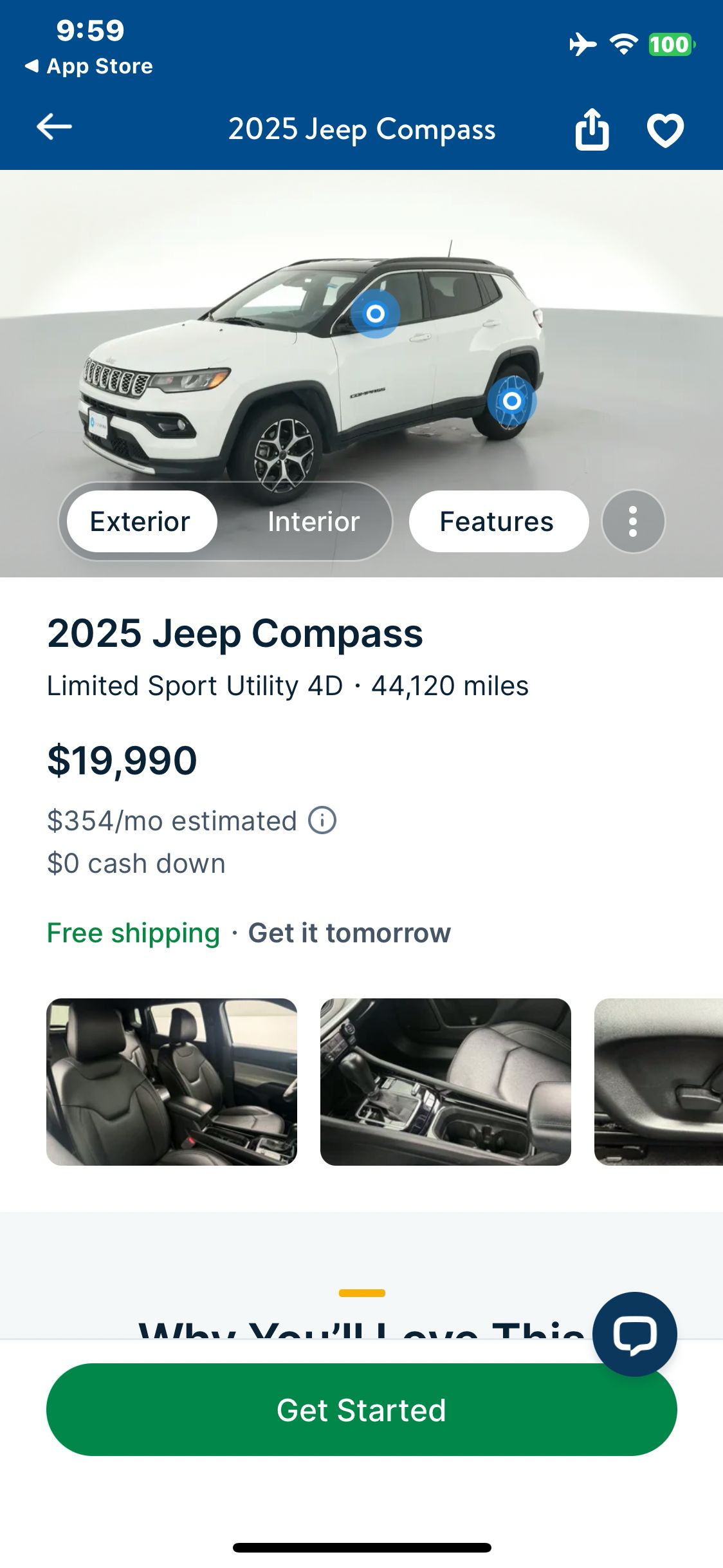
Carvana
Open the 2025 Jeep Compass result and wait for the vehicle media
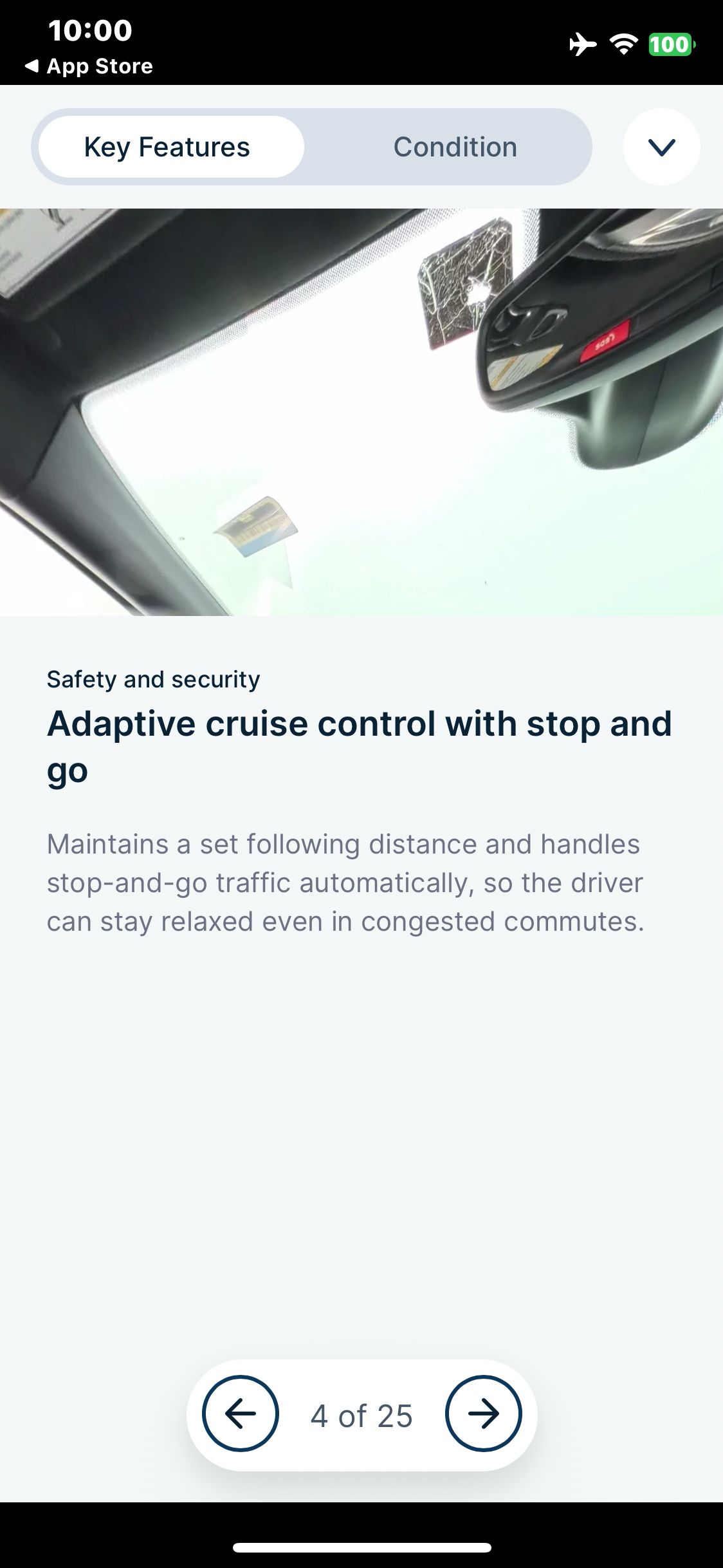
Carvana
Open Features and view the adaptive cruise control detail
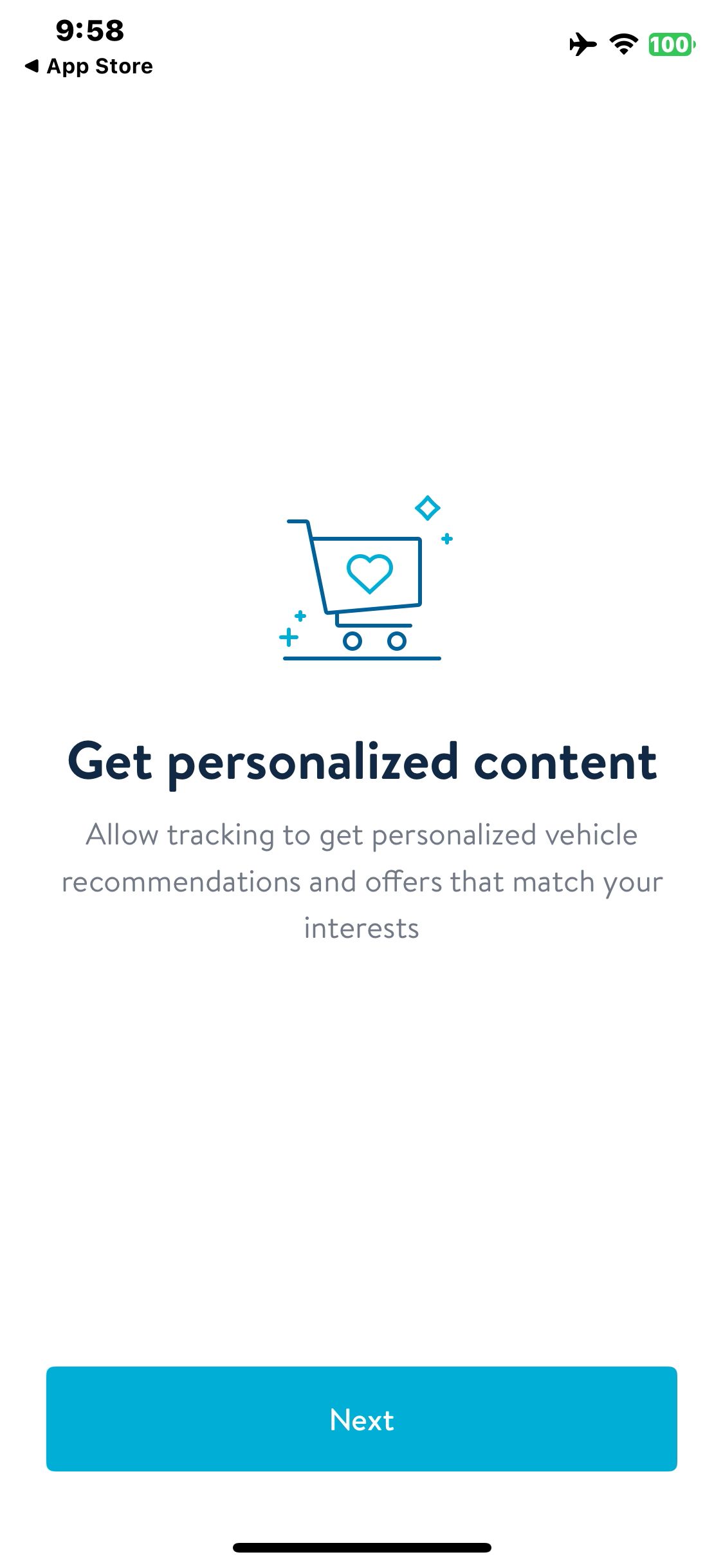
Carvana
Launch Carvana and view the personalization notice
Paid screenUnlock with any plan
BROWSE
Carvana
Decline tracking and view the guest entry sheet
Paid screenUnlock with any plan
BROWSE
Carvana
Apply the 2020 or newer shortcut and wait for the results
Paid screenUnlock with any plan
BROWSE
Carvana
Open the interactive interior view
You've reached the end
Carvana App UI/UX Design Analysis
Comprehensive UX & UI flow analysis of Carvana (iOS): Online Used Car Buying, 360-Degree Interactive Spin Studio, 2-Minute Pre-Qualification, Trade-In Offer & Vending Machine. Covers 6 end-to-end user journeys across 24 verified screens including 360° Interior/Exterior Spin & Imperfection Hotspots, Soft-Pull Pre-Qualification & Down Payment Slider, 2-Minute VIN / Plate Instant Trade-In Offer, and Schedule Home Drop-Off or Car Vending Machine.