Loading library…

Ramp — Corporate Cards, Expense Management, Bill Pay & Accounting Automation
Web★ 4.8106 screens
Version
Platform
Web
Rating
4.80
CategoryFinance
Version
Screens106
24 screens

Ramp
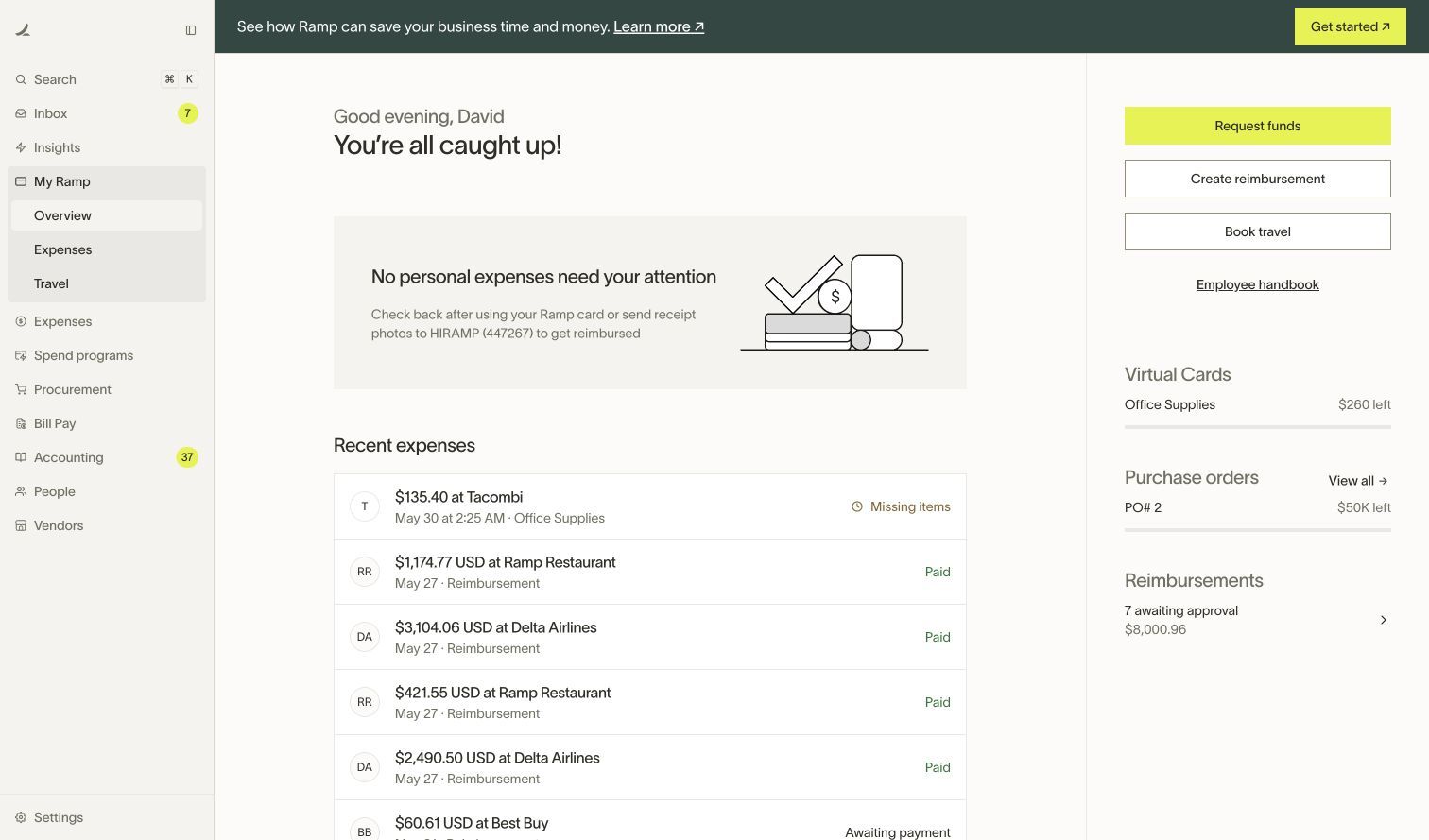
My Ramp — Ramp — Initial official public demo entry

Ramp
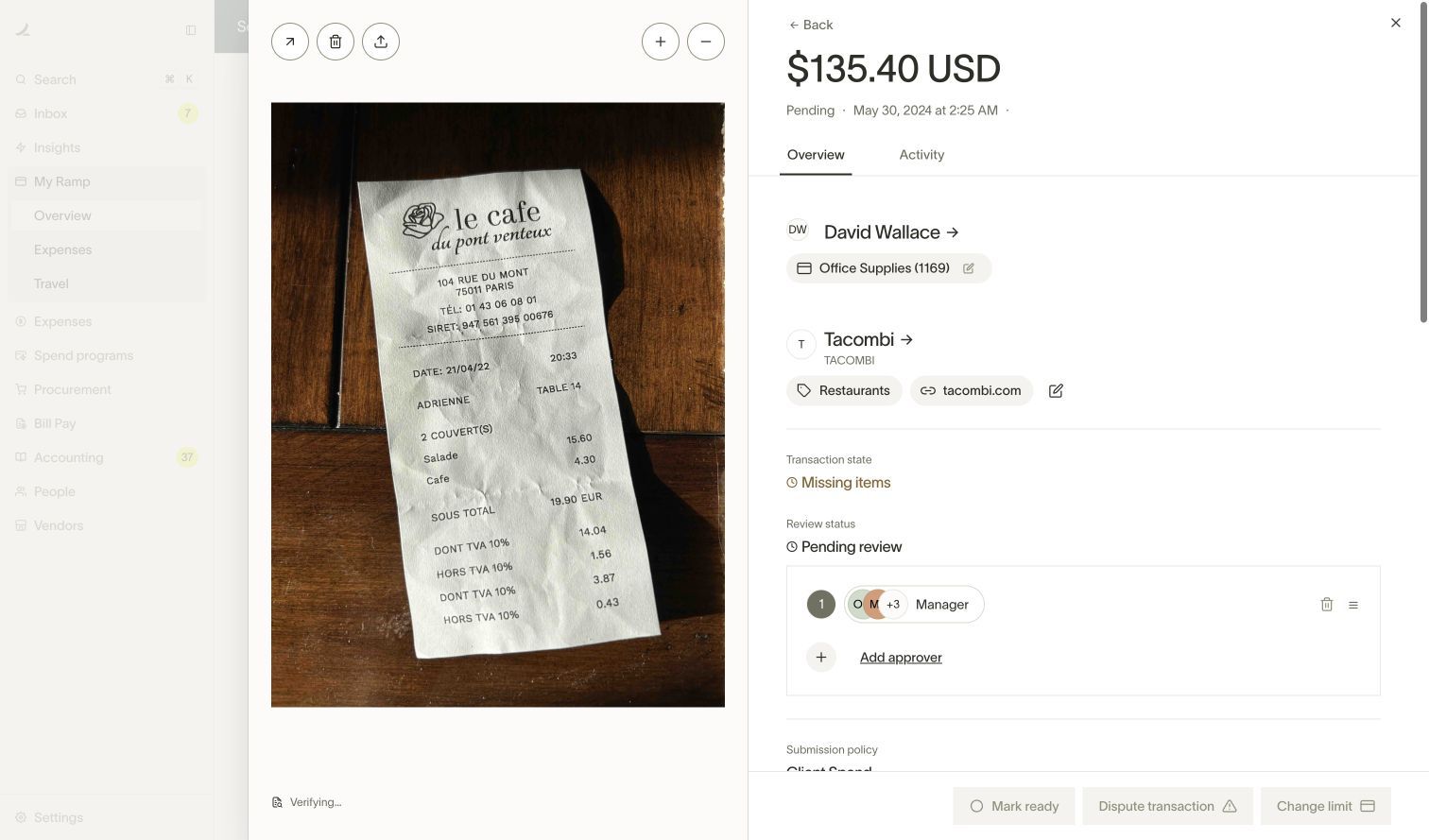
My Ramp — Ramp — Clicked the observed Tacombi expense link from Overview

Ramp
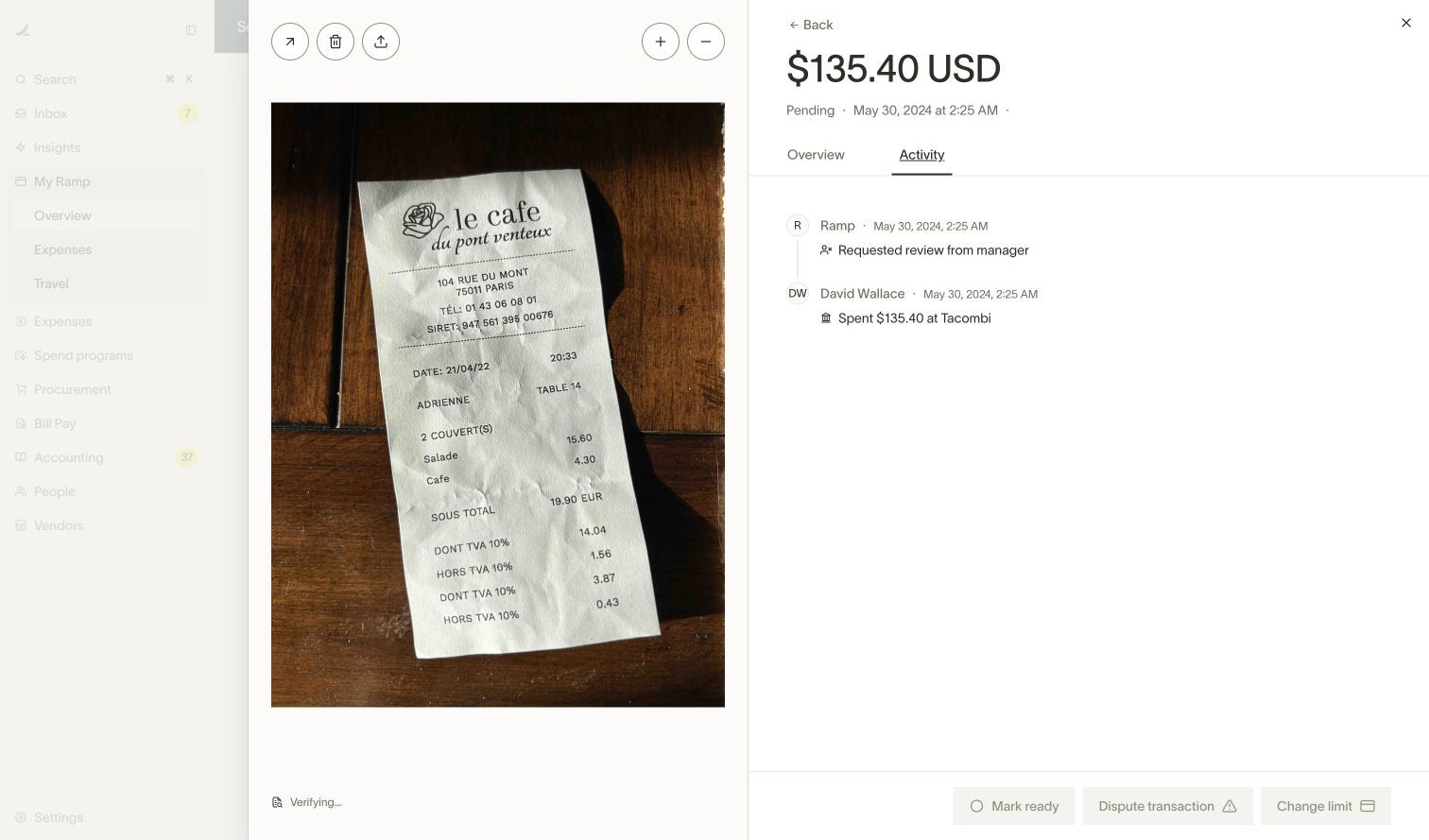
My Ramp — Ramp — Clicked Activity in the same expense drawer; no approval action

Ramp
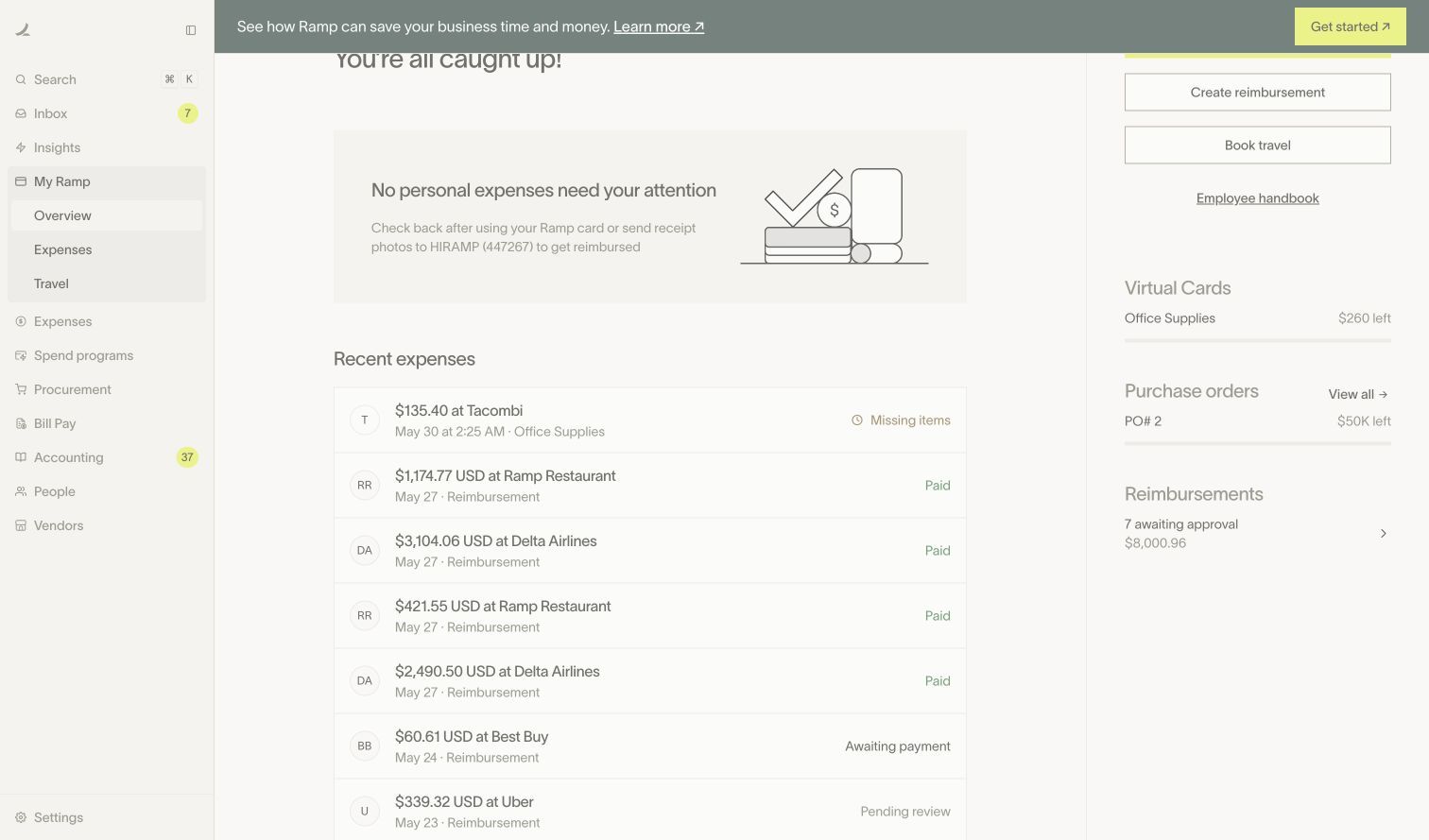
My Ramp — Ramp — Closed expense drawer; observed reimbursement entry in Overview
Ramp
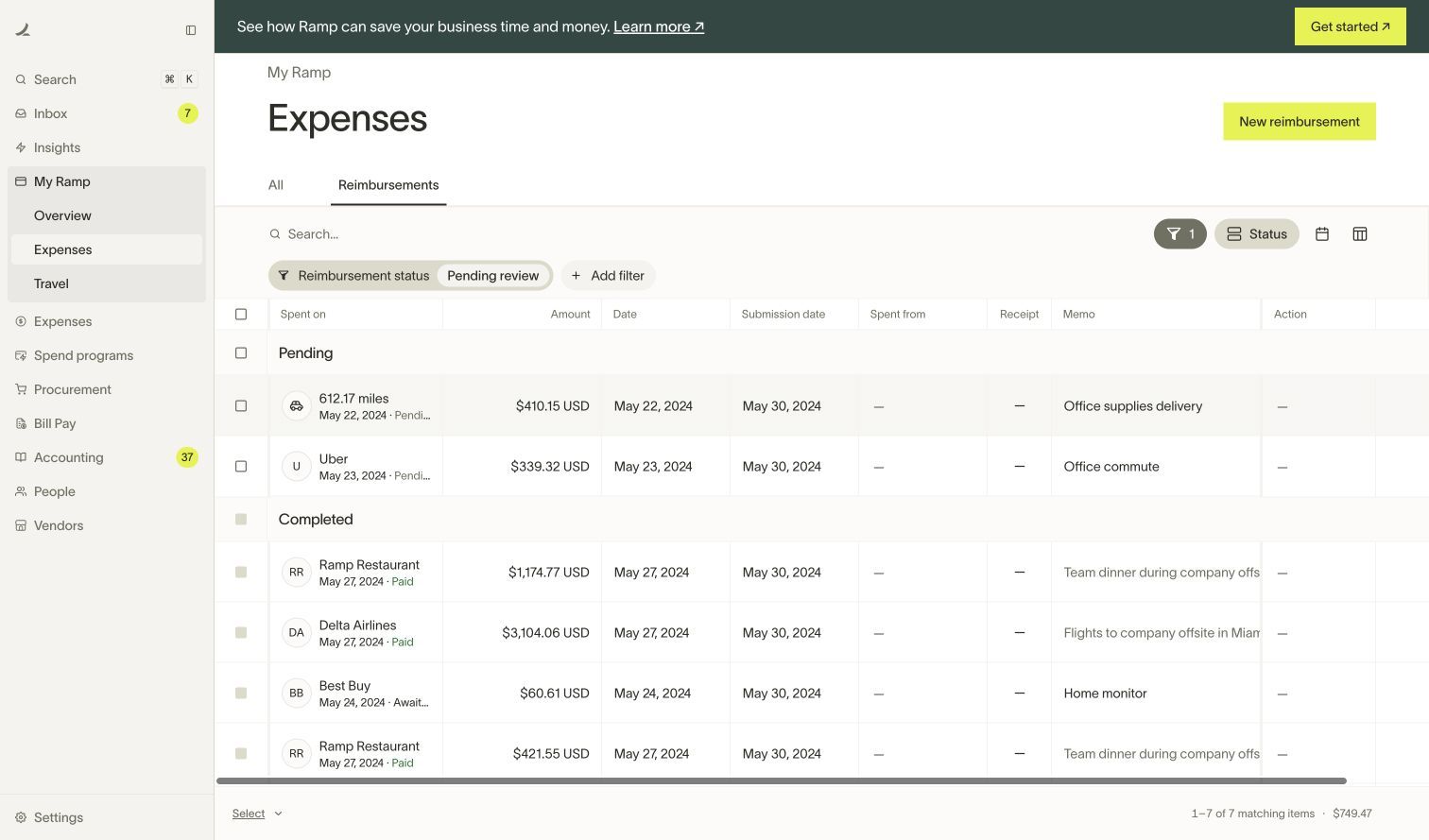
Expenses — Ramp — Clicked Overview reimbursement entry after prior drawer closed

BROWSE
Ramp
Expenses — Ramp — Opened Uber reimbursement row; missing receipt and approval-in-progress state

BROWSE
Ramp
Expenses — Ramp — Clicked Activity within the reimbursement drawer

BROWSE
Ramp
Bills — Ramp — Clicked observed Bill Pay navigation; populated bills table

BROWSE
Ramp
Bills — Ramp — Clicked For approval tab; no Approve button used

BROWSE
Ramp
Bills — Ramp — Opened Deckhand bill details and published fictional invoice preview
BROWSE
Ramp
Bills — Ramp — Viewed bill activity; no Approve, Reject, Schedule or Edit action

BROWSE
Ramp
Ramp Card — Ramp — Opened Accounting; populated transactions awaiting coding/review
BROWSE
Ramp
Ramp Card — Ramp — Clicked Ready to export view; Ready to sync labels visible, no export/sync performed
BROWSE
Ramp
Ramp Card — Ramp — Opened Astral Codex row in Ready to export view; no sync/export/approval

BROWSE
Ramp
People — Ramp — Opened People; published fictional try.ramp.com identities

BROWSE
Ramp
People — Ramp — Opened Invite people role selector, no invitation sent

BROWSE
Ramp
People — Ramp — Viewed blank Invite Employee form; no identifiers entered or Send invite action

BROWSE
Ramp
Company settings — Ramp — Opened Company settings in fictional demo; no edits

BROWSE
Ramp
Expense policy — Ramp — Viewed Expense policy overview

BROWSE
Ramp
Spend programs — Ramp — Opened published Spend programs list

BROWSE
Ramp
Spend programs — Ramp — Opened General Procurement details; no Request spend or Edit action

BROWSE
Ramp
Overview — Ramp — Opened populated Vendors overview

BROWSE
Ramp
Salesforce — Ramp — Opened Salesforce profile with card spend, documents and expense policy context

BROWSE
Ramp
My Ramp — Ramp — Navigated Home and waited for Office Supplies card link
Ramp App UI/UX Design Analysis
Ramp (WEB) — Corporate Cards, Expense Management, Bill Pay Accounting Automation