
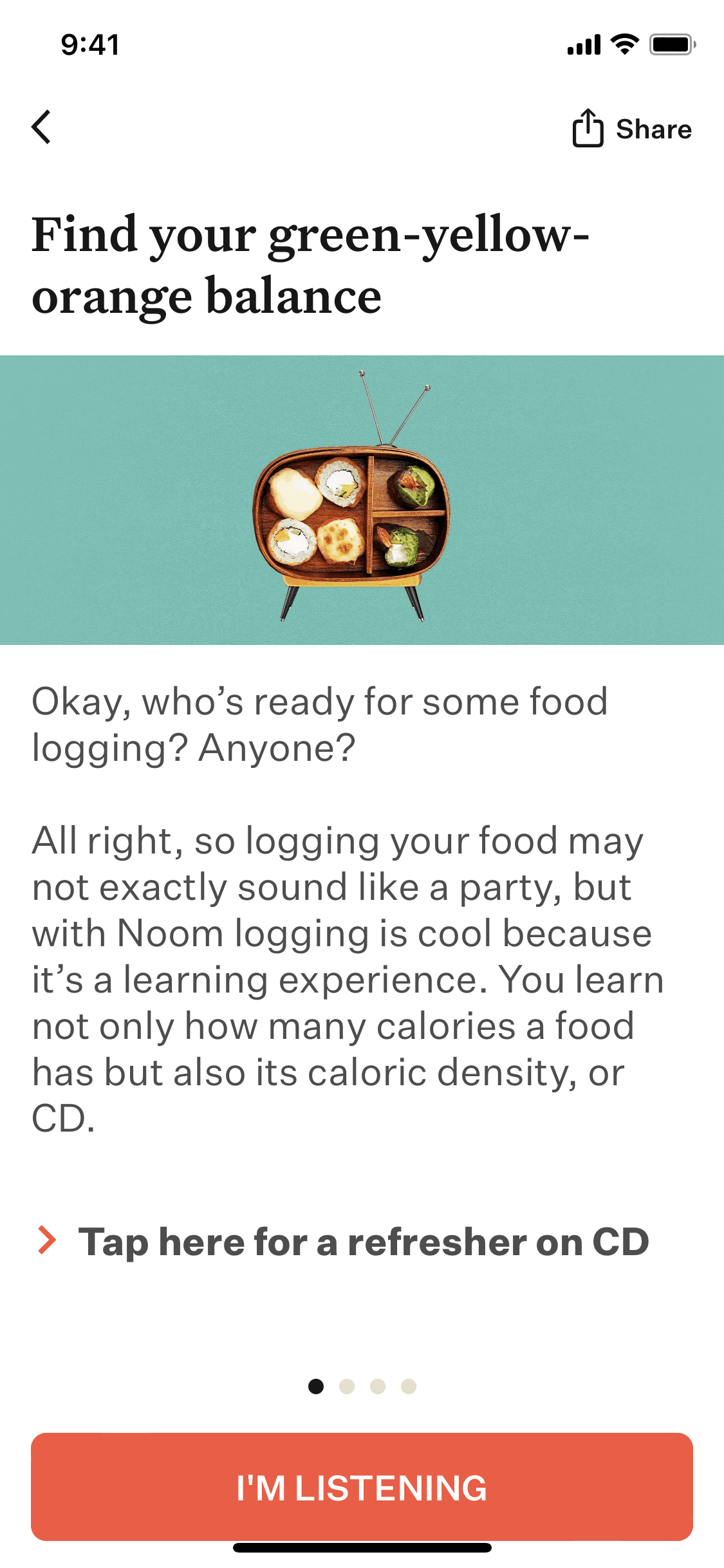

Noom iOS Health & Fitness interface screenshot 1
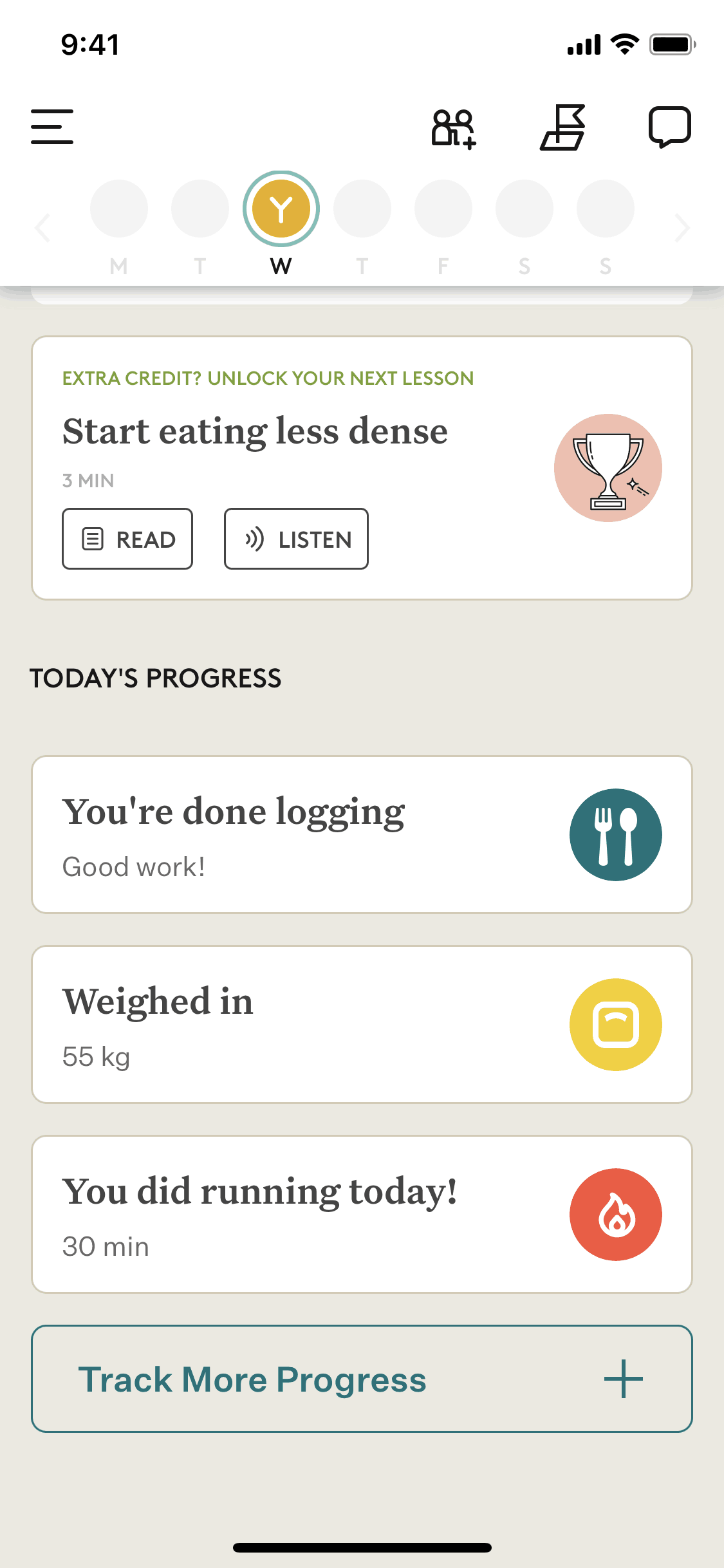
Noom iOS Health & Fitness interface screenshot 2

Noom iOS Health & Fitness interface screenshot 3
Onboarding on Noom (ios) screen 1
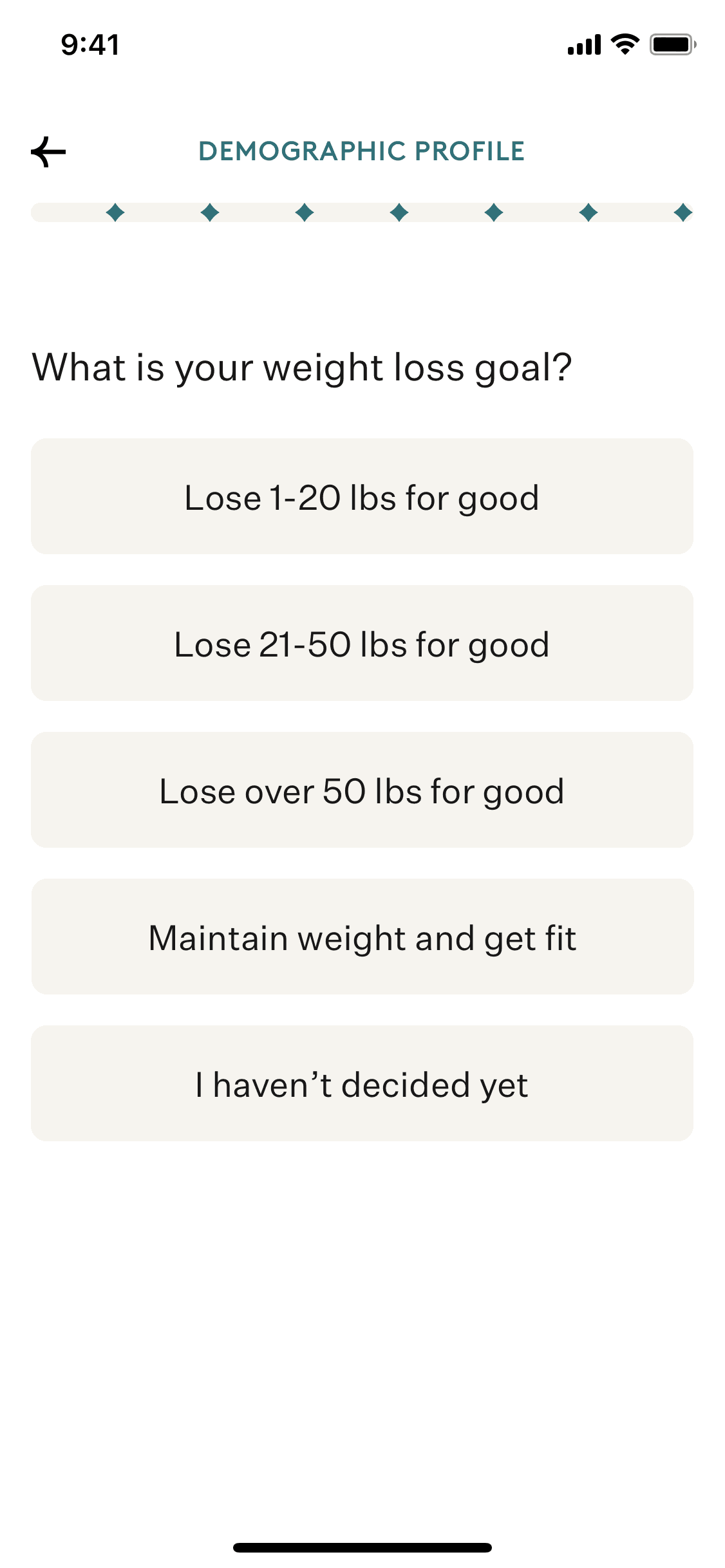
Setting up a demographic profile on Noom (ios) screen 2

Setting up weight loss goals on Noom (ios) screen 2

Completing a behavioral profile quiz on Noom (ios) screen 2

Subscribing to personalised plan on Noom (ios) screen 2

Completing a welcome quiz on Noom (ios) screen 2

Completing today's courses on Noom (ios) screen 2

Adding an article to library on Noom (ios) screen 2

Listening to article audio on Noom (ios) screen 2

Tracking progress options on Noom (ios) screen 2

Logging meals on Noom (ios) screen 2

More options about food on Noom (ios) screen 2

Nutrition facts on Noom (ios) screen 2

Flagging a problem on Noom (ios) screen 2

Portion size guide on Noom (ios) screen 2

Creating a new food on Noom (ios) screen 2

Creating a new dish on Noom (ios) screen 2

Noom iOS Health & Fitness interface screenshot 21

Noom iOS Health & Fitness interface screenshot 22
Noom iOS Health & Fitness interface screenshot 23

Noom iOS Health & Fitness interface screenshot 24
Gummble currently indexes 482 Noom iOS screens captured Current Version and 6 captured UX flows including onboarding. Lose weight with psychology. Categorized under Health & Fitness. Step through each captured Noom flow screen by screen, or study individual screens for navigation, layout, and microcopy patterns.
Editorial teardown
Noom is a weight loss app that combines psychology based coaching with food logging and habit tracking. Unlike calorie counting apps, Noom delivers a daily curriculum of lessons about eating behaviors, emotional triggers, and sustainable habit formation. Users log meals, complete lessons, interact with coaches, and track progress — but the app's core promise is behavior change, not just data tracking. Noom positions itself as fixing the underlying psychology that other diet apps ignore.
Read the full Noom UX teardownGummble currently indexes 482 Noom iOS screens captured Current Version and 6 captured UX flows including onboarding. Browse the gallery to study Noom's interface patterns and design decisions.
Noom is categorized under Health & Fitness. Gummble holds 6 captured UX flows including onboarding for Noom iOS. Open the Flows tab to step through each captured sequence screen by screen.
Yes. Gummble Browse, Pro, and Team users can download Noom iOS screenshots for design reference. Free users can browse a limited selection and view design analysis.