Loading library…
Mela — Save and organize recipes, plan meals, and manage groceries
iOS★ 4.810 screens
Version
Platform
iOS
Rating
4.80
CategoryUtilities
Version
Screens10
10 screens

Mela
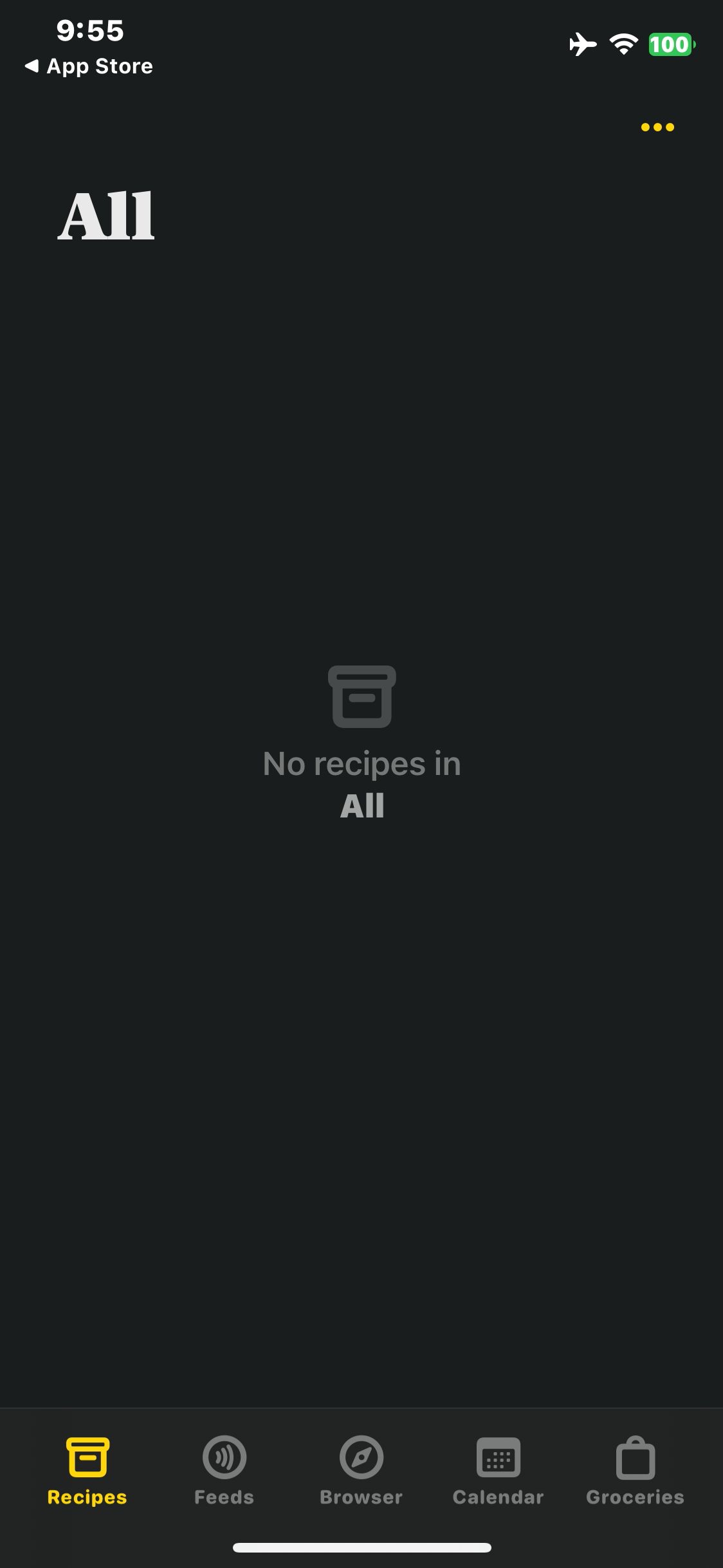
Close the purchase offer and view the empty recipe collection
Mela
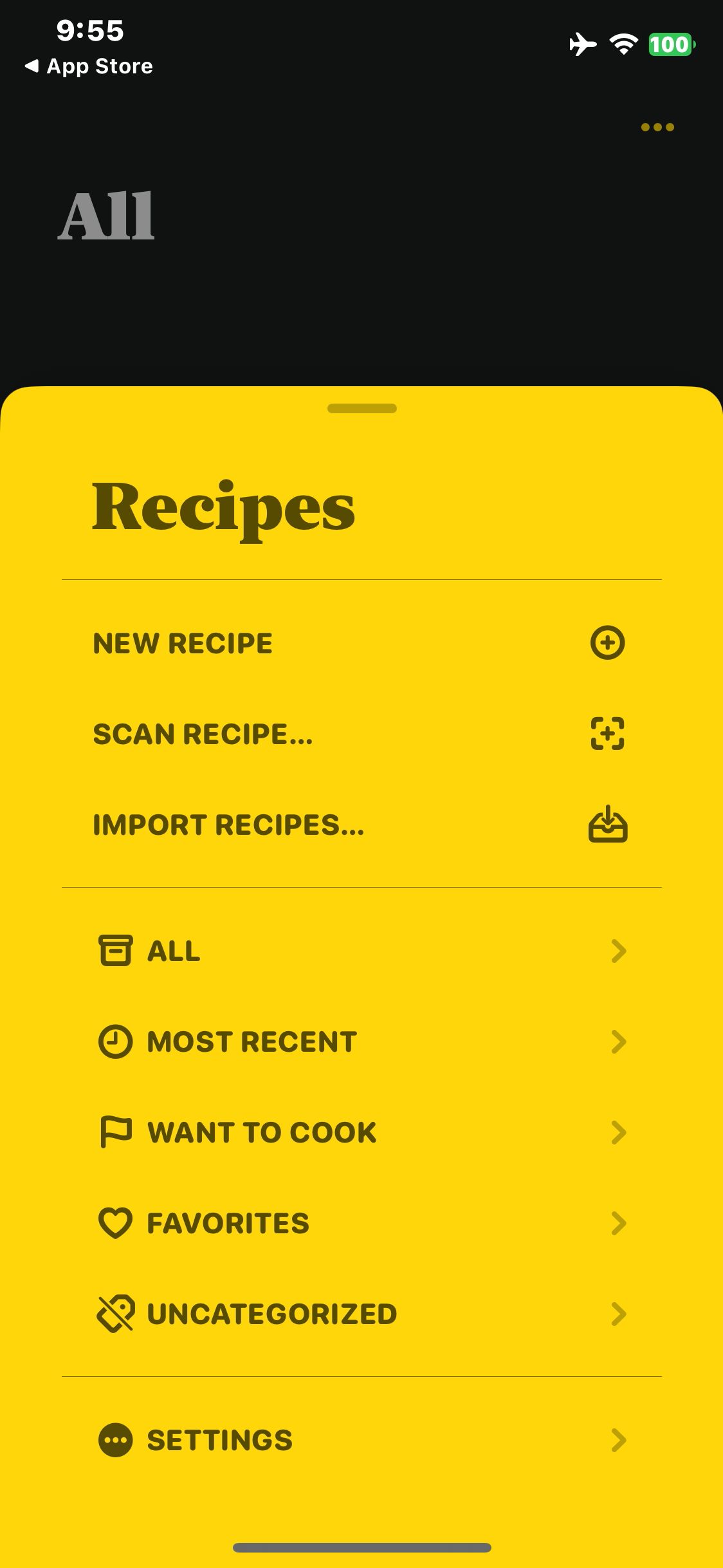
Open the Recipes menu

Mela
Save and open the new recipe detail
Mela
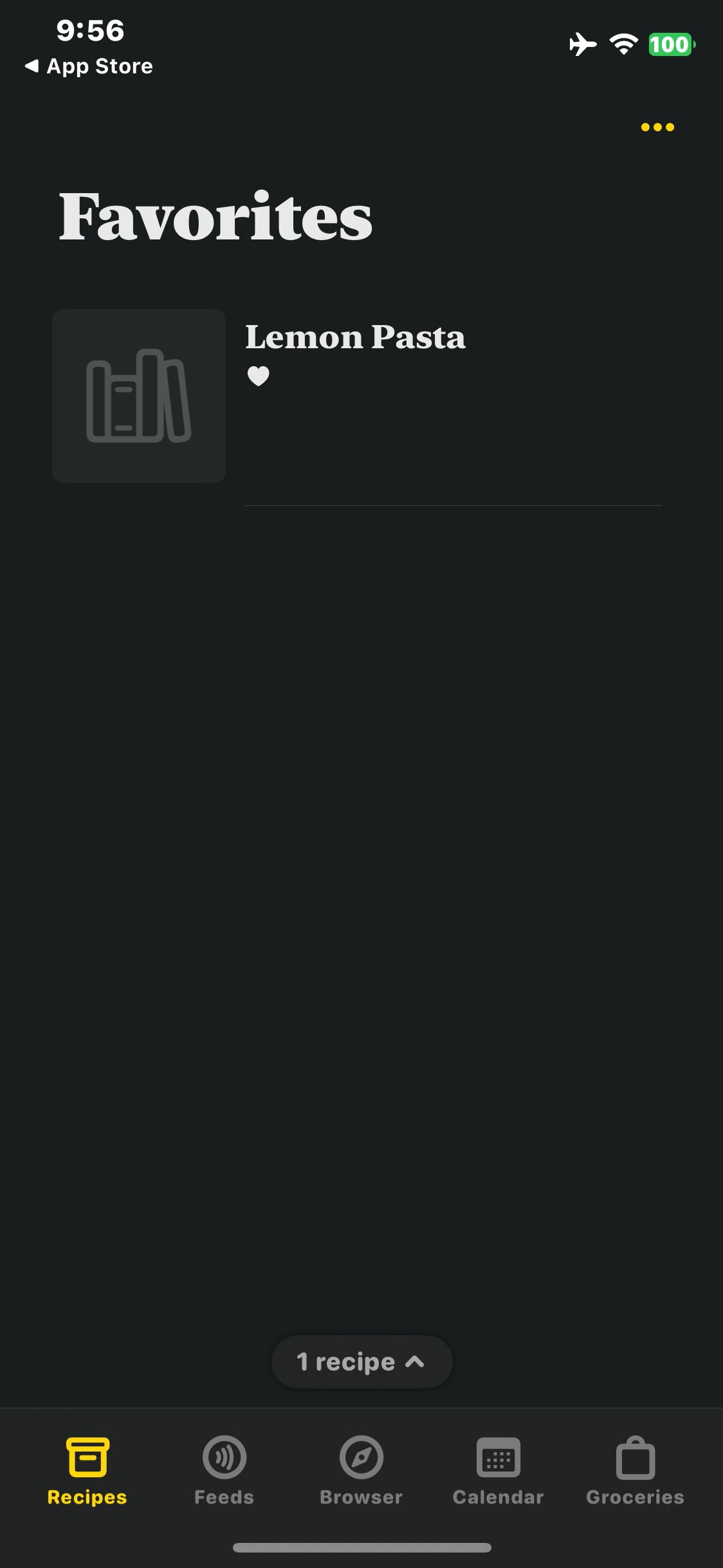
Open Favorites and verify Lemon Pasta appears
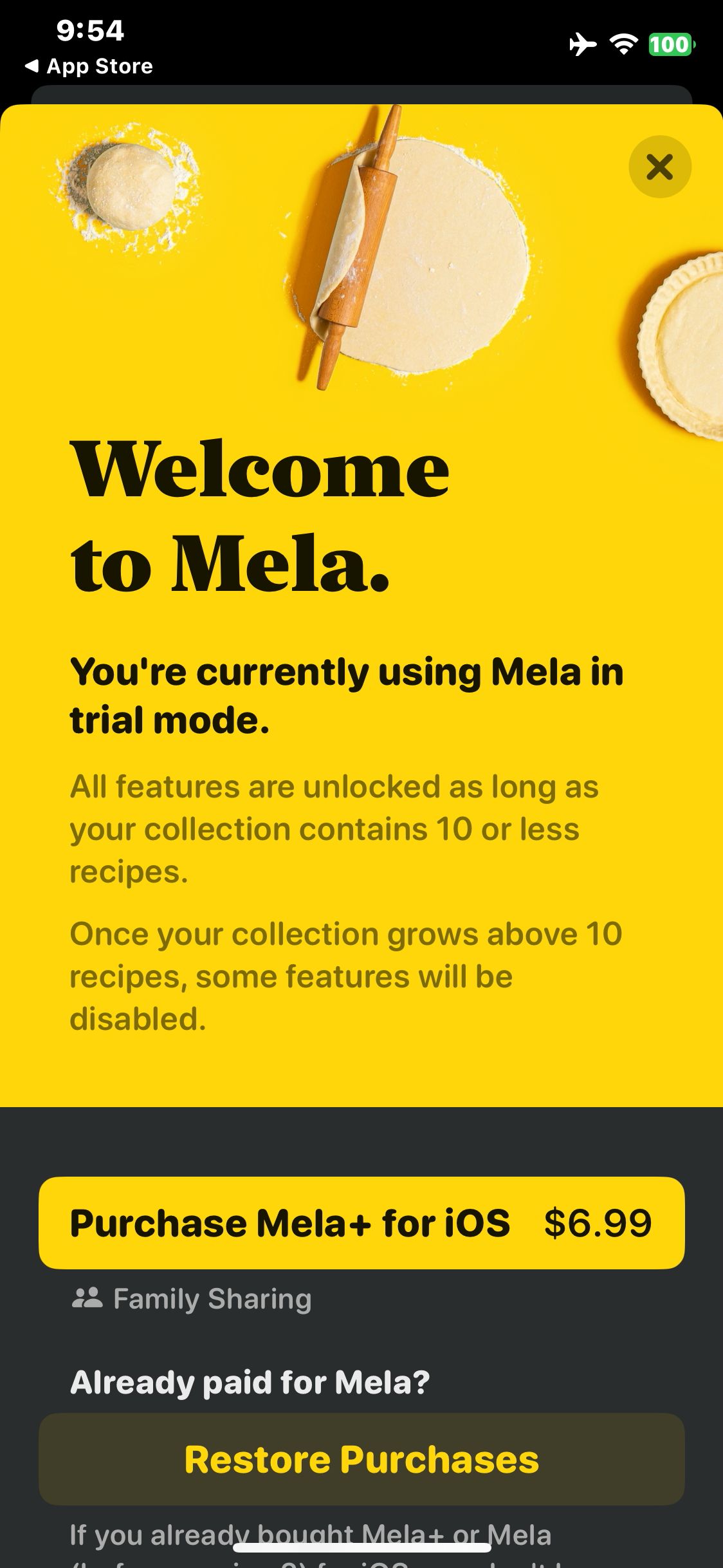
Mela
Launch Mela and view the included trial-mode notice
Paid screenUnlock with any plan
BROWSE
Mela
Tap New Recipe and open the editor
Paid screenUnlock with any plan
BROWSE
Mela
Enter the sample recipe title Lemon Pasta
Paid screenUnlock with any plan
BROWSE
Mela
Open the recipe actions menu
Paid screenUnlock with any plan
BROWSE
Mela
Return to the list and verify the heart on the favorited recipe
Paid screenUnlock with any plan
BROWSE
Mela
Open the recipe categories menu
You've reached the end
Mela App UI/UX Design Analysis
Comprehensive UX & UI flow analysis of Mela (iOS): Minimal Native iOS Recipe Manager, In-App RSS Recipe Reader, Cookbook OCR Scanner & Reminders Grocery Sync. Covers 6 end-to-end user journeys across 24 verified screens including Clean Native Recipe Card & Side-by-Side Cook Mode, Subscribed Food Blogs RSS Feed & Web Extractor, Physical Cookbook Page Camera OCR Scanner, and Apple Reminders Grocery Sync & iCloud Family Share.