


Birchbox iOS Shopping interface screenshot 1

Birchbox iOS Shopping interface screenshot 2
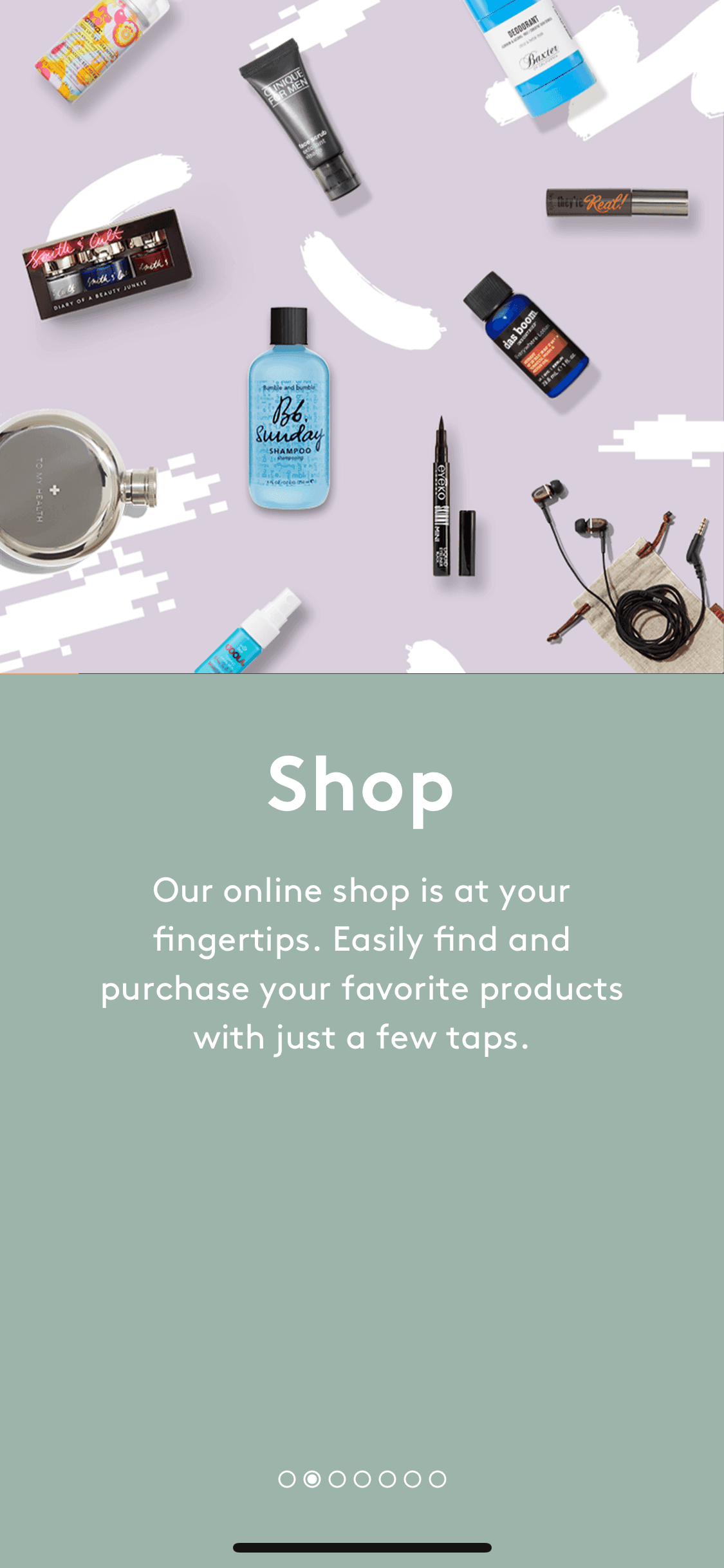
Birchbox iOS Shopping interface screenshot 3
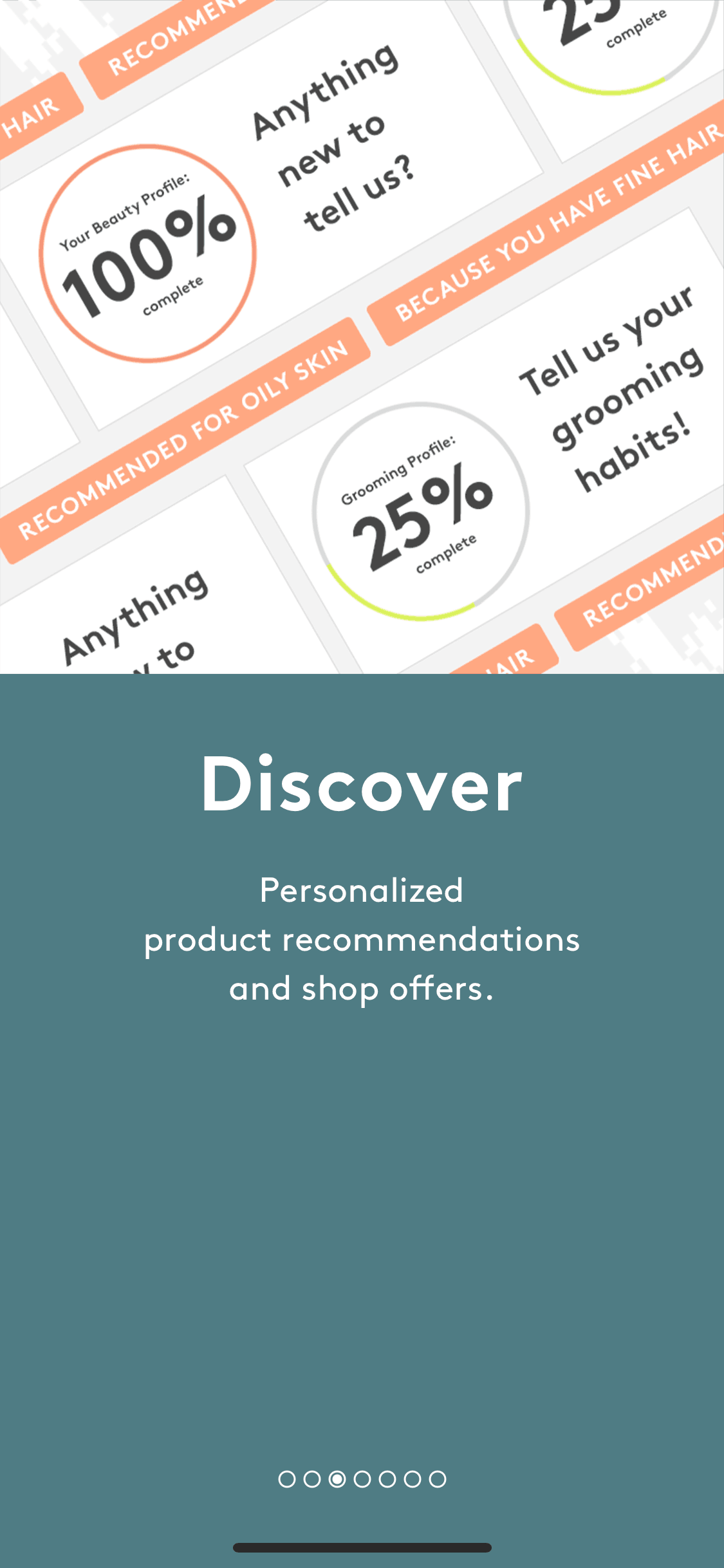
Birchbox iOS Shopping interface screenshot 4
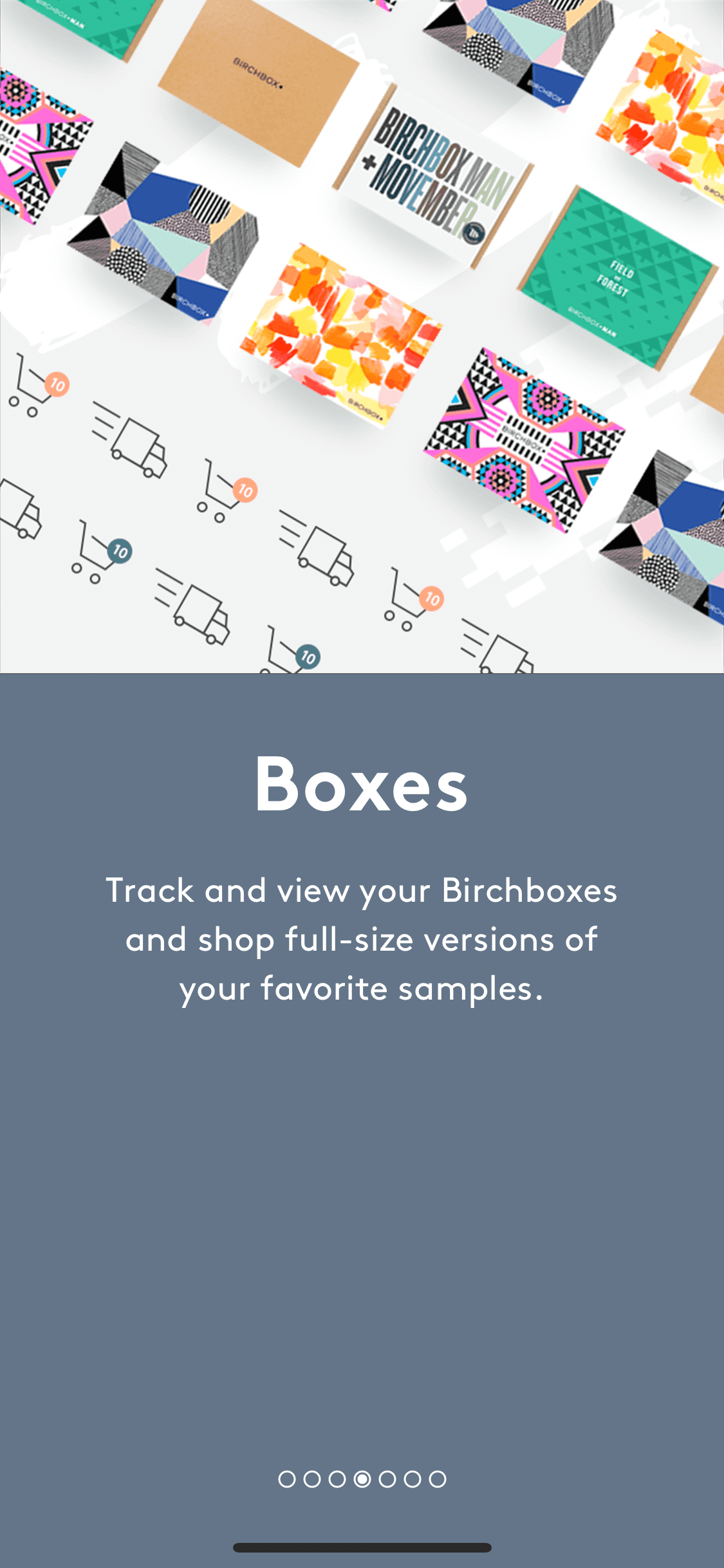
Birchbox iOS Shopping interface screenshot 5
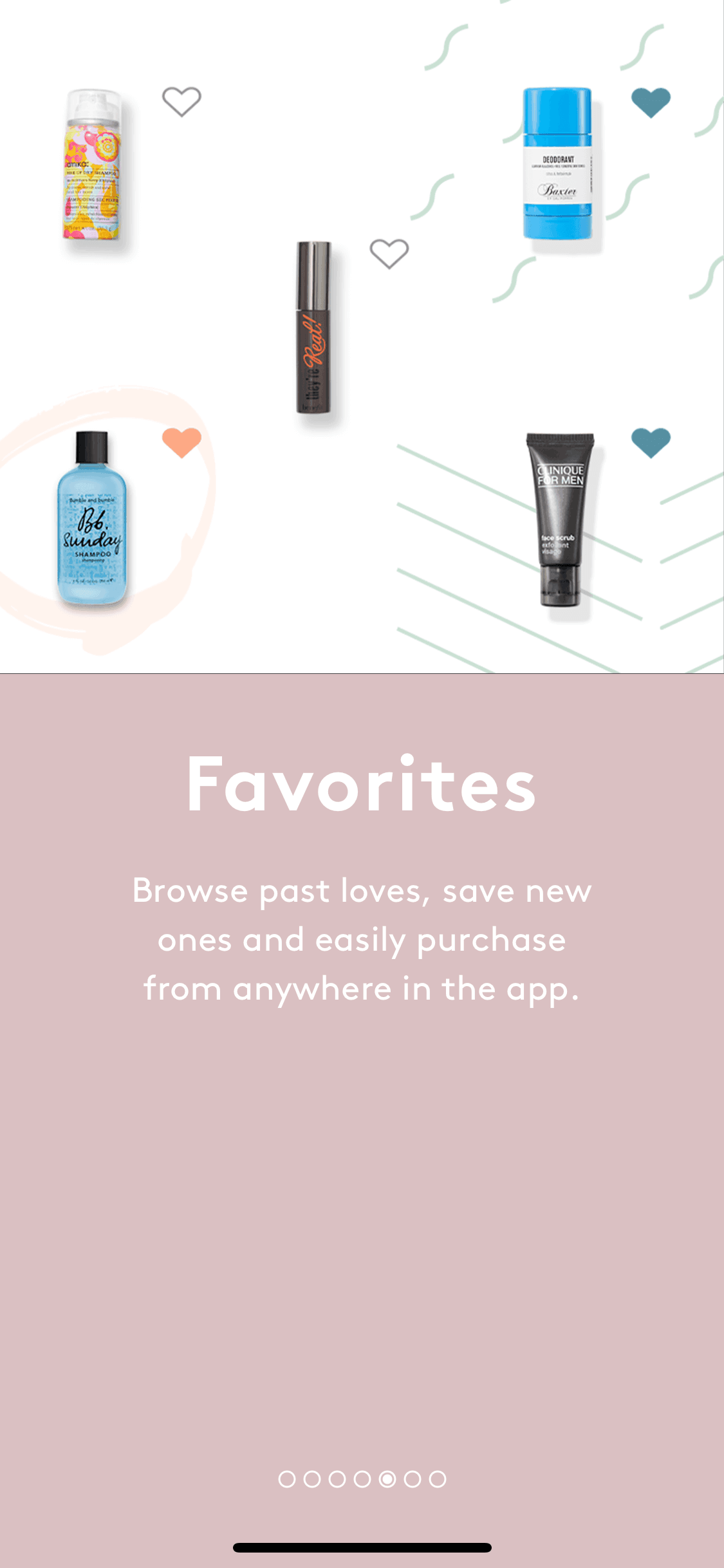
Birchbox iOS Shopping interface screenshot 6
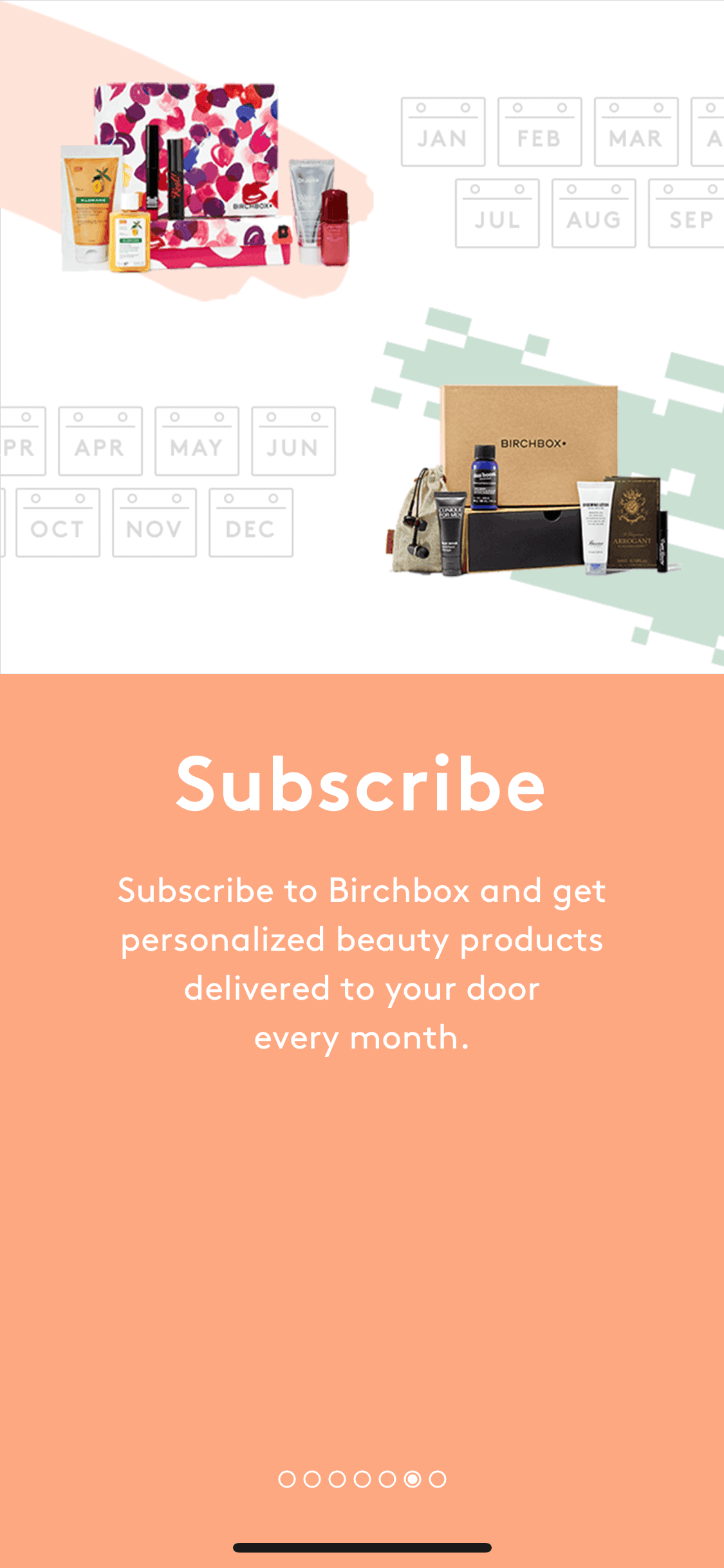
Birchbox iOS Shopping interface screenshot 7

Birchbox iOS Shopping interface screenshot 8
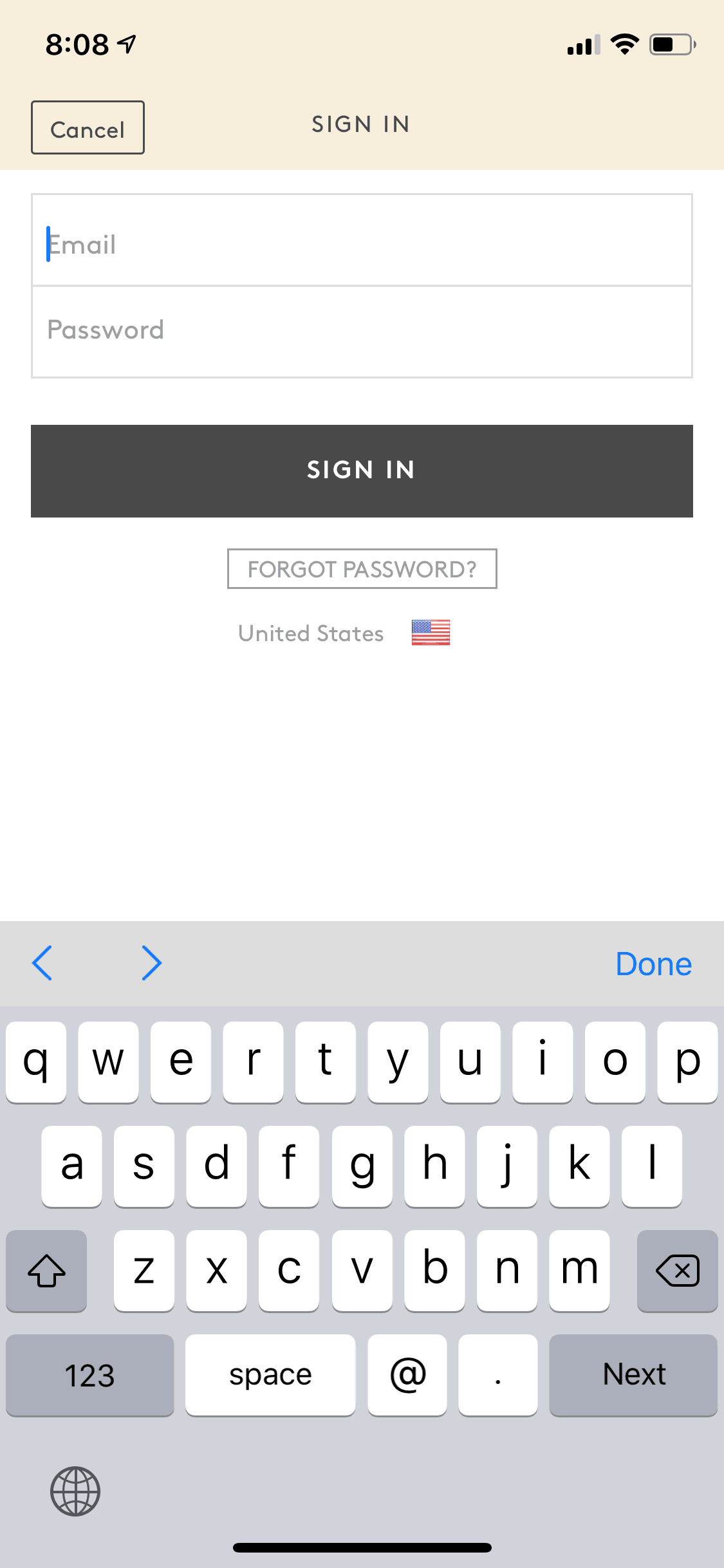
Birchbox iOS Shopping interface screenshot 9
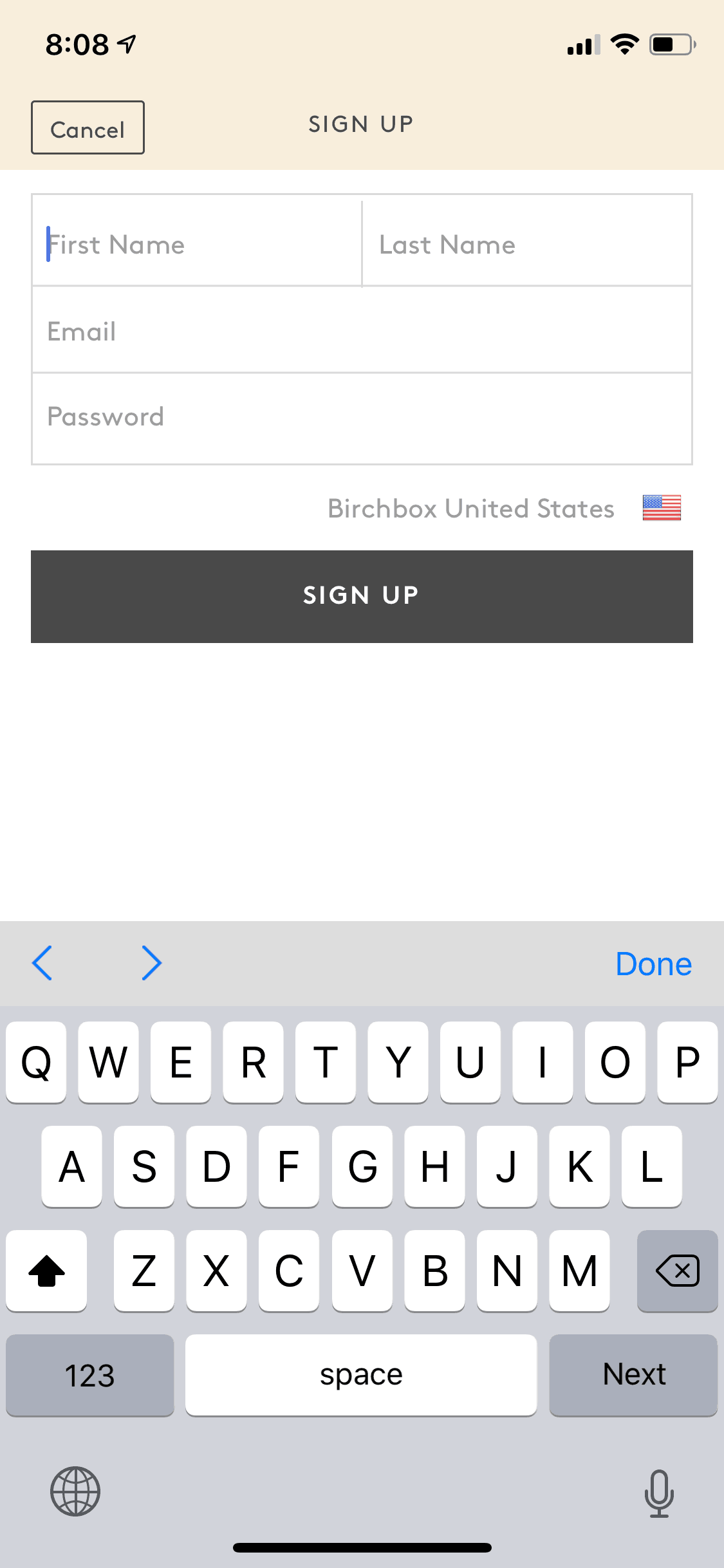
Birchbox iOS Shopping interface screenshot 10
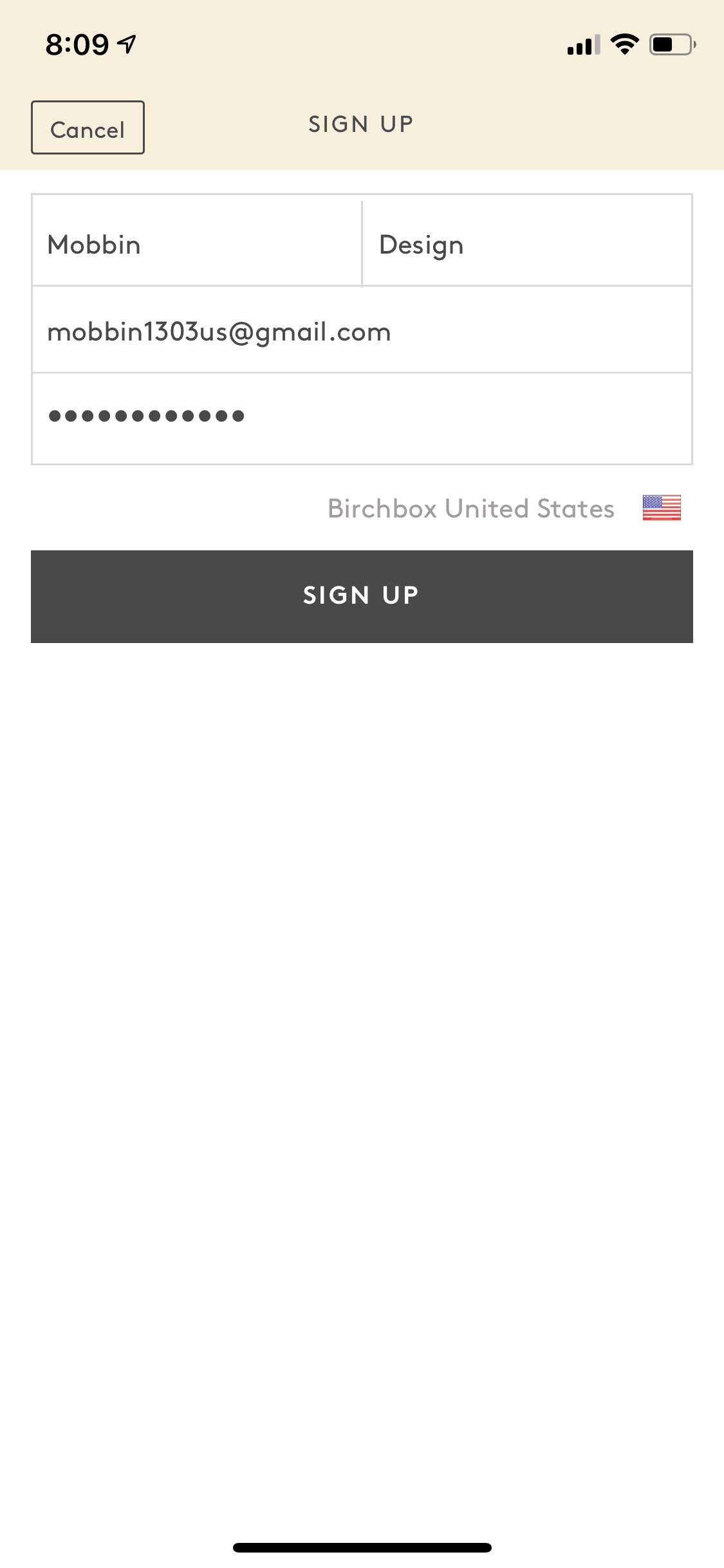
Birchbox iOS Shopping interface screenshot 11

Birchbox iOS Shopping interface screenshot 12

Birchbox iOS Shopping interface screenshot 13
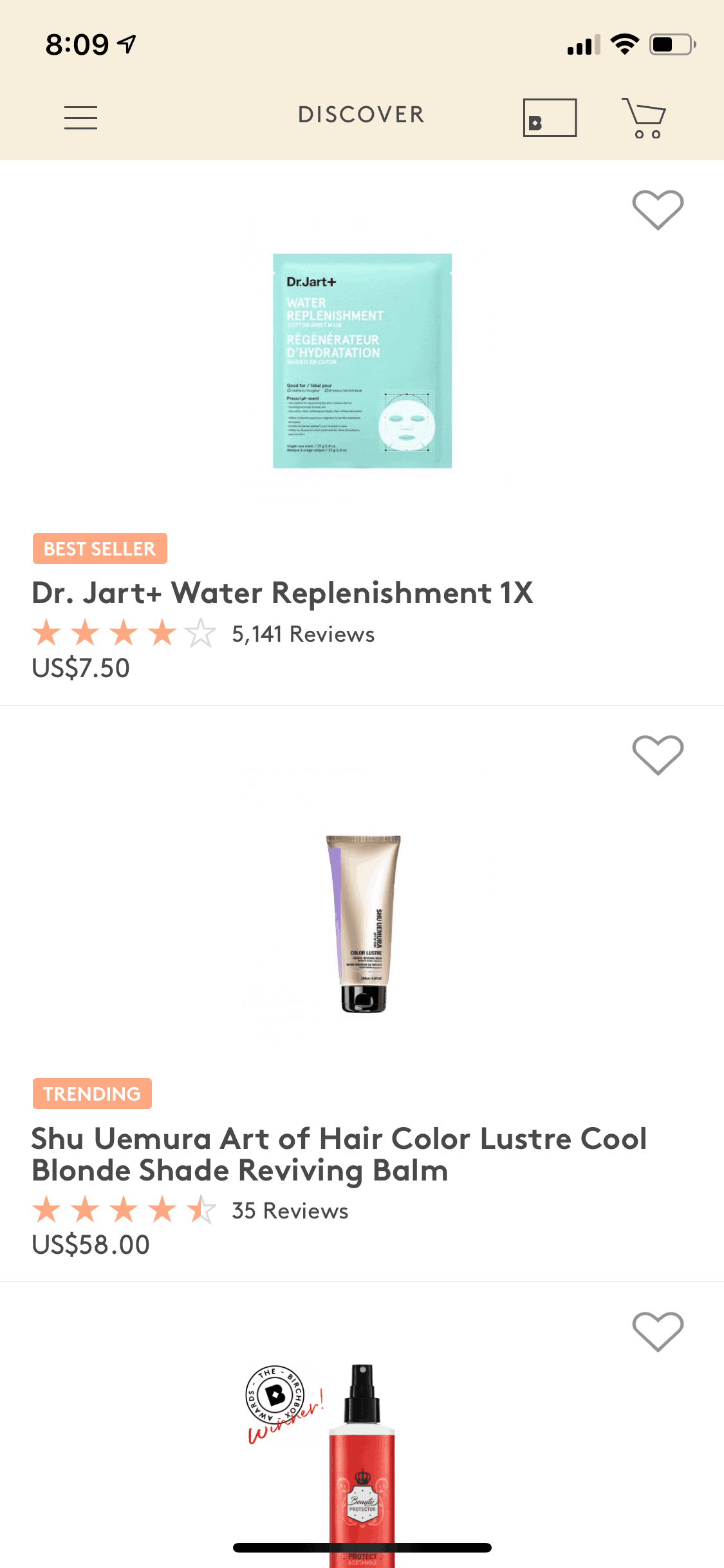
Birchbox iOS Shopping interface screenshot 14
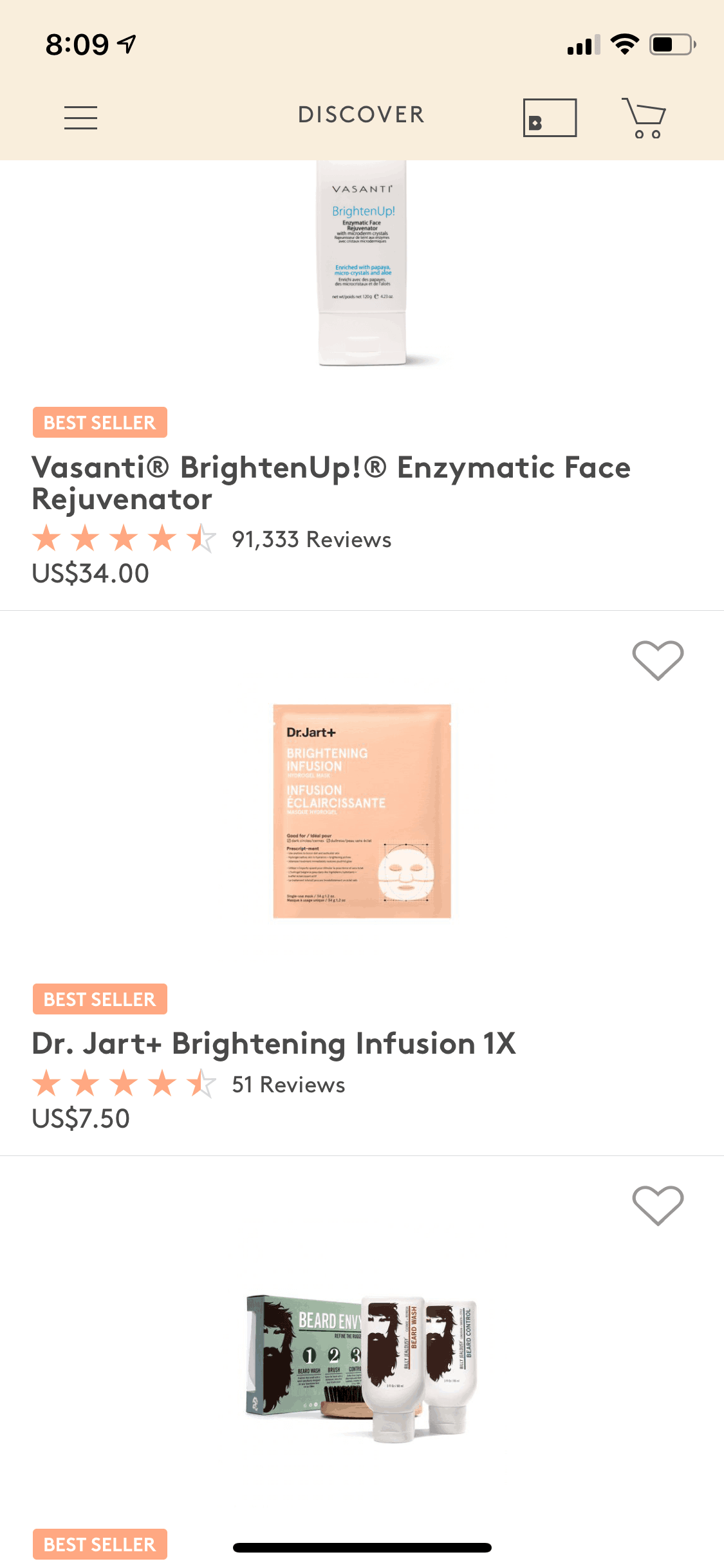
Birchbox iOS Shopping interface screenshot 15
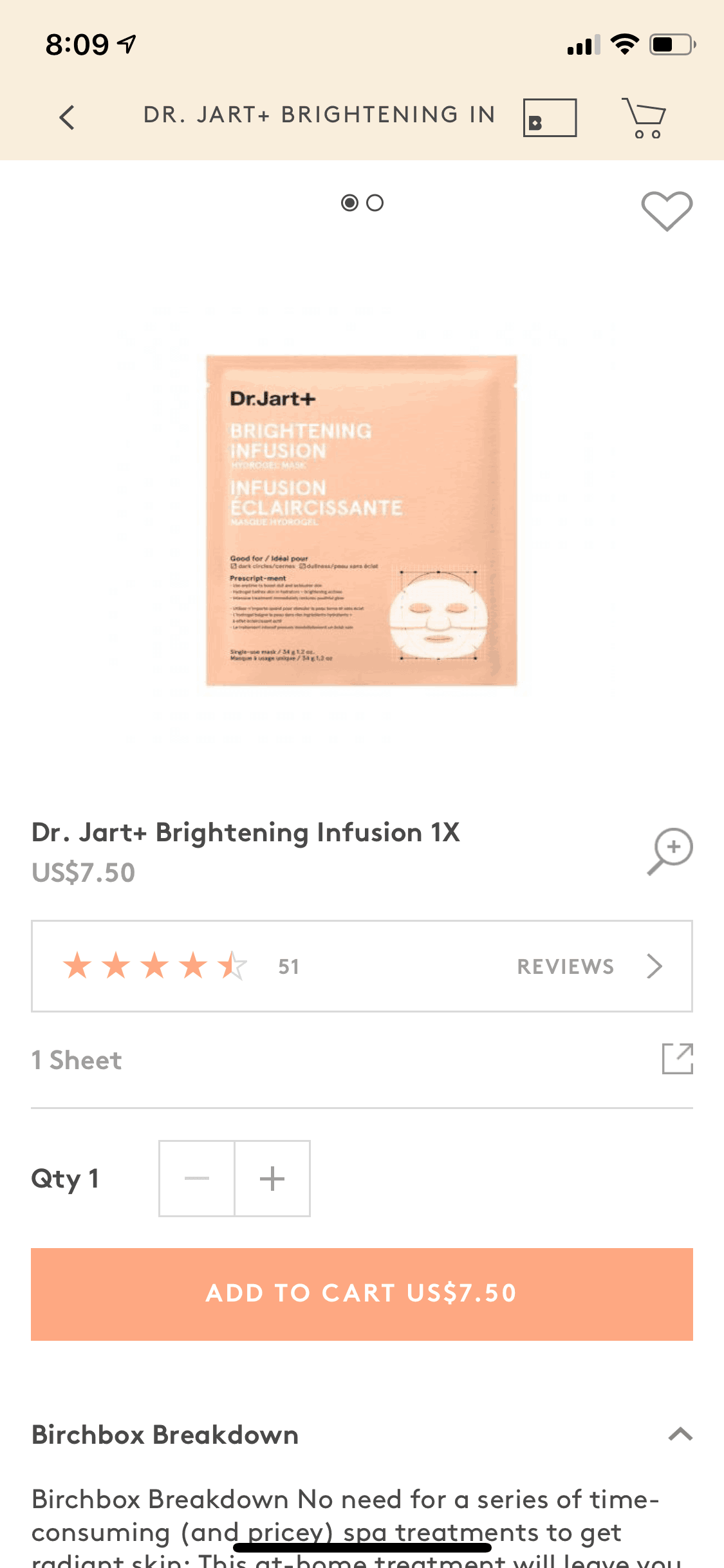
Birchbox iOS Shopping interface screenshot 16
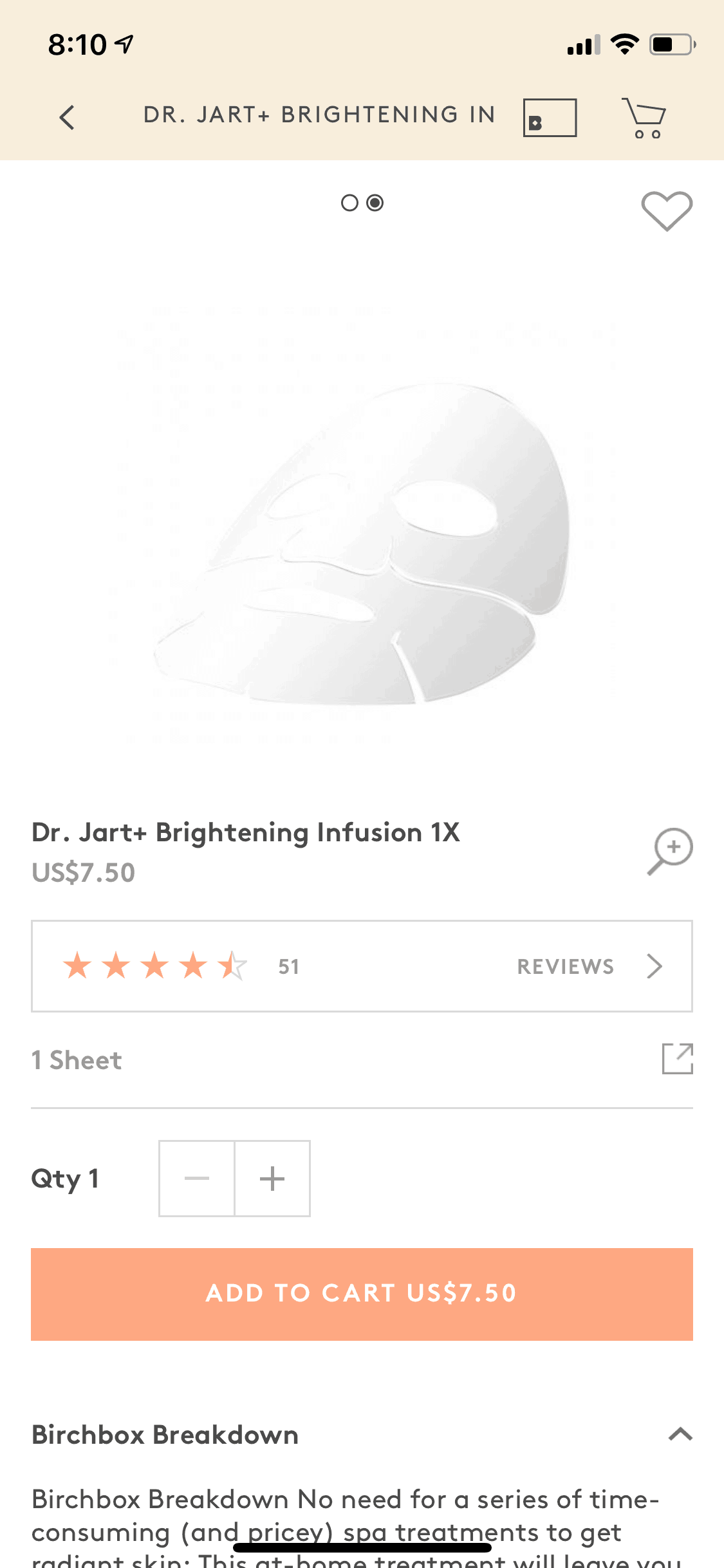
Birchbox iOS Shopping interface screenshot 17
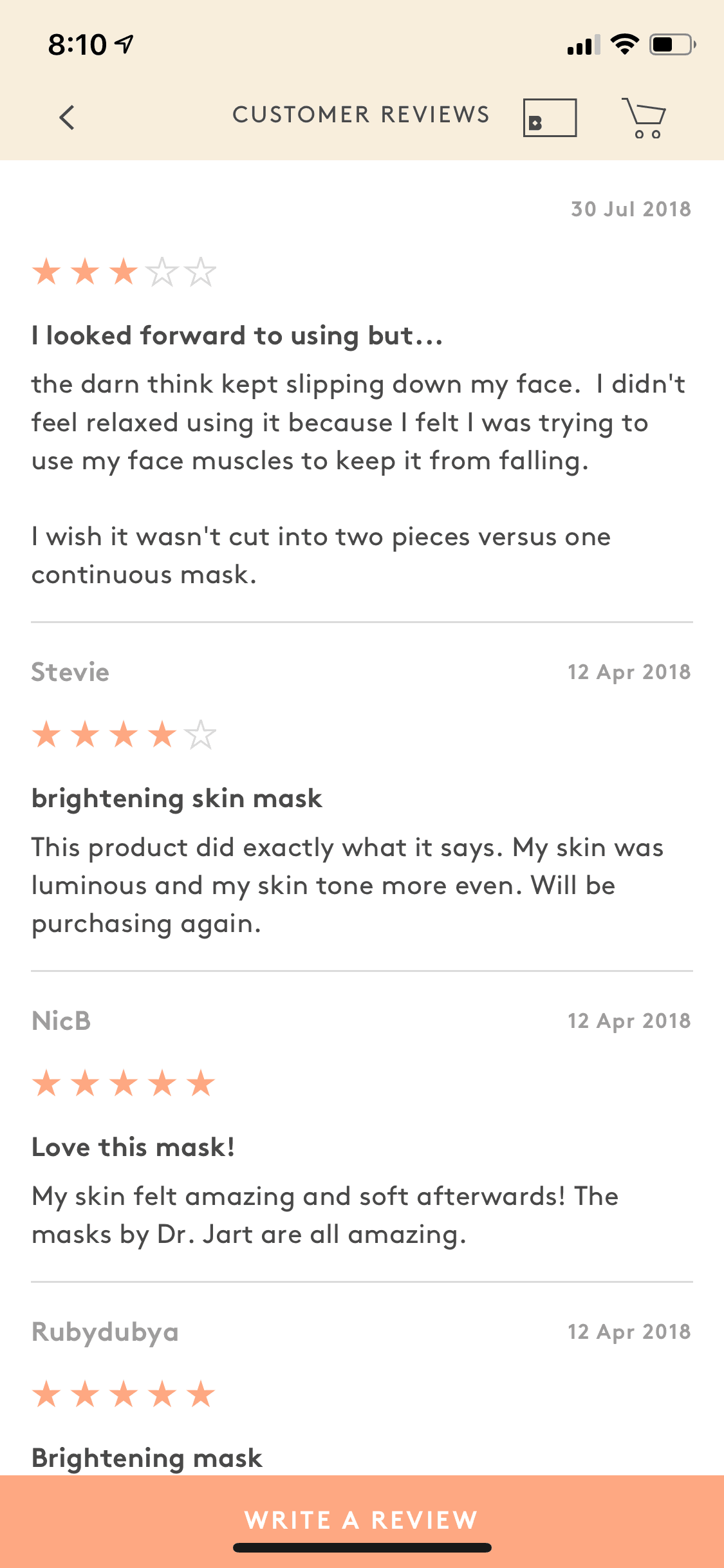
Birchbox iOS Shopping interface screenshot 18
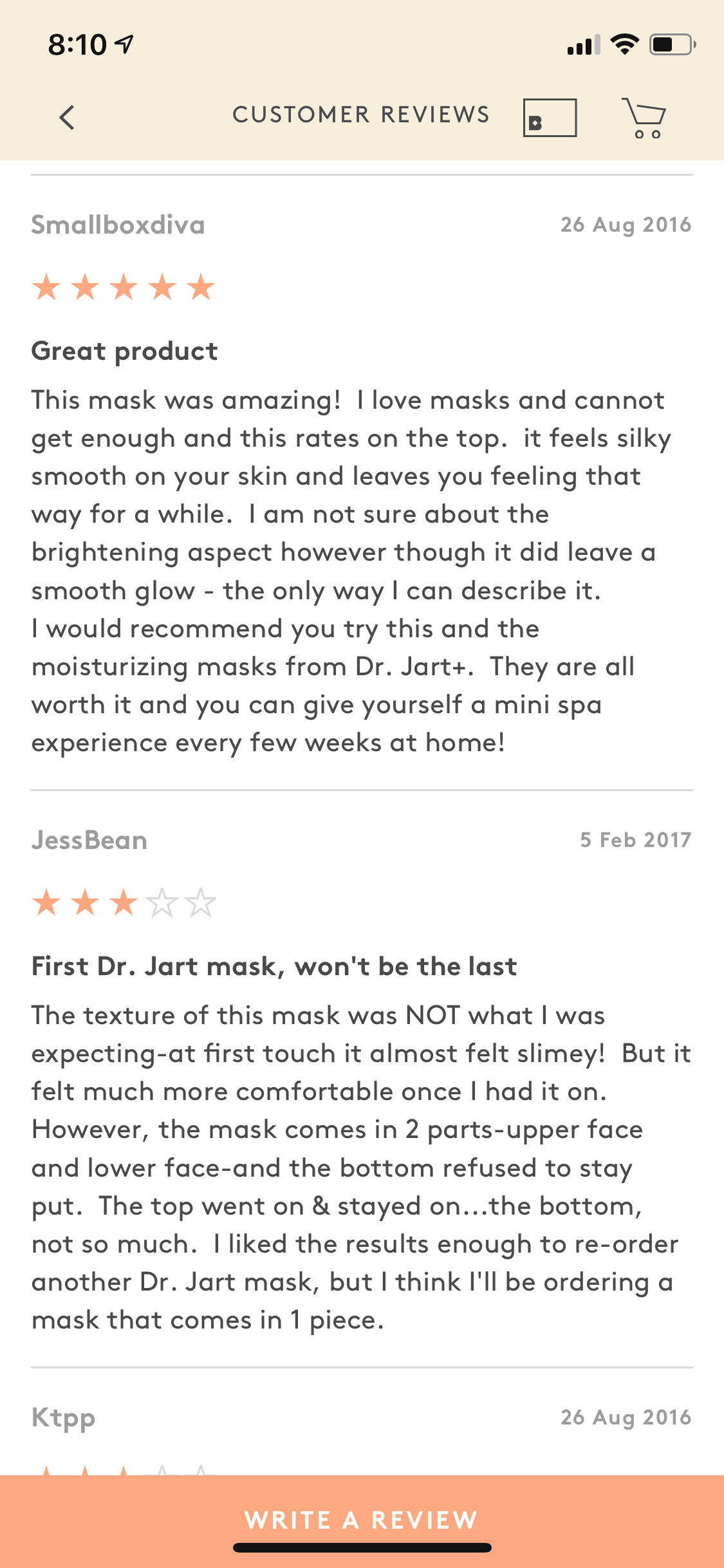
Birchbox iOS Shopping interface screenshot 19

Birchbox iOS Shopping interface screenshot 20

Birchbox iOS Shopping interface screenshot 21
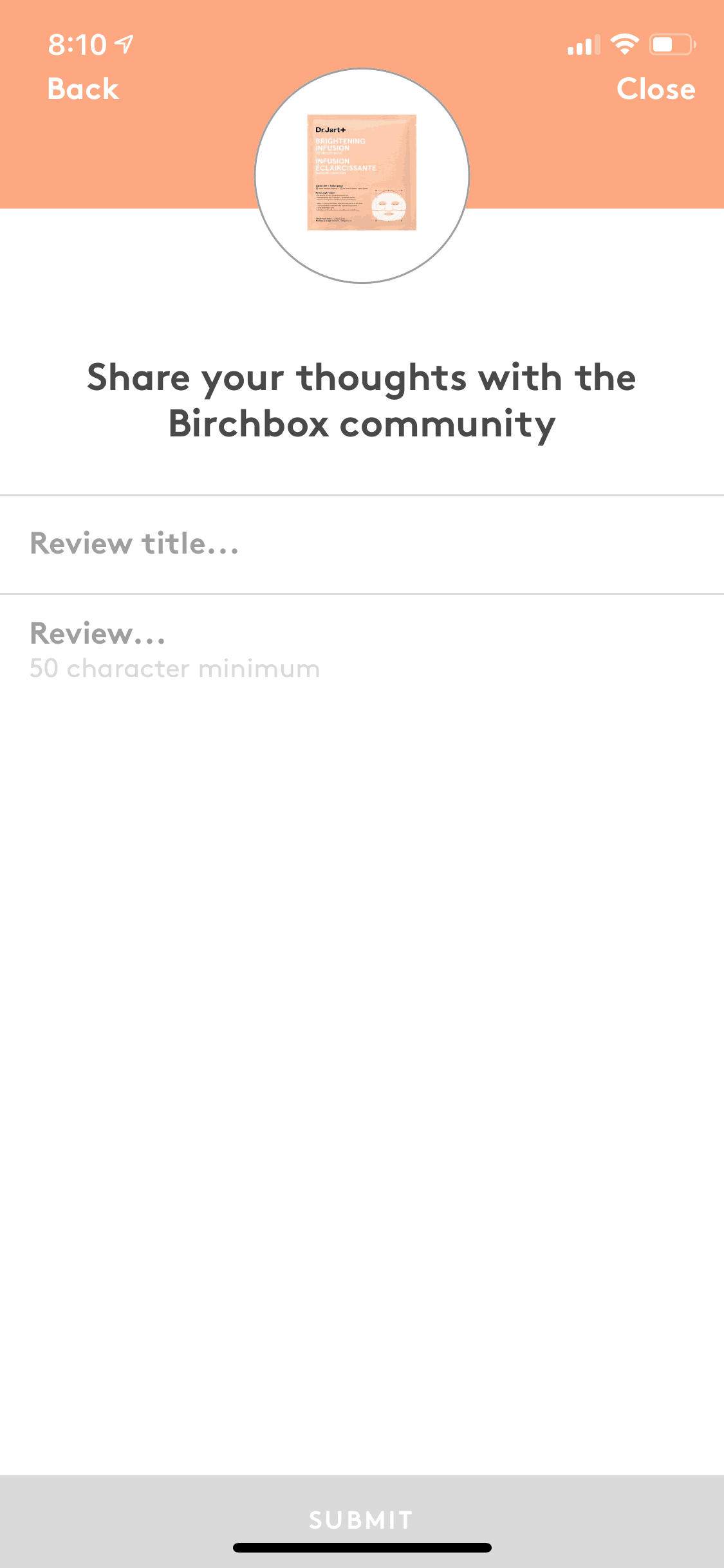
Birchbox iOS Shopping interface screenshot 22
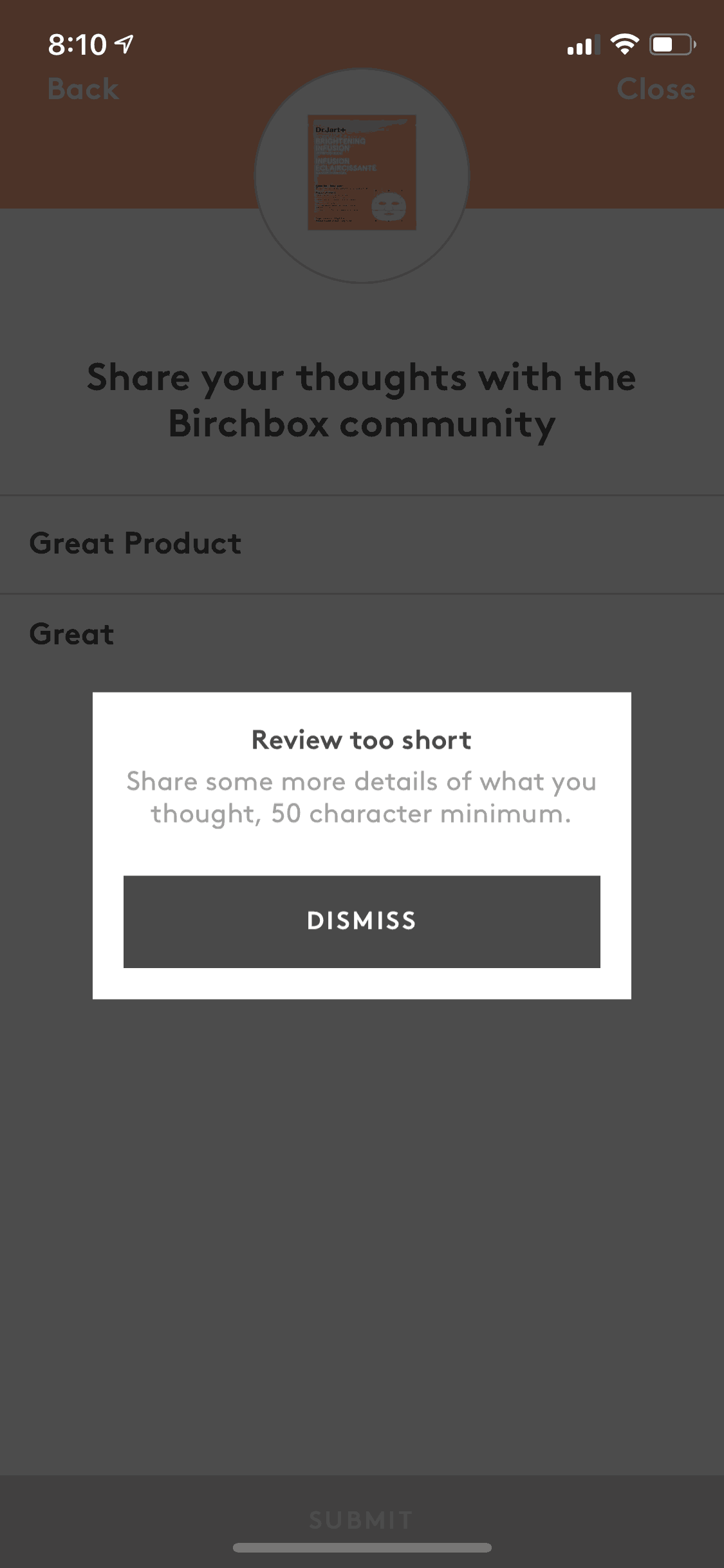
Birchbox iOS Shopping interface screenshot 23
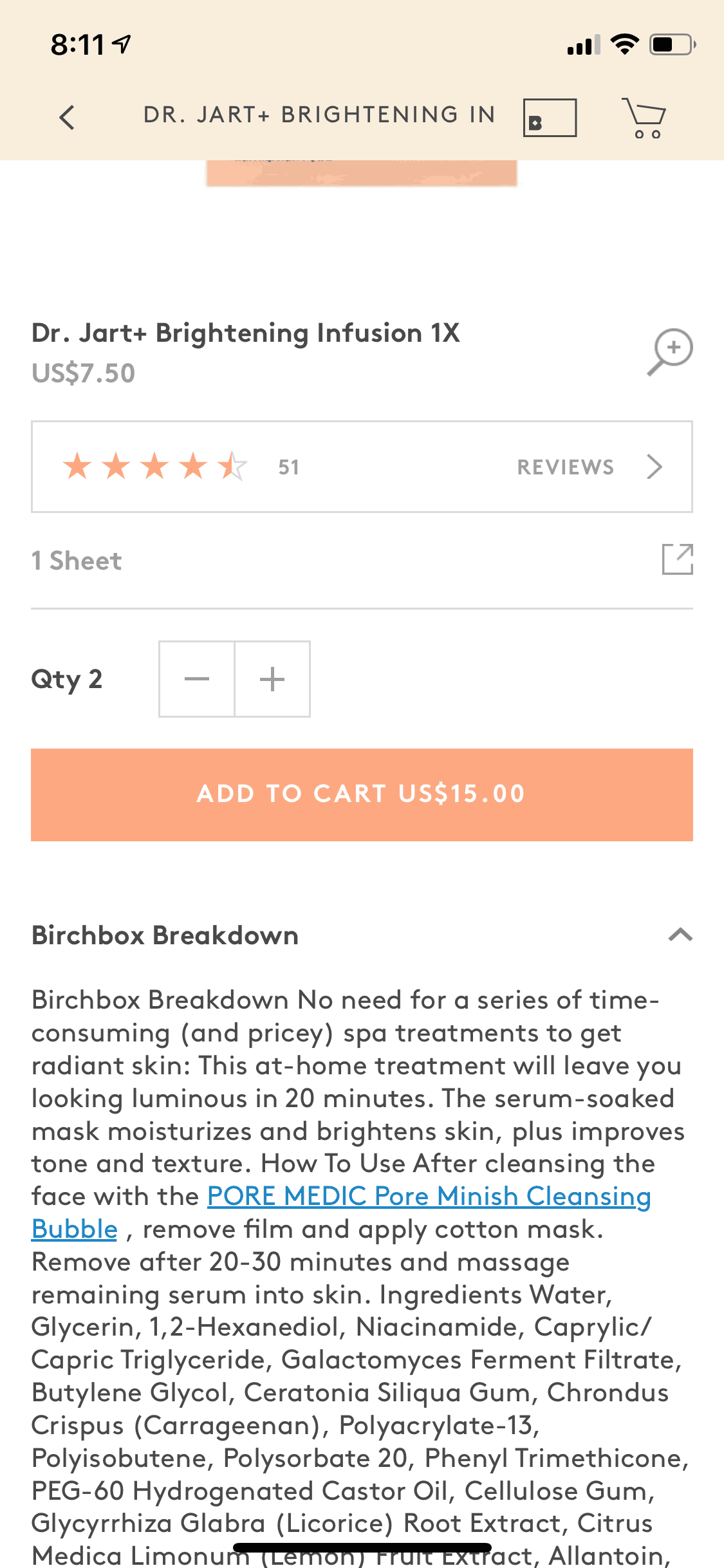
Birchbox iOS Shopping interface screenshot 24
Gummble currently indexes 81 Birchbox iOS screens captured Jun 12, 2019. Beauty made easy. Categorized under Shopping. Study individual Birchbox screens for navigation, layout, and microcopy patterns.
Editorial teardown
Birchbox is a beauty subscription service that delivers personalized sample boxes monthly. The iOS app serves as the discovery and management hub — users complete a beauty profile questionnaire, receive tailored product recommendations, browse the full size shop, and manage their subscription preferences. The core value proposition centers on discovery: helping users find new beauty products matched to their skin type, hair concerns, and style preferences without the overwhelm of browsing endless product catalogs.
Read the full Birchbox UX teardownGummble currently indexes 81 Birchbox iOS screens captured Jun 12, 2019. Browse the gallery to study Birchbox's interface patterns and design decisions.
Birchbox is categorized under Shopping. No complete Birchbox iOS flow is in the current catalog snapshot. Screen-level UI patterns are browsable in the gallery, and flows are added automatically once captured.
Yes. Gummble Browse, Pro, and Team users can download Birchbox iOS screenshots for design reference. Free users can browse a limited selection and view design analysis.