
Reference research
Gummble MCP
Finds real screens, multi-step flows, UI patterns, and dedicated microcopy references from shipped apps.
UI design MCP · read-only research
Give Claude, Cursor, Codex, and v0 shipped screens, step-by-step flows, pattern families, and microcopy before they design—not another component catalog or generic image search.
Included in all paid plans. Eligible new Browse and Pro web subscriptions can start a 7-day trial.
Find real mobile paywalls before recommending the Pro upgrade layout.
Reference board ready
reference board
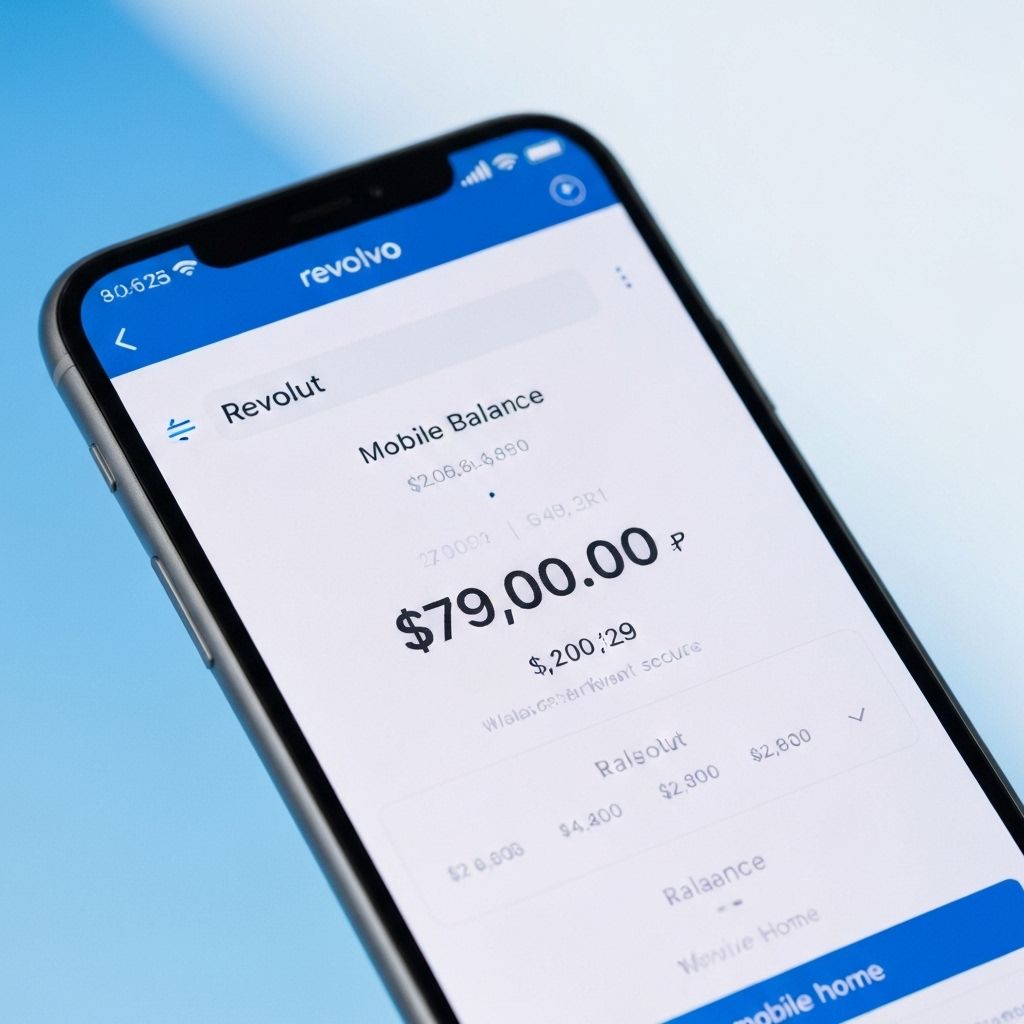
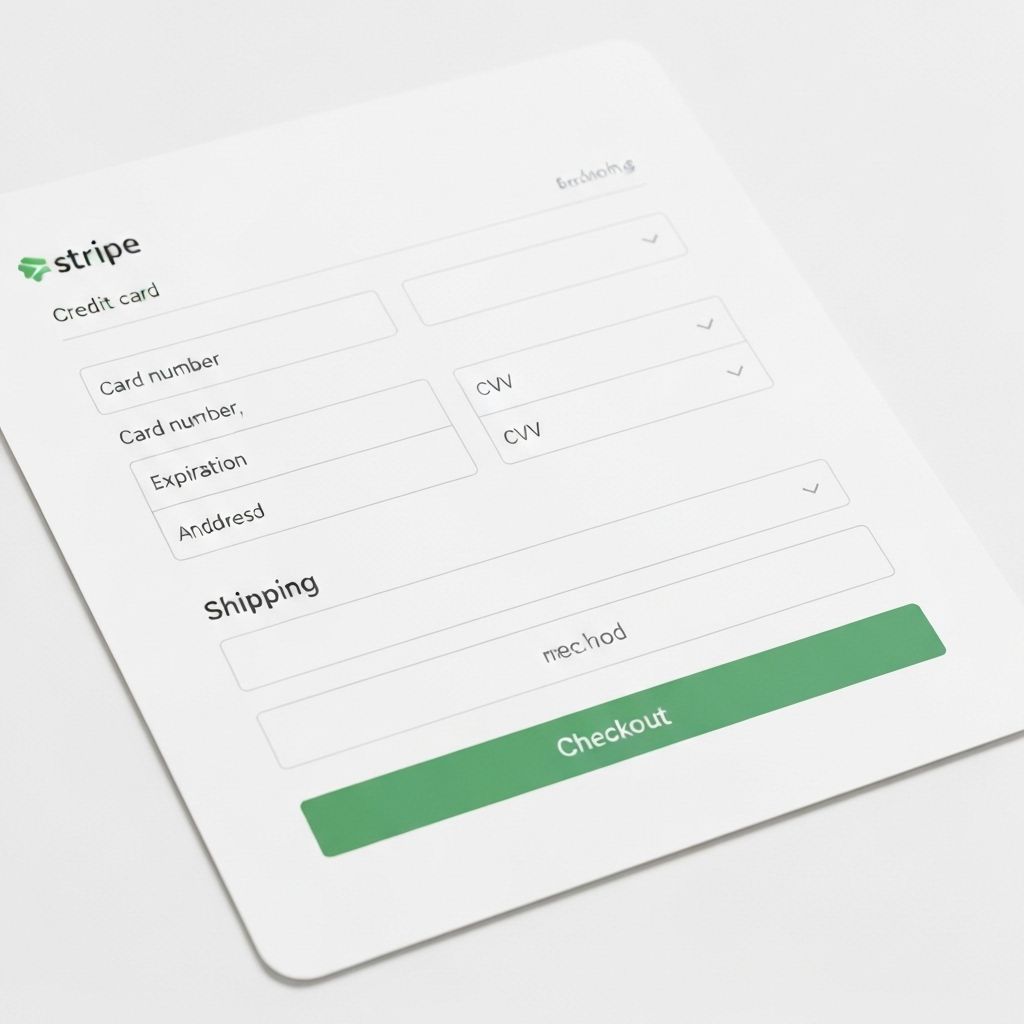
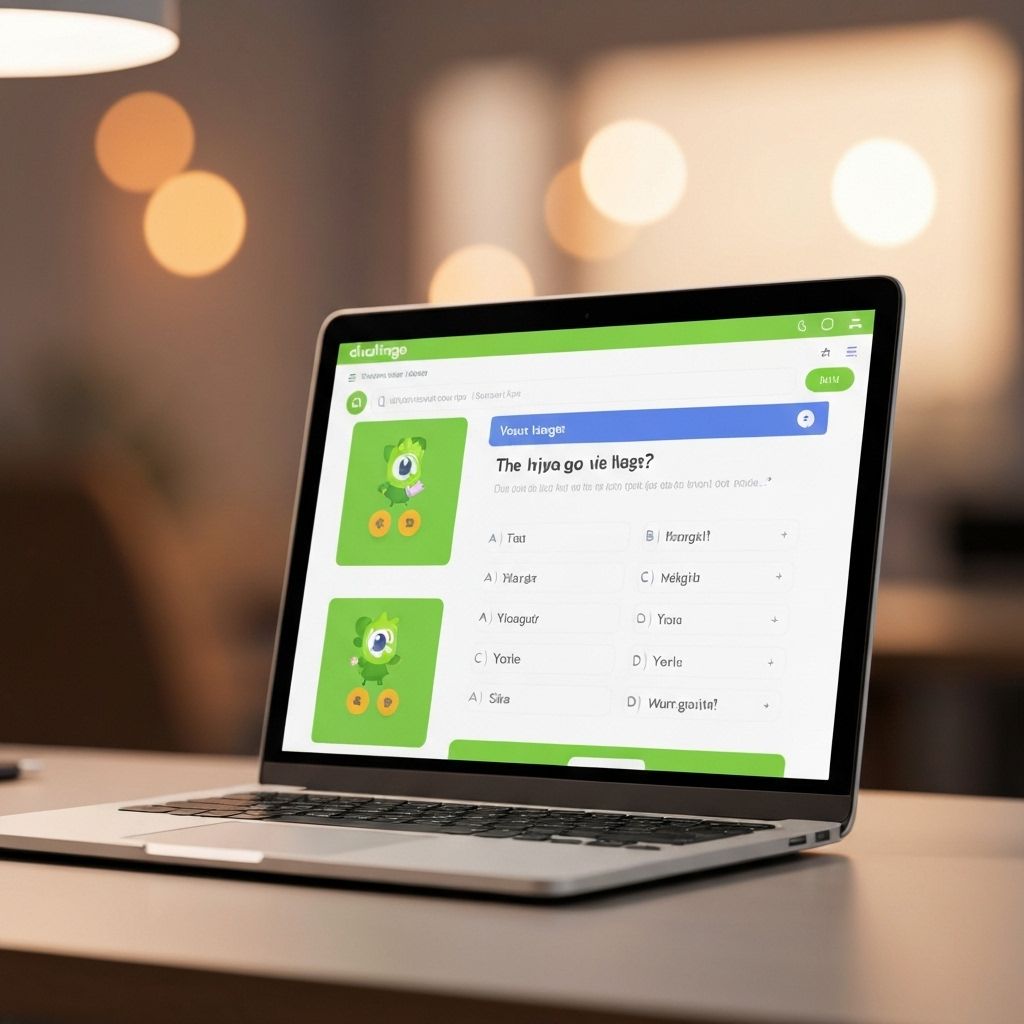
Single-tier CTA
Payment trust sits beside the action, not below it.
Value frame
The money state is visible before the upsell language.
Guided step
One obvious next action with lightweight reassurance.
agent synthesis
Use one plan, anchor value before price, then place trust proof beside the CTA.
UI design MCP, explained
Gummble is a reference MCP: it searches evidence from products that have already shipped. Figma MCP reads your own files, while component MCPs help generate or install UI. These jobs complement each other, but they are not interchangeable.
Reference research
Finds real screens, multi-step flows, UI patterns, and dedicated microcopy references from shipped apps.
Your product context
Gives an agent context from your files, components, tokens, and design system.
Production
Find, generate, or install implementation-ready components after the design direction is clear.
A grounded workflow: Gummble finds the evidence → Figma supplies your design-system context → your agent adapts and builds.
Compare MCP servers for designersAsk for a direction, then make your agent show the references, flows, and copy patterns behind its design choices.
Find mobile paywalls with annual discount framing.
A shortlist of real screens with app context and visual references.
gummble_search_screens
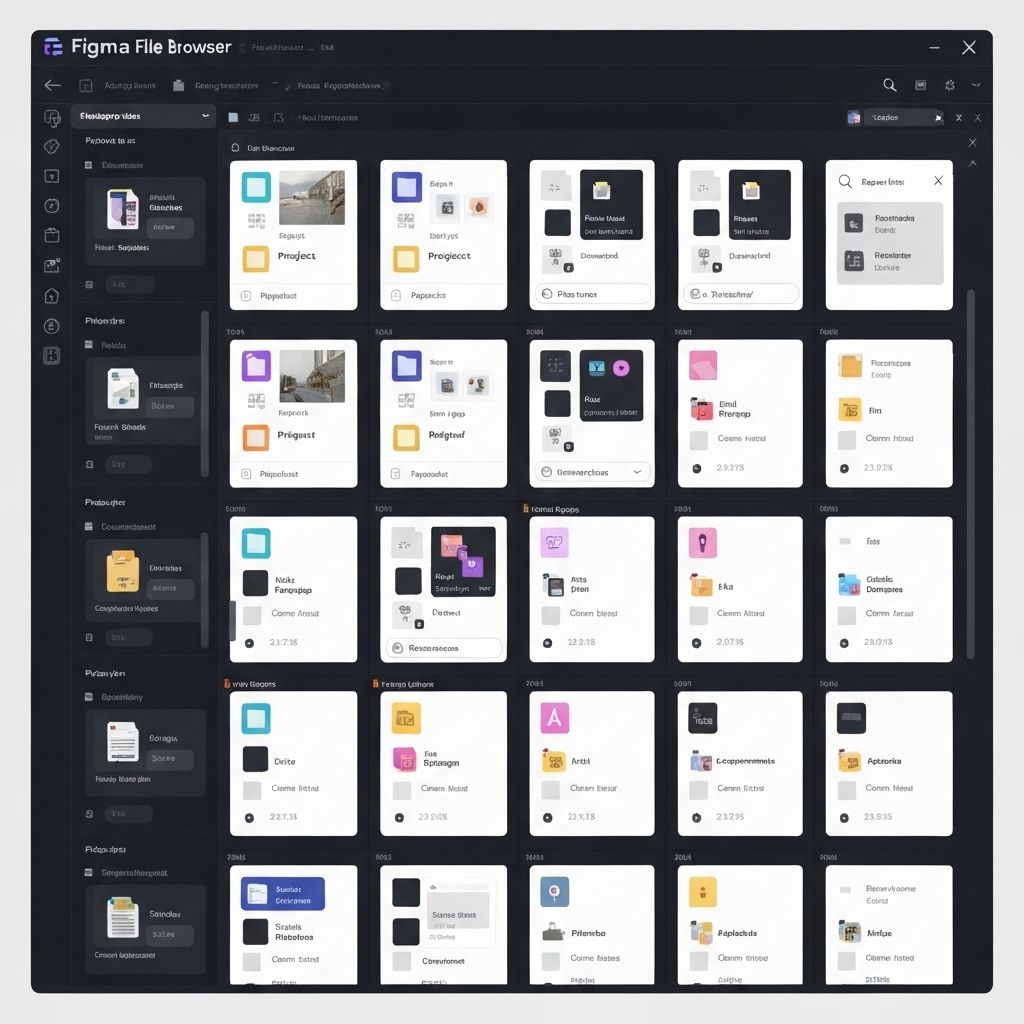
Compare onboarding flows for language learning apps.
Step-by-step journeys your agent can critique before designing.
gummble_search_flows
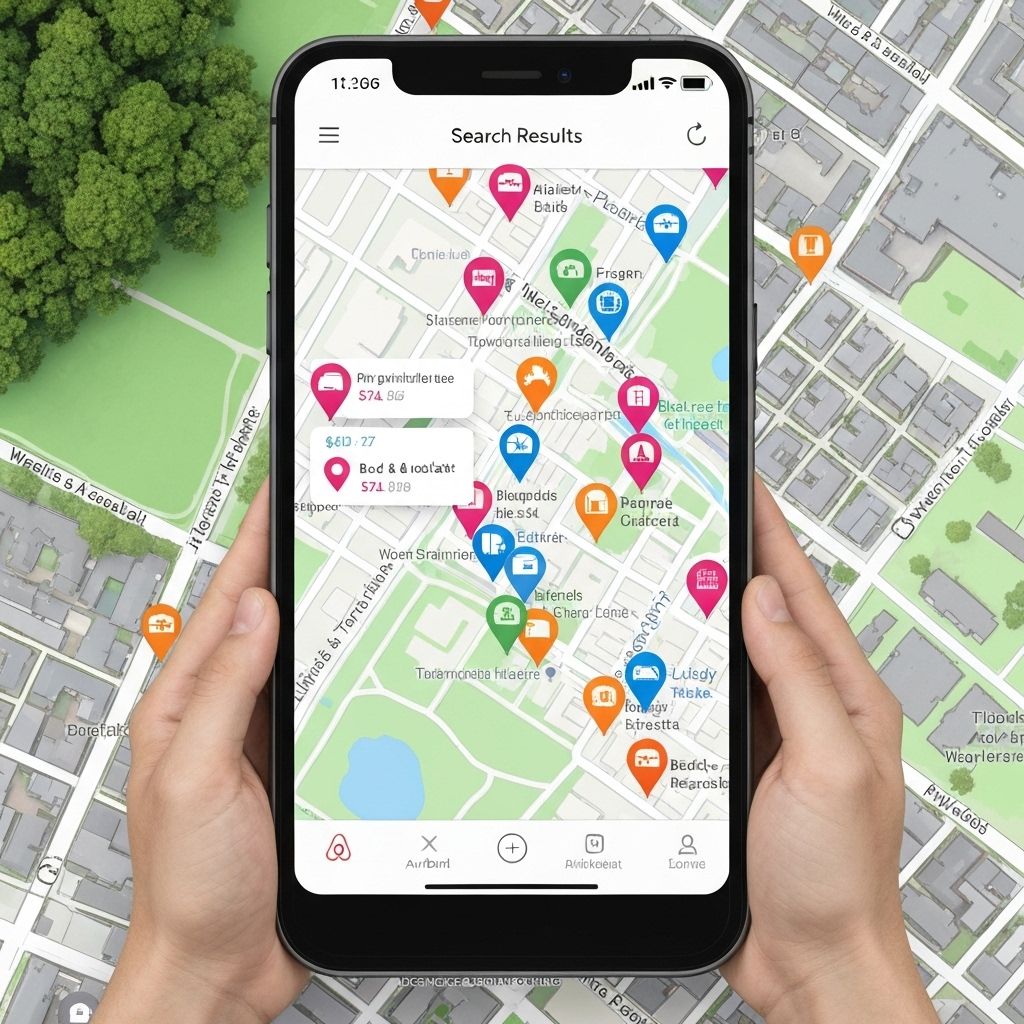
Find empty-state microcopy for fintech apps.
Real product wording patterns for onboarding, validation, and recovery.
gummble_search_microcopy
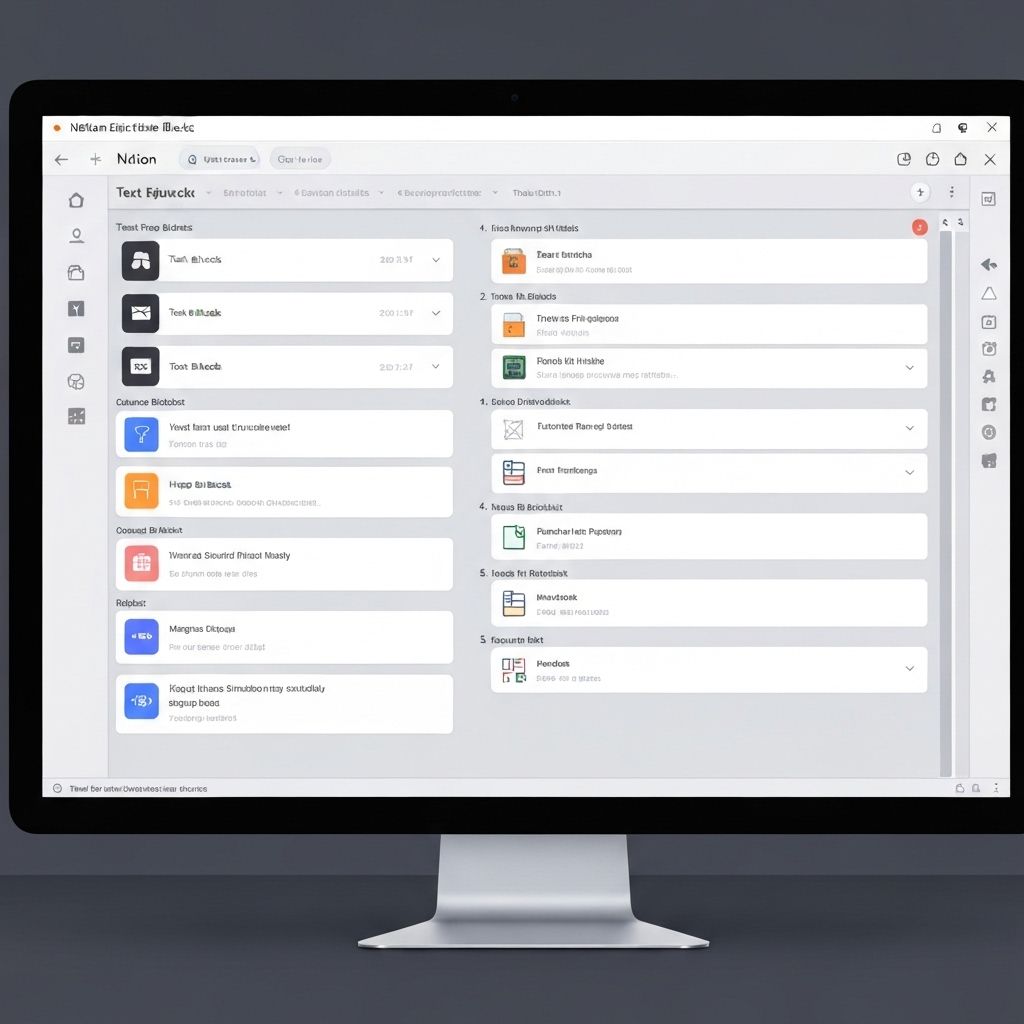
Included in all paid plans
One config block. No API key. Works with Claude, Cursor, Codex, Windsurf, and v0.
We'll give you the exact command to run.
You can also connect non-coding tools like Claude Desktop. See all supported clients.
Open a terminal and run this command. The user scope keeps Gummble available in all your projects.
claude mcp add --transport http --scope user gummble https://mcp.gummble.com/mcpStart a Claude Code session and run the /mcp command. Choose gummble, select Authenticate, then sign in with your Gummble account to authorize access.
/mcpRun a real Gummble request. A successful result confirms both OAuth and tool access.
claude -p "Use Gummble to search for onboarding screens."Want the full walkthrough for your editor — scopes, troubleshooting, and prompt recipes? See the deep guides for Claude Code and Cursor.
The best MCP sessions start with a job, not a tool name. Our guide gives you 10 copy-paste prompts for Claude Code, Cursor, and Codex you can run immediately.
Prompt templates for finding diverse visual references by domain.
Compare onboarding, checkout, search, and upgrade journeys.
Study real empty states, paywalls, validation, and error recovery.
Start broad with pattern families before drilling into screenshots.
Reusable prompts that force agents to deconstruct before generating.
No write access or destructive MCP tools.
OAuth-protected remote server with plan entitlement checks.
Designed for references, deconstruction, and prompt grounding.
What teams ask before connecting Gummble MCP to their agents.
Gummble MCP is a remote Model Context Protocol server that gives AI clients access to Gummble's searchable library of real app screens, flows, patterns, and microcopy.
Gummble MCP works with MCP-compatible clients such as Claude, Cursor, Windsurf, Codex, v0, and generic clients that support remote MCP servers.
Yes. MCP access is included on all current paid plans: Browse, Pro, and Team.
No. Gummble MCP is read-only. It exposes search and reference tools with no write access and no destructive operations.
Gummble MCP is designed specifically for UI design research. It lets an AI agent search shipped app screens, step-by-step UX flows, pattern families, and product microcopy, then cite those references before recommending a design direction.
Figma MCP gives an agent context from your own Figma files and design system. Gummble MCP supplies outside product evidence from shipped apps. Use Gummble to research patterns, then Figma MCP to adapt the direction to your own components and tokens.
Gummble MCP includes microcopy search, so your agent can study real product wording alongside screens and flows. Access starts with the Browse plan.