Best MCP Servers for Product Managers in 2026
A practical framework for evaluating Linear, Jira, Notion, PostHog, Figma, GitHub, and Gummble MCP workflows for product management in 2026.

What MCP servers should a product manager use?
An MCP (Model Context Protocol) server lets a compatible AI client call tools or retrieve context from another system. For product managers, useful sources of truth may include the issue tracker, product documentation, analytics, design files, engineering work, and captured product references.
There is no universal PM stack. Start with the system that contains the evidence missing from your current task:
- backlog status → evaluate Linear or Jira;
- product decisions and specs → evaluate Notion or your documentation provider;
- event and funnel data → evaluate PostHog or your analytics provider;
- your own design source → evaluate Figma;
- engineering delivery → evaluate GitHub;
- external product and UX references → evaluate Gummble.
Quick evaluation table
| Server category | Potential PM job | Verify before connecting |
|---|---|---|
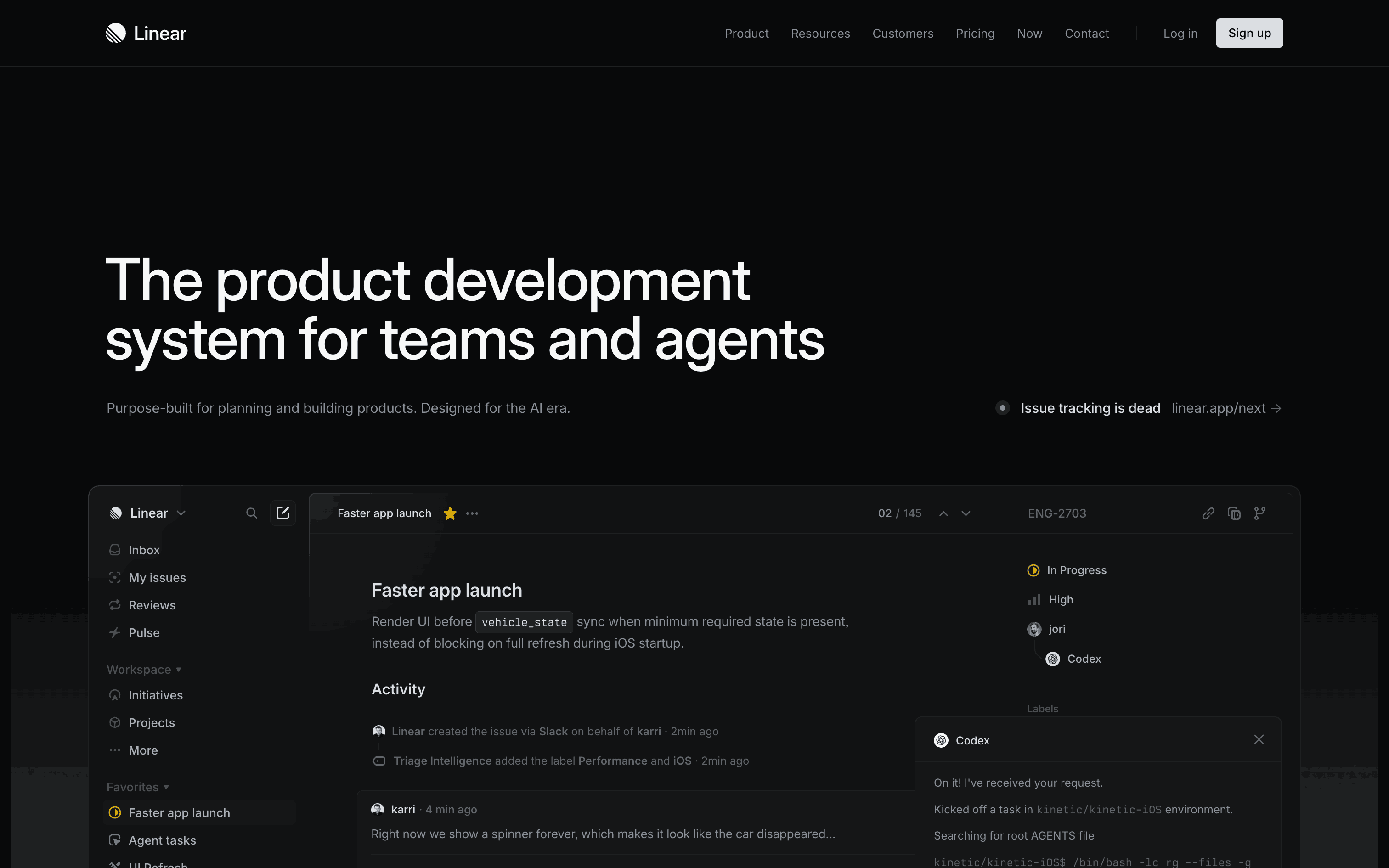
| Linear or Jira MCP | Work with backlog and delivery context | Current read/write actions, project scope, and plan eligibility |
| Notion MCP | Work with specs, decisions, and research docs | Page scope, search behavior, write actions, and sharing boundaries |
| PostHog MCP | Explore product analytics | Project scope, query semantics, metric definitions, and data access |
| Figma MCP | Retrieve design context | File scope, supported context, write actions, and organization controls |
| GitHub MCP | Inspect engineering work | Repository scope, issue/PR permissions, and write actions |
| Gummble MCP | Retrieve real-product screens, flows, patterns, and microcopy | Catalog coverage and whether returned evidence fits the brief |
Provider capabilities and commercial terms change. This article does not assign exact competitor prices or promise a fixed action list; use each provider’s current official documentation.
How to choose safely
Evaluate each MCP server on:
- Source authority: official vendor server, approved connector, or community repository.
- Permission scope: read-only retrieval, write actions, destructive actions, or code execution.
- Evidence quality: whether the response identifies the issue, page, query, file, repository, or captured screen behind it.
- Data boundaries: which workspace, project, file, or repository can be accessed.
- Human review: which actions require confirmation and which can occur automatically.
- Current terms: plan eligibility, usage limits, retention, and authentication behavior.
1. Linear or Jira MCP: backlog context
An issue-tracker server can help an AI client work from the backlog instead of a manually pasted summary. Depending on the current provider and permissions, that may include retrieving issues, summarizing a scoped set of work, or proposing updates.
Useful for: release-status research, backlog review, and drafting issue content from approved source context.
Verify: official server identity, project boundaries, accessible fields, write actions, notification side effects, and plan requirements. Do not assume that Linear and Jira expose identical tools because they serve a similar job.
2. Notion MCP: specs and decision context
A documentation server can help an agent retrieve the PRD, research note, or decision record relevant to a task. Writing support may also exist, but exact actions depend on the current provider configuration.
Useful for: reconciling specs, tracing decisions, and drafting against an approved template.
Verify: which pages and databases are shared, whether private or inherited content is reachable, how search handles stale duplicates, and what write operations are enabled.
3. PostHog MCP: analytics context
An analytics server can reduce the distance between a product question and the underlying project data. The result is only as reliable as the event instrumentation, definitions, filters, and query produced.
Useful for: exploring funnels, retention, cohorts, or event trends when those concepts are configured in the project.
Verify: project and environment scope, timezone, identity handling, test-event exclusion, metric definition, generated query, and sampling. Re-run important numbers in the provider interface or saved query before presenting them as fact.
4. Figma MCP: design context
Figma’s official MCP workflow is relevant when acceptance criteria or implementation discussion needs the actual design source rather than a compressed screenshot.
Useful for: retrieving approved frames, component context, and design-system information supported by the current integration.
Verify: the precise file or selection shared, account requirements, supported context, write capabilities, and organization controls in Figma’s current documentation.
5. GitHub MCP: engineering context
A GitHub integration can help an agent inspect repository evidence such as issues, pull requests, or release-related work, subject to the installed server and granted permissions.
Useful for: release-readiness research, changelog preparation, and tracing a product requirement to engineering artifacts.
Verify: repository scope, private-repository access, write actions, branch protections, issue/PR side effects, and whether the integration is the official server or a community implementation.
6. Gummble MCP: external product and UX evidence
Gummble MCP is a read-only reference server built by the team publishing this article. It exposes 14 tools for researching captured app screens, browsable flows, patterns, and indexed microcopy.
Gummble’s evidence-backed public lower bounds are:
- 300,000+ screens;
- 21,000+ browsable UX flows;
- 1,500+ apps across iOS, Android, and web.
That supports questions such as “show captured onboarding approaches from finance apps” or “find empty-state wording for a new workspace.” The result provides product evidence to evaluate; it does not prove that a pattern caused a business outcome or is appropriate for your users.
MCP access starts on Gummble Browse at $9.99/month. Trial eligibility is shown on the pricing page and at checkout. Eligible first web payments have a 7-day refund window under the Terms; Apple controls App Store refunds.
Useful for: competitive teardowns, spec grounding, UX writing references, and pattern research.
Verify: whether the live catalog includes the exact products, platforms, and states needed. Aggregate totals are not app-level coverage guarantees.
Setup: claude mcp add gummble --scope user --transport http https://mcp.gummble.com/mcp
Disclosure: we build Gummble. Include it only when external design evidence is a real requirement for the task.
How to order your PM stack
Use the dependency in the decision:
- If you need to know what is planned, connect the approved issue tracker.
- If you need to know why it was decided, connect the approved documentation source.
- If you need to know what users did, connect analytics and validate the metric definition.
- If you need to know what was designed, connect the approved design file.
- If you need to know what engineering shipped, connect the scoped repository.
- If you need external product references, use a reference library and label captured evidence by source.
Add one source at a time. A larger connector count is not proof of a better PM workflow and expands the permission surface you must review.
Example research workflow
Suppose you are revising subscription cancellation:
- Retrieve the current issue and acceptance criteria from the tracker.
- Retrieve the approved policy and prior decision notes from documentation.
- Check the measured cancellation funnel with an explicitly reviewed analytics query.
- Pull the relevant frame from the approved design source.
- Retrieve external cancellation references from Gummble or another source-linked library.
- Draft the recommendation with internal evidence separated from external examples.
This makes provenance visible. A competitor screen should not silently override your policy, user research, or measured behavior.
Frequently asked questions
What is an MCP server, in plain terms?
It is a standard way for an AI client to use tools or retrieve context from another system, within the permissions you grant.
Do I need to be technical to use these?
Requirements vary. Some providers expose a settings-based flow; others require a command, local process, or repository configuration. Follow current official setup instructions and ask an administrator when organization data is involved.
Which MCP server should a PM set up first?
Start with the source of truth needed for the immediate decision. For many delivery questions that is the issue tracker, but a spec review may begin with documentation and a funnel diagnosis may begin with analytics.
How does Gummble MCP help a product manager?
It retrieves captured product screens, browsable flows, patterns, and microcopy for external design research. Use that evidence to inform a teardown or spec, while keeping it separate from internal user and business evidence.
Are these MCP servers free?
Plan and hosting terms vary and can change. Open-source code is not the same as a free hosted service. Gummble MCP starts on a paid plan at $9.99/month; verify every other provider’s current eligibility and limits directly.
Published by the Gummble team. We build one server on this list and disclose that relationship. Competitor capabilities, permissions, compatibility, and commercial terms should be verified in their current official documentation.
Founder of Gummble. I build and maintain the Gummble catalog — UI screenshots and UX flows from 1,500+ real iOS, Android, and web apps — and write about the design patterns I see across them.
About Azura →Gummble MCP
Put these references inside your AI workflow
Search real screens, step-by-step flows, patterns, and UI microcopy from Claude, Cursor, Codex, Windsurf, or v0. Plans start at $9.99/month.
See MCP setup & plans