

ZARA iOS Shopping interface screenshot 1
Onboarding on ZARA (ios) screen 1
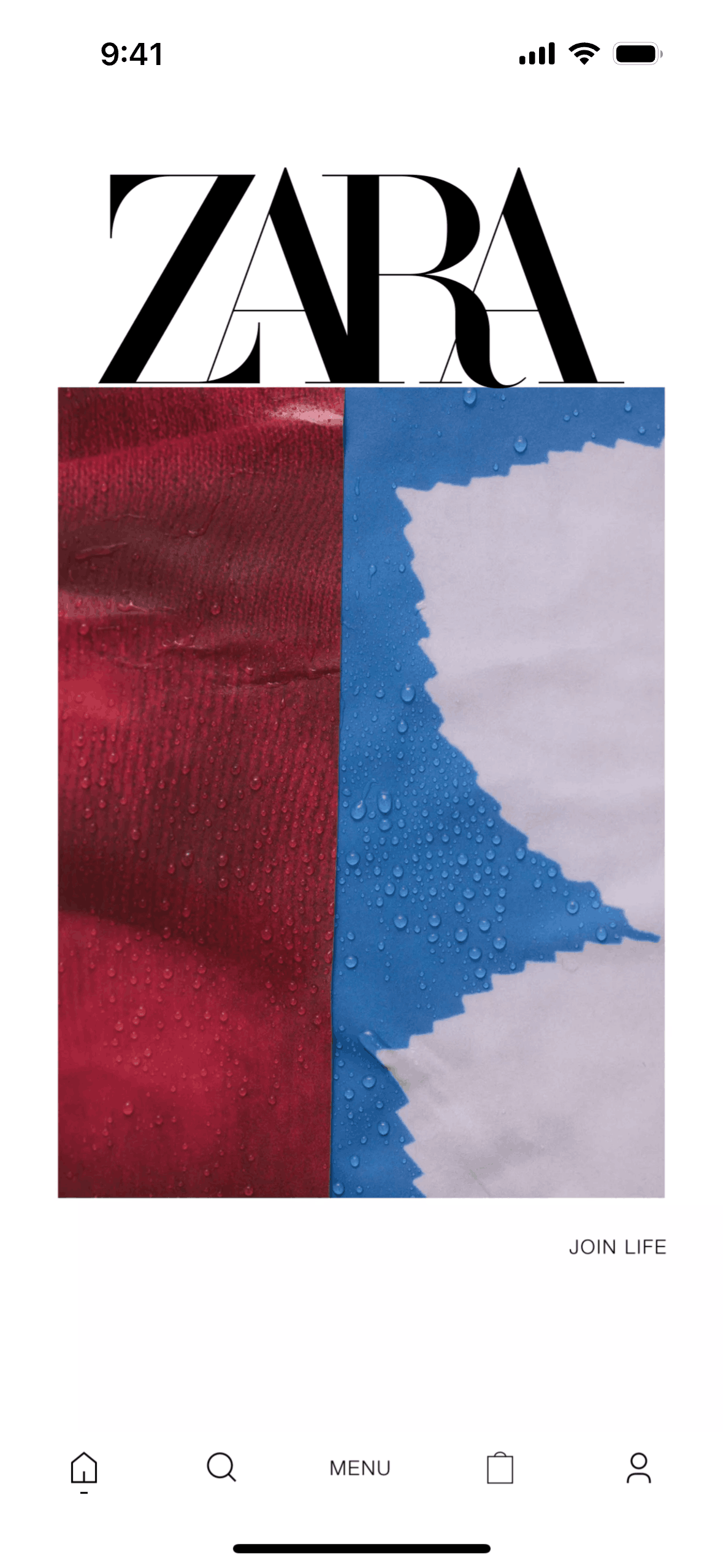
Home on ZARA (ios) screen 2
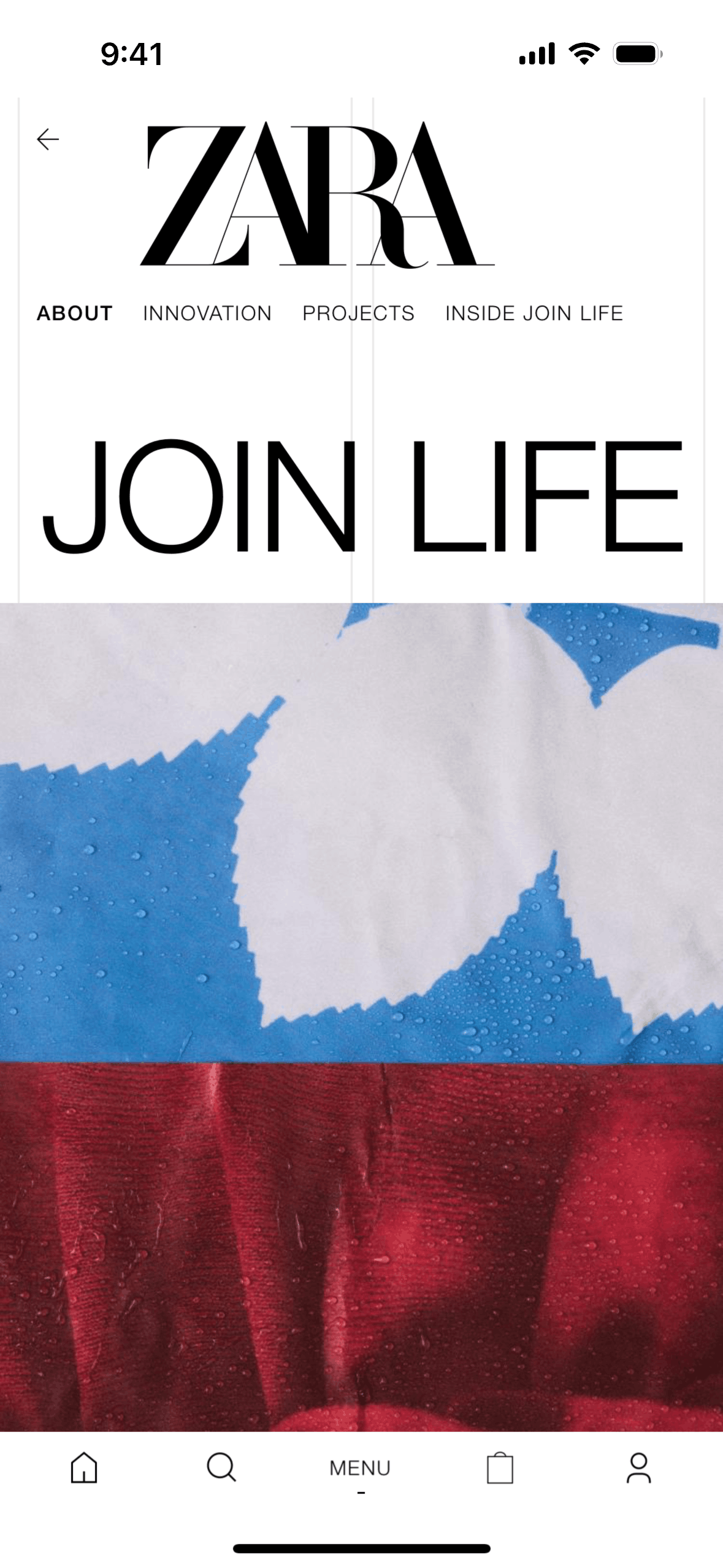
Join life on ZARA (ios) screen 2
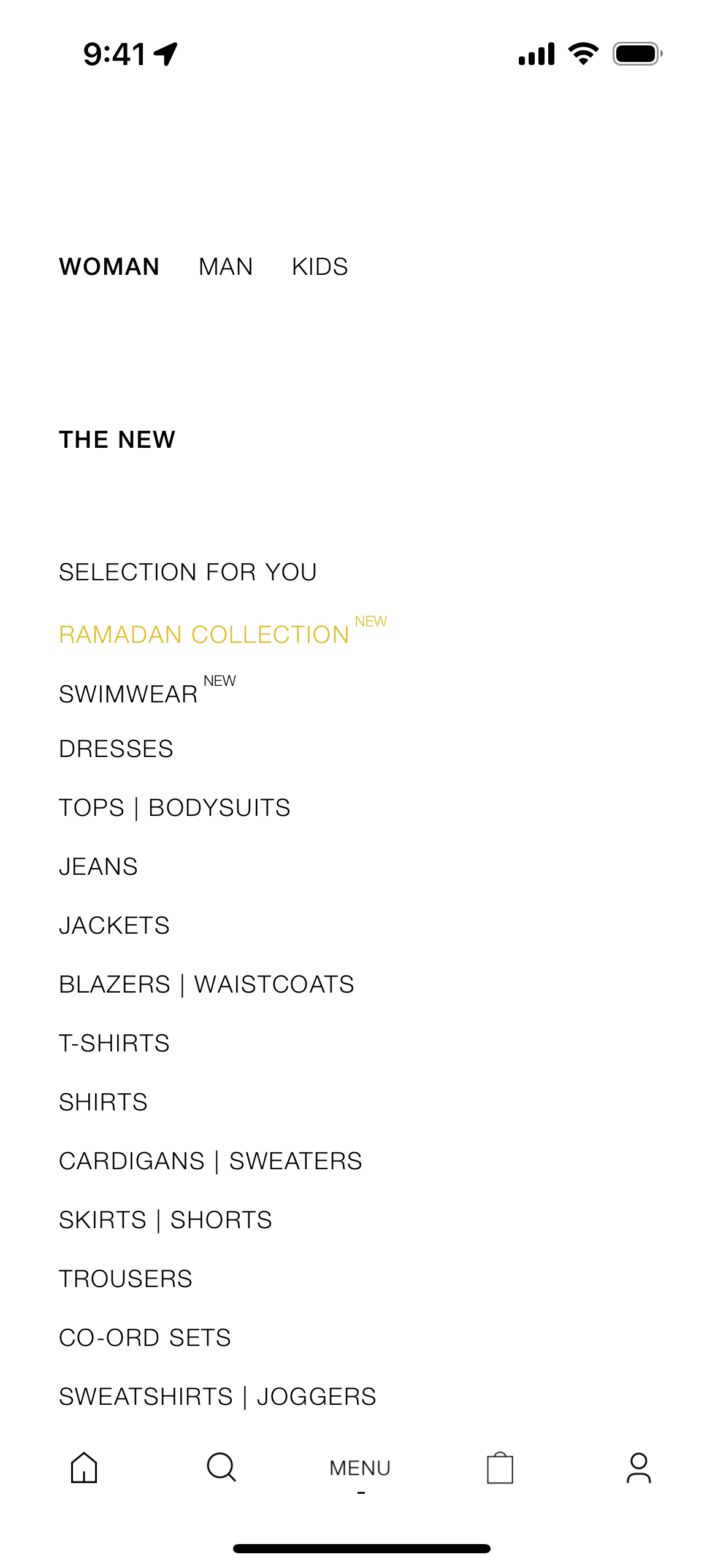
Menu on ZARA (ios) screen 2
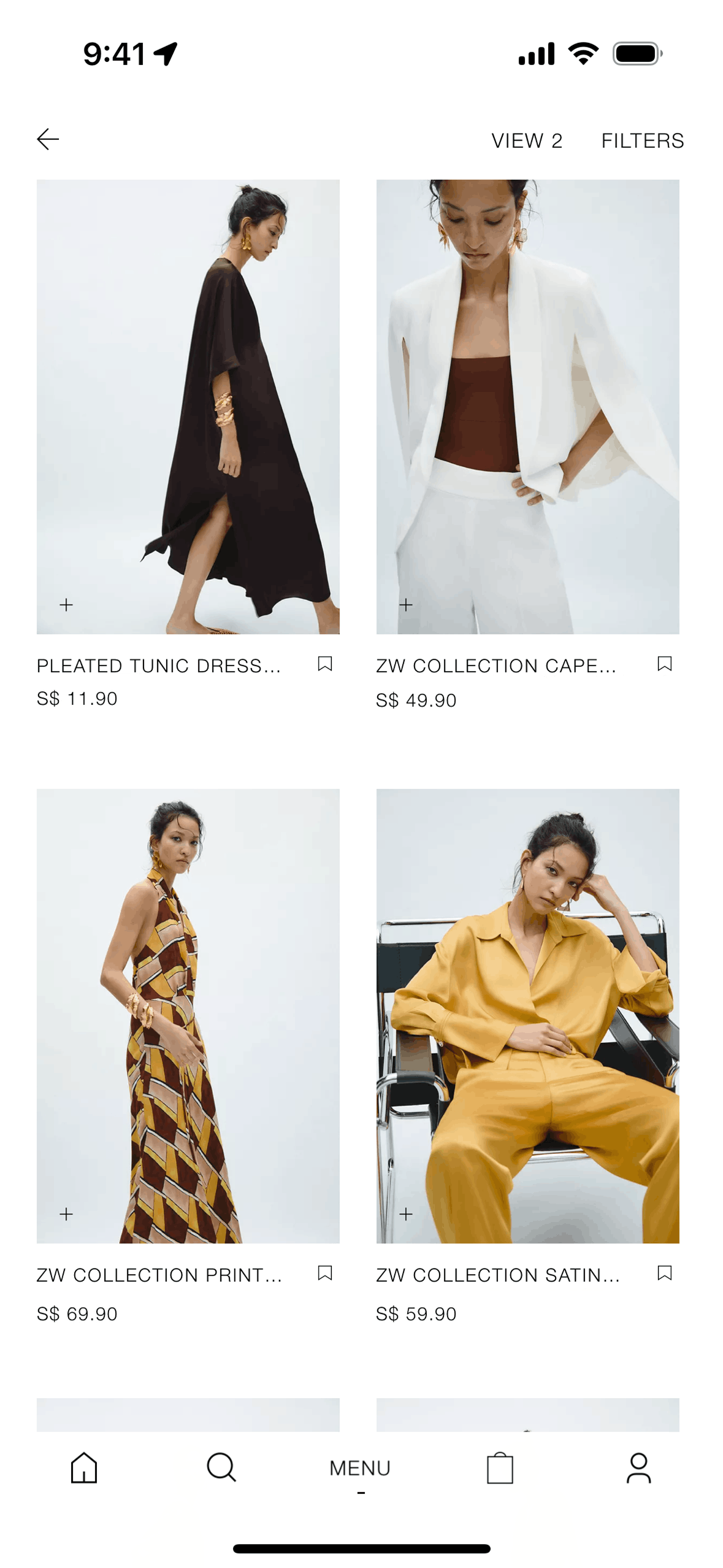
Collection detail on ZARA (ios) screen 2
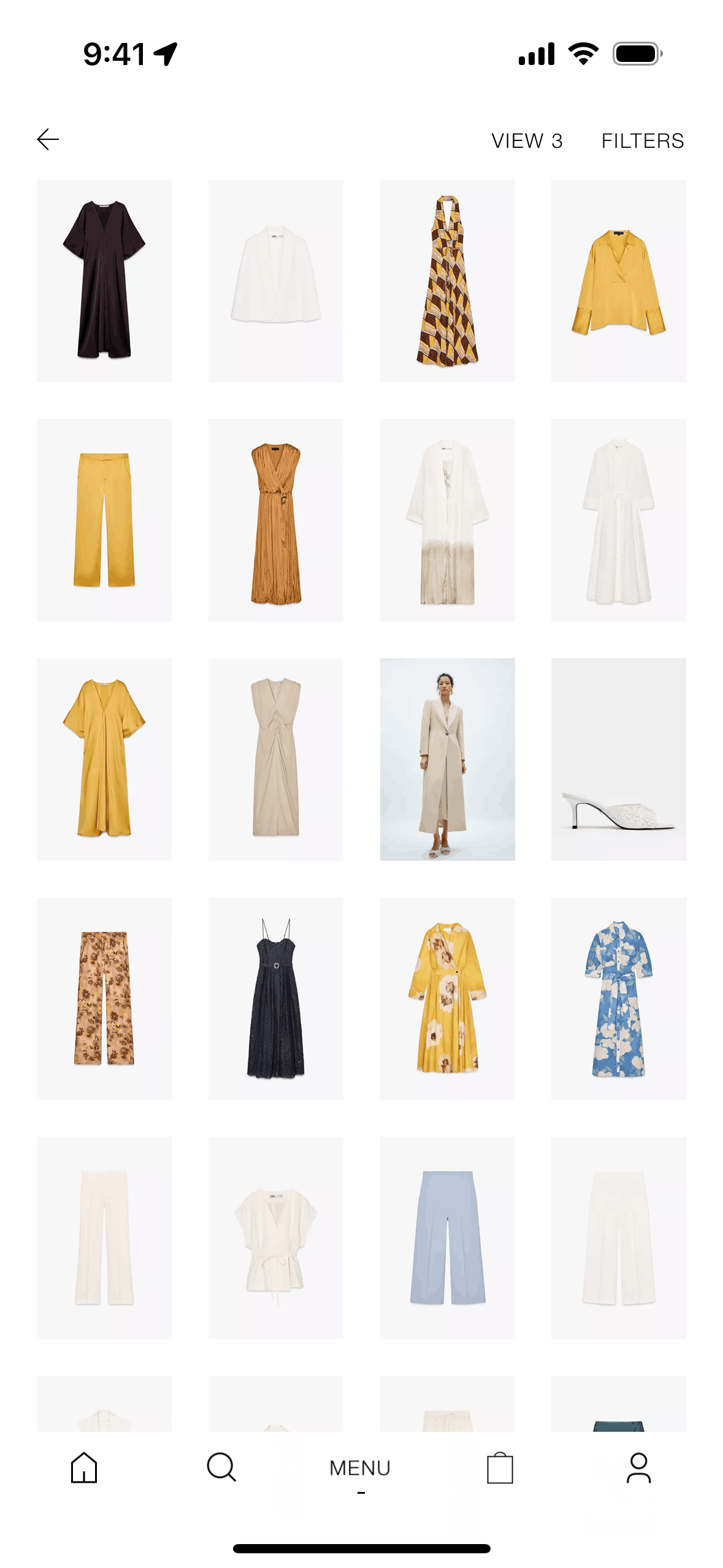
Switching view on ZARA (ios) screen 2
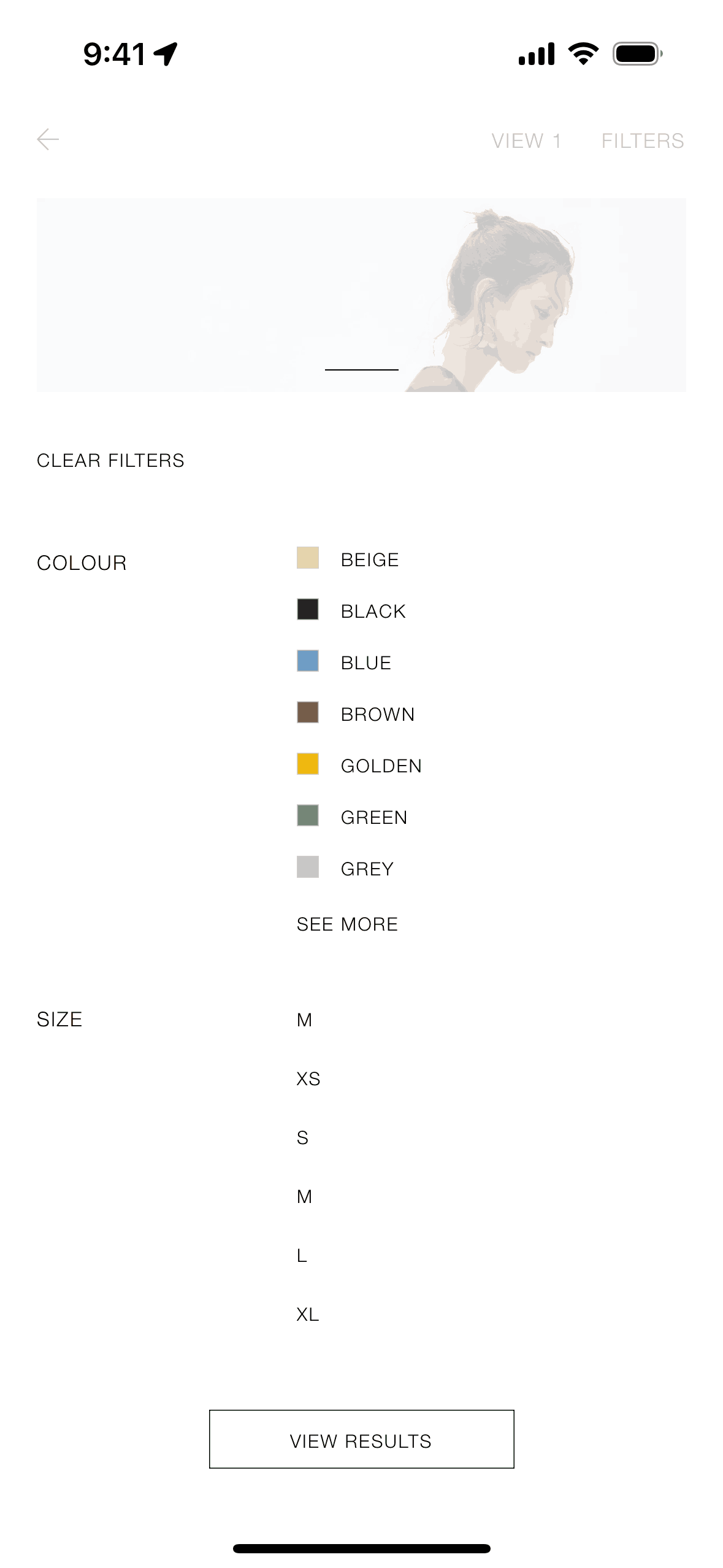
Filtering collection on ZARA (ios) screen 2
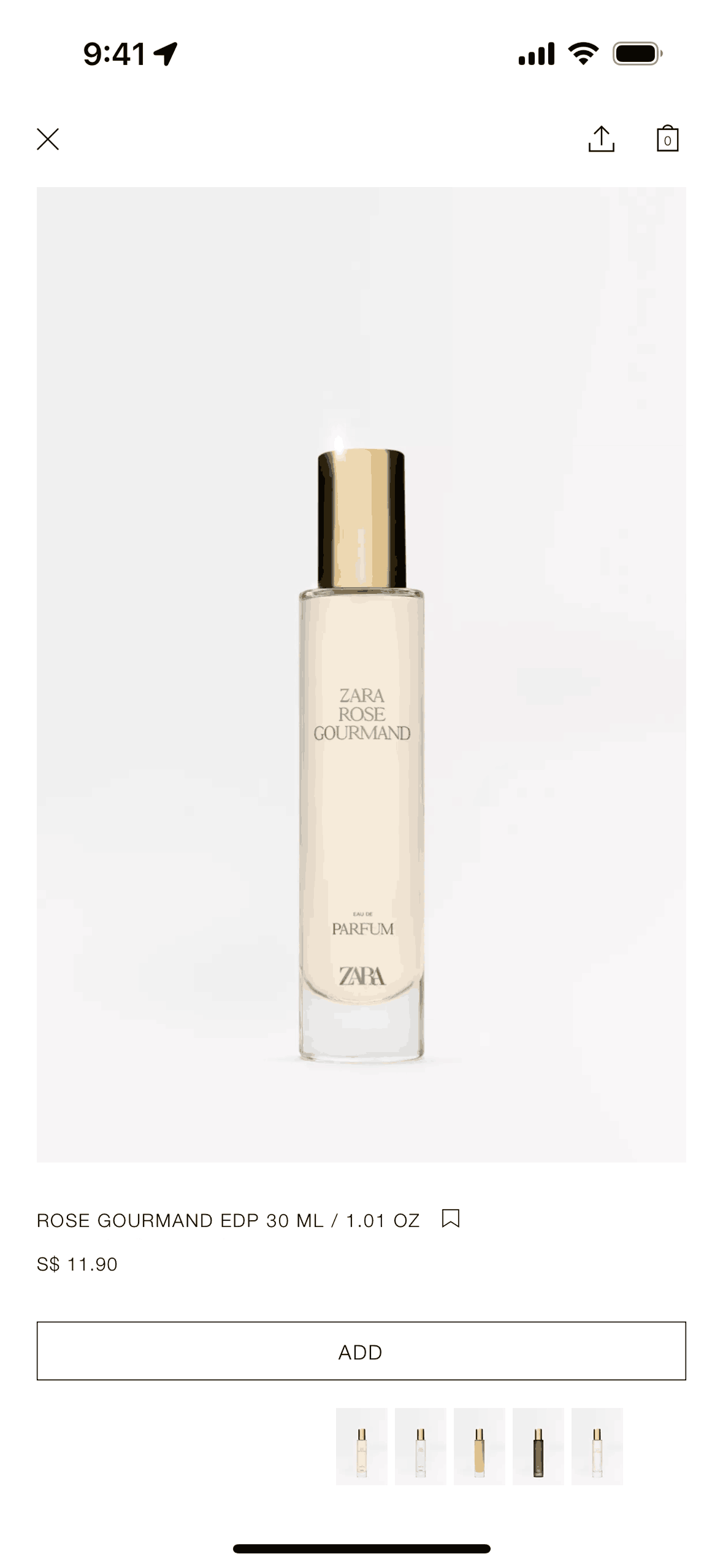
Product detail on ZARA (ios) screen 2
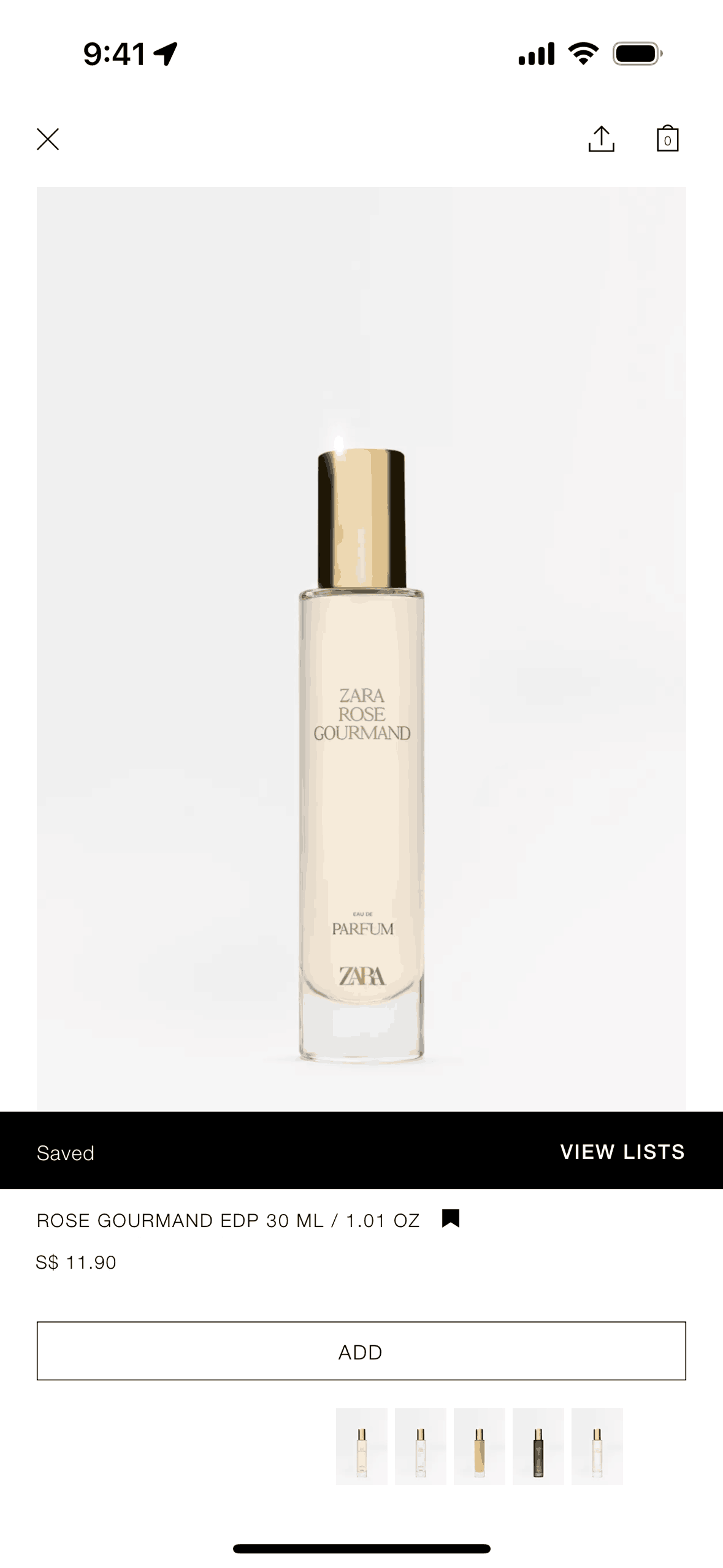
Saving product to list on ZARA (ios) screen 2
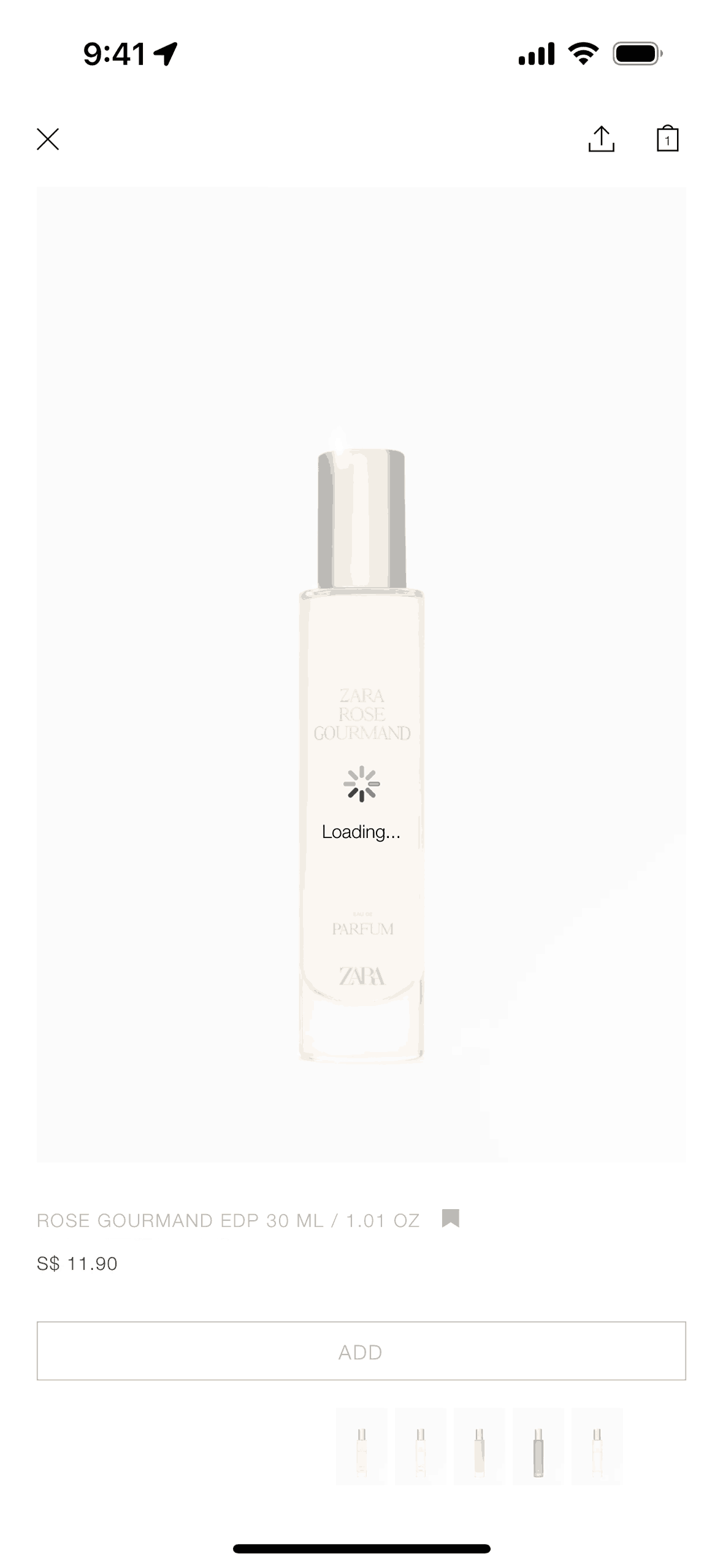
Adding product to cart on ZARA (ios) screen 2
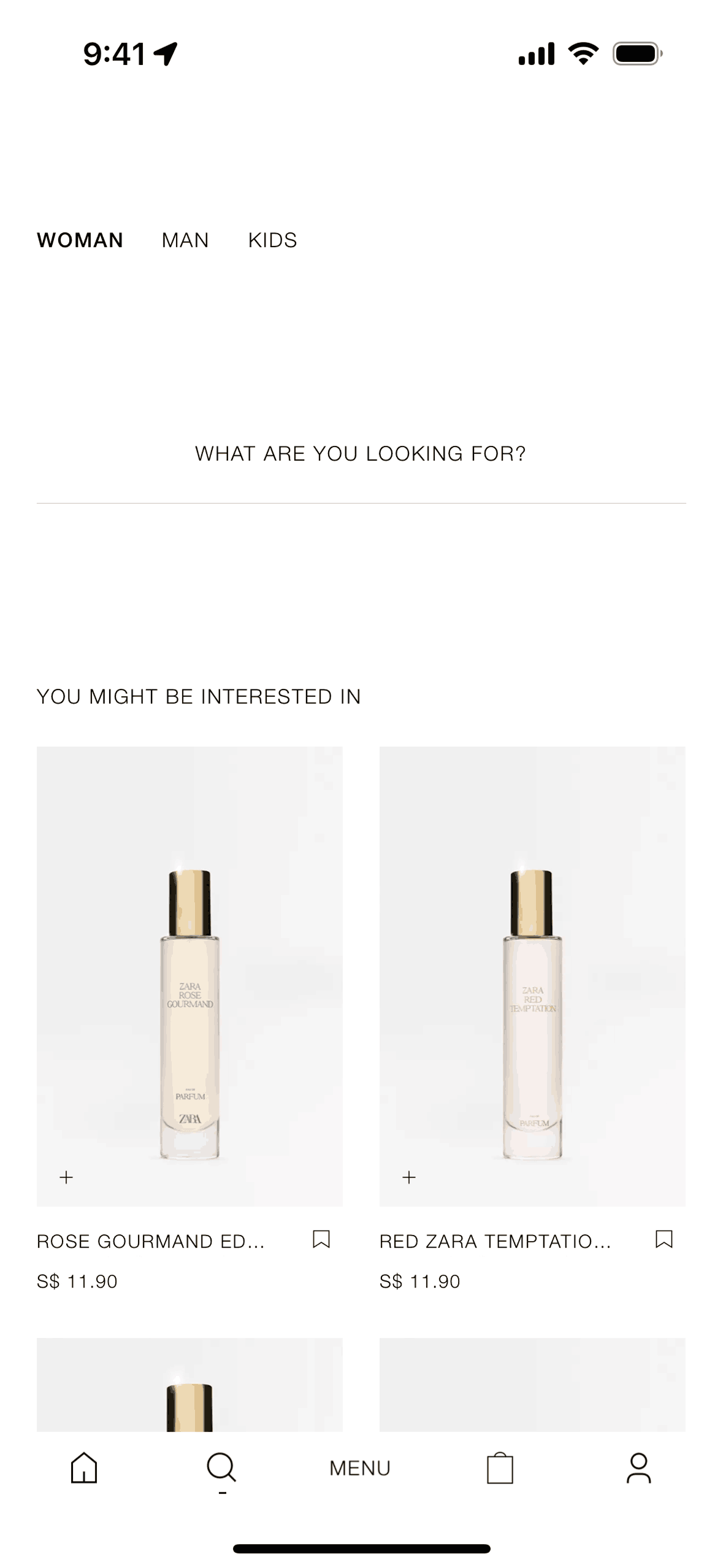
Searching Zara on ZARA (ios) screen 2
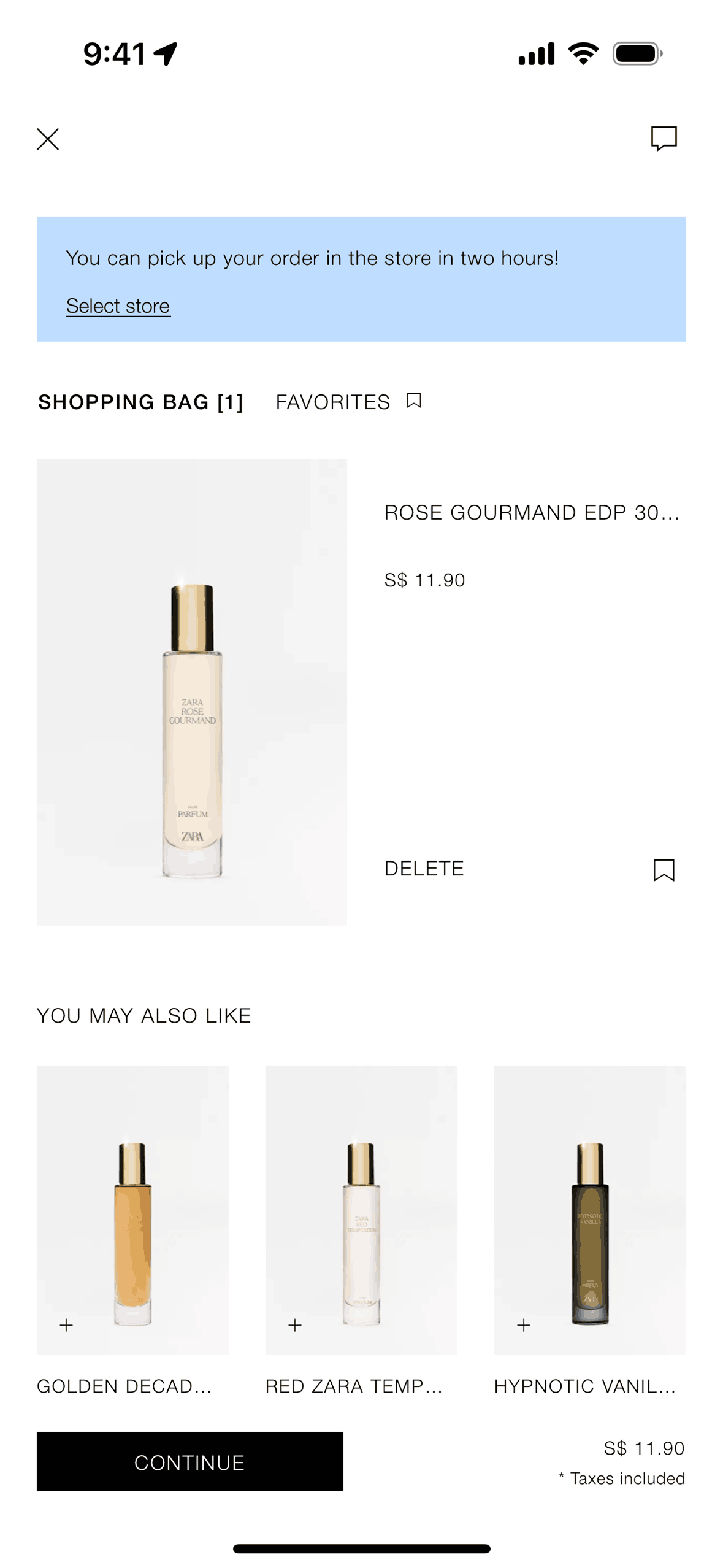
Cart on ZARA (ios) screen 2
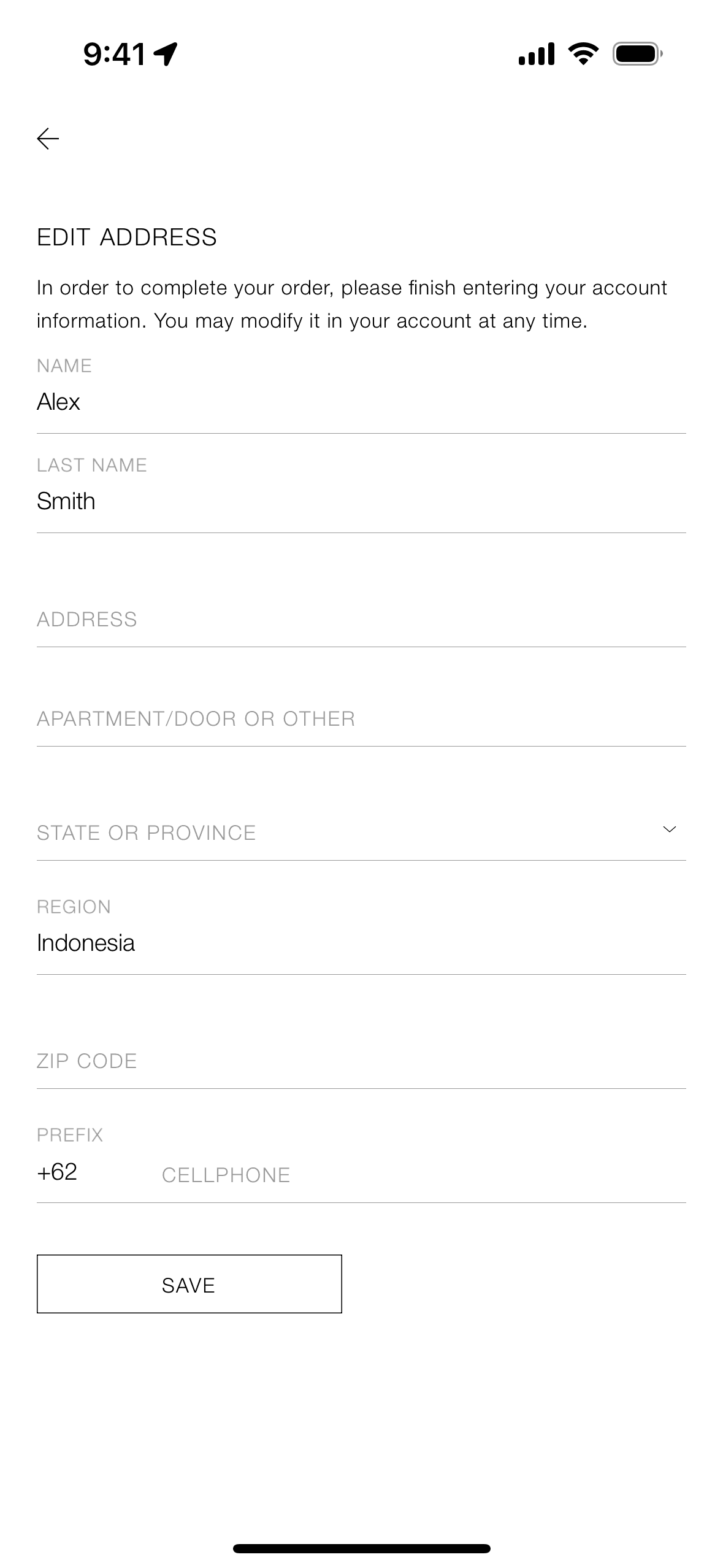
Checking out a product on ZARA (ios) screen 2
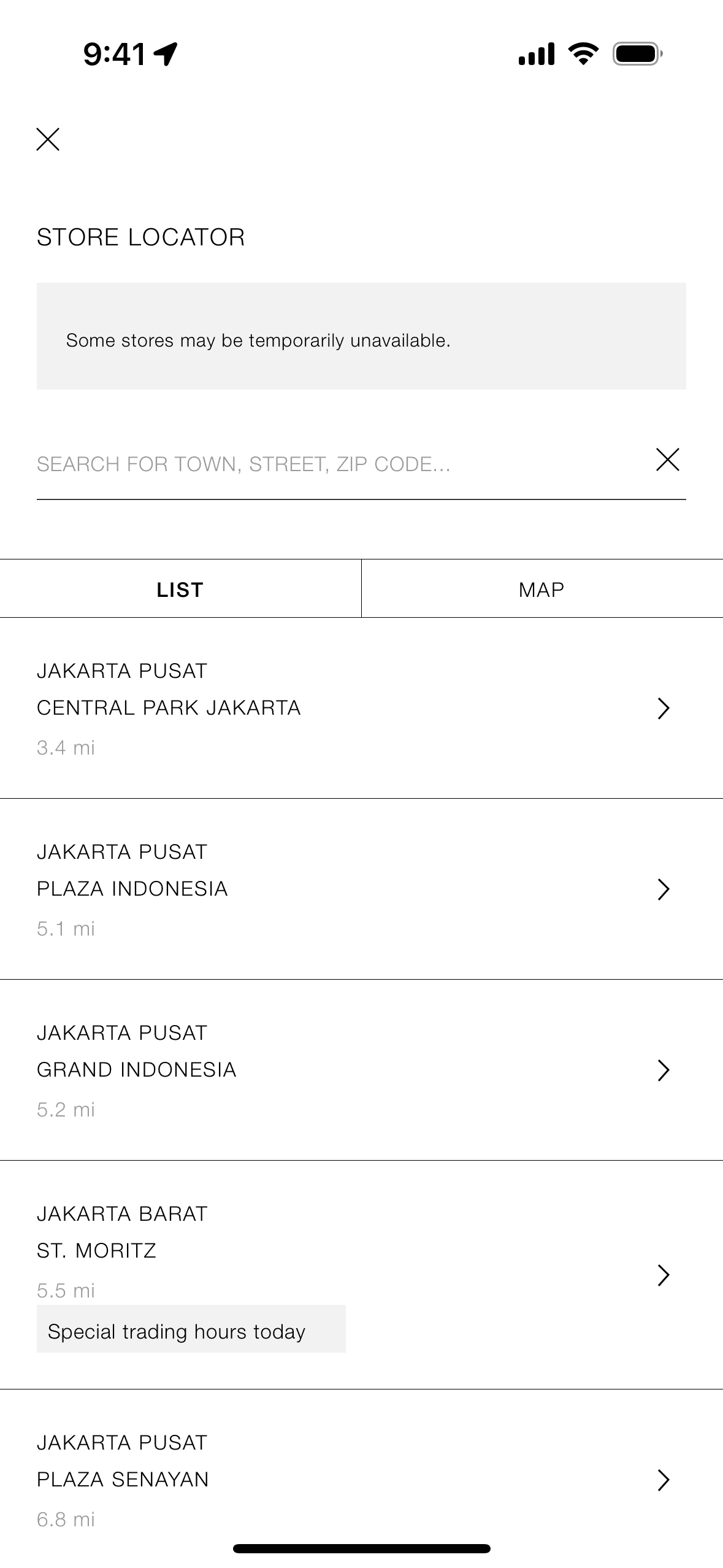
Selecting a pick up store on ZARA (ios) screen 2

Chatting with virtual assistant on ZARA (ios) screen 2
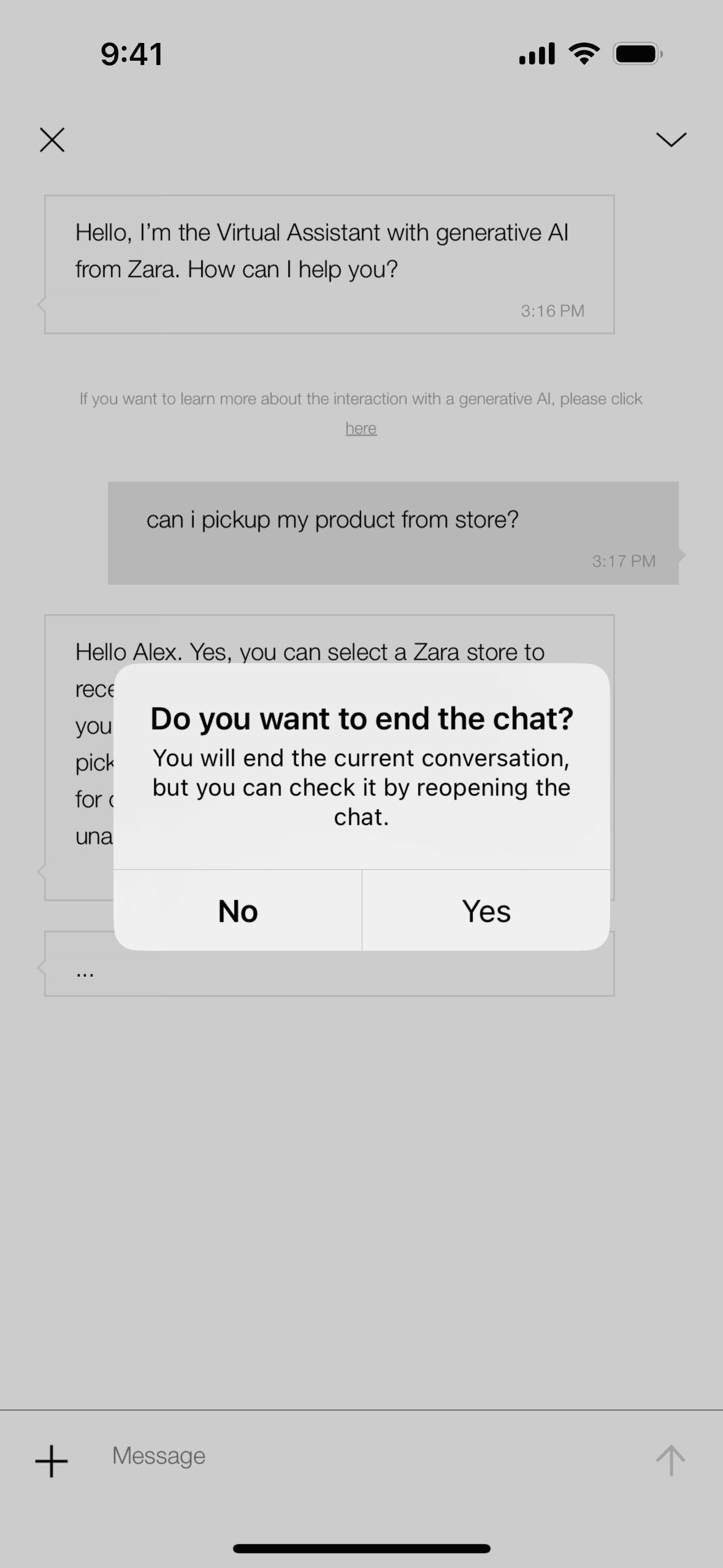
Ending chat with virtual assistant on ZARA (ios) screen 2
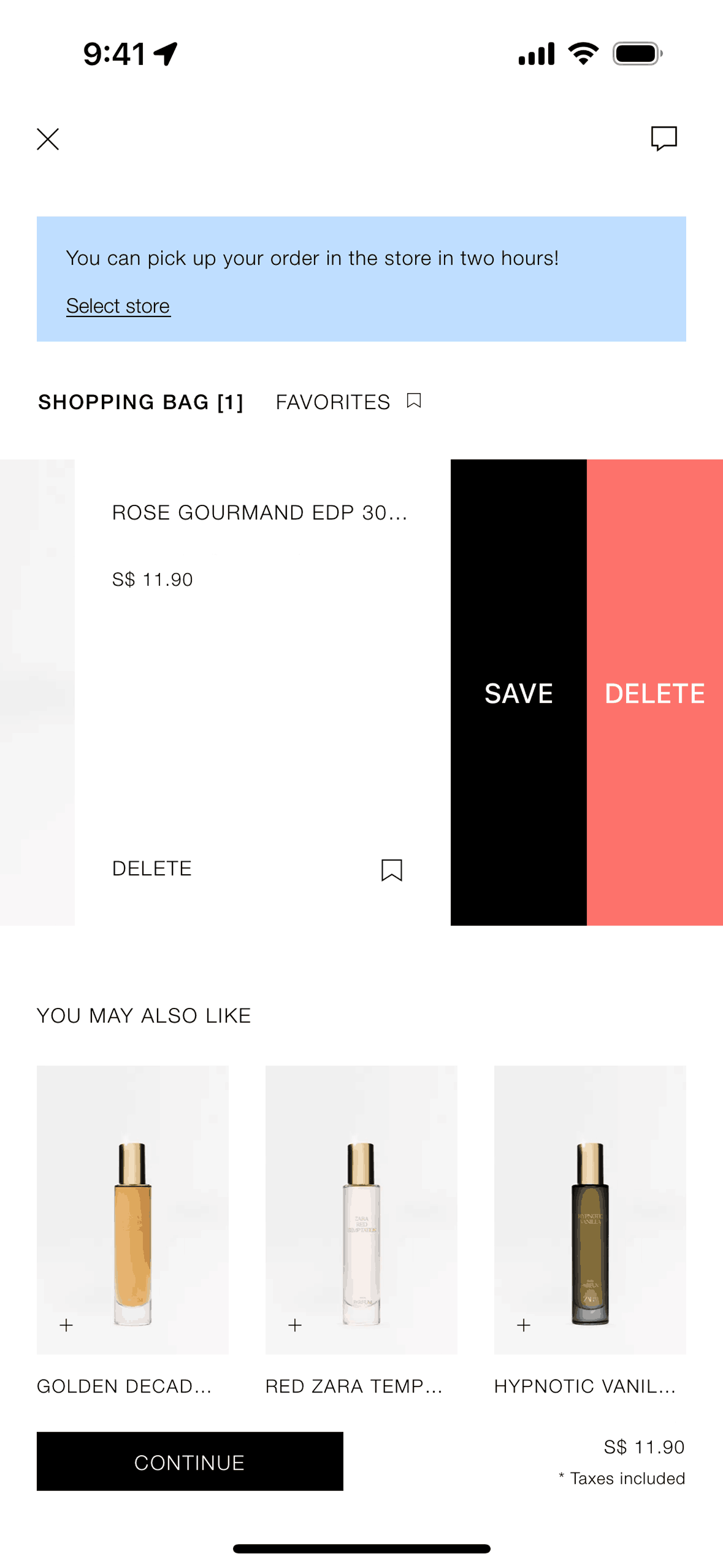
Deleting an item from cart on ZARA (ios) screen 2
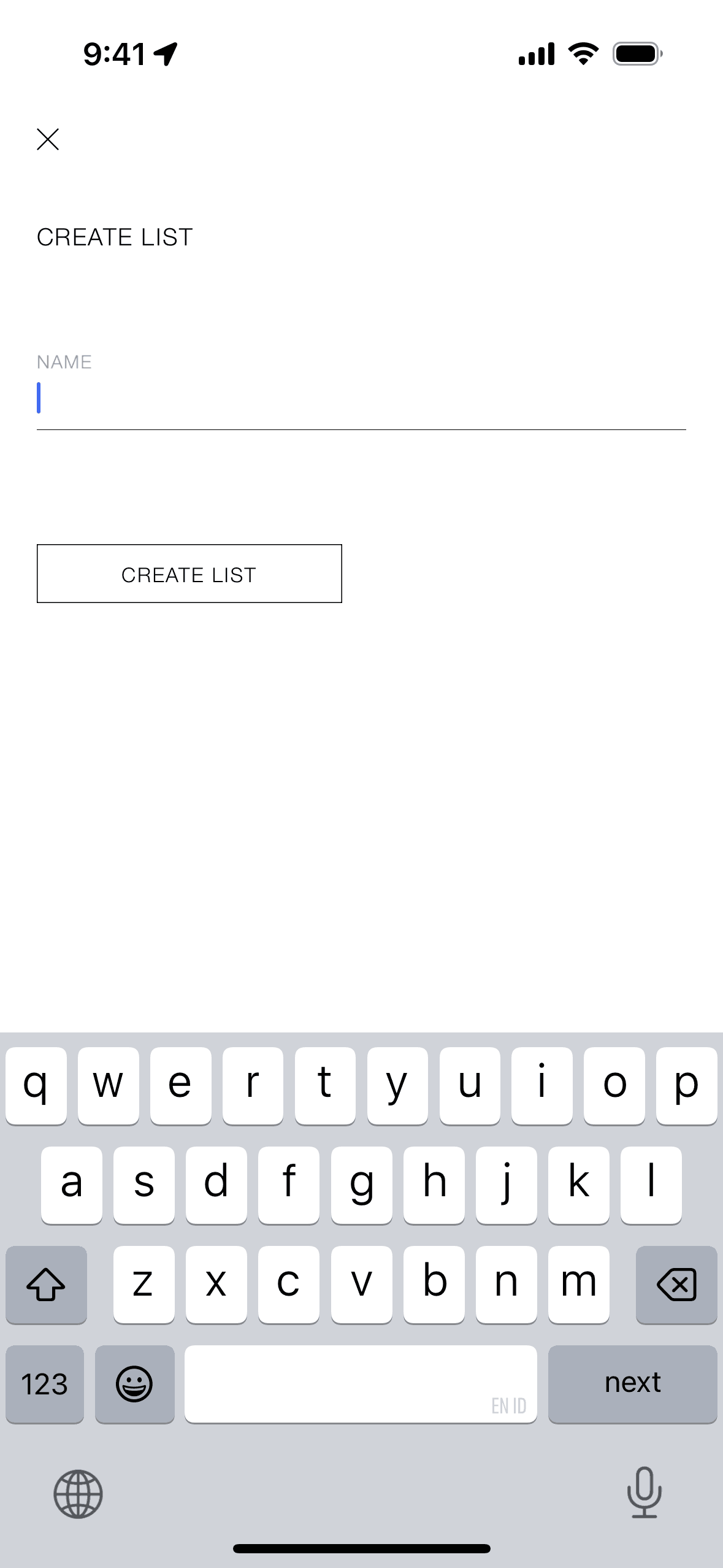
Creating a new list on ZARA (ios) screen 2
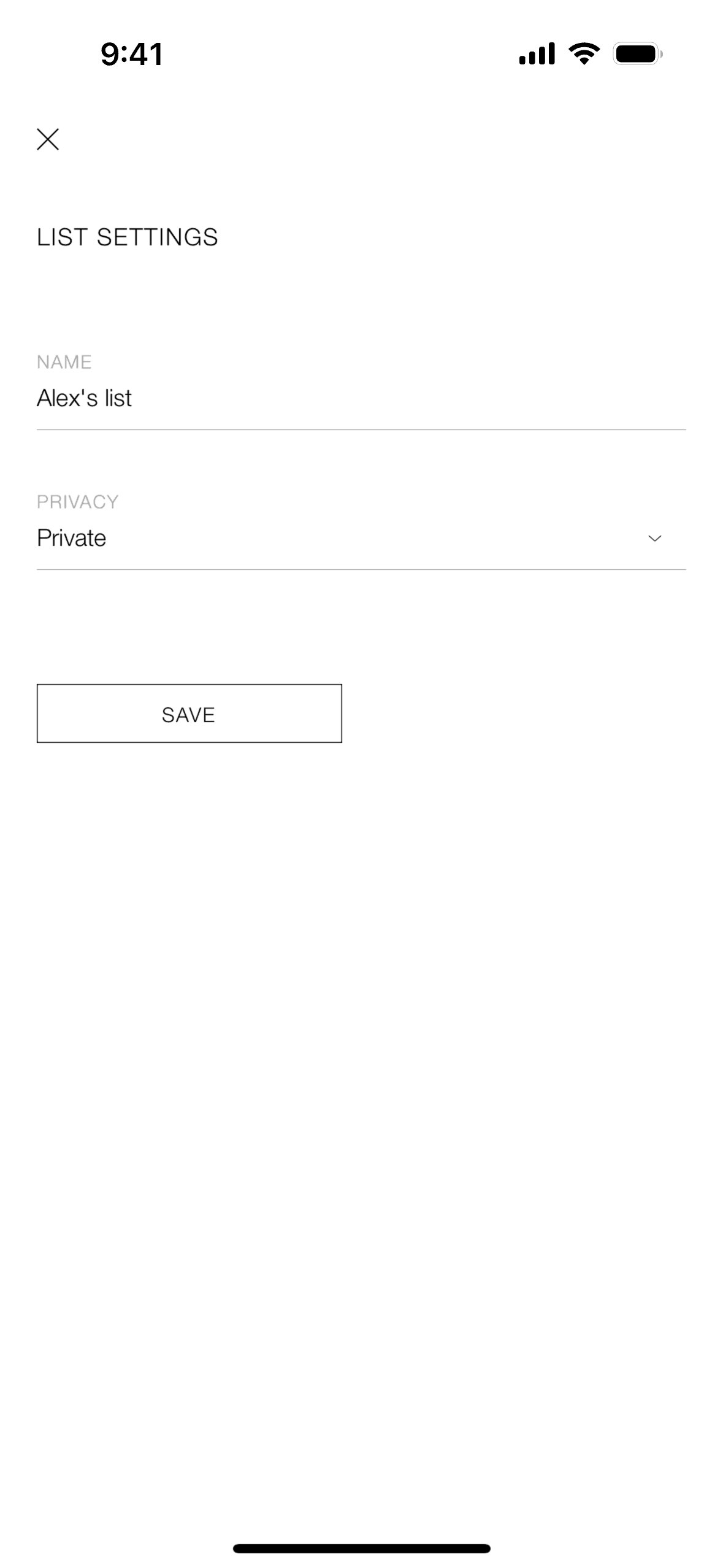
Changing list settings on ZARA (ios) screen 2
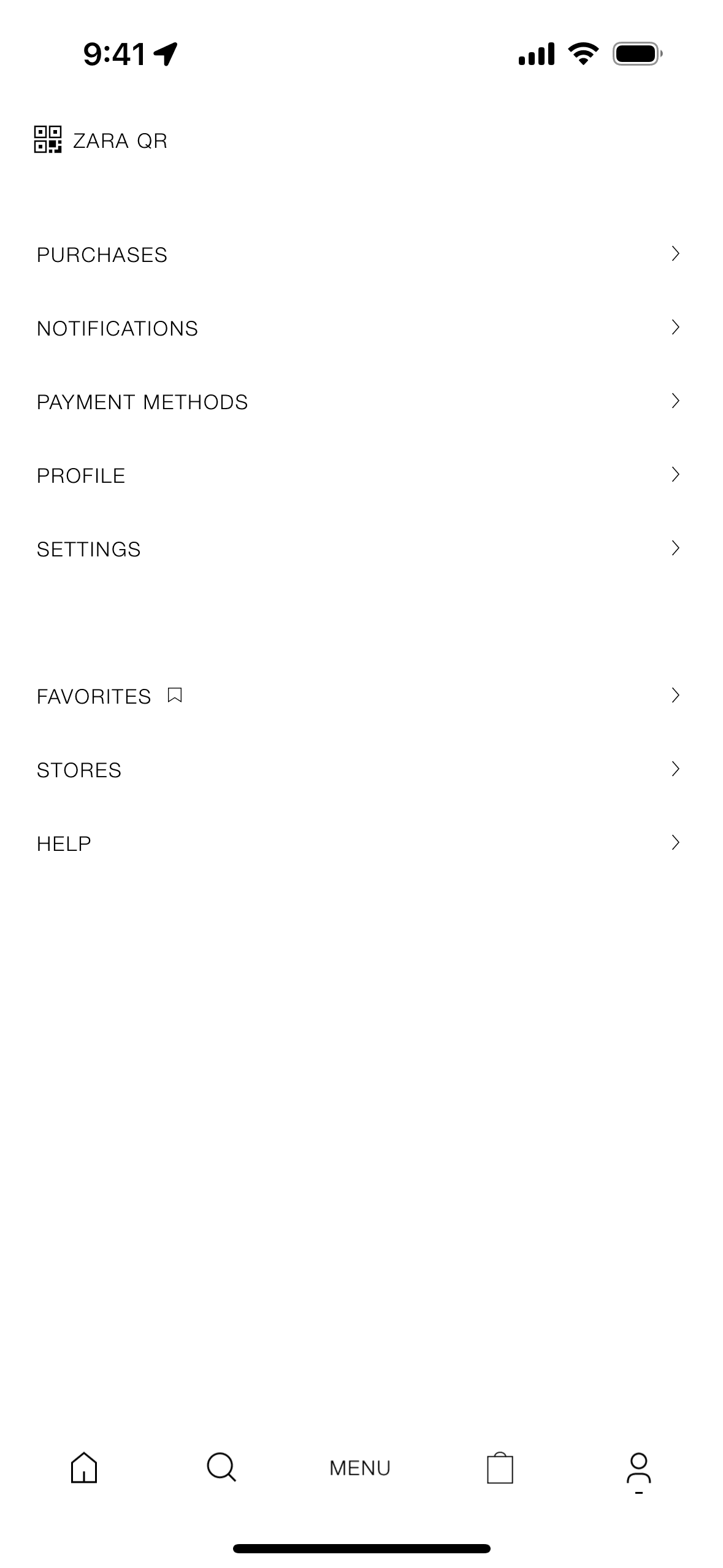
Profile on ZARA (ios) screen 2
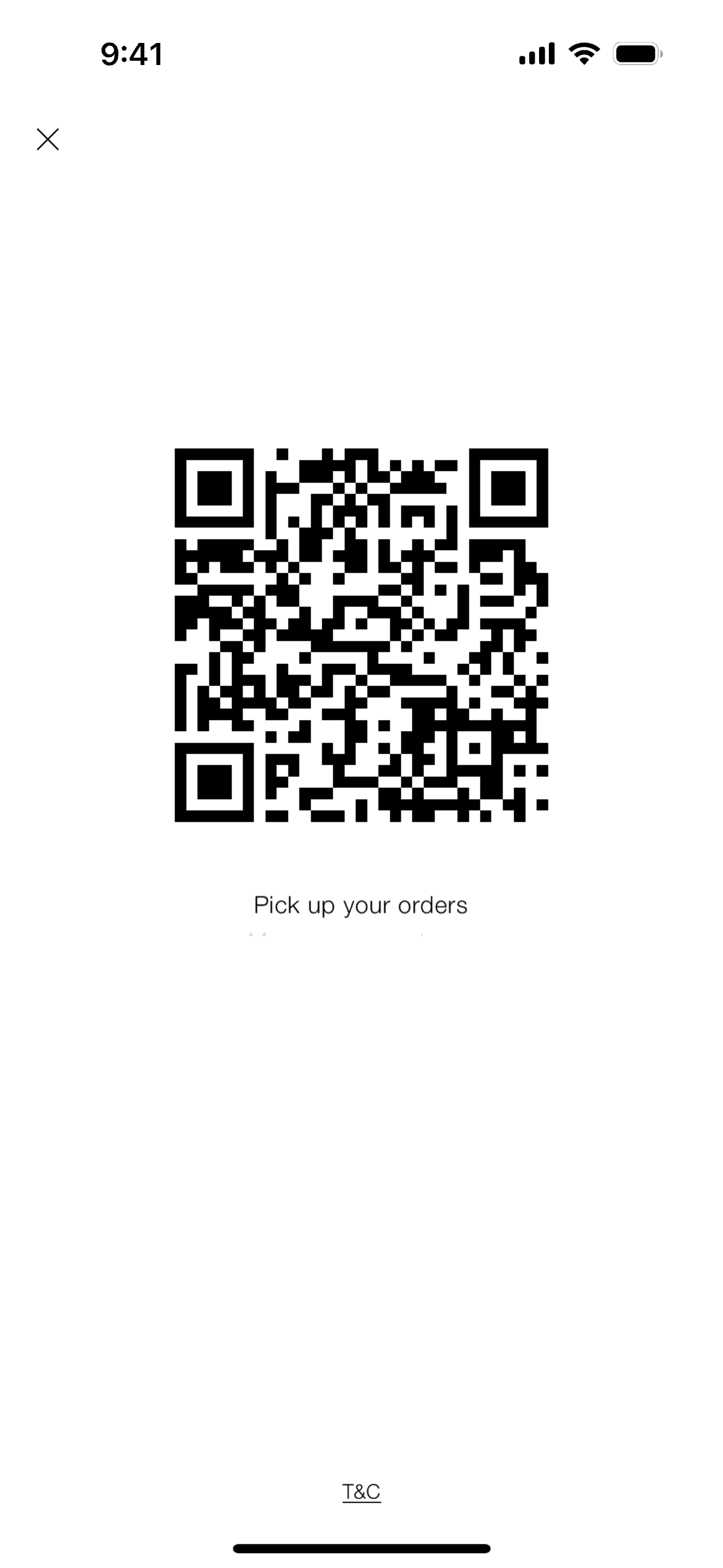
Zara QR on ZARA (ios) screen 2
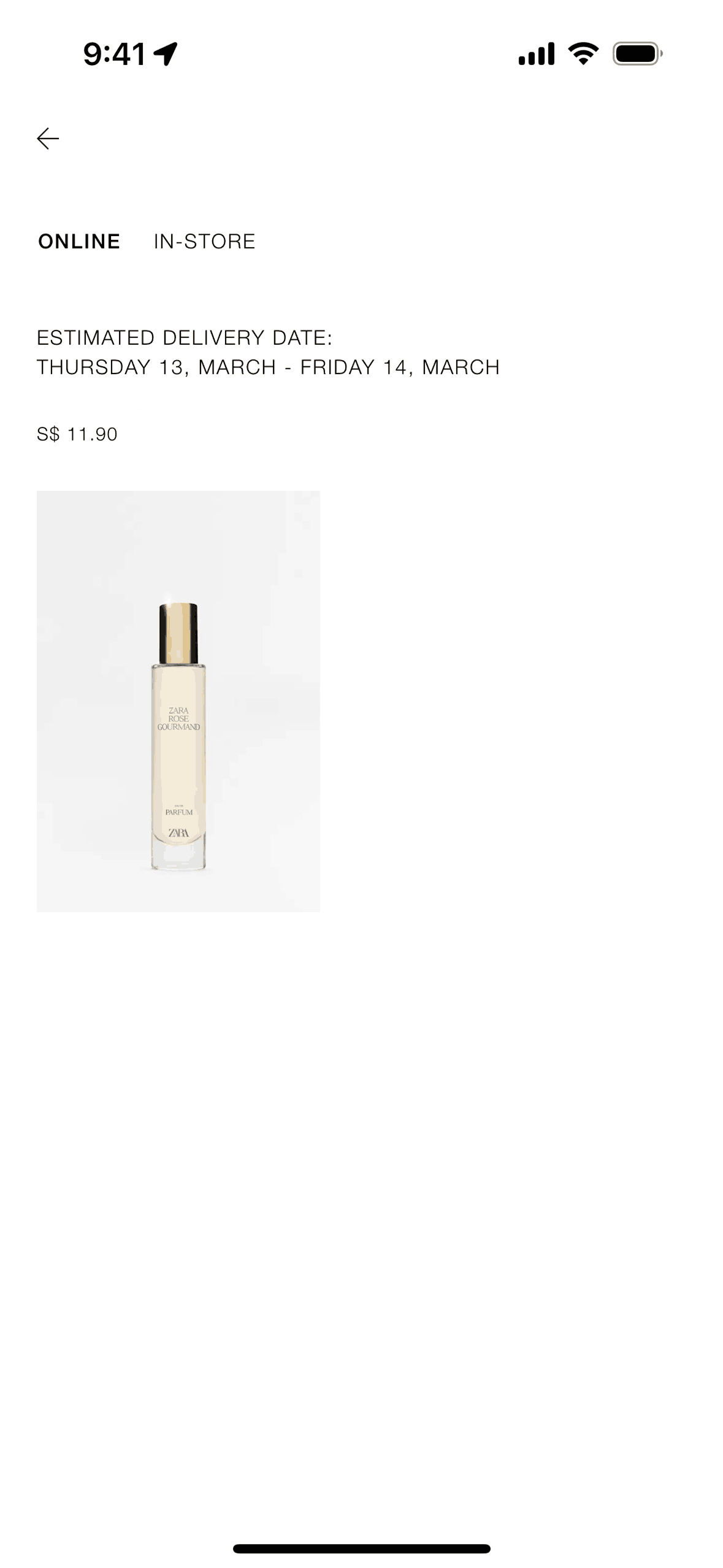
Purchases on ZARA (ios) screen 2
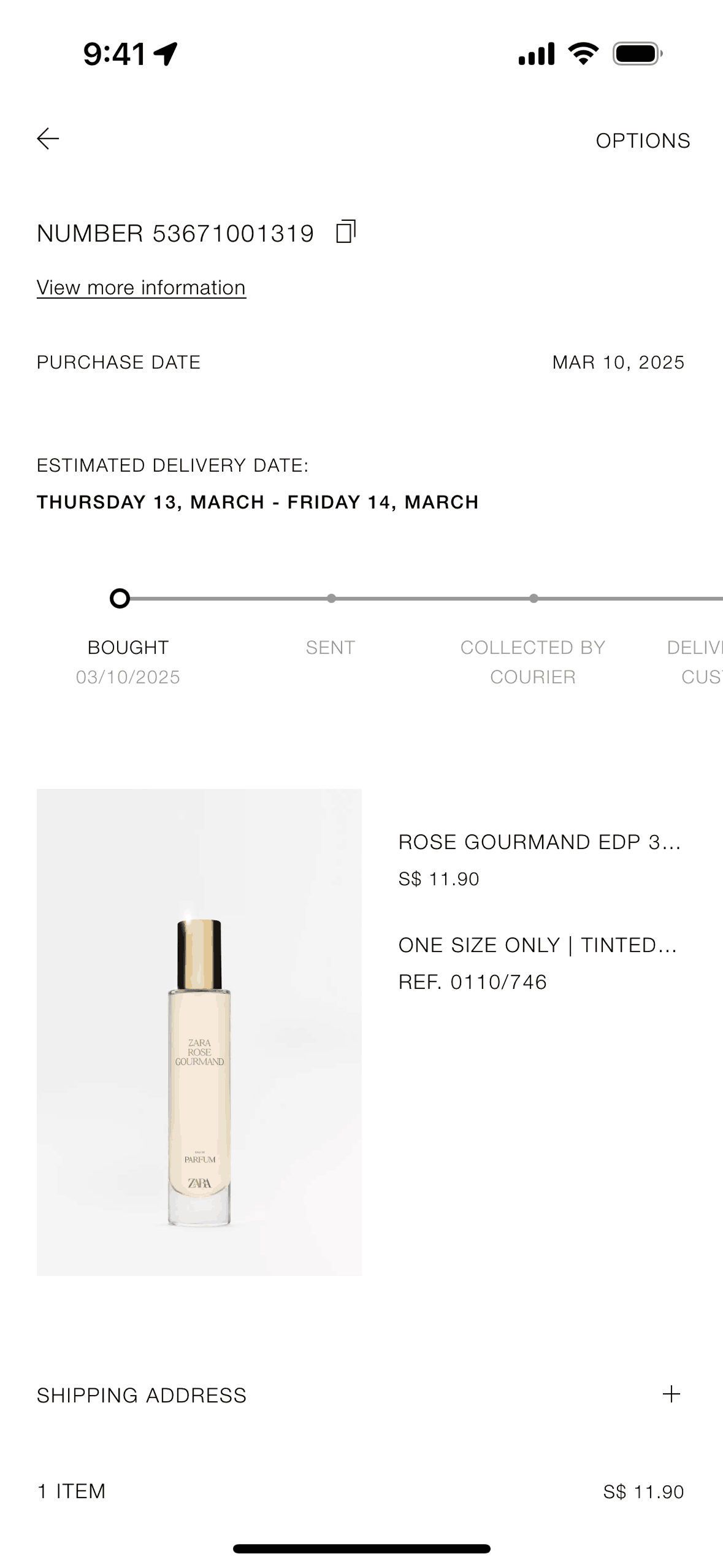
Canceling an order on ZARA (ios) screen 2
Gummble currently indexes 218 ZARA iOS screens captured Current Version and 7 captured UX flows including onboarding, login, and search. International fashion. Categorized under Shopping. Step through each captured ZARA flow screen by screen, or study individual screens for navigation, layout, and microcopy patterns.
Editorial teardown
ZARA is a global fast fashion retailer known for rapidly translating runway trends into affordable clothing. The iOS app brings ZARA's editorial shopping experience to mobile — users browse lookbook style photography, check store inventory, purchase online, and manage returns. Unlike utilitarian e commerce, ZARA's app feels like flipping through a fashion magazine where every image is shoppable. The app bridges online and offline with features like in store mode and click and collect.
Read the full ZARA UX teardownGummble currently indexes 218 ZARA iOS screens captured Current Version and 7 captured UX flows including onboarding, login, and search. Browse the gallery to study ZARA's interface patterns and design decisions.
ZARA is categorized under Shopping. Gummble holds 7 captured UX flows including onboarding, login, and search for ZARA iOS. Open the Flows tab to step through each captured sequence screen by screen.
Yes. Gummble Browse, Pro, and Team users can download ZARA iOS screenshots for design reference. Free users can browse a limited selection and view design analysis.