Loading library…

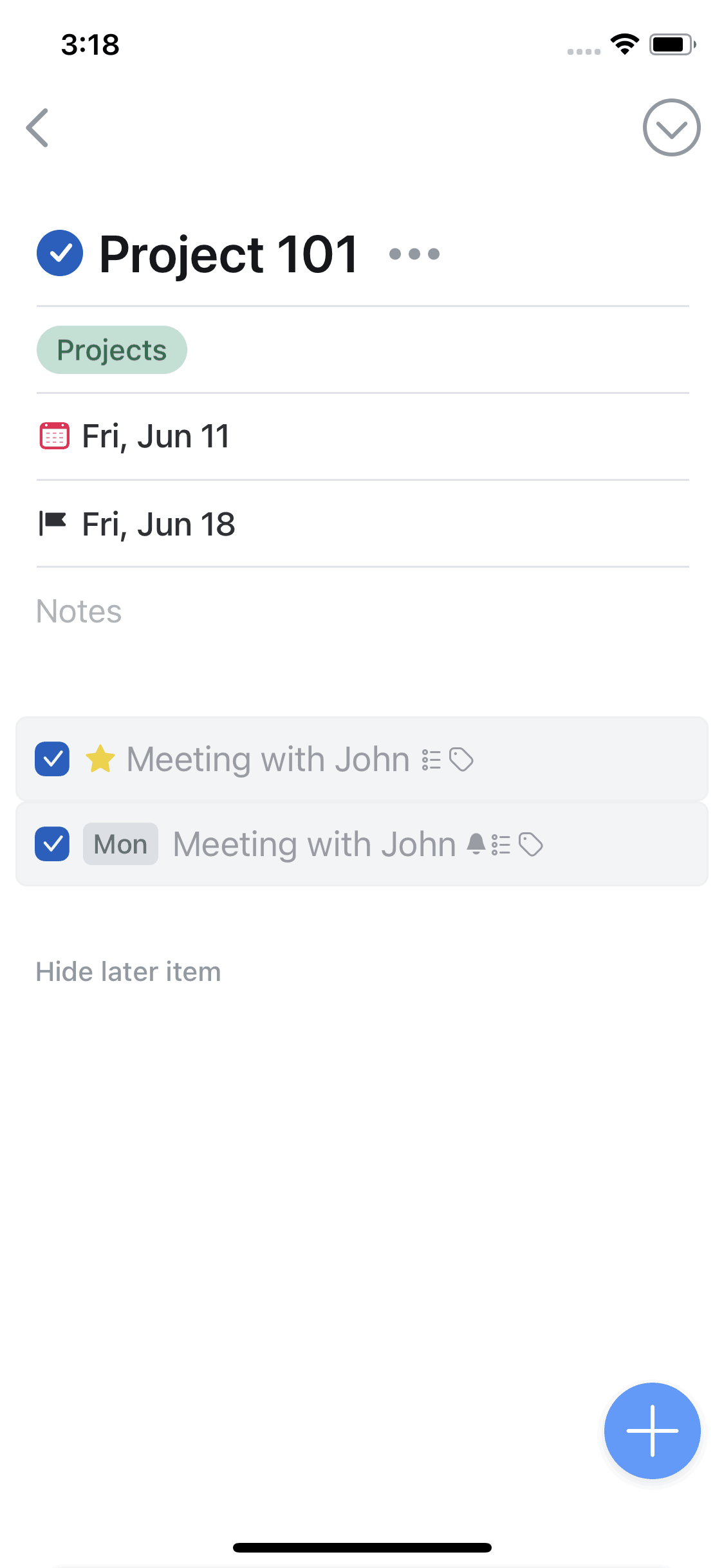

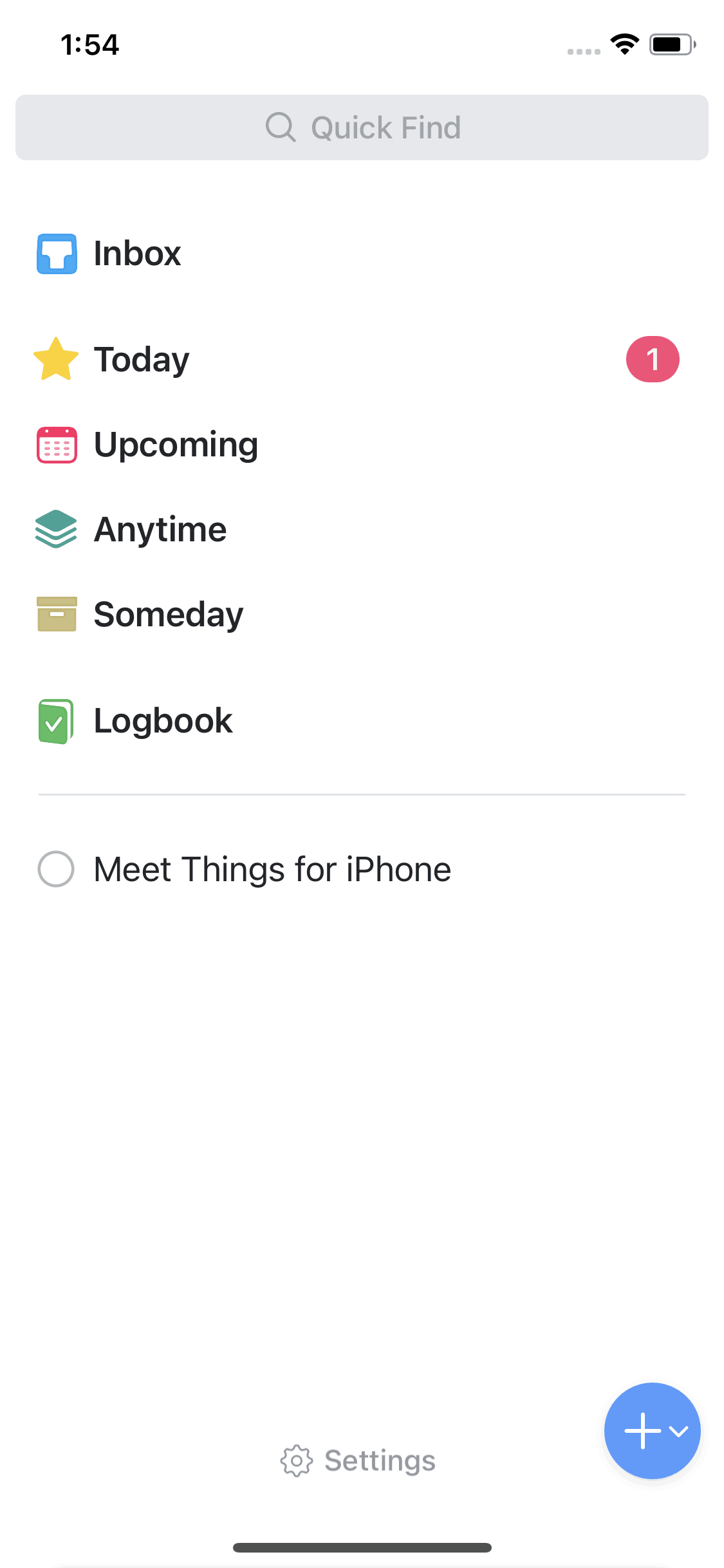
Things 3 iOS Productivity interface screenshot 1
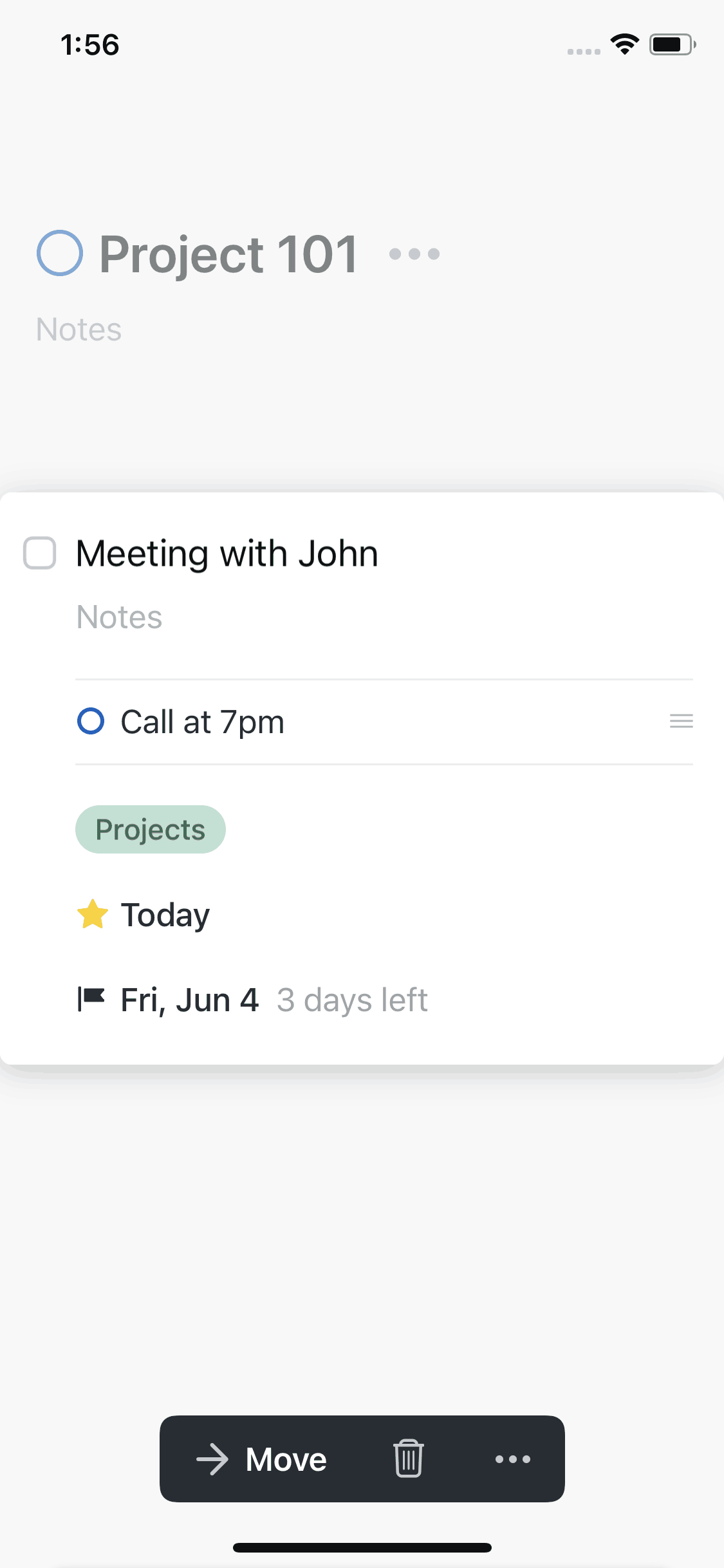
Things 3 iOS Productivity interface screenshot 2
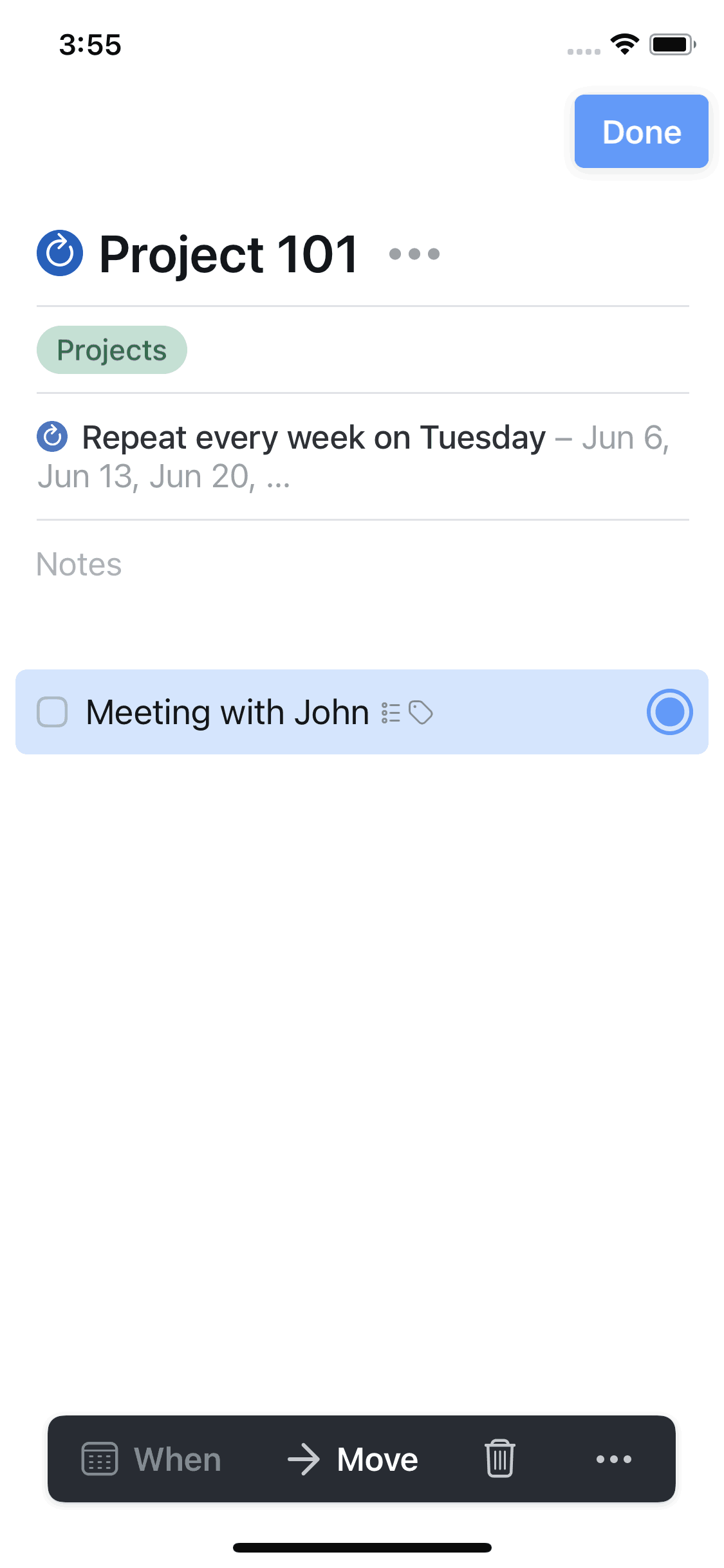
Things 3 iOS Productivity interface screenshot 3
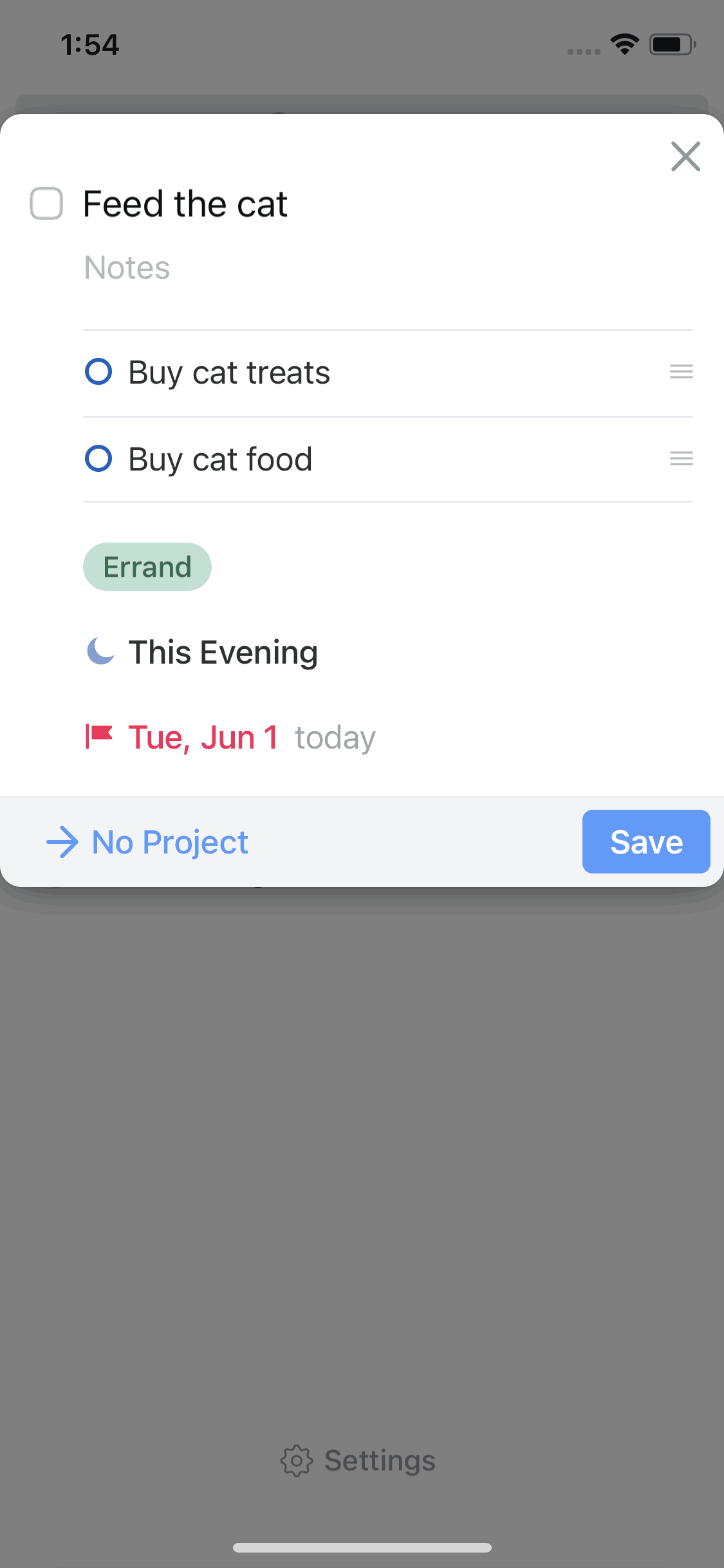
Things 3 iOS Productivity interface screenshot 4
Things 3 iOS Productivity interface screenshot 5
Gummble currently indexes 323 Things 3 iOS screens across 3 captured versions (latest capture Mar 20, 2023: 166 screens) and 2 captured UX flows including onboarding. Organize your life. Categorized under Productivity. Step through each captured Things 3 flow screen by screen, or study individual screens for navigation, layout, and microcopy patterns.
Gummble currently indexes 323 Things 3 iOS screens across 3 captured versions (latest capture Mar 20, 2023: 166 screens) and 2 captured UX flows including onboarding. Browse the gallery to study Things 3's interface patterns and design decisions.
Things 3 is categorized under Productivity. Gummble holds 2 captured UX flows including onboarding for Things 3 iOS. Open the Flows tab to step through each captured sequence screen by screen.
Yes. Gummble Browse, Pro, and Team users can download Things 3 iOS screenshots for design reference. Free users can browse a limited selection and view design analysis.