

Streaks iOS Productivity interface screenshot 1
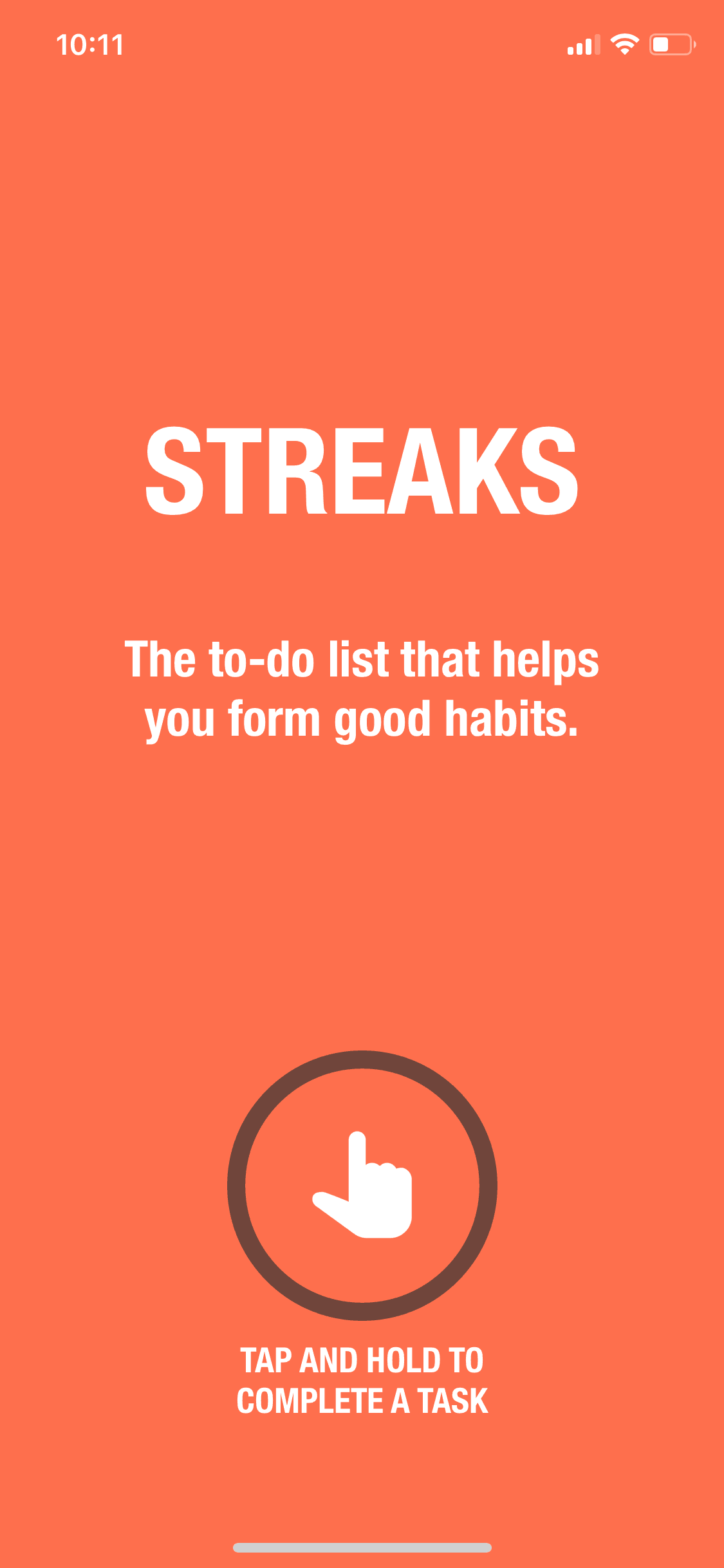
Streaks iOS Productivity interface screenshot 2
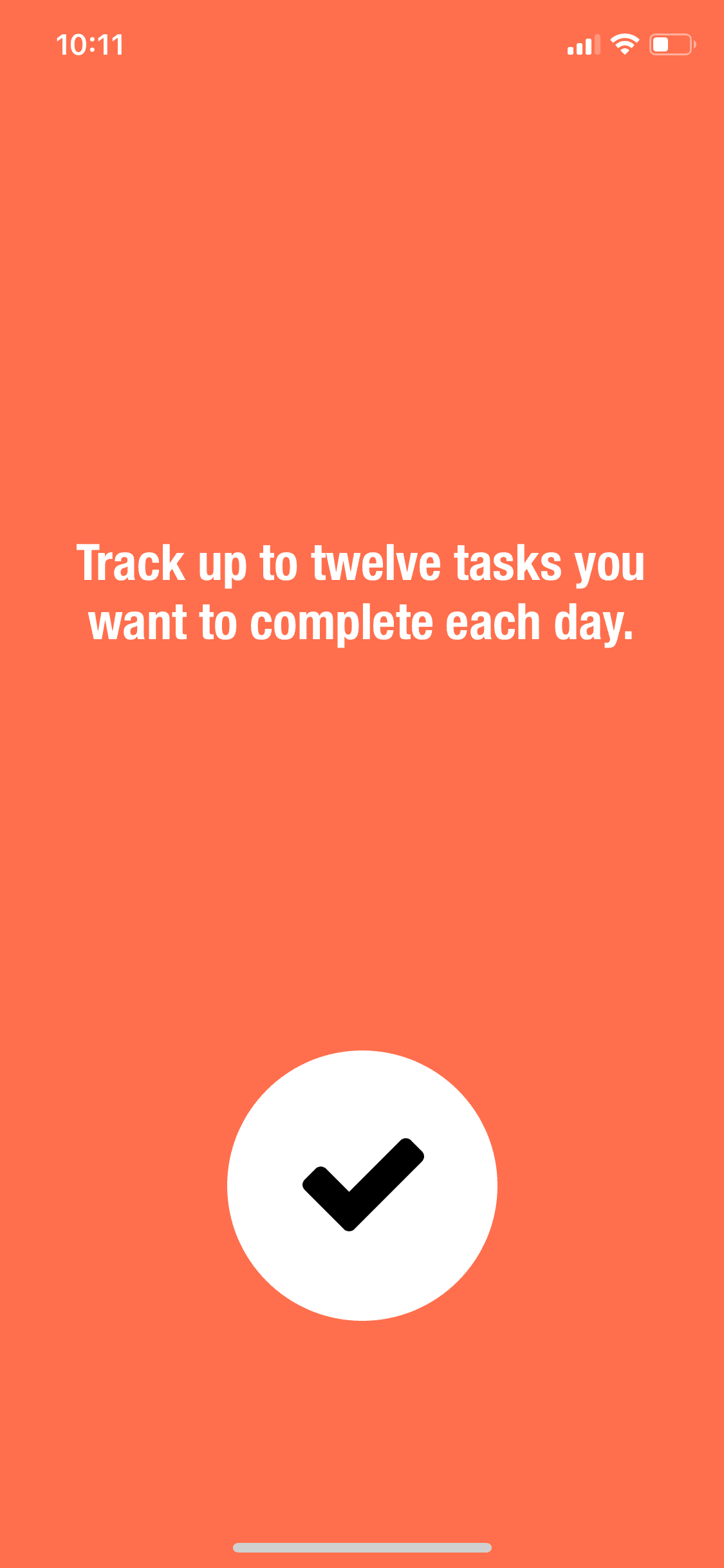
Streaks iOS Productivity interface screenshot 3
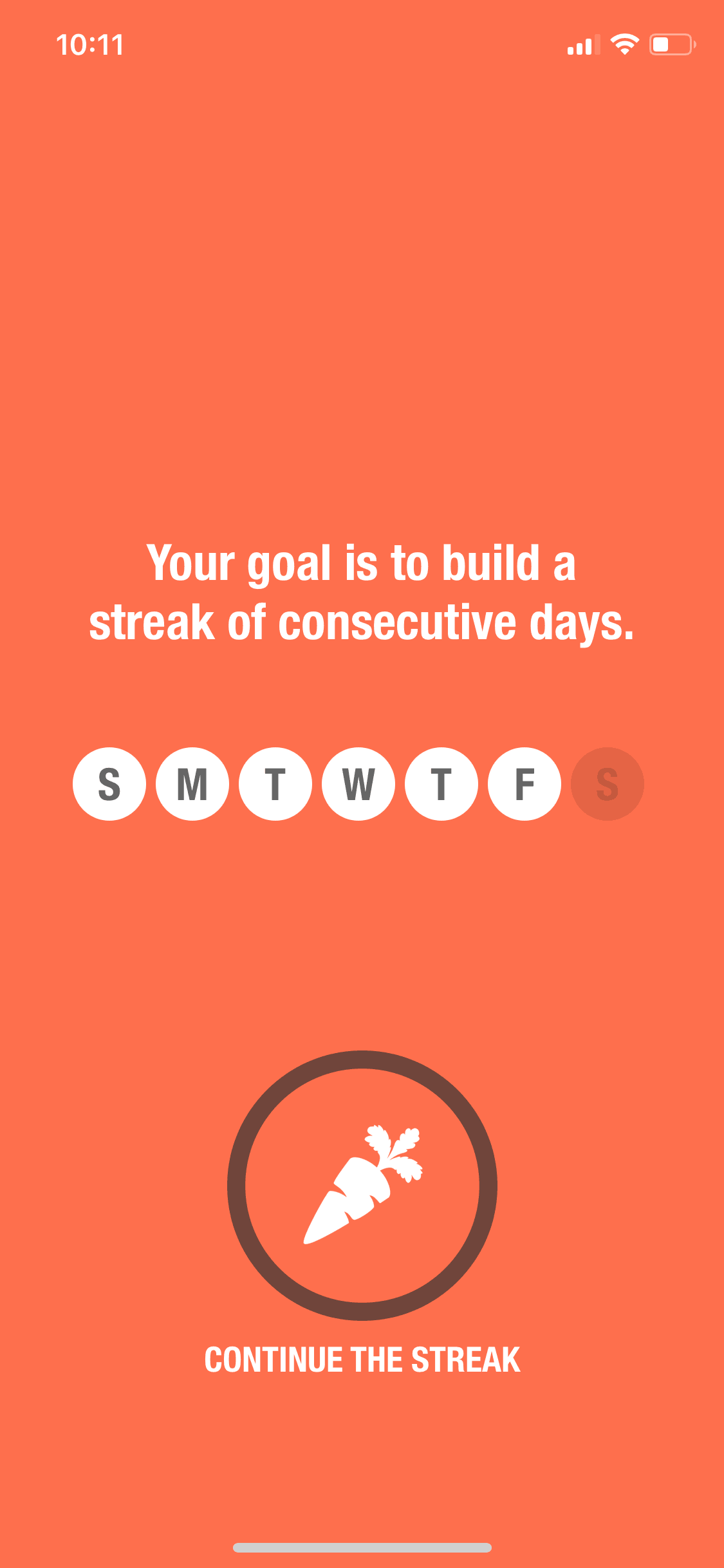
Streaks iOS Productivity interface screenshot 4
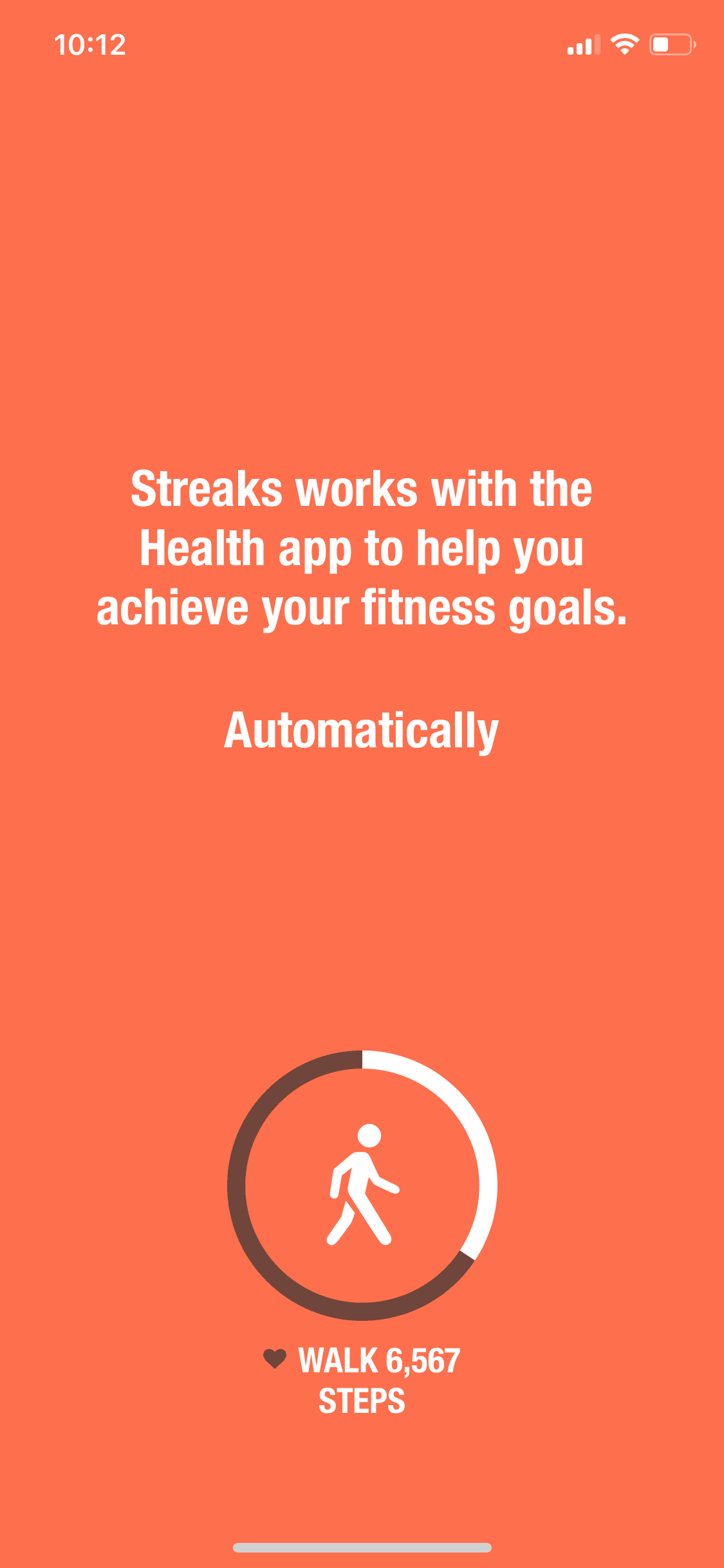
Streaks iOS Productivity interface screenshot 5
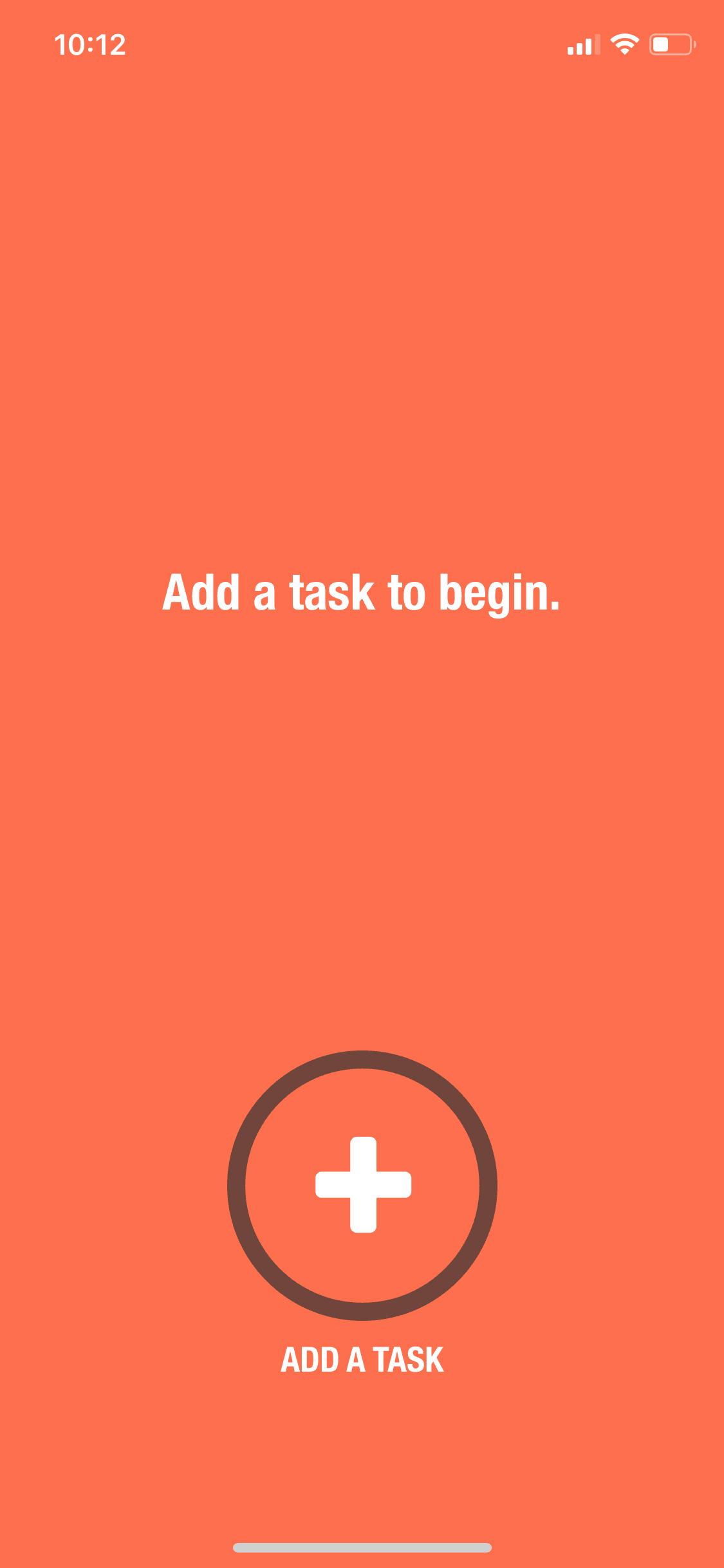
Streaks iOS Productivity interface screenshot 6
Streaks iOS Productivity interface screenshot 7
Streaks iOS Productivity interface screenshot 8
Streaks iOS Productivity interface screenshot 9
Streaks iOS Productivity interface screenshot 10
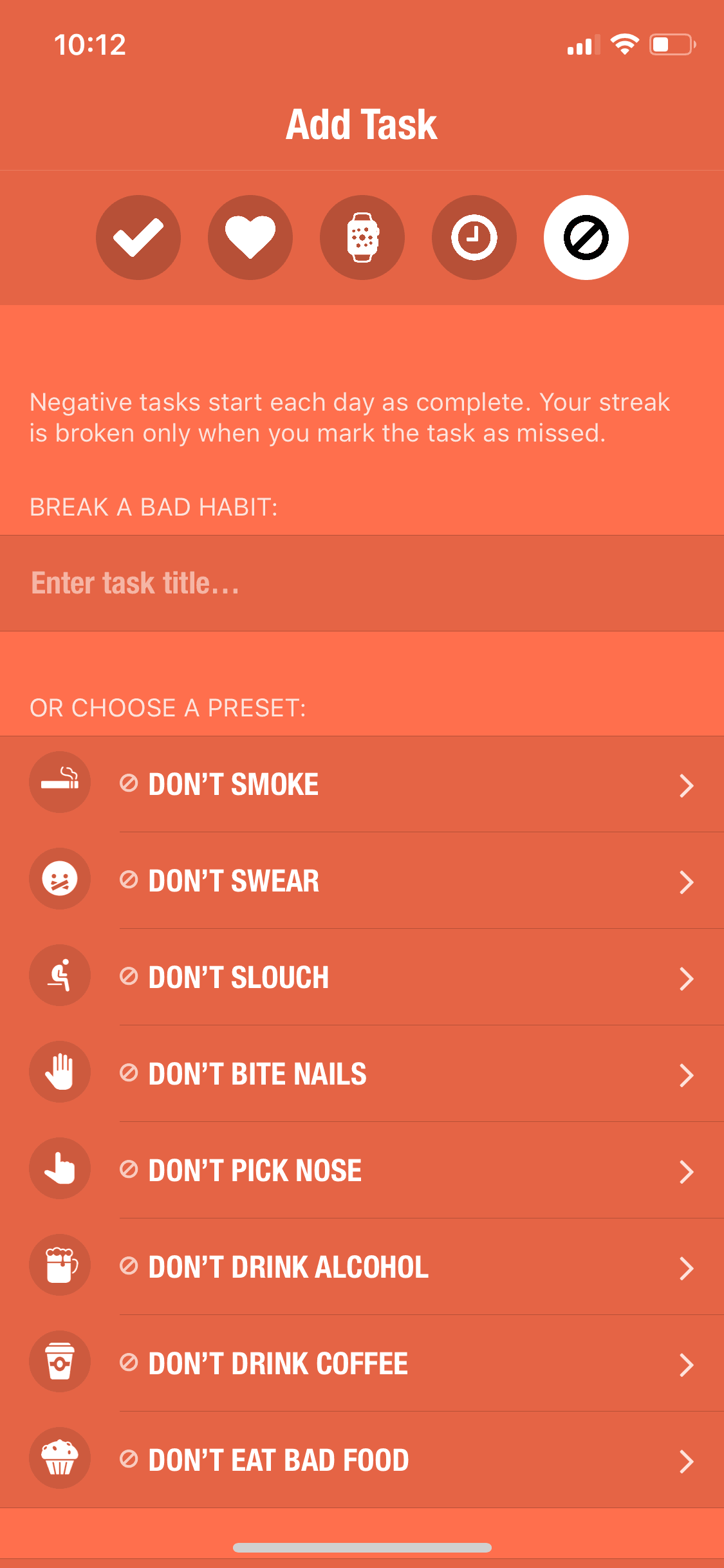
Streaks iOS Productivity interface screenshot 11
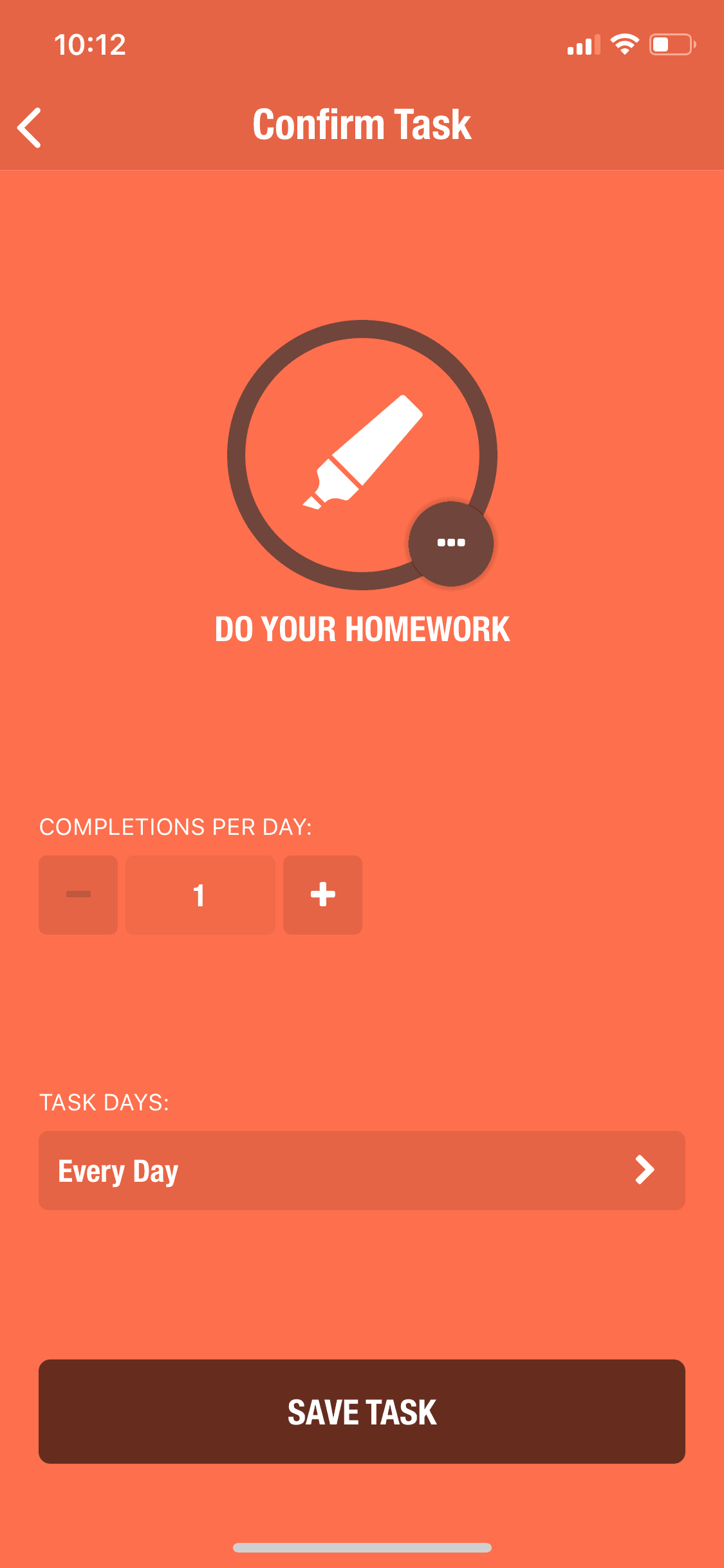
Streaks iOS Productivity interface screenshot 12
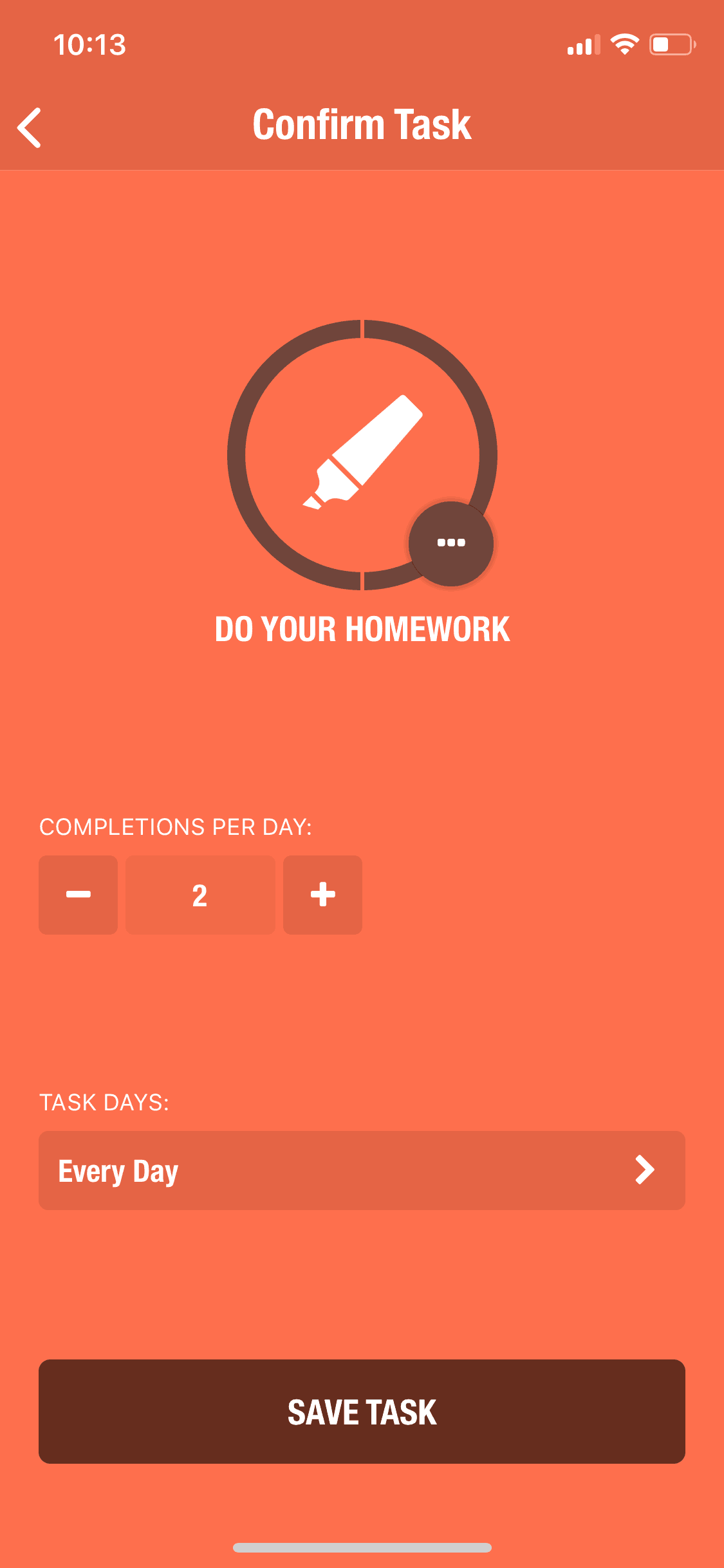
Streaks iOS Productivity interface screenshot 13
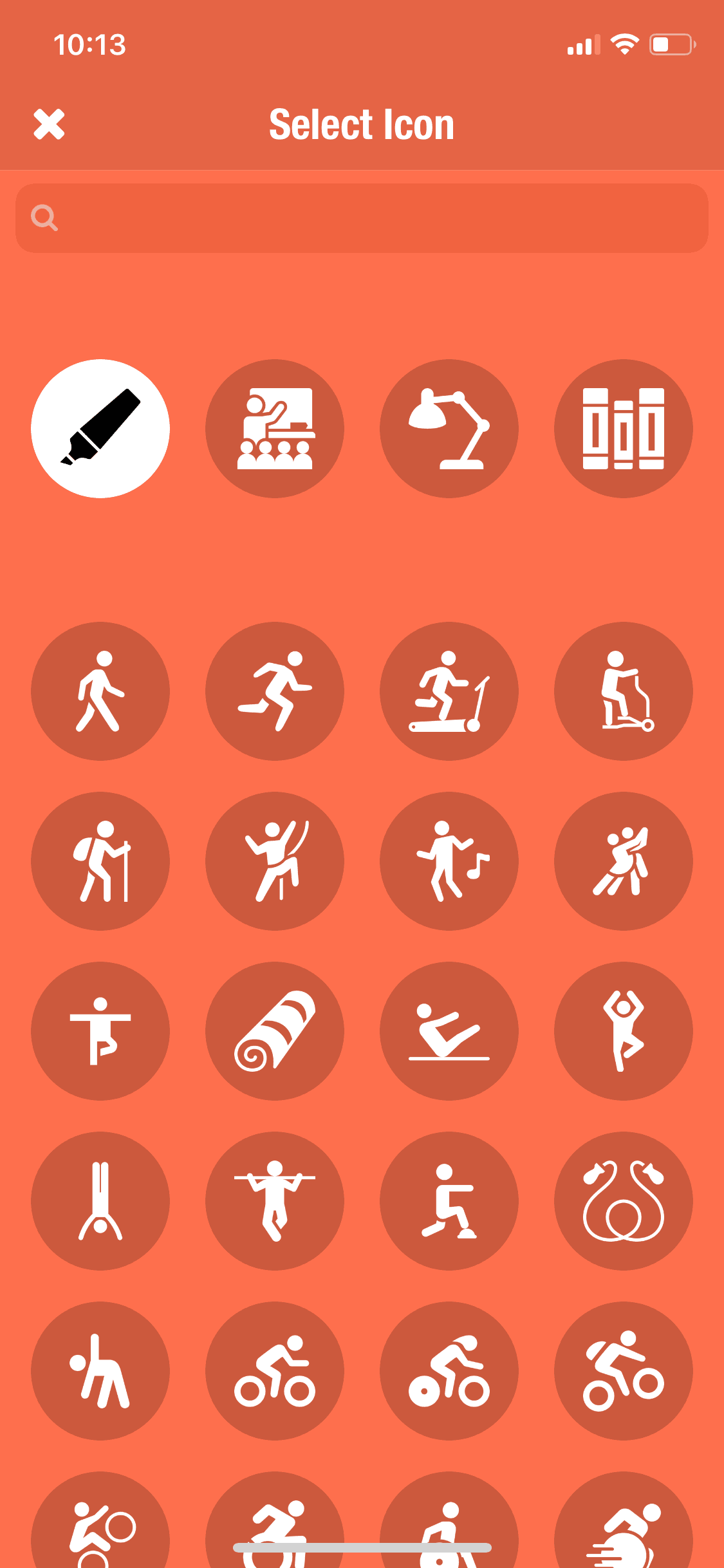
Streaks iOS Productivity interface screenshot 14
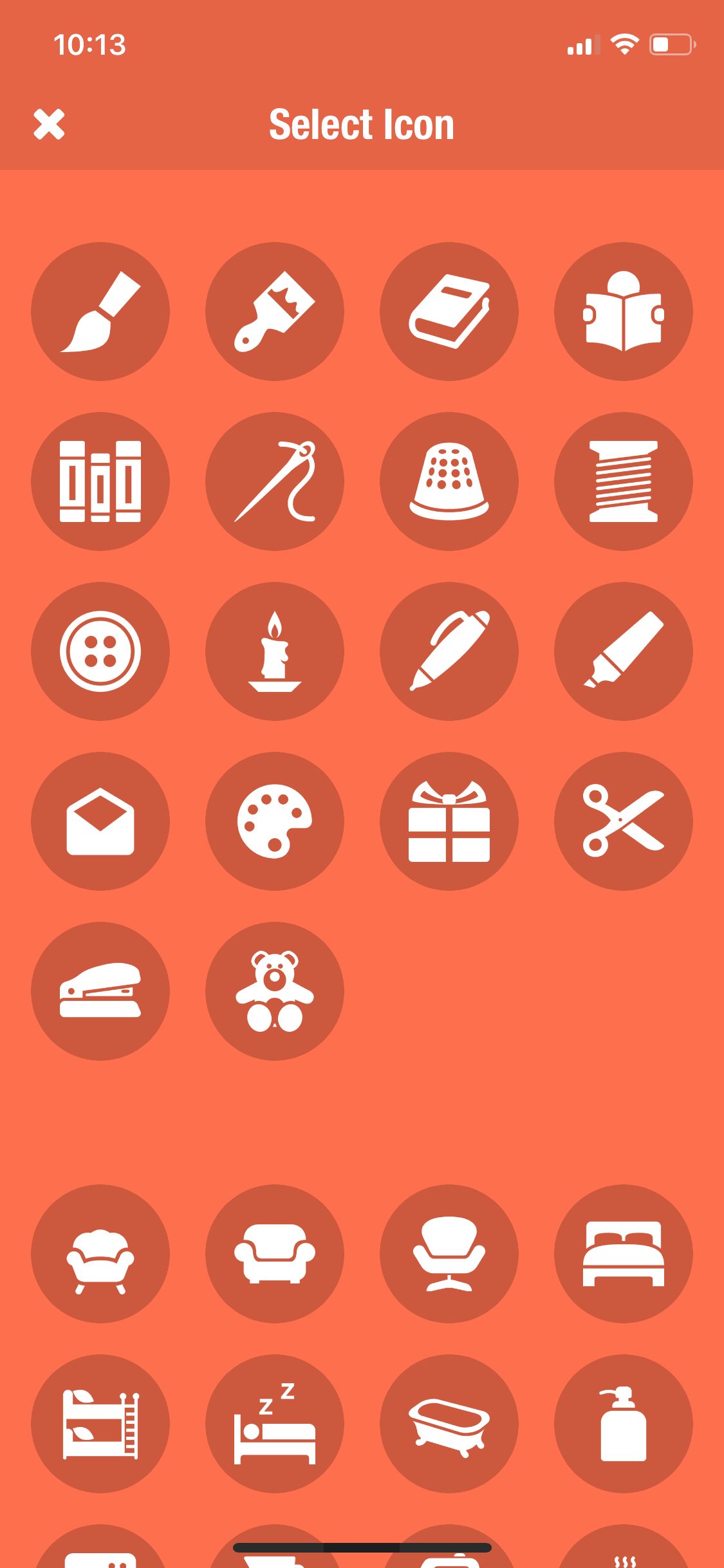
Streaks iOS Productivity interface screenshot 15
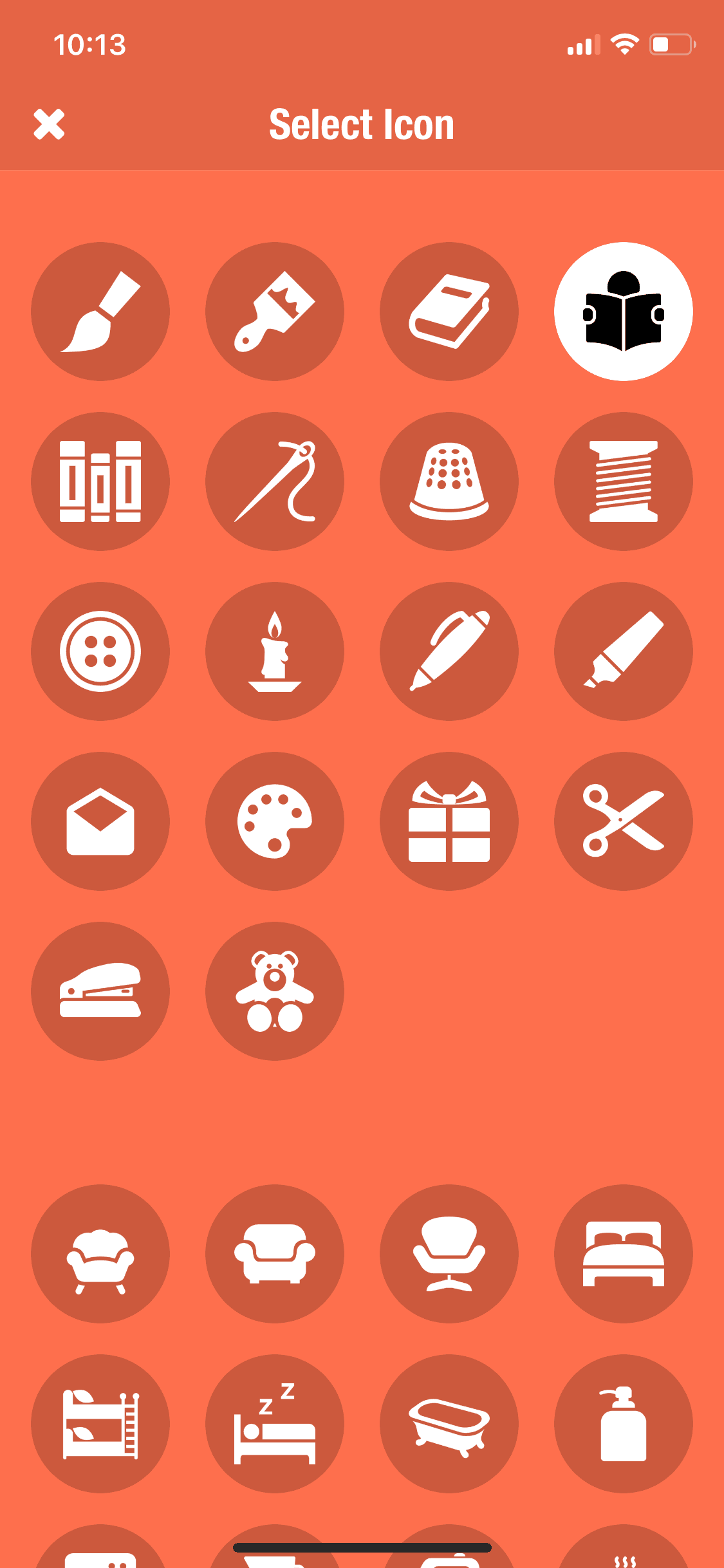
Streaks iOS Productivity interface screenshot 16
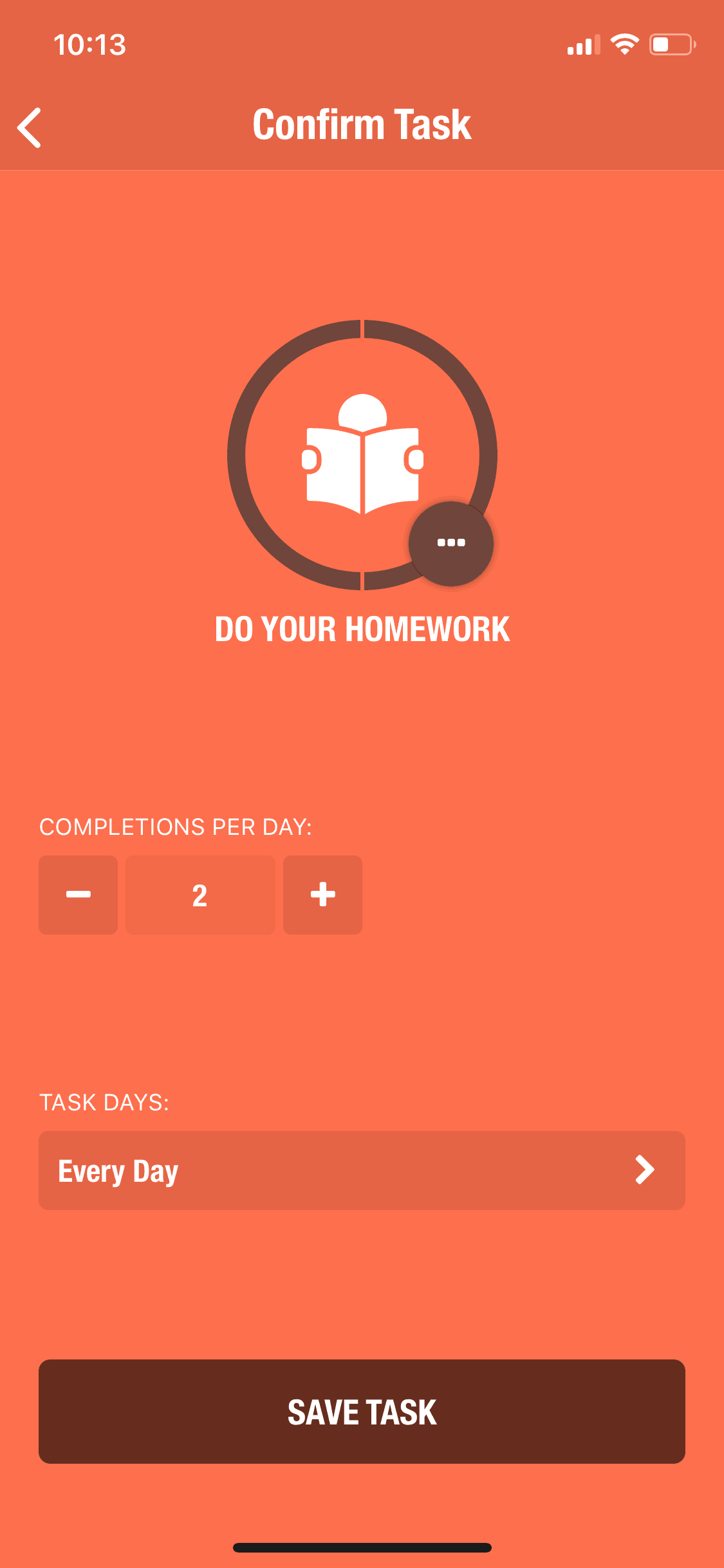
Streaks iOS Productivity interface screenshot 17
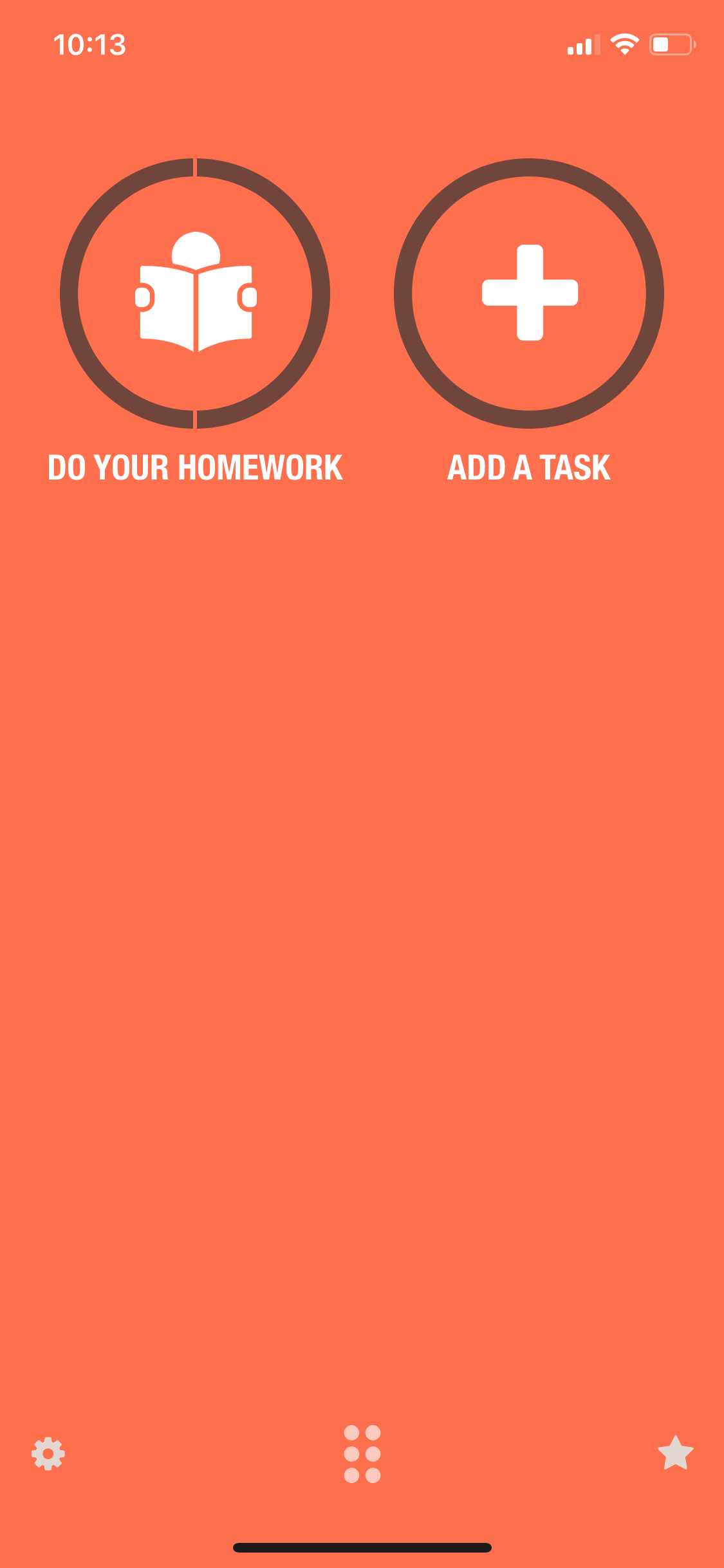
Streaks iOS Productivity interface screenshot 18
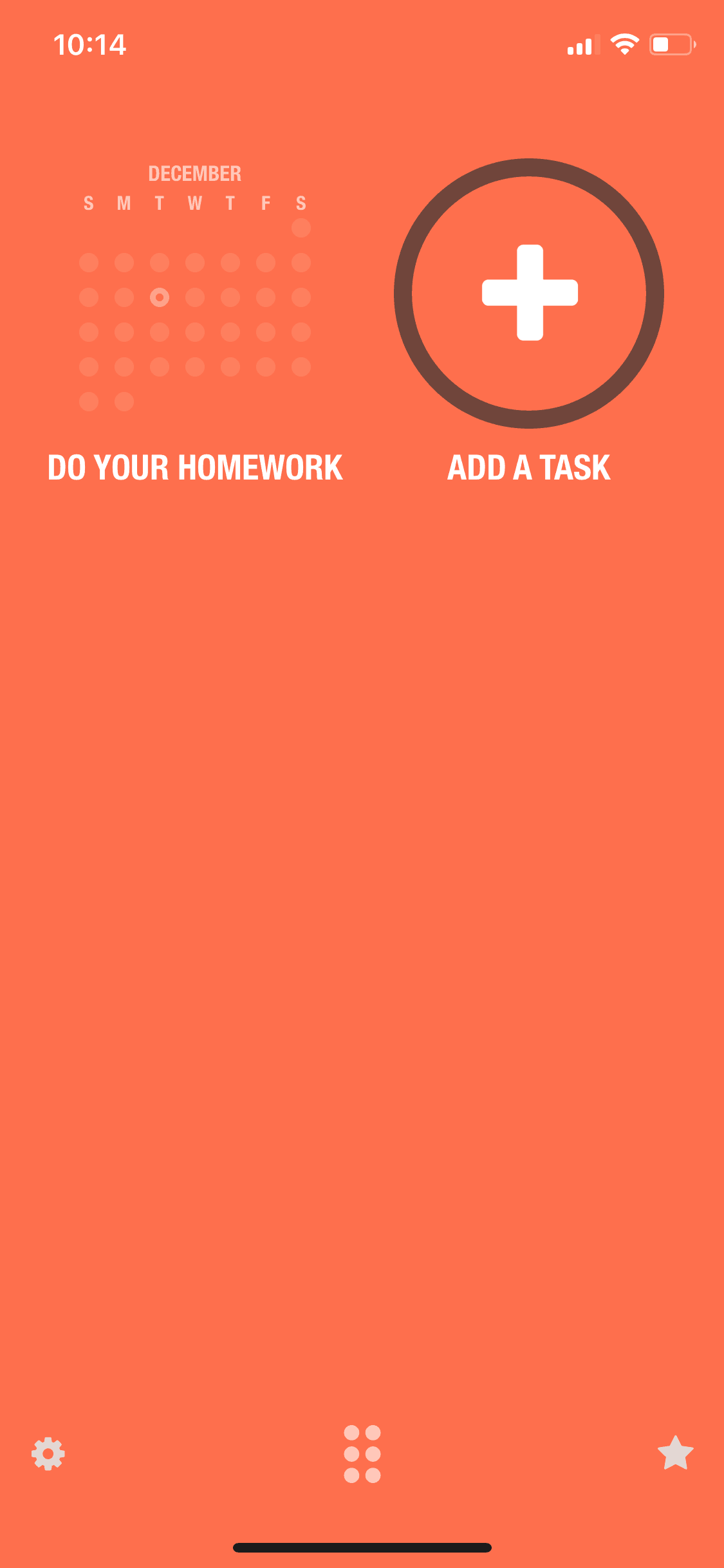
Streaks iOS Productivity interface screenshot 19
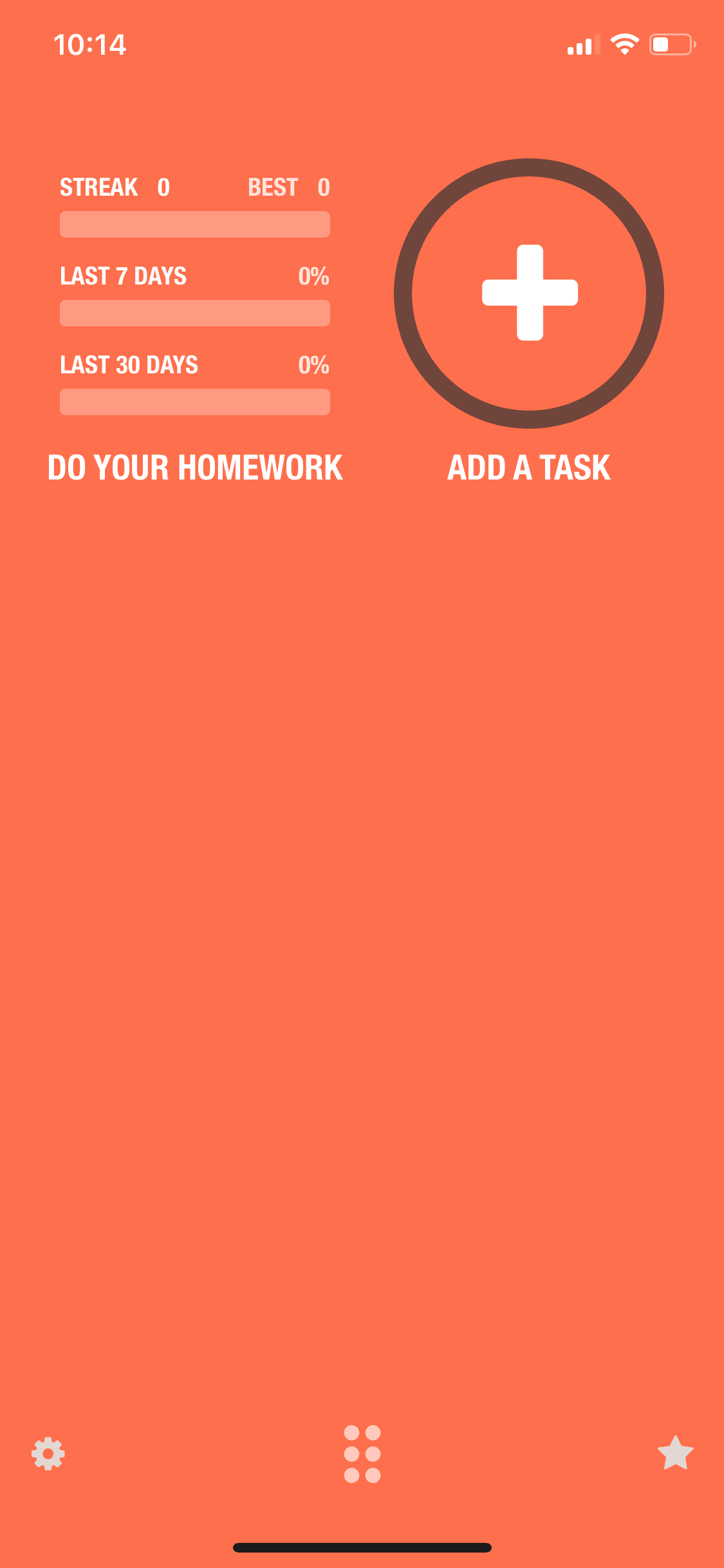
Streaks iOS Productivity interface screenshot 20
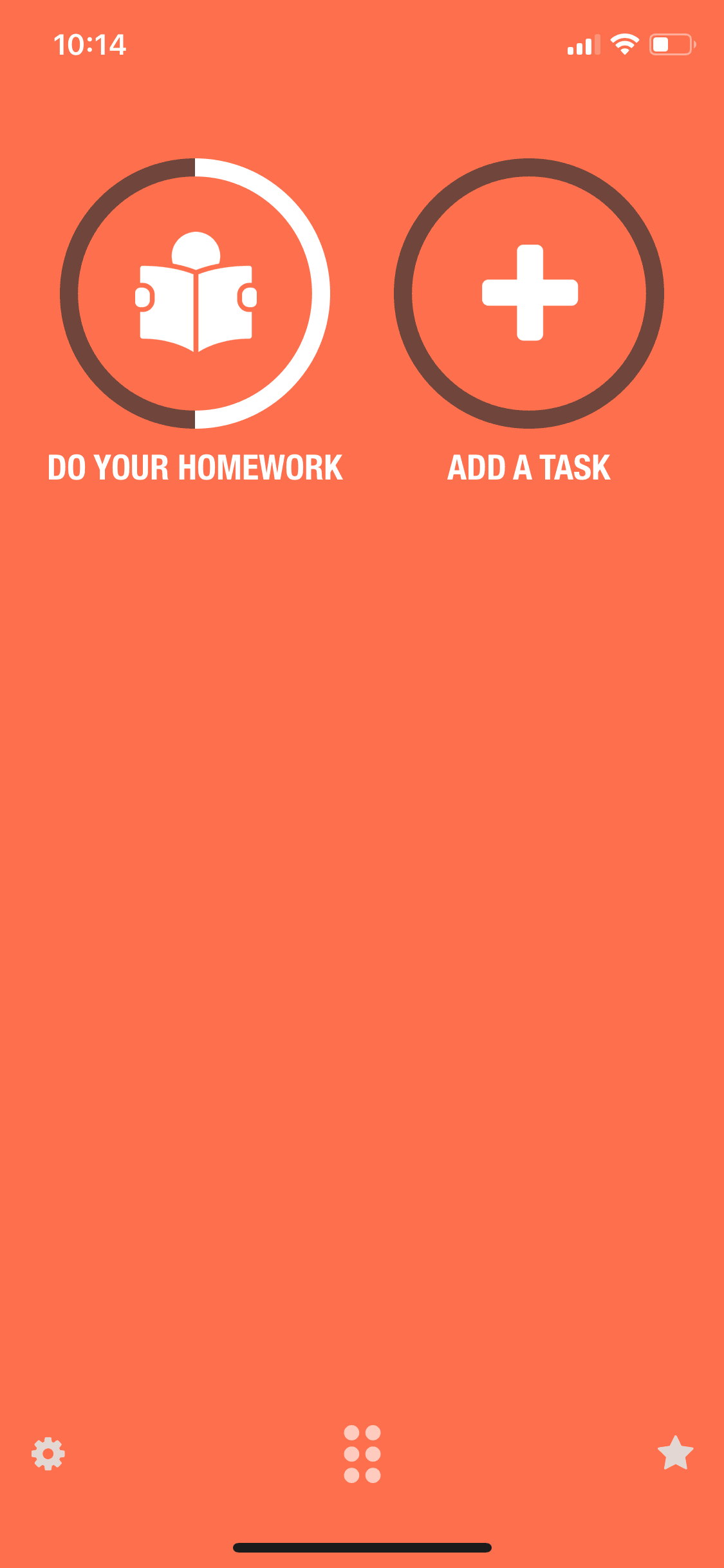
Streaks iOS Productivity interface screenshot 21
Streaks iOS Productivity interface screenshot 22
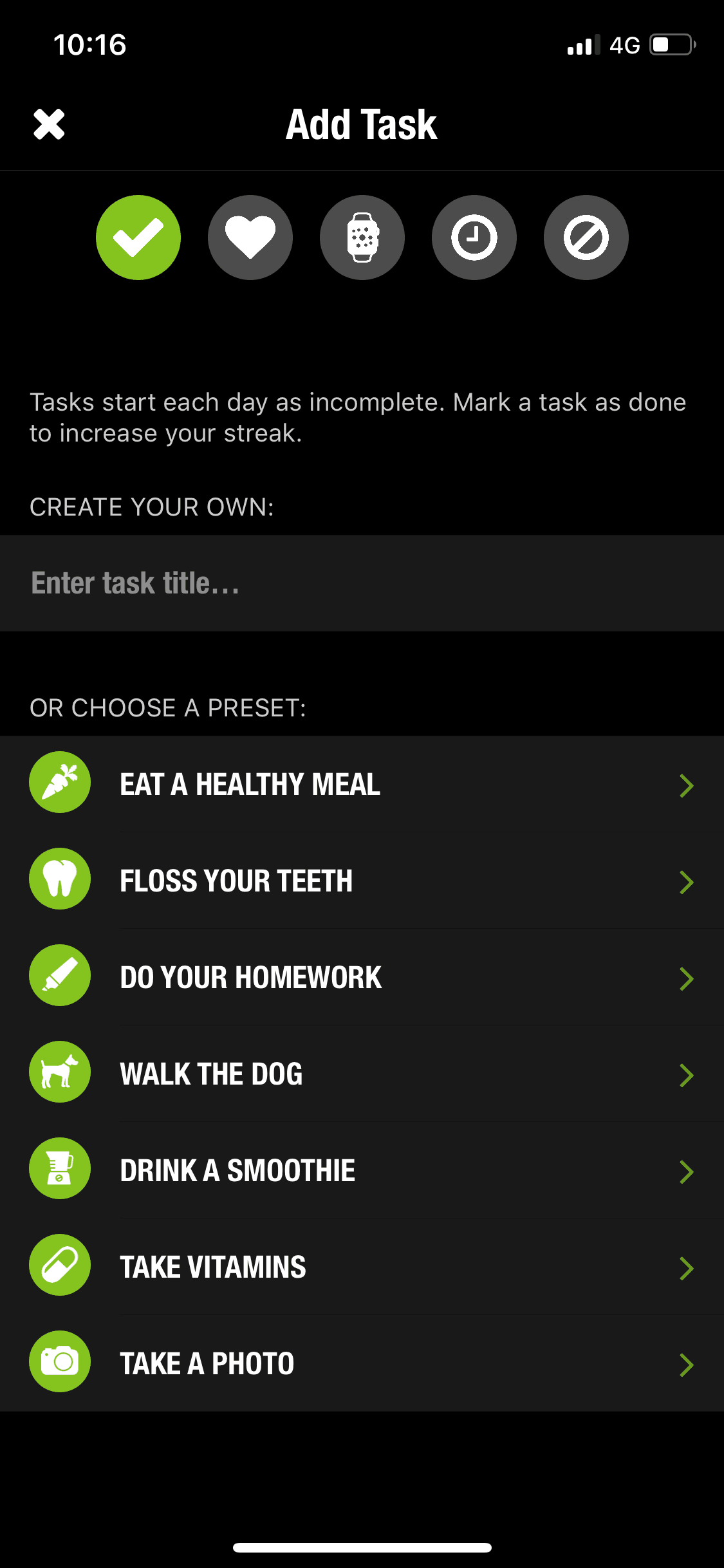
Streaks iOS Productivity interface screenshot 23
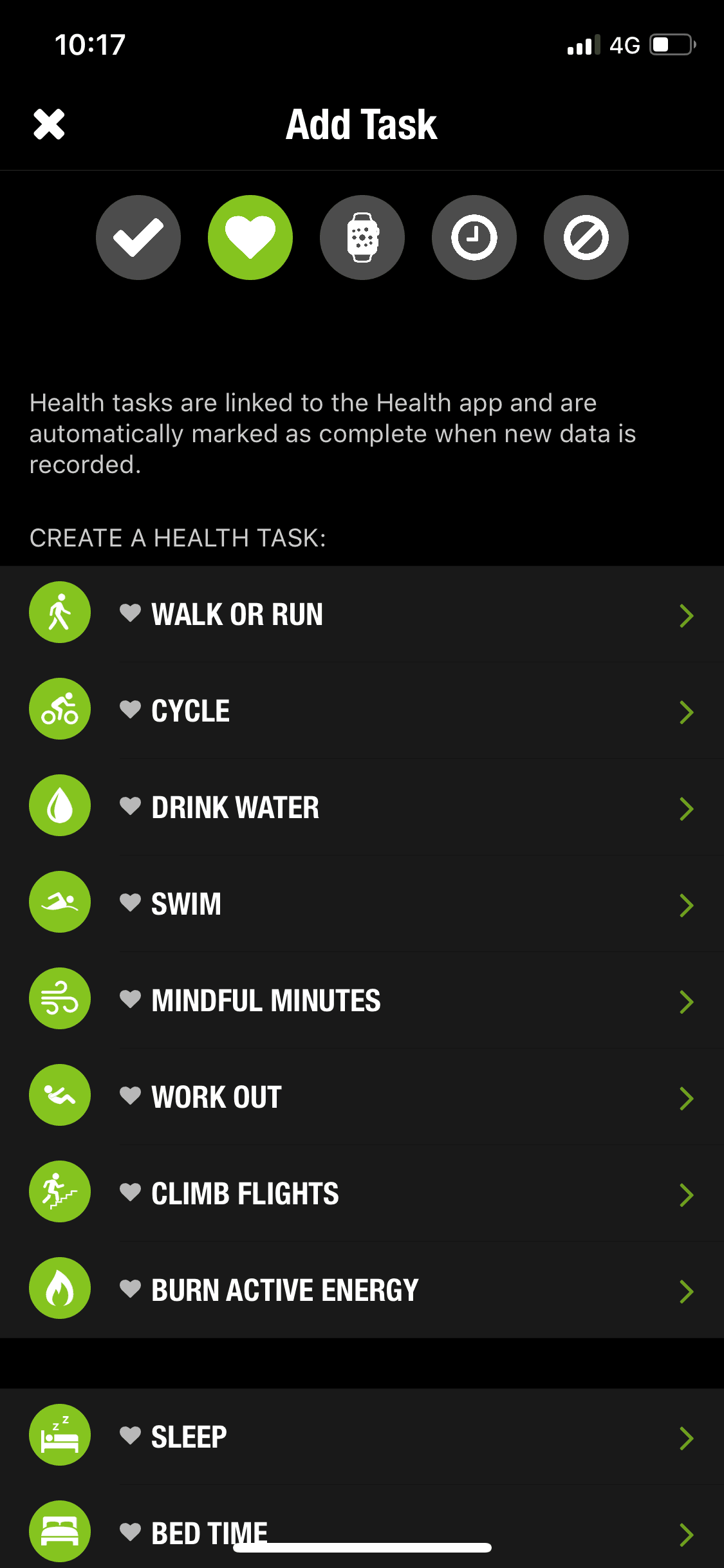
Streaks iOS Productivity interface screenshot 24
Gummble currently indexes 215 Streaks iOS screens across 2 captured versions (latest capture Dec 12, 2018: 84 screens) and 6 captured UX flows including onboarding and settings. The habit-forming to-do list. Categorized under Productivity. Step through each captured Streaks flow screen by screen, or study individual screens for navigation, layout, and microcopy patterns.
Editorial teardown
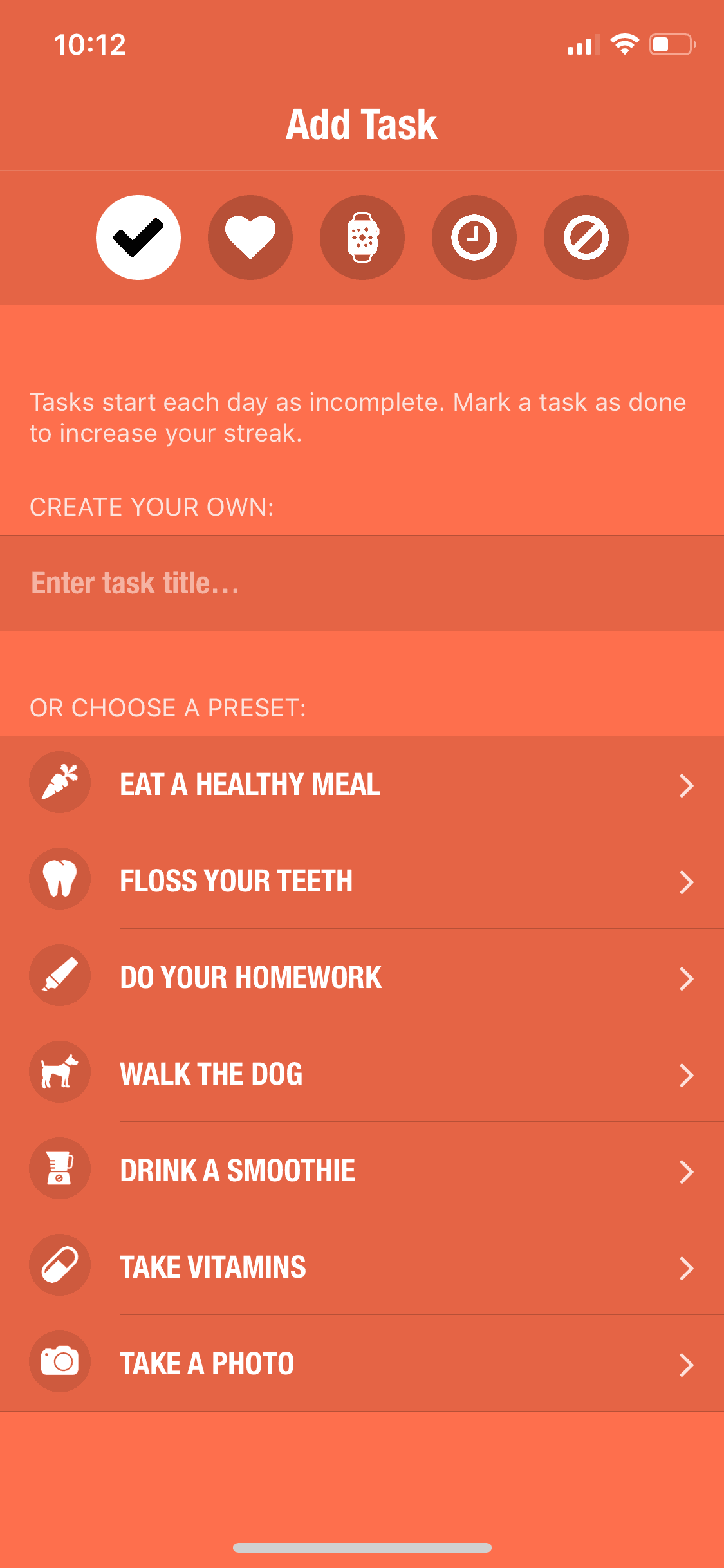
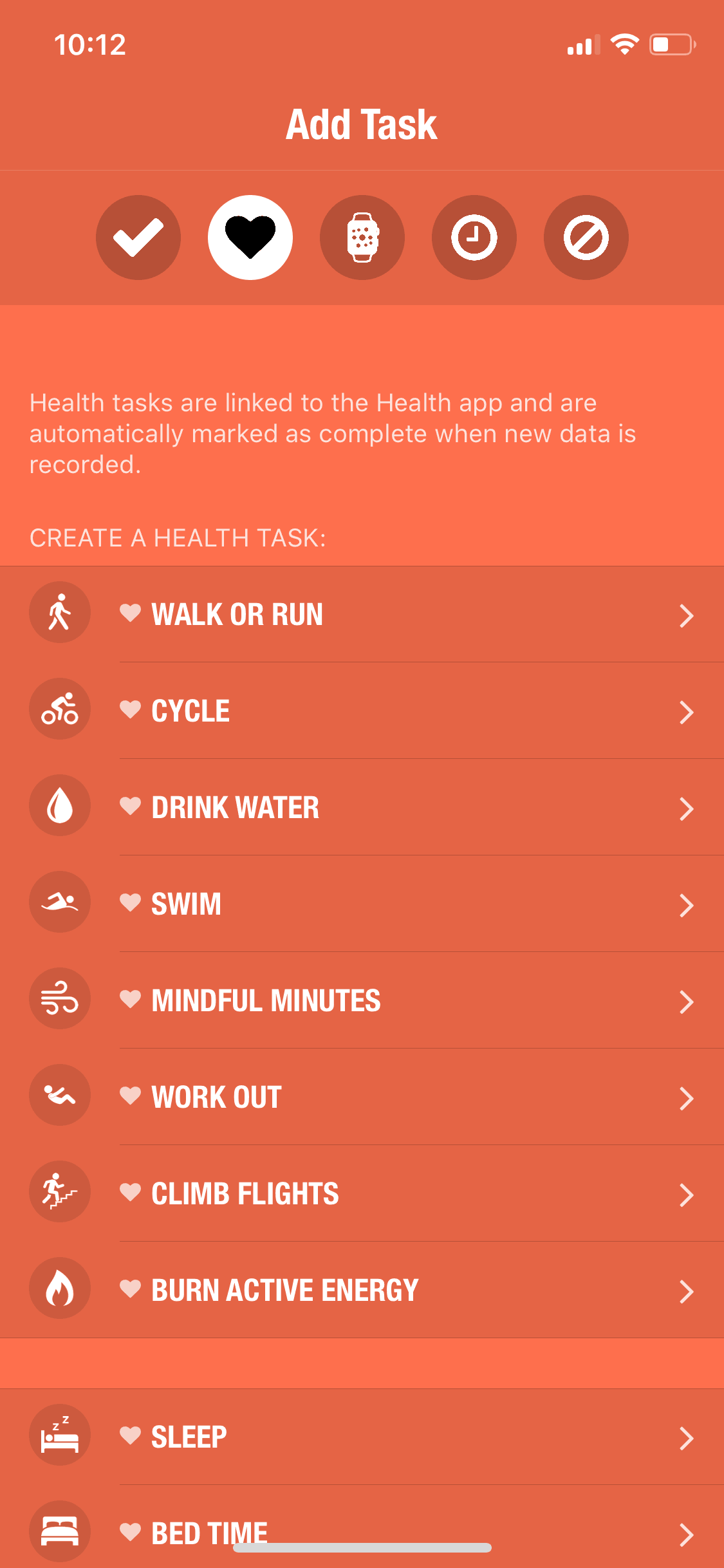
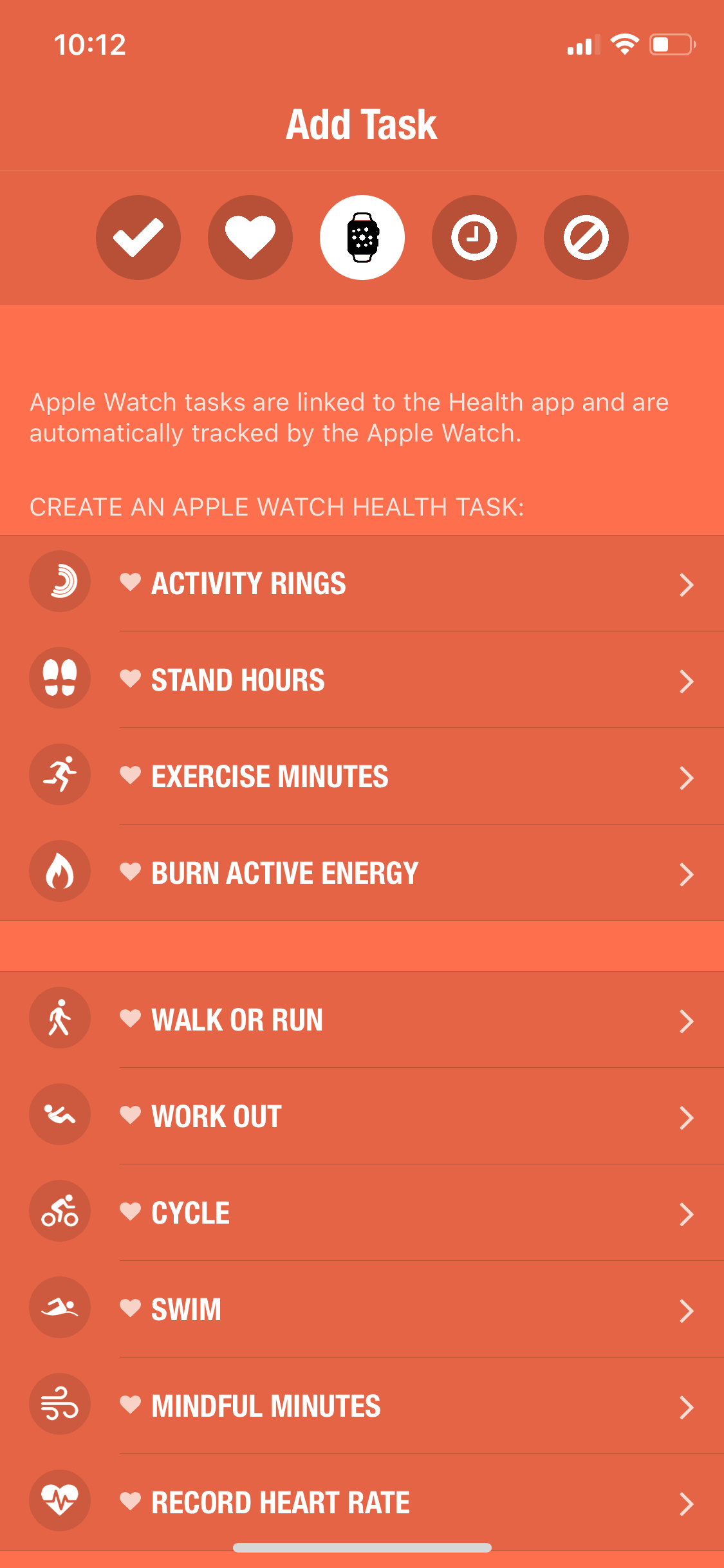
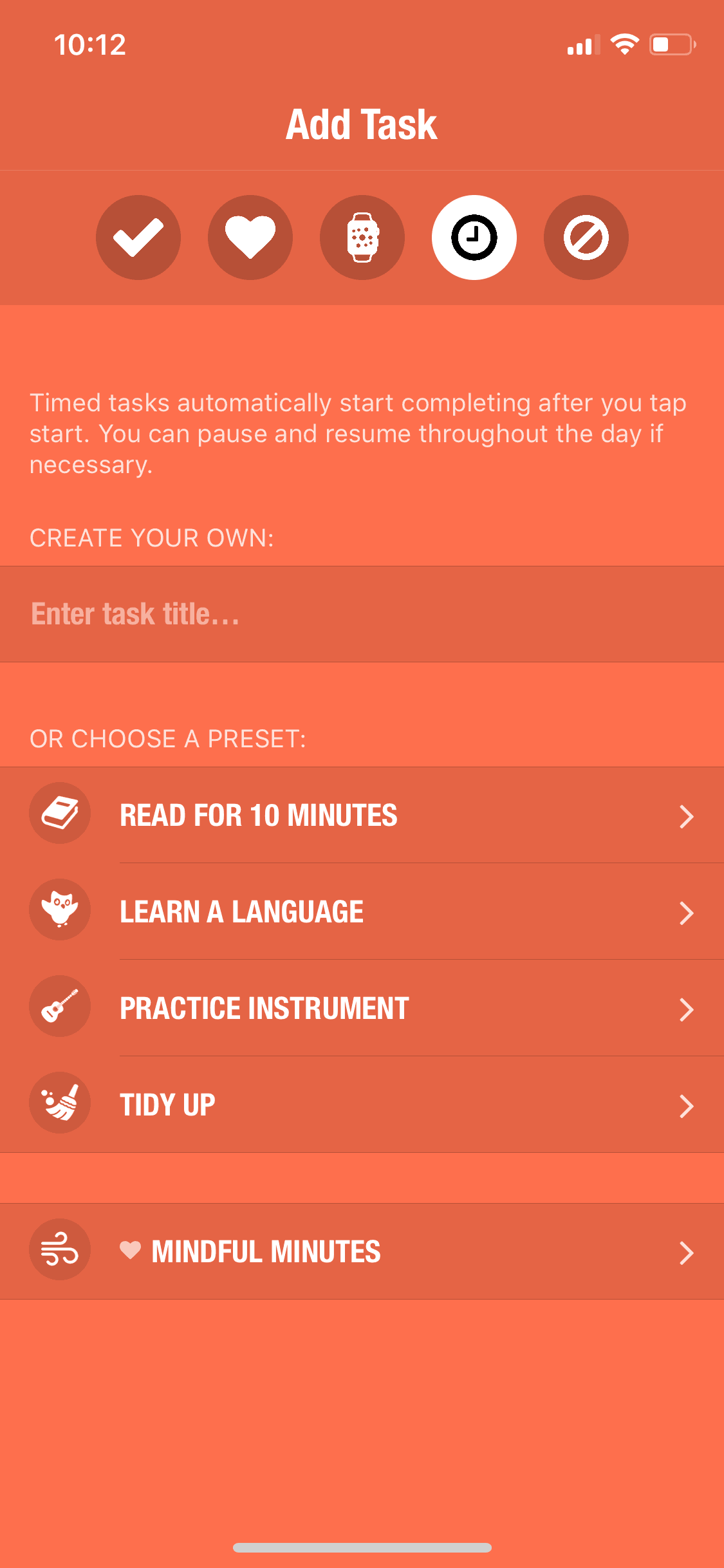
Streaks is a habit tracking app that helps users build positive routines through daily task completion. The iOS app displays up to 24 habits as visual circles that fill as tasks complete, with streaks counting consecutive days. Deep Apple ecosystem integration connects to Health (automatic exercise tracking), Reminders, and Shortcuts. The app's constraint of limited habits forces users to focus on what matters rather than tracking everything.
Read the full Streaks UX teardownGummble currently indexes 215 Streaks iOS screens across 2 captured versions (latest capture Dec 12, 2018: 84 screens) and 6 captured UX flows including onboarding and settings. Browse the gallery to study Streaks's interface patterns and design decisions.
Streaks is categorized under Productivity. Gummble holds 6 captured UX flows including onboarding and settings for Streaks iOS. Open the Flows tab to step through each captured sequence screen by screen.
Yes. Gummble Browse, Pro, and Team users can download Streaks iOS screenshots for design reference. Free users can browse a limited selection and view design analysis.