Loading library…

Praktika — Practice languages with AI tutors, lessons and roleplay
iOS★ 4.816 screens
Version
Platform
iOS
Rating
4.80
CategoryAI
Version
Screens16
16 screens
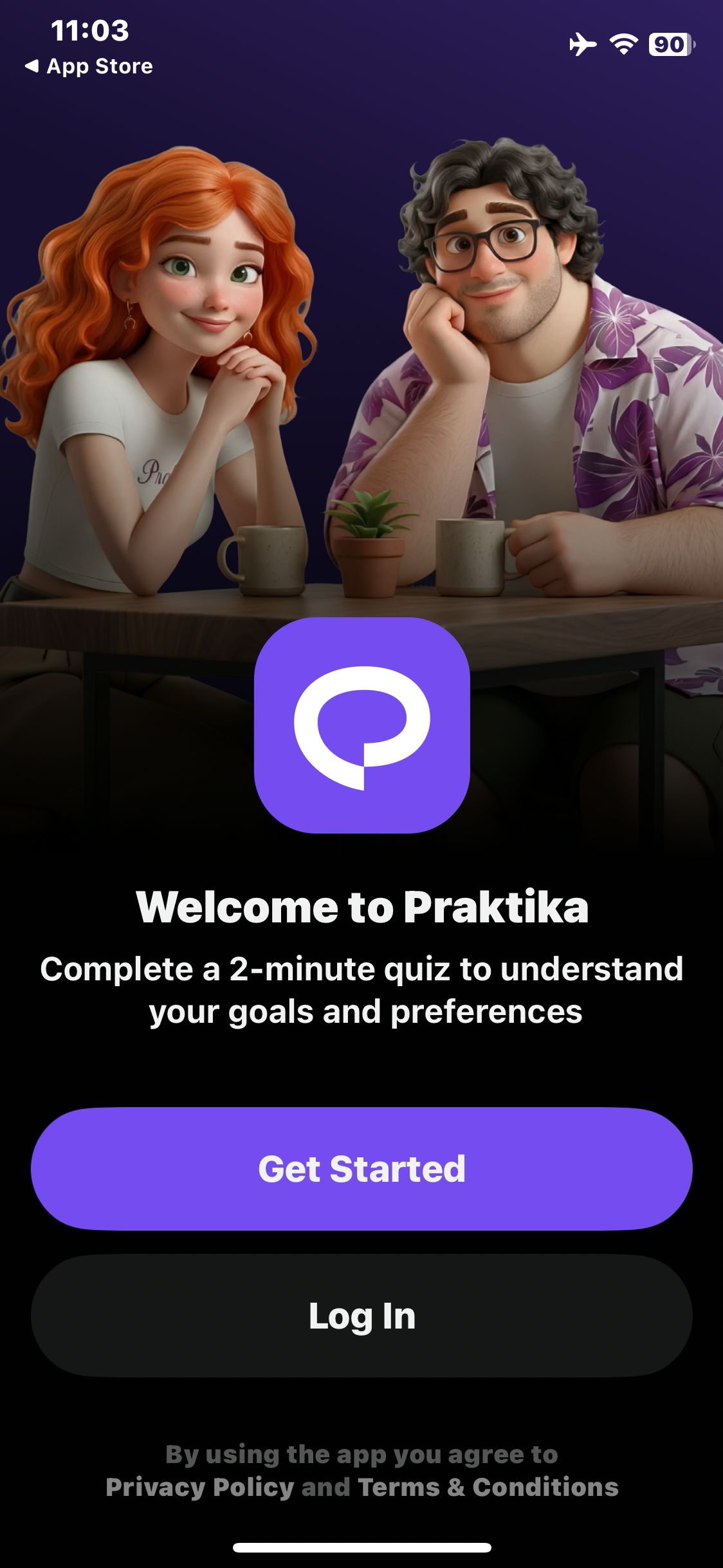

Praktika
Decline notifications and view the welcome screen
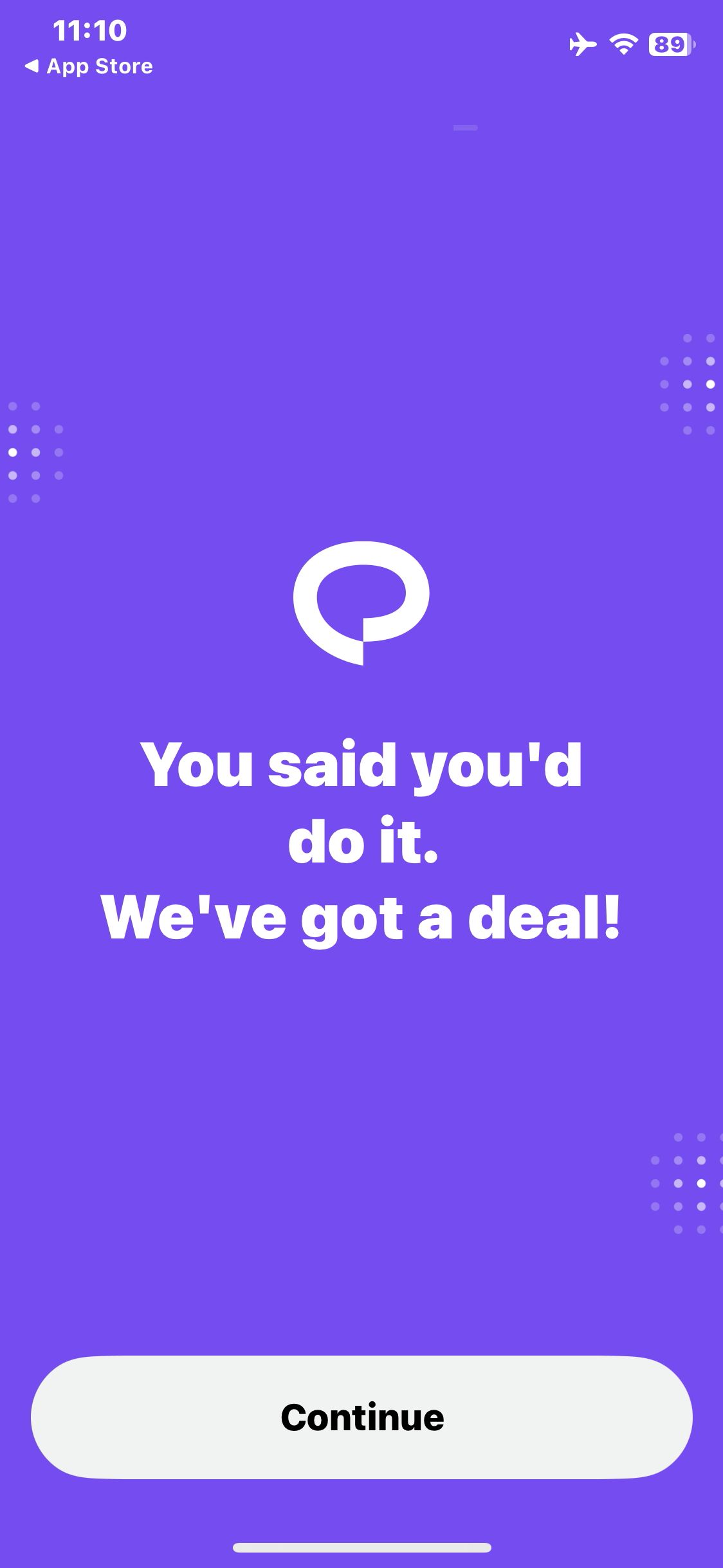
Praktika
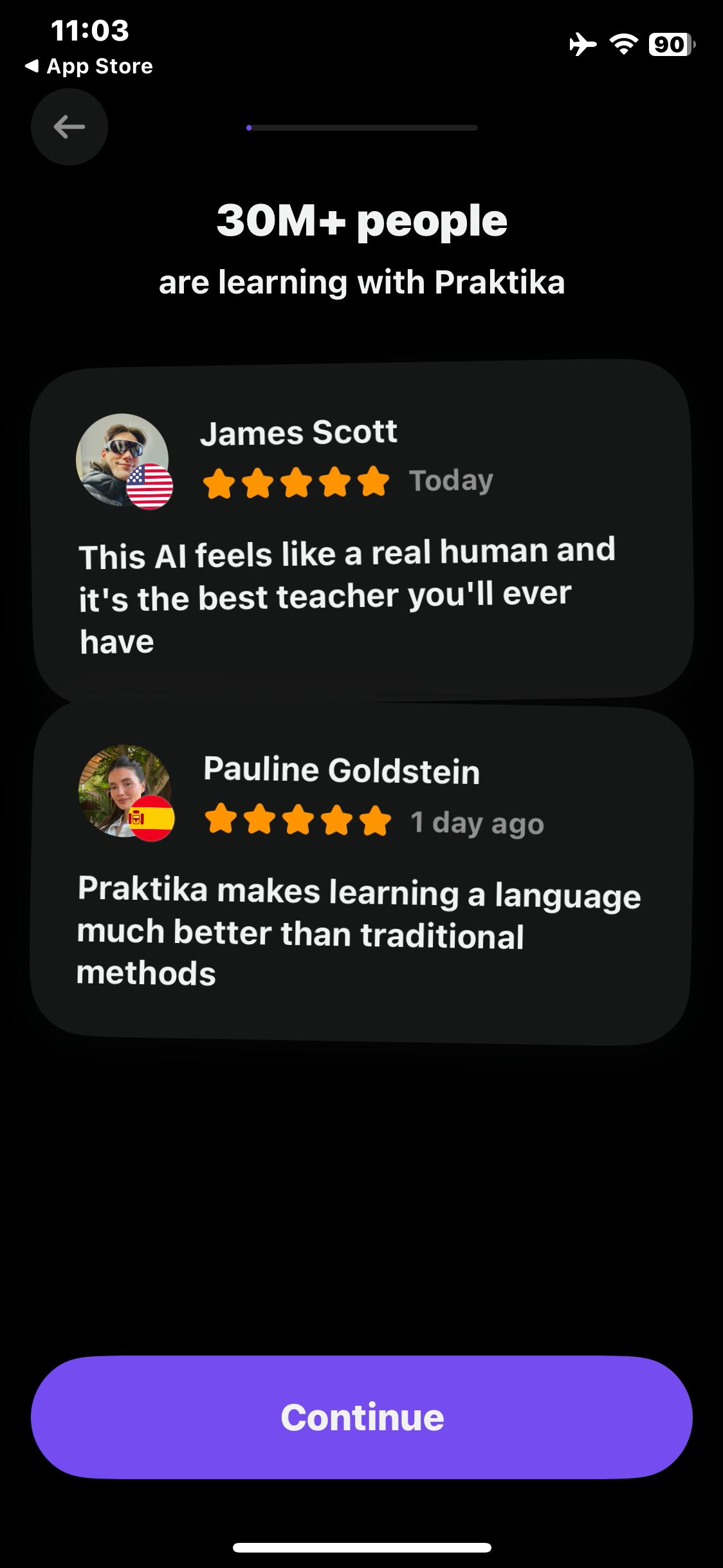
Press and hold the logo to confirm the practice goal
Praktika
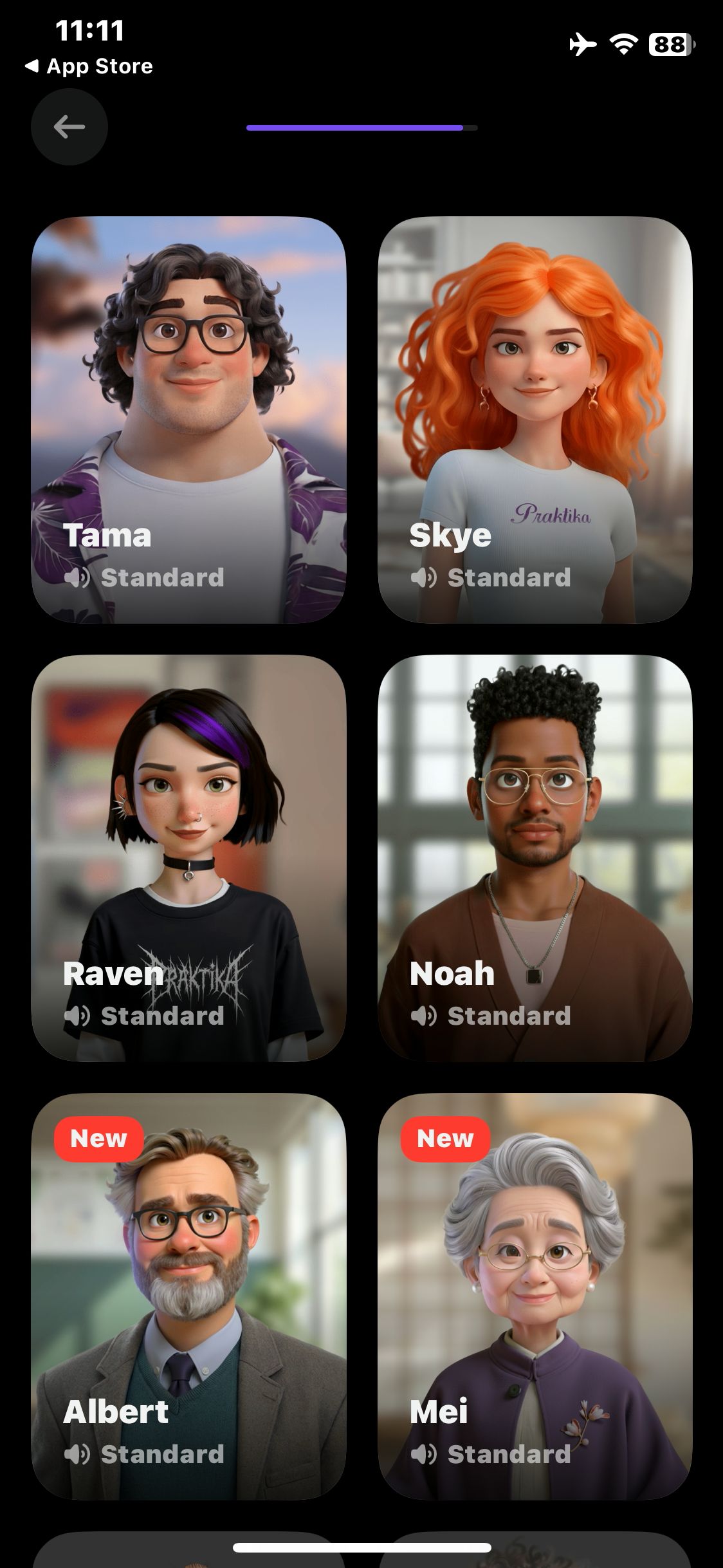
Open the tutor selection grid and wait for avatars
Praktika
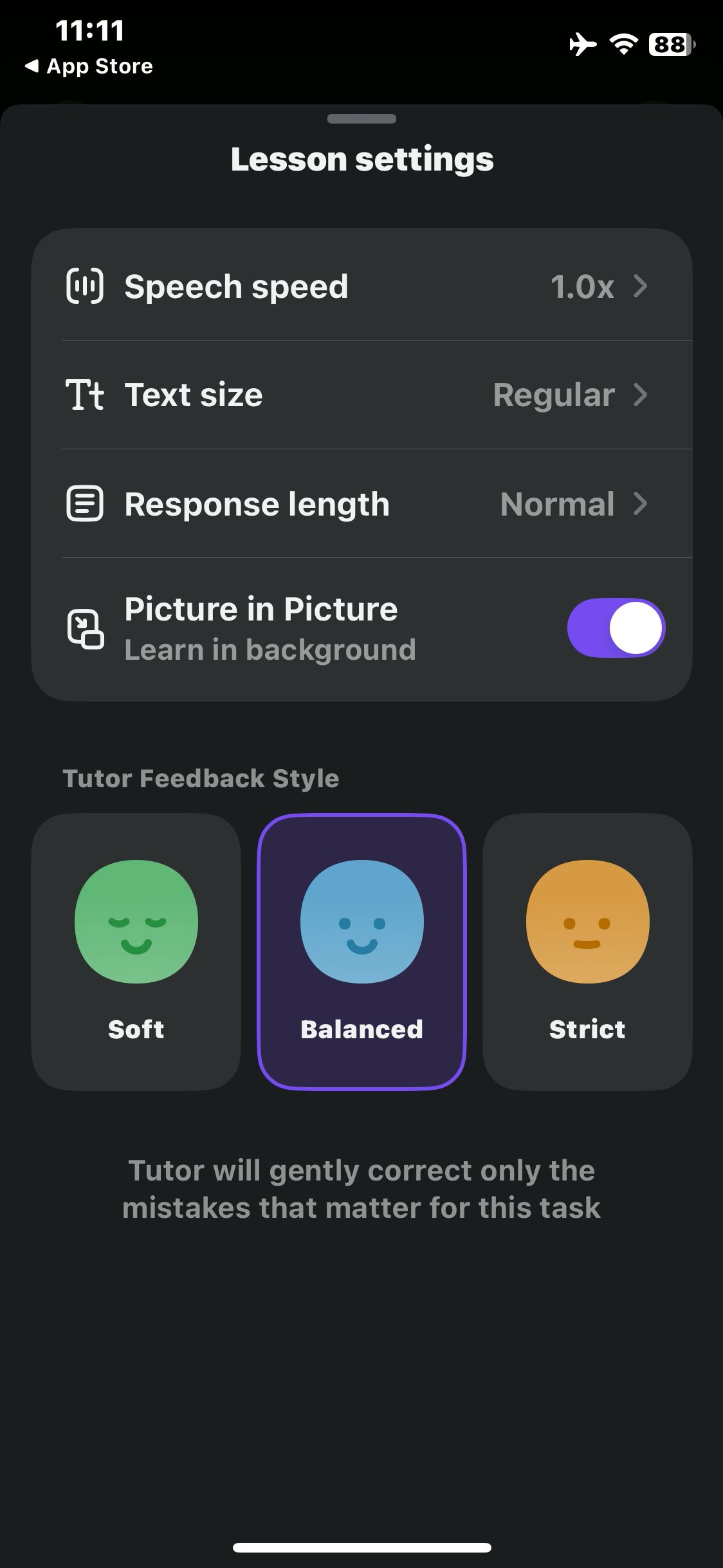
Open Lesson settings
Praktika
Begin the placement questionnaire
Paid screenUnlock with any plan
BROWSE
Praktika
Enter the fictional name Sam
Paid screenUnlock with any plan
BROWSE
Praktika
Choose Food and cafe for the travel goal
Paid screenUnlock with any plan
BROWSE
Praktika
Answer the introduction question and view the beginner guidance
Paid screenUnlock with any plan
BROWSE
Praktika
Select the Mexican Spanish accent
Paid screenUnlock with any plan
BROWSE
Praktika
View the practice duration choices
Paid screenUnlock with any plan
BROWSE
Praktika
Select Skye in the tutor grid
Paid screenUnlock with any plan
BROWSE
Praktika
Confirm the default speed and view the first lesson language choices
Paid screenUnlock with any plan
BROWSE
Praktika
Decline microphone access and confirm the Skye lesson view opens
Paid screenUnlock with any plan
BROWSE
Praktika
Open Speech speed and view the available rates
Paid screenUnlock with any plan
BROWSE
Praktika
Select 0.8× speech speed
Paid screenUnlock with any plan
BROWSE
Praktika
Return to Lesson settings and verify it shows 0.8×
You've reached the end
Praktika App UI/UX Design Analysis
Comprehensive UX & UI flow analysis of Praktika (iOS): Immersive 3D AI Avatar English & Language Tutor, Roleplay Scenarios, Pronunciation Feedback & Personalized Study Plan. Covers 6 end-to-end user journeys across 24 verified screens including Choose AI Tutor Avatar, Accent & Teaching Style, Live 3D Avatar Voice Roleplay & Real-Time Hints, Post-Call Pronunciation, Grammar & Fluency Score, and Personal Vocabulary Vault & Mistake Review.