Loading library…

PostHog — Product OS with Product Analytics, Session Replay, Feature Flags, A/B Experiments, User Surveys & HogQL Data Warehouse
Web★ 4.82 screens
Version
Platform
Web
Rating
4.80
CategoryDeveloper Tools
Version
Screens2
2 screens
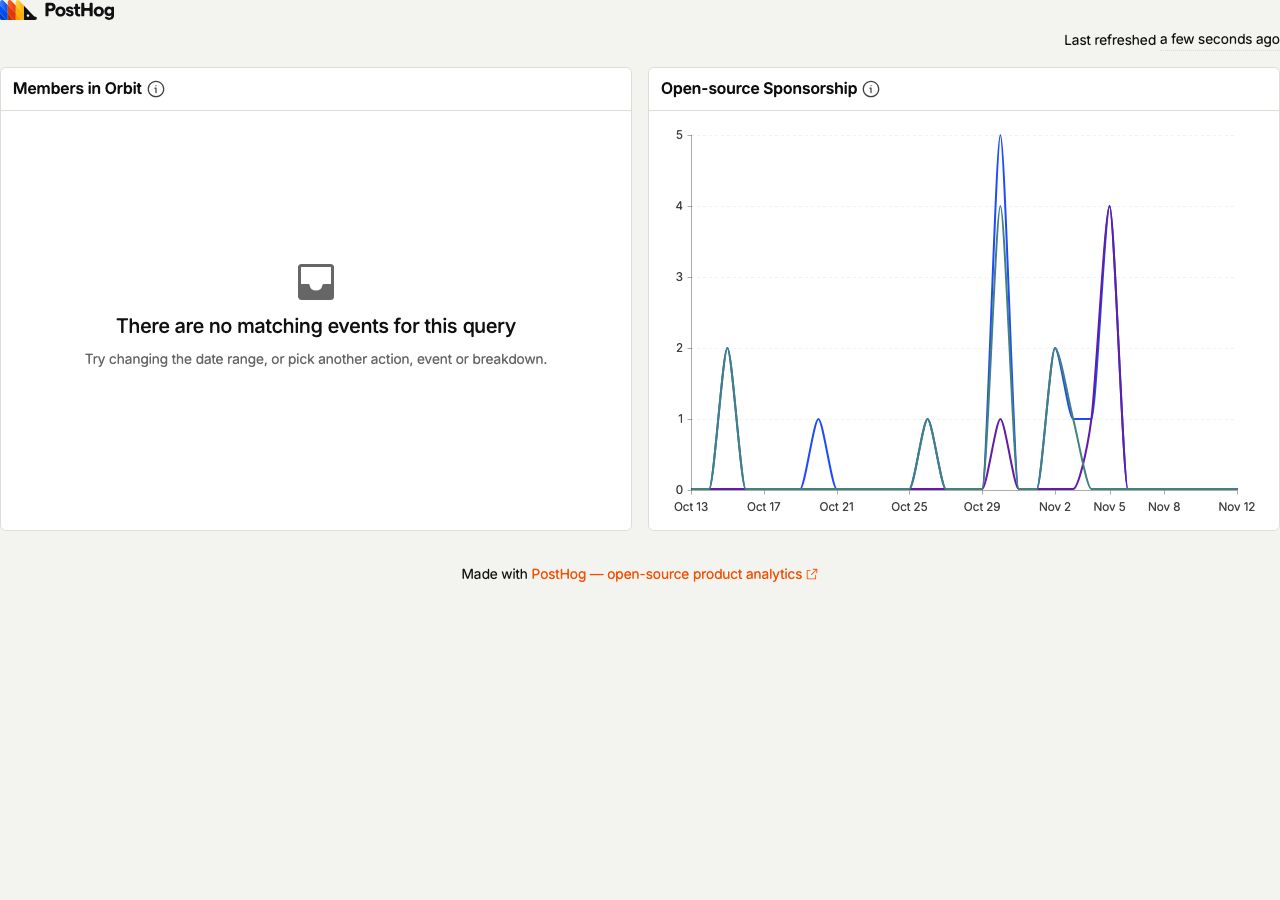

PostHog
View the dashboard example from PostHog docs
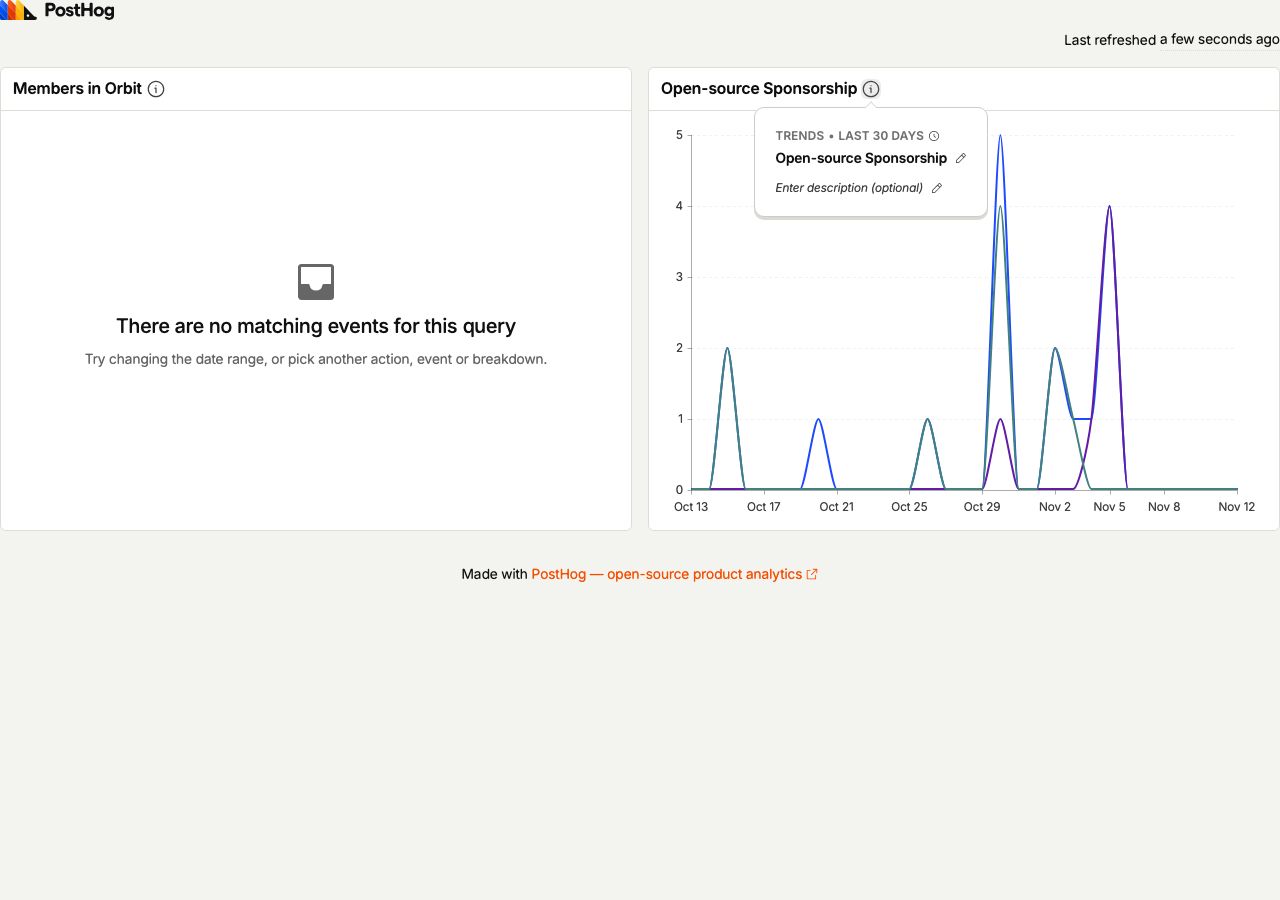
PostHog
Open the example sponsorship insight details
You've reached the end
PostHog App UI/UX Design Analysis
Comprehensive UX & UI flow analysis of PostHog (Web): Product OS with Product Analytics, Session Replay, Feature Flags, A/B Experiments, User Surveys & HogQL Data Warehouse. Covers 6 end-to-end user journeys across 24 verified screens including Funnels, Retention & Trends Insight Builder, Session Replay Player with Console & Network Logs, Feature Flags Rollout & Multivariate Experiments, and HogQL SQL Editor, Cohorts & In-App Surveys.