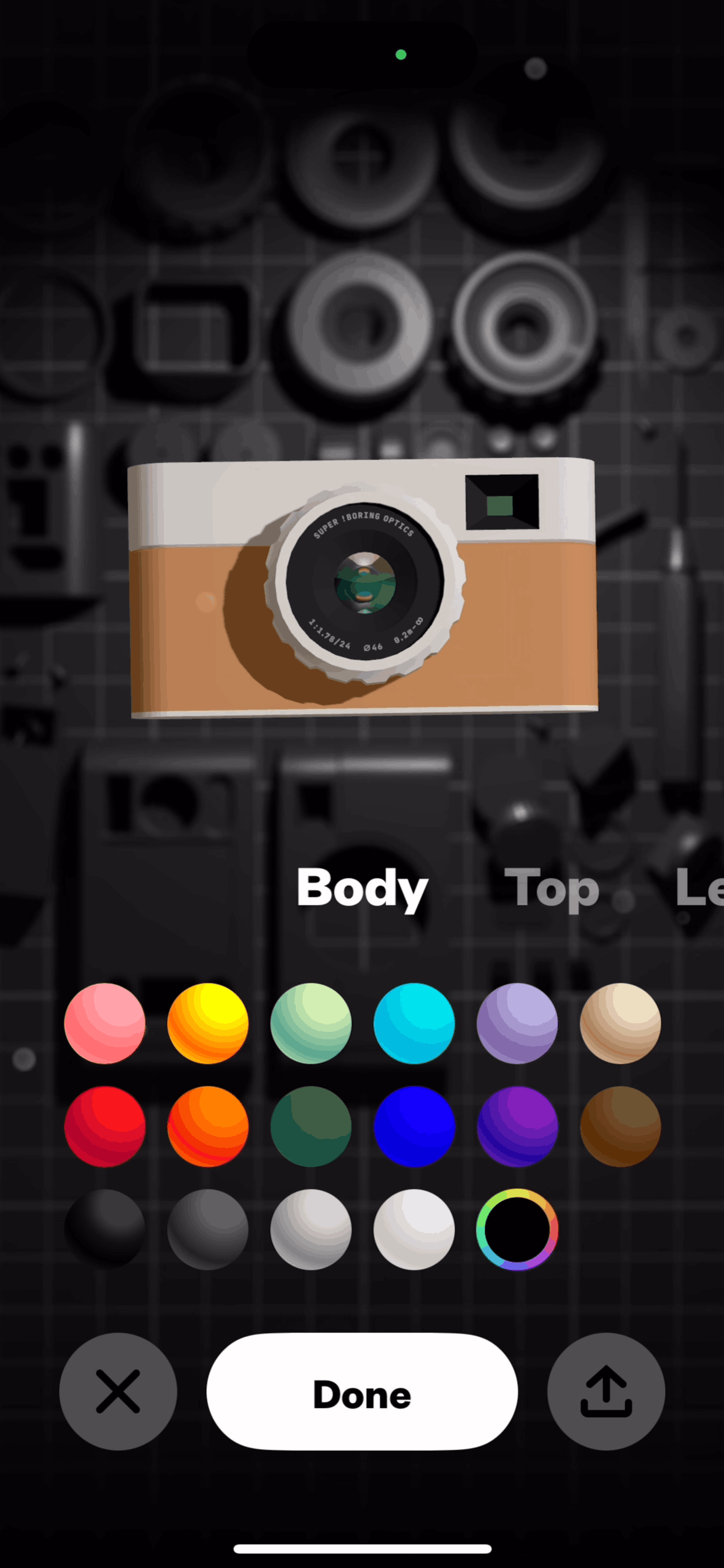

(Not Boring) Camera iOS Photo & Video interface screenshot 1
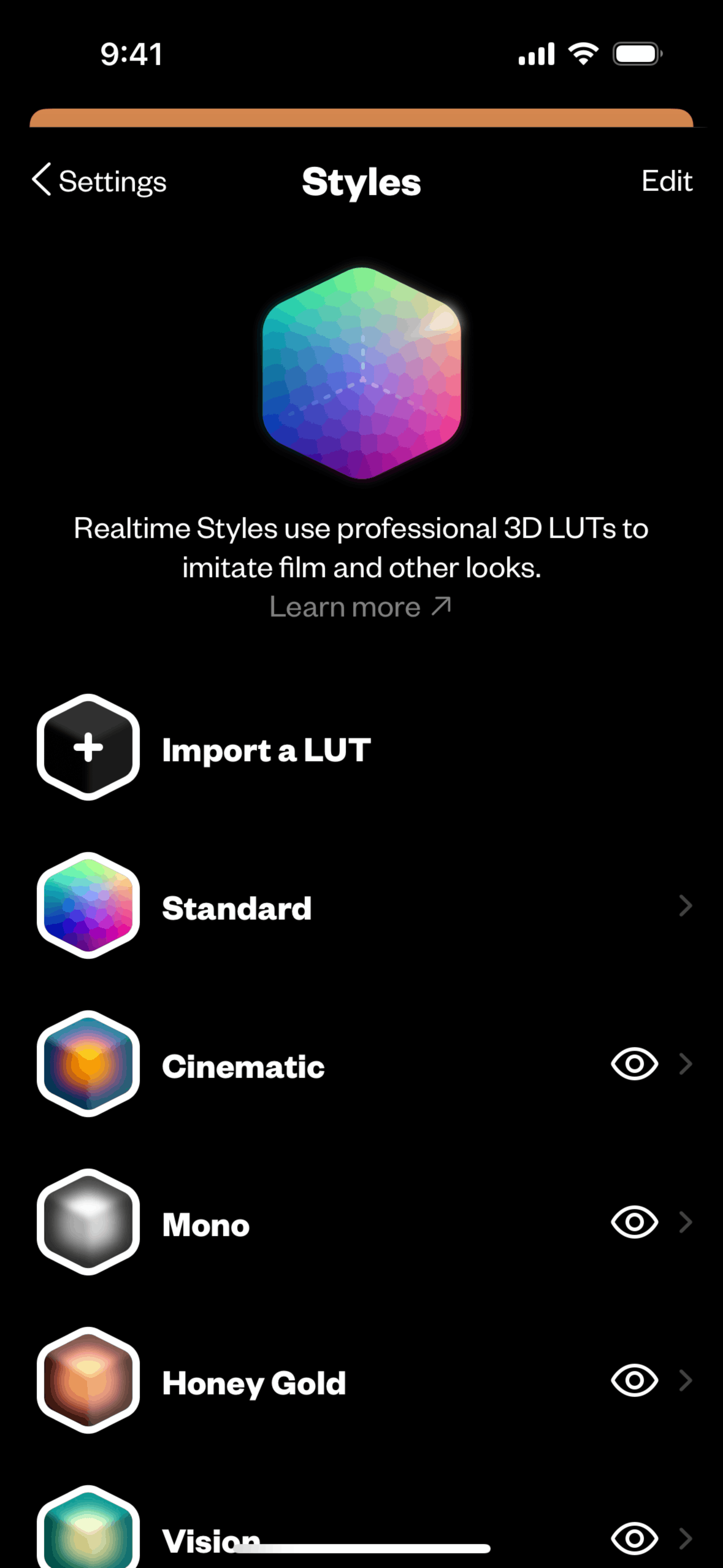
(Not Boring) Camera iOS Photo & Video interface screenshot 2

(Not Boring) Camera iOS Photo & Video interface screenshot 3

(Not Boring) Camera iOS Photo & Video interface screenshot 4
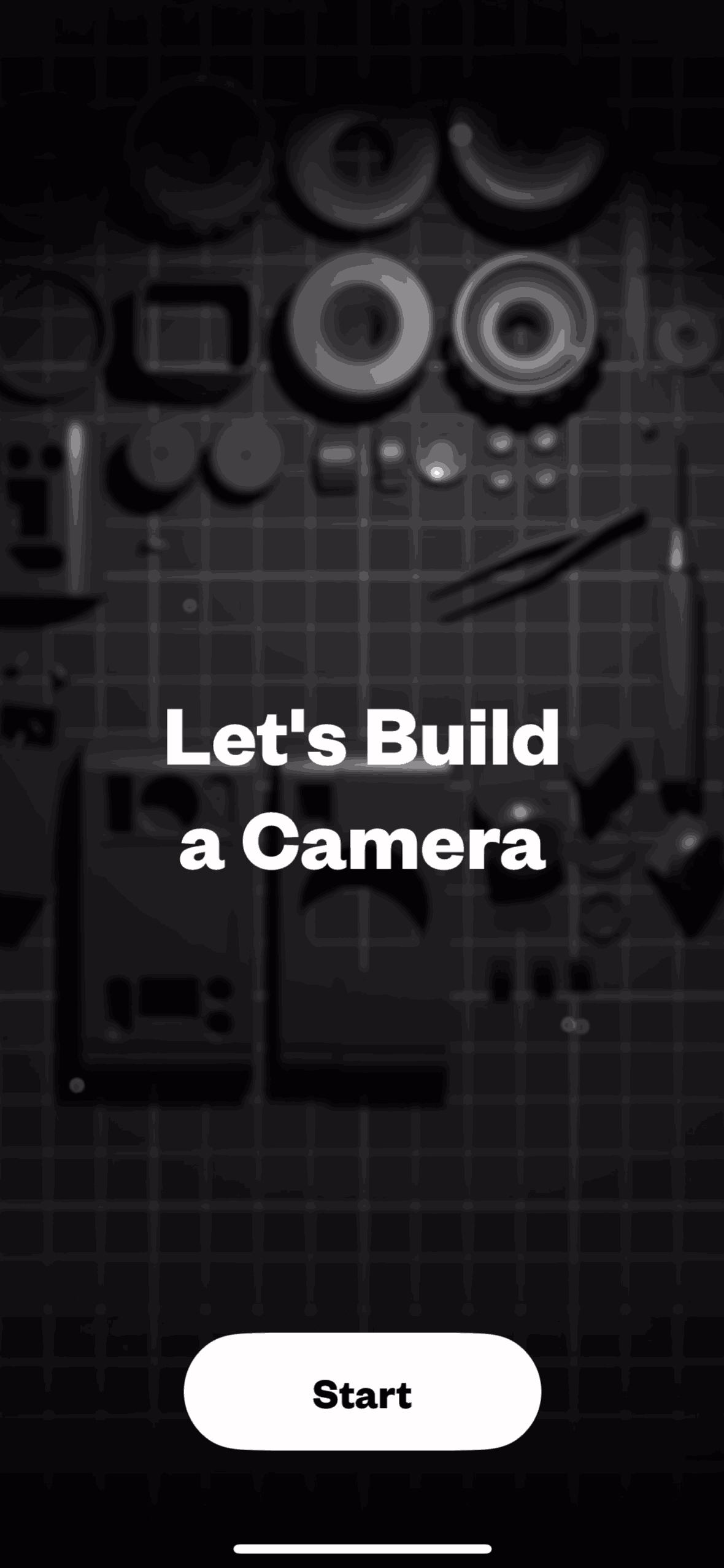
(Not Boring) Camera iOS Photo & Video interface screenshot 5

(Not Boring) Camera iOS Photo & Video interface screenshot 6

(Not Boring) Camera iOS Photo & Video interface screenshot 7

(Not Boring) Camera iOS Photo & Video interface screenshot 8

(Not Boring) Camera iOS Photo & Video interface screenshot 9

(Not Boring) Camera iOS Photo & Video interface screenshot 10

(Not Boring) Camera iOS Photo & Video interface screenshot 11

(Not Boring) Camera iOS Photo & Video interface screenshot 12

(Not Boring) Camera iOS Photo & Video interface screenshot 13

(Not Boring) Camera iOS Photo & Video interface screenshot 14

(Not Boring) Camera iOS Photo & Video interface screenshot 15

(Not Boring) Camera iOS Photo & Video interface screenshot 16

(Not Boring) Camera iOS Photo & Video interface screenshot 17

(Not Boring) Camera iOS Photo & Video interface screenshot 18

(Not Boring) Camera iOS Photo & Video interface screenshot 19

(Not Boring) Camera iOS Photo & Video interface screenshot 20

(Not Boring) Camera iOS Photo & Video interface screenshot 21

(Not Boring) Camera iOS Photo & Video interface screenshot 22

(Not Boring) Camera iOS Photo & Video interface screenshot 23

(Not Boring) Camera iOS Photo & Video interface screenshot 24
Gummble currently indexes 66 (Not Boring) Camera iOS screens captured Jul 4, 2025 and 13 captured UX flows including onboarding, paywall, and settings. Pro camera with natural photos. Categorized under Photo & Video. Step through each captured (Not Boring) Camera flow screen by screen, or study individual screens for navigation, layout, and microcopy patterns.
Gummble currently indexes 66 (Not Boring) Camera iOS screens captured Jul 4, 2025 and 13 captured UX flows including onboarding, paywall, and settings. Browse the gallery to study (Not Boring) Camera's interface patterns and design decisions.
(Not Boring) Camera is categorized under Photo & Video. Gummble holds 13 captured UX flows including onboarding, paywall, and settings for (Not Boring) Camera iOS. Open the Flows tab to step through each captured sequence screen by screen.
Yes. Gummble Browse, Pro, and Team users can download (Not Boring) Camera iOS screenshots for design reference. Free users can browse a limited selection and view design analysis.