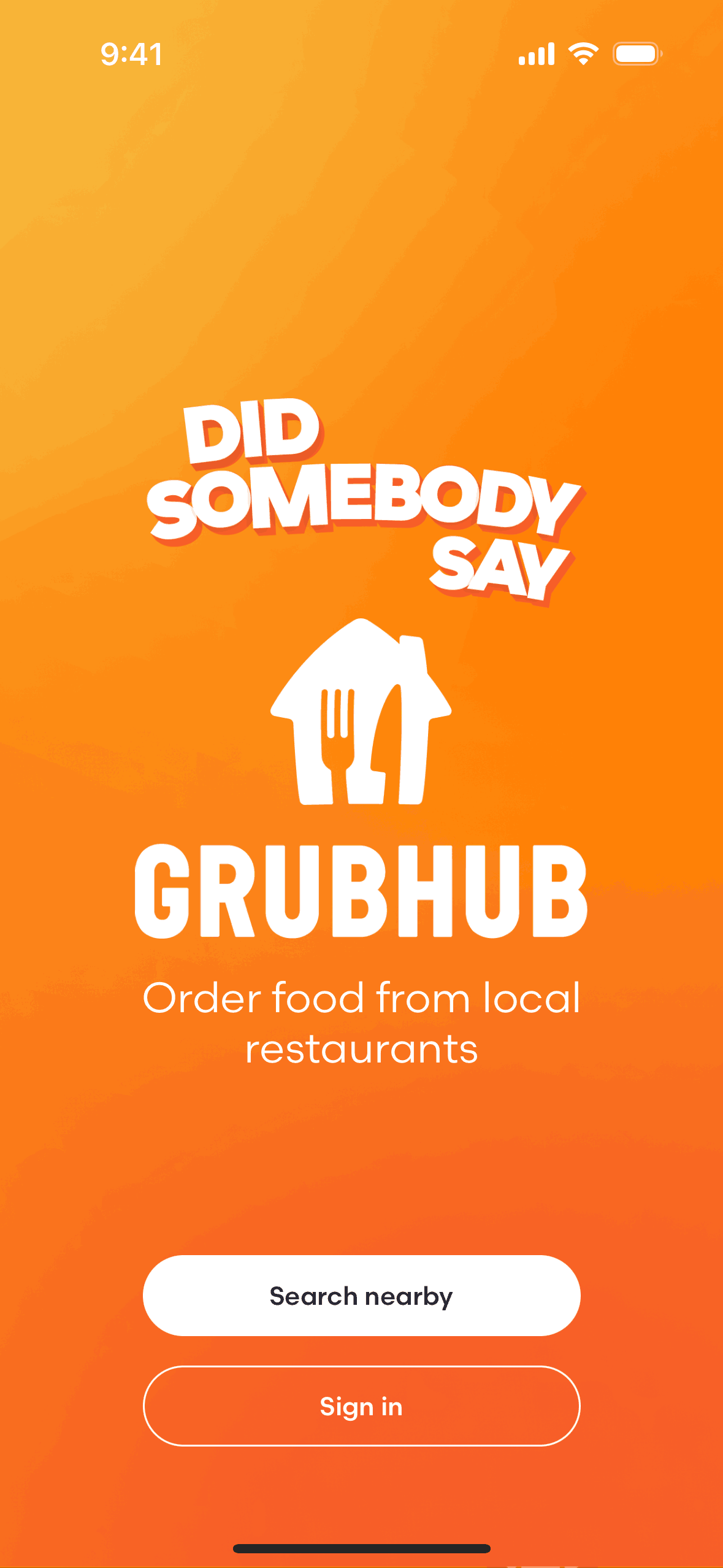

Grubhub iOS Food & Drink interface screenshot 1
Onboarding on Grubhub (ios) screen 1
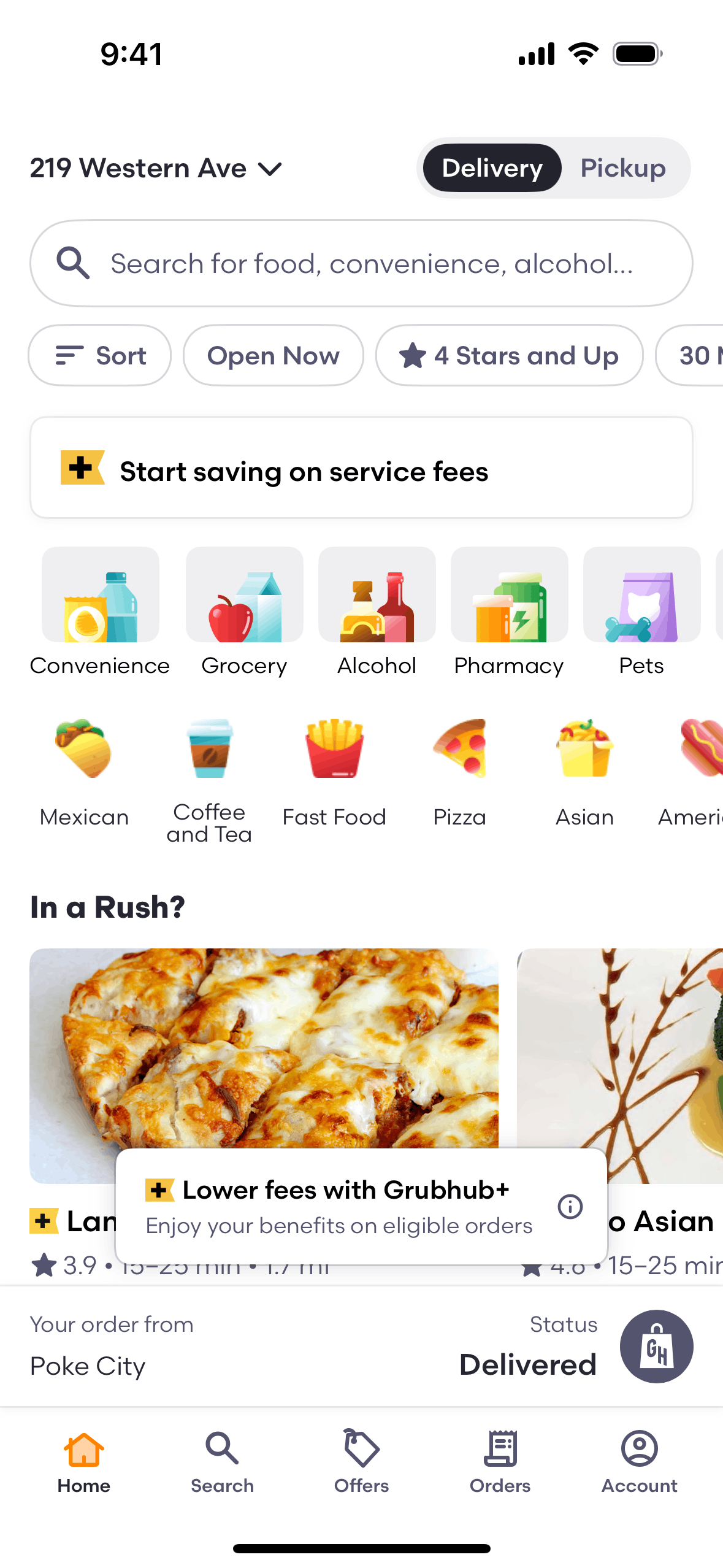
Home on Grubhub (ios) screen 2

Subscribing to Grubhub+ on Grubhub (ios) screen 2
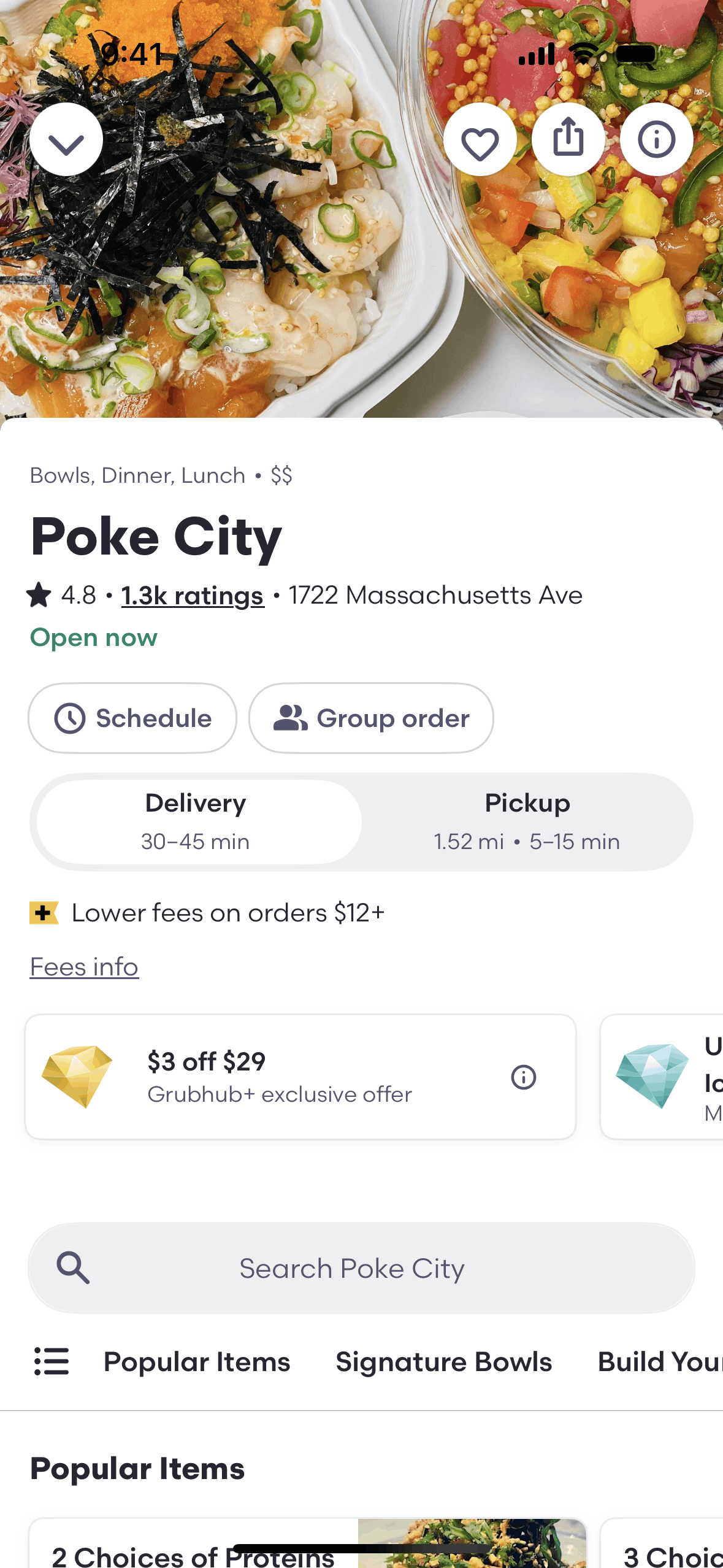
Restaurant detail on Grubhub (ios) screen 2
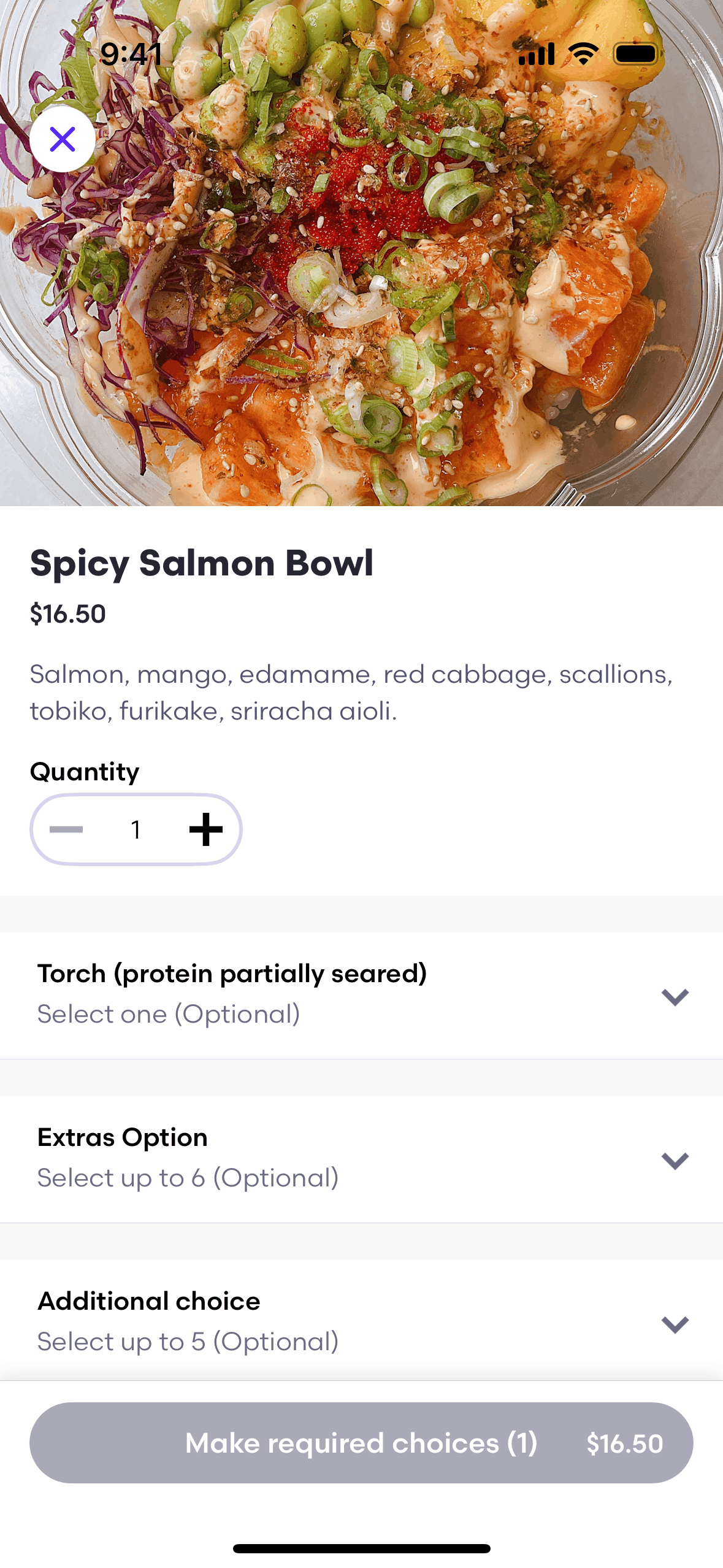
Ordering food for delivery on Grubhub (ios) screen 2
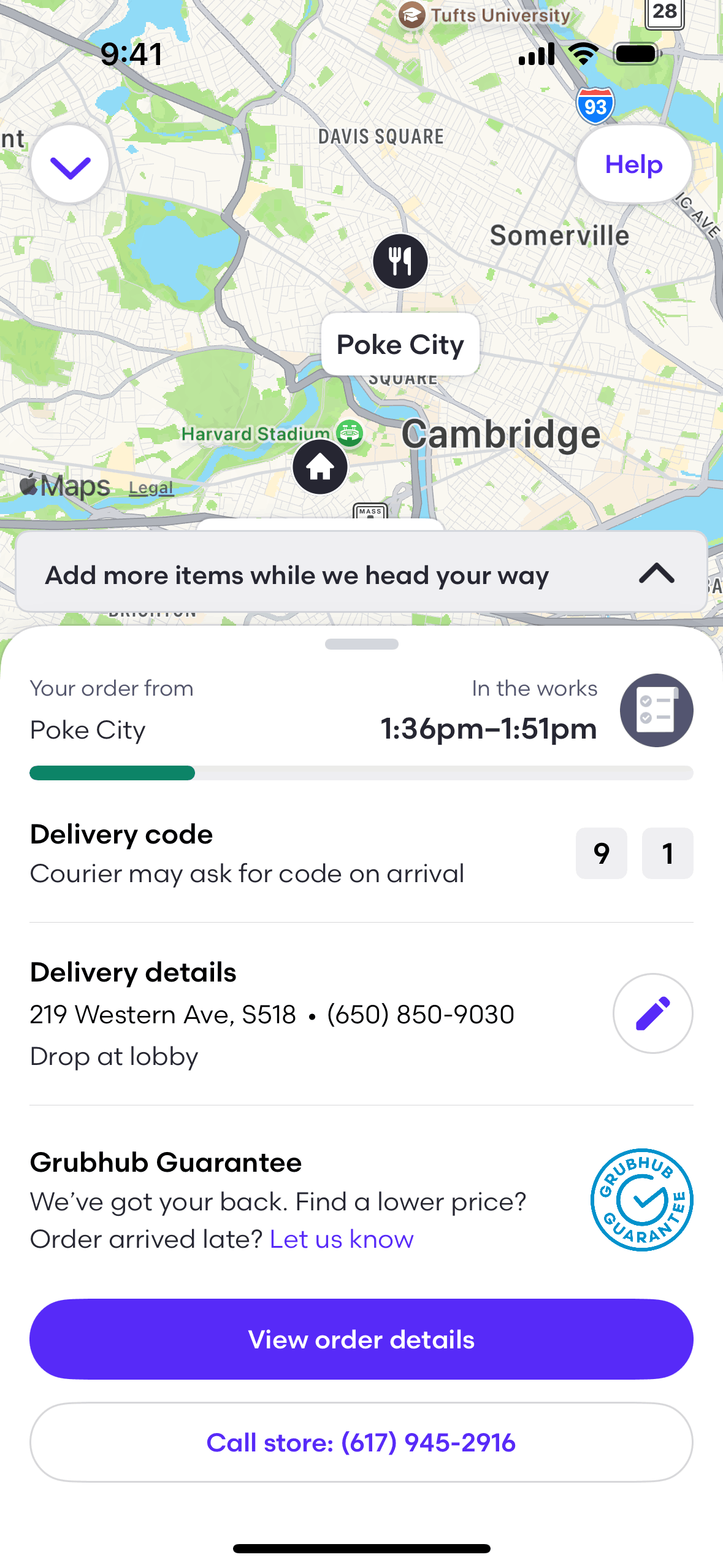
View delivery status on Grubhub (ios) screen 2

Grubhub iOS Food & Drink interface screenshot 8
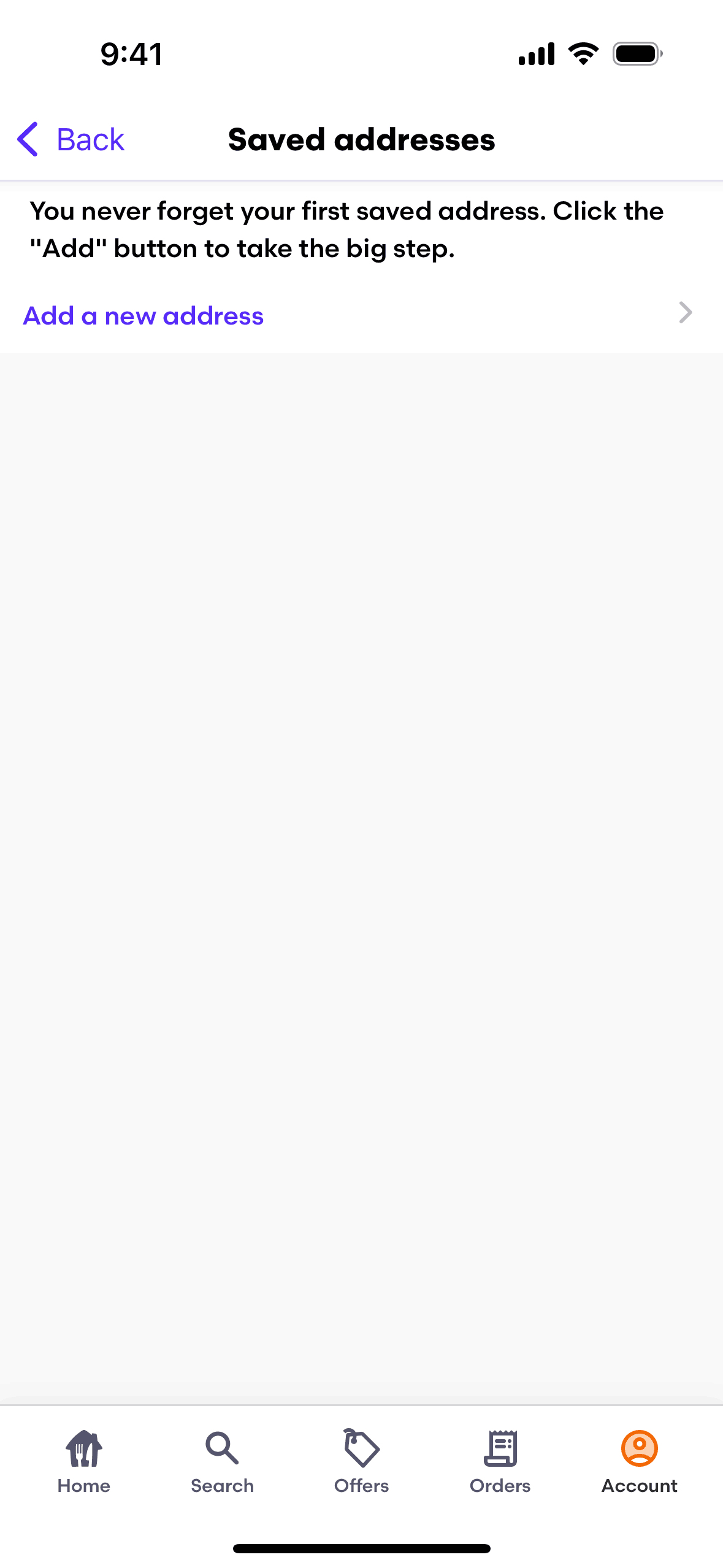
Grubhub iOS Food & Drink interface screenshot 9
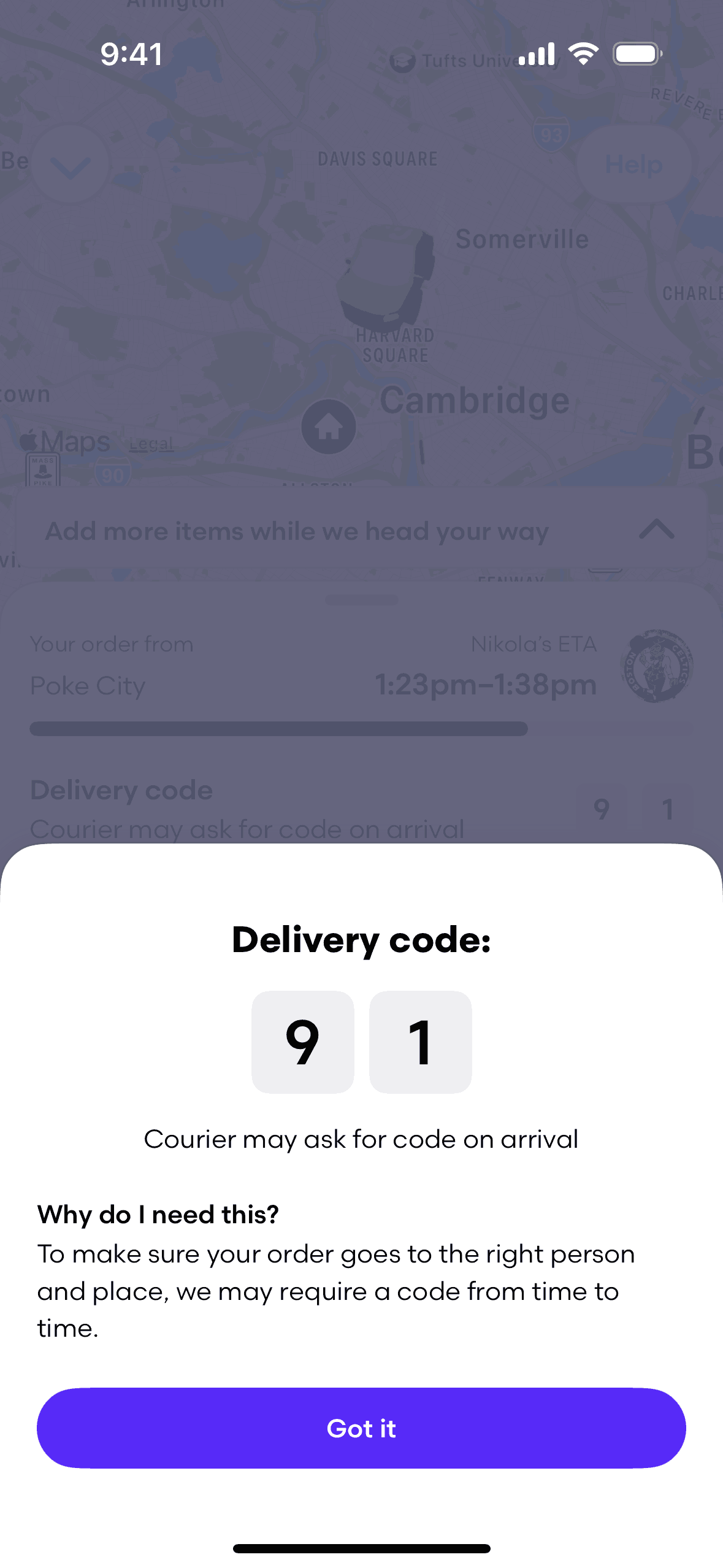
Grubhub iOS Food & Drink interface screenshot 10
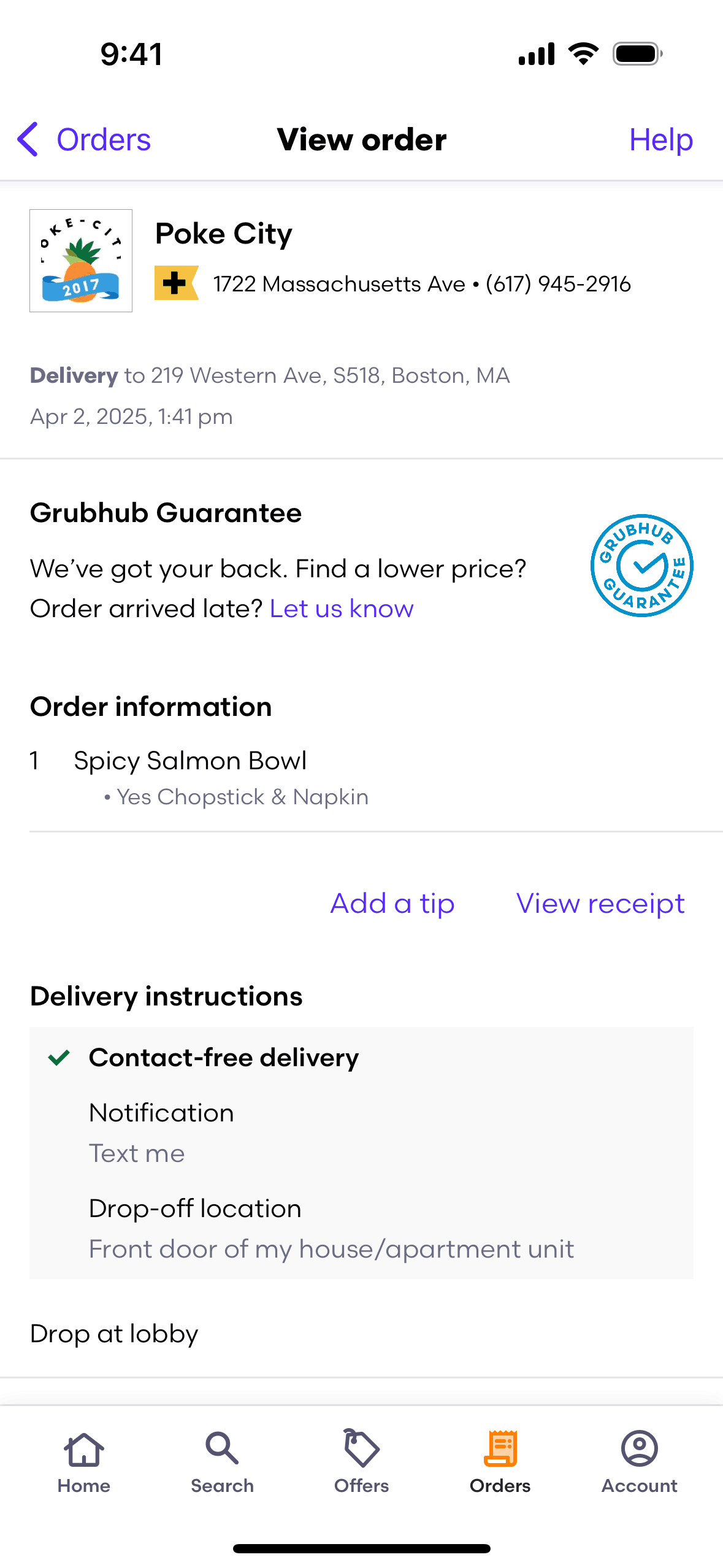
Grubhub iOS Food & Drink interface screenshot 11
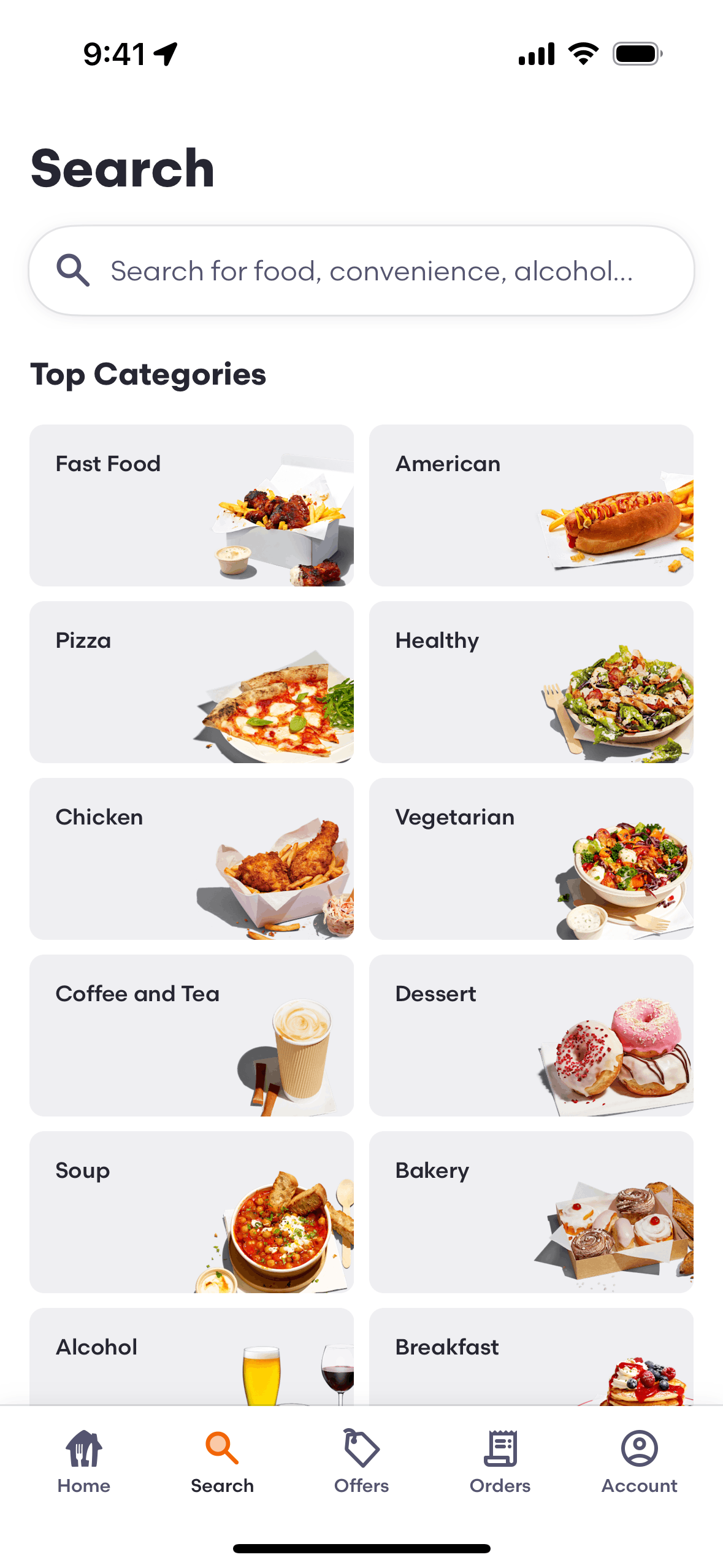
Grubhub iOS Food & Drink interface screenshot 12
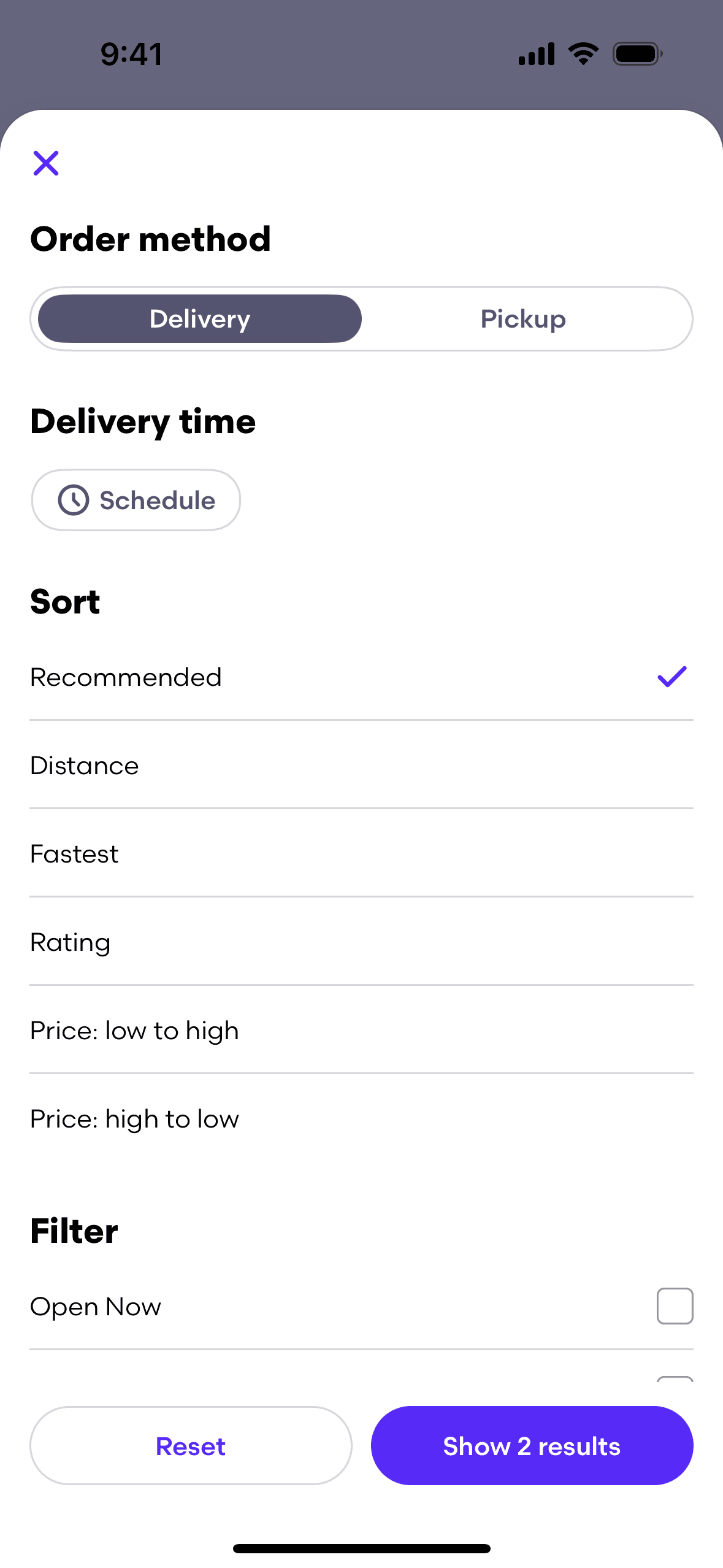
Grubhub iOS Food & Drink interface screenshot 13
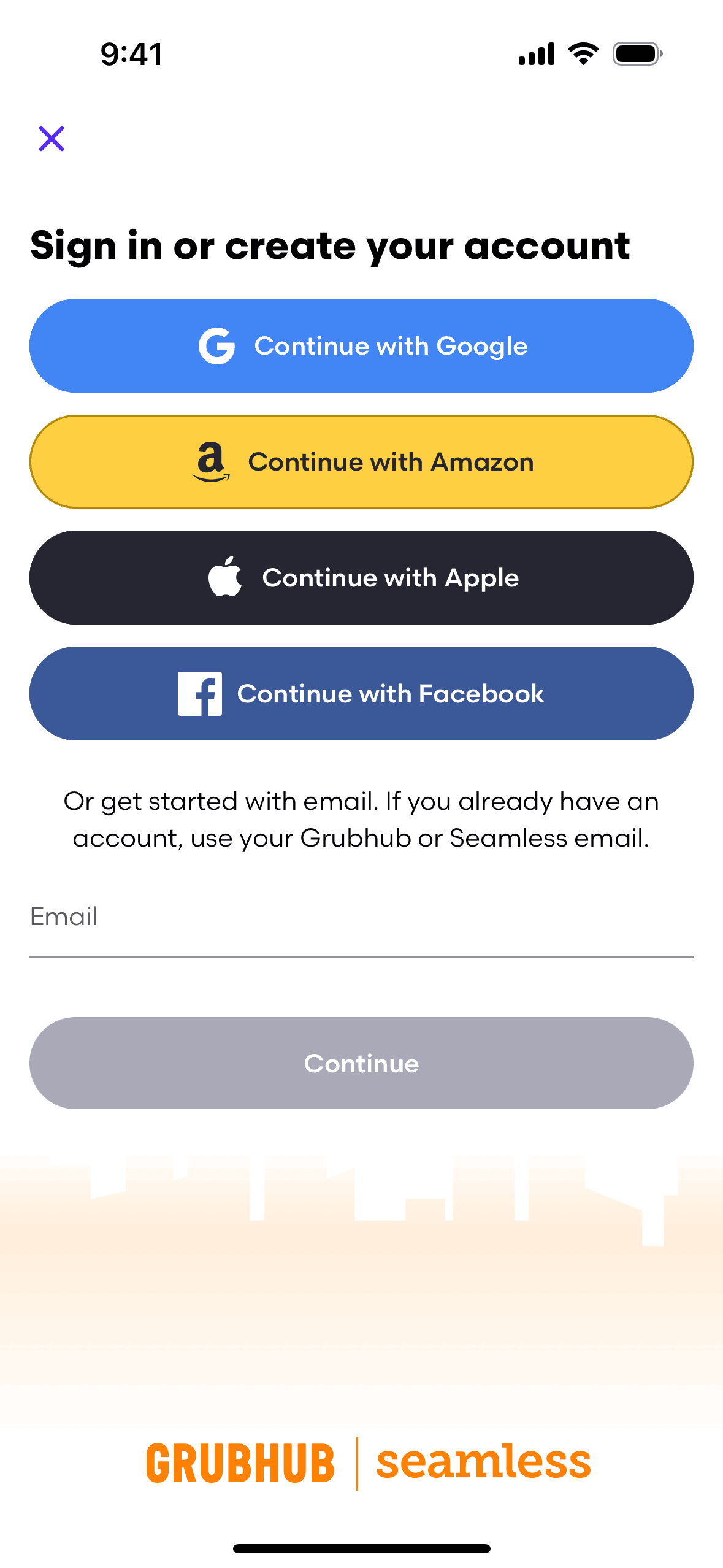
Grubhub iOS Food & Drink interface screenshot 14
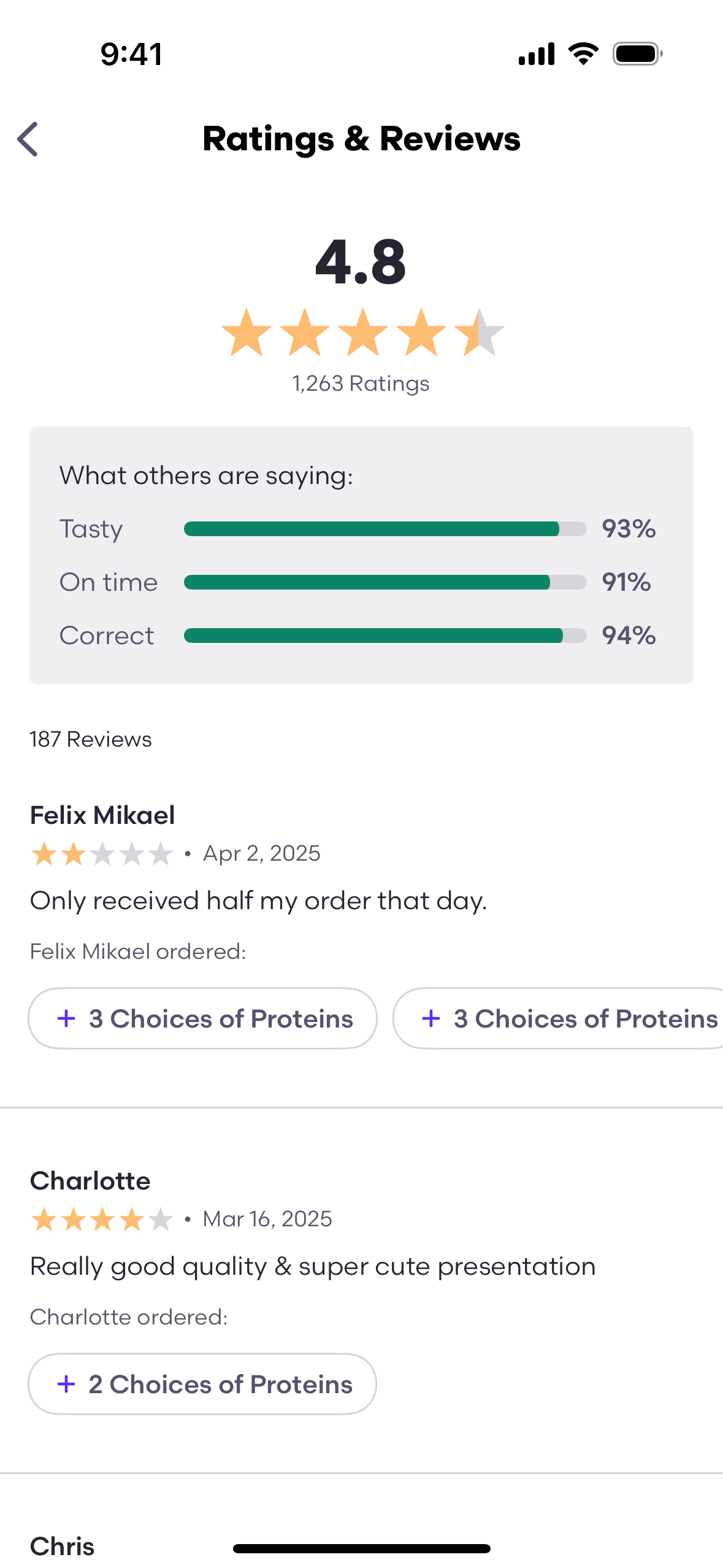
Grubhub iOS Food & Drink interface screenshot 15
Grubhub iOS Food & Drink interface screenshot 16
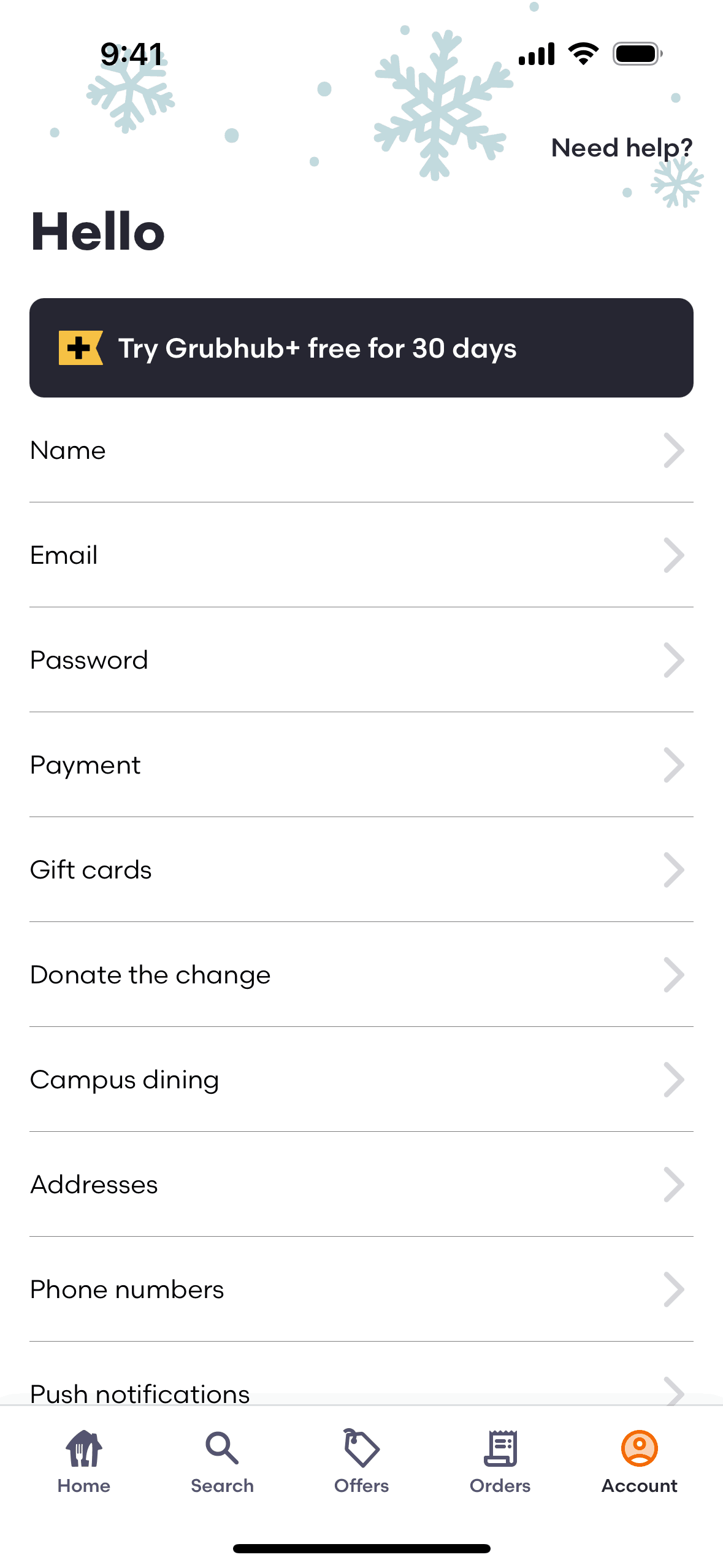
Grubhub iOS Food & Drink interface screenshot 17
Grubhub iOS Food & Drink interface screenshot 18
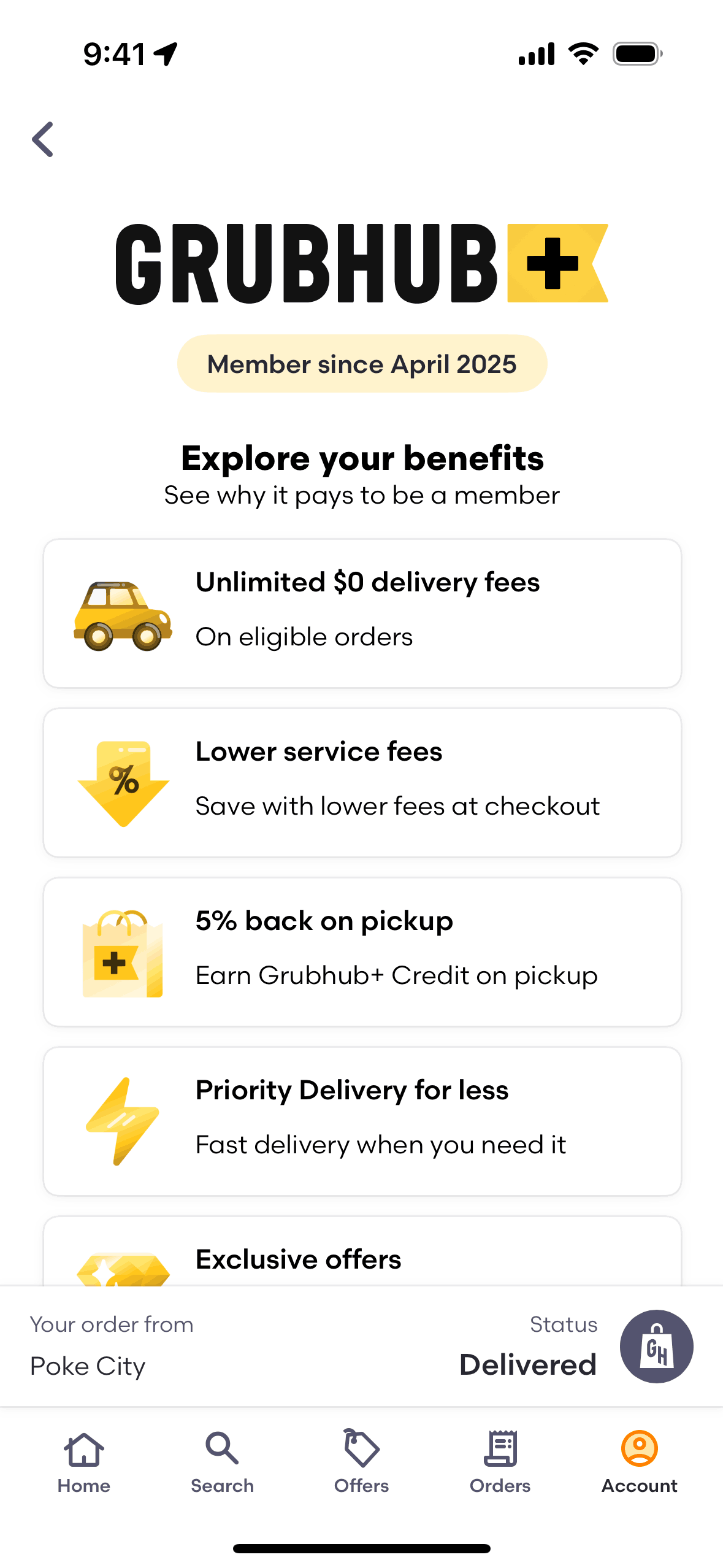
Grubhub iOS Food & Drink interface screenshot 19
Grubhub iOS Food & Drink interface screenshot 20
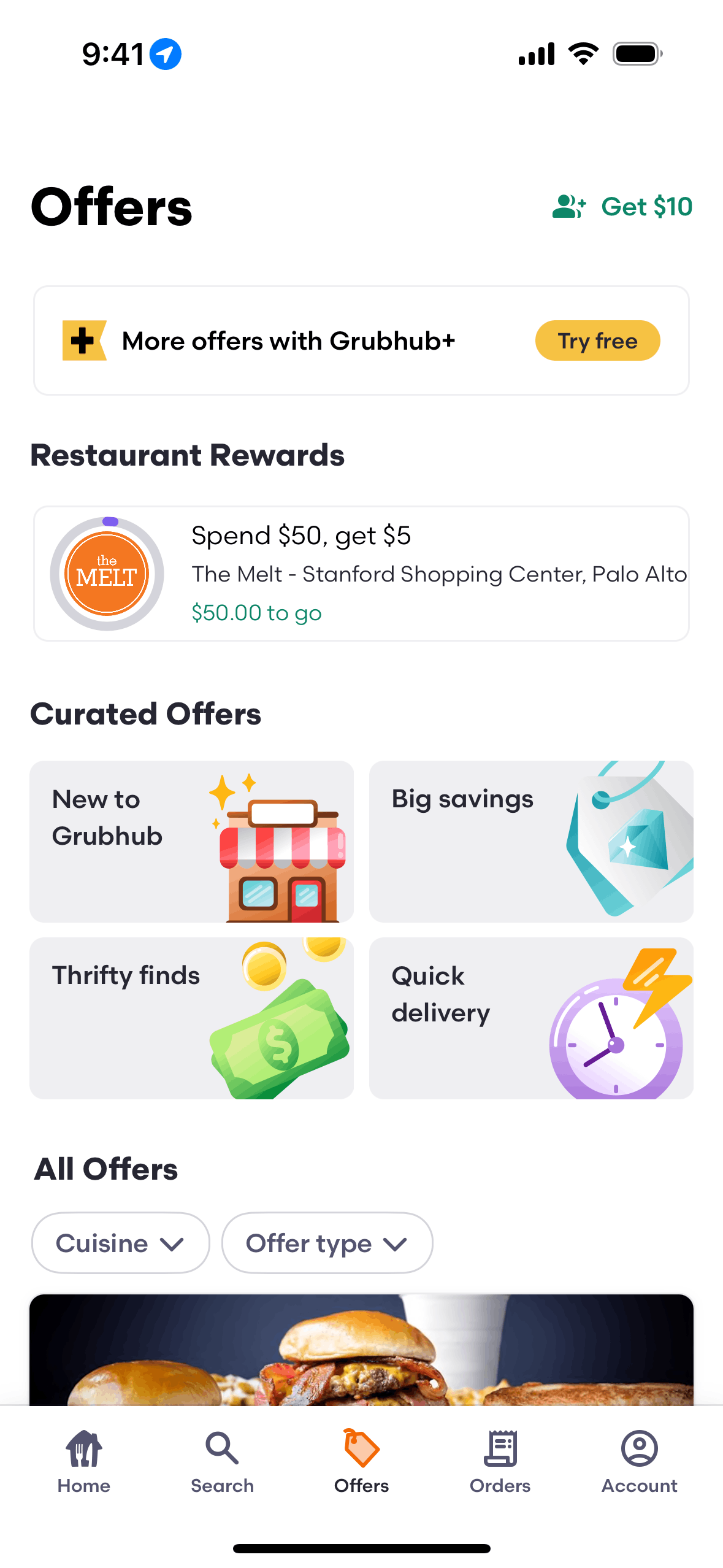
Grubhub iOS Food & Drink interface screenshot 21
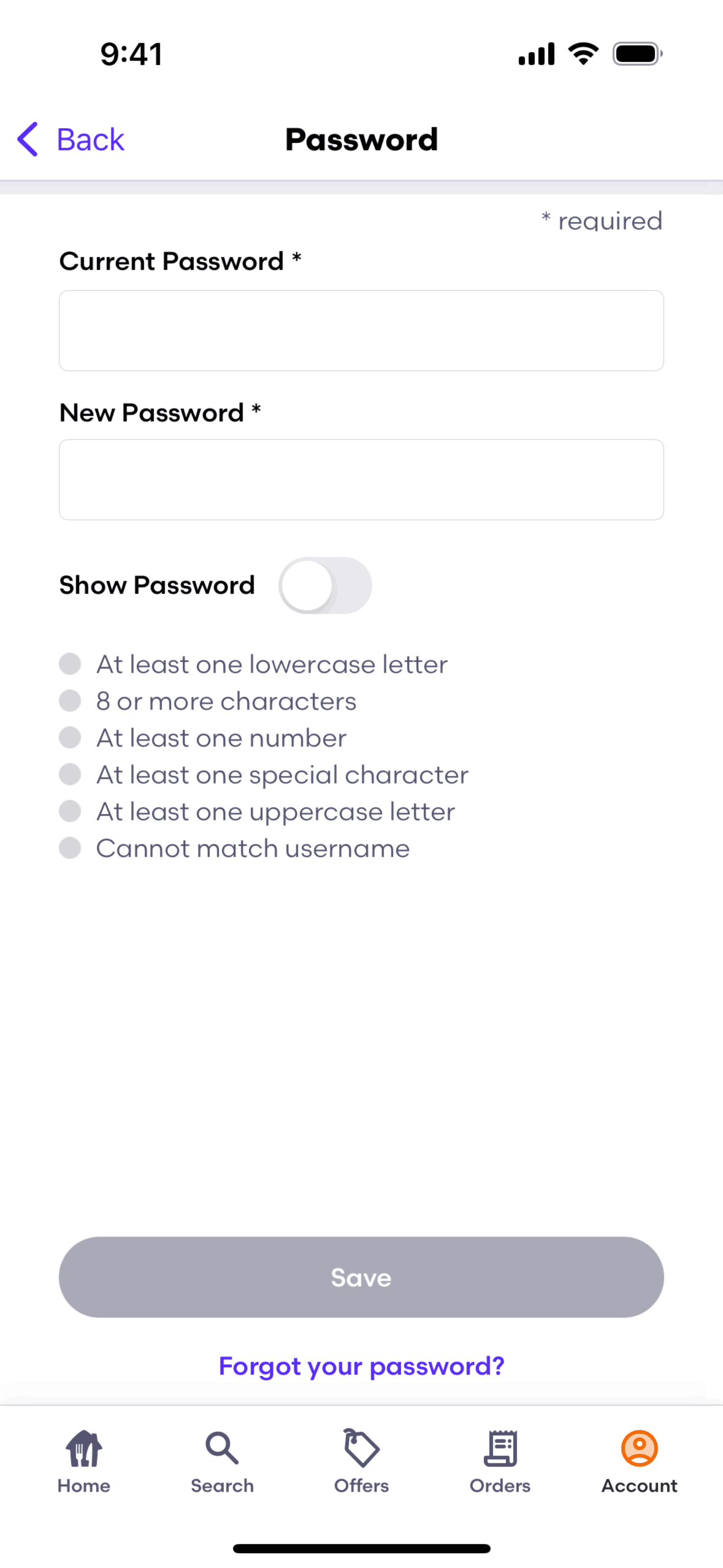
Grubhub iOS Food & Drink interface screenshot 22
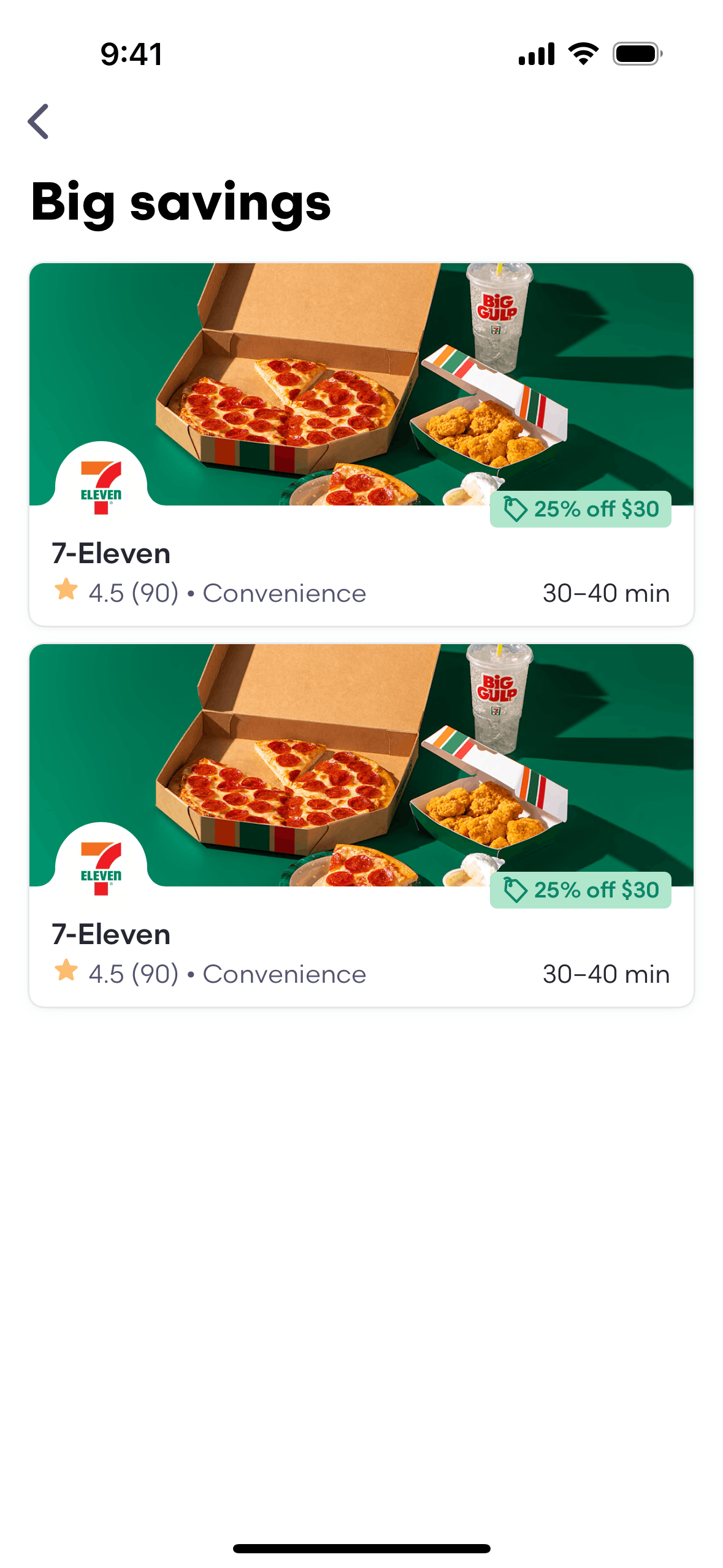
Grubhub iOS Food & Drink interface screenshot 23
Grubhub iOS Food & Drink interface screenshot 24
Gummble currently indexes 183 Grubhub iOS screens captured Current Version and 7 captured UX flows including onboarding, login, and search. Restaurant takeout & grocery. Categorized under Food & Drink. Step through each captured Grubhub flow screen by screen, or study individual screens for navigation, layout, and microcopy patterns.
Editorial teardown
Grubhub is a food delivery marketplace connecting hungry users with local restaurants. The iOS app lets users browse restaurants by cuisine, filter by price and rating, customize orders, and track delivery in real time. Beyond restaurant delivery, Grubhub offers grocery and convenience store ordering. The platform handles the full transaction — ordering, payment, delivery logistics — taking commission while saving users the hassle of calling restaurants or picking up food themselves.
Read the full Grubhub UX teardownGummble currently indexes 183 Grubhub iOS screens captured Current Version and 7 captured UX flows including onboarding, login, and search. Browse the gallery to study Grubhub's interface patterns and design decisions.
Grubhub is categorized under Food & Drink. Gummble holds 7 captured UX flows including onboarding, login, and search for Grubhub iOS. Open the Flows tab to step through each captured sequence screen by screen.
Yes. Gummble Browse, Pro, and Team users can download Grubhub iOS screenshots for design reference. Free users can browse a limited selection and view design analysis.