
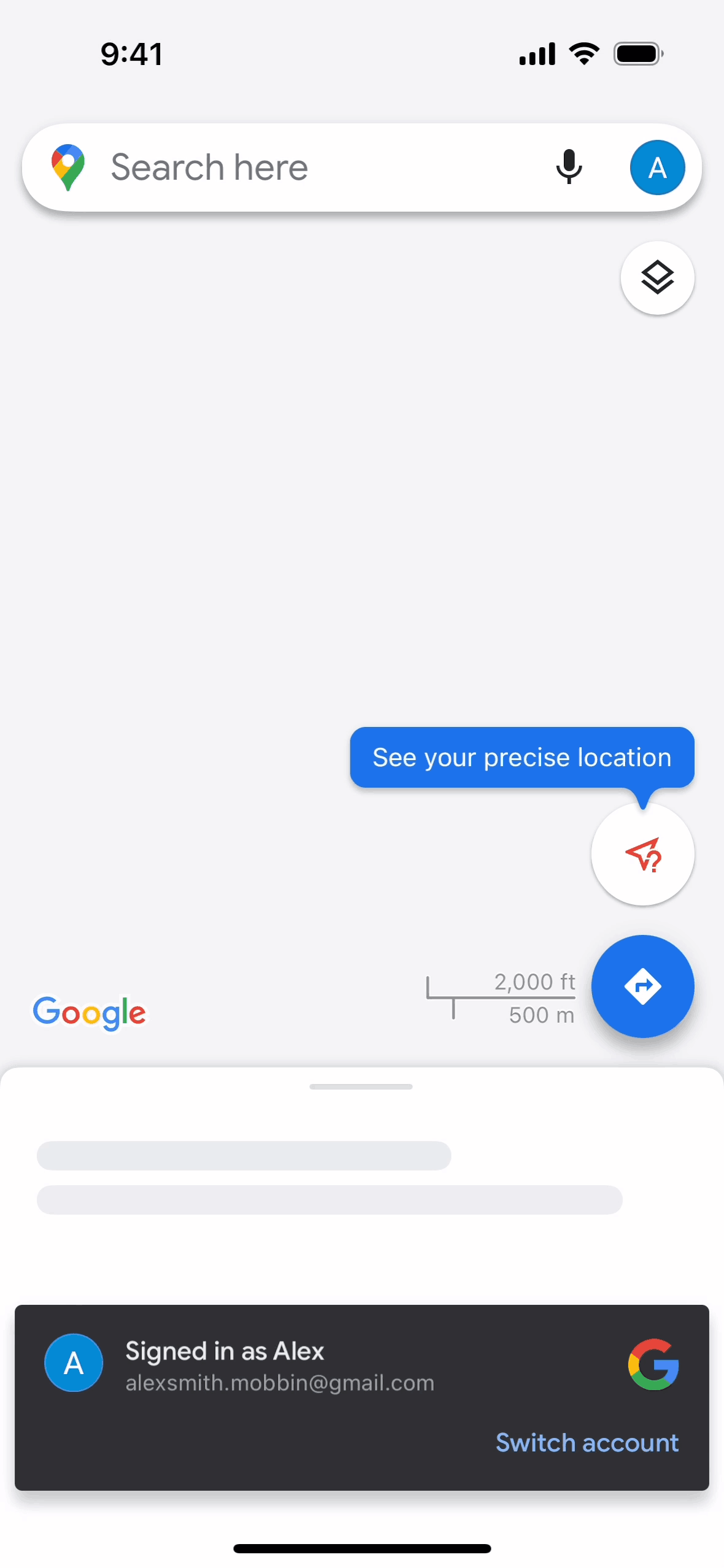

Google Maps iOS Maps & Navigation interface screenshot 1
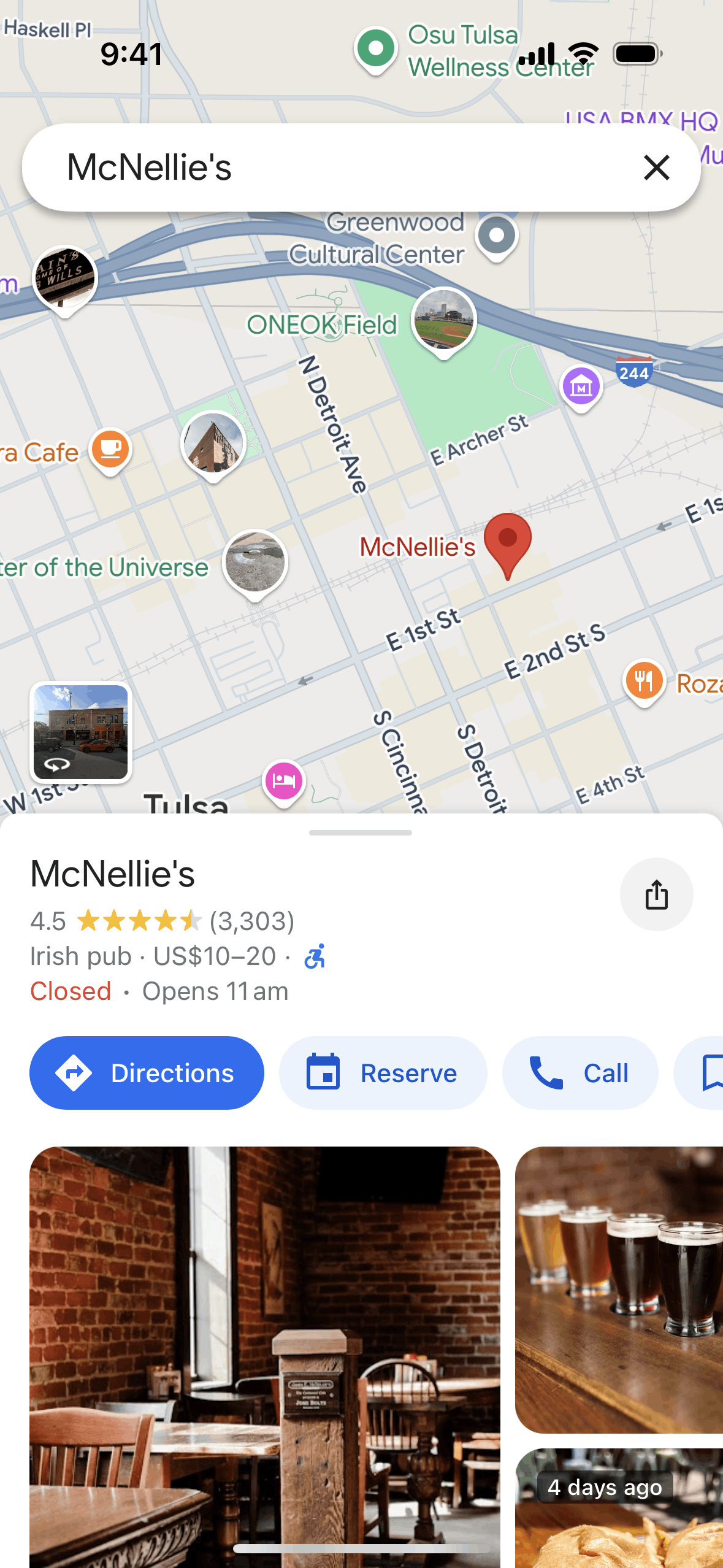
Google Maps iOS Maps & Navigation interface screenshot 2
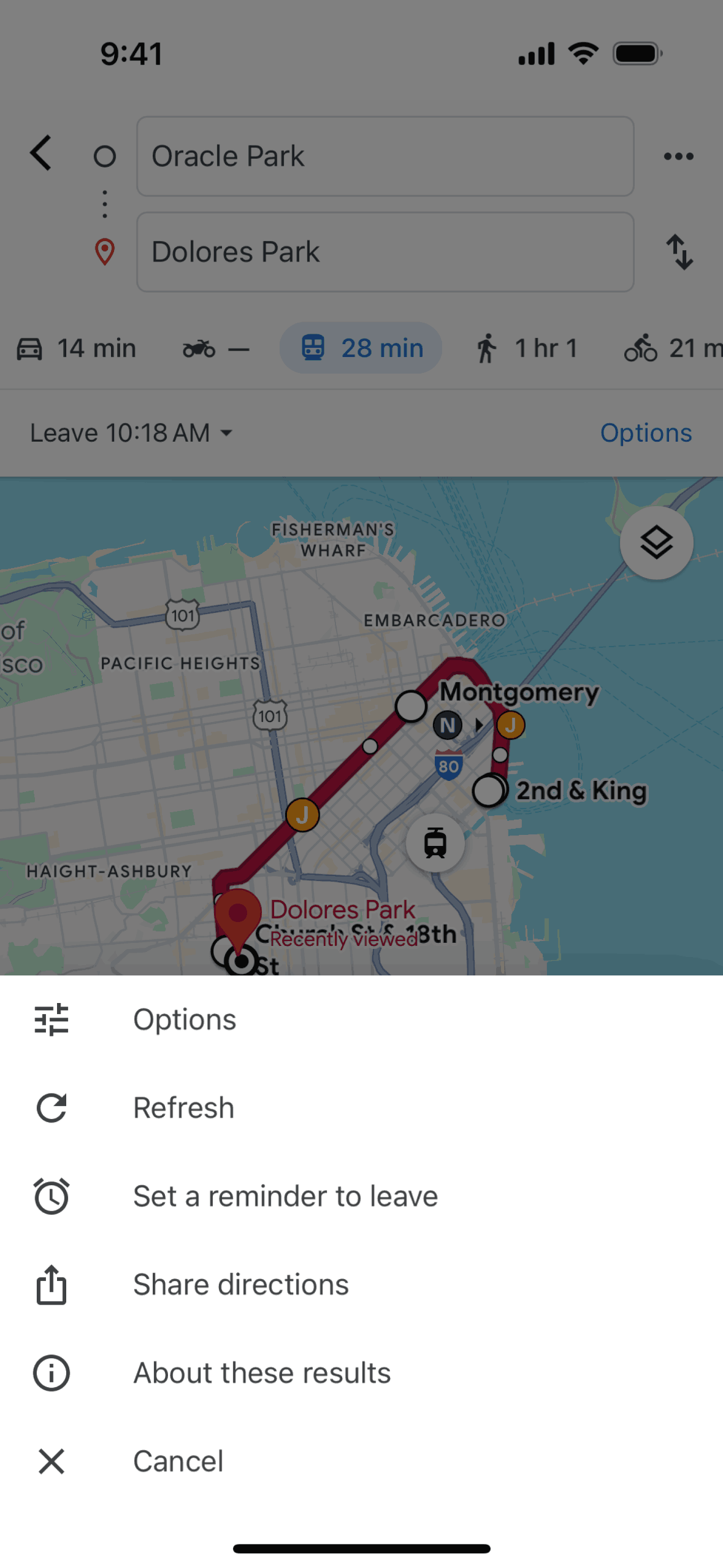
Google Maps iOS Maps & Navigation interface screenshot 3
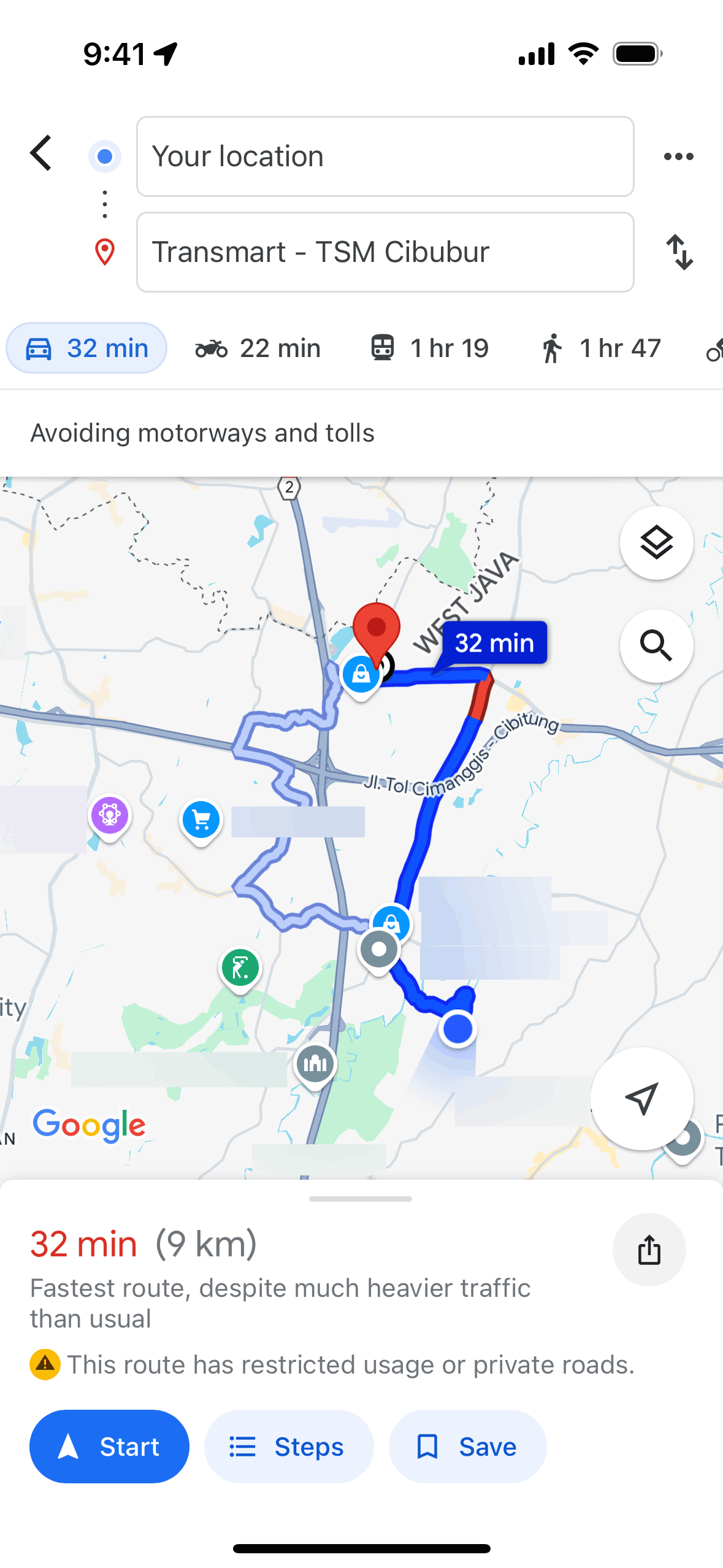
Google Maps iOS Maps & Navigation interface screenshot 4
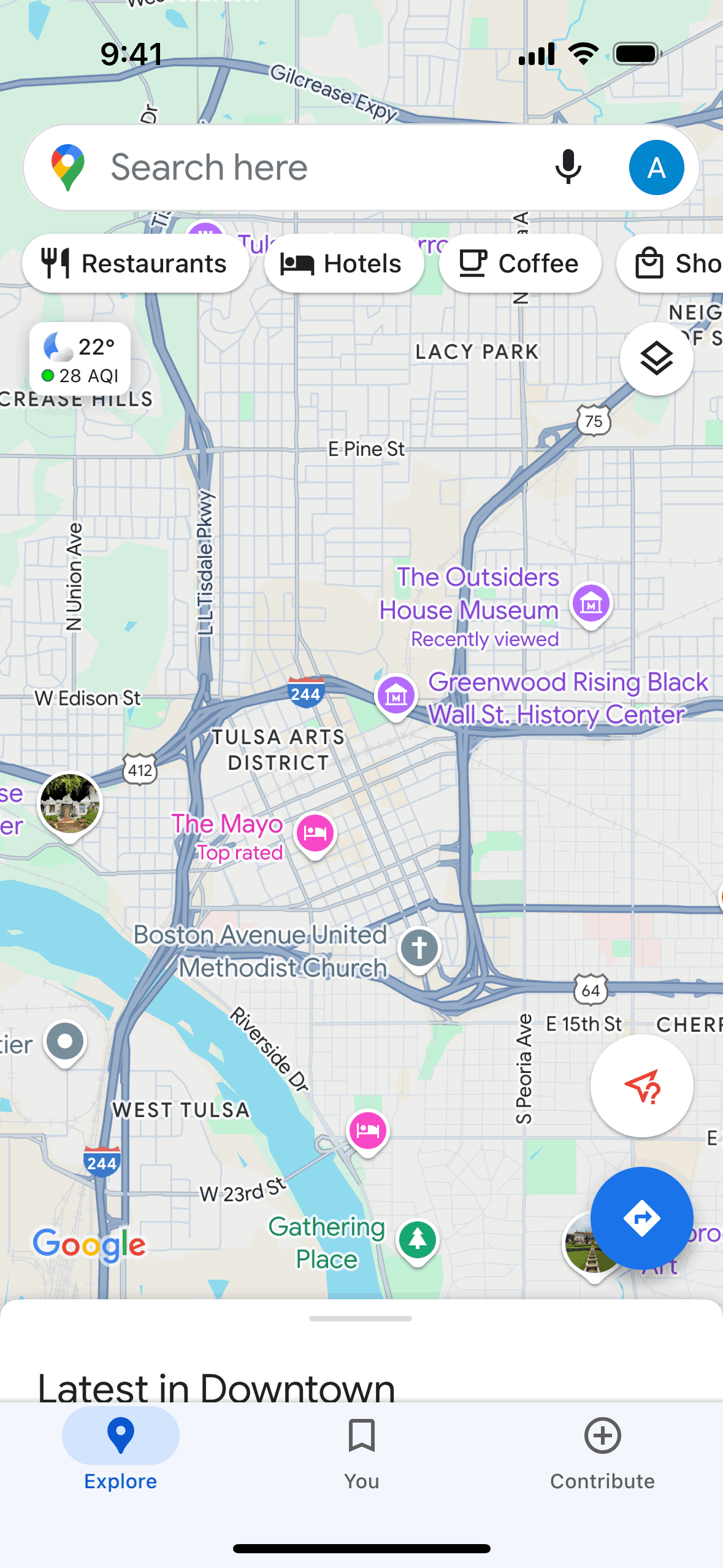
Google Maps iOS Maps & Navigation interface screenshot 5

Google Maps iOS Maps & Navigation interface screenshot 6
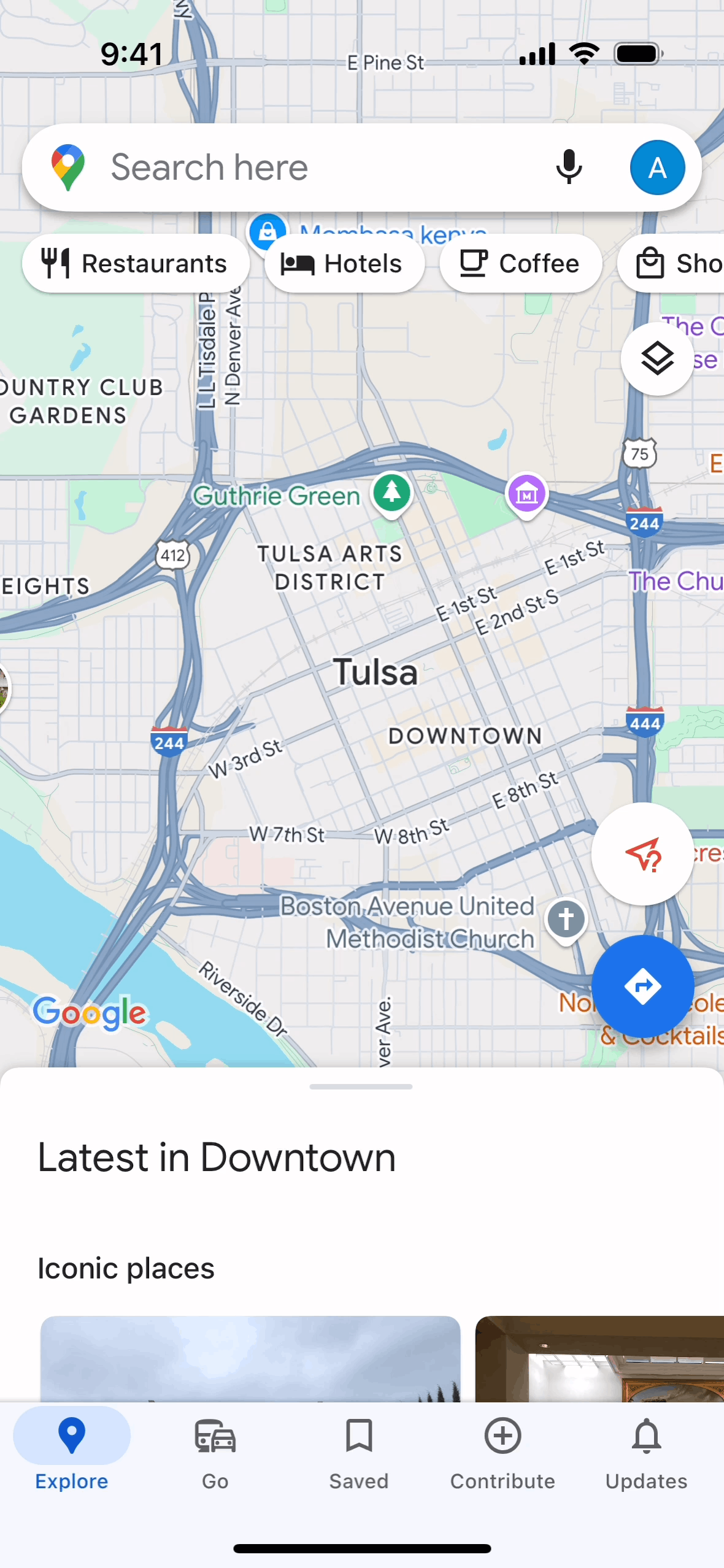
Google Maps iOS Maps & Navigation interface screenshot 7
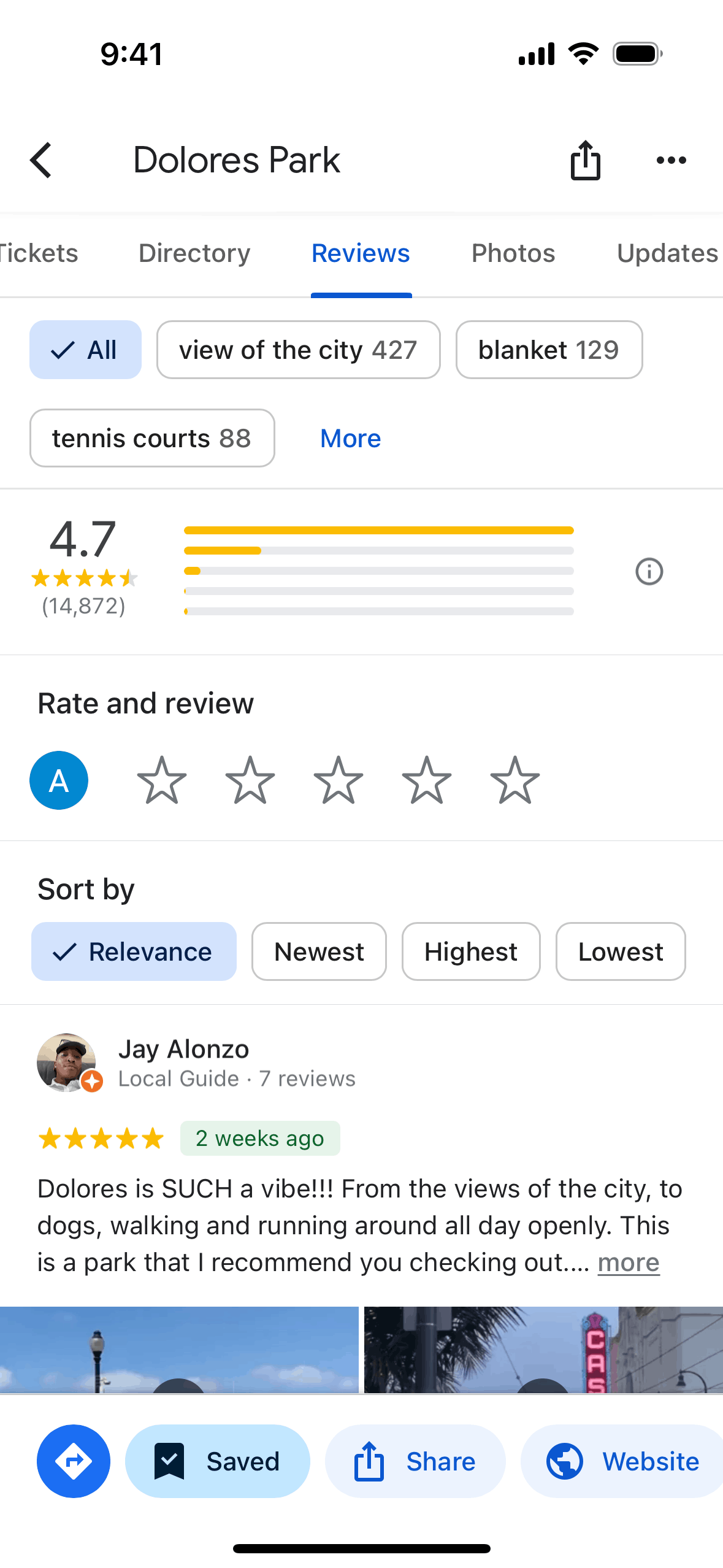
Google Maps iOS Maps & Navigation interface screenshot 8
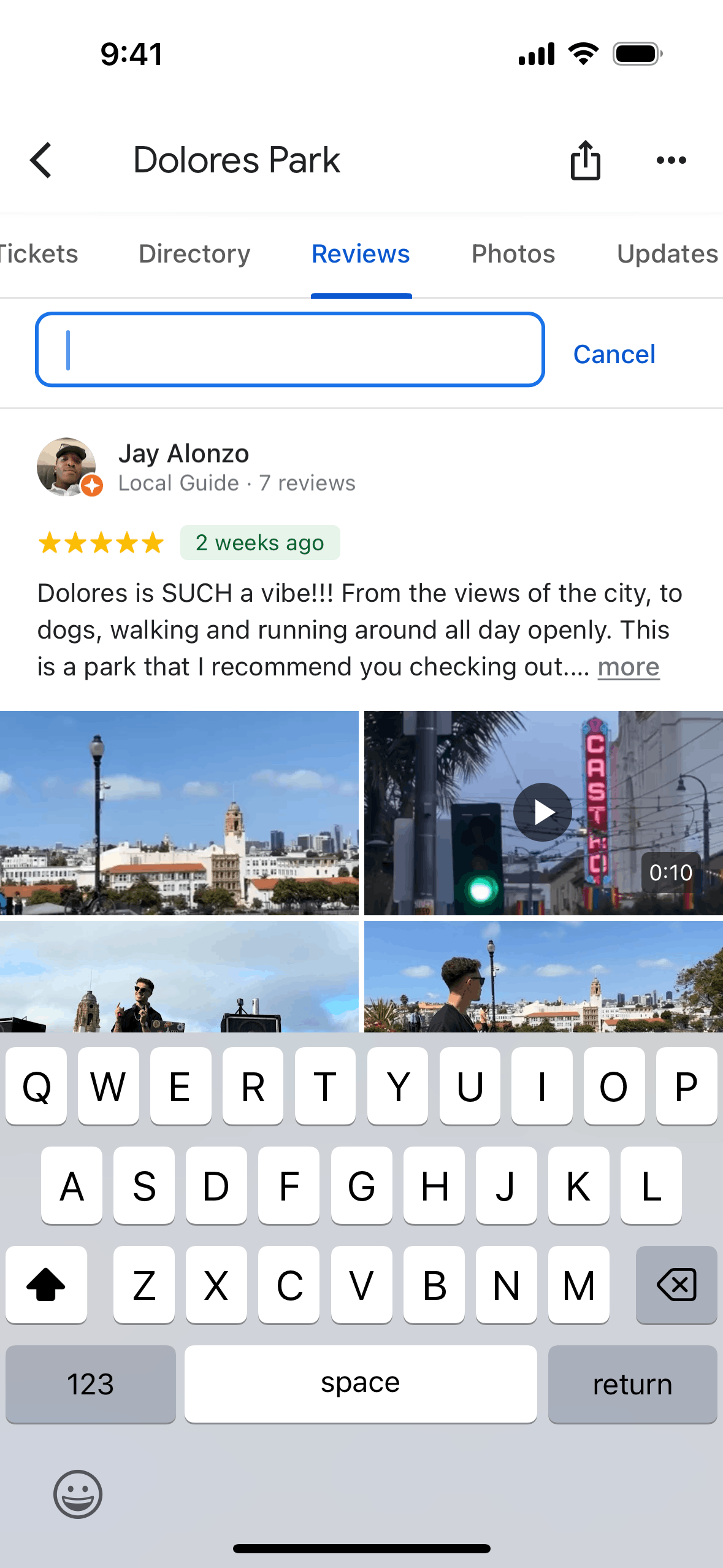
Google Maps iOS Maps & Navigation interface screenshot 9
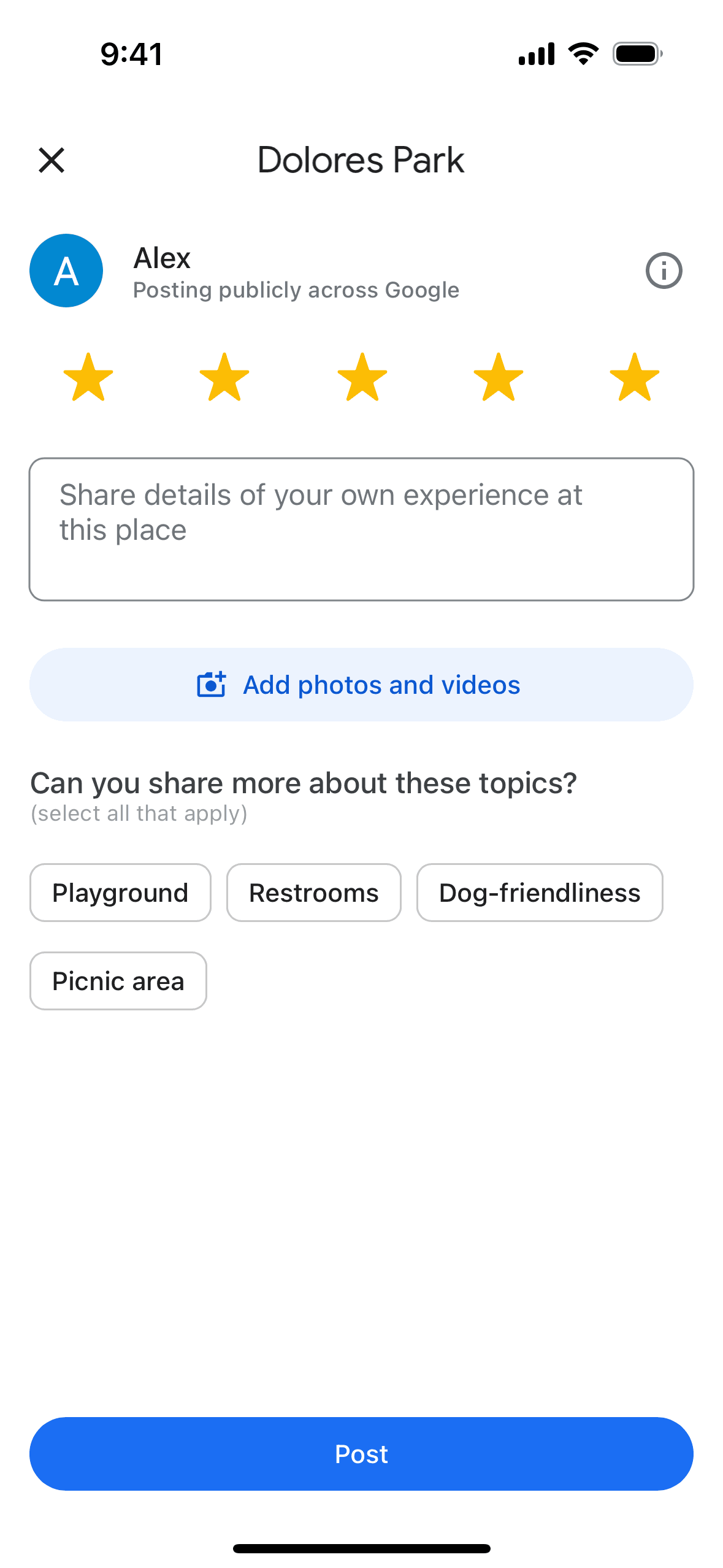
Google Maps iOS Maps & Navigation interface screenshot 10
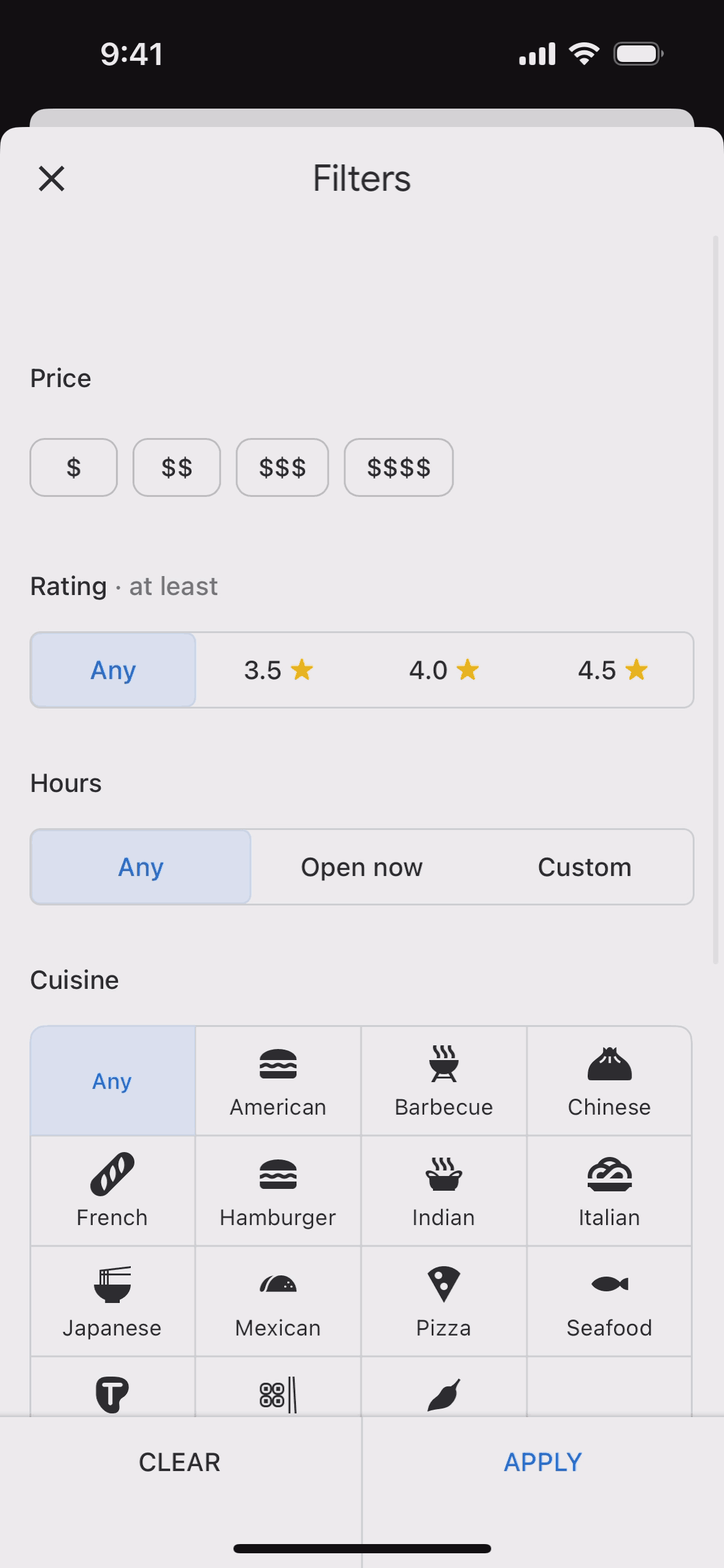
Google Maps iOS Maps & Navigation interface screenshot 11

Google Maps iOS Maps & Navigation interface screenshot 12
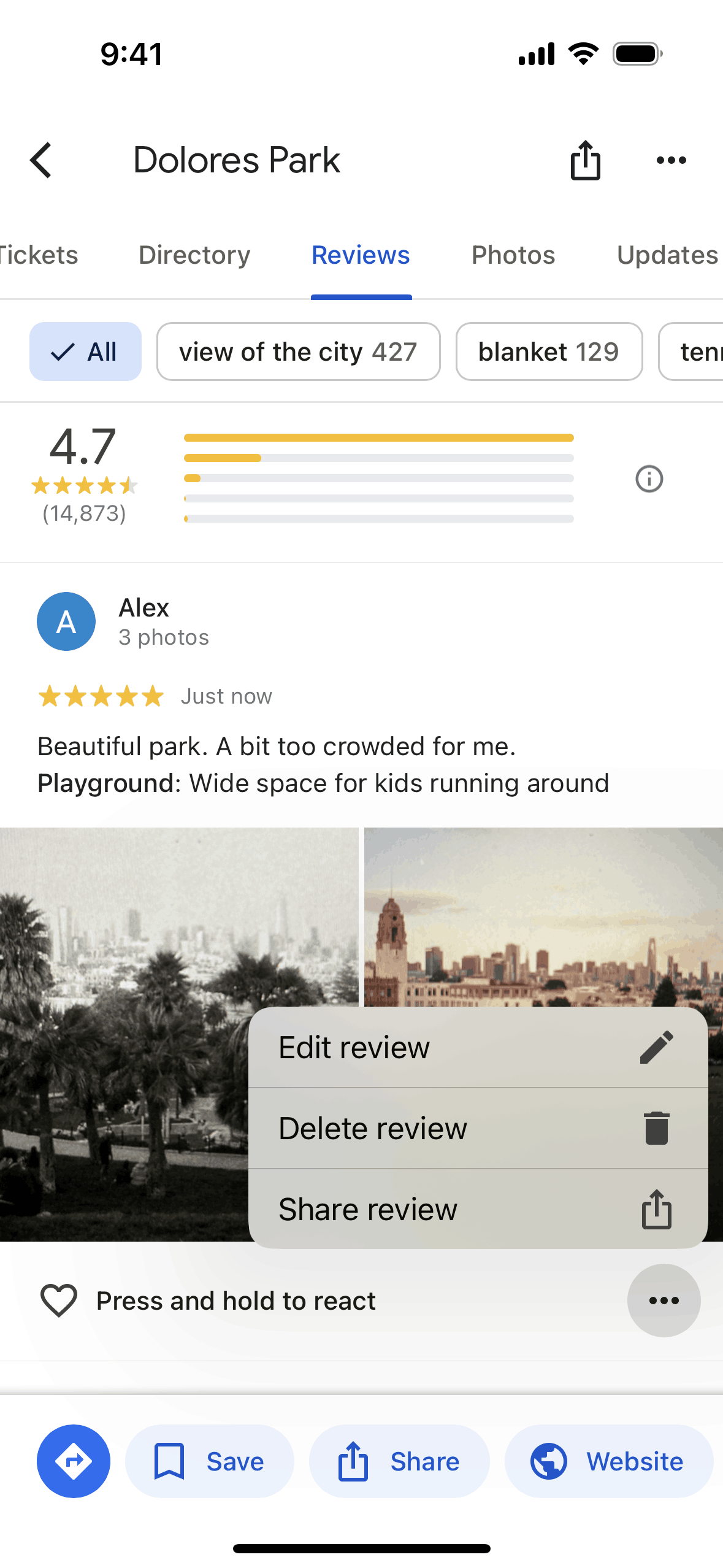
Google Maps iOS Maps & Navigation interface screenshot 13
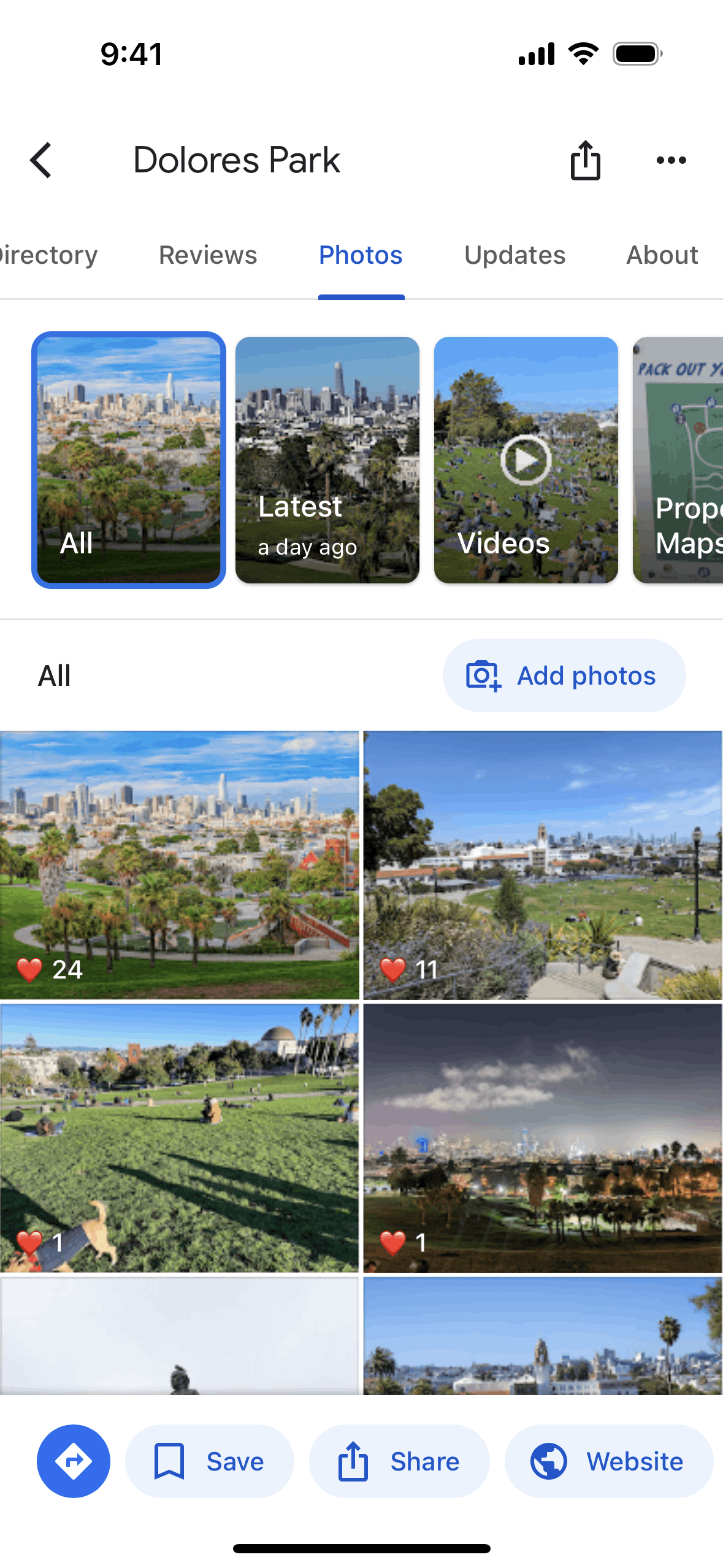
Google Maps iOS Maps & Navigation interface screenshot 14

Google Maps iOS Maps & Navigation interface screenshot 15
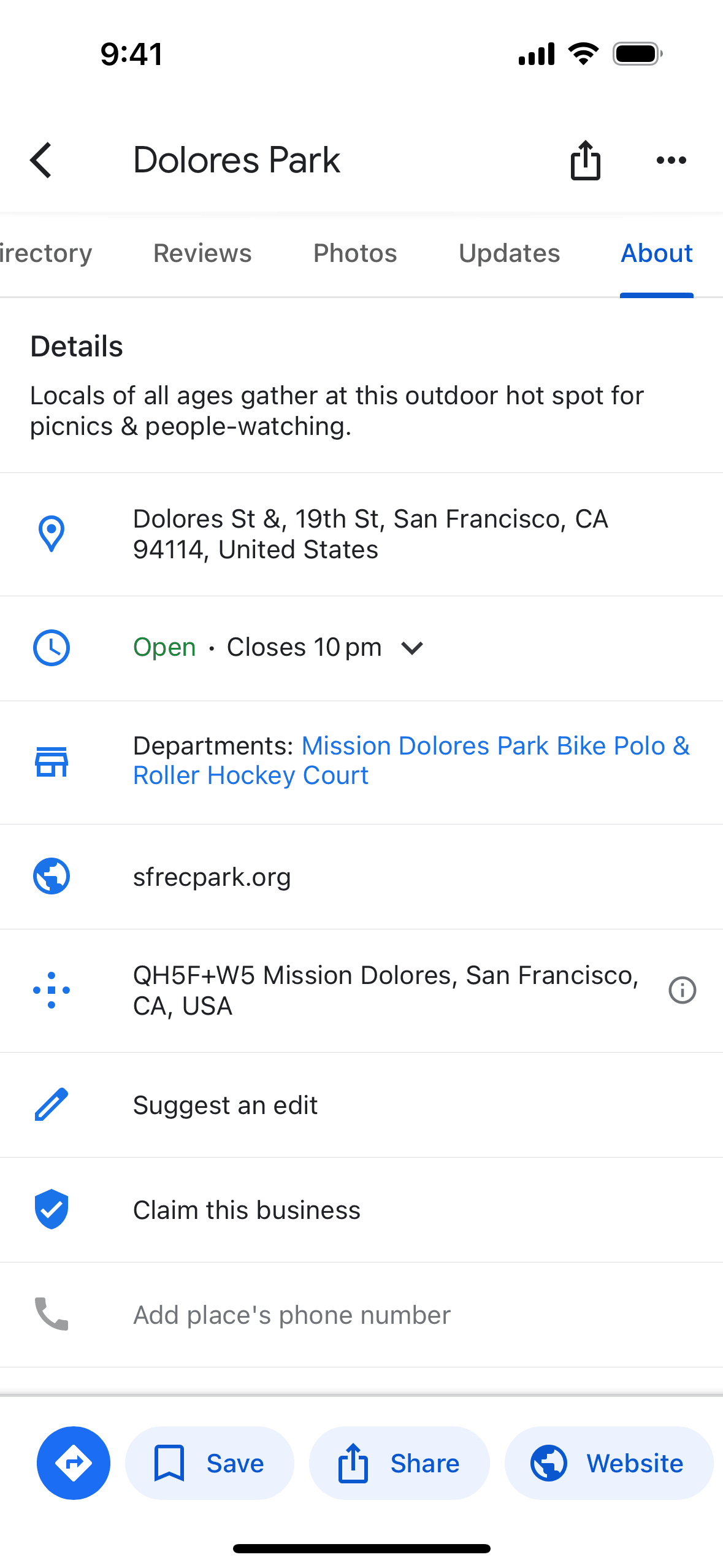
Google Maps iOS Maps & Navigation interface screenshot 16
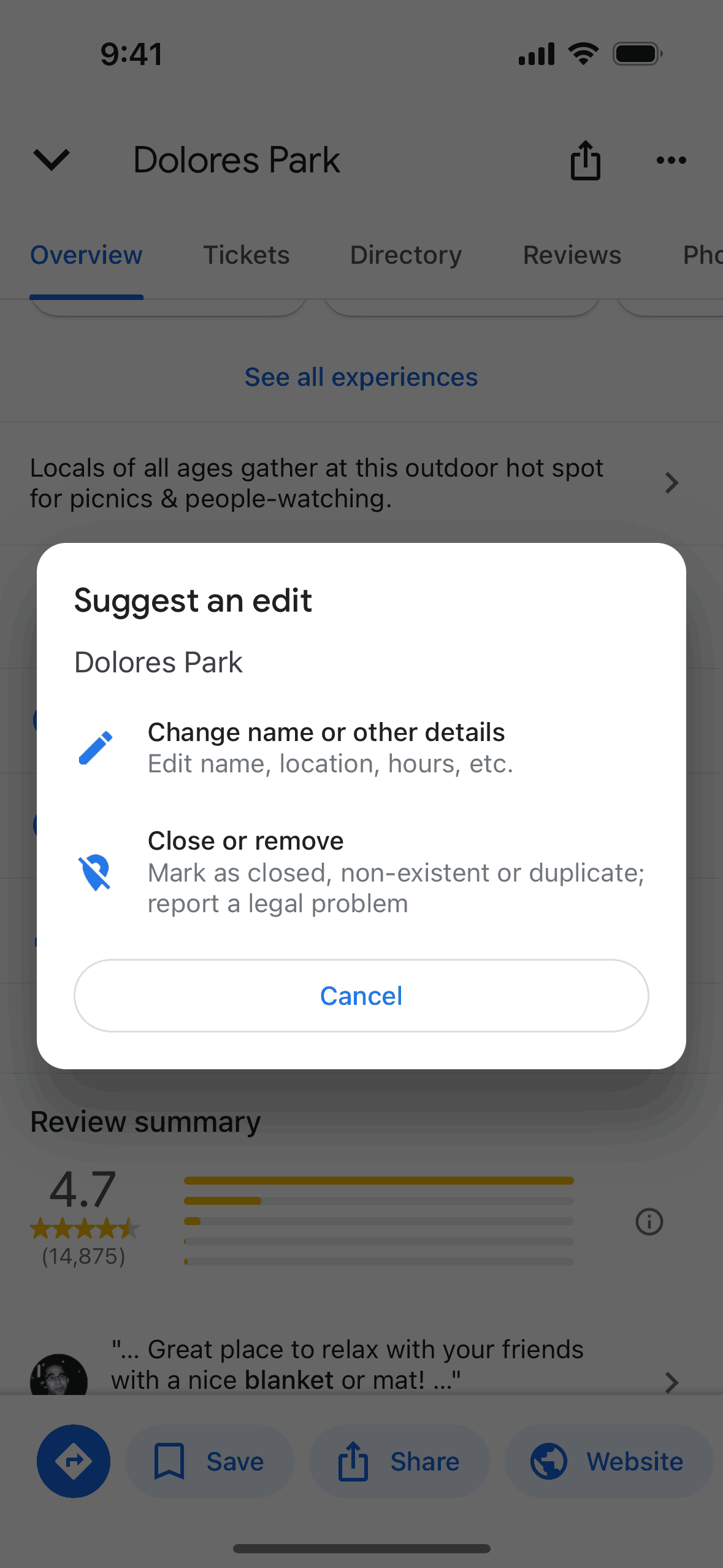
Google Maps iOS Maps & Navigation interface screenshot 17
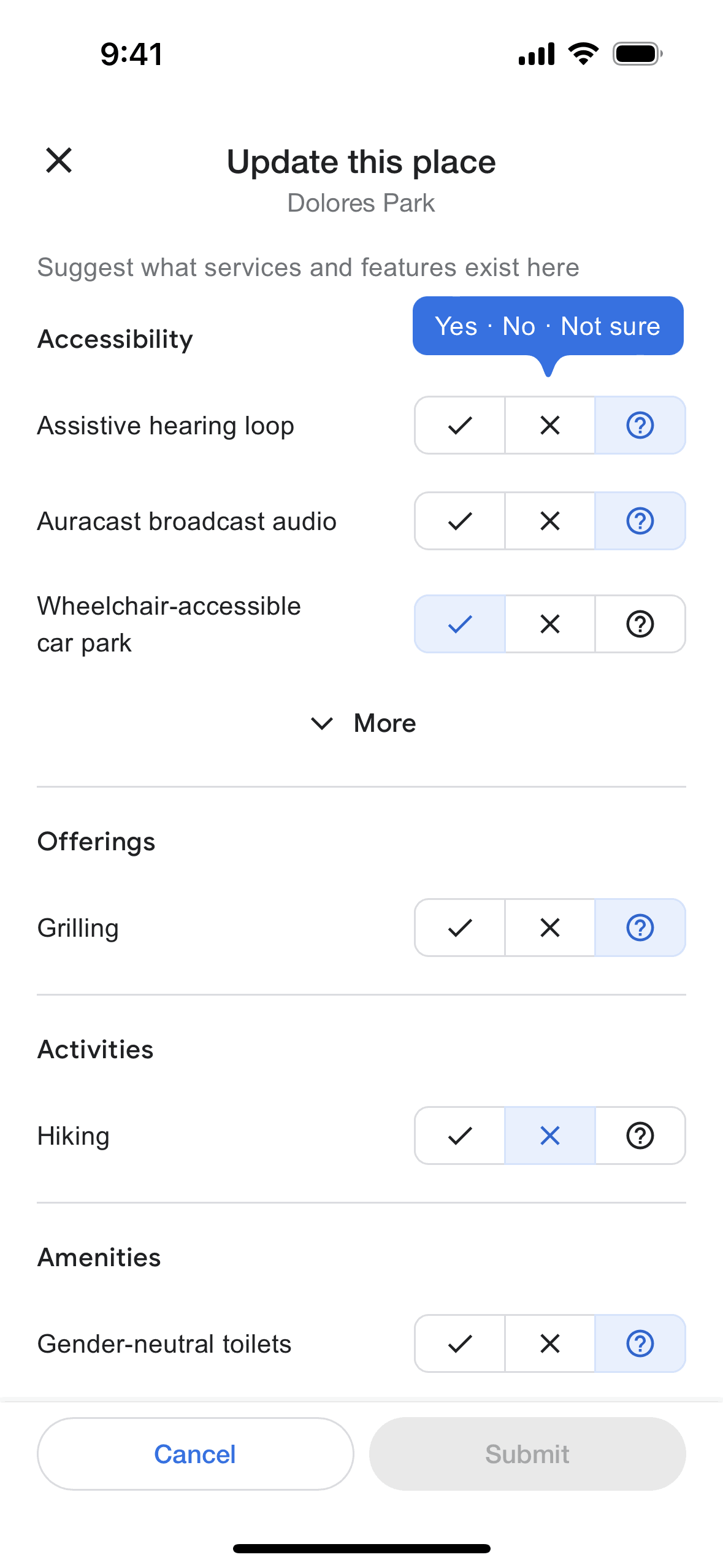
Google Maps iOS Maps & Navigation interface screenshot 18
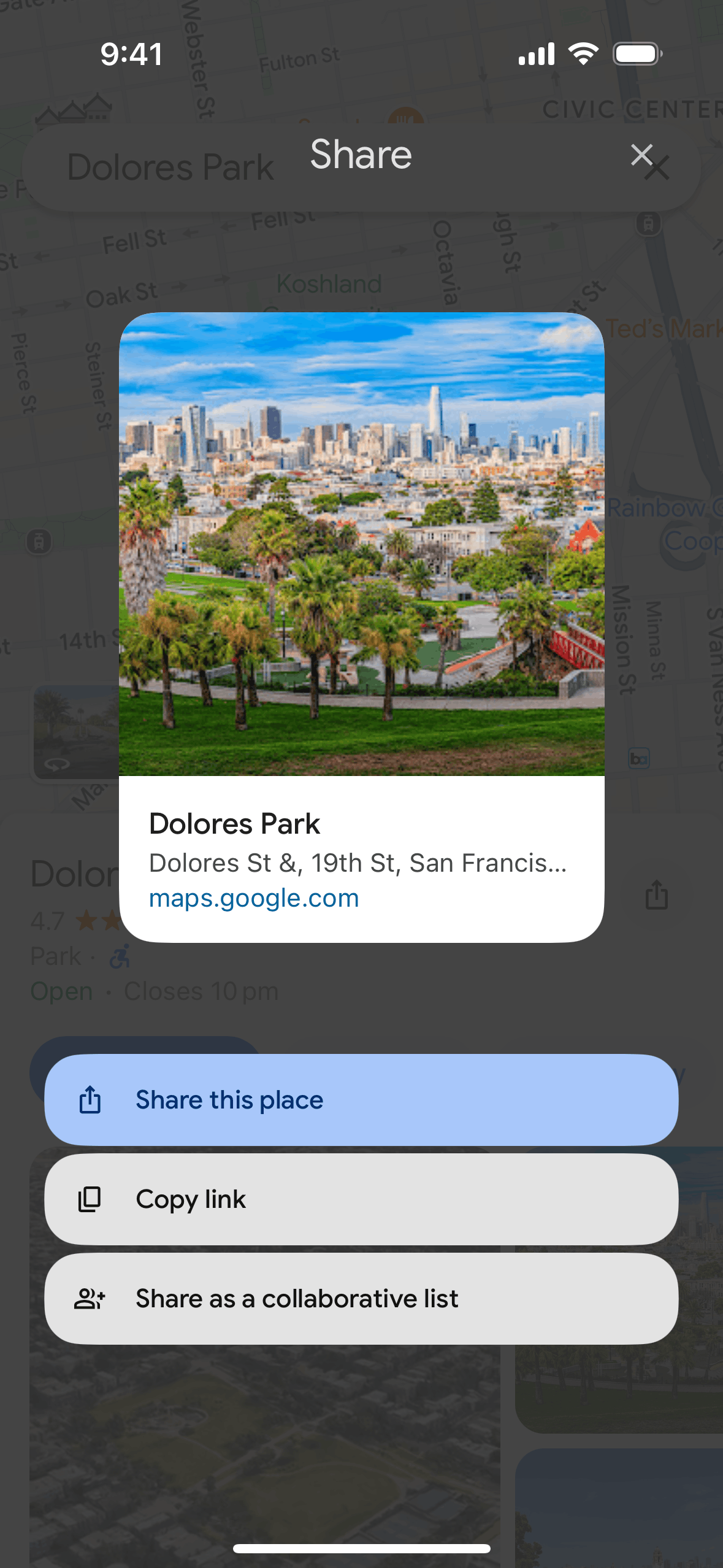
Google Maps iOS Maps & Navigation interface screenshot 19
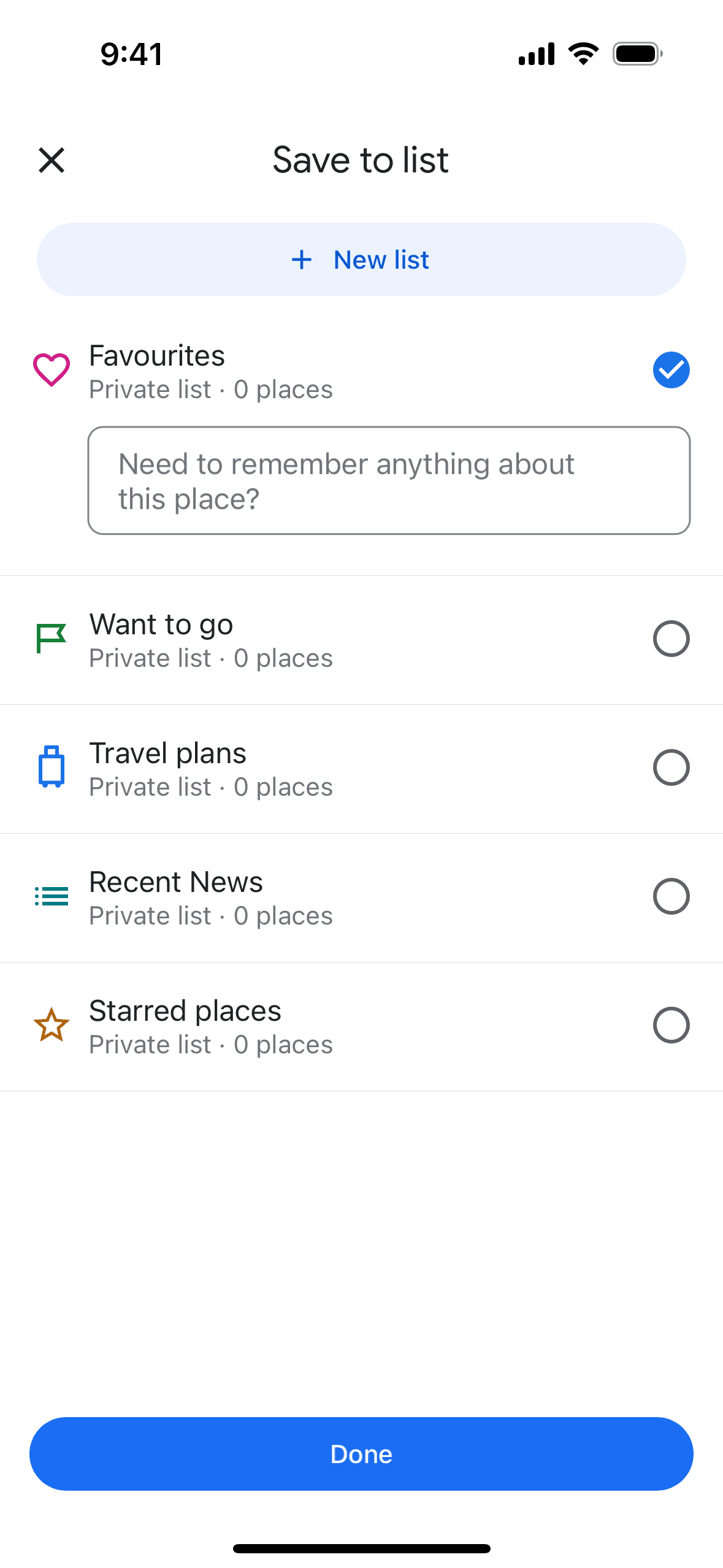
Google Maps iOS Maps & Navigation interface screenshot 20

Google Maps iOS Maps & Navigation interface screenshot 21
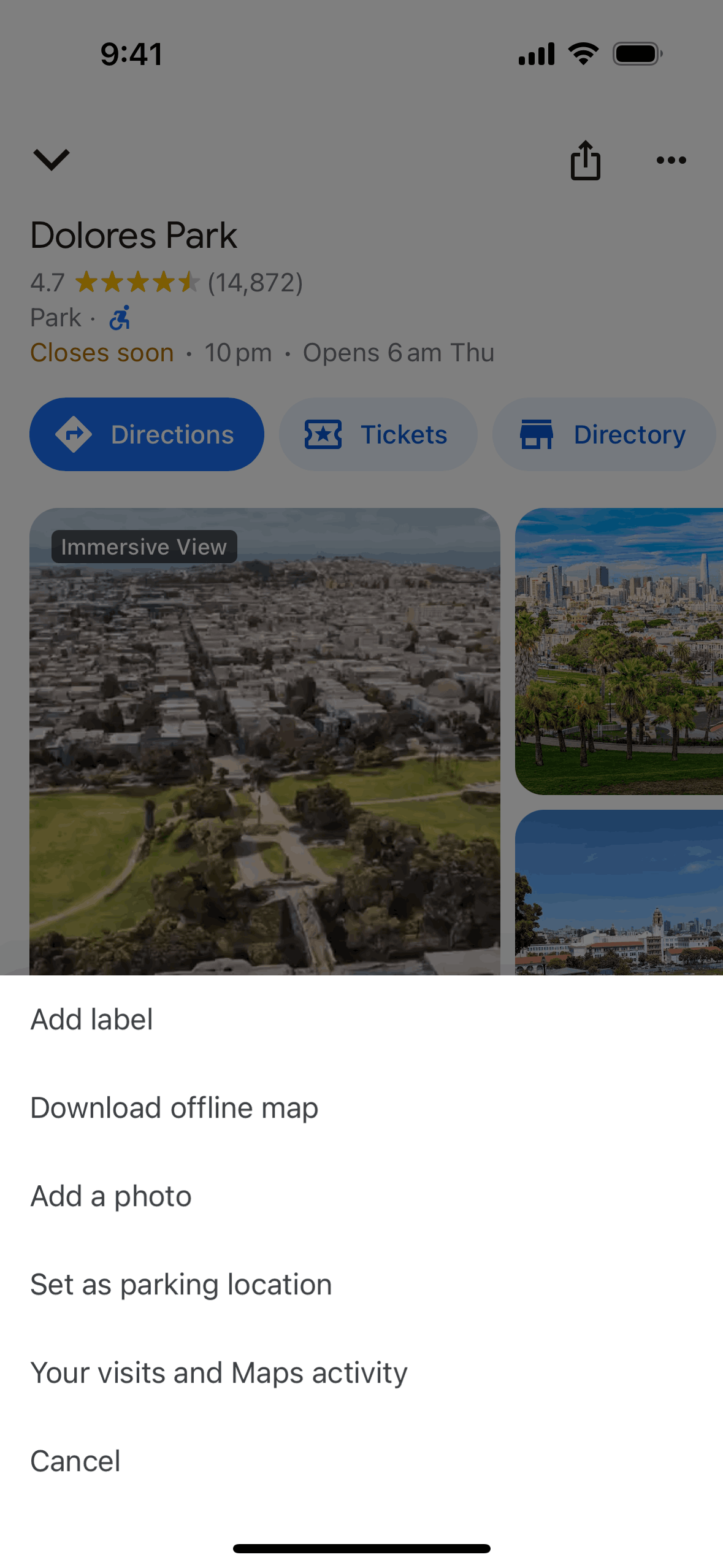
Google Maps iOS Maps & Navigation interface screenshot 22
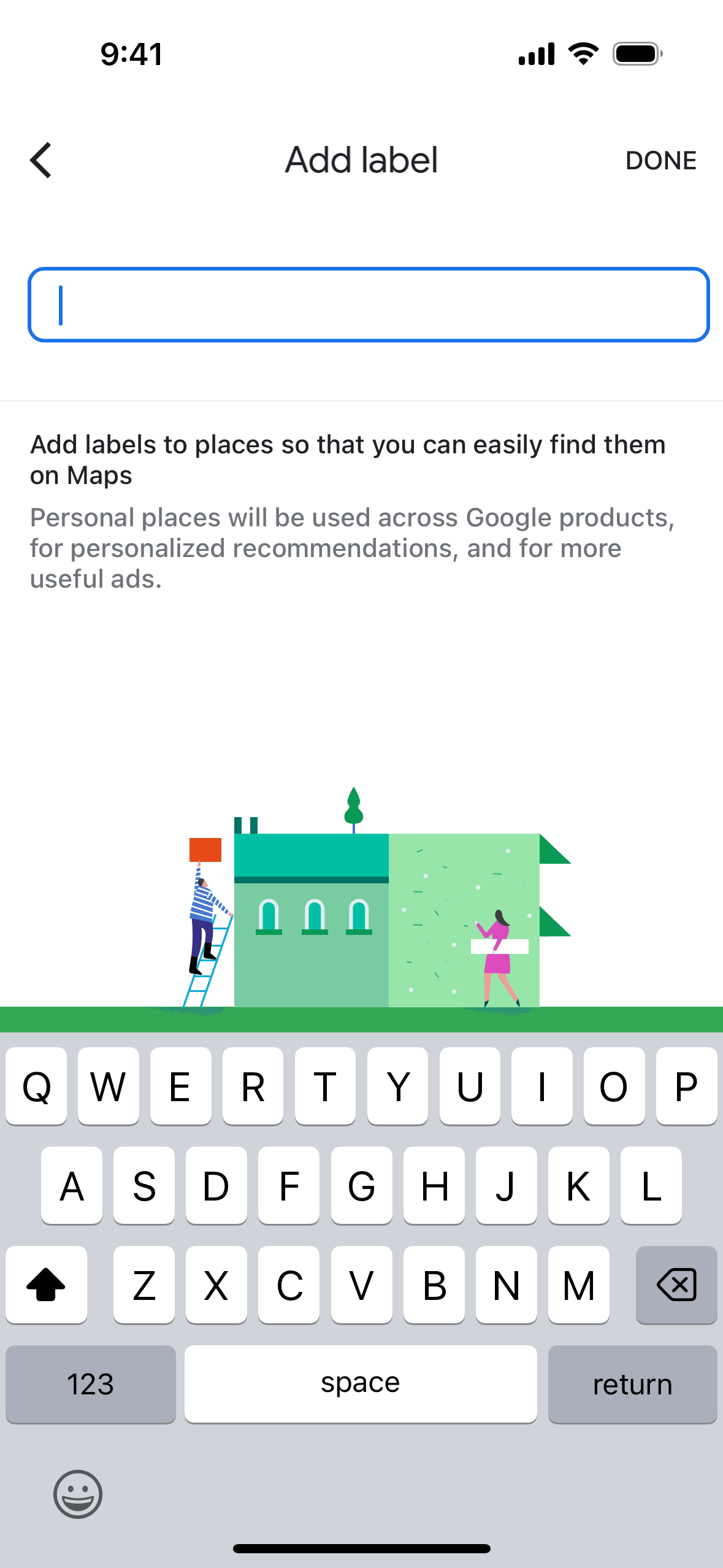
Google Maps iOS Maps & Navigation interface screenshot 23
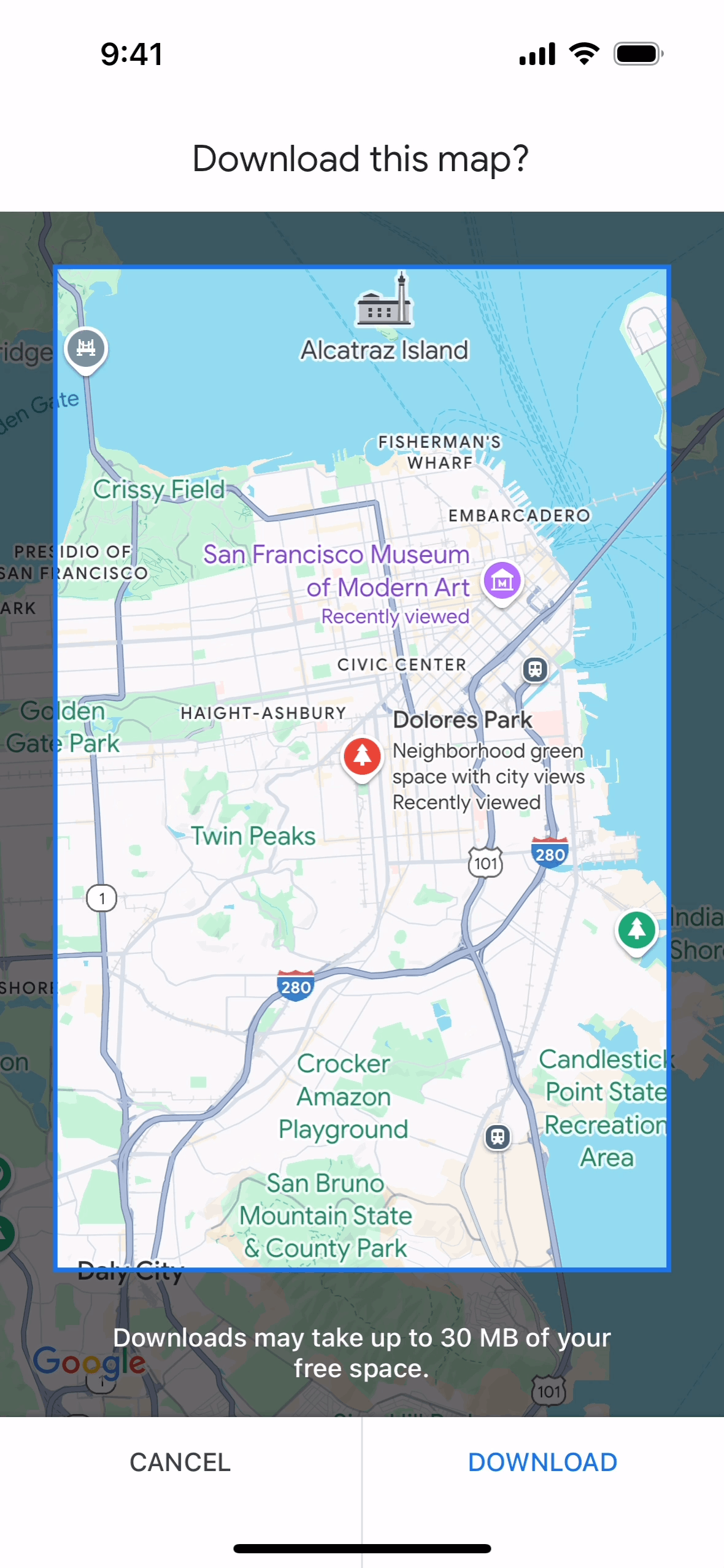
Google Maps iOS Maps & Navigation interface screenshot 24
Gummble currently indexes 733 Google Maps iOS screens across 3 captured versions (latest capture Sep 26, 2024: 423 screens) and 3 captured UX flows such as You, Explore, and Contribute. Explore and navigate your world. Categorized under Maps & Navigation. Step through each captured Google Maps flow screen by screen, or study individual screens for navigation, layout, and microcopy patterns.
Gummble currently indexes 733 Google Maps iOS screens across 3 captured versions (latest capture Sep 26, 2024: 423 screens) and 3 captured UX flows such as You, Explore, and Contribute. Browse the gallery to study Google Maps's interface patterns and design decisions.
Google Maps is categorized under Maps & Navigation. Gummble holds 3 captured UX flows such as You, Explore, and Contribute for Google Maps iOS. Open the Flows tab to step through each captured sequence screen by screen.
Yes. Gummble Browse, Pro, and Team users can download Google Maps iOS screenshots for design reference. Free users can browse a limited selection and view design analysis.