Loading library…

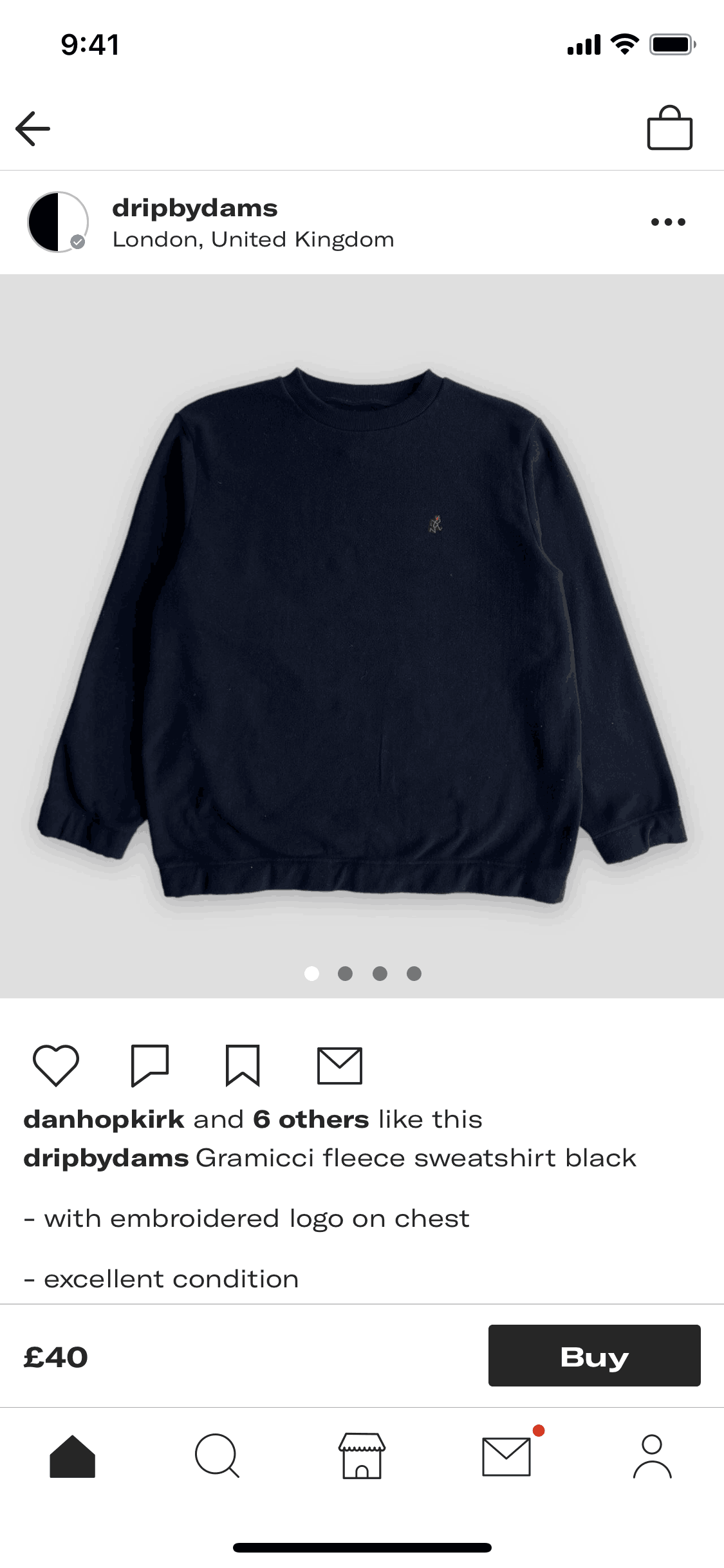

Product detail on Depop (ios) screen 2
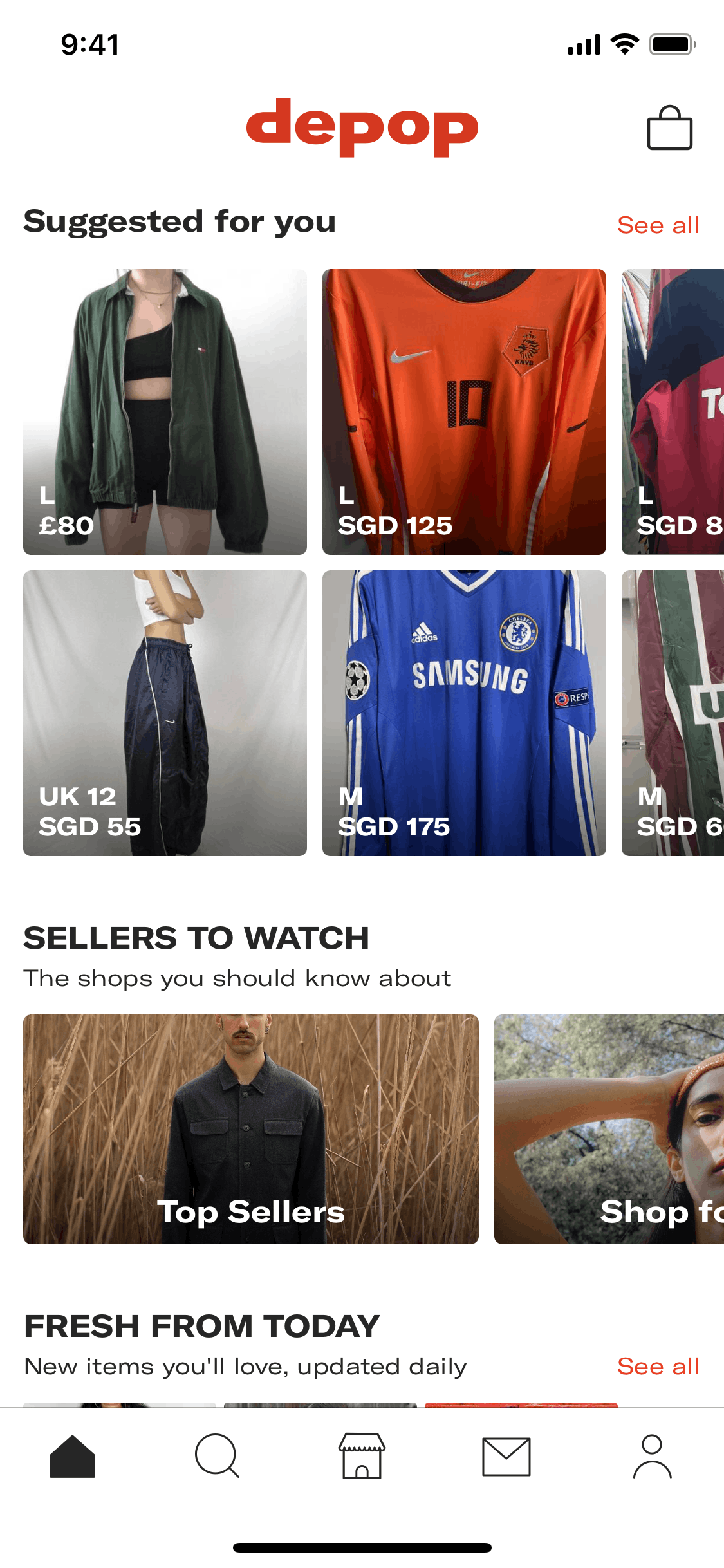
Depop iOS Shopping interface screenshot 2
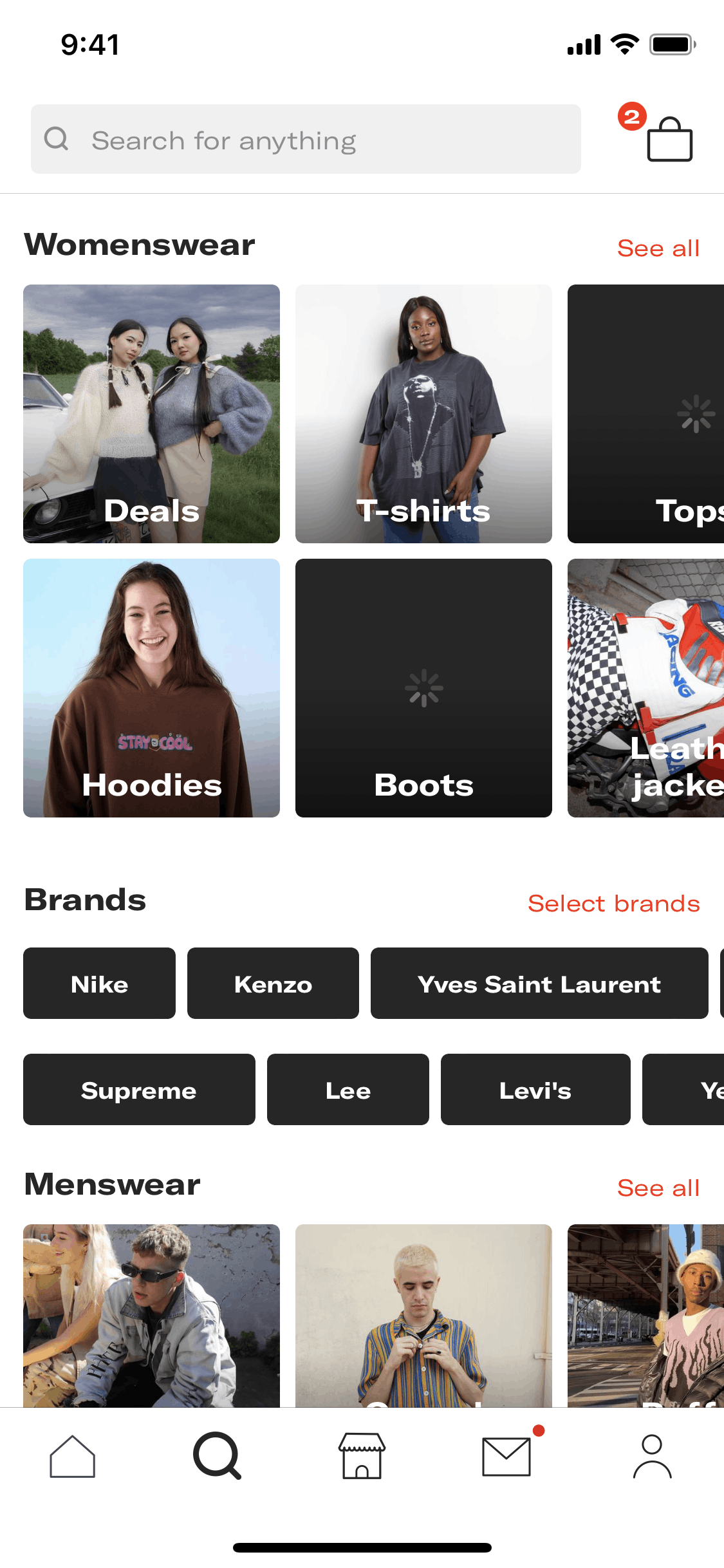
Depop iOS Shopping interface screenshot 3
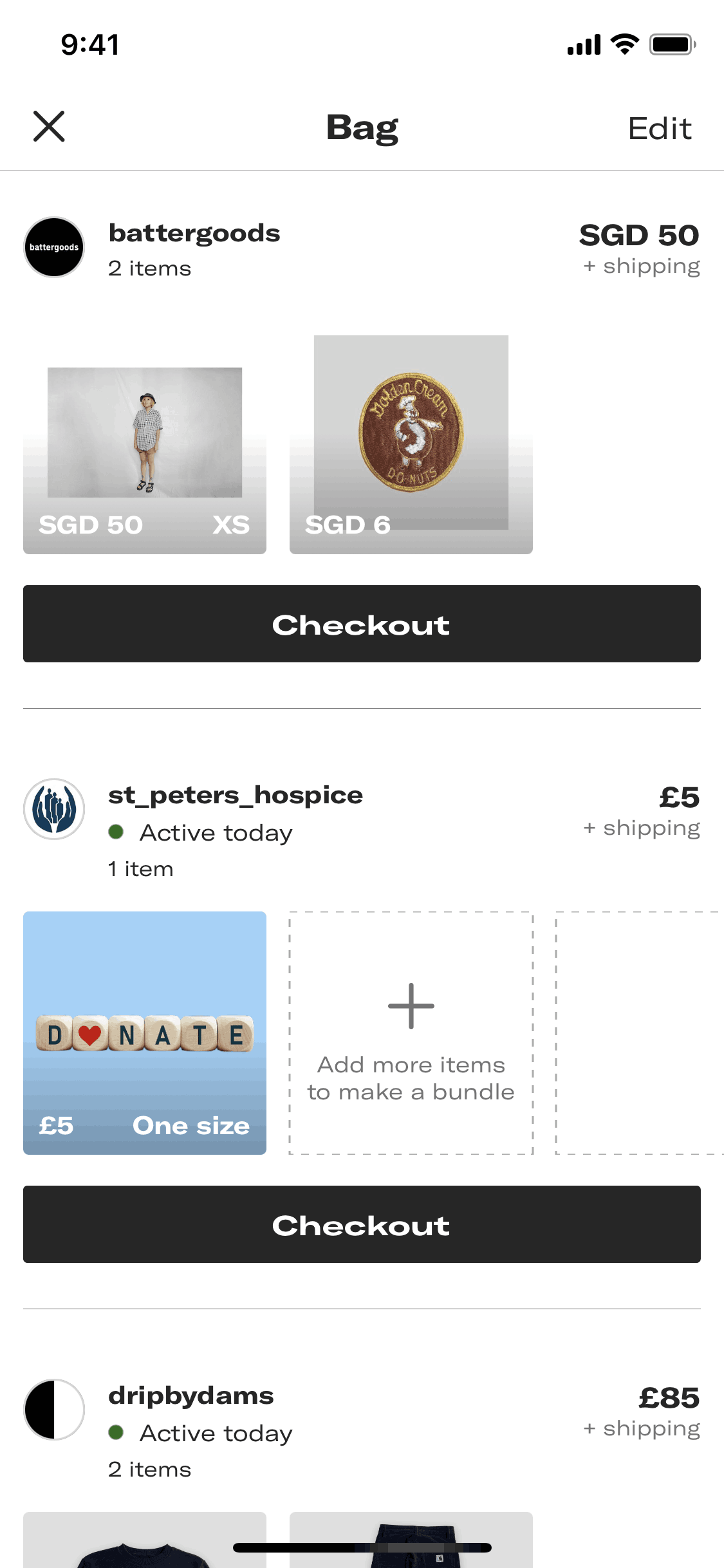
Depop iOS Shopping interface screenshot 4
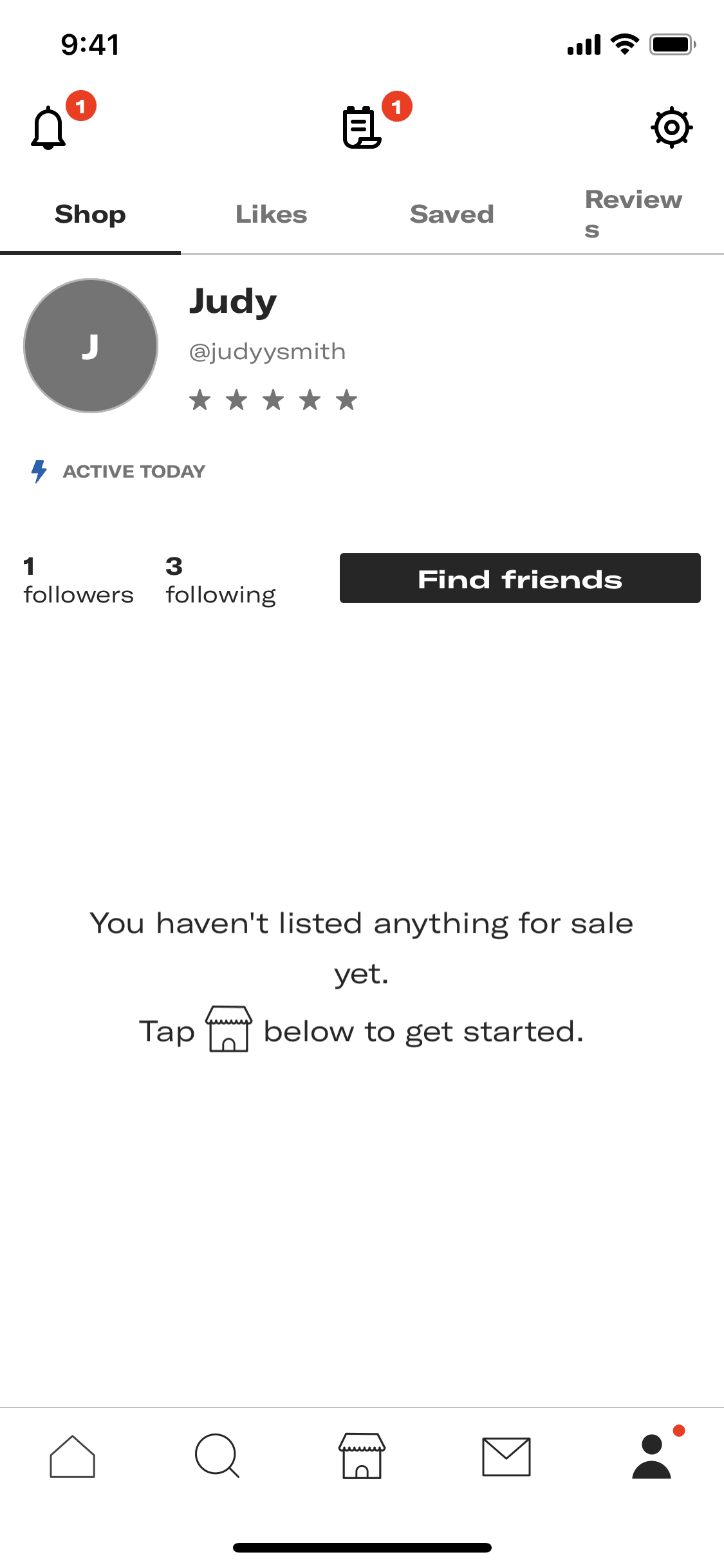
Depop iOS Shopping interface screenshot 5

Depop iOS Shopping interface screenshot 6

Depop iOS Shopping interface screenshot 7

Depop iOS Shopping interface screenshot 8
Onboarding on Depop (ios) screen 1

Home on Depop (ios) screen 2

Suggested for you on Depop (ios) screen 2

Top sellers on Depop (ios) screen 2

View a shop on Depop (ios) screen 2

Filtering shop items on Depop (ios) screen 2

Adding a product to bag on Depop (ios) screen 2

Saving a product to a new collection on Depop (ios) screen 2

Commenting on a product on Depop (ios) screen 2

Saving a product to profile on Depop (ios) screen 2

Messaging shop about a product on Depop (ios) screen 2

Sharing a product on Depop (ios) screen 2

Reporting a product listing on Depop (ios) screen 2
Making an offer on Depop (ios) screen 1

Following a shop on Depop (ios) screen 2

Shop followers and following on Depop (ios) screen 2
Gummble currently indexes 680 Depop iOS screens captured Current Version and 8 captured UX flows including onboarding, login, and search. Buy & sell clothes. Categorized under Shopping. Step through each captured Depop flow screen by screen, or study individual screens for navigation, layout, and microcopy patterns.
Editorial teardown
Depop is a fashion resale marketplace blending social media with e commerce. The iOS app lets users buy and sell secondhand clothing, vintage finds, and handmade items through individual seller shops. Unlike traditional resale platforms, Depop emphasizes the social layer — users follow sellers, like items, and engage with shop aesthetics. The platform targets Gen Z users who view thrifting as both sustainable consumption and personal style expression.
Read the full Depop UX teardownGummble currently indexes 680 Depop iOS screens captured Current Version and 8 captured UX flows including onboarding, login, and search. Browse the gallery to study Depop's interface patterns and design decisions.
Depop is categorized under Shopping. Gummble holds 8 captured UX flows including onboarding, login, and search for Depop iOS. Open the Flows tab to step through each captured sequence screen by screen.
Yes. Gummble Browse, Pro, and Team users can download Depop iOS screenshots for design reference. Free users can browse a limited selection and view design analysis.