
CAVA iOS Food & Drink interface screenshot 1
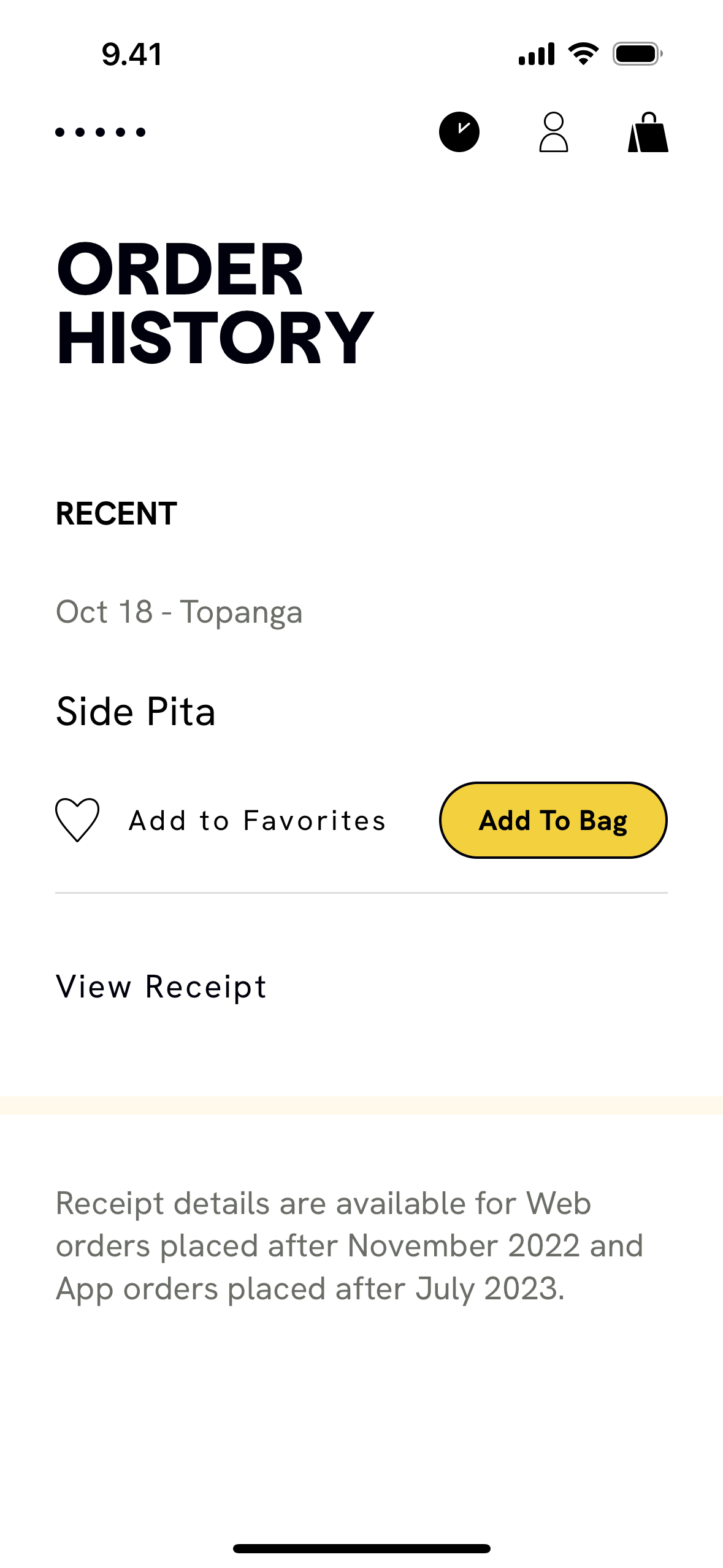
CAVA iOS Food & Drink interface screenshot 2
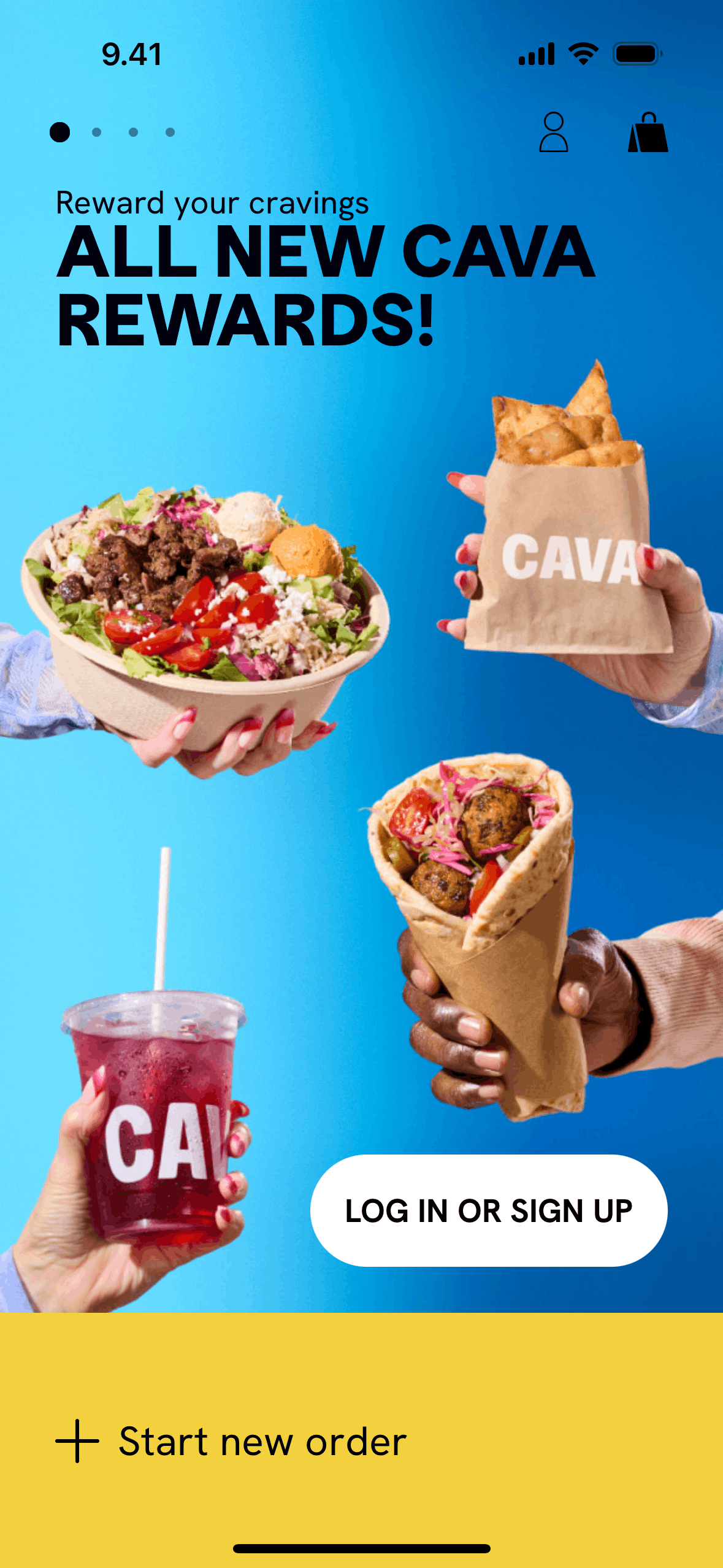
CAVA iOS Food & Drink interface screenshot 3
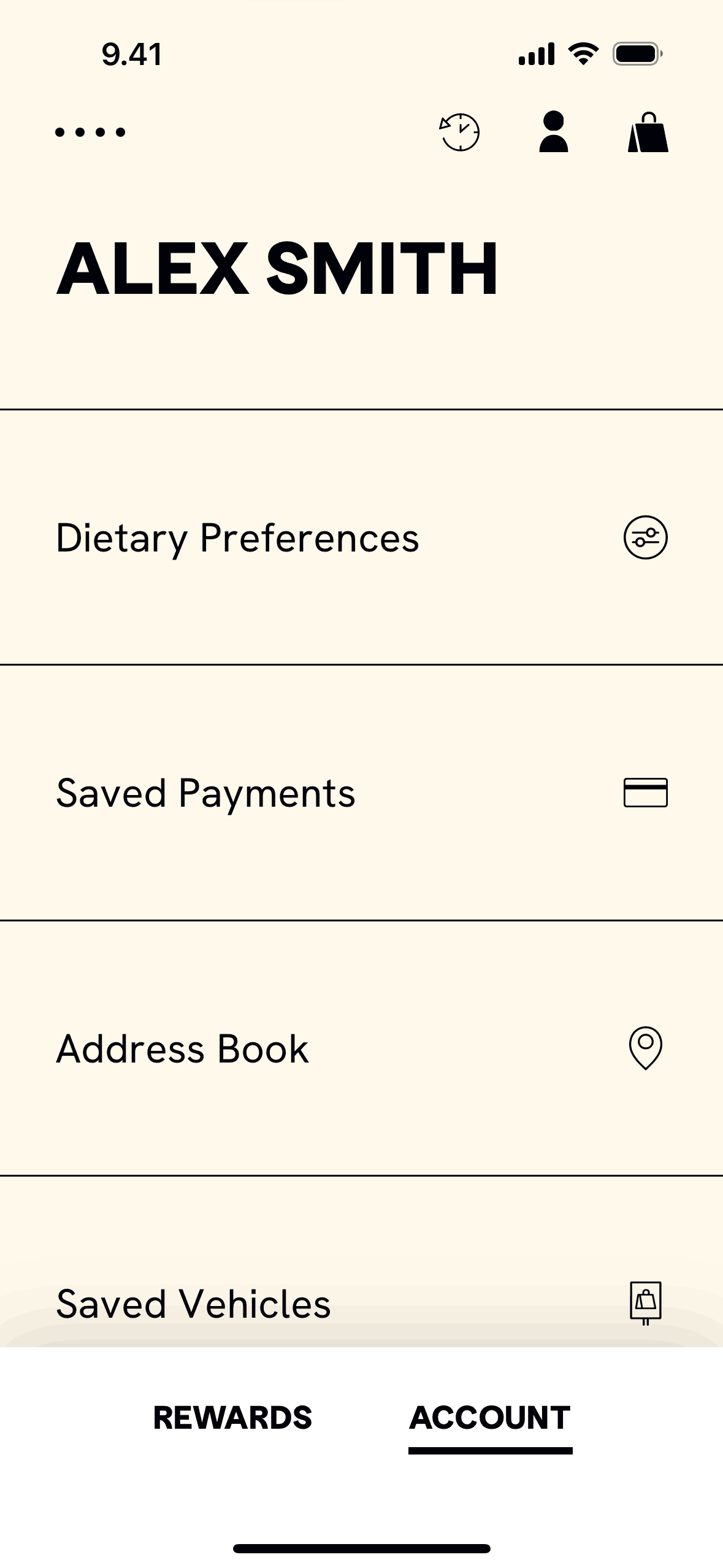
CAVA iOS Food & Drink interface screenshot 4
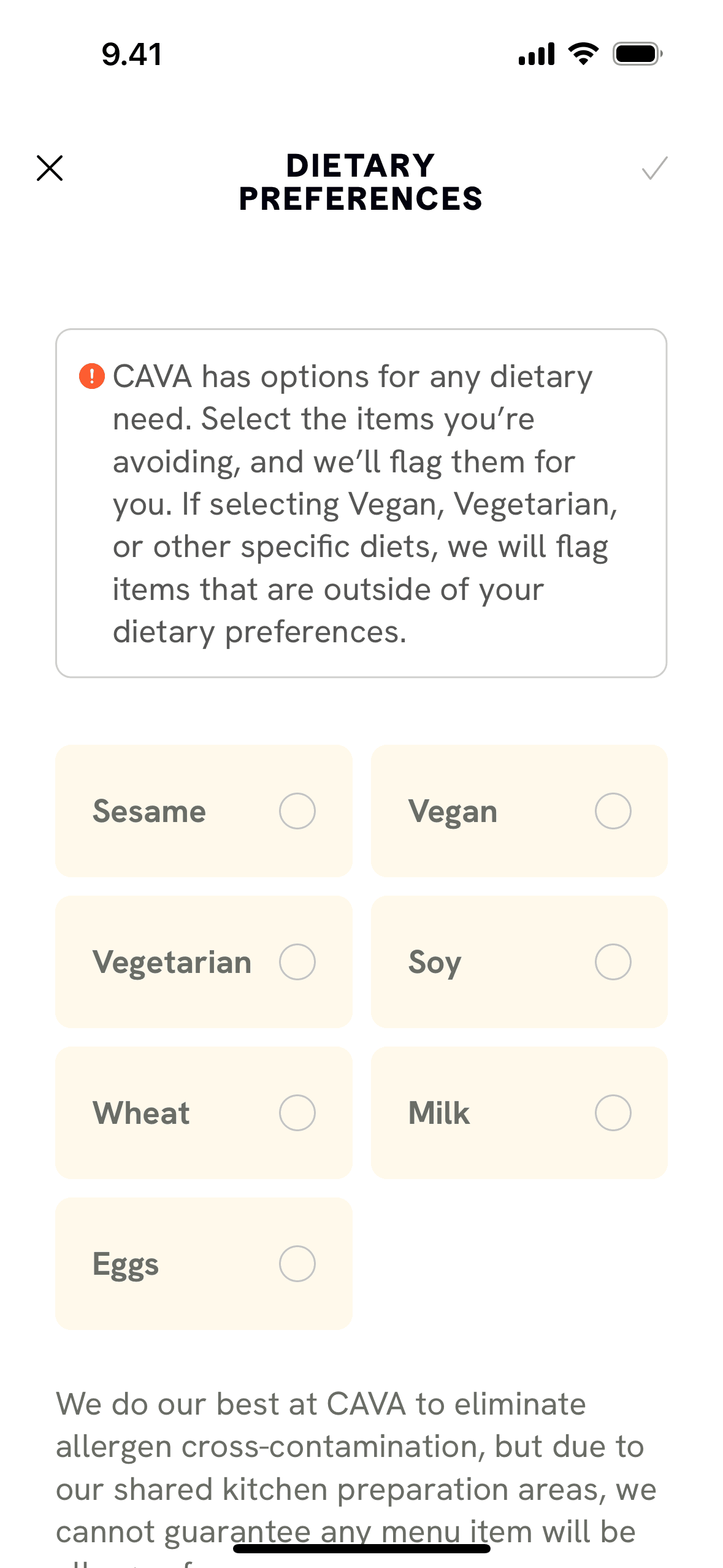
CAVA iOS Food & Drink interface screenshot 5
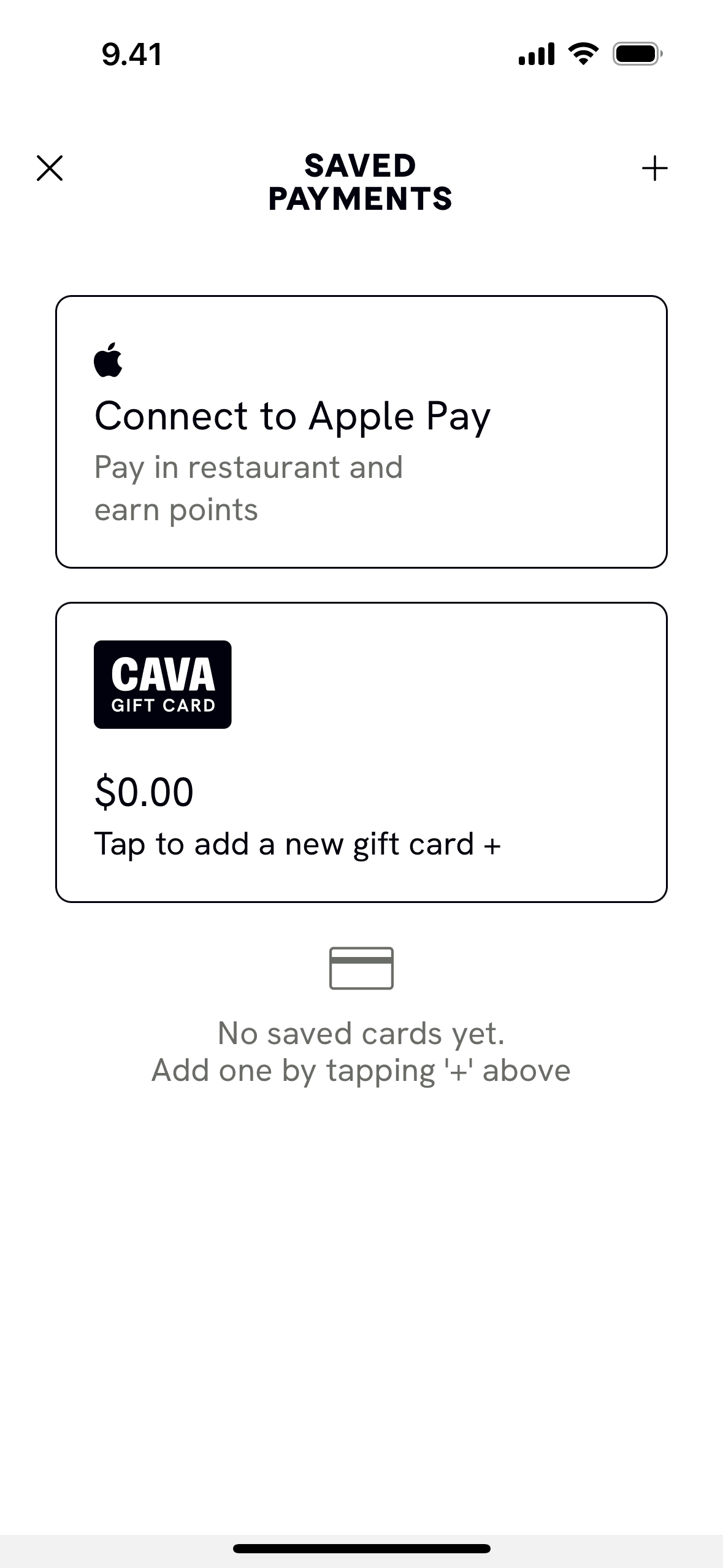
CAVA iOS Food & Drink interface screenshot 6
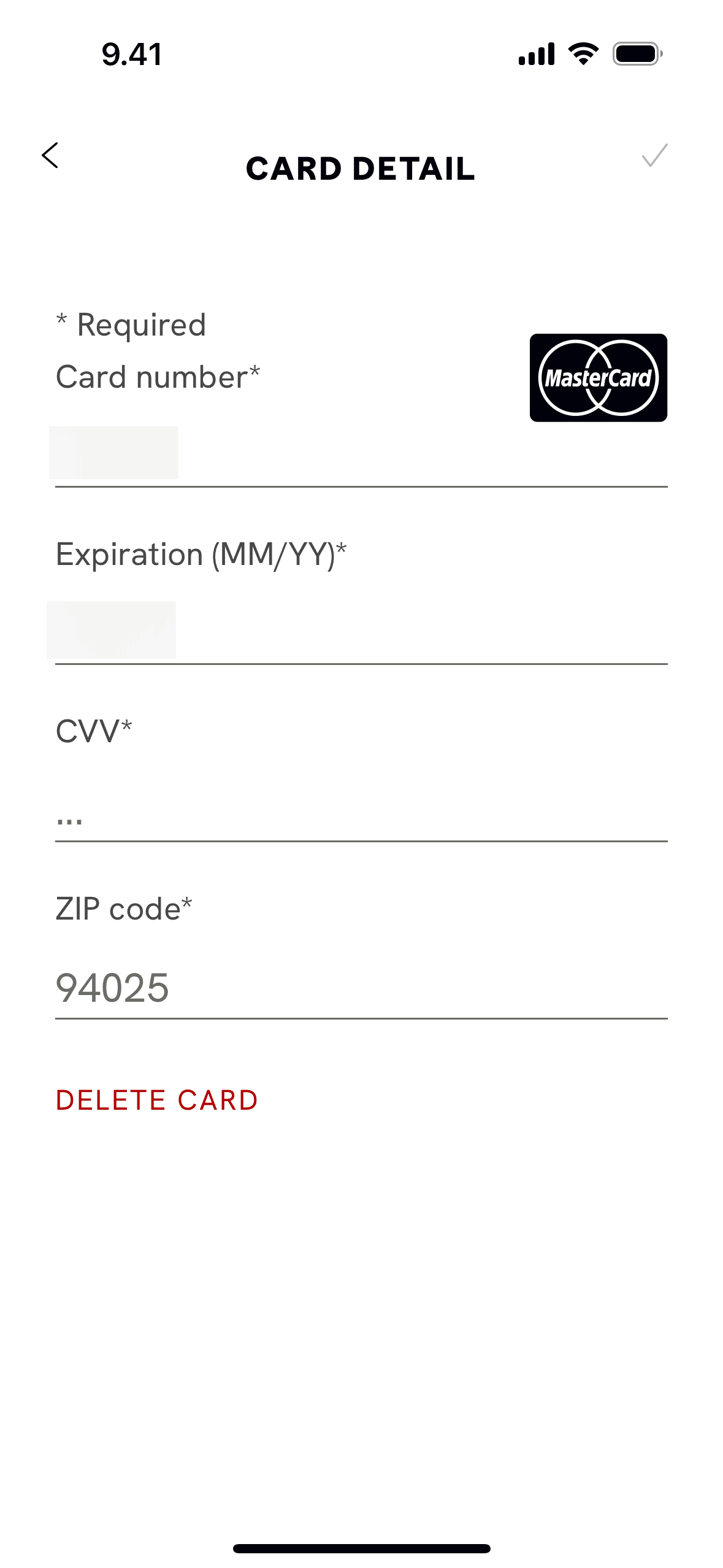
CAVA iOS Food & Drink interface screenshot 7
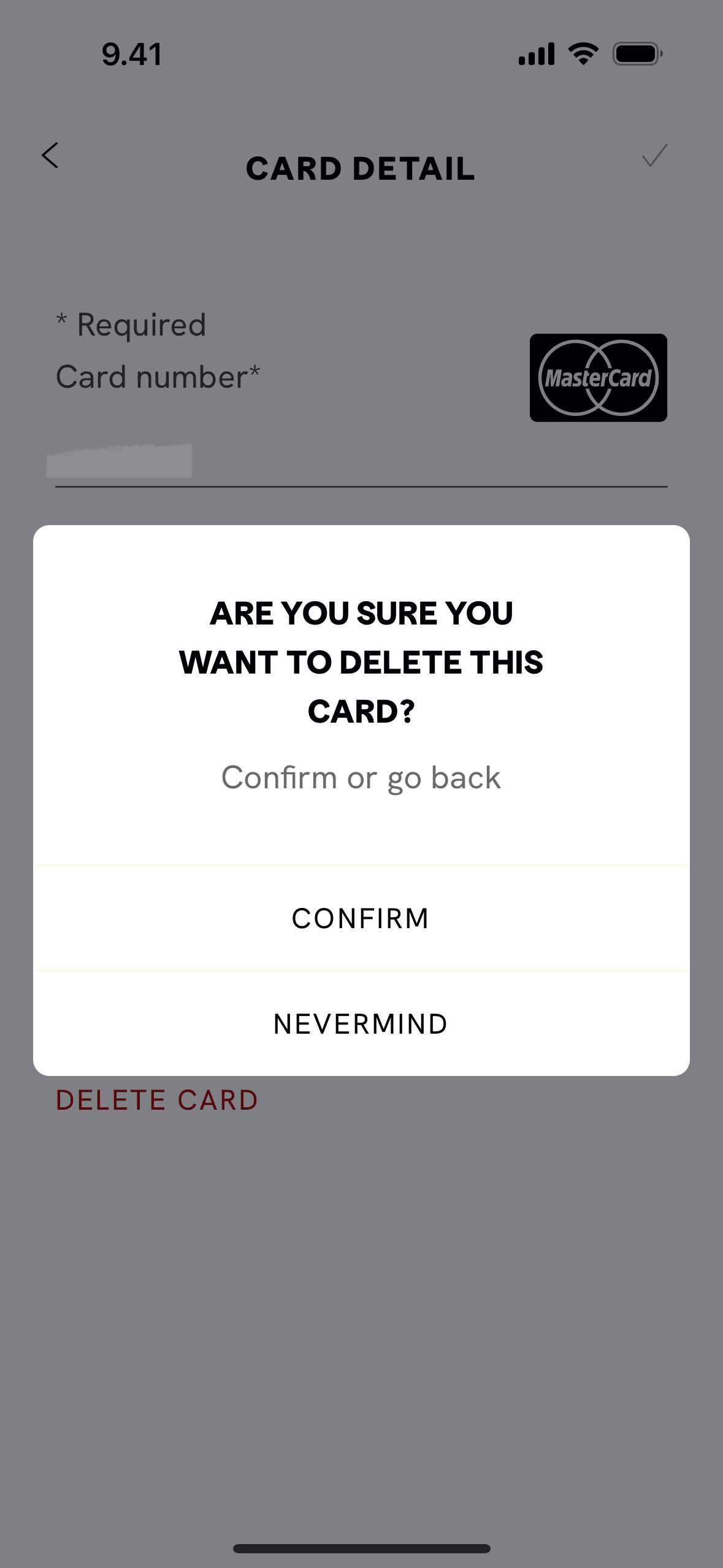
CAVA iOS Food & Drink interface screenshot 8
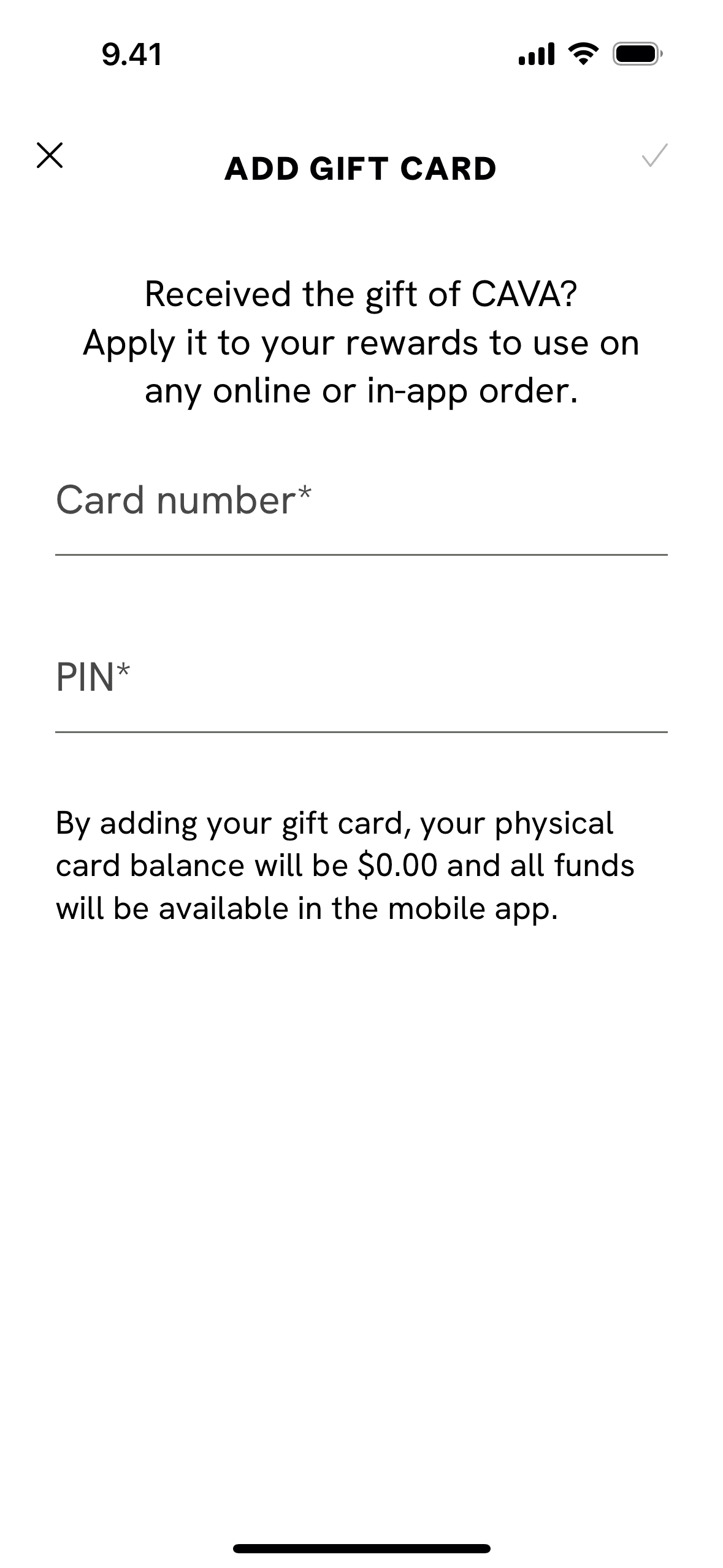
CAVA iOS Food & Drink interface screenshot 9
CAVA iOS Food & Drink interface screenshot 10
CAVA iOS Food & Drink interface screenshot 11
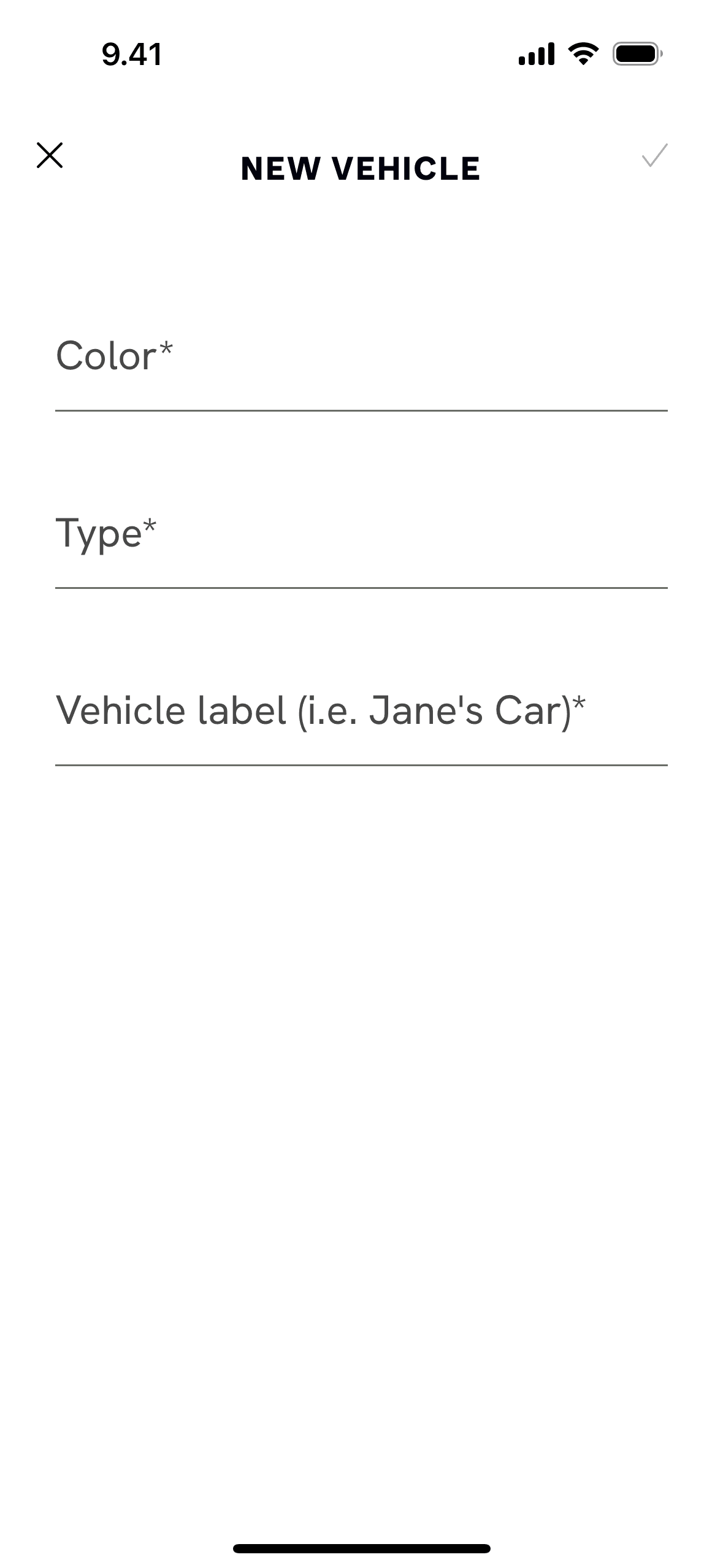
CAVA iOS Food & Drink interface screenshot 12
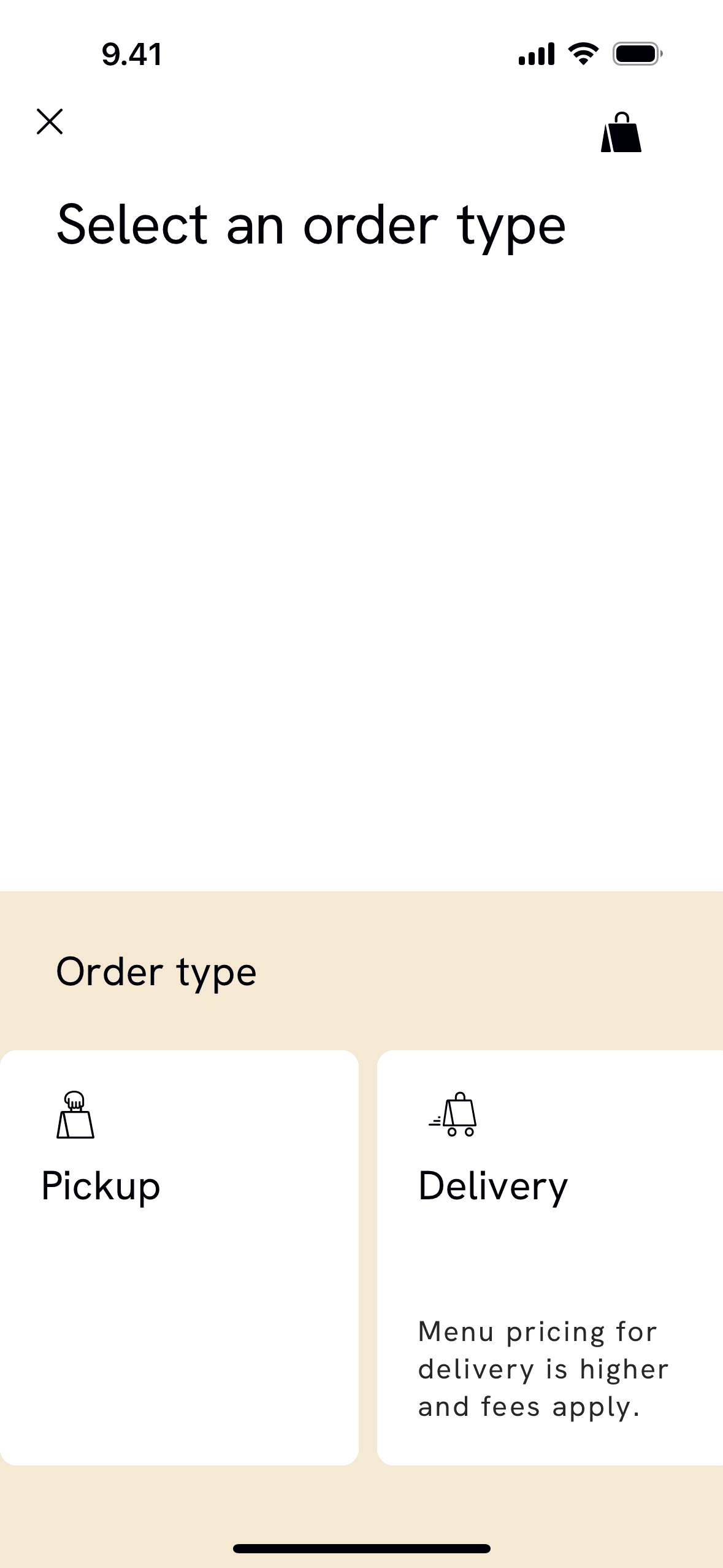
CAVA iOS Food & Drink interface screenshot 13
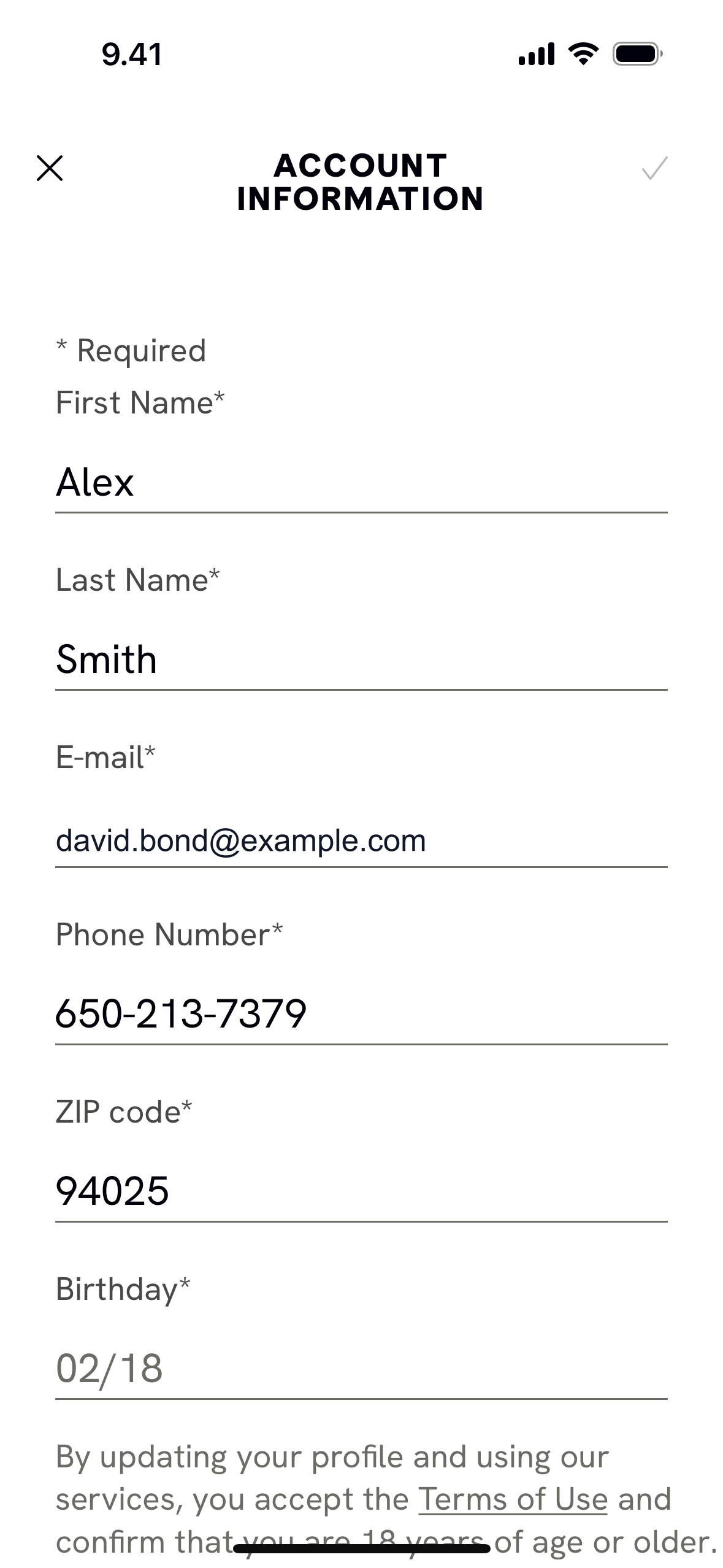
CAVA iOS Food & Drink interface screenshot 14
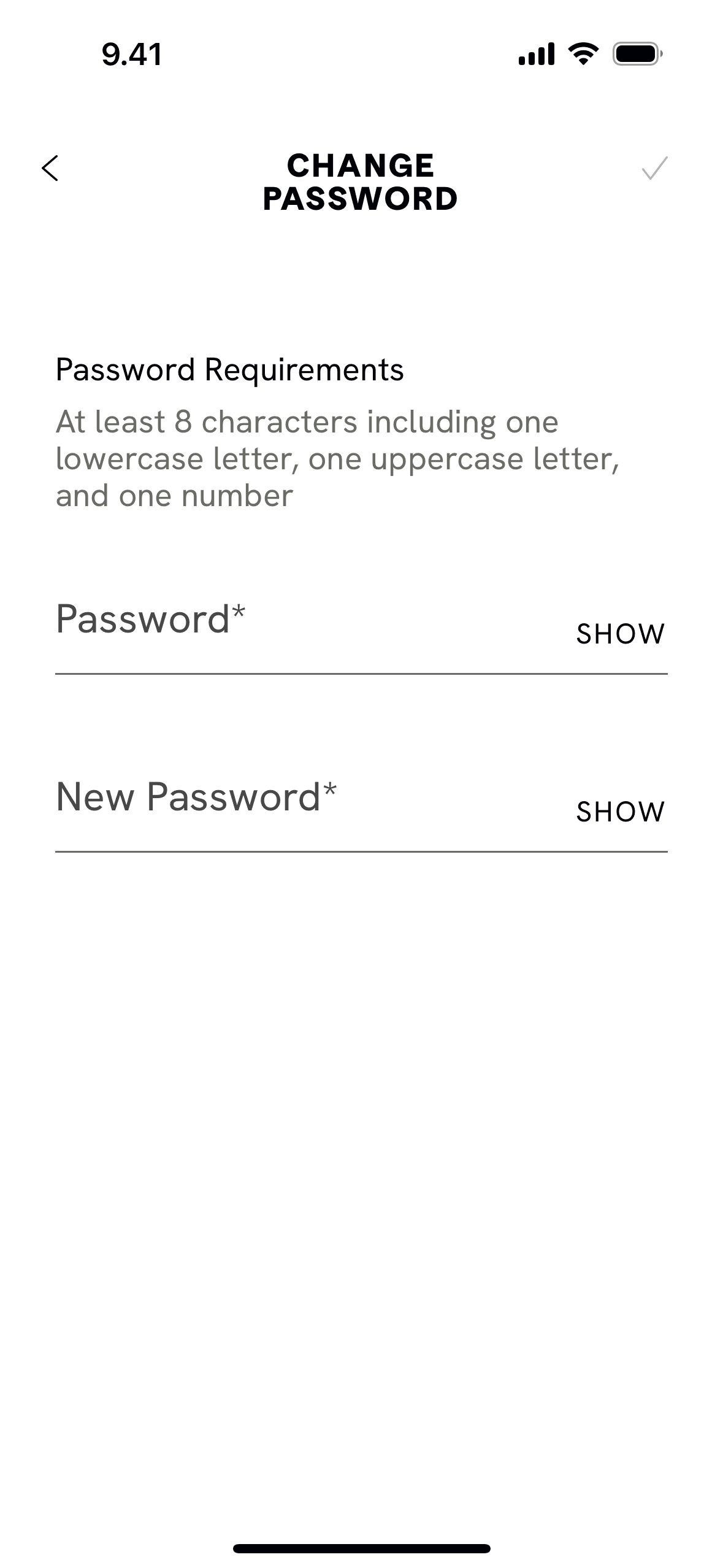
CAVA iOS Food & Drink interface screenshot 15
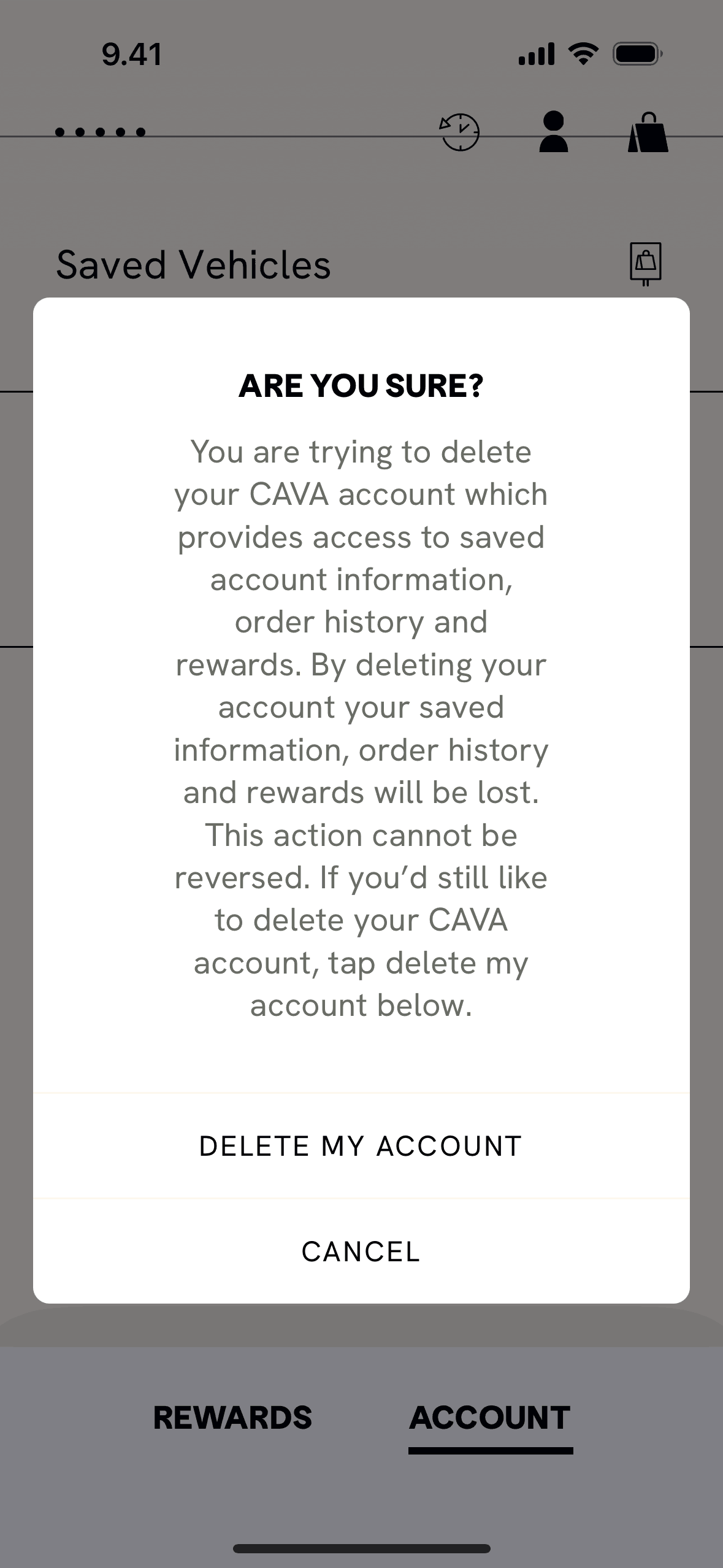
CAVA iOS Food & Drink interface screenshot 16
CAVA iOS Food & Drink interface screenshot 17
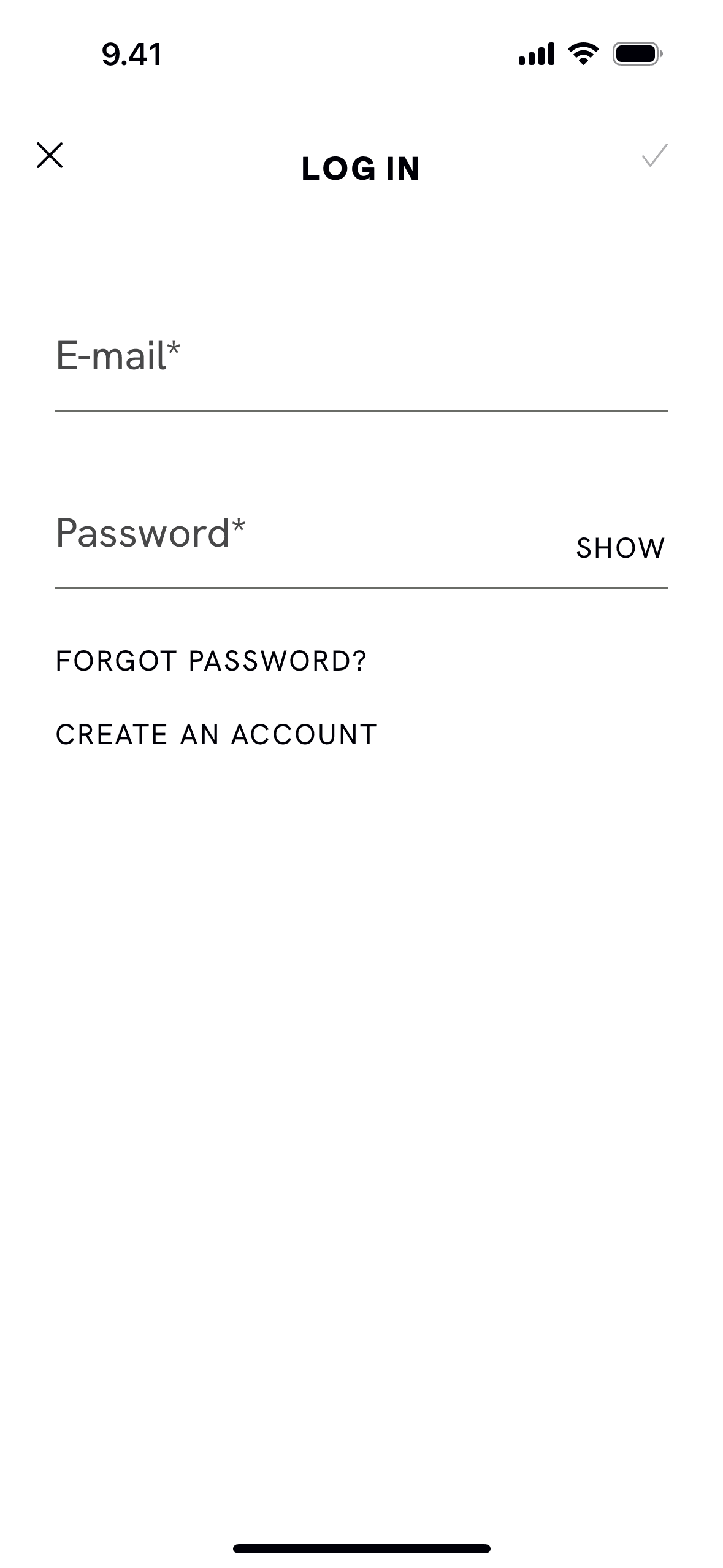
CAVA iOS Food & Drink interface screenshot 18

CAVA iOS Food & Drink interface screenshot 19
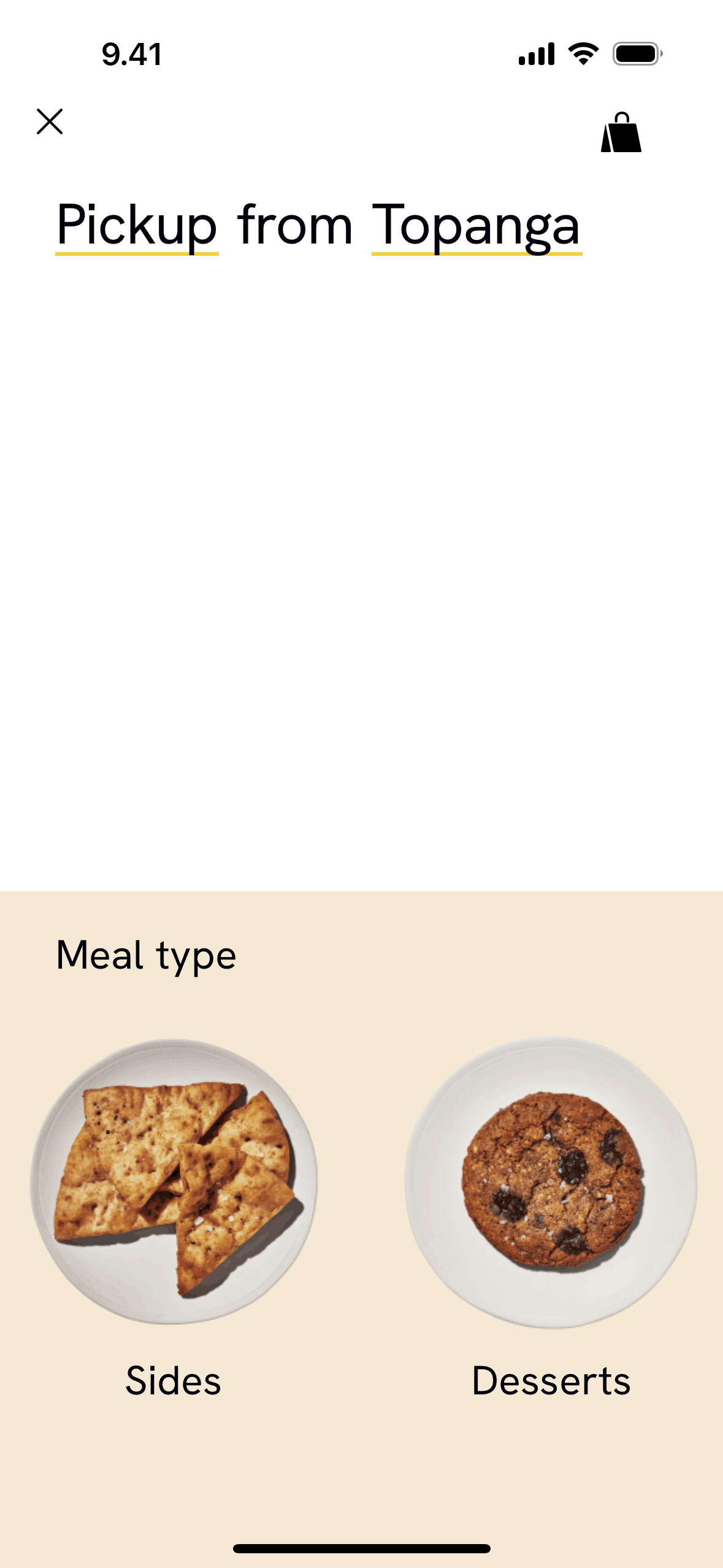
CAVA iOS Food & Drink interface screenshot 20
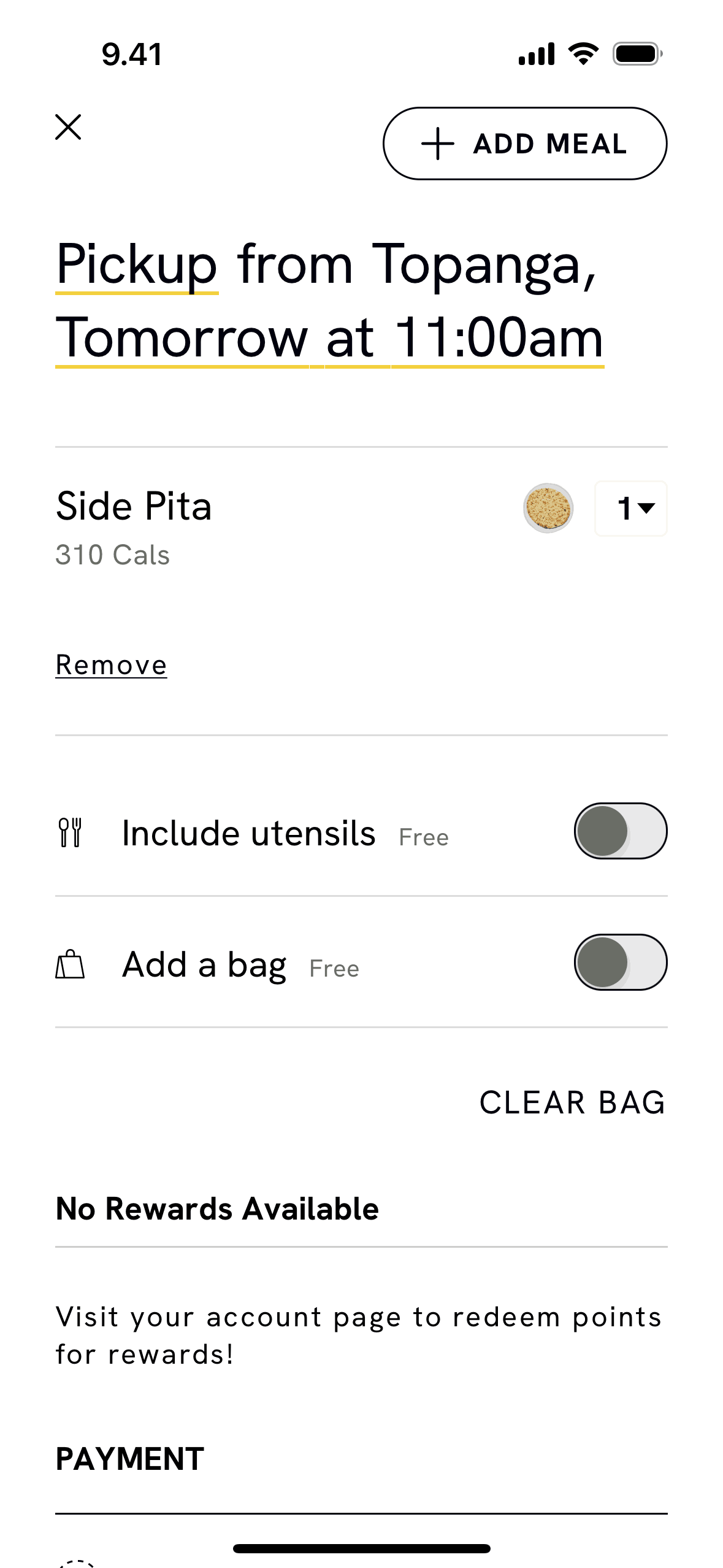
CAVA iOS Food & Drink interface screenshot 21
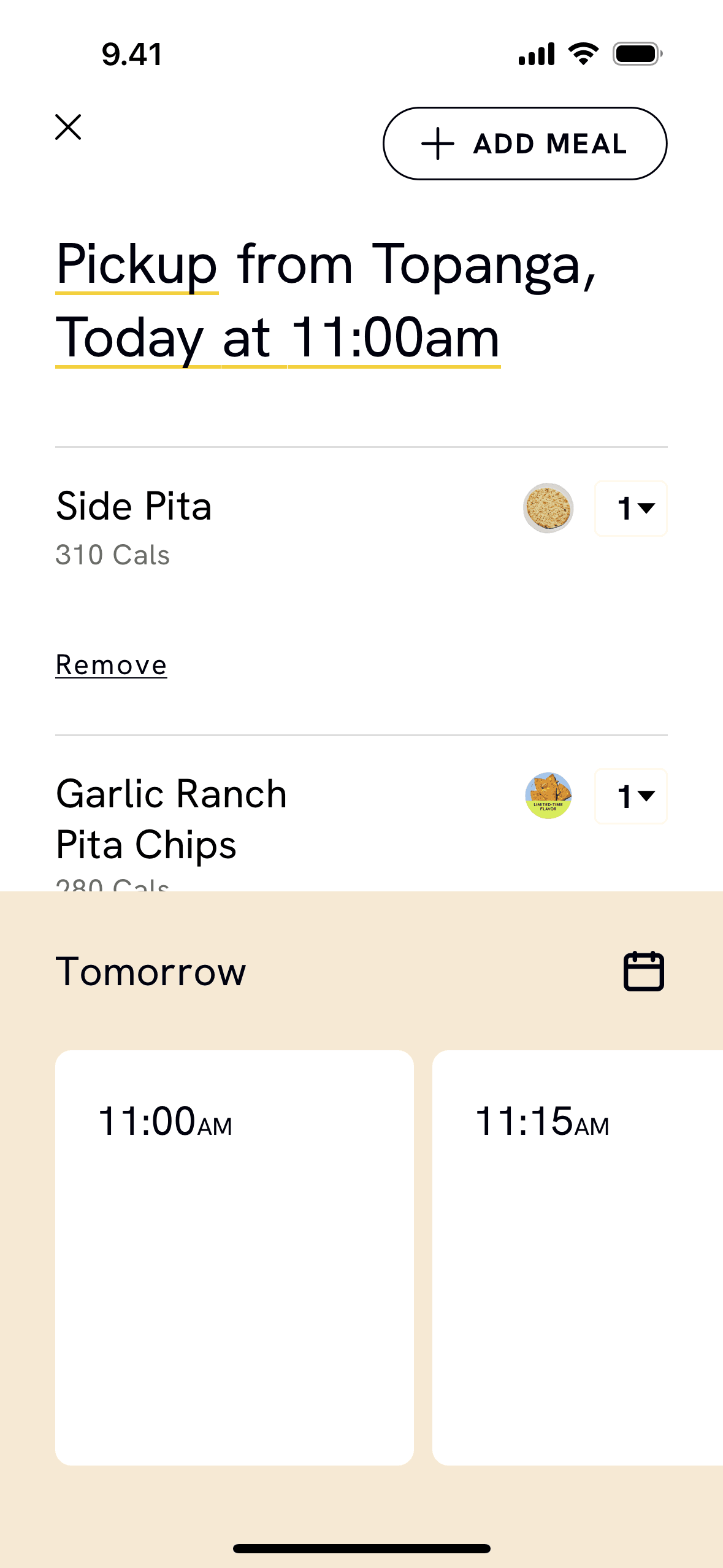
CAVA iOS Food & Drink interface screenshot 22
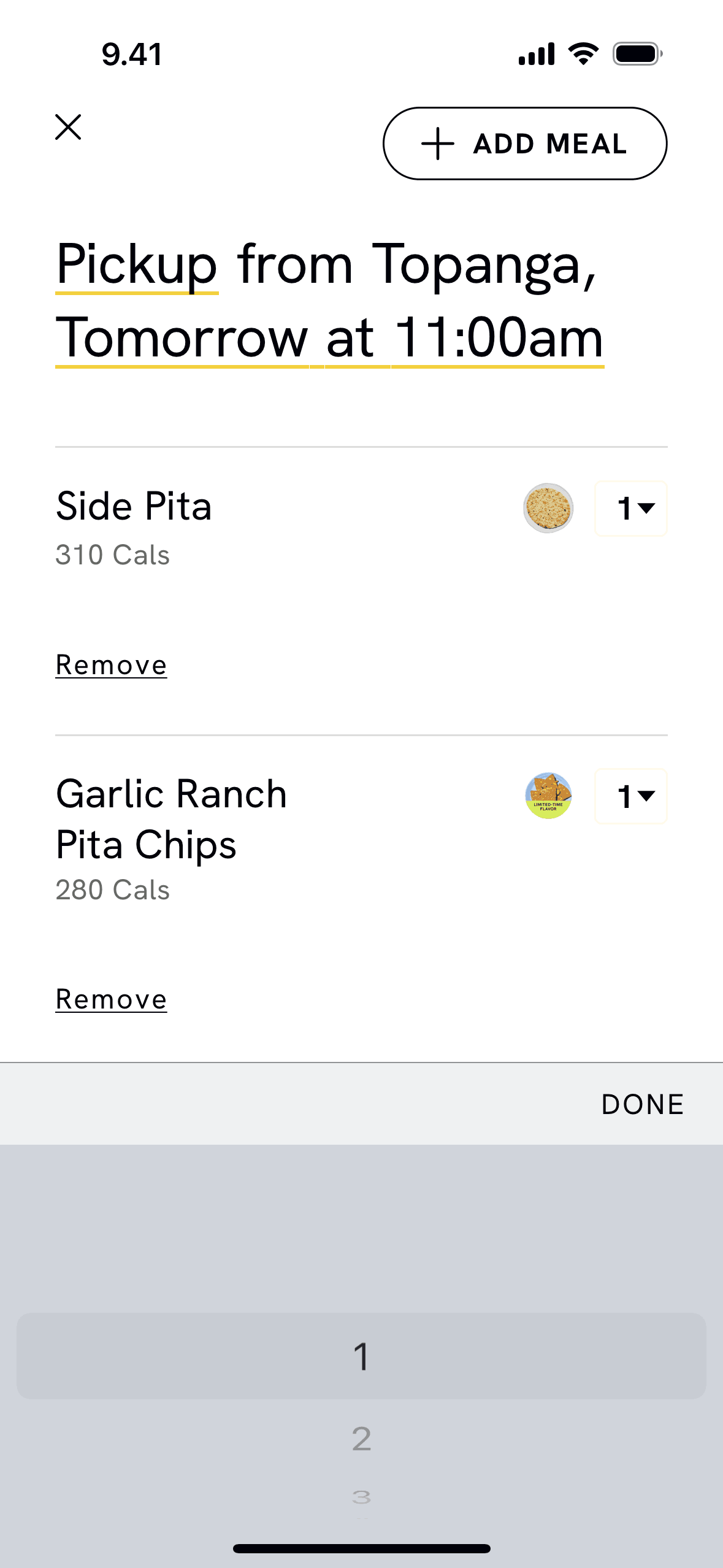
CAVA iOS Food & Drink interface screenshot 23
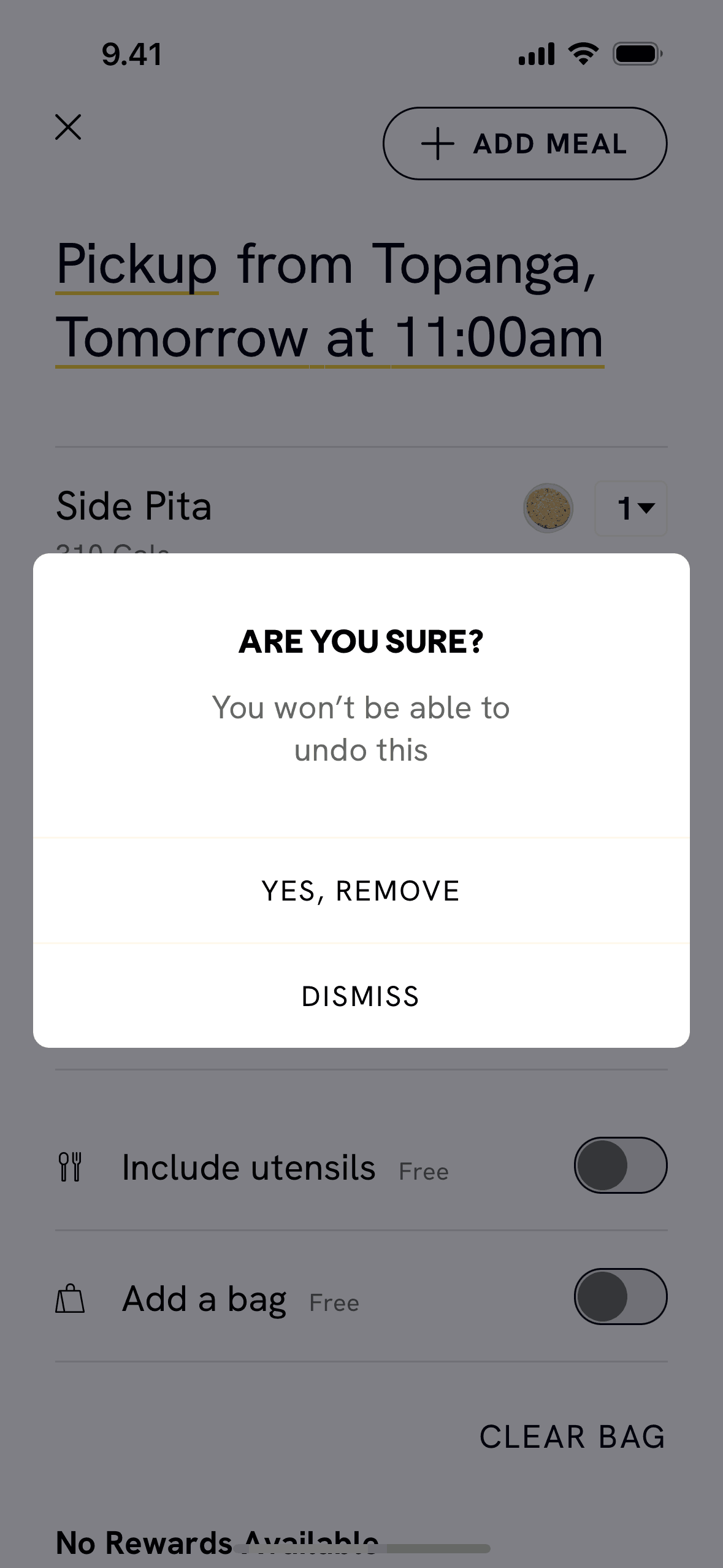
CAVA iOS Food & Drink interface screenshot 24
Gummble currently indexes 136 CAVA iOS screens captured Nov 4, 2024 and 6 captured UX flows including onboarding, login, and checkout. Order ahead, delivery, rewards. Categorized under Food & Drink. Step through each captured CAVA flow screen by screen, or study individual screens for navigation, layout, and microcopy patterns.
Editorial teardown
CAVA is a Mediterranean fast casual restaurant chain with a build your own bowl concept. The iOS app enables mobile ordering for pickup or delivery, combining customization flexibility with digital convenience. Users select bases, proteins, toppings, and dressings to create personalized meals, then order ahead to skip lines. The app also manages rewards, payment methods, and order history for streamlined reordering.
Read the full CAVA UX teardownGummble currently indexes 136 CAVA iOS screens captured Nov 4, 2024 and 6 captured UX flows including onboarding, login, and checkout. Browse the gallery to study CAVA's interface patterns and design decisions.
CAVA is categorized under Food & Drink. Gummble holds 6 captured UX flows including onboarding, login, and checkout for CAVA iOS. Open the Flows tab to step through each captured sequence screen by screen.
Yes. Gummble Browse, Pro, and Team users can download CAVA iOS screenshots for design reference. Free users can browse a limited selection and view design analysis.