

Blinkist iOS Education interface screenshot 1
Blinkist iOS Education interface screenshot 2
Blinkist iOS Education interface screenshot 3
Blinkist iOS Education interface screenshot 4

Blinkist iOS Education interface screenshot 5
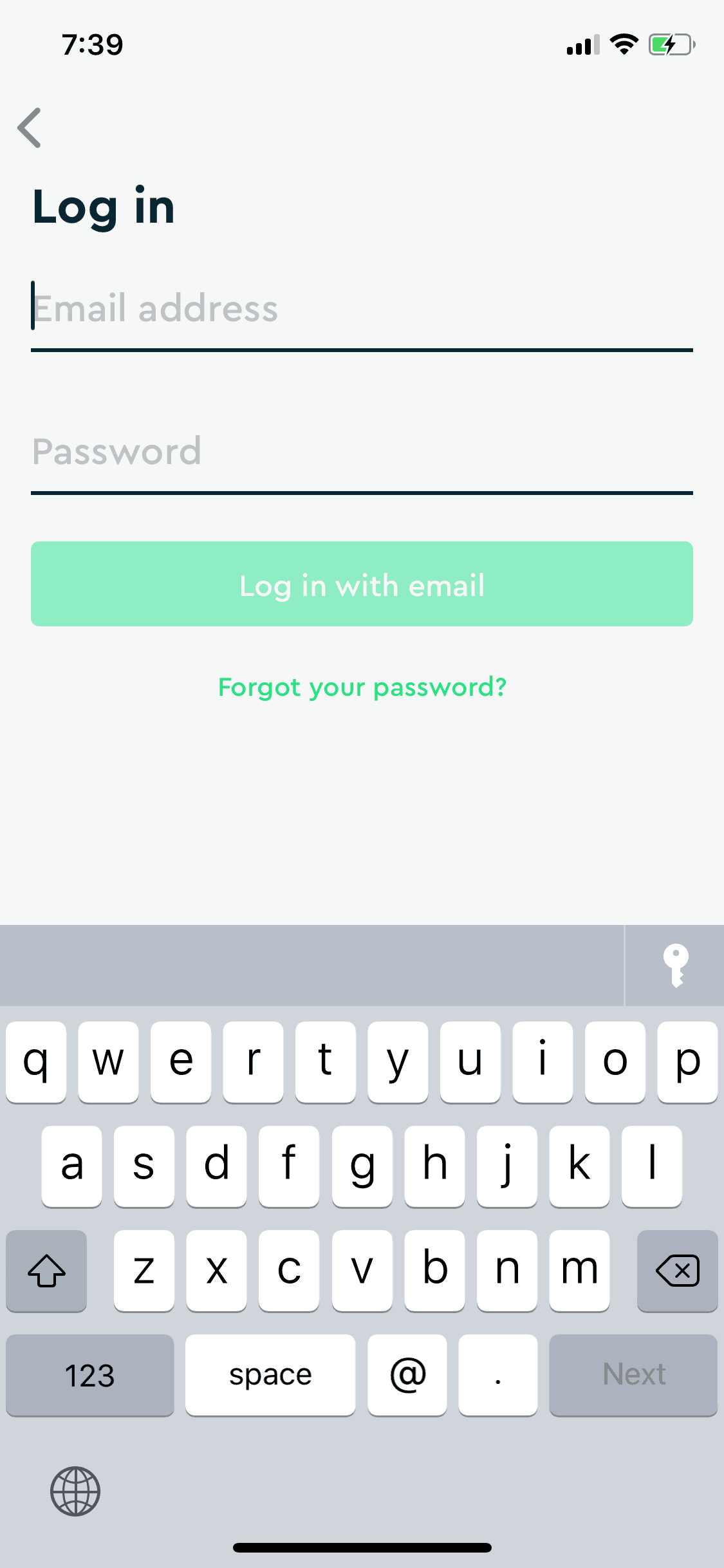
Blinkist iOS Education interface screenshot 6
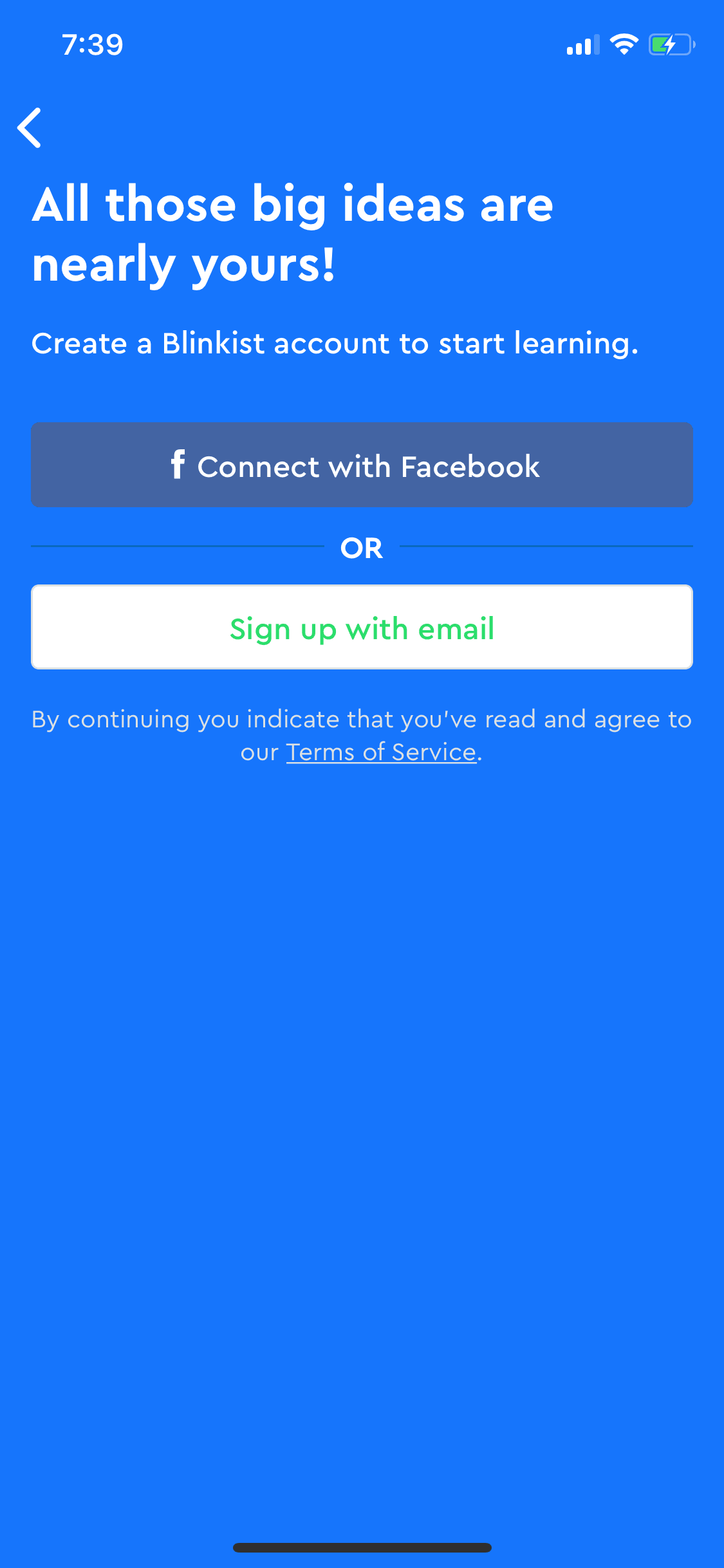
Blinkist iOS Education interface screenshot 7
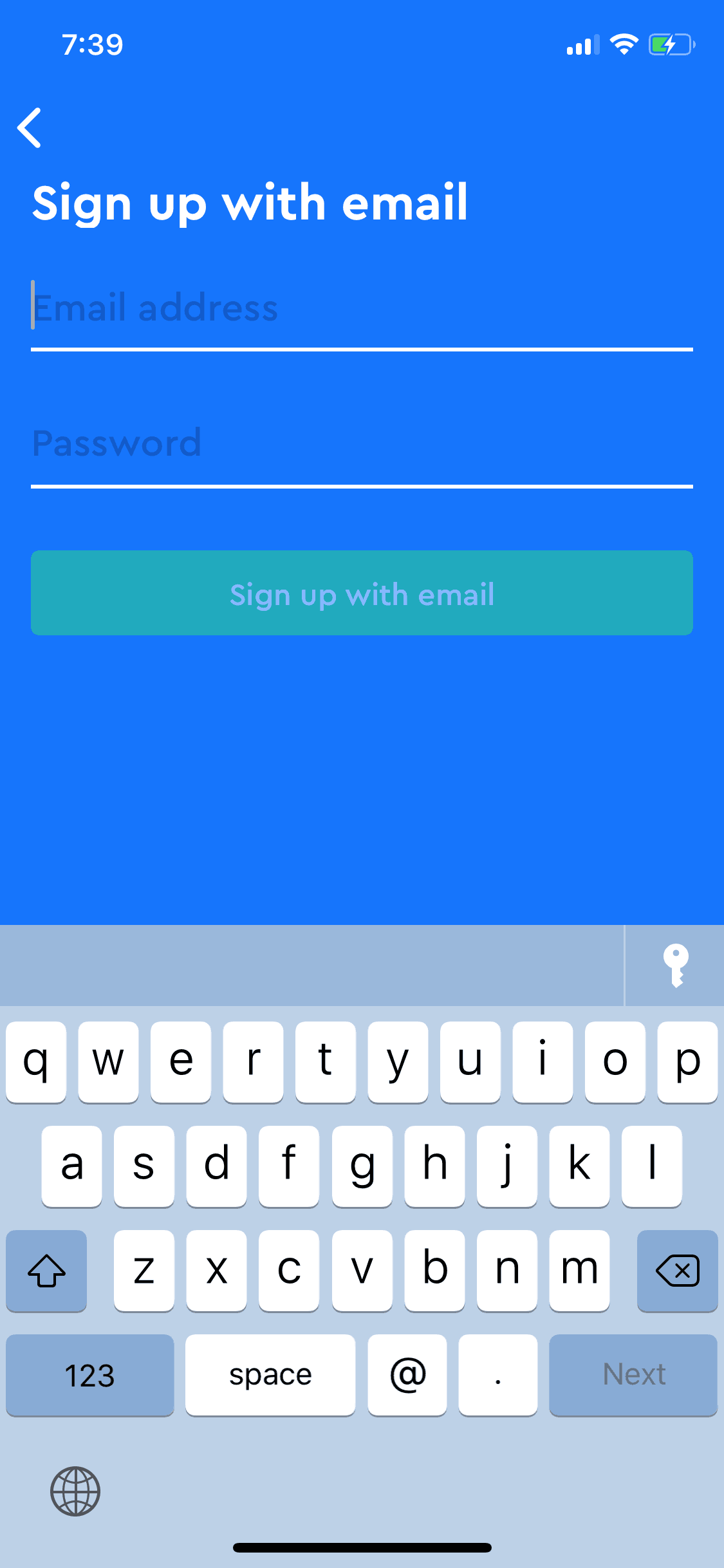
Blinkist iOS Education interface screenshot 8
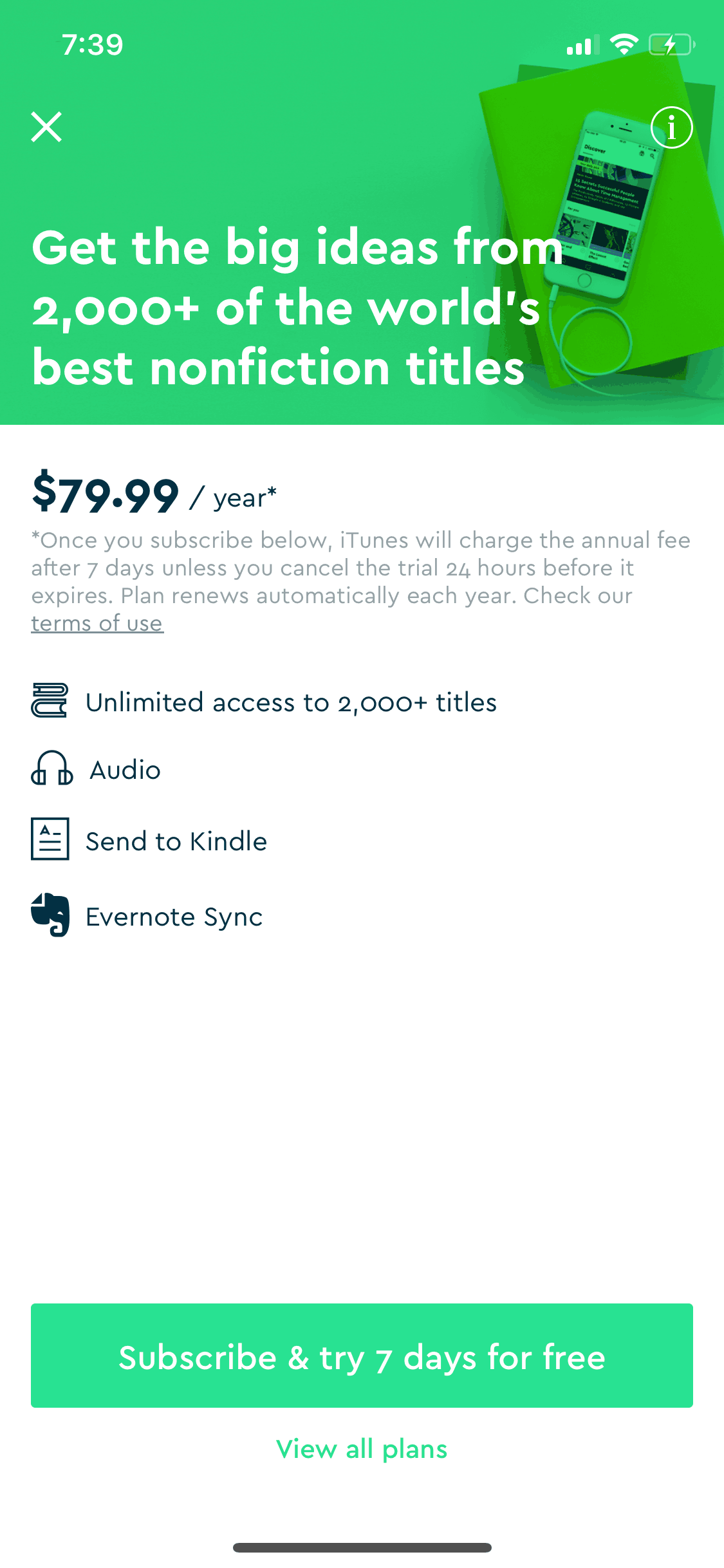
Blinkist iOS Education interface screenshot 9
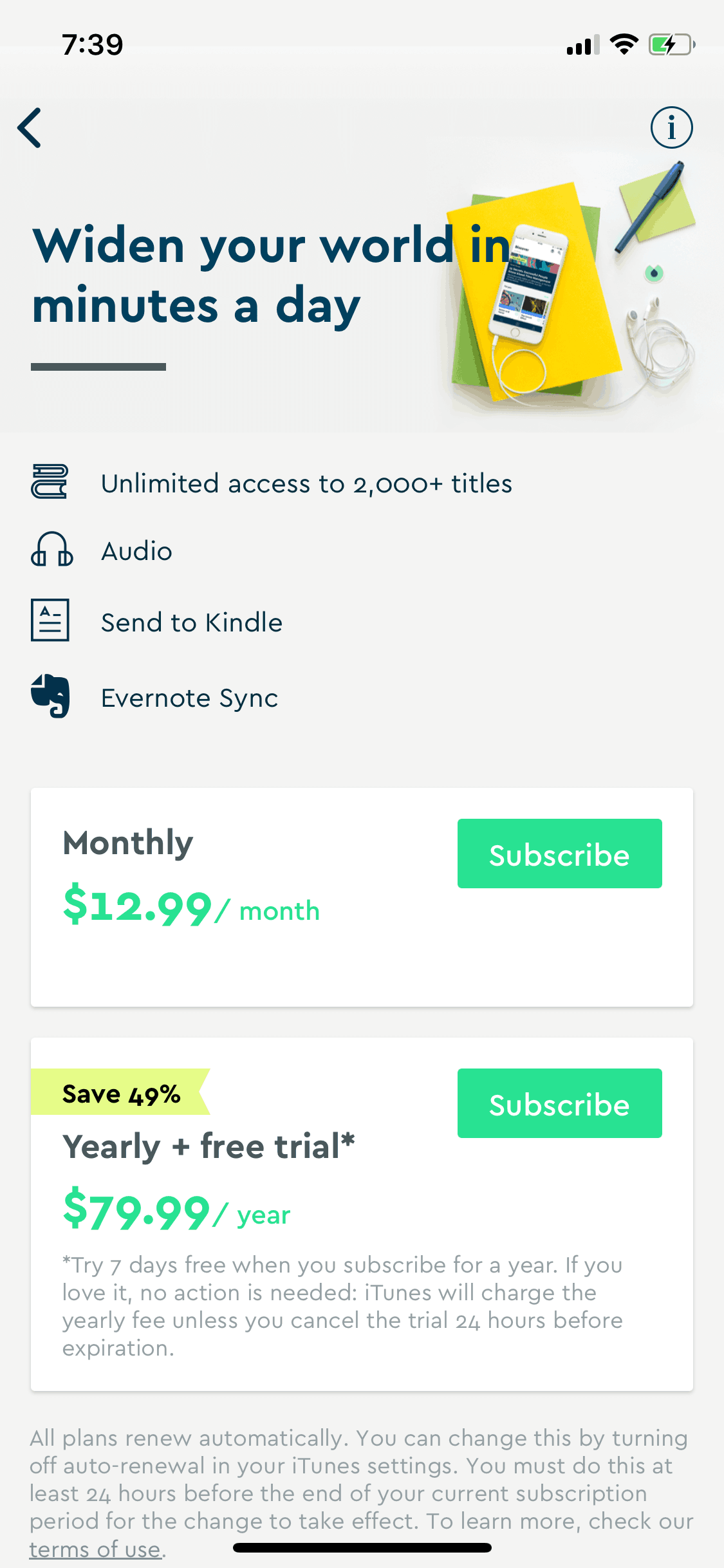
Blinkist iOS Education interface screenshot 10

Blinkist iOS Education interface screenshot 11
Blinkist iOS Education interface screenshot 12
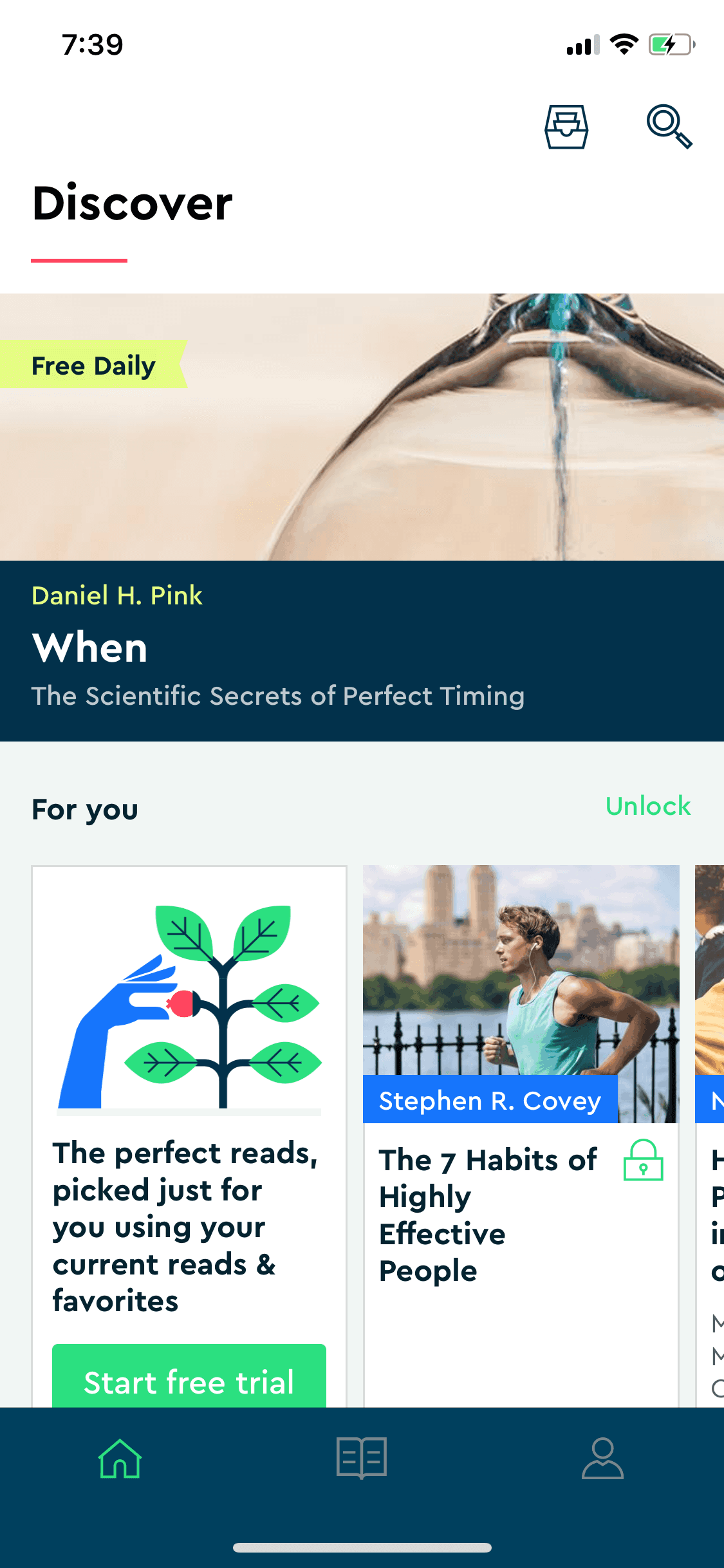
Blinkist iOS Education interface screenshot 13
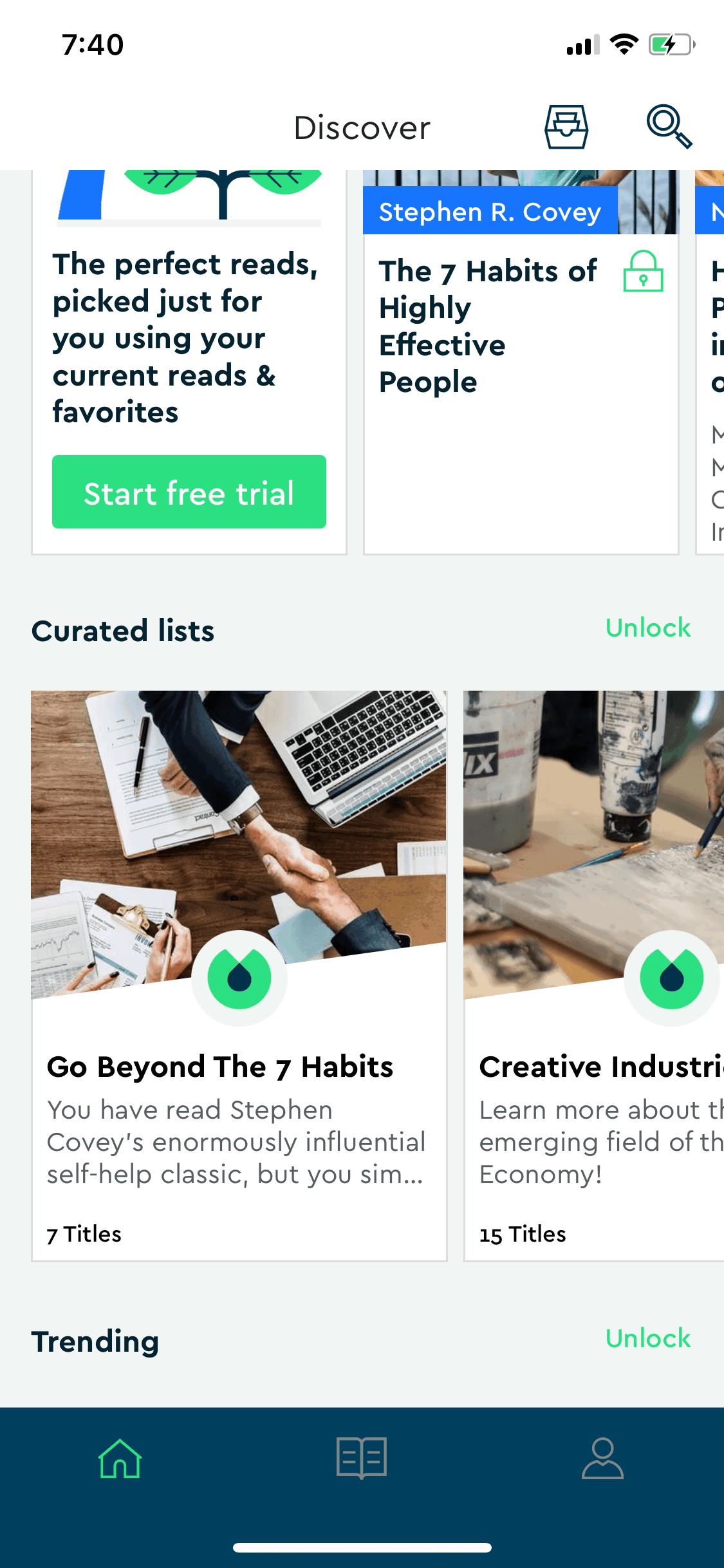
Blinkist iOS Education interface screenshot 14
Blinkist iOS Education interface screenshot 15
Blinkist iOS Education interface screenshot 16
Blinkist iOS Education interface screenshot 17
Blinkist iOS Education interface screenshot 18
Blinkist iOS Education interface screenshot 19
Blinkist iOS Education interface screenshot 20
Blinkist iOS Education interface screenshot 21
Blinkist iOS Education interface screenshot 22
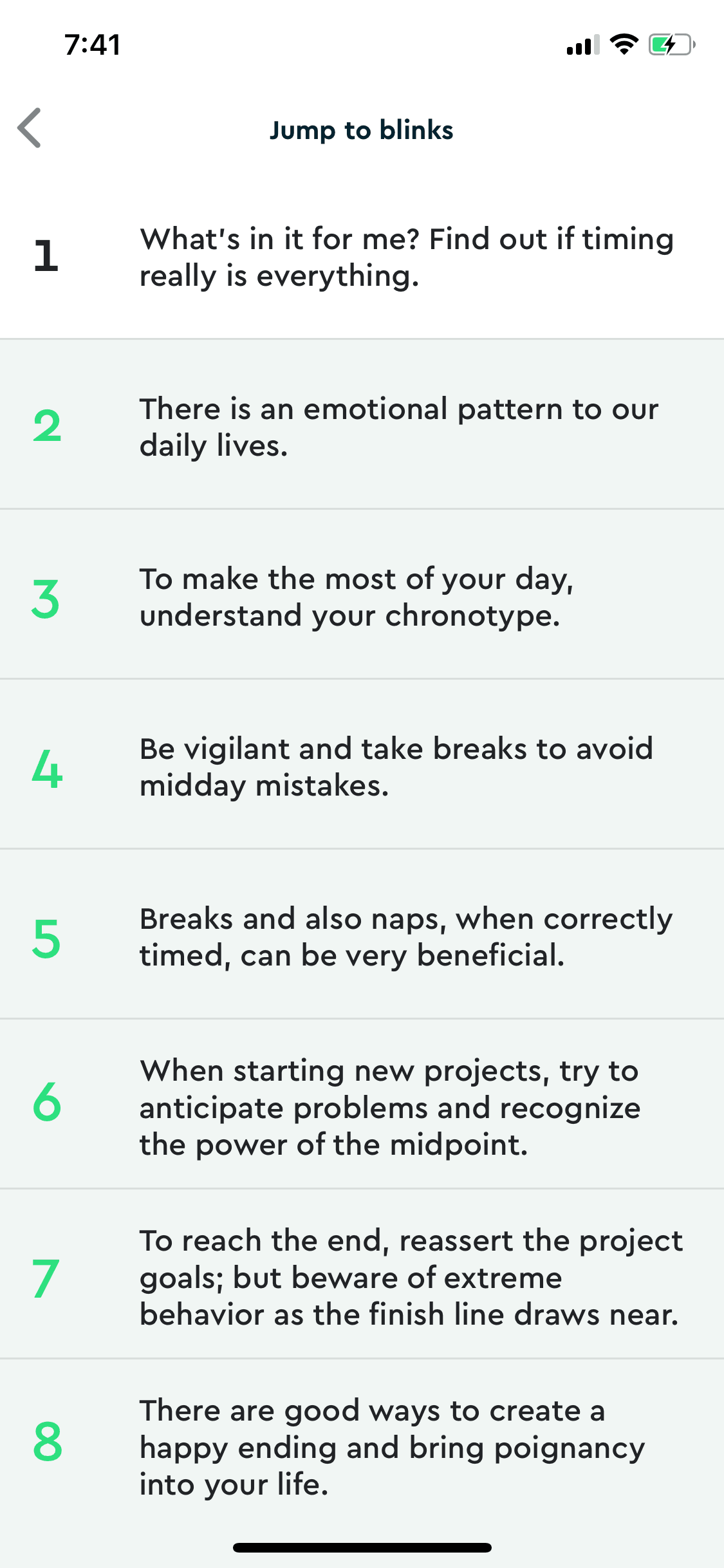
Blinkist iOS Education interface screenshot 23
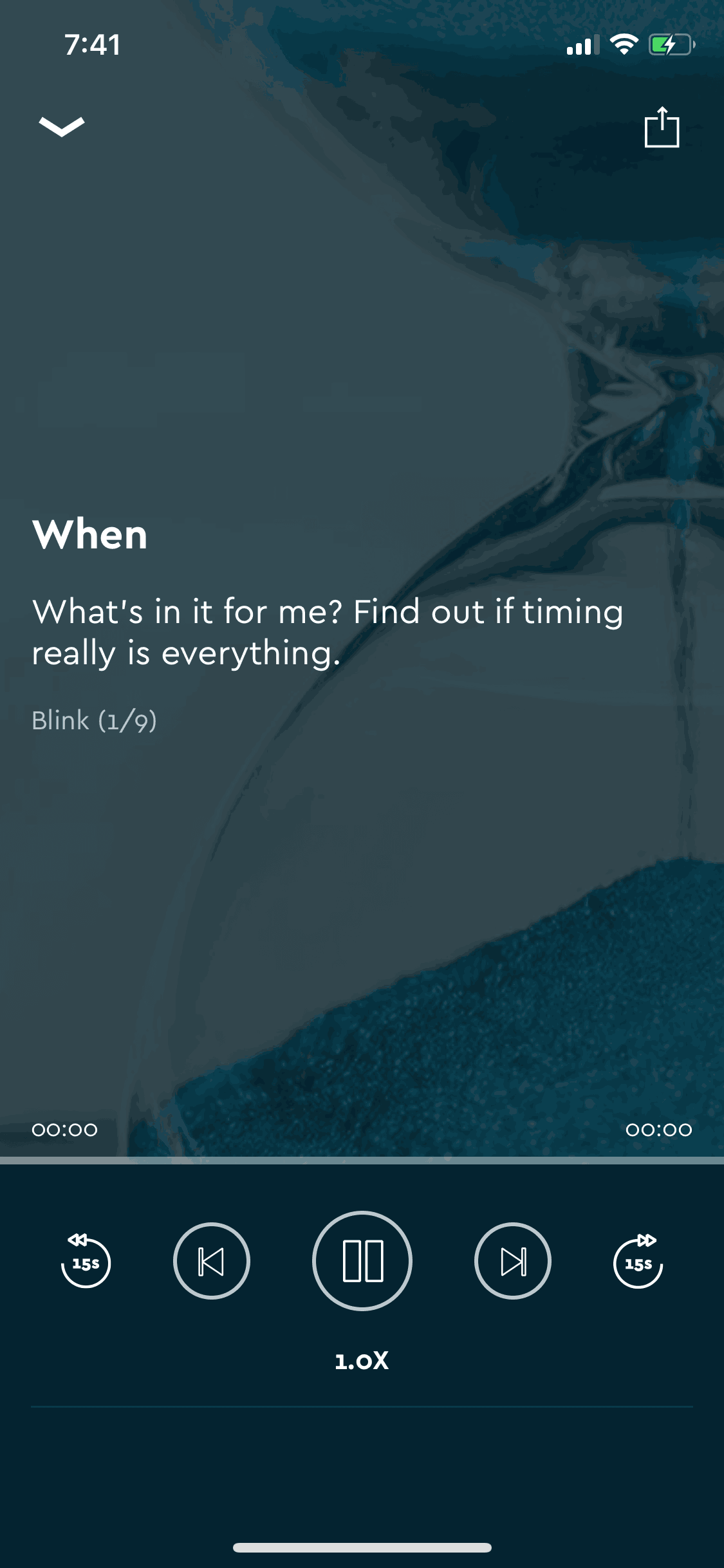
Blinkist iOS Education interface screenshot 24
Gummble currently indexes 359 Blinkist iOS screens across 3 captured versions (latest capture Mar 6, 2018: 38 screens) and 6 captured UX flows including onboarding, login, and settings. Reading, listening, learning. Categorized under Education. Step through each captured Blinkist flow screen by screen, or study individual screens for navigation, layout, and microcopy patterns.
Editorial teardown
Blinkist condenses non fiction books into 15 minute reads or listens called "Blinks." Each summary captures key insights from bestsellers across business, psychology, science, and self improvement categories. Users can read text, listen to audio narration, or switch between both. The app targets professionals and lifelong learners who want to consume more ideas without committing hours to full books — positioning itself as a discovery tool that helps users decide which books deserve deeper reading.
Read the full Blinkist UX teardownGummble currently indexes 359 Blinkist iOS screens across 3 captured versions (latest capture Mar 6, 2018: 38 screens) and 6 captured UX flows including onboarding, login, and settings. Browse the gallery to study Blinkist's interface patterns and design decisions.
Blinkist is categorized under Education. Gummble holds 6 captured UX flows including onboarding, login, and settings for Blinkist iOS. Open the Flows tab to step through each captured sequence screen by screen.
Yes. Gummble Browse, Pro, and Team users can download Blinkist iOS screenshots for design reference. Free users can browse a limited selection and view design analysis.