

YouTube TV iOS Entertainment interface screenshot 1

Onboarding on YouTube TV (ios) screen 1
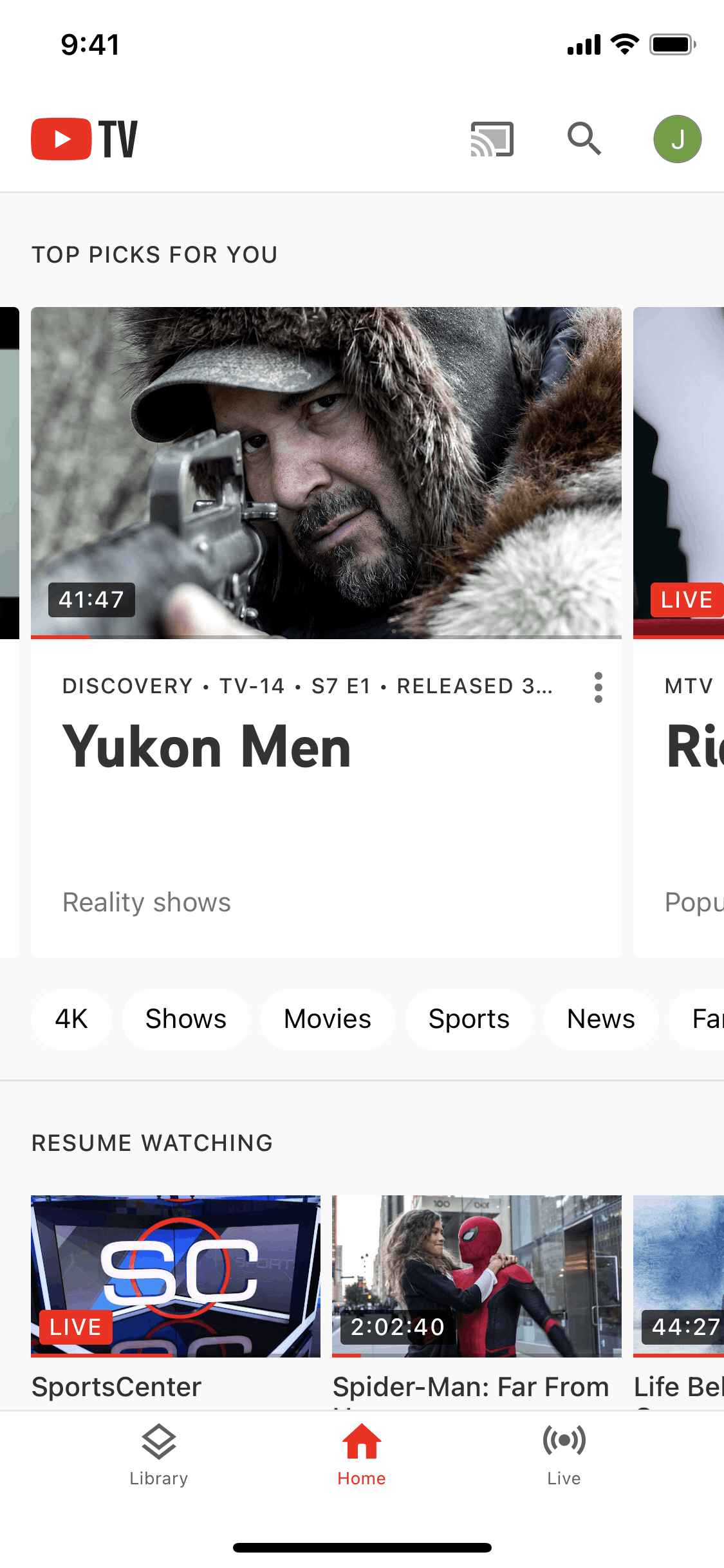
Home on YouTube TV (ios) screen 2
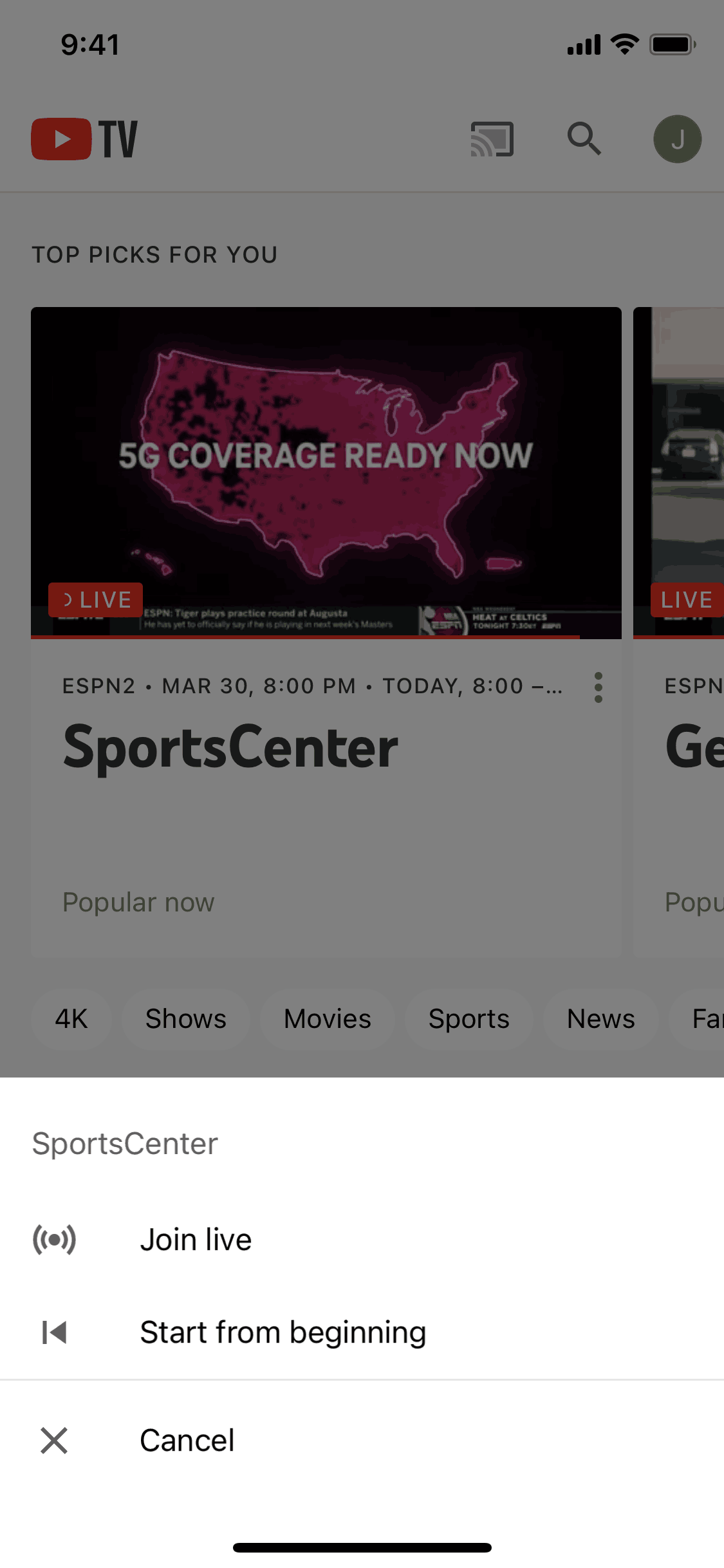
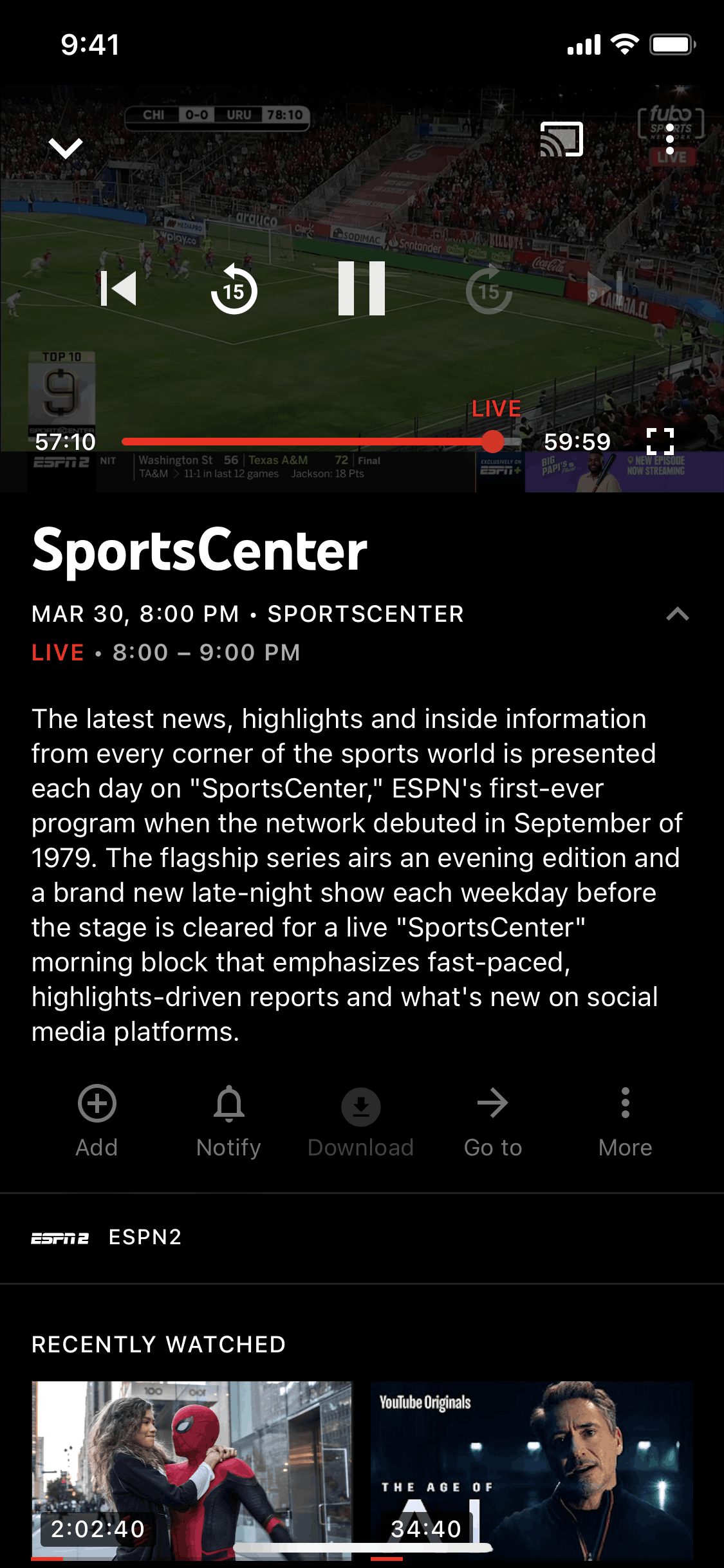
Joining a live stream on YouTube TV (ios) screen 2
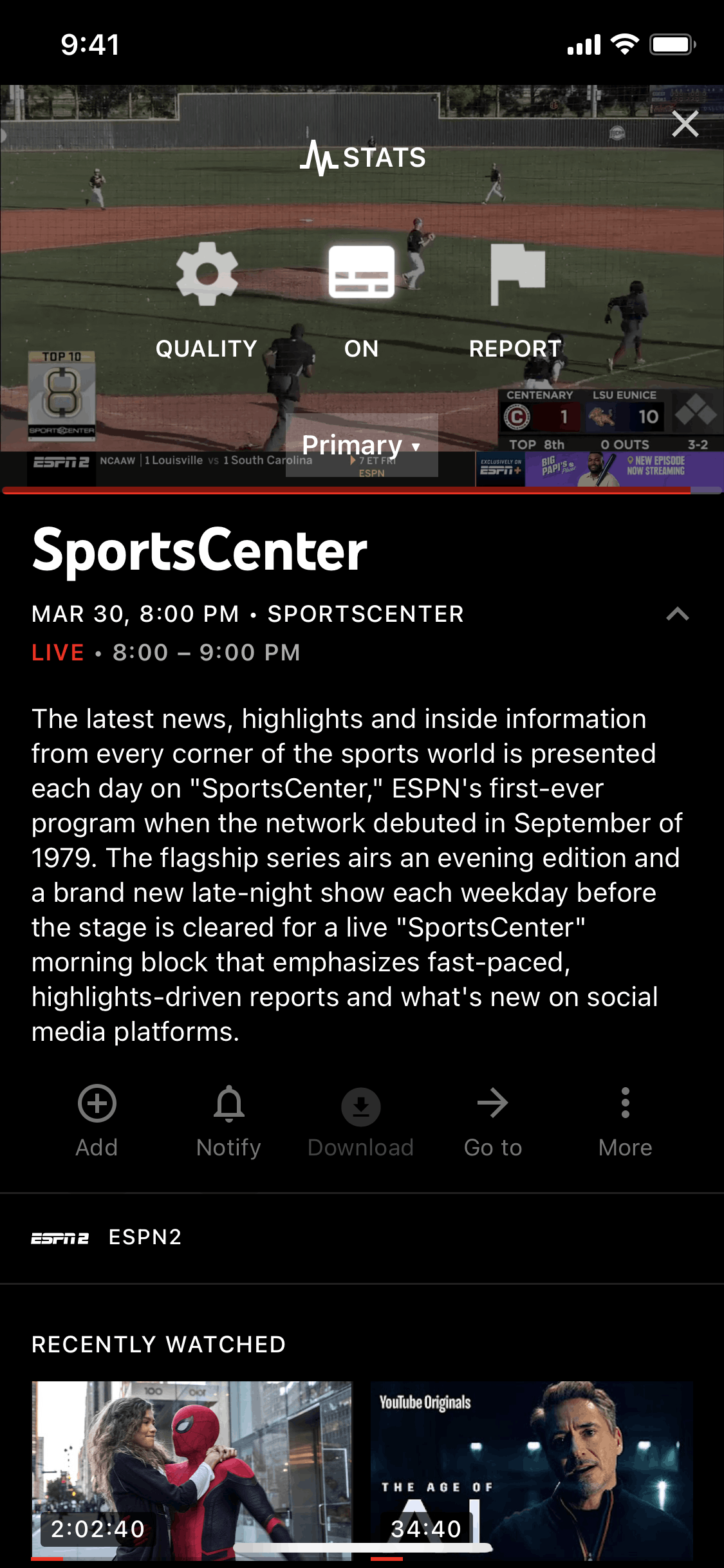
Video player options on YouTube TV (ios) screen 2
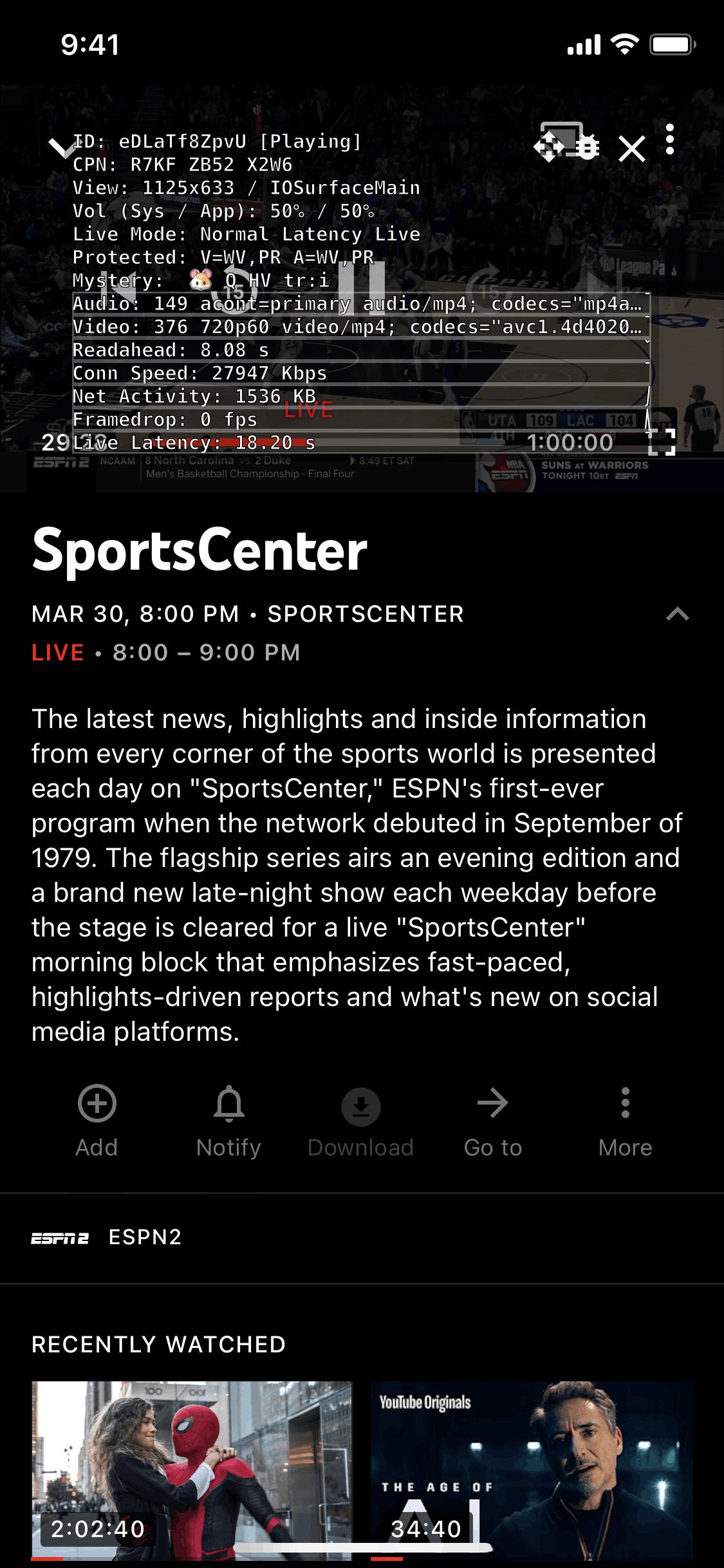
Stats on YouTube TV (ios) screen 2
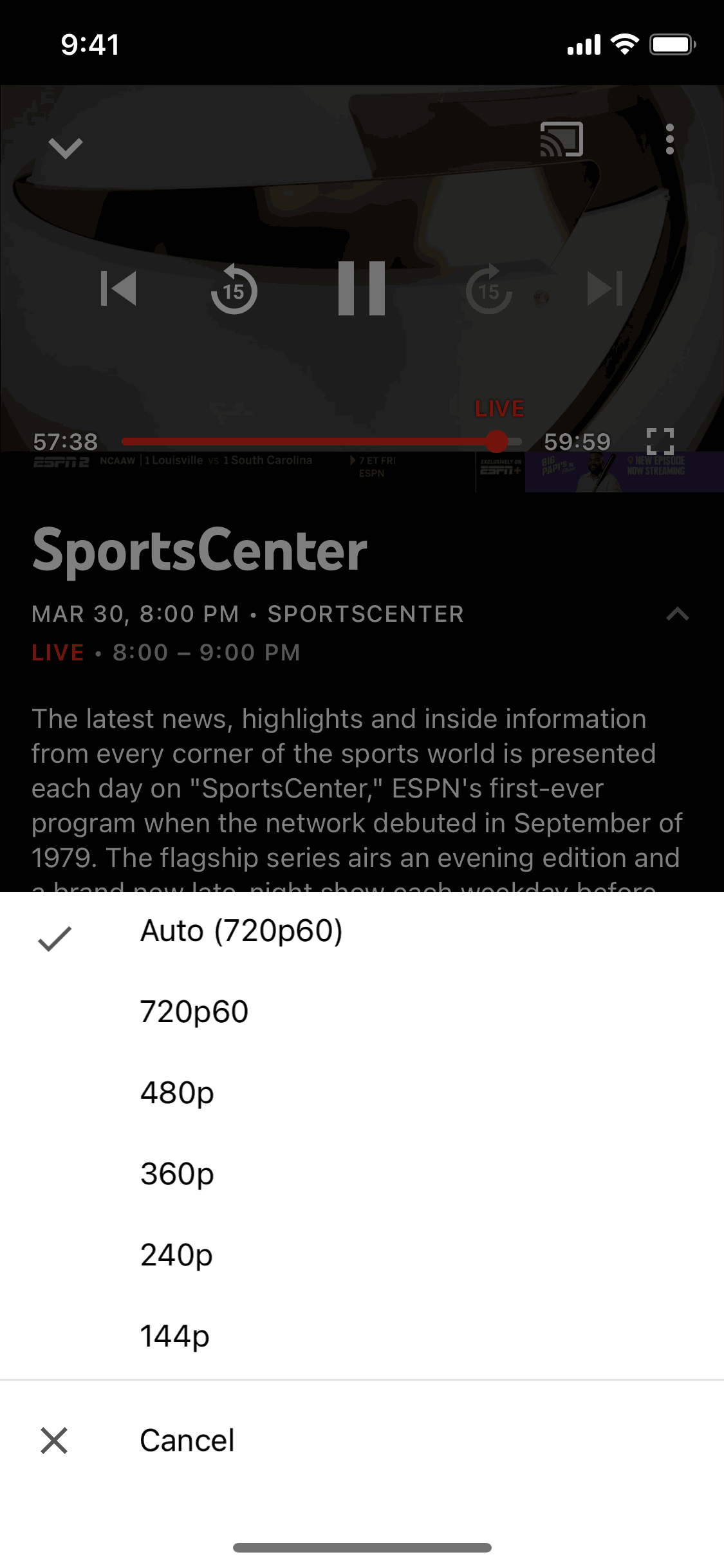
Selecting video quality on YouTube TV (ios) screen 2
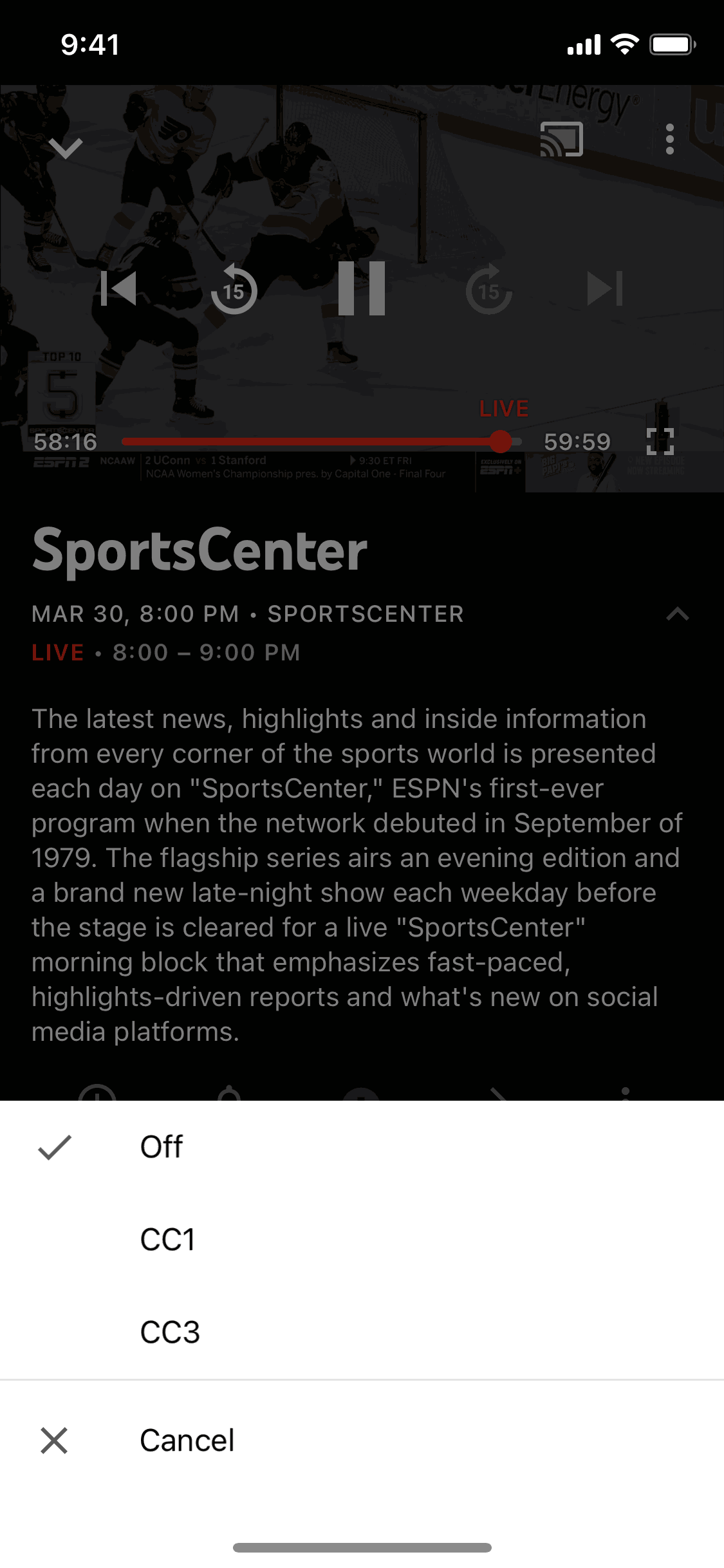
Turning on captions on YouTube TV (ios) screen 2
Reporting a video on YouTube TV (ios) screen 1
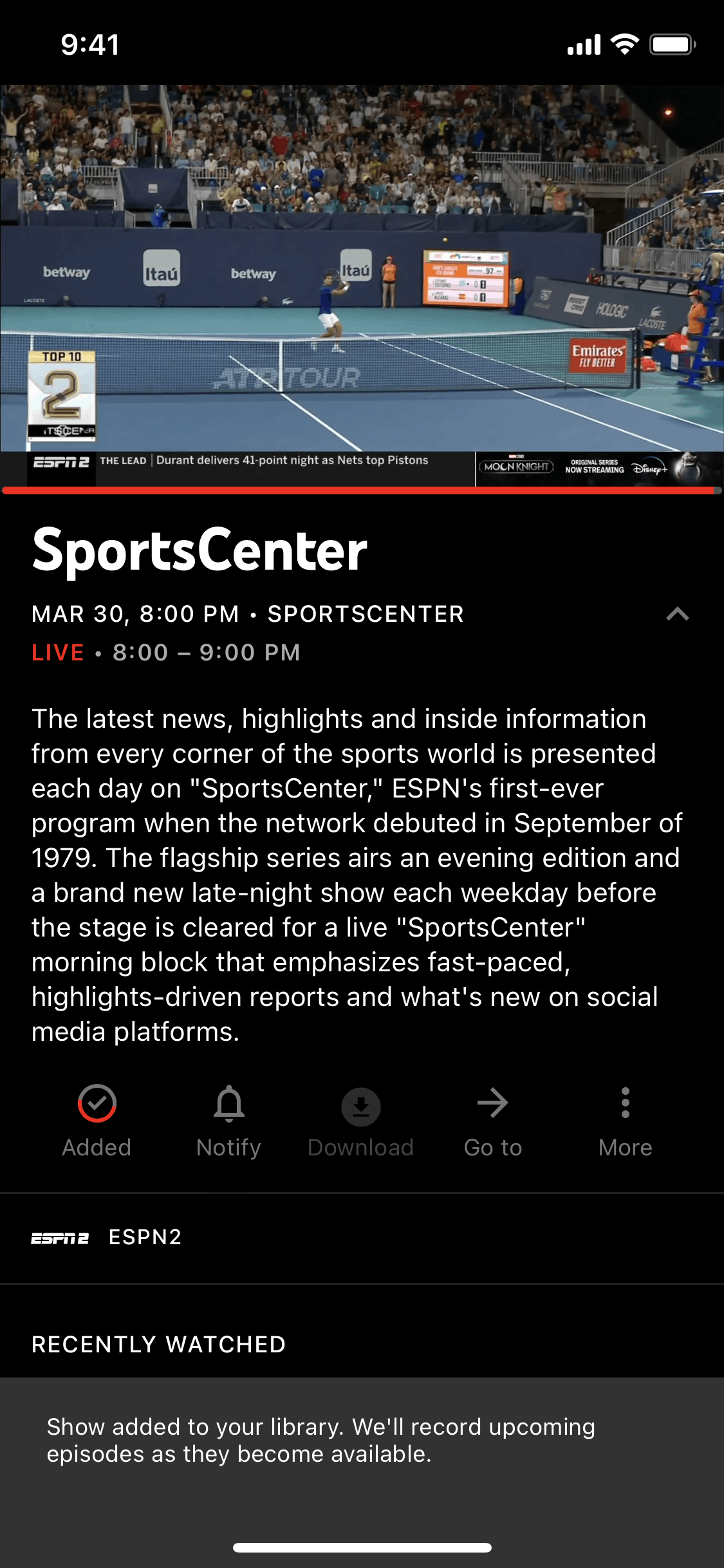
Adding an episode to library on YouTube TV (ios) screen 2
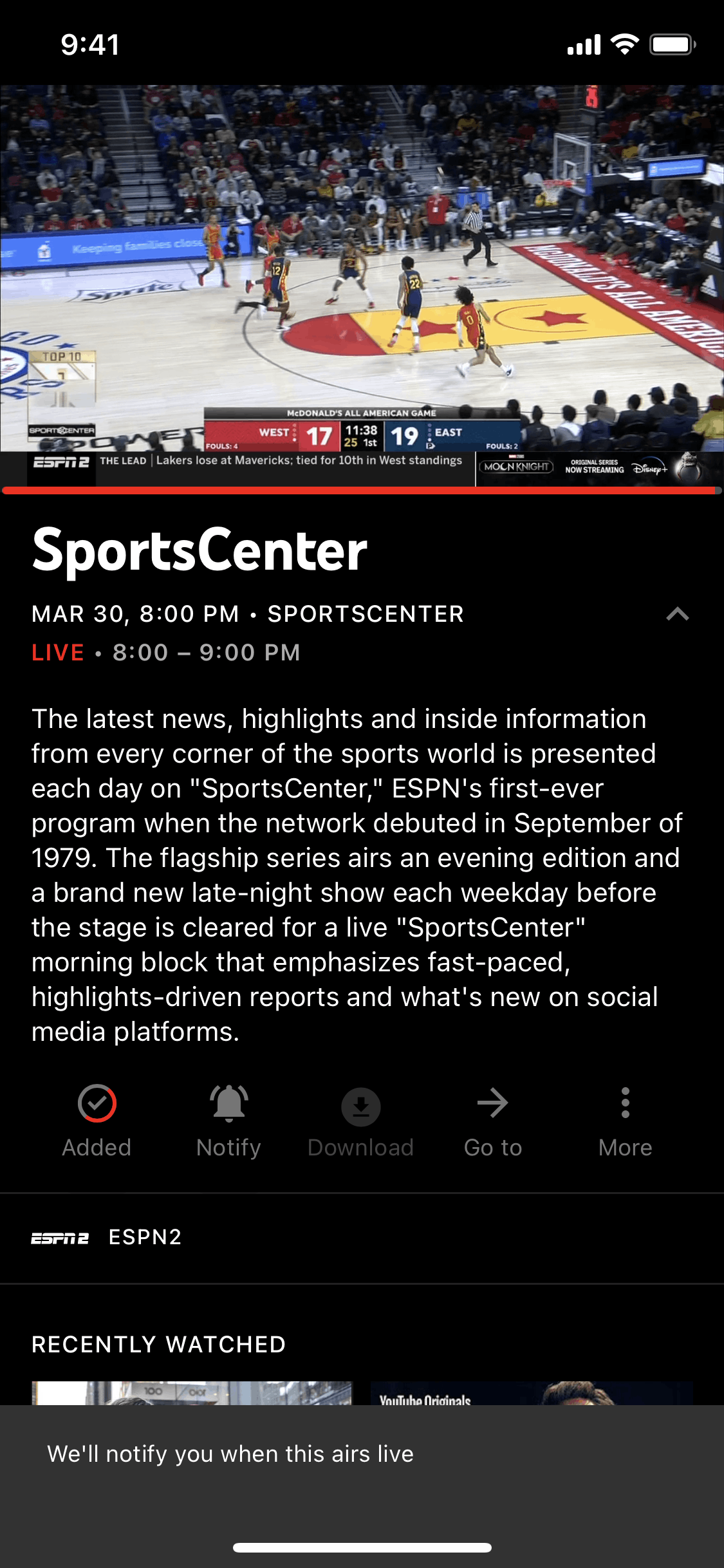
Getting notified on YouTube TV (ios) screen 2
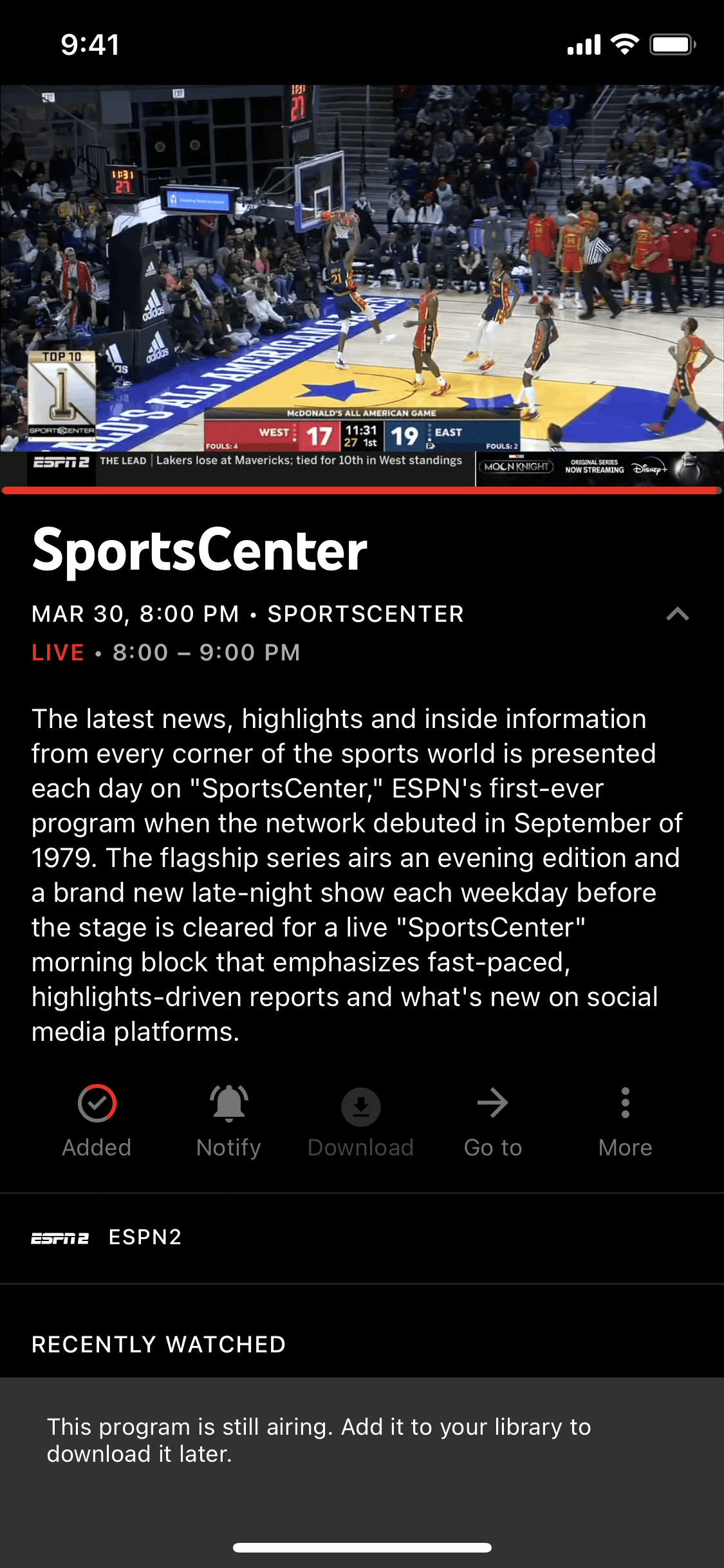
Downloading an episode on YouTube TV (ios) screen 2
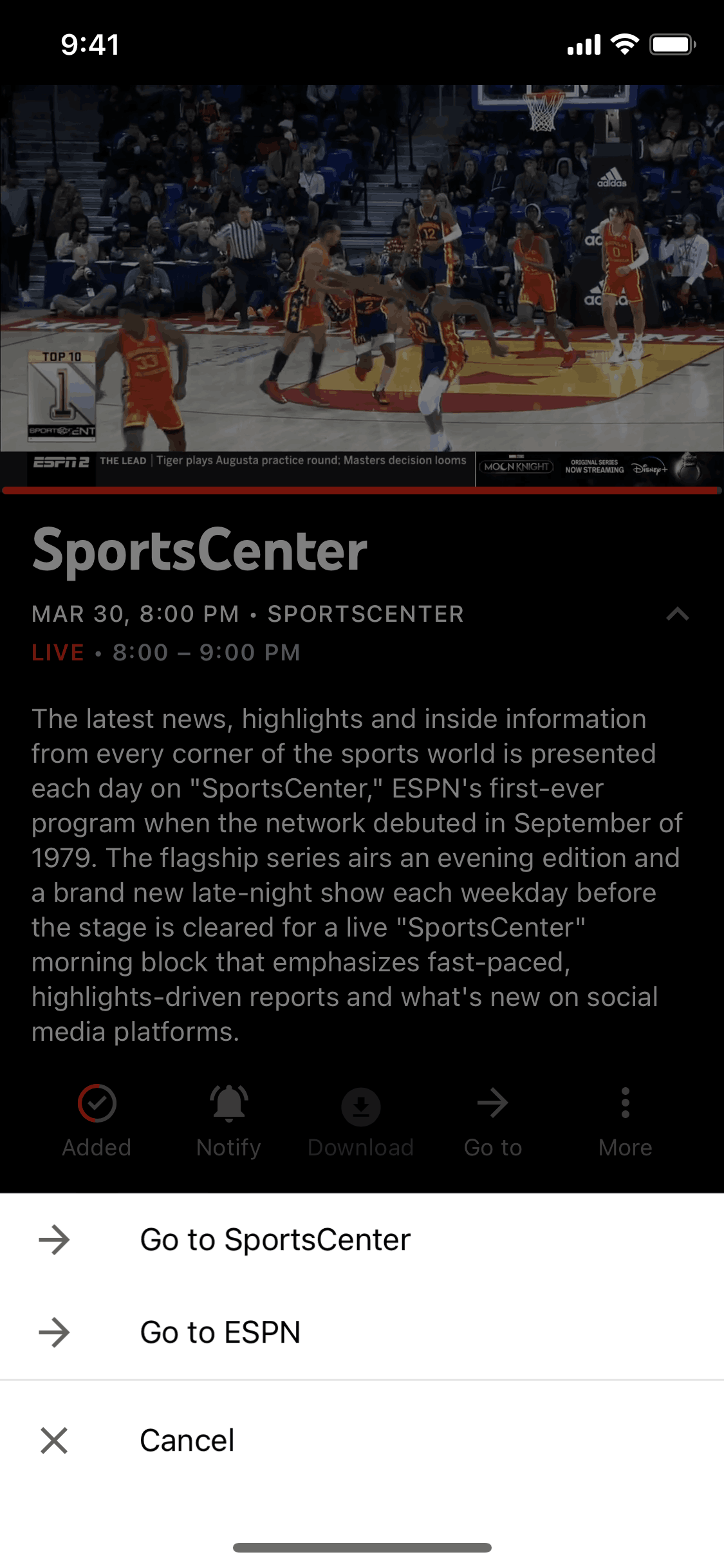
Navigation options on YouTube TV (ios) screen 2
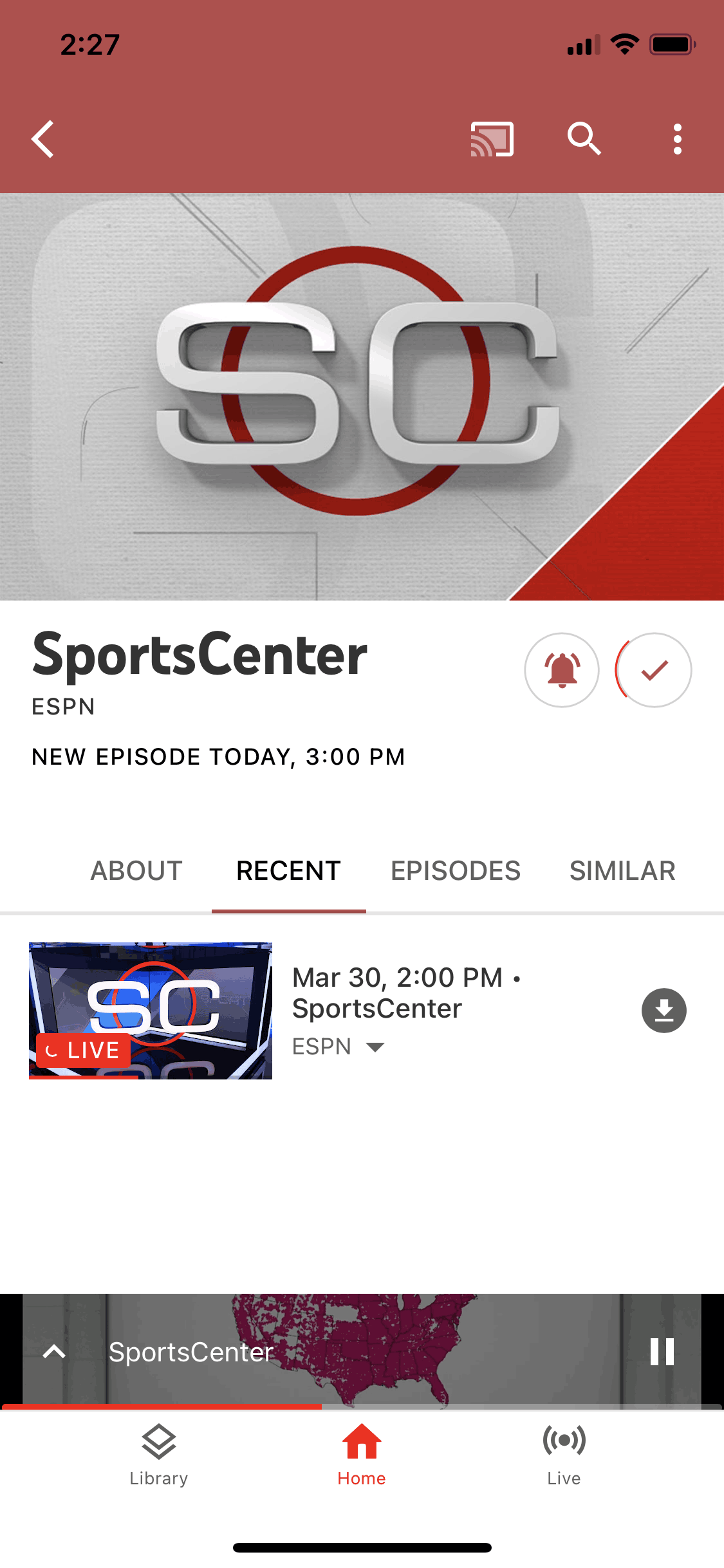
Go to SportsCenter on YouTube TV (ios) screen 2
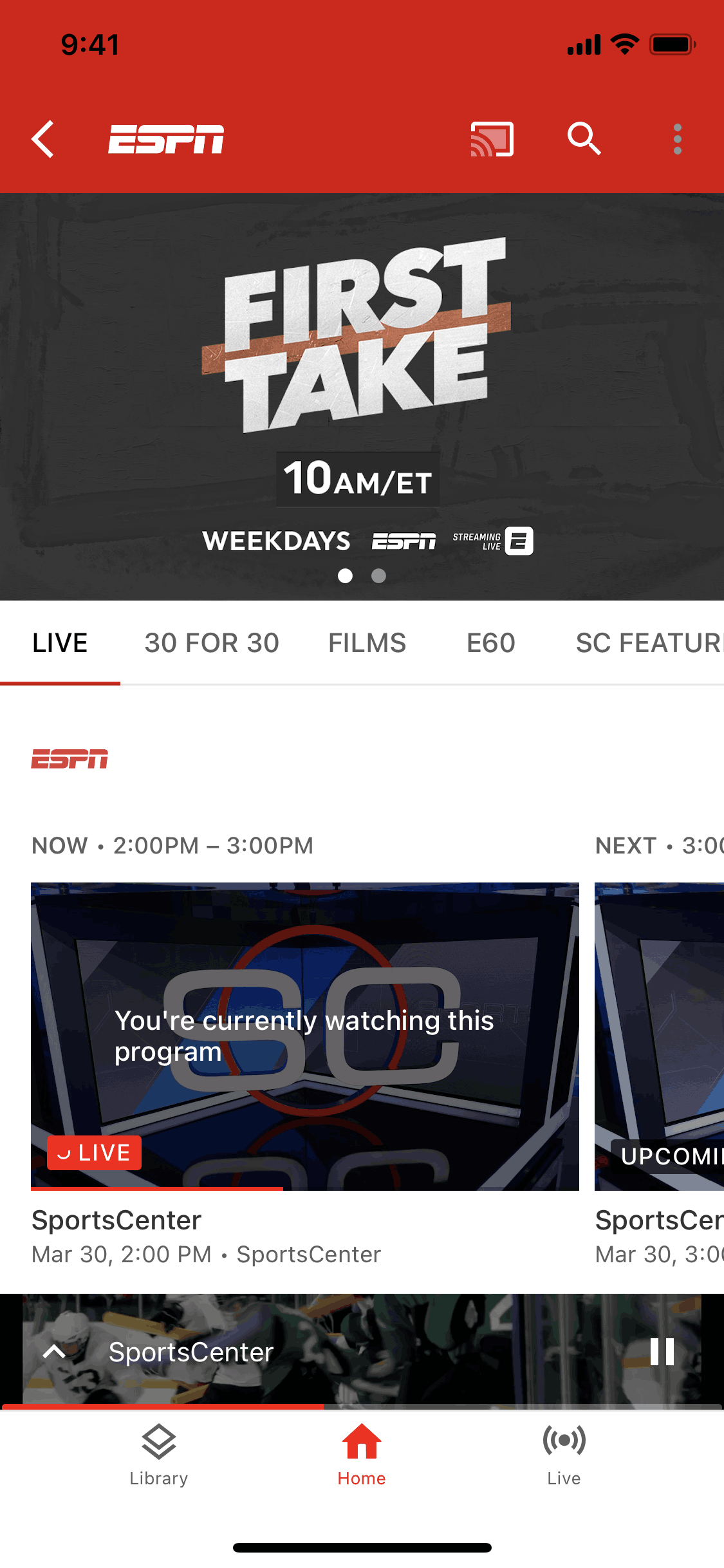
Go to ESPN on YouTube TV (ios) screen 2
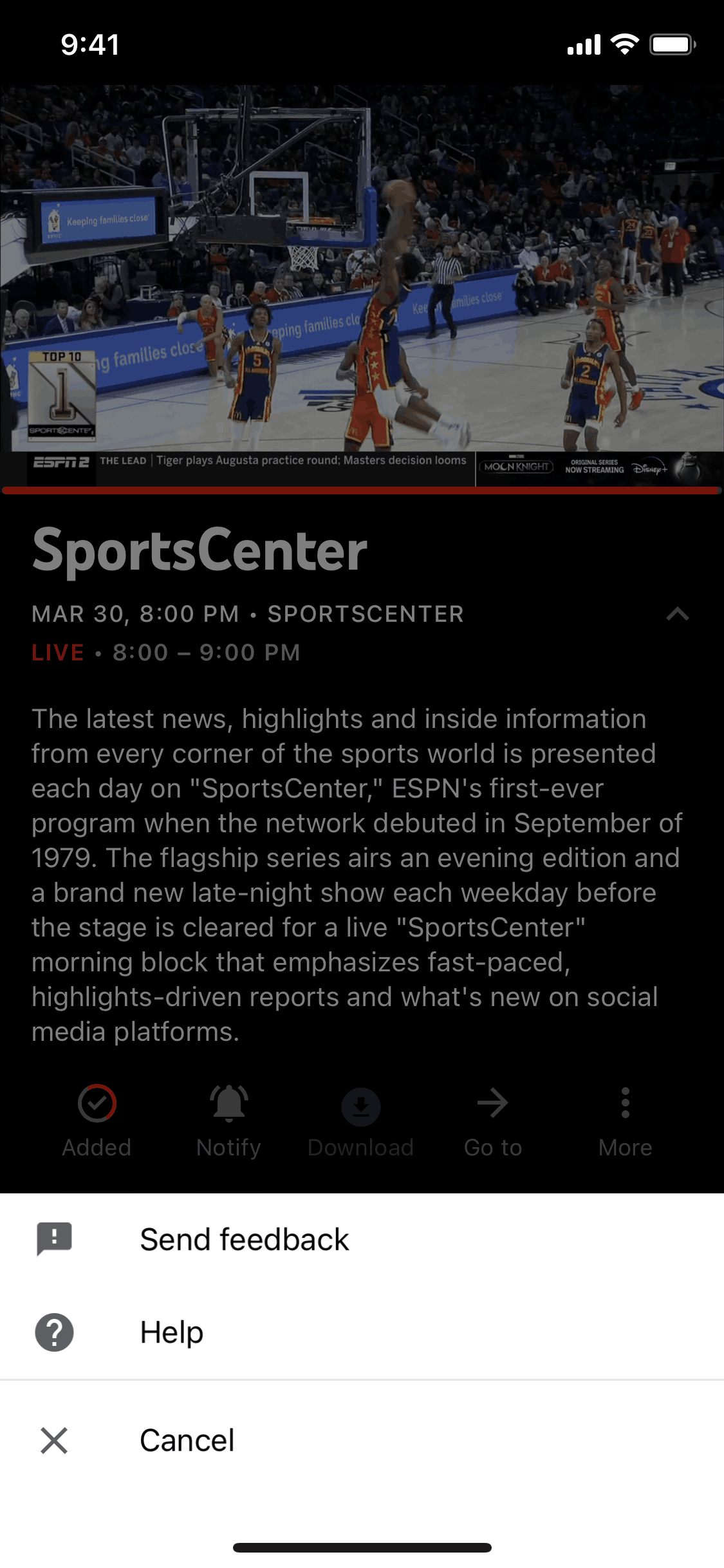
More options on YouTube TV (ios) screen 2
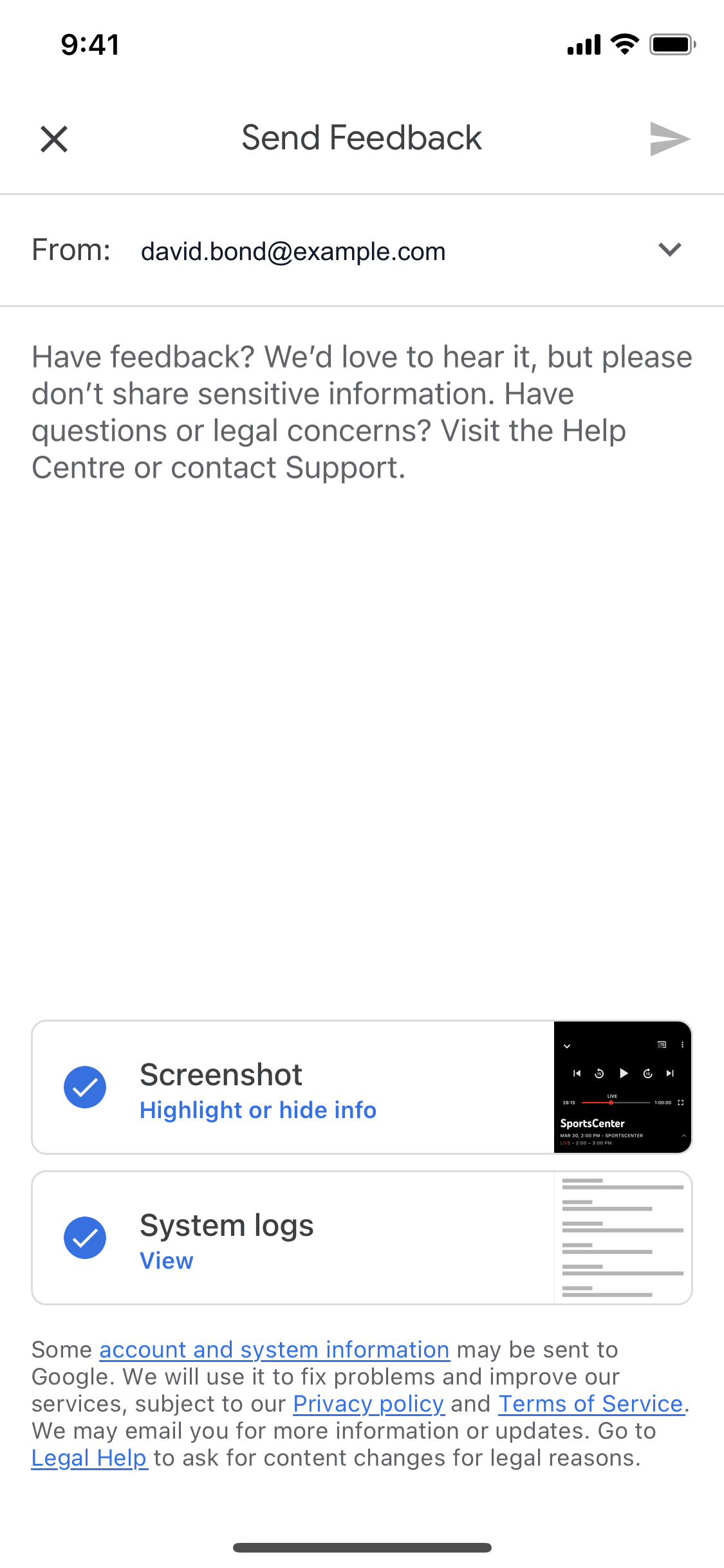
Sending feedback on YouTube TV (ios) screen 2
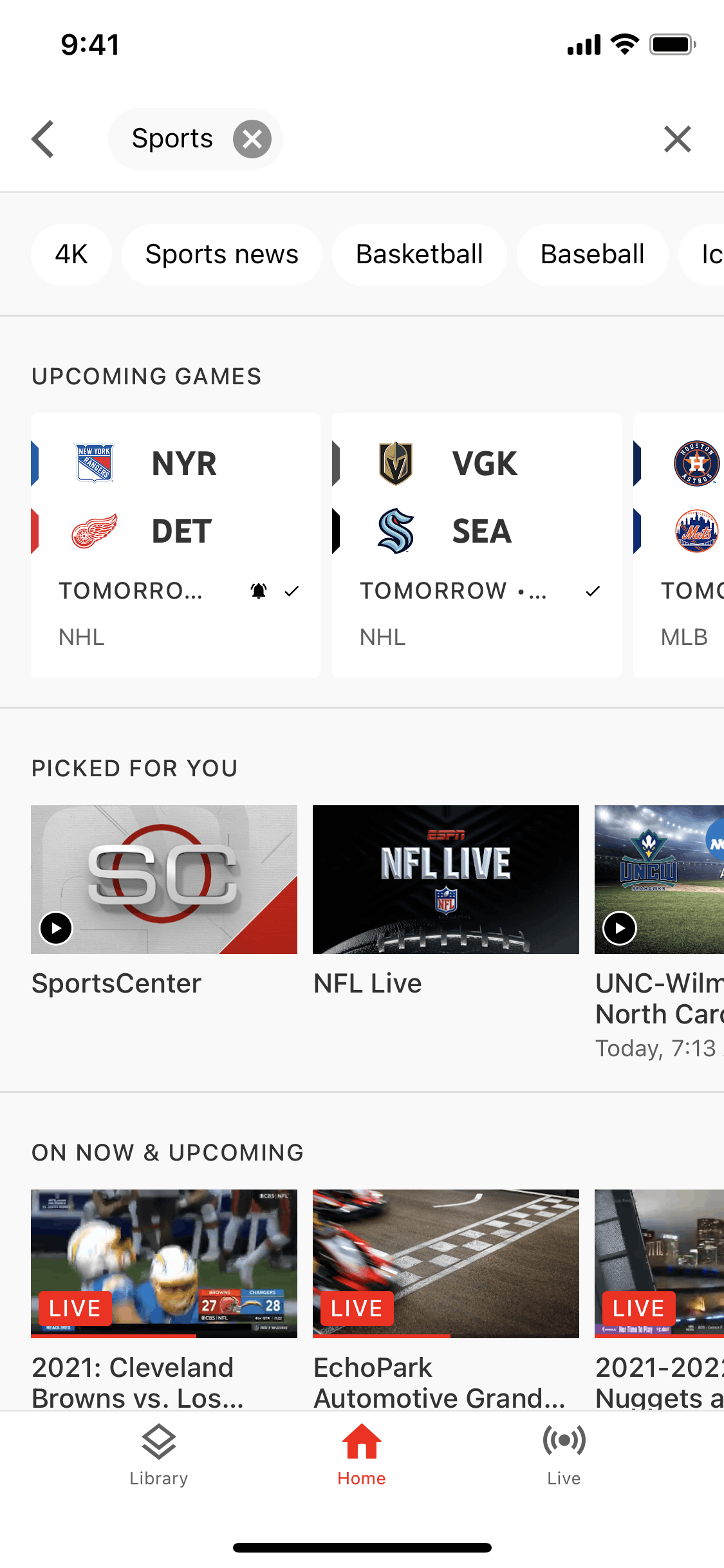
Filtering content on YouTube TV (ios) screen 2
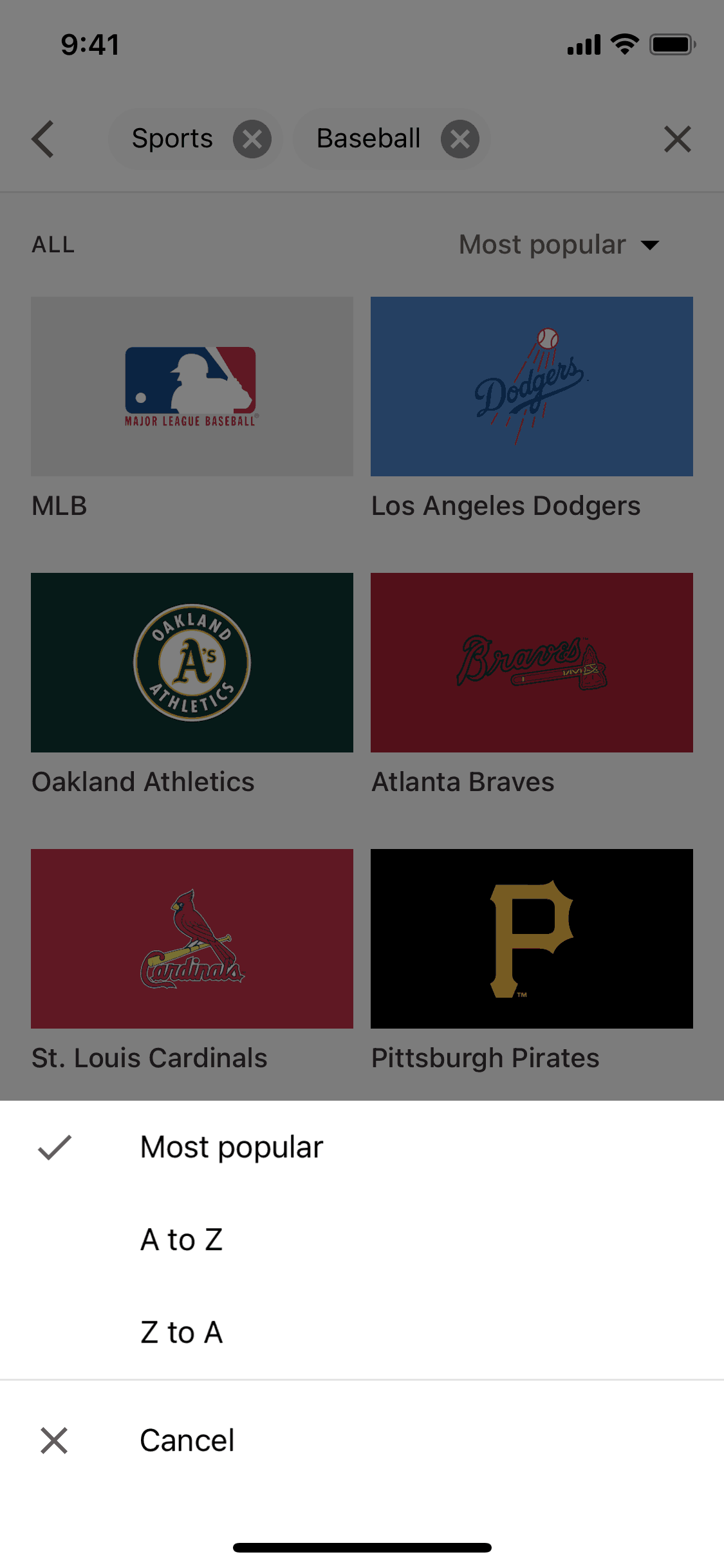
Sorting content on YouTube TV (ios) screen 2
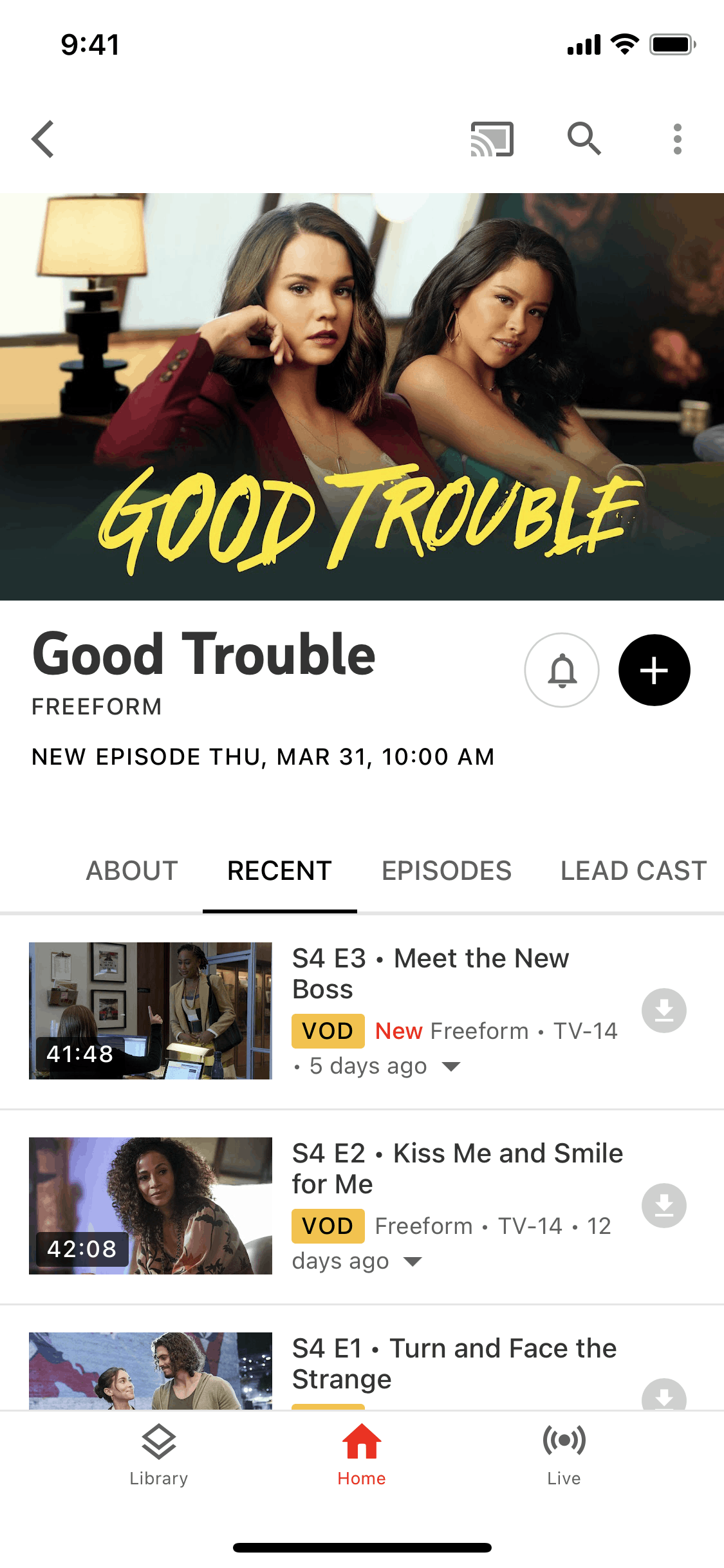
Show detail on YouTube TV (ios) screen 2
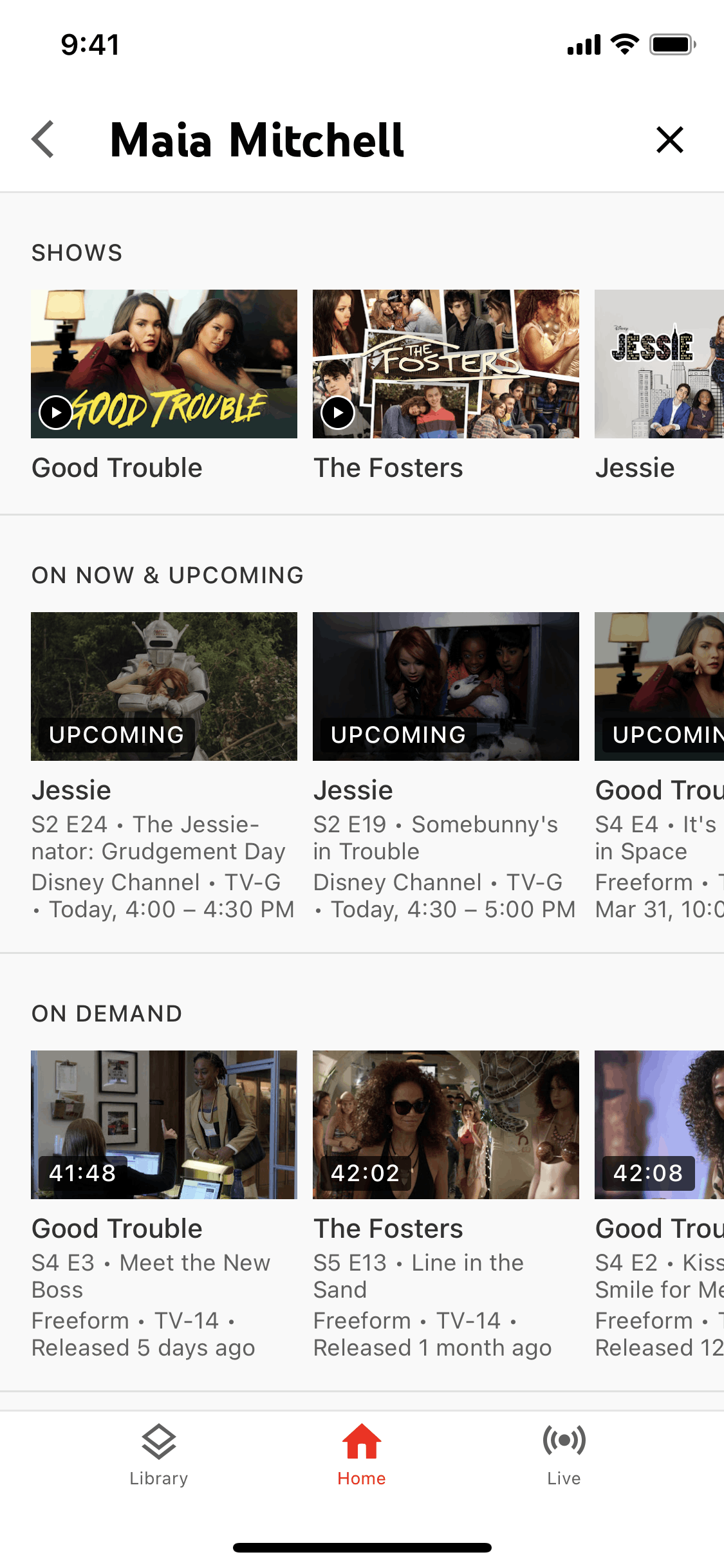
Profile detail on YouTube TV (ios) screen 2
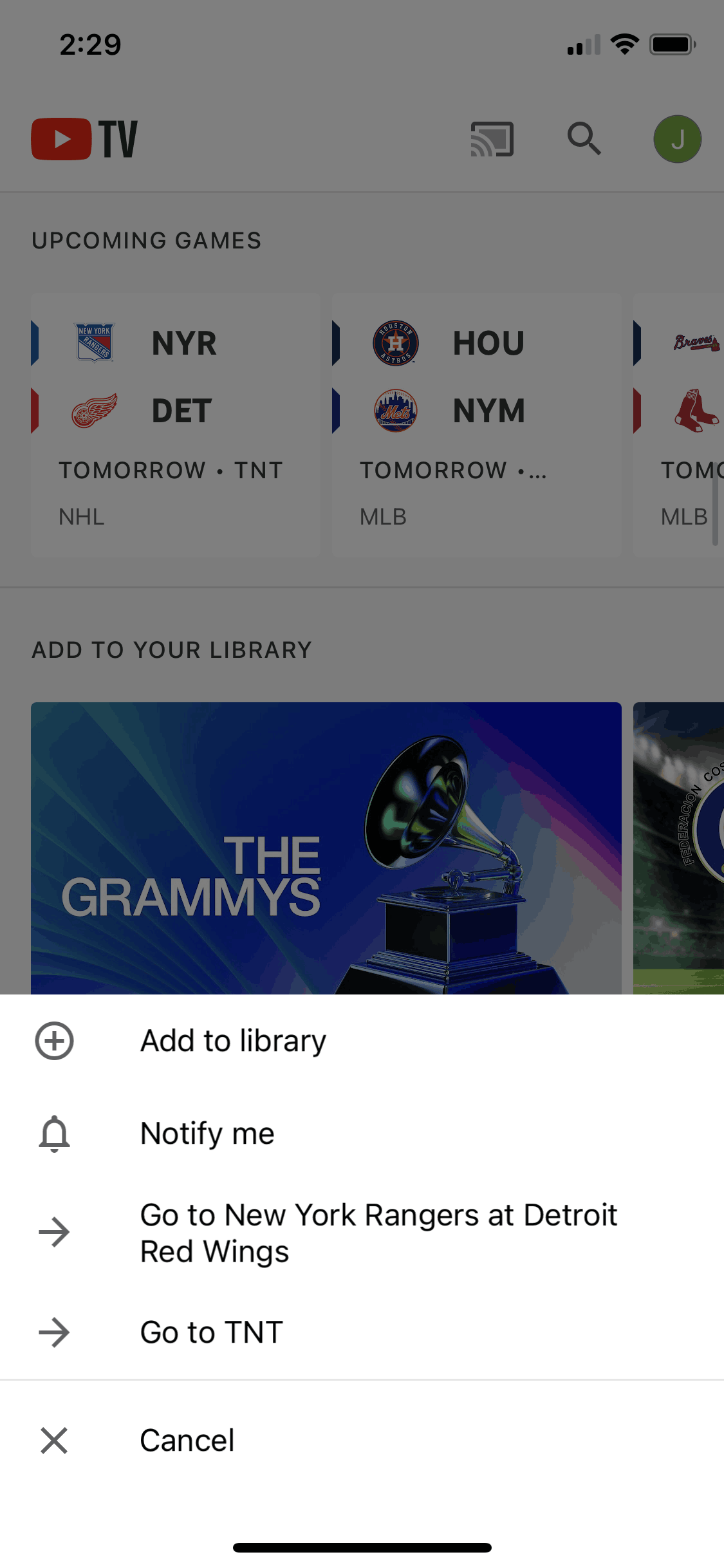
Event options on YouTube TV (ios) screen 2
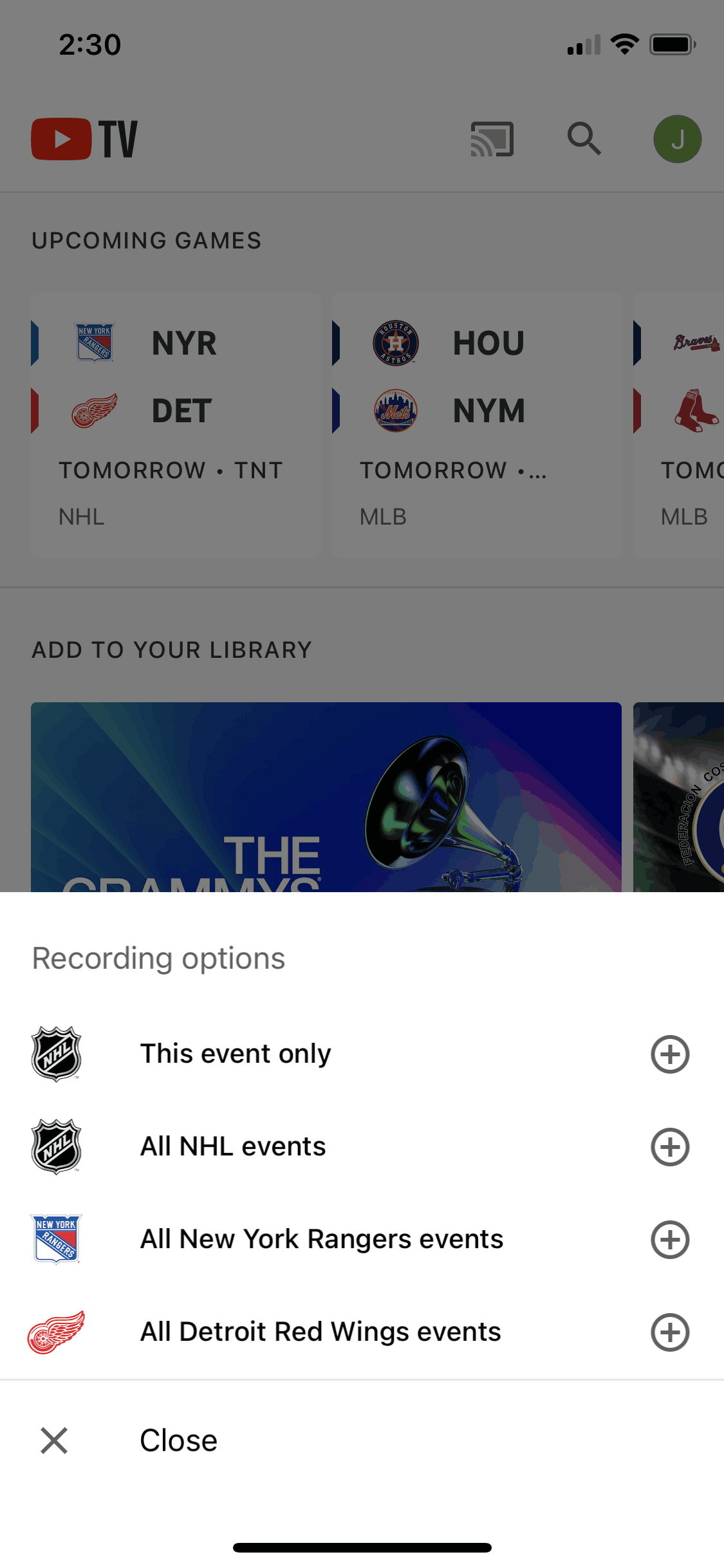
Adding an event to library on YouTube TV (ios) screen 2
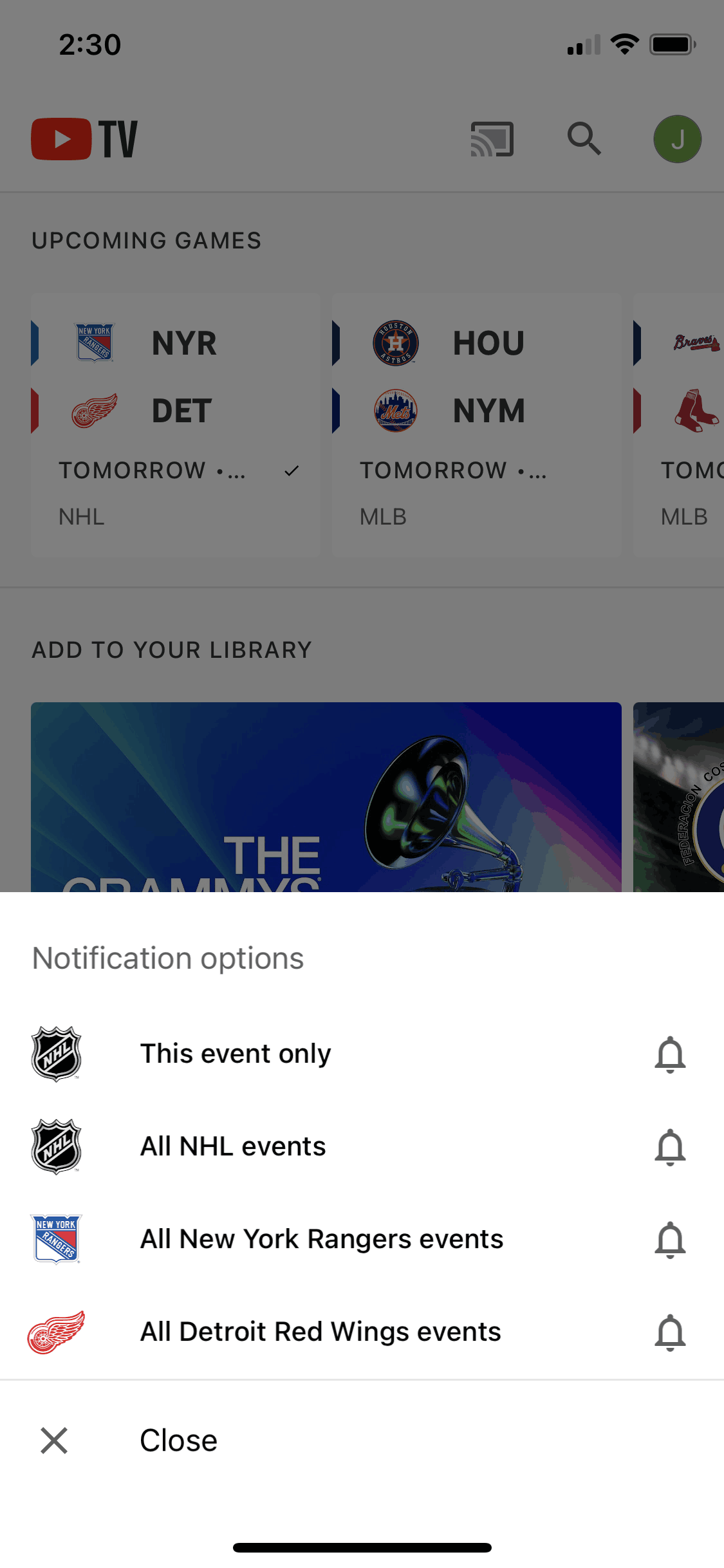
Enabling notification for event on YouTube TV (ios) screen 2
Gummble currently indexes 336 YouTube TV iOS screens captured Current Version and 5 captured UX flows including onboarding and login. Watch & DVR live TV. Categorized under Entertainment. Step through each captured YouTube TV flow screen by screen, or study individual screens for navigation, layout, and microcopy patterns.
Editorial teardown
YouTube TV is a live TV streaming service that delivers 100+ broadcast, cable, and sports channels over the internet. The iOS app provides a traditional channel guide alongside unlimited cloud DVR storage. Users can watch live TV, record shows, and catch up on demand content without cable boxes or contracts. The service targets cord cutters who want live TV — especially sports and news — without the hassle of traditional cable packages.
Read the full YouTube TV UX teardownGummble currently indexes 336 YouTube TV iOS screens captured Current Version and 5 captured UX flows including onboarding and login. Browse the gallery to study YouTube TV's interface patterns and design decisions.
YouTube TV is categorized under Entertainment. Gummble holds 5 captured UX flows including onboarding and login for YouTube TV iOS. Open the Flows tab to step through each captured sequence screen by screen.
Yes. Gummble Browse, Pro, and Team users can download YouTube TV iOS screenshots for design reference. Free users can browse a limited selection and view design analysis.