


YNAB iOS Finance interface screenshot 1
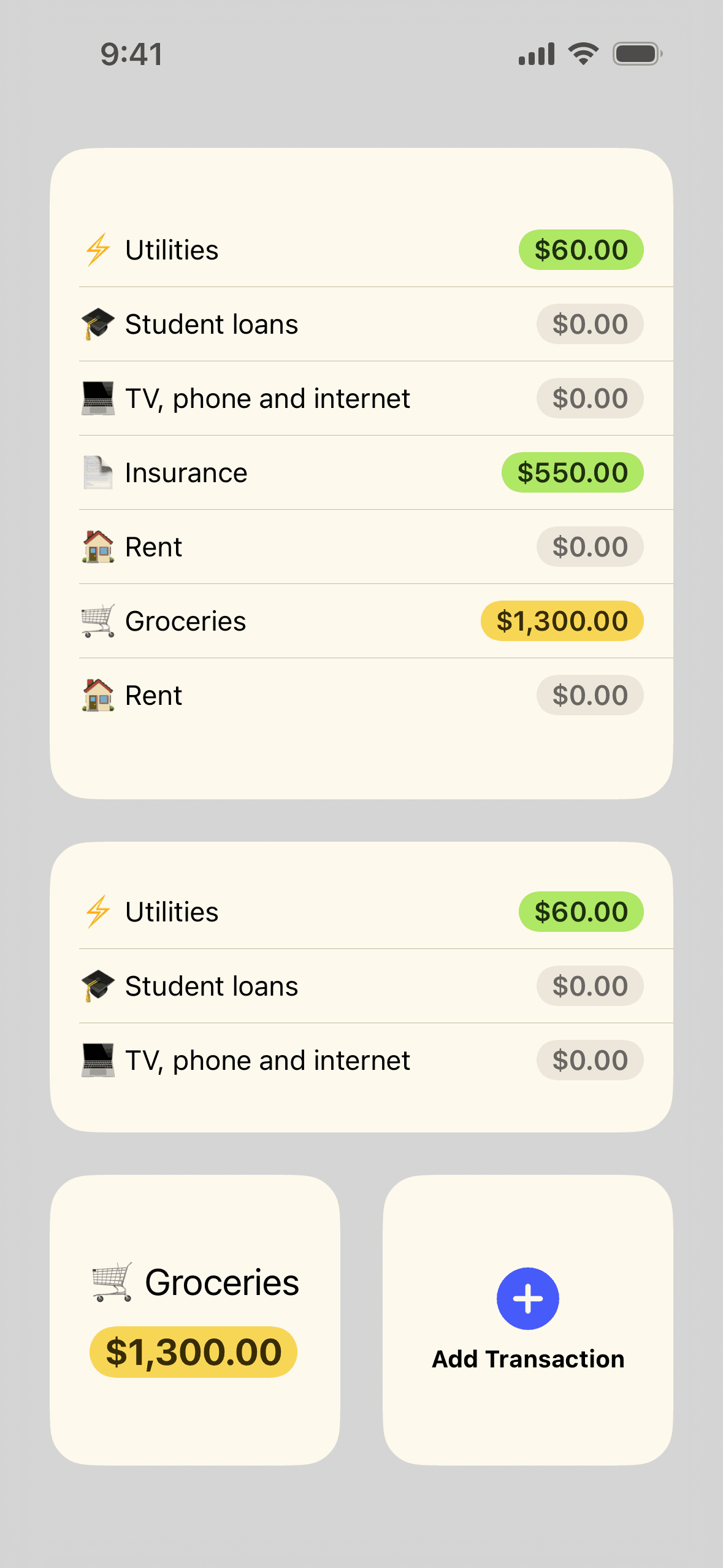
YNAB iOS Finance interface screenshot 2

YNAB iOS Finance interface screenshot 3
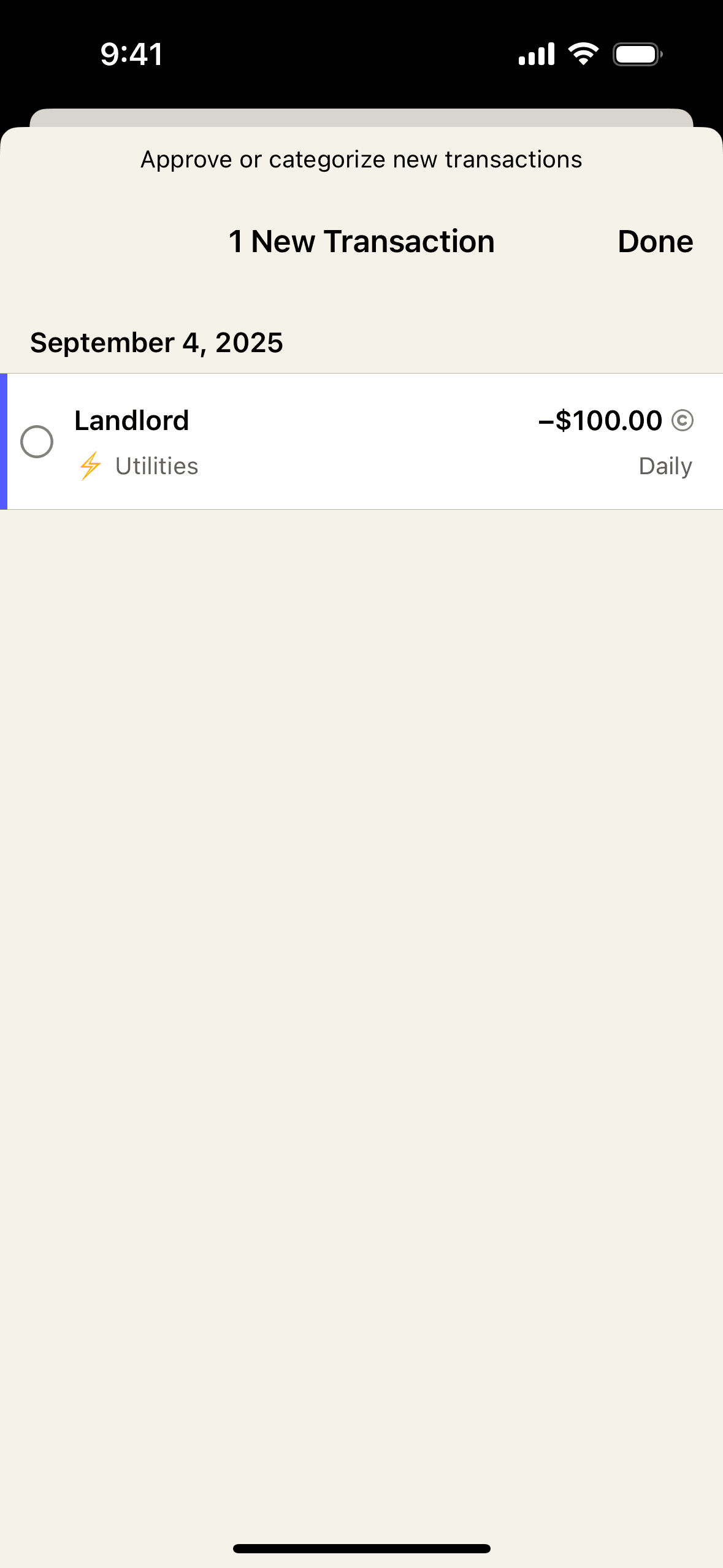
YNAB iOS Finance interface screenshot 4
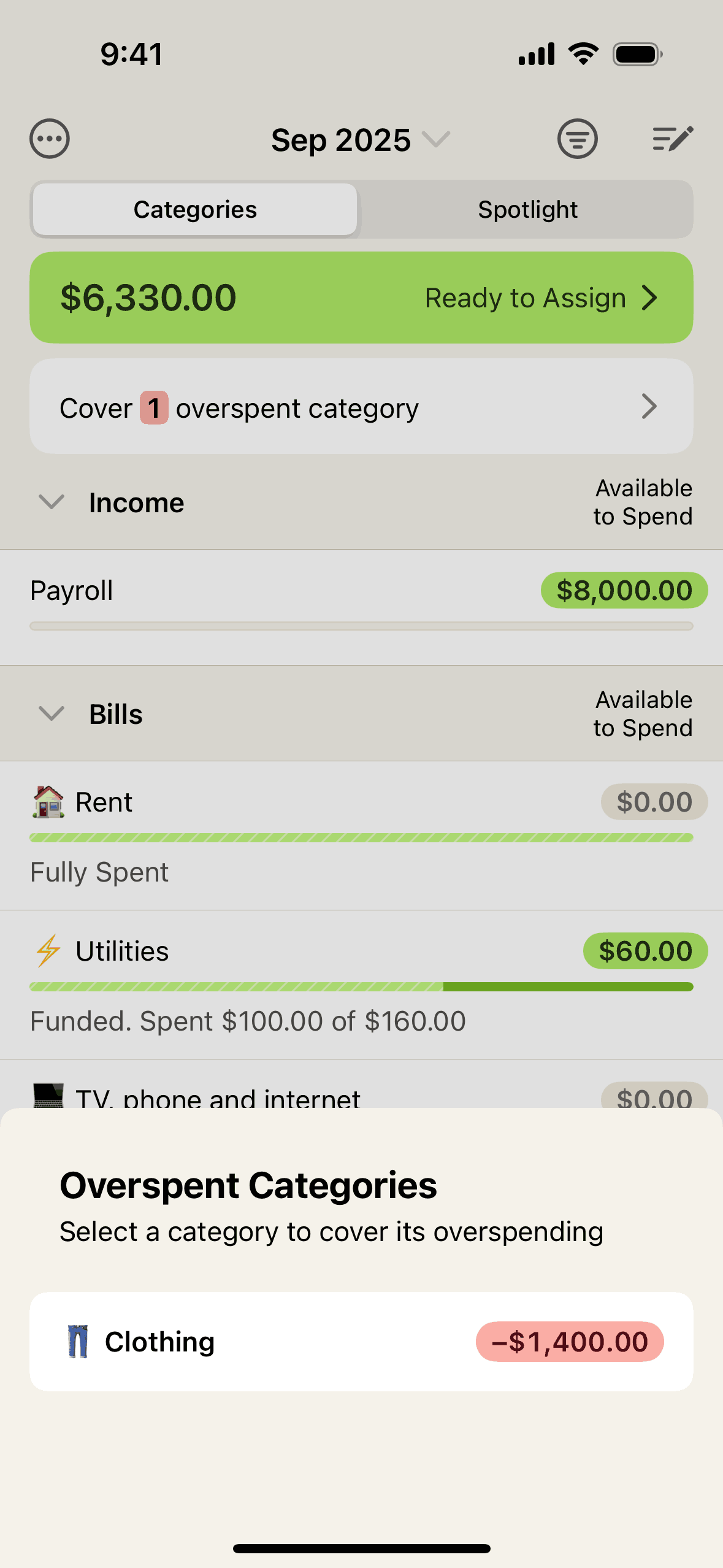
YNAB iOS Finance interface screenshot 5
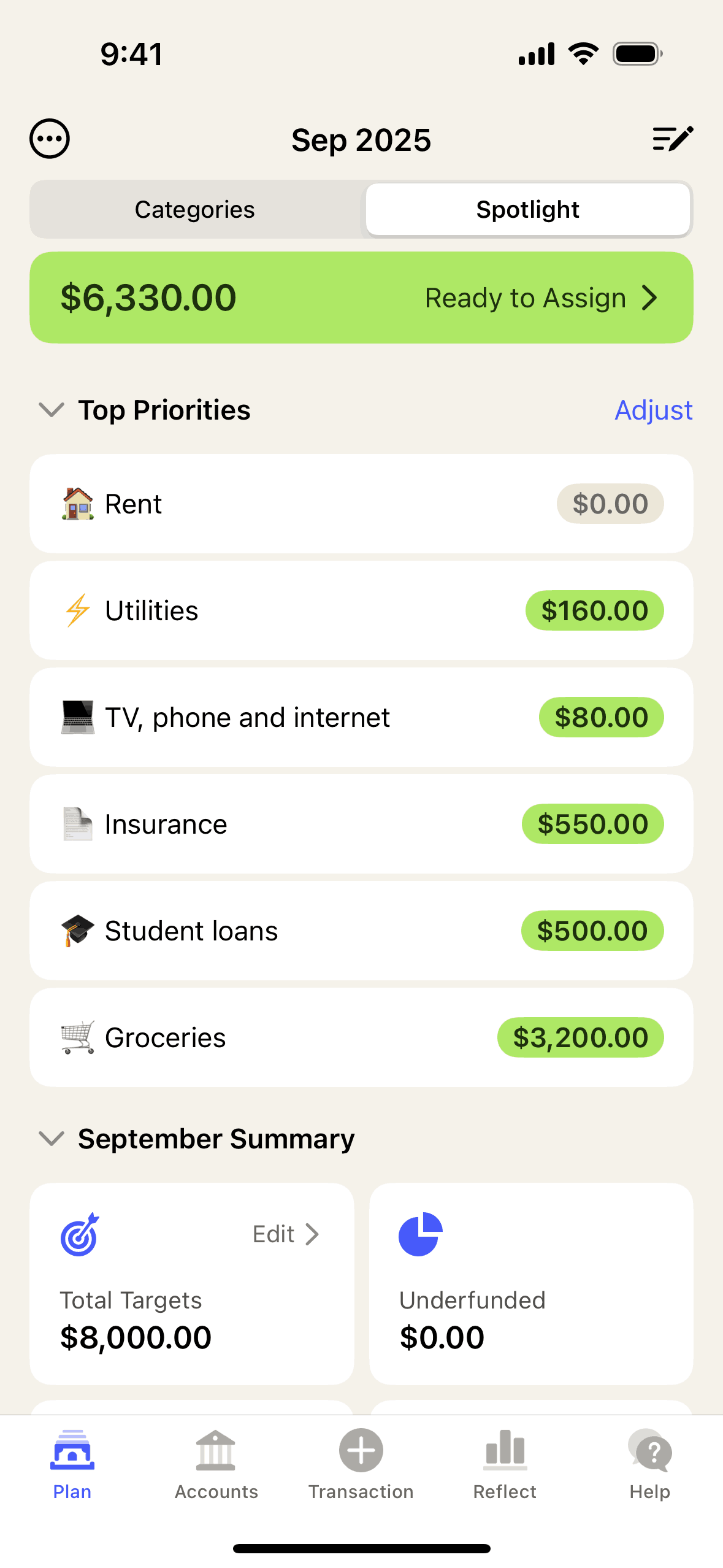
YNAB iOS Finance interface screenshot 6
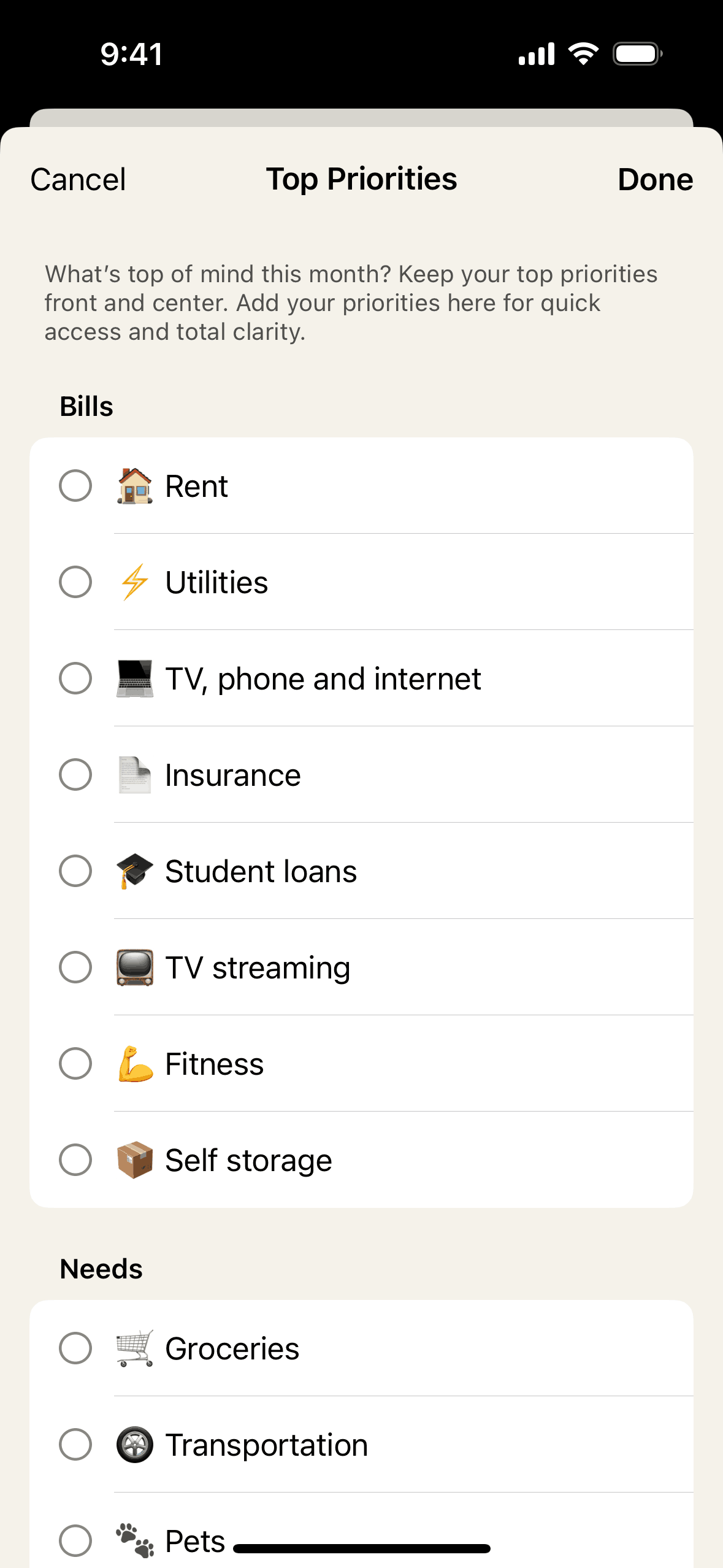
YNAB iOS Finance interface screenshot 7

YNAB iOS Finance interface screenshot 8
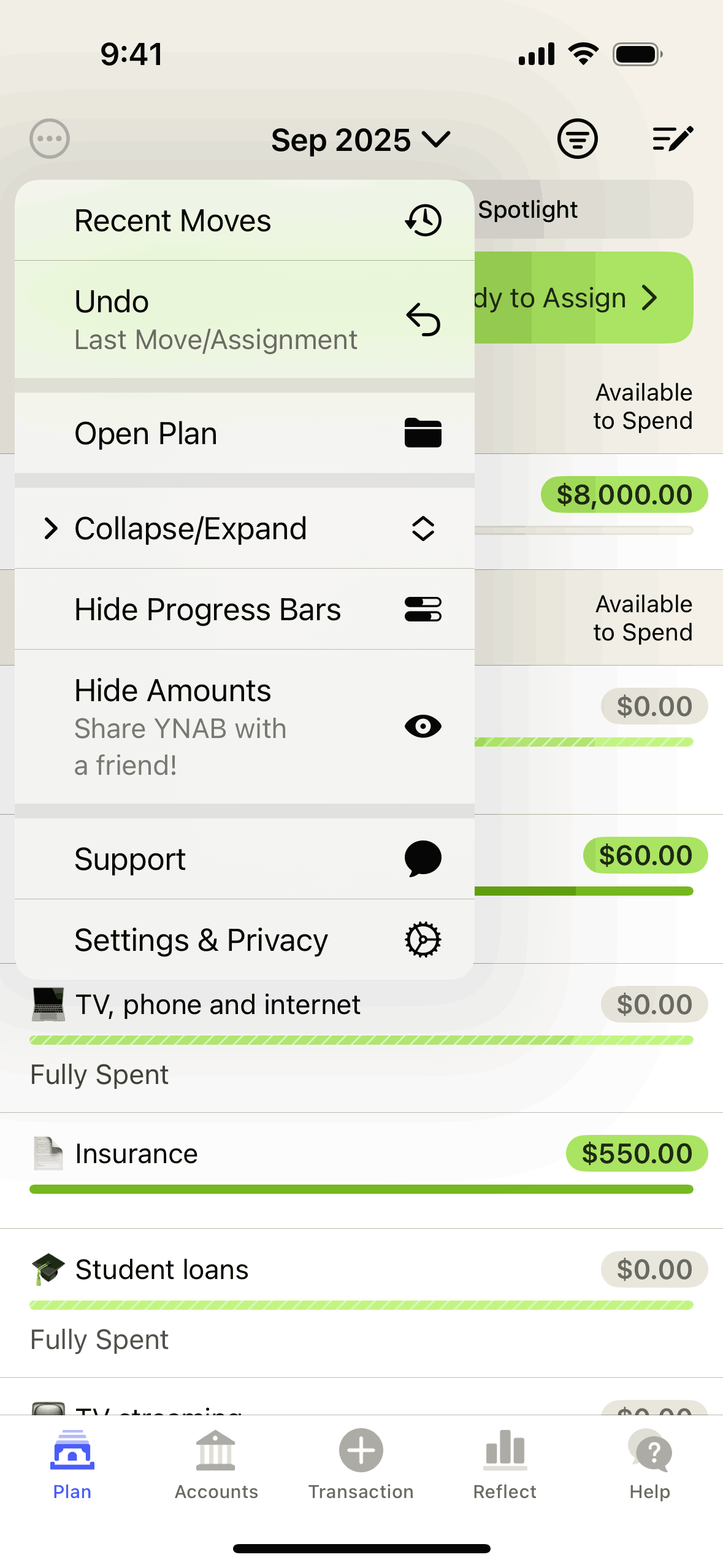
YNAB iOS Finance interface screenshot 9
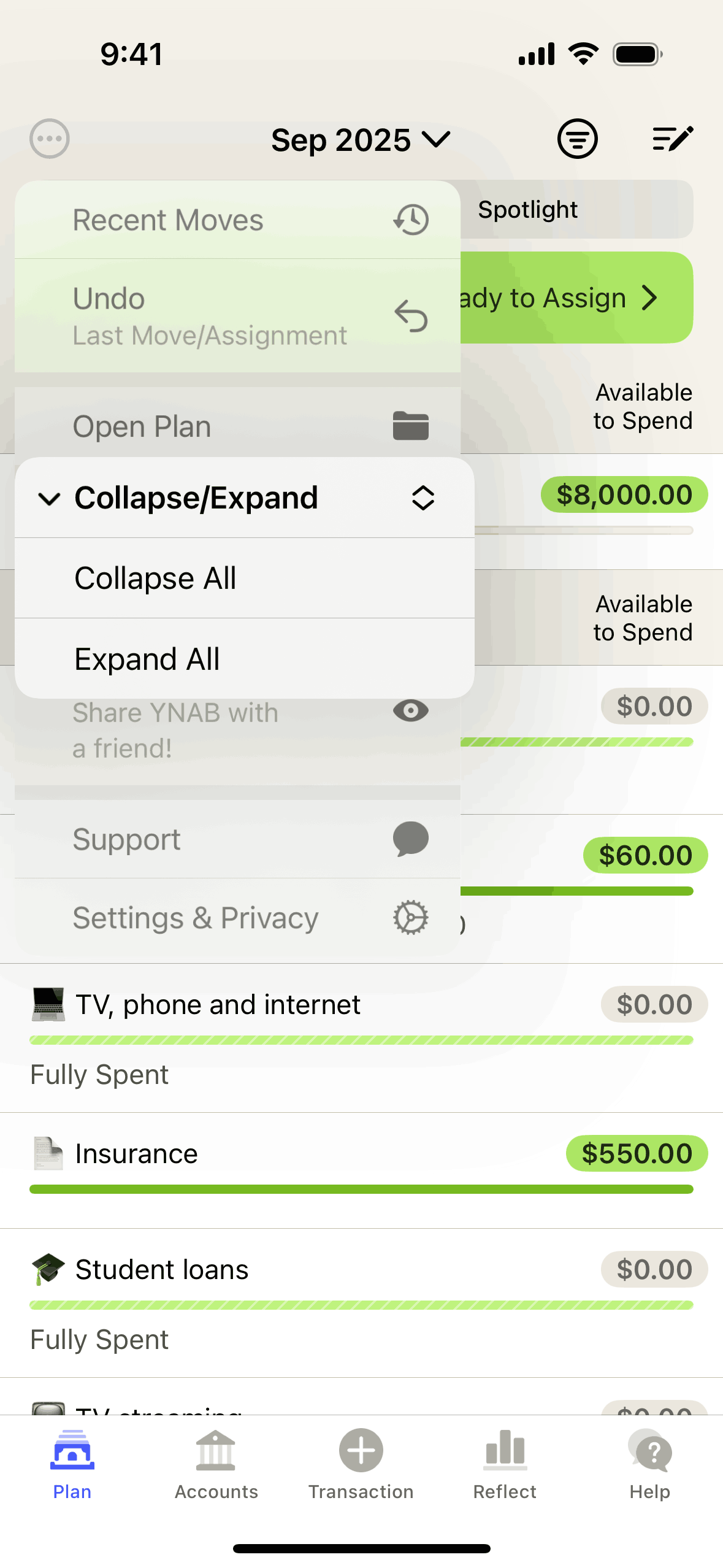
YNAB iOS Finance interface screenshot 10
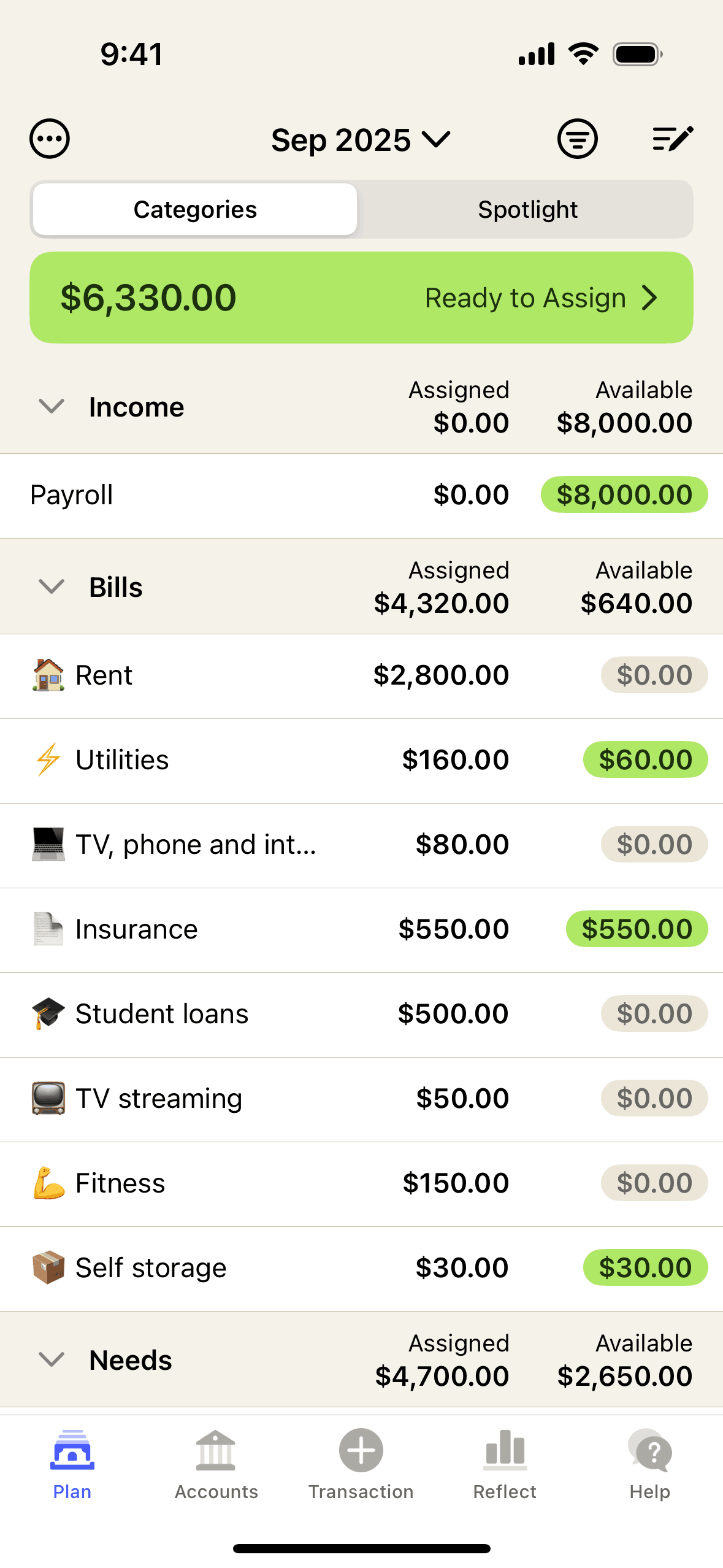
YNAB iOS Finance interface screenshot 11
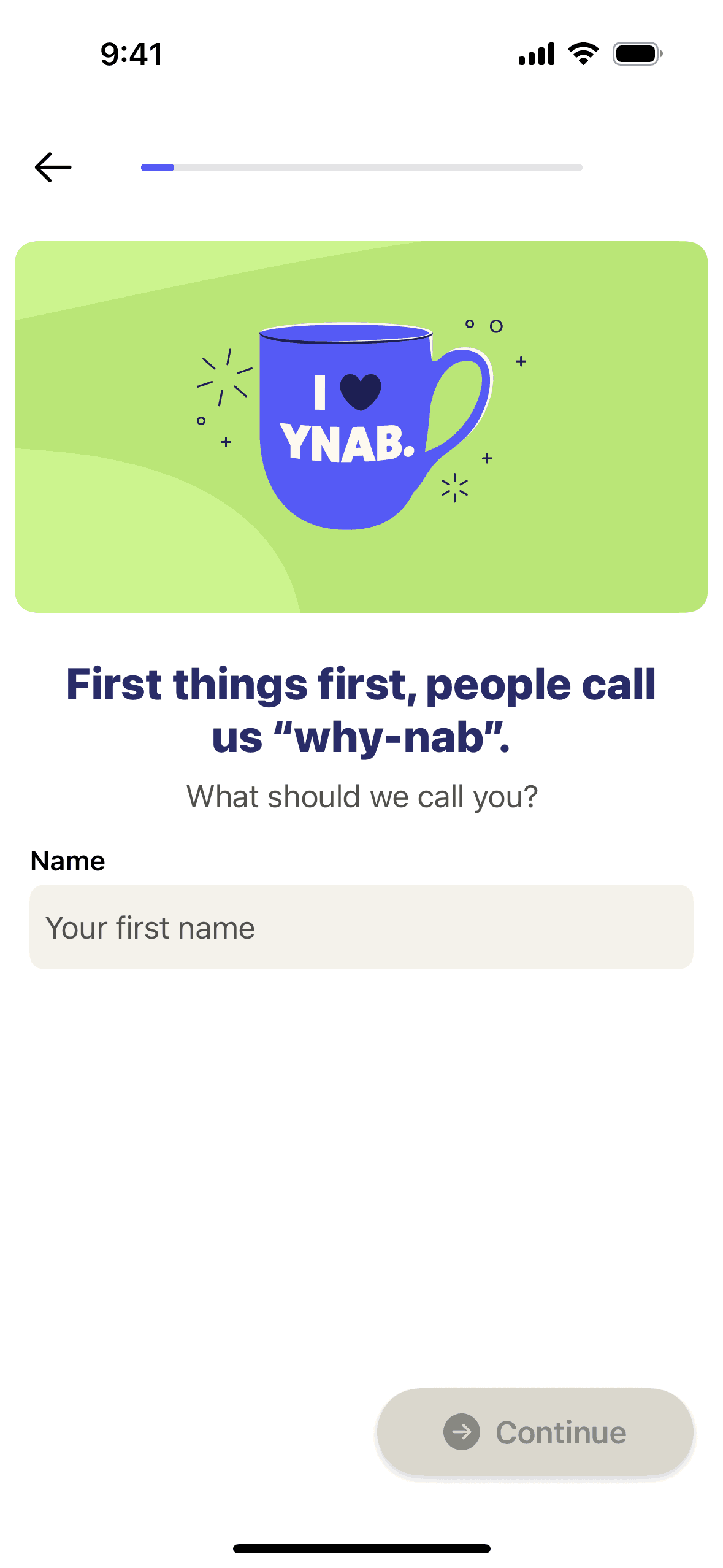
YNAB iOS Finance interface screenshot 12
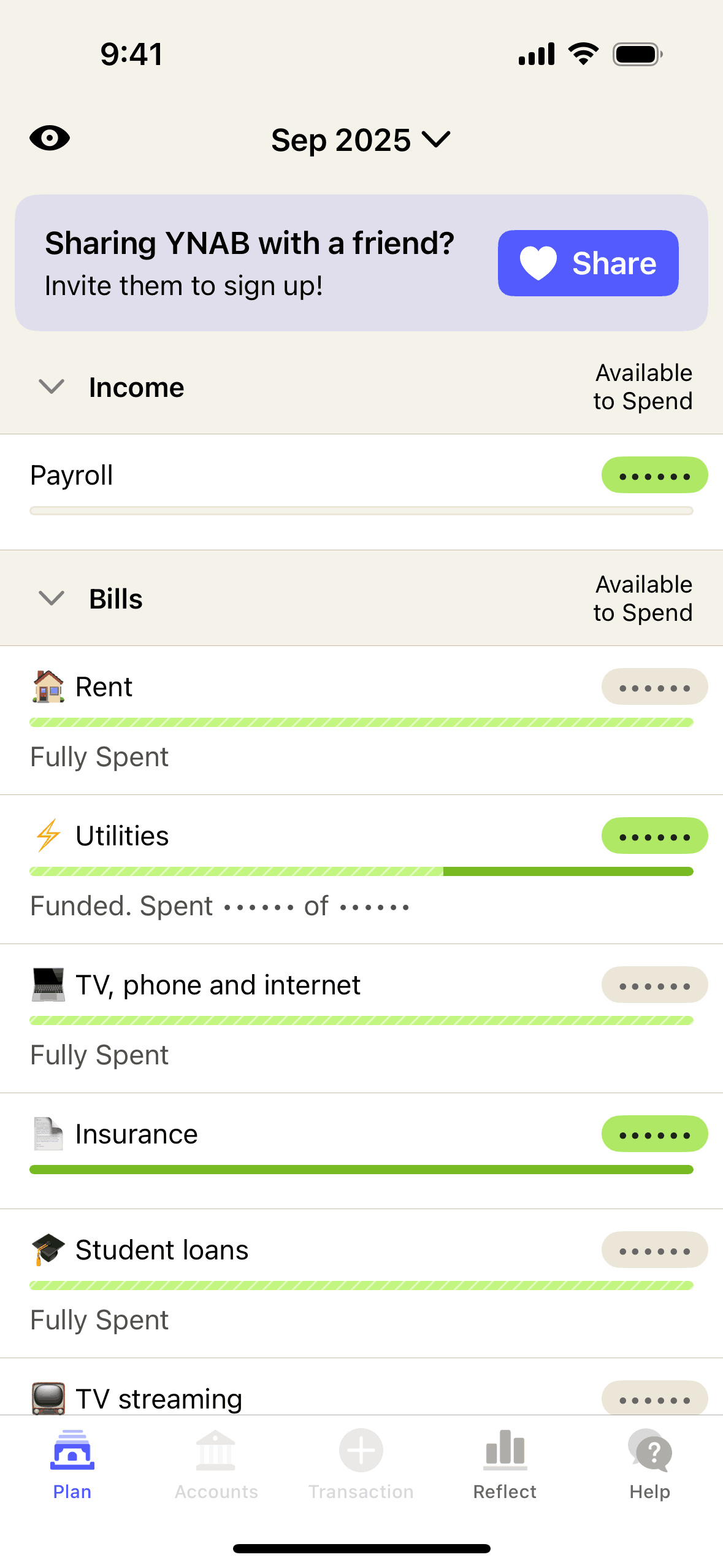
YNAB iOS Finance interface screenshot 13

YNAB iOS Finance interface screenshot 14
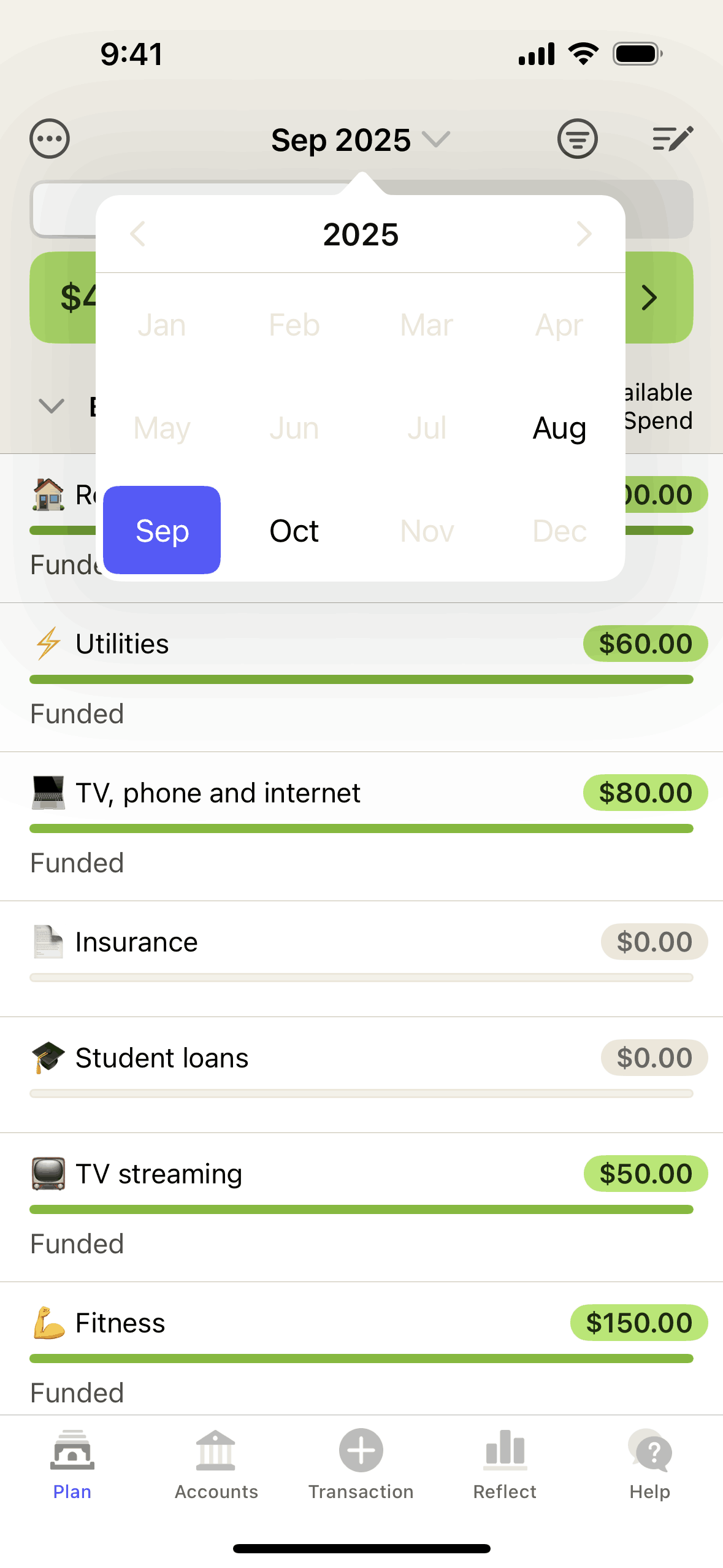
YNAB iOS Finance interface screenshot 15
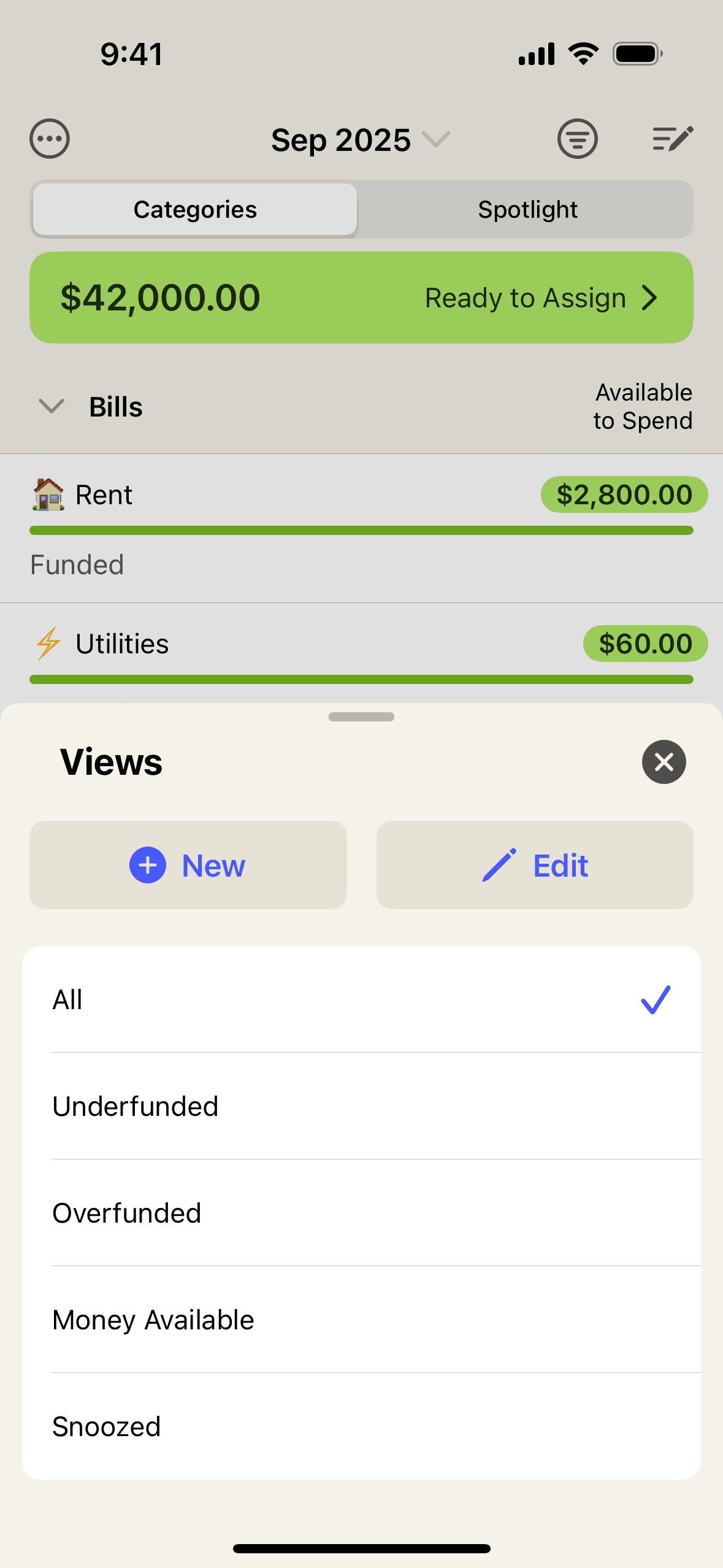
YNAB iOS Finance interface screenshot 16
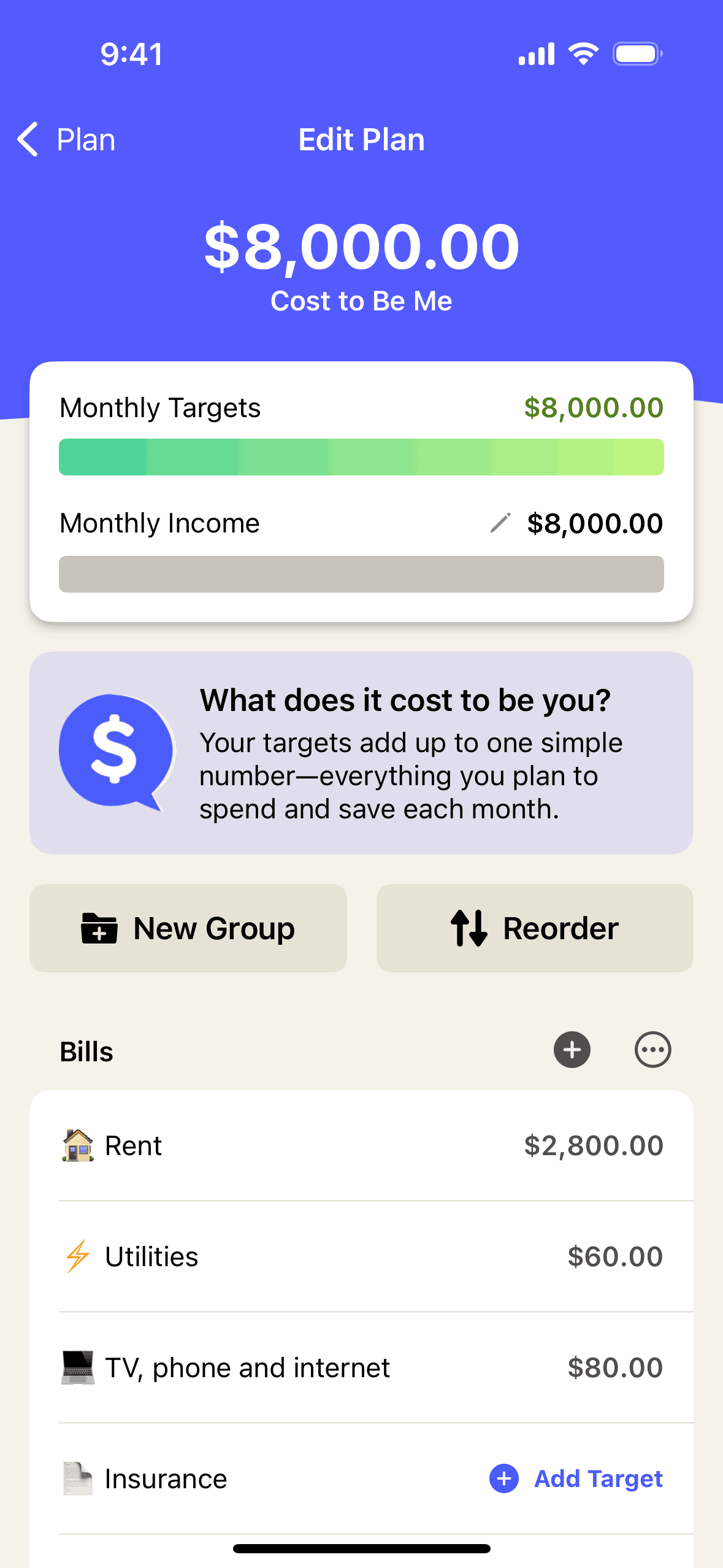
YNAB iOS Finance interface screenshot 17
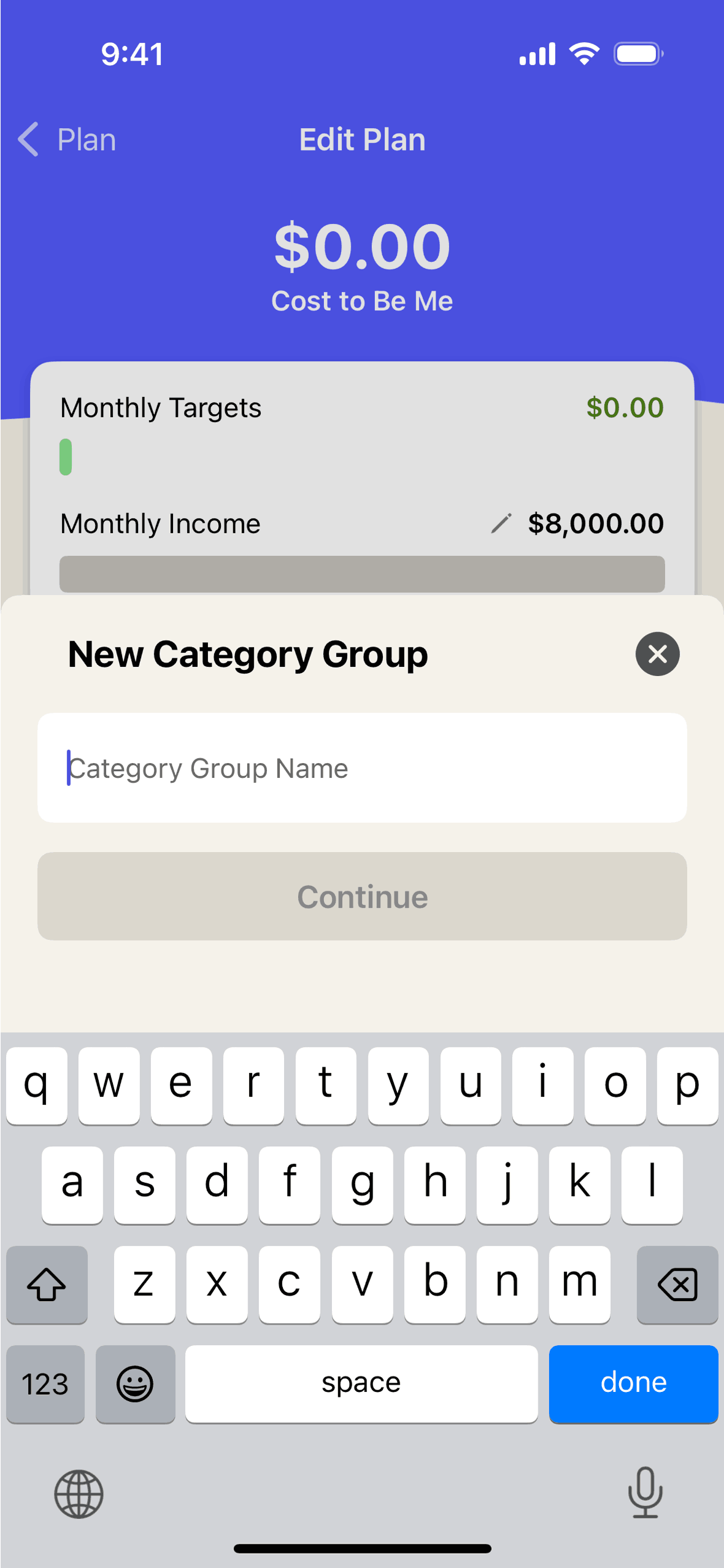
YNAB iOS Finance interface screenshot 18
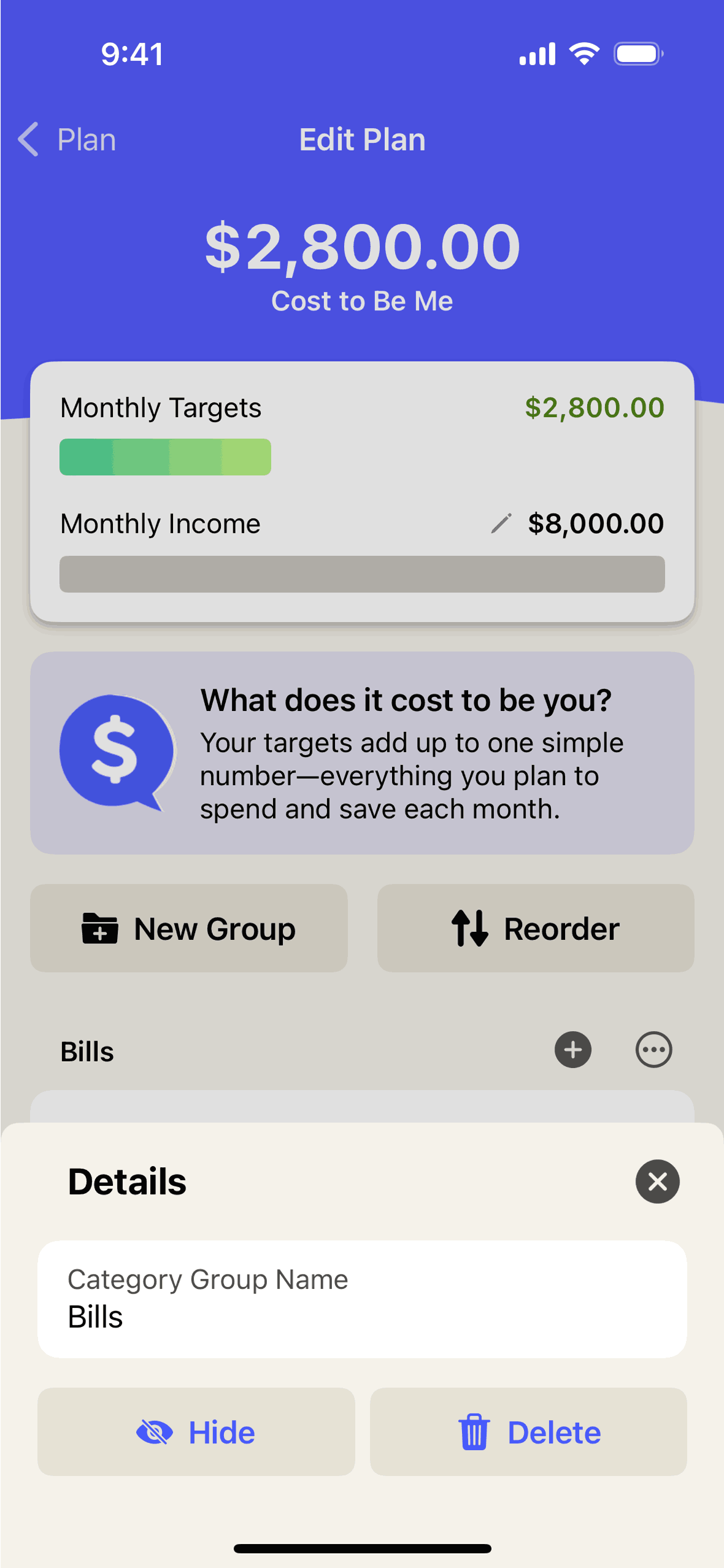
YNAB iOS Finance interface screenshot 19
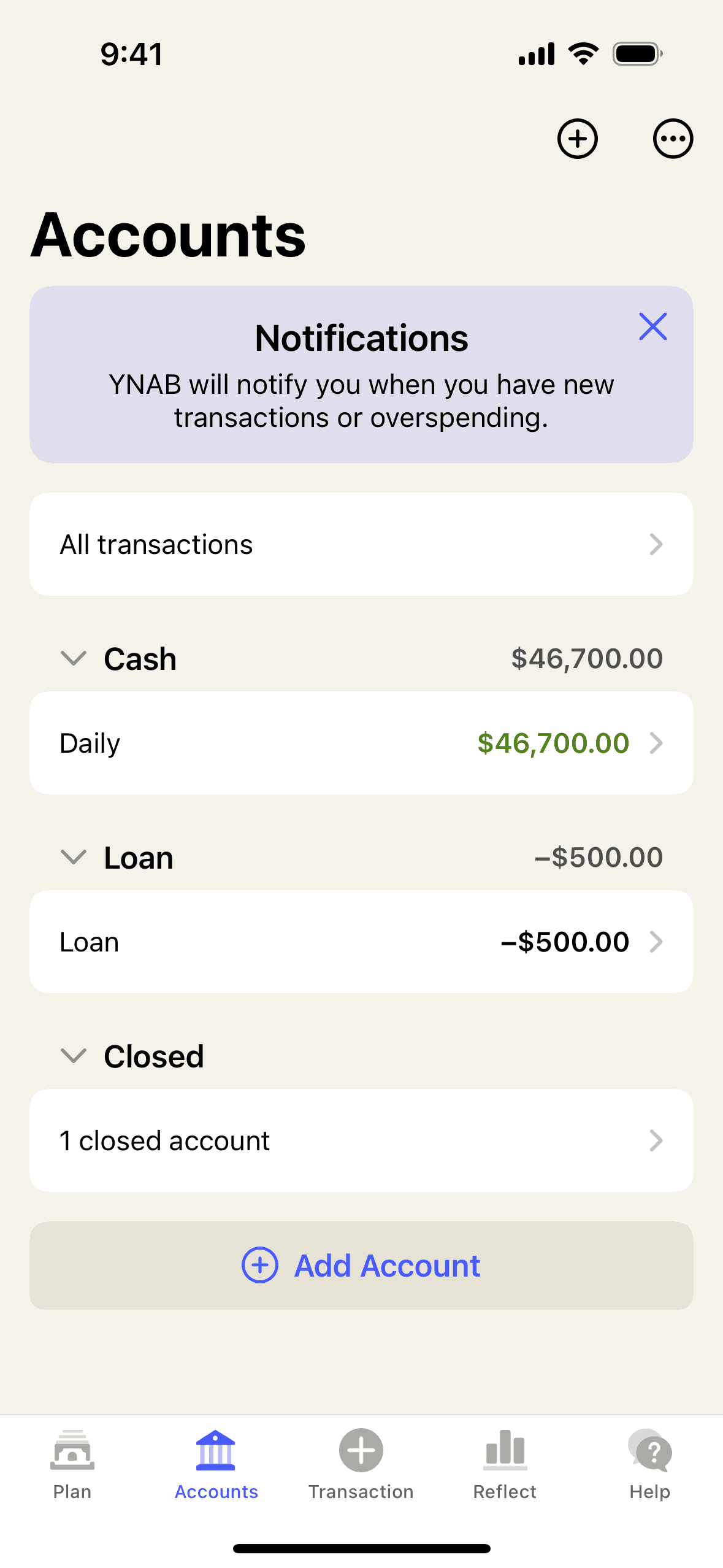
YNAB iOS Finance interface screenshot 20
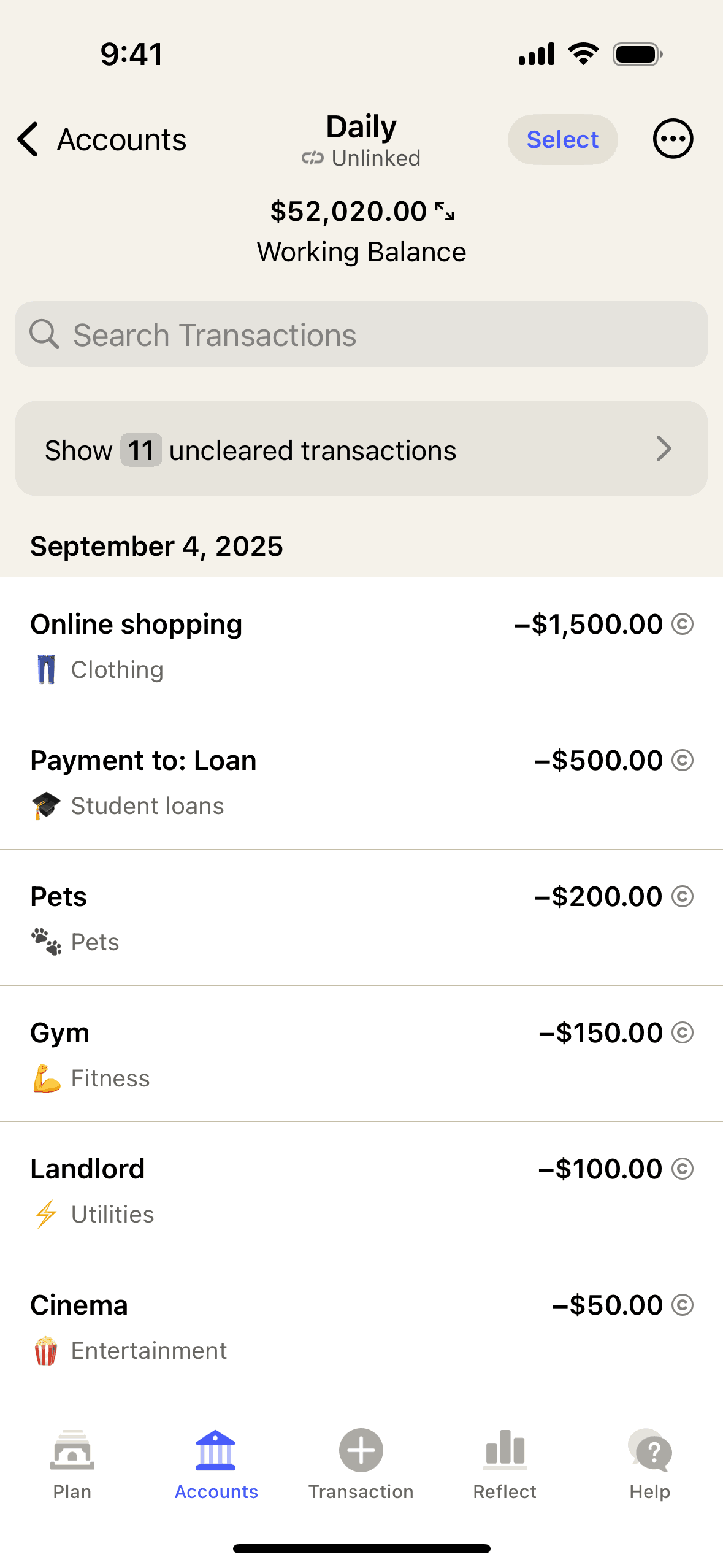
YNAB iOS Finance interface screenshot 21
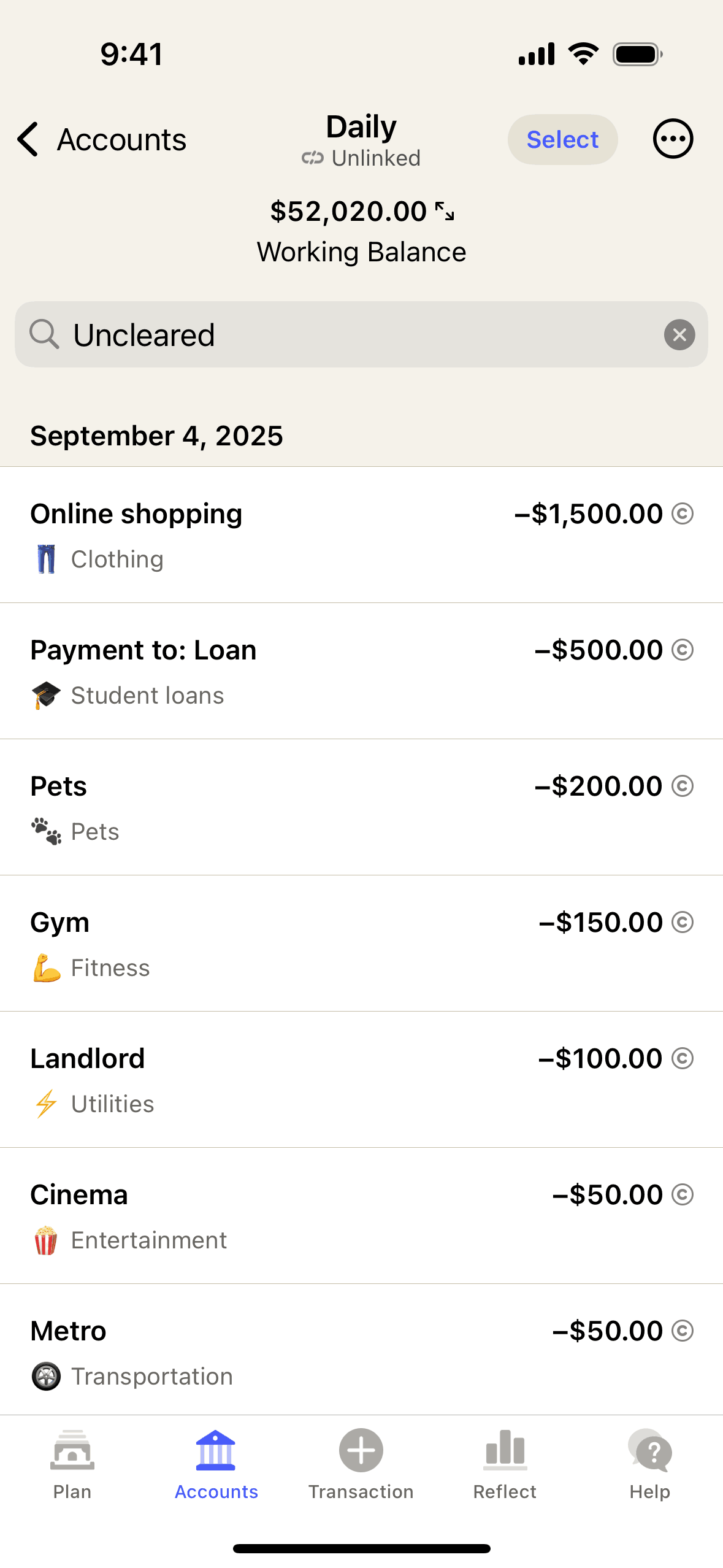
YNAB iOS Finance interface screenshot 22
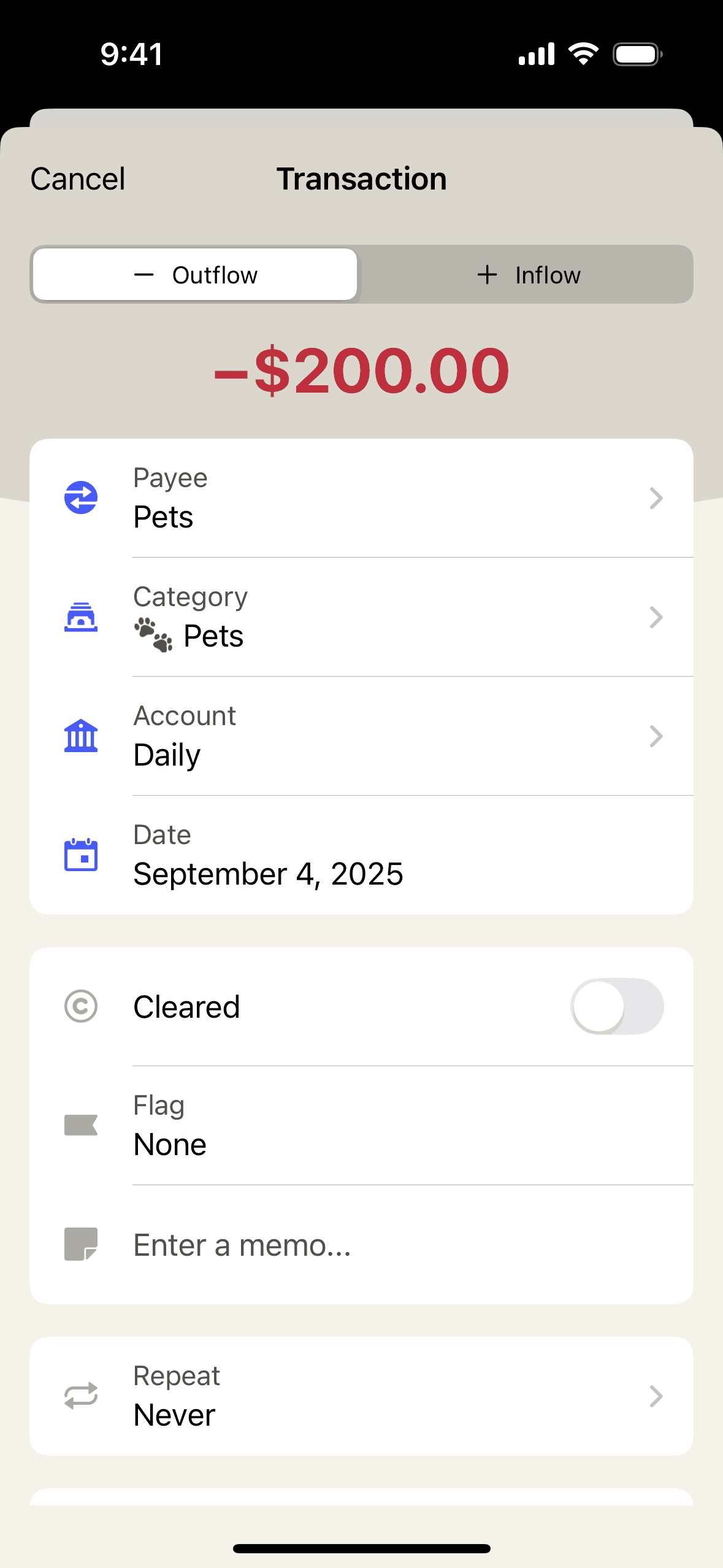
YNAB iOS Finance interface screenshot 23
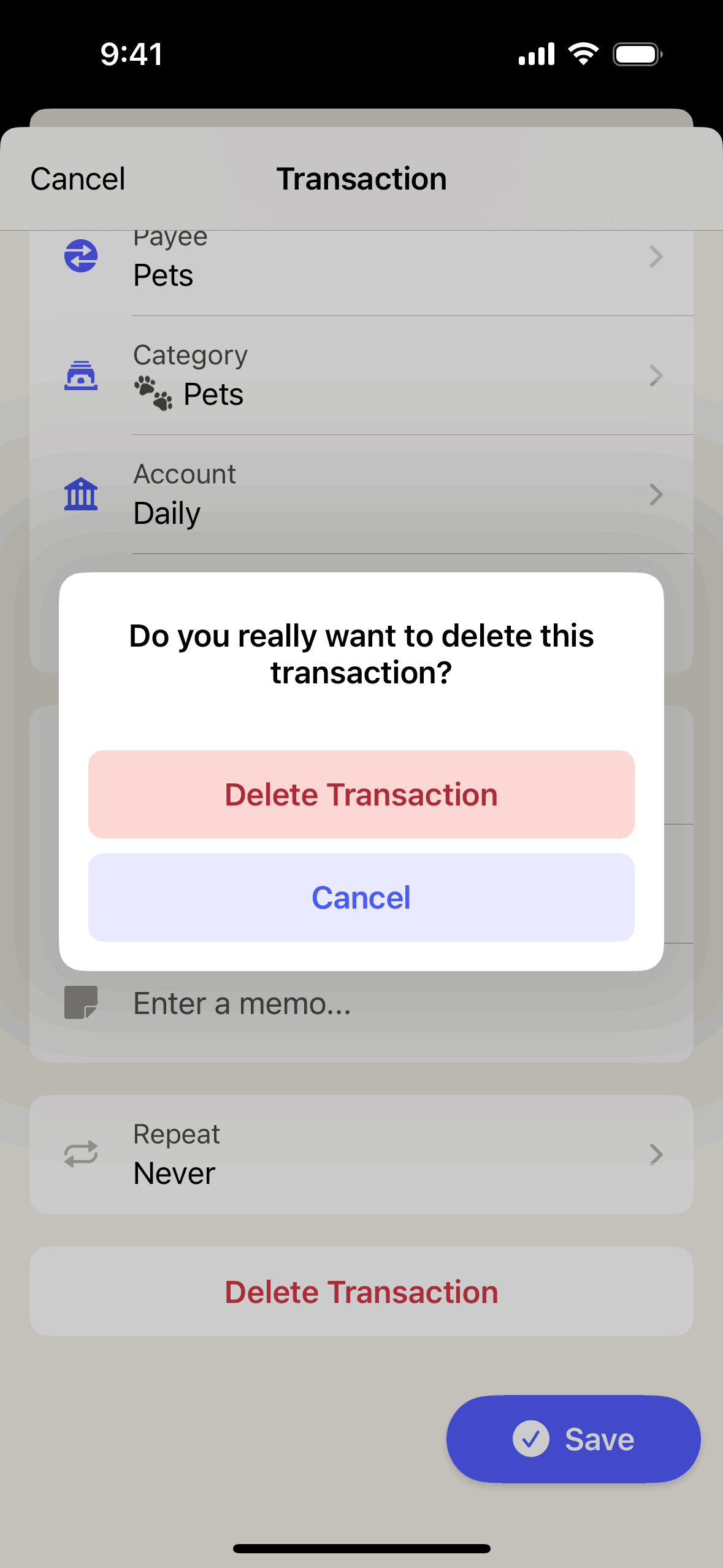
YNAB iOS Finance interface screenshot 24
Gummble currently indexes 233 YNAB iOS screens captured Oct 1, 2025 and 9 captured UX flows including onboarding, login, and paywall. Spend, save, and live joyfully. Categorized under Finance. Step through each captured YNAB flow screen by screen, or study individual screens for navigation, layout, and microcopy patterns.
Editorial teardown
YNAB (You Need A Budget) is a budgeting app built around the zero based budgeting philosophy: every dollar gets a job before you spend it. The iOS app helps users assign income to categories, track spending against those assignments, and adjust when reality doesn't match the plan. Unlike passive tracking apps, YNAB requires active engagement with money — users make conscious decisions about every dollar. The methodology has cult like devotees who credit YNAB with transforming their financial lives.
Read the full YNAB UX teardownGummble currently indexes 233 YNAB iOS screens captured Oct 1, 2025 and 9 captured UX flows including onboarding, login, and paywall. Browse the gallery to study YNAB's interface patterns and design decisions.
YNAB is categorized under Finance. Gummble holds 9 captured UX flows including onboarding, login, and paywall for YNAB iOS. Open the Flows tab to step through each captured sequence screen by screen.
Yes. Gummble Browse, Pro, and Team users can download YNAB iOS screenshots for design reference. Free users can browse a limited selection and view design analysis.