Loading library…

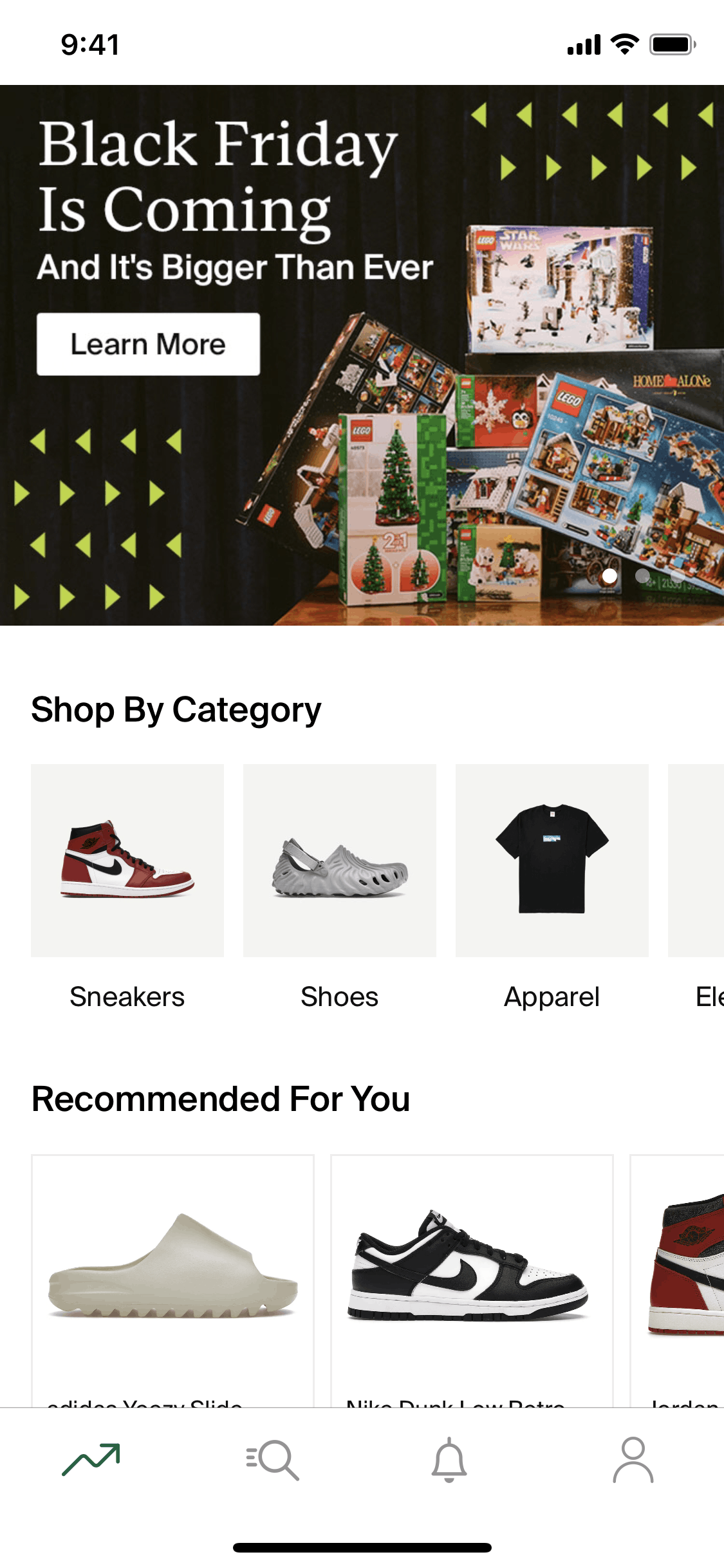

StockX iOS Shopping interface screenshot 1
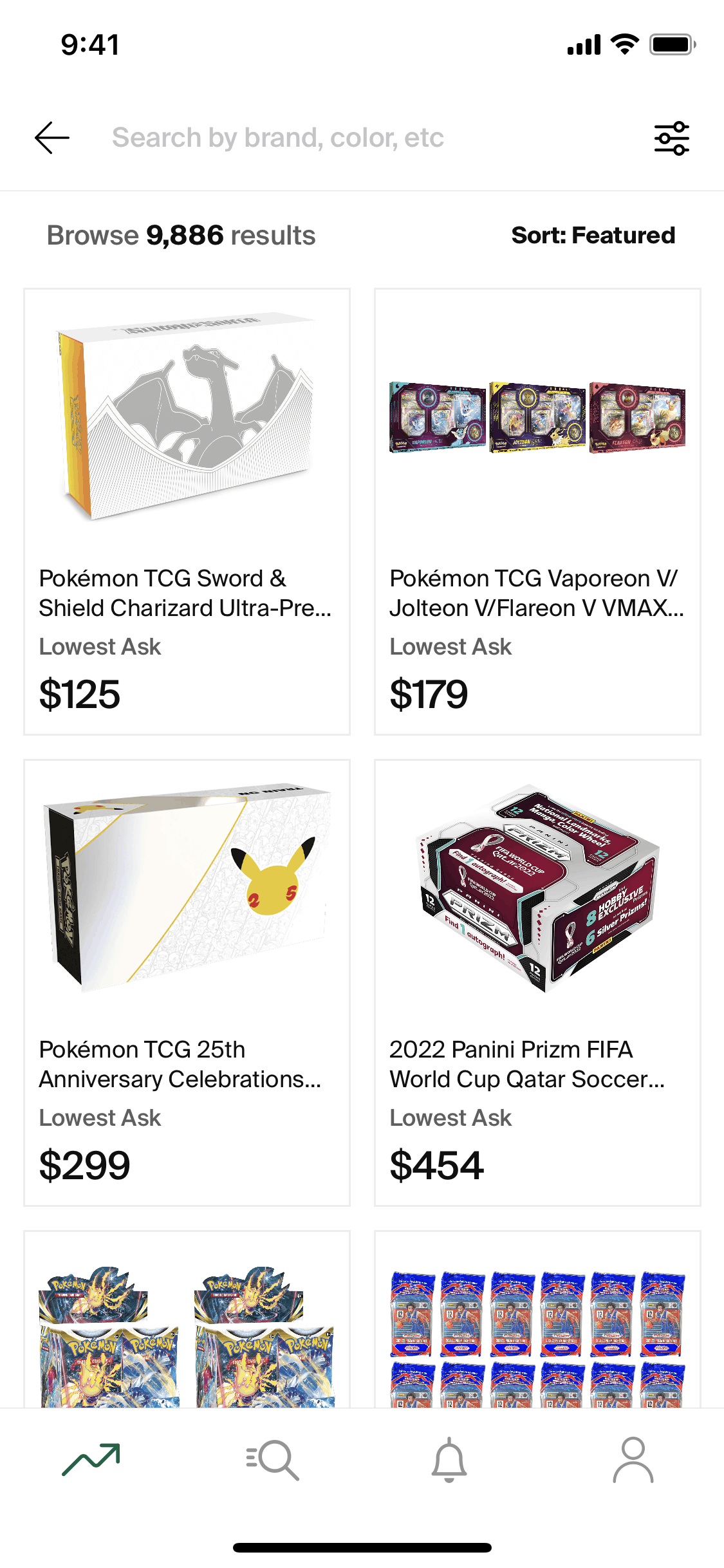
View trading card collection on StockX (ios) screen 2
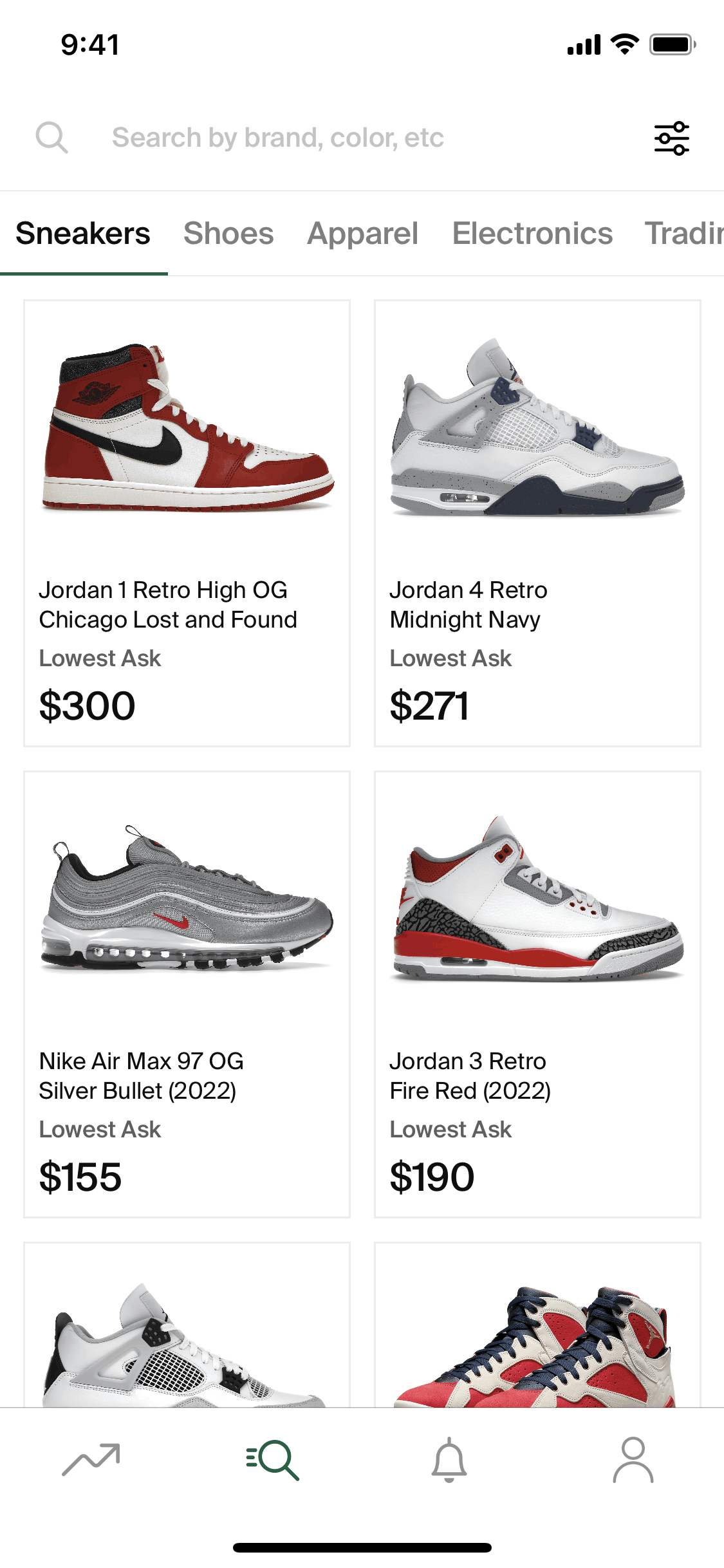
Search on StockX (ios) screen 2
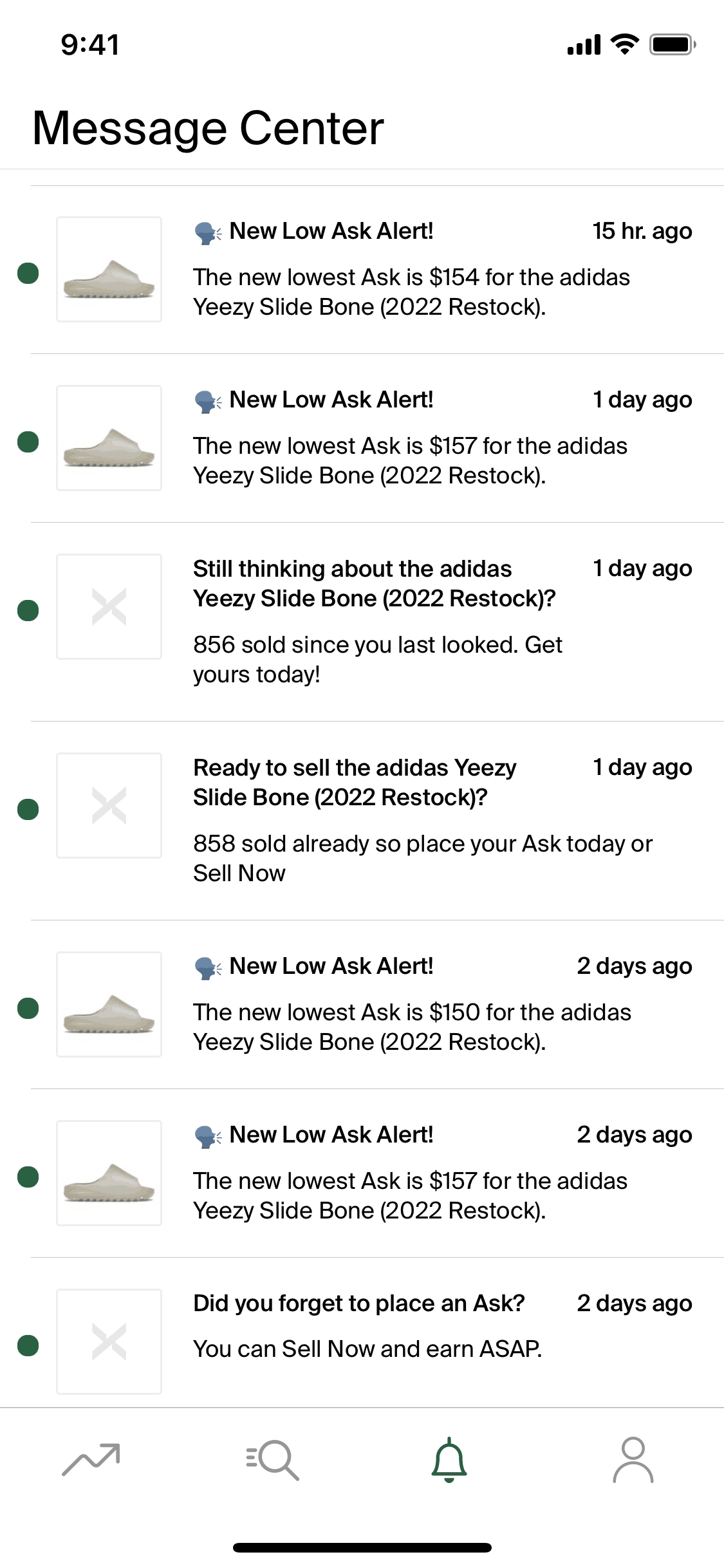
StockX iOS Shopping interface screenshot 4
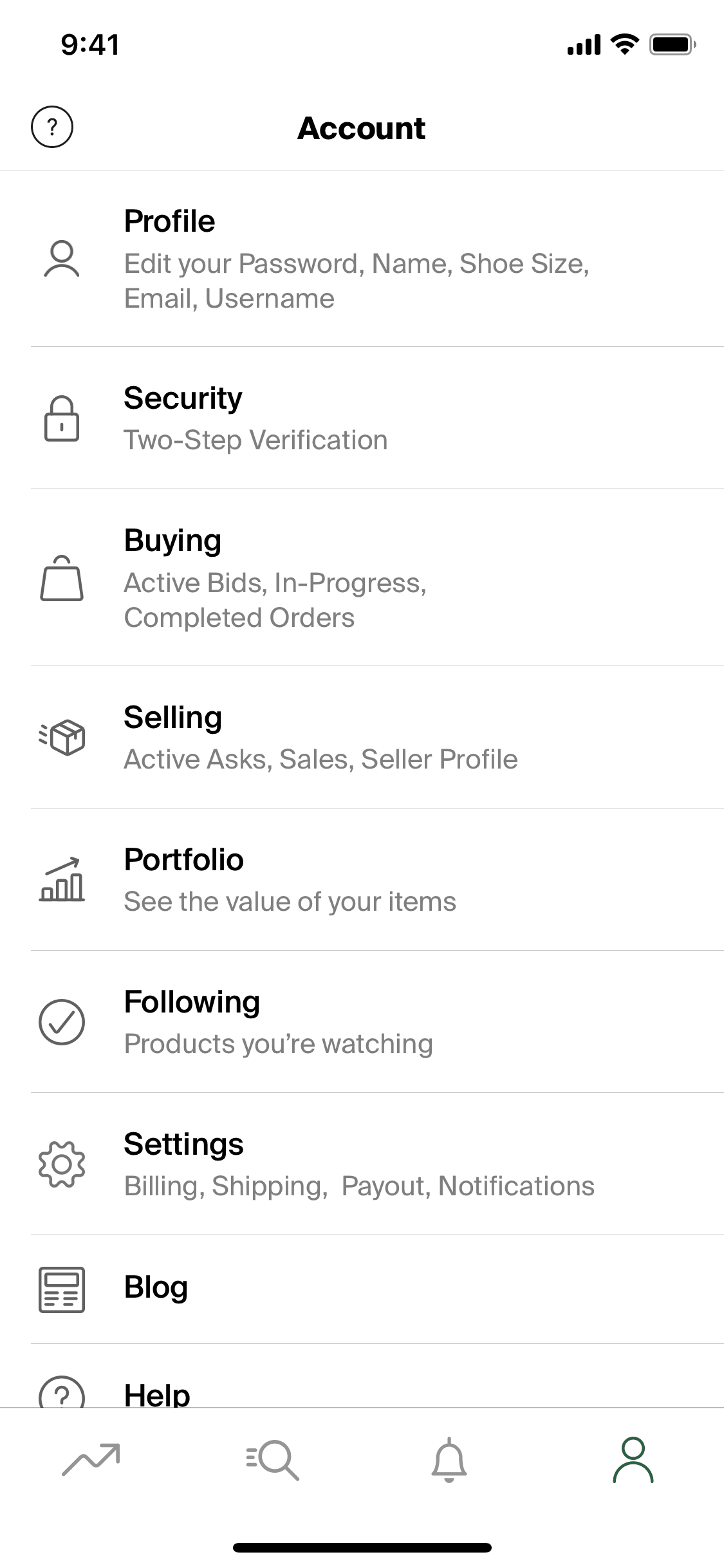
StockX iOS Shopping interface screenshot 5

StockX iOS Shopping interface screenshot 6
Onboarding on StockX (ios) screen 1

Home on StockX (ios) screen 2

Learn more about a featured collection on StockX (ios) screen 2

View Bearbrick brand collection on StockX (ios) screen 2

Switching results view on StockX (ios) screen 2

Filtering results on StockX (ios) screen 3

Searching for a product on StockX (ios) screen 2

Product detail on StockX (ios) screen 2

Learn more about StockX verified sneakers on StockX (ios) screen 2

View market data on StockX (ios) screen 2

Select size on StockX (ios) screen 2

View size guide on StockX (ios) screen 2

Following an item on StockX (ios) screen 2

Adding an item to portfolio on StockX (ios) screen 2

Placing a bid on StockX (ios) screen 2

Entering a discount code on StockX (ios) screen 2

Placing an ask price on StockX (ios) screen 2

Buying an item on StockX (ios) screen 2
Gummble currently indexes 404 StockX iOS screens captured Current Version and 6 captured UX flows including onboarding, login, and search. Sneakers, streetwear + more. Categorized under Shopping. Step through each captured StockX flow screen by screen, or study individual screens for navigation, layout, and microcopy patterns.
Editorial teardown
StockX is a live marketplace for sneakers, streetwear, electronics, and collectibles that operates like a stock exchange. Instead of traditional listings with fixed prices, buyers place bids and sellers set asks. When a bid meets an ask, a sale executes instantly. Every item sold passes through StockX authentication centers before reaching buyers, solving the counterfeit problem plaguing resale markets. The app provides real time pricing data, historical sales charts, and market analytics that help users make informed buying and selling decisions.
Read the full StockX UX teardownGummble currently indexes 404 StockX iOS screens captured Current Version and 6 captured UX flows including onboarding, login, and search. Browse the gallery to study StockX's interface patterns and design decisions.
StockX is categorized under Shopping. Gummble holds 6 captured UX flows including onboarding, login, and search for StockX iOS. Open the Flows tab to step through each captured sequence screen by screen.
Yes. Gummble Browse, Pro, and Team users can download StockX iOS screenshots for design reference. Free users can browse a limited selection and view design analysis.