
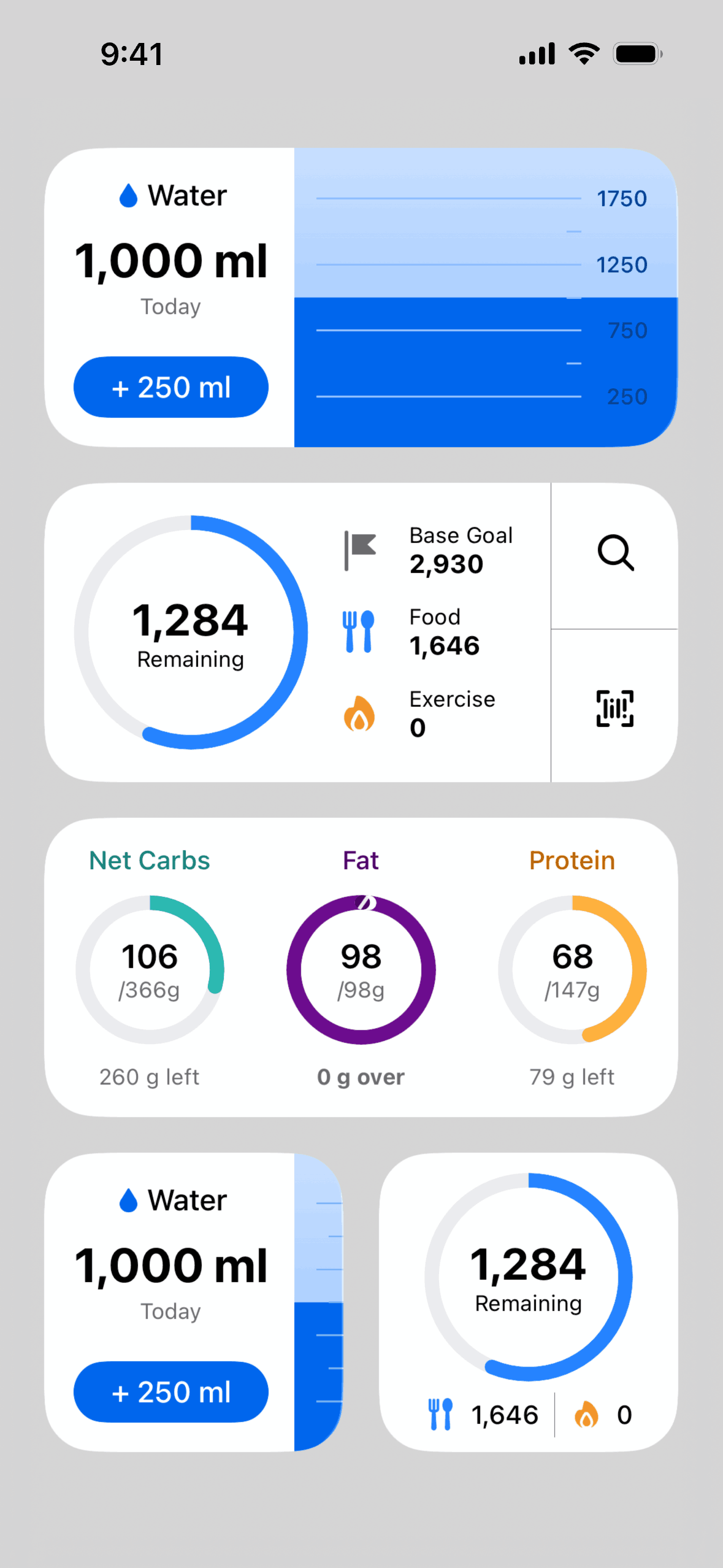

MyFitnessPal iOS Health & Fitness interface screenshot 1

MyFitnessPal iOS Health & Fitness interface screenshot 2

Onboarding on MyFitnessPal (ios) screen 1
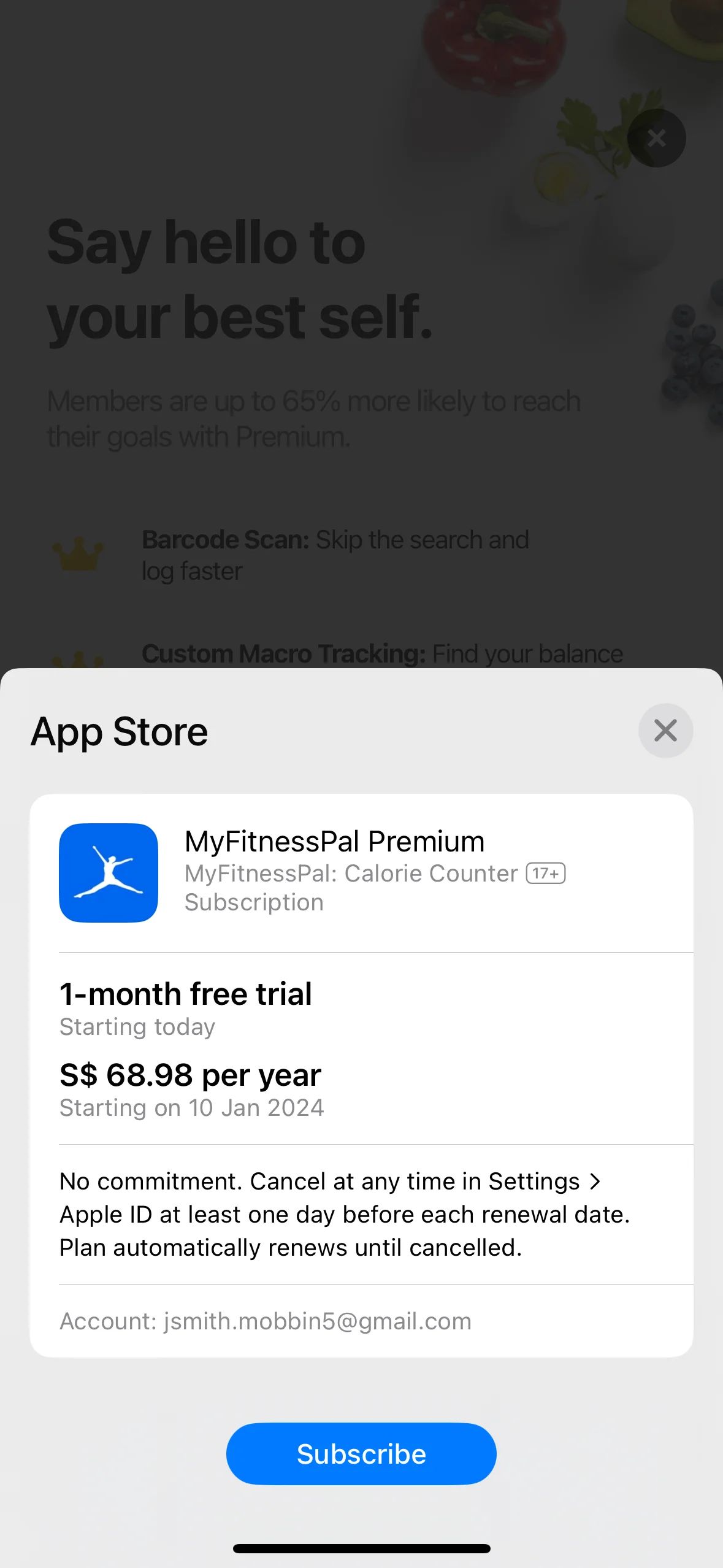
Subscribing to premium on MyFitnessPal (ios) screen 2
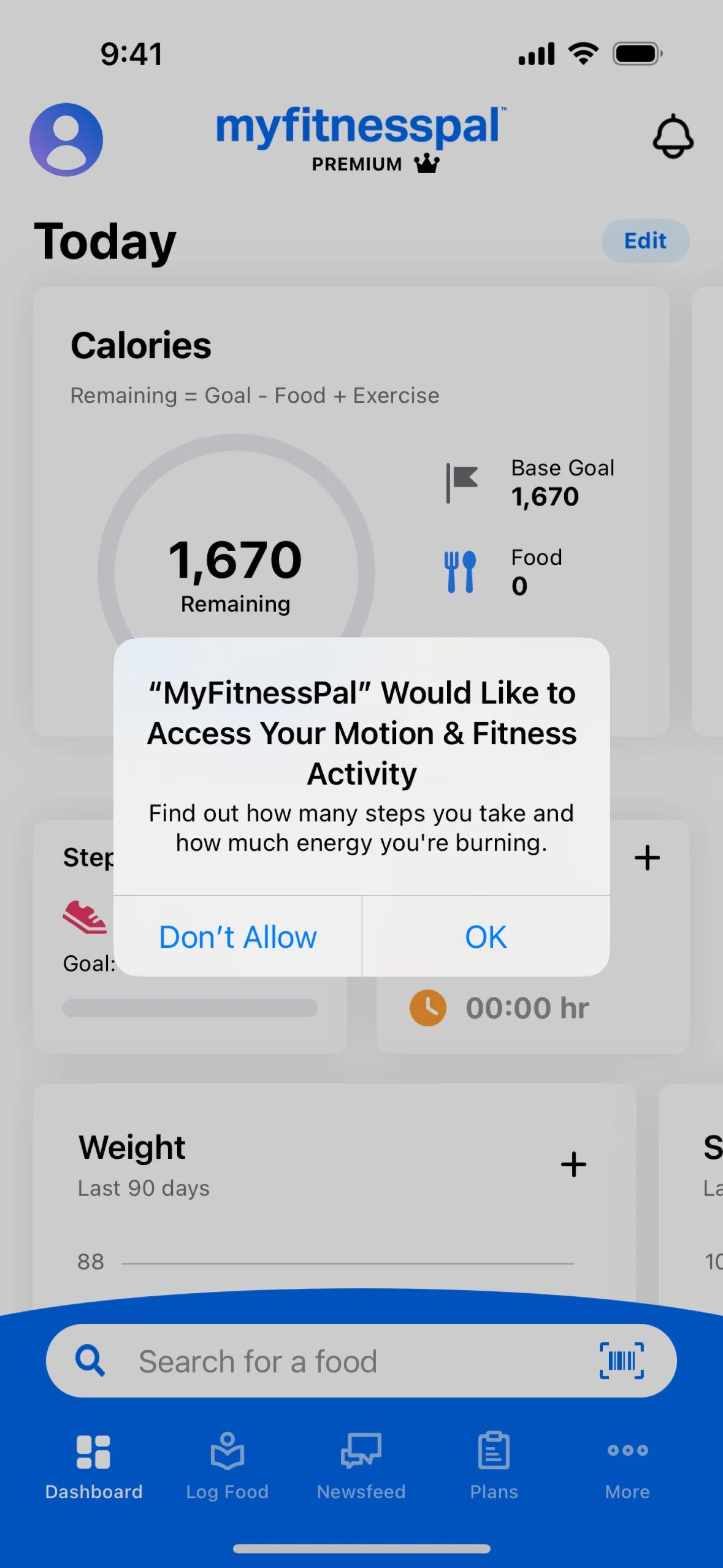
App walkthrough on MyFitnessPal (ios) screen 2
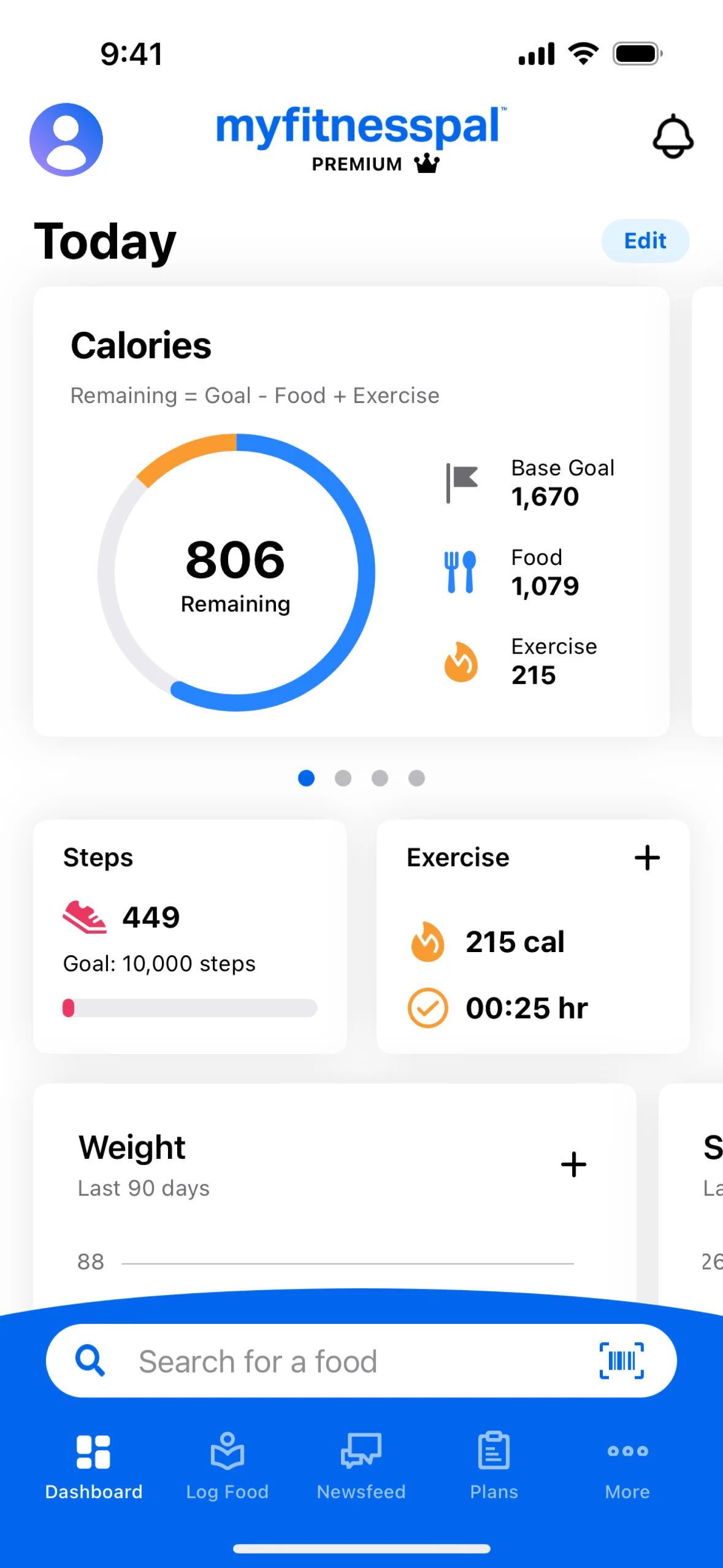
Home on MyFitnessPal (ios) screen 2
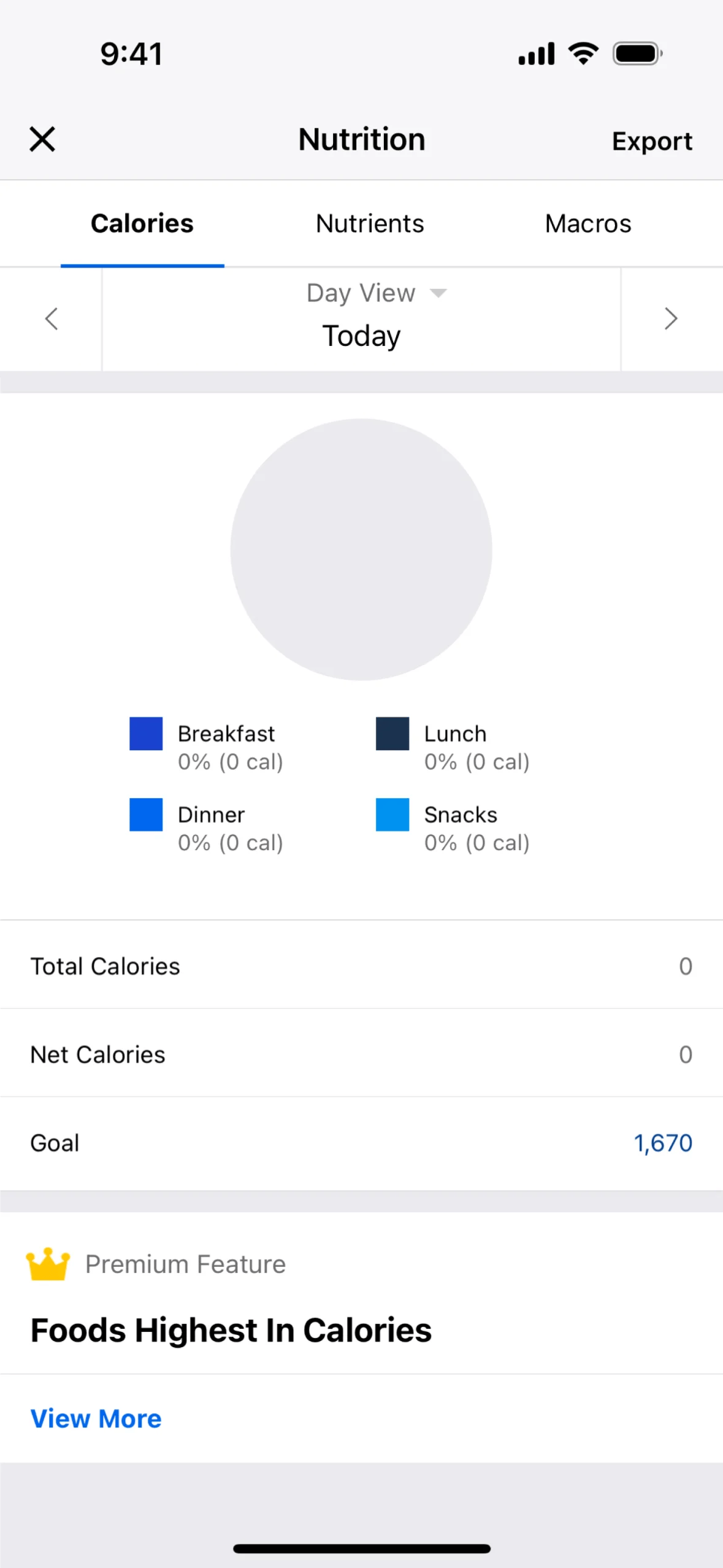
Nutrition on MyFitnessPal (ios) screen 2
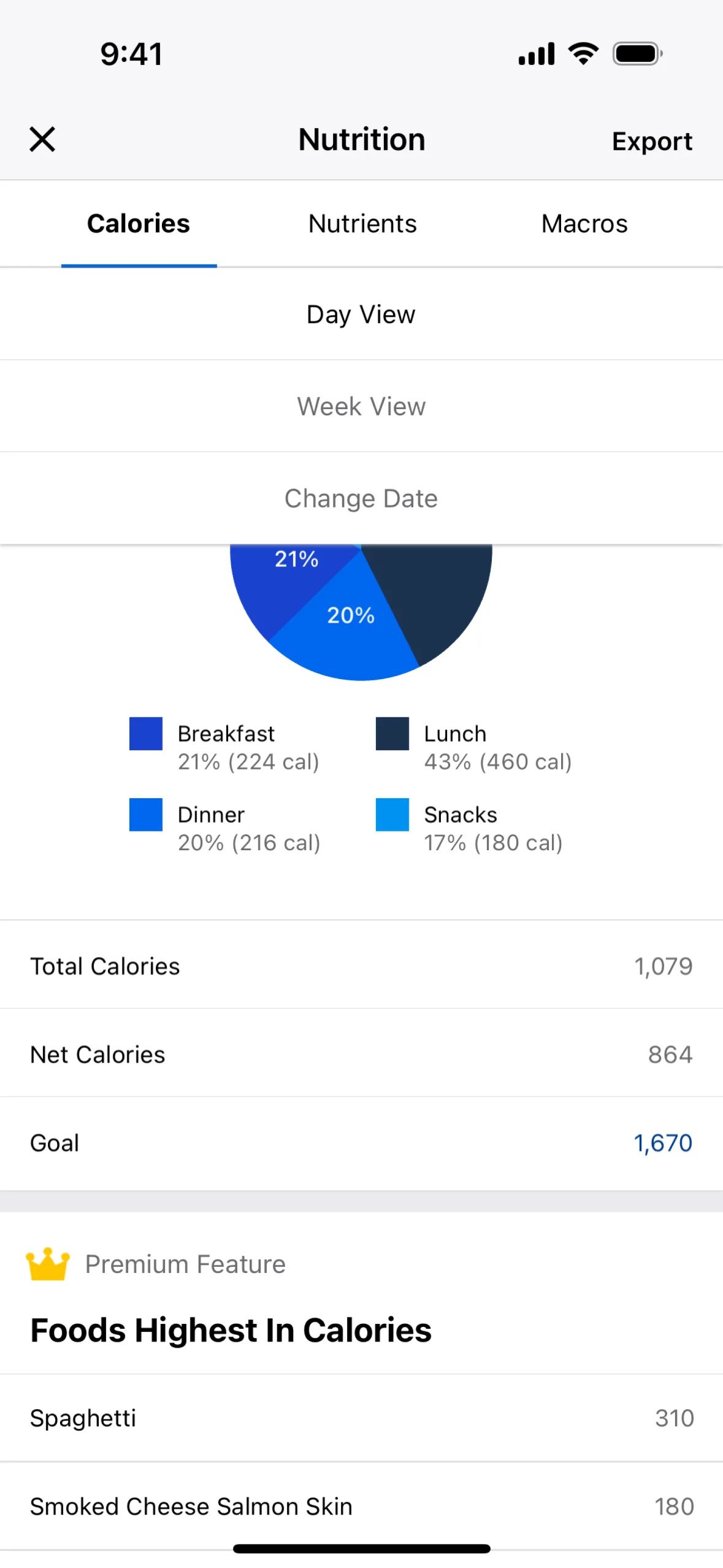
Changing time range view on MyFitnessPal (ios) screen 2
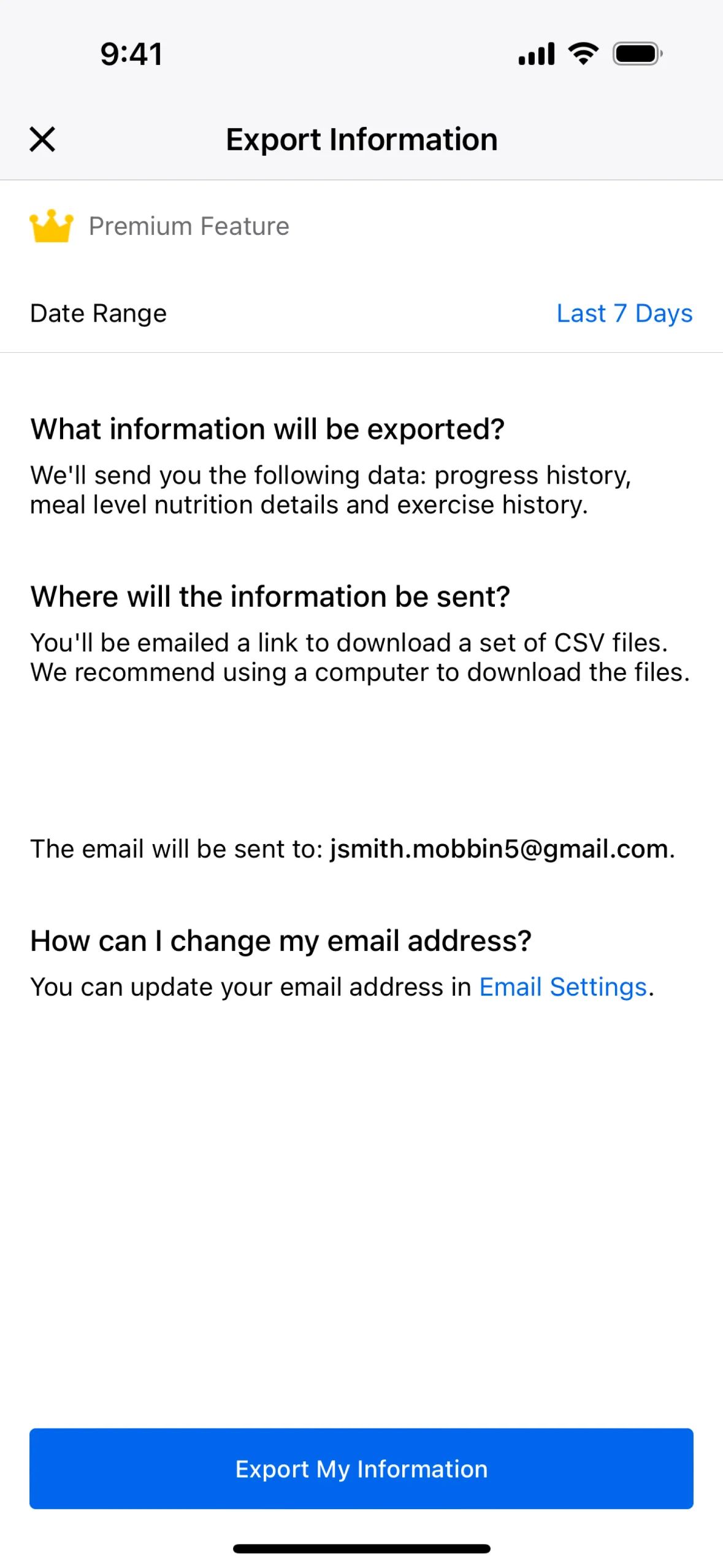
Exporting data on MyFitnessPal (ios) screen 2
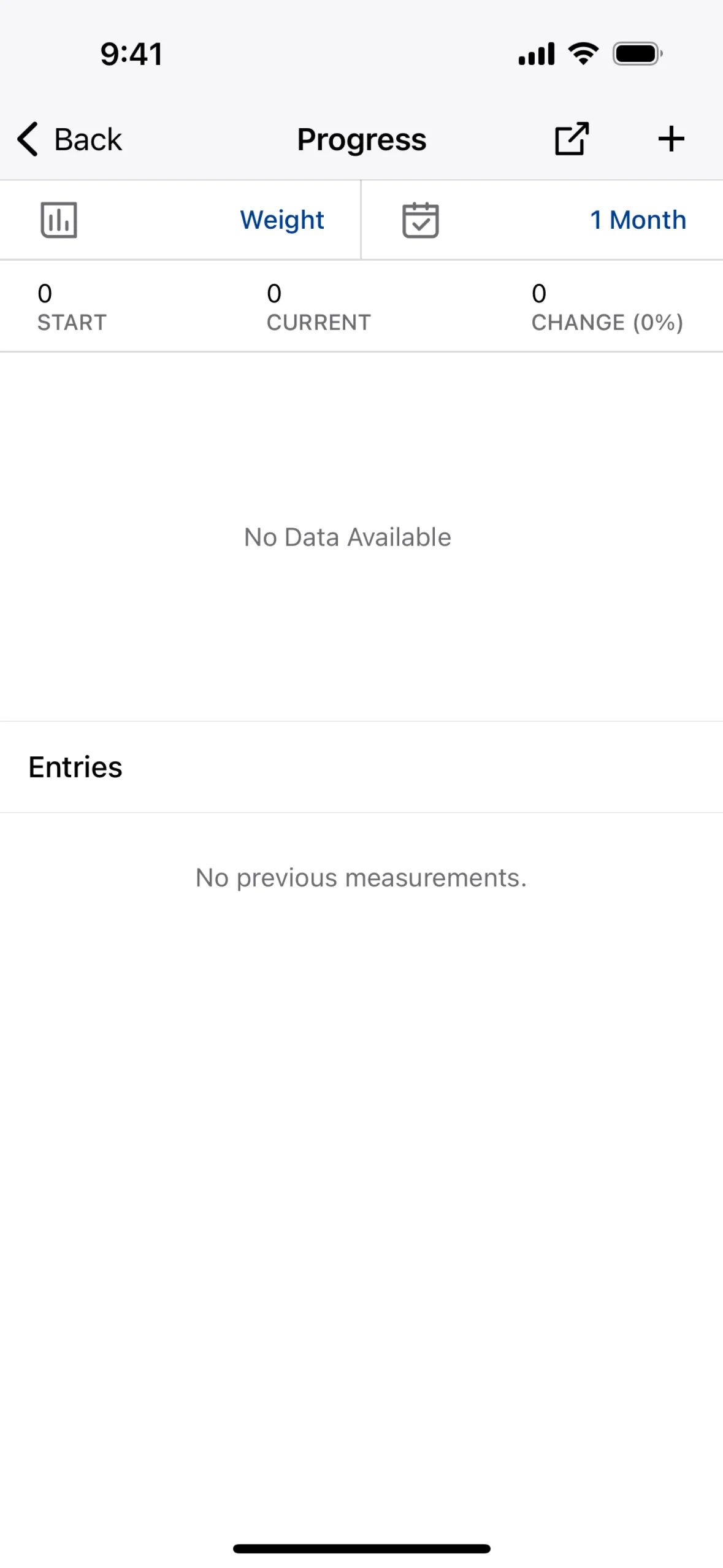
Progress on MyFitnessPal (ios) screen 2
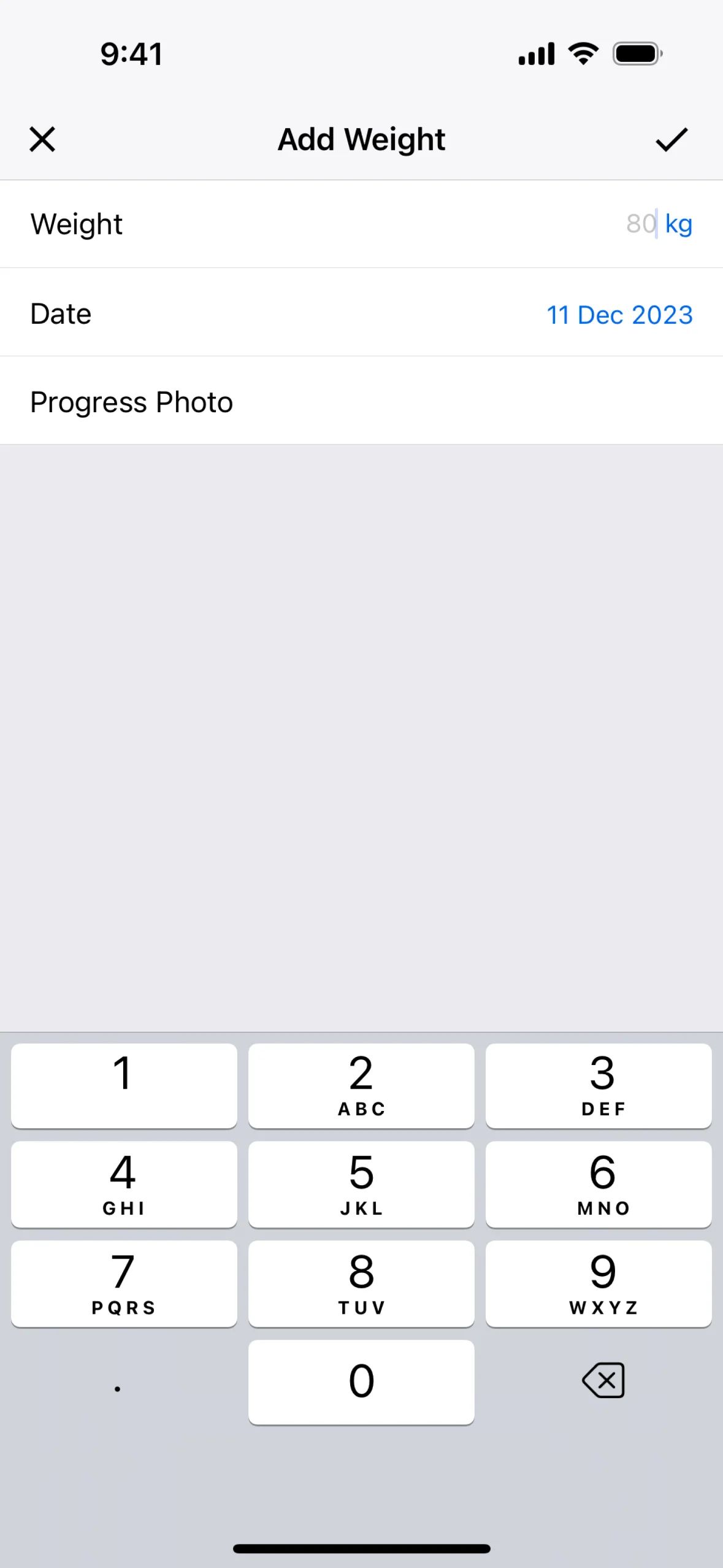
Adding weight data on MyFitnessPal (ios) screen 2
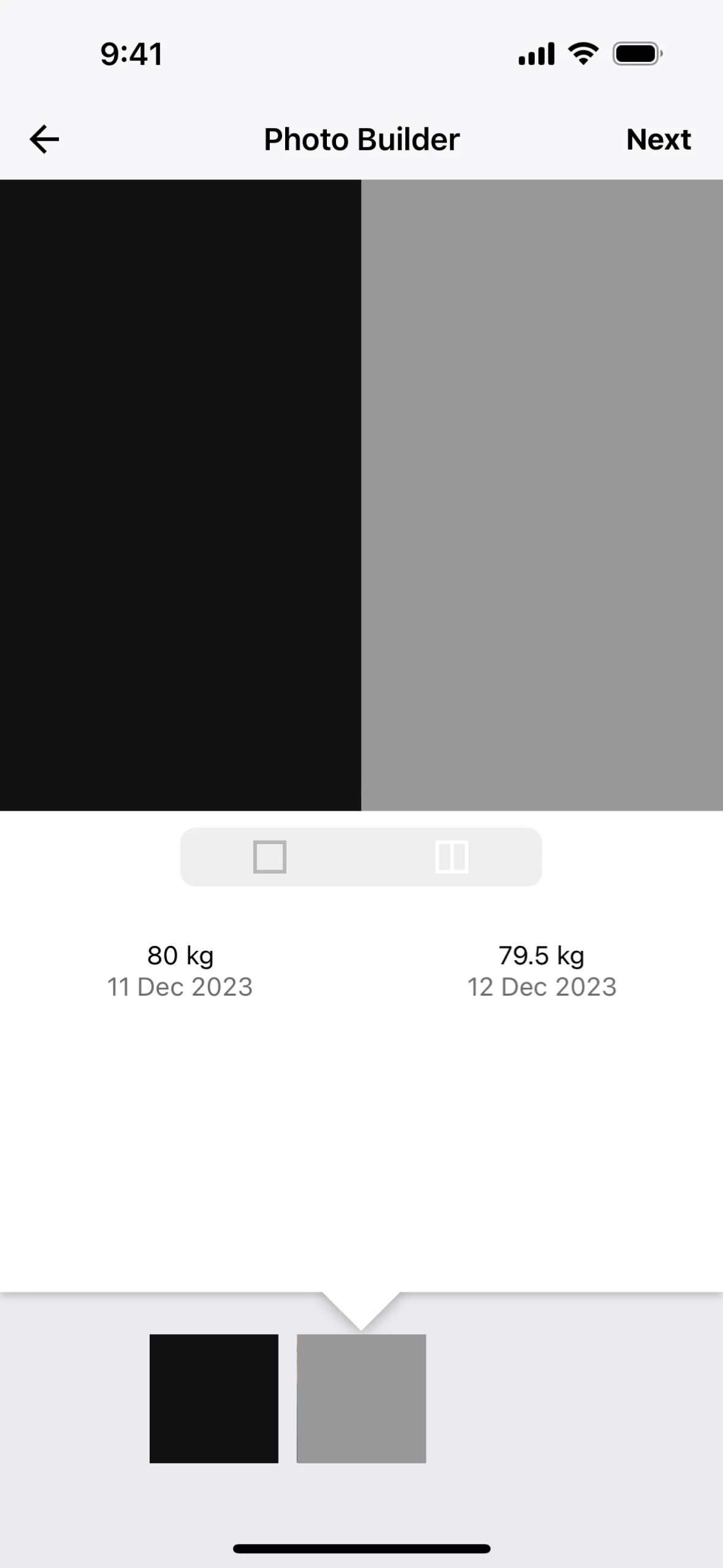
Sharing progress status on MyFitnessPal (ios) screen 2
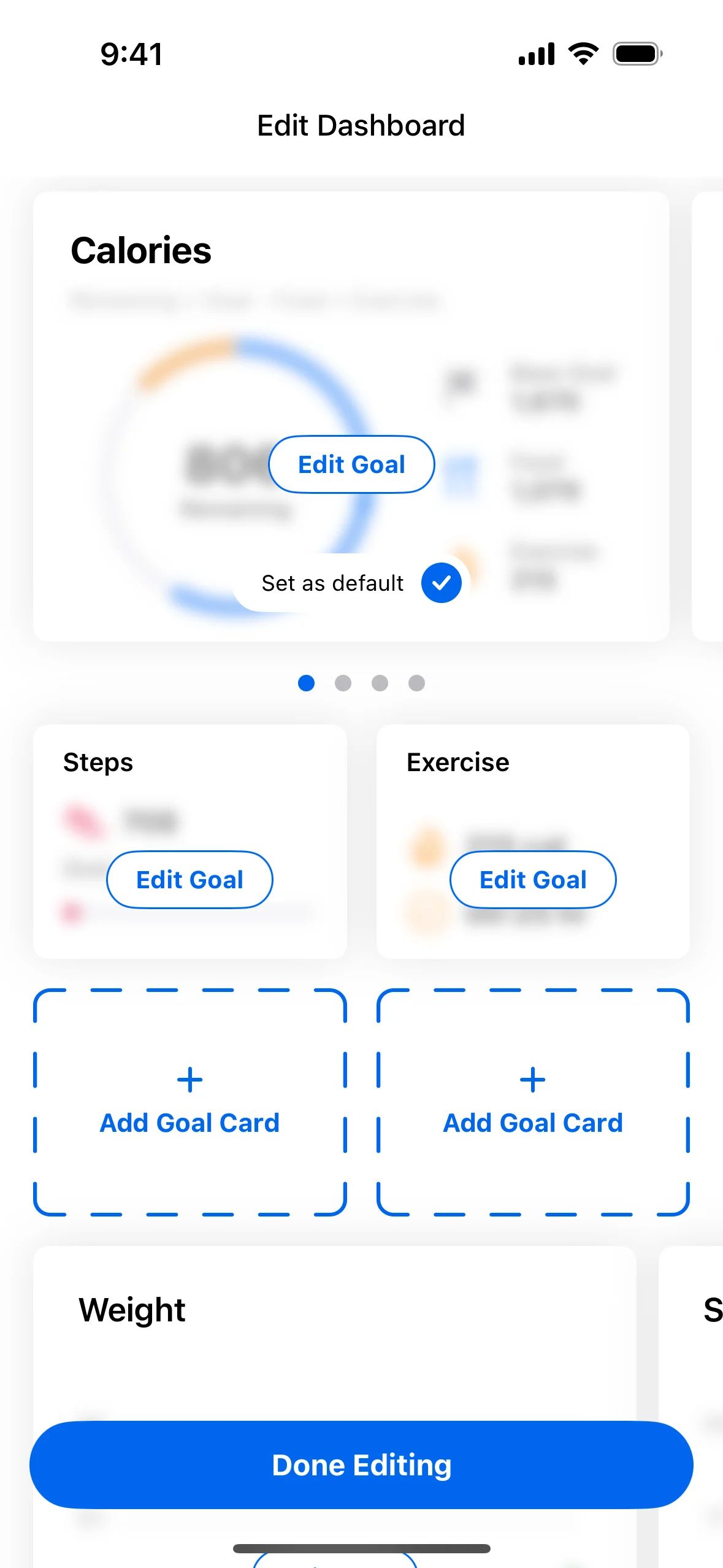
Edit dashboard on MyFitnessPal (ios) screen 2
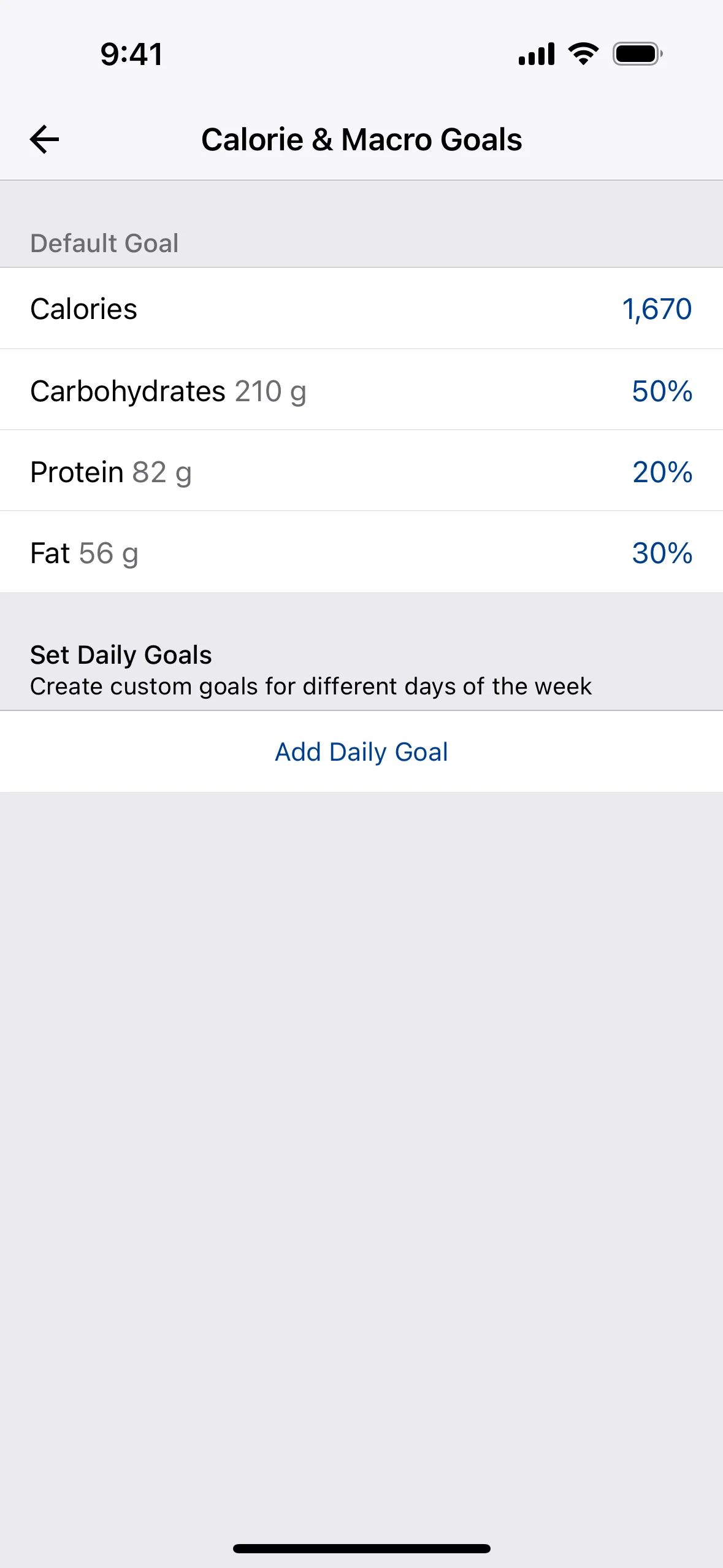
Setting a daily goal on MyFitnessPal (ios) screen 2
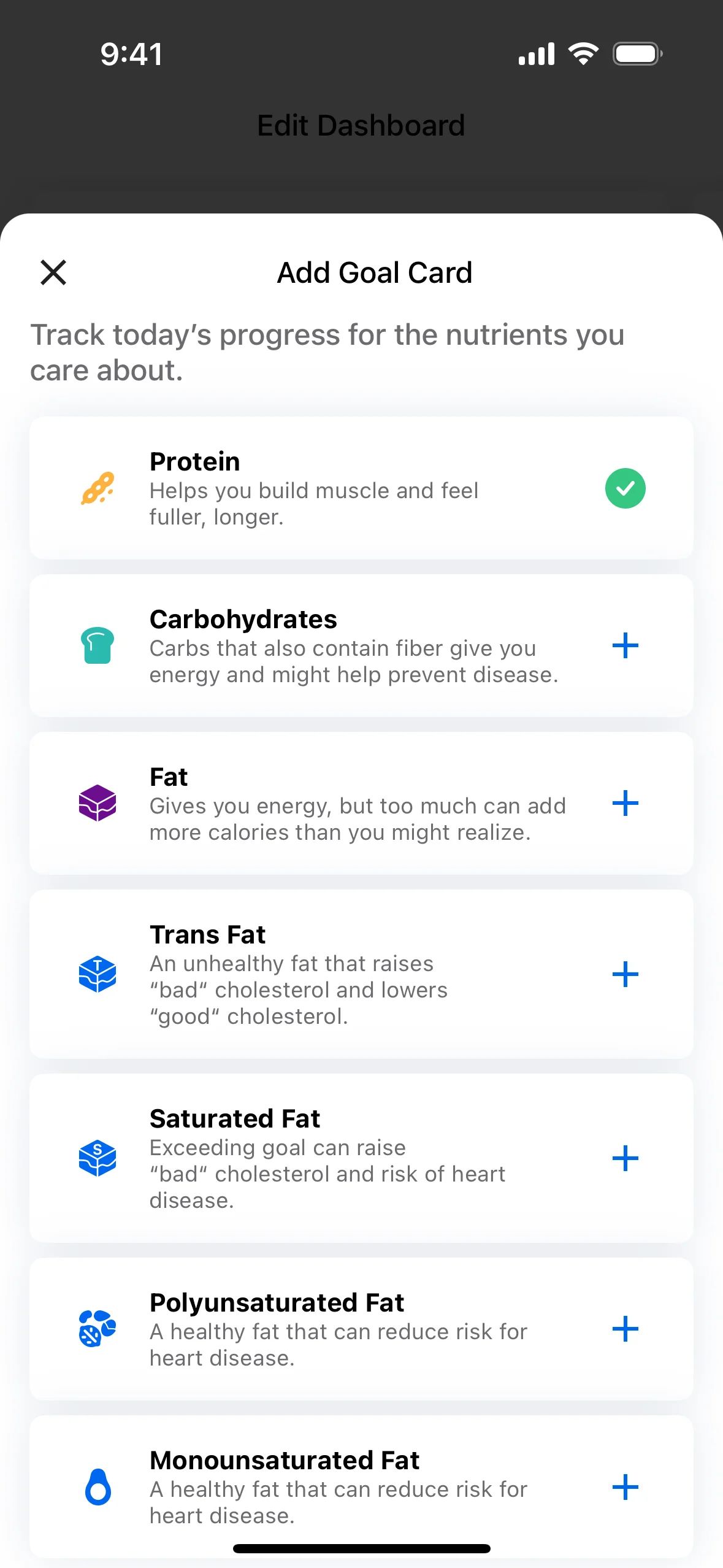
Adding a goal card on MyFitnessPal (ios) screen 2
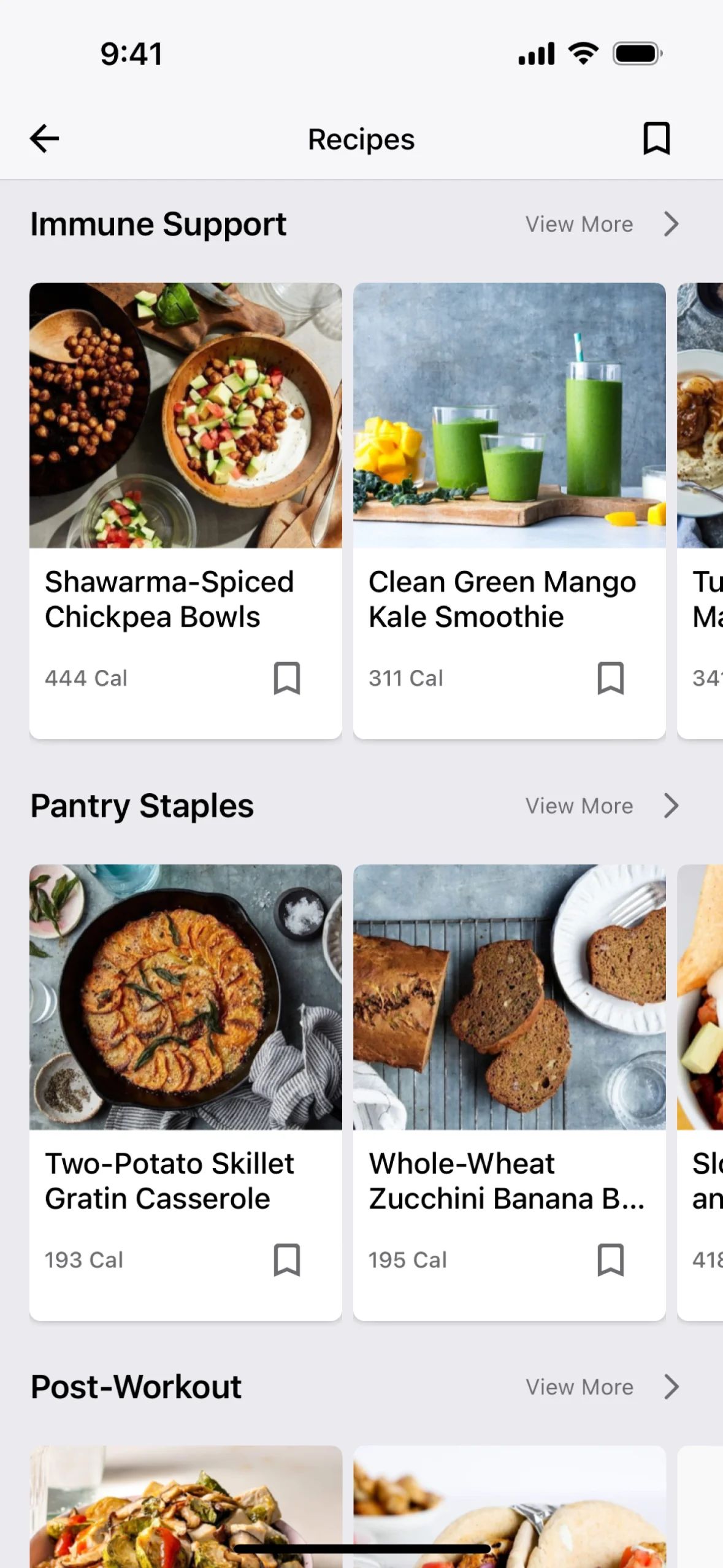
Recipes on MyFitnessPal (ios) screen 2
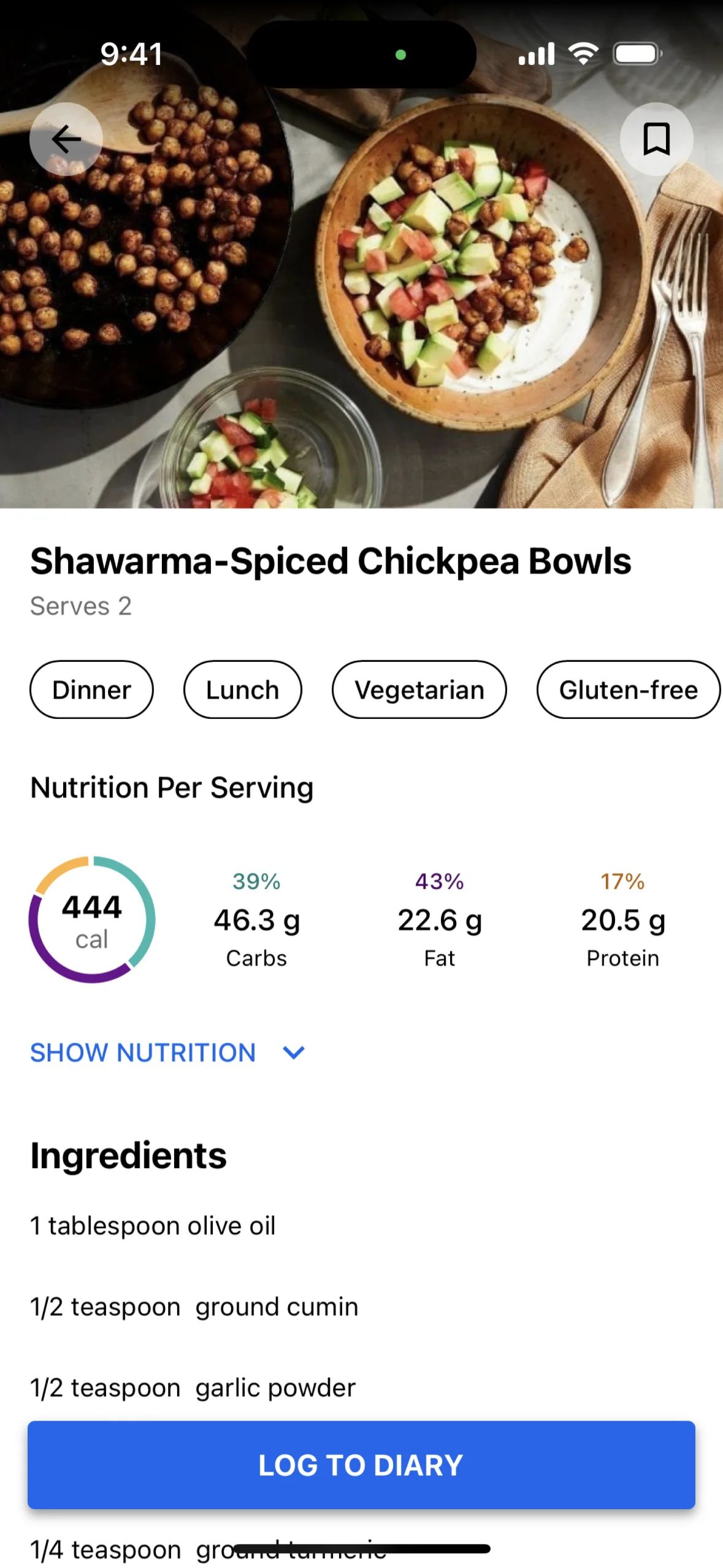
Recipe detail on MyFitnessPal (ios) screen 2
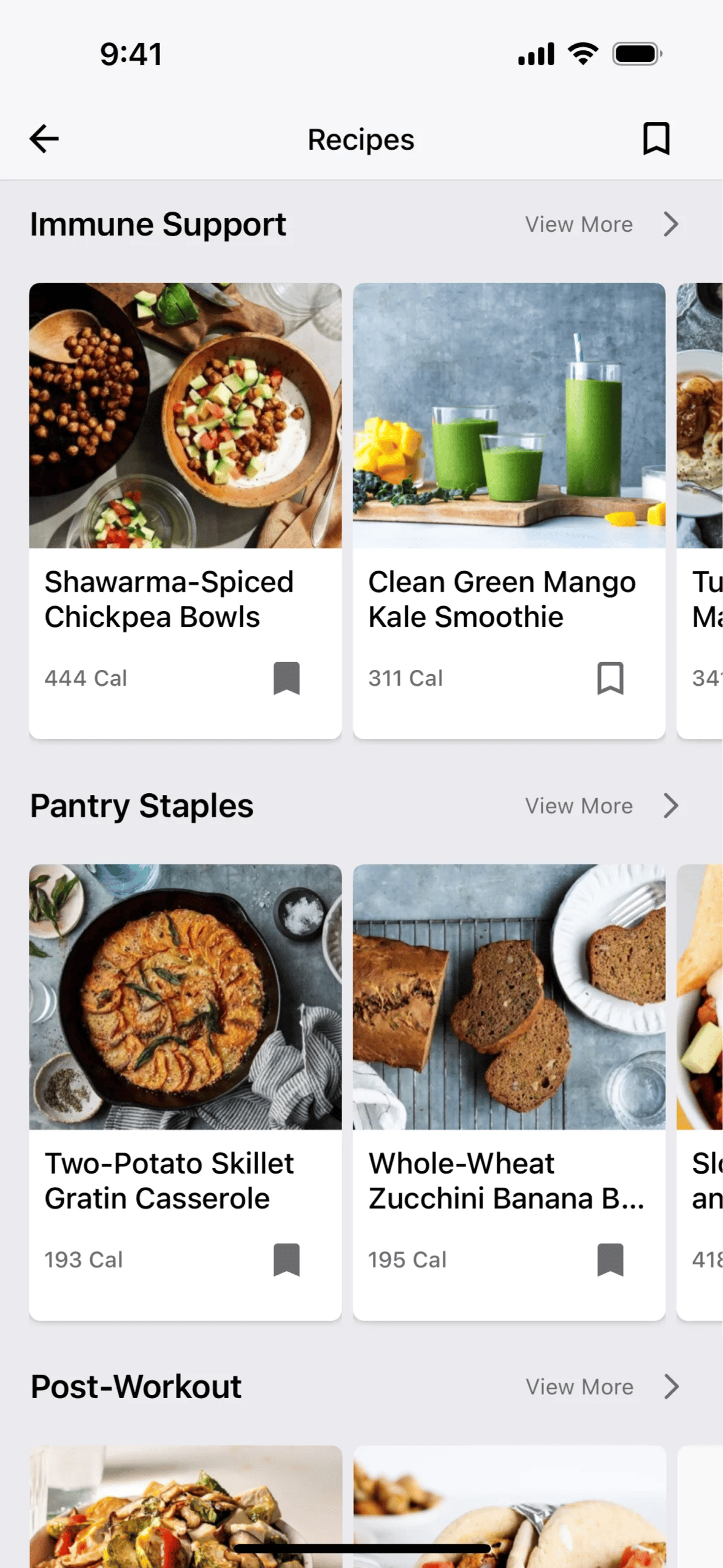
Saving recipes on MyFitnessPal (ios) screen 2
Saved Recipes on MyFitnessPal (ios) screen 2
Workouts on MyFitnessPal (ios) screen 2
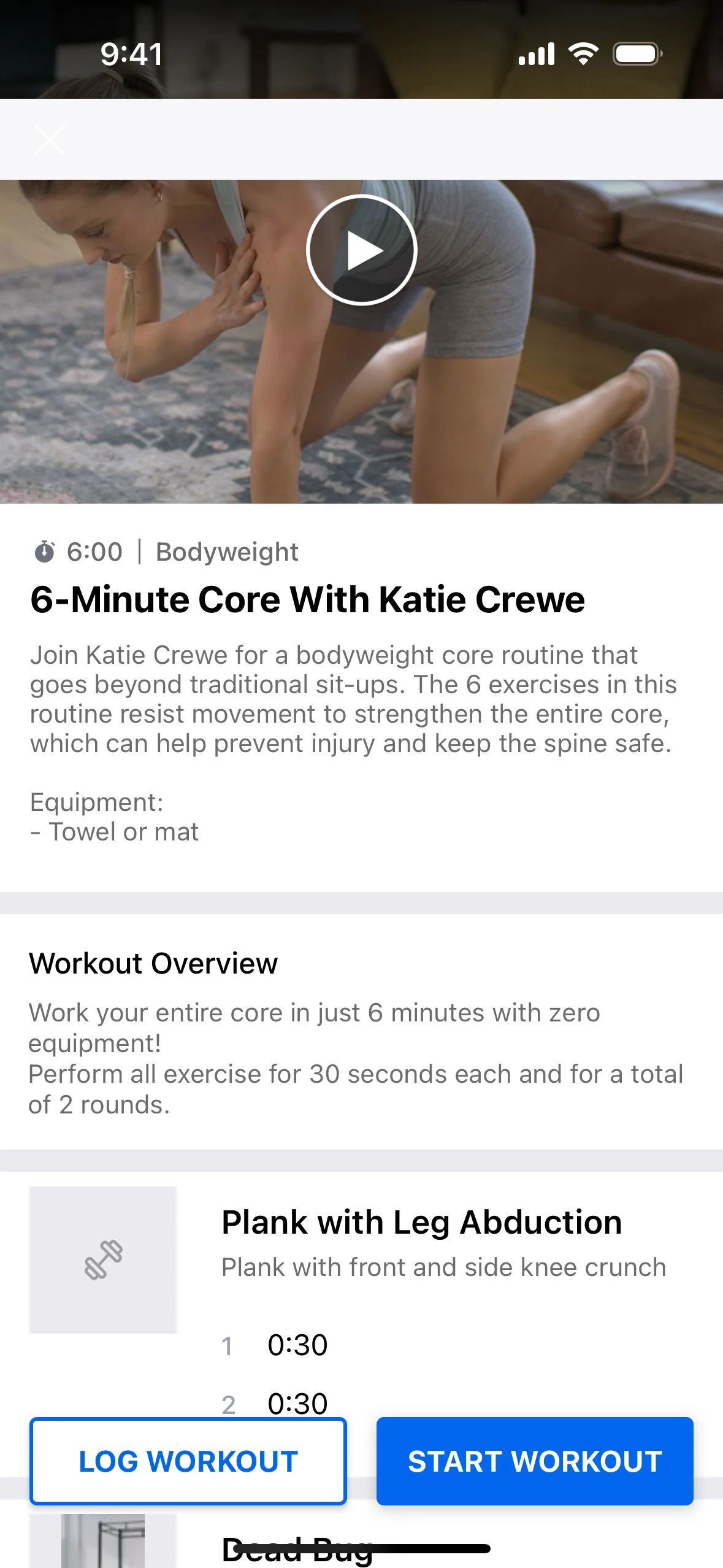
Workout detail on MyFitnessPal (ios) screen 2

Starting a workout on MyFitnessPal (ios) screen 2
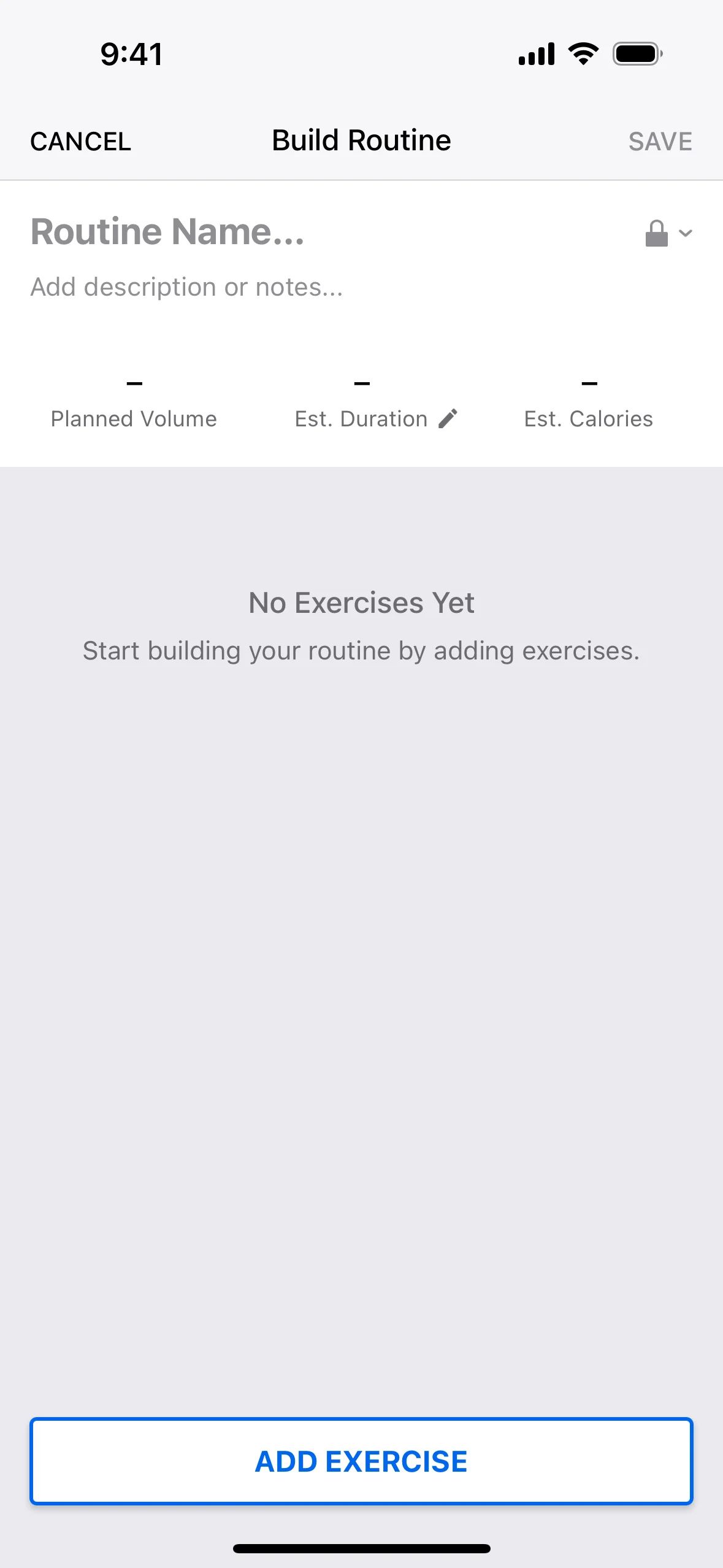
Building a new routine on MyFitnessPal (ios) screen 2

Notifications on MyFitnessPal (ios) screen 2
Gummble currently indexes 574 MyFitnessPal iOS screens captured Current Version and 16 captured UX flows including onboarding, login, and paywall. Macro, diet & fitness tracker. Categorized under Health & Fitness. Step through each captured MyFitnessPal flow screen by screen, or study individual screens for navigation, layout, and microcopy patterns.
Editorial teardown
MyFitnessPal is a calorie and macro tracking app with the world's largest food database — over 14 million items. Users log meals by searching foods, scanning barcodes, or creating recipes. The app calculates daily calorie targets based on weight goals and tracks progress over time. Beyond food, MyFitnessPal integrates with fitness trackers to factor exercise into the daily calorie budget. The core promise is simple: track what you eat, understand your nutrition, and reach your weight goals through awareness rather than restrictive dieting.
Read the full MyFitnessPal UX teardownGummble currently indexes 574 MyFitnessPal iOS screens captured Current Version and 16 captured UX flows including onboarding, login, and paywall. Browse the gallery to study MyFitnessPal's interface patterns and design decisions.
MyFitnessPal is categorized under Health & Fitness. Gummble holds 16 captured UX flows including onboarding, login, and paywall for MyFitnessPal iOS. Open the Flows tab to step through each captured sequence screen by screen.
Yes. Gummble Browse, Pro, and Team users can download MyFitnessPal iOS screenshots for design reference. Free users can browse a limited selection and view design analysis.