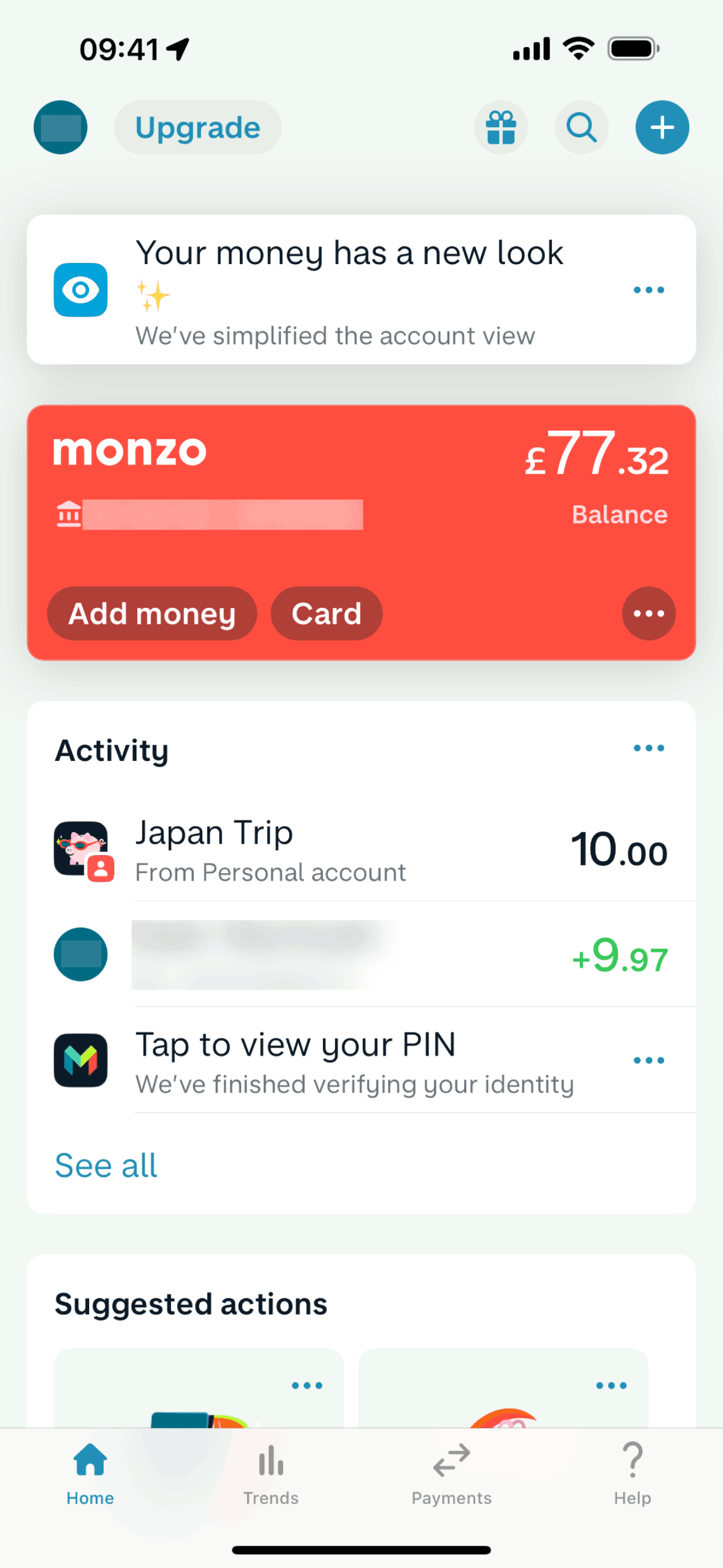

Monzo iOS Finance interface screenshot 1
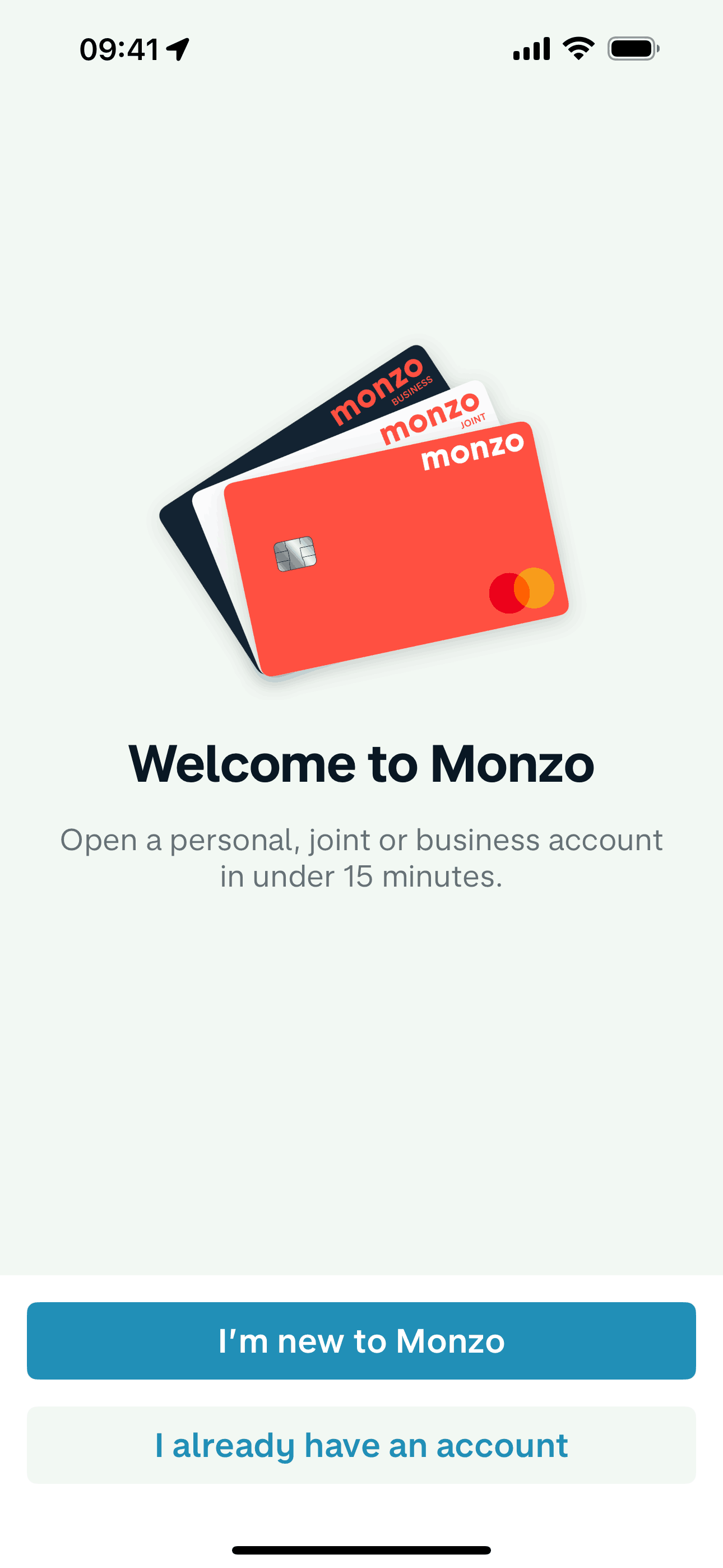
Monzo iOS Finance interface screenshot 2
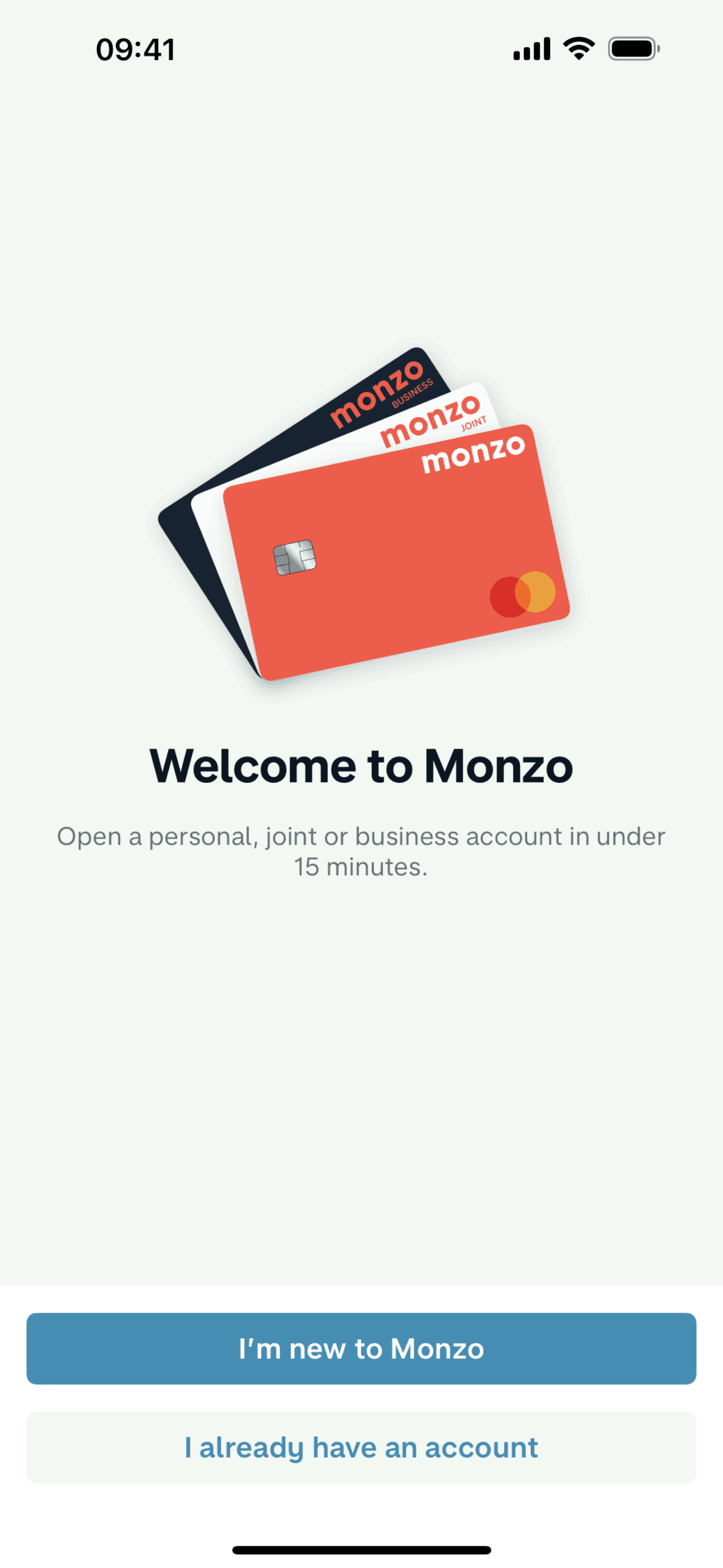
Monzo iOS Finance interface screenshot 3
Onboarding on Monzo (ios) screen 1
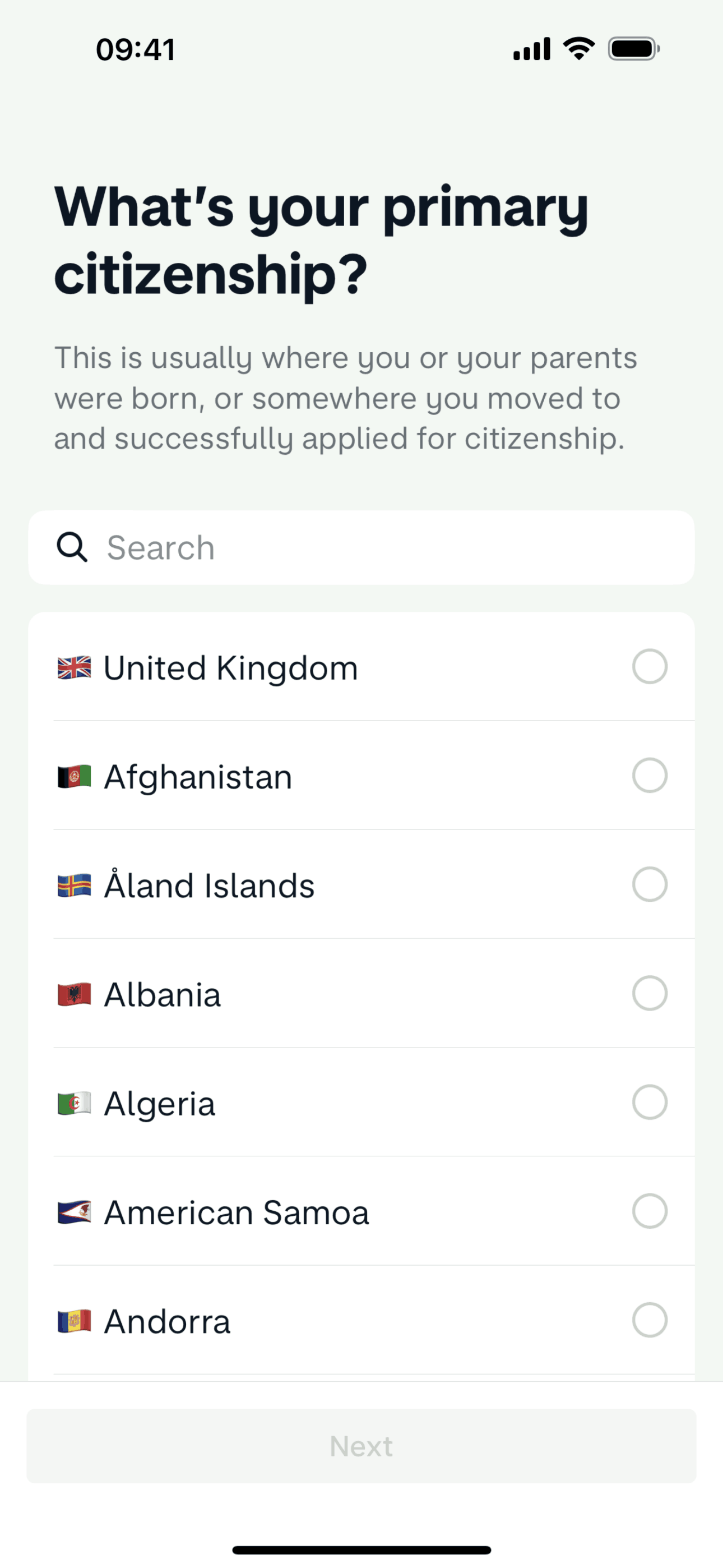
Setting up an account (About you) on Monzo (ios) screen 2
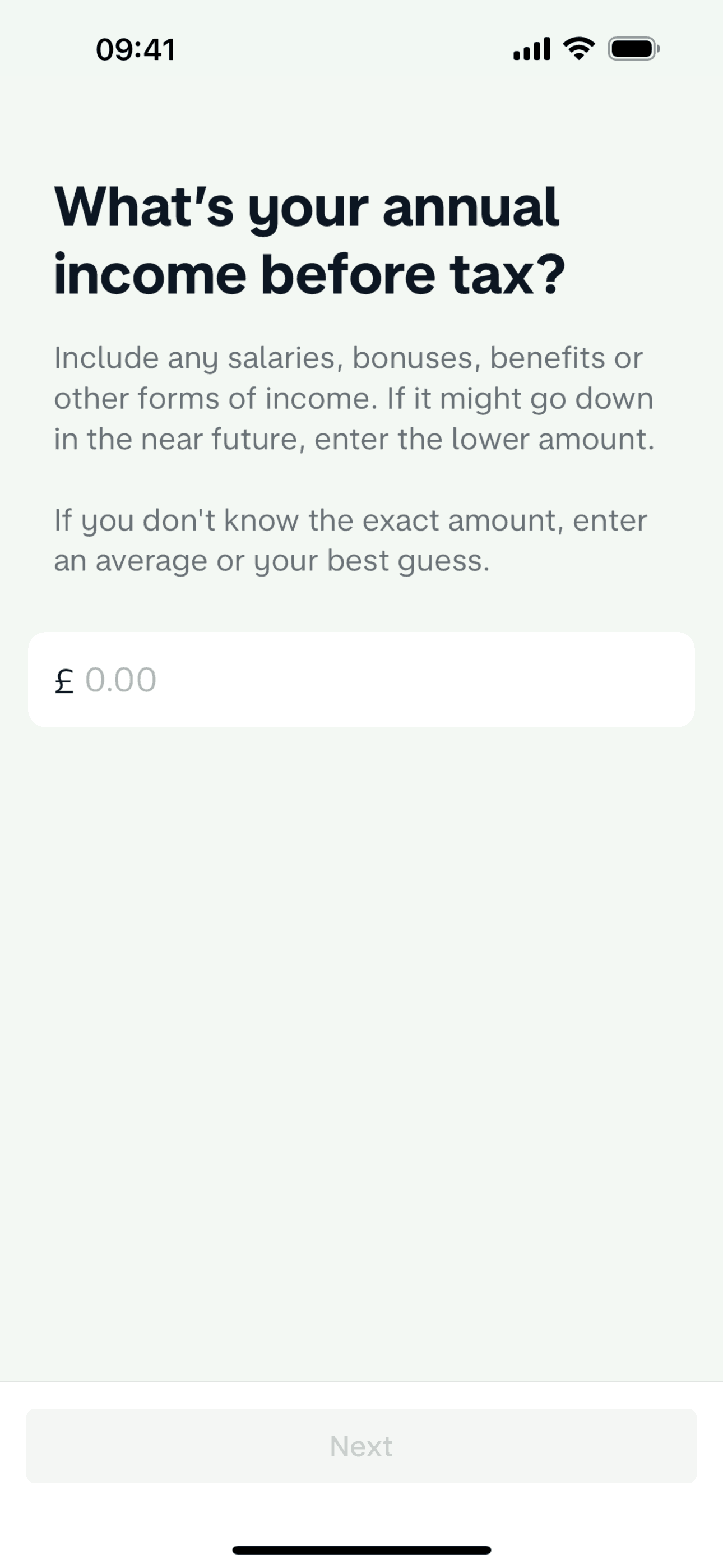
Setting up an account (Your finances) on Monzo (ios) screen 2
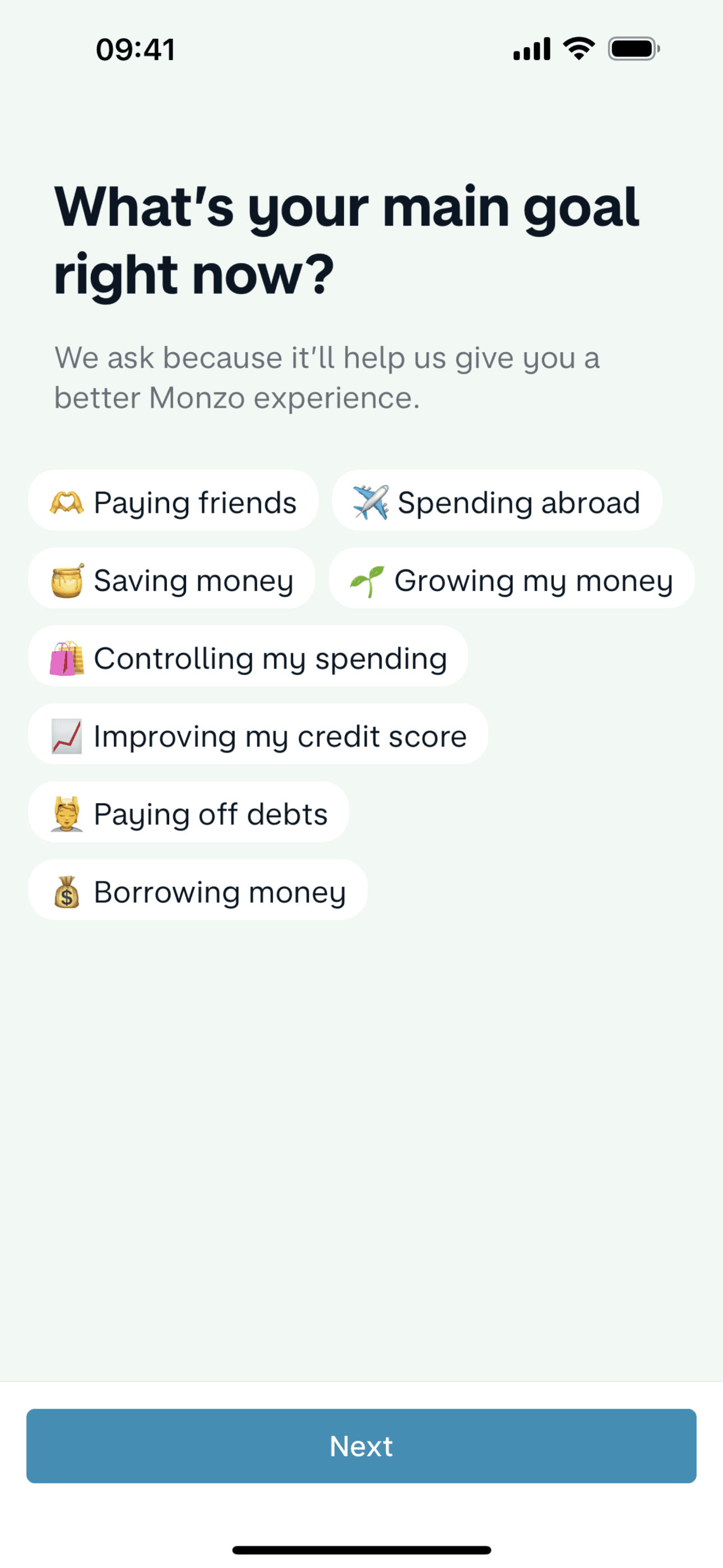
Setting up an account (Your account) on Monzo (ios) screen 2
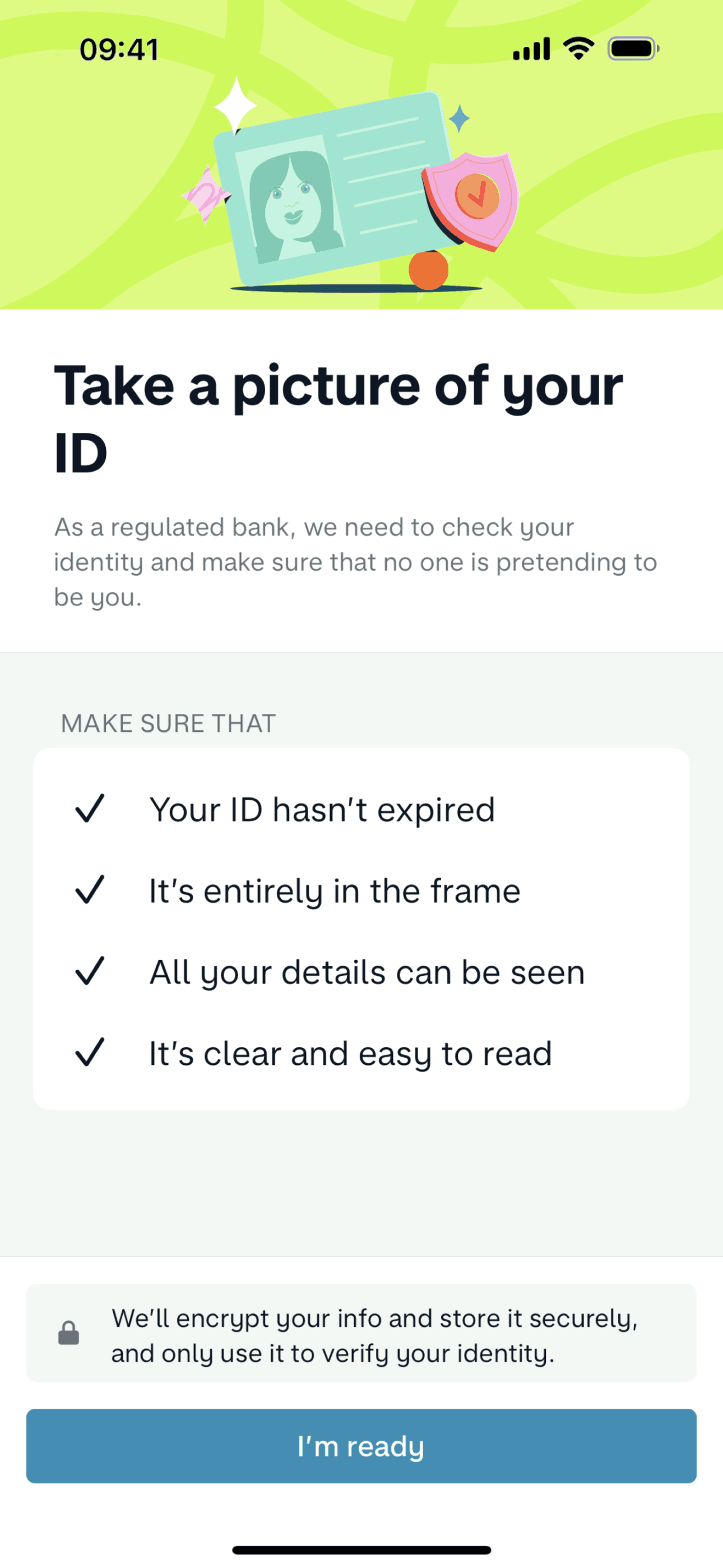
Verifying my identity on Monzo (ios) screen 2
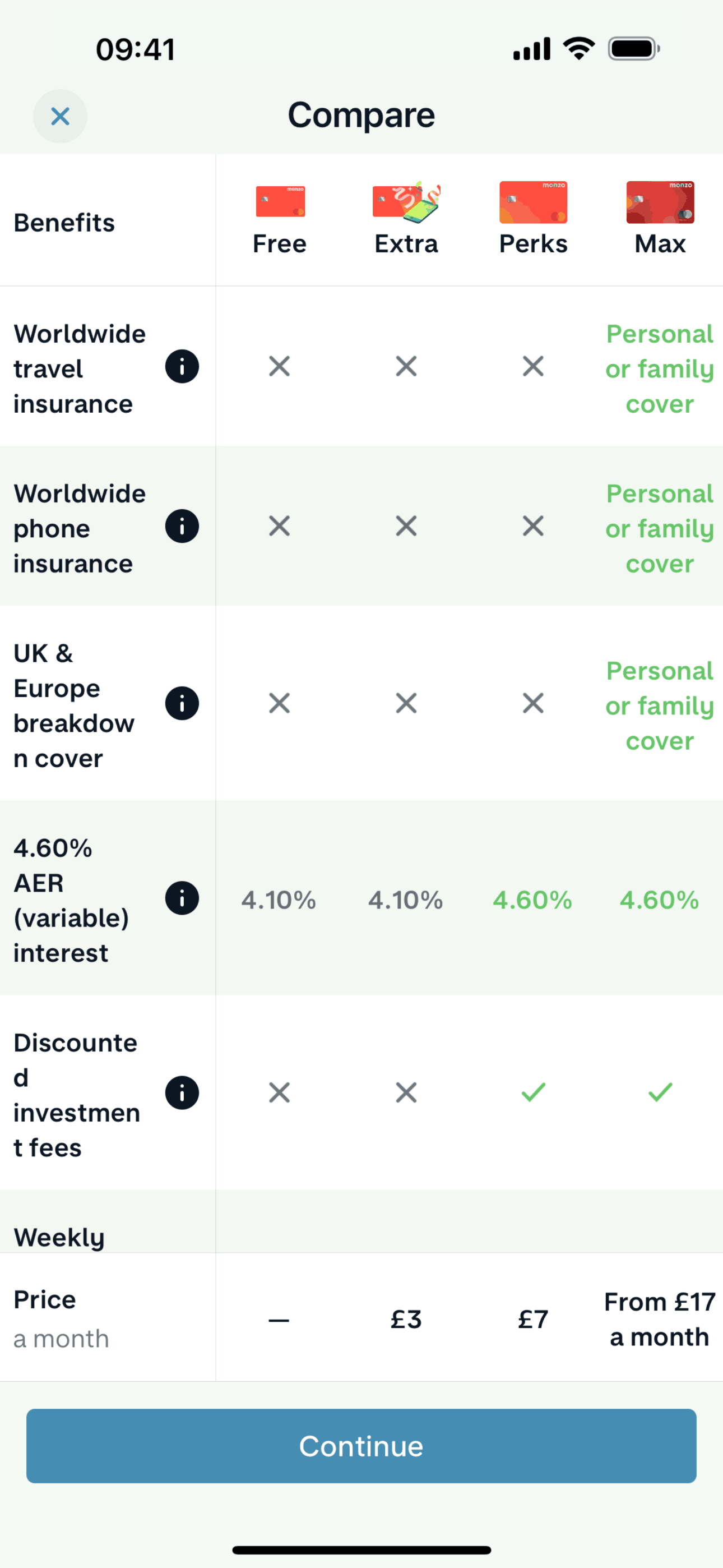
Choosing a plan on Monzo (ios) screen 2
Home on Monzo (ios) screen 1
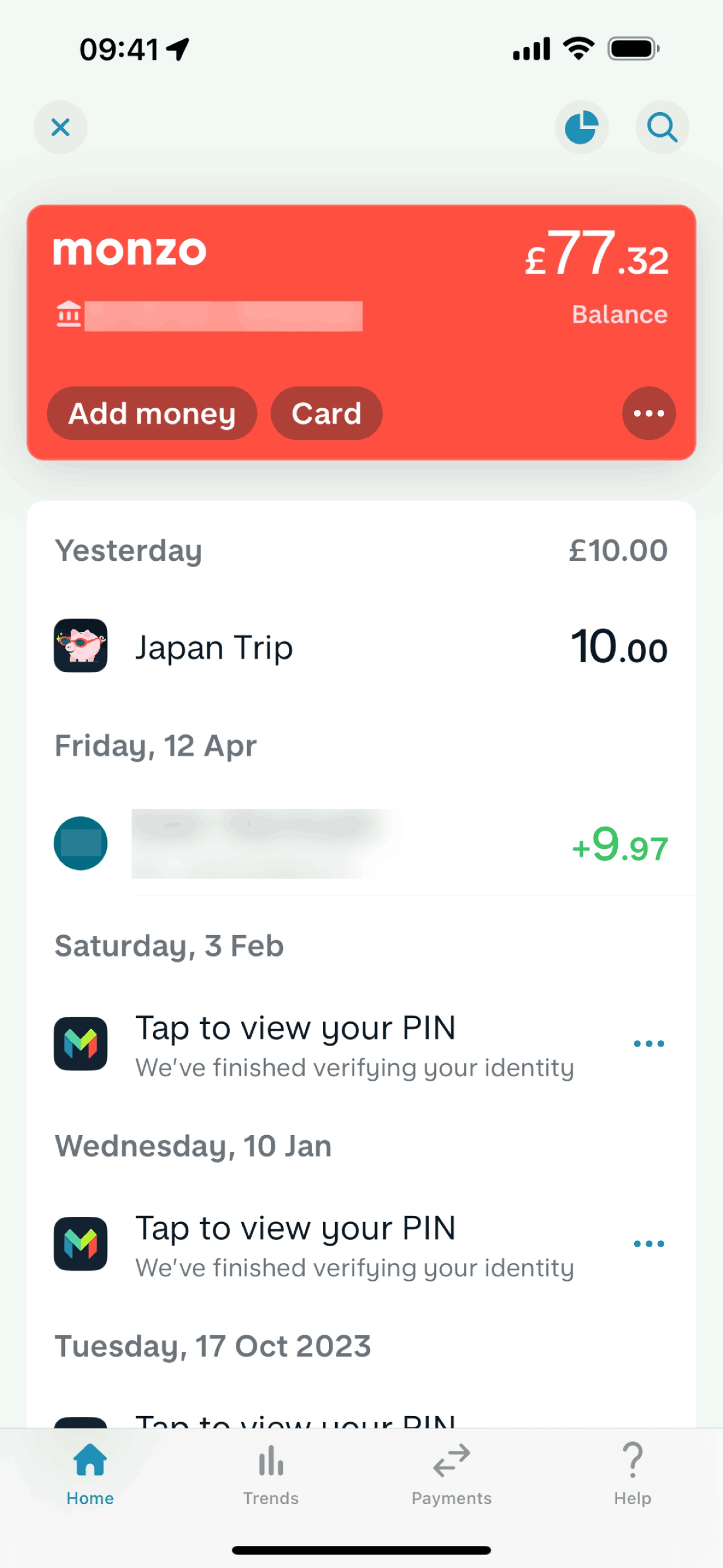
Activity on Monzo (ios) screen 2
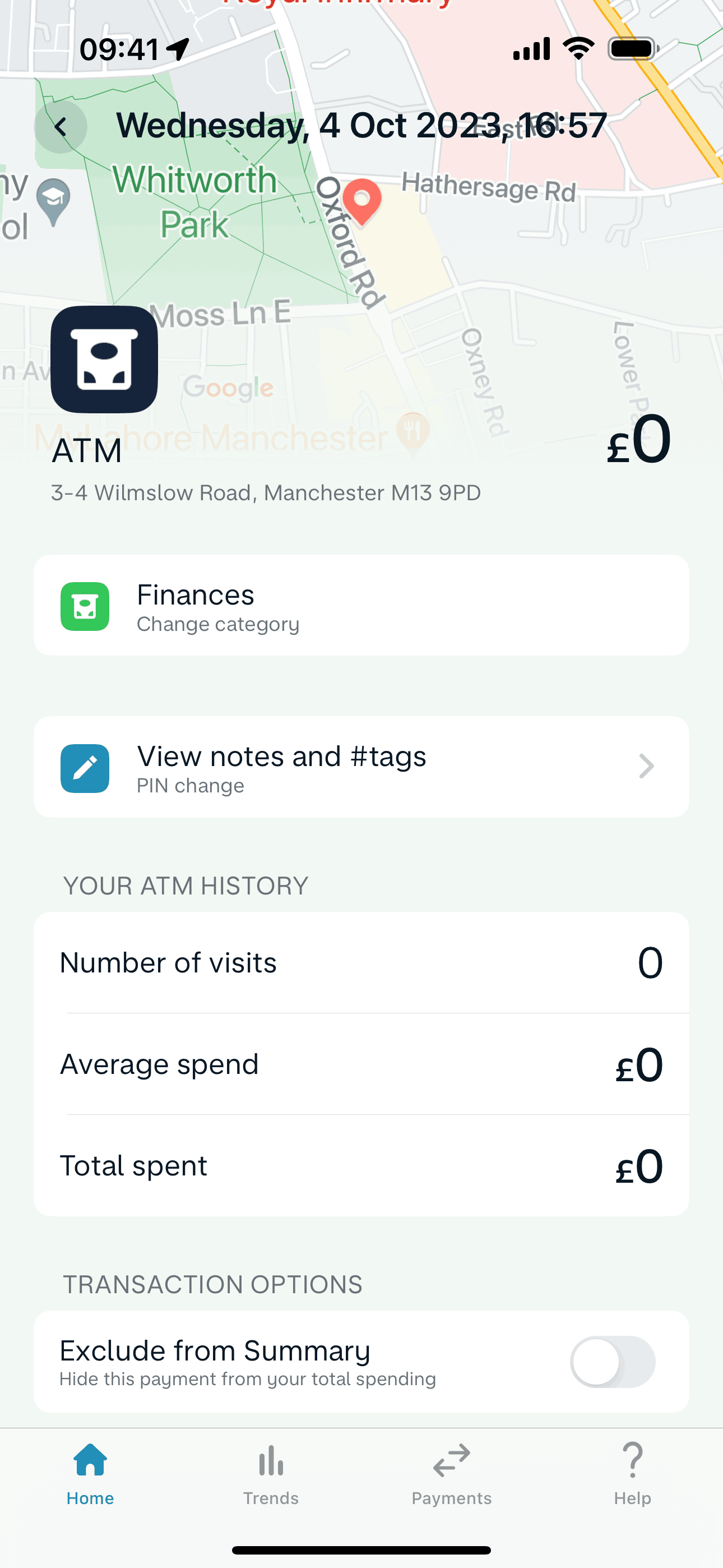
Transaction detail on Monzo (ios) screen 2
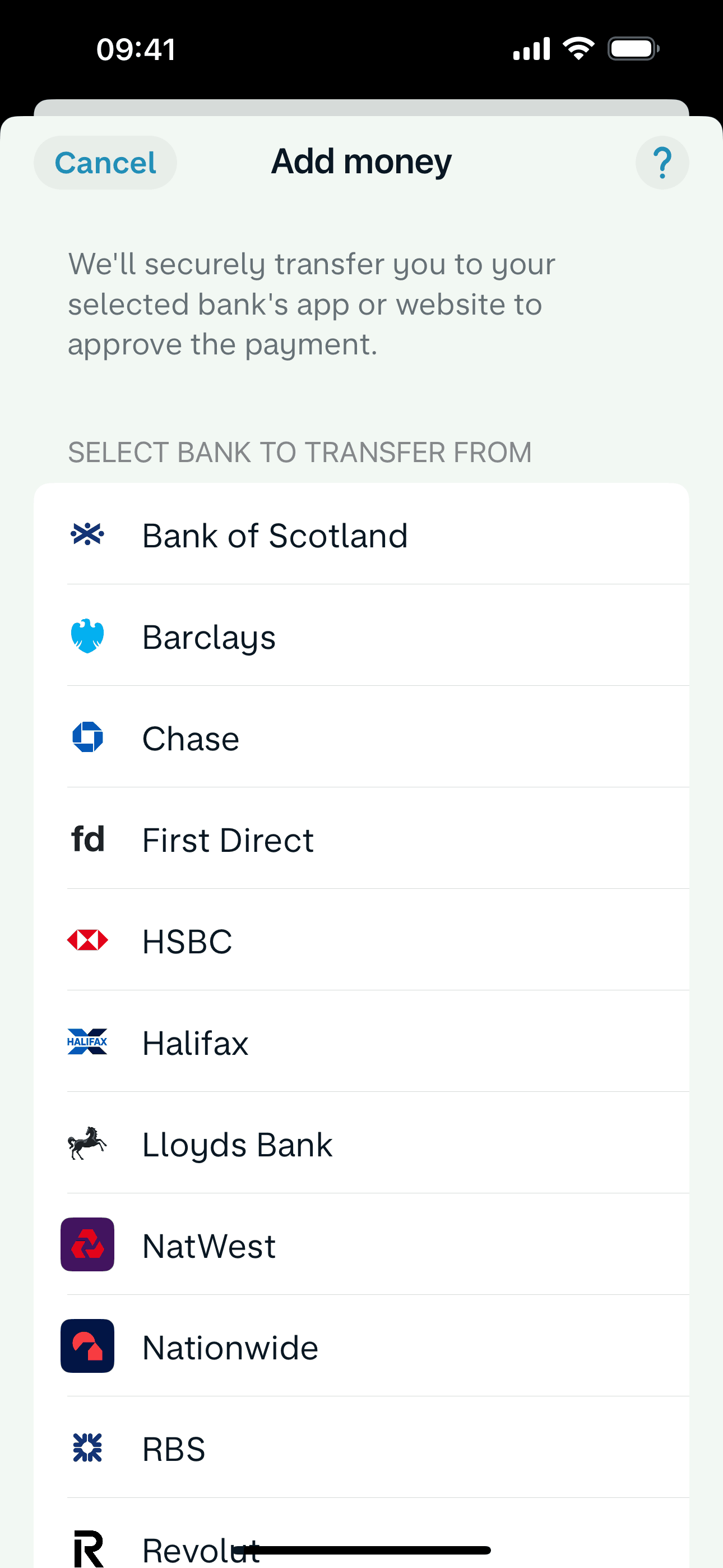
Adding money on Monzo (ios) screen 2
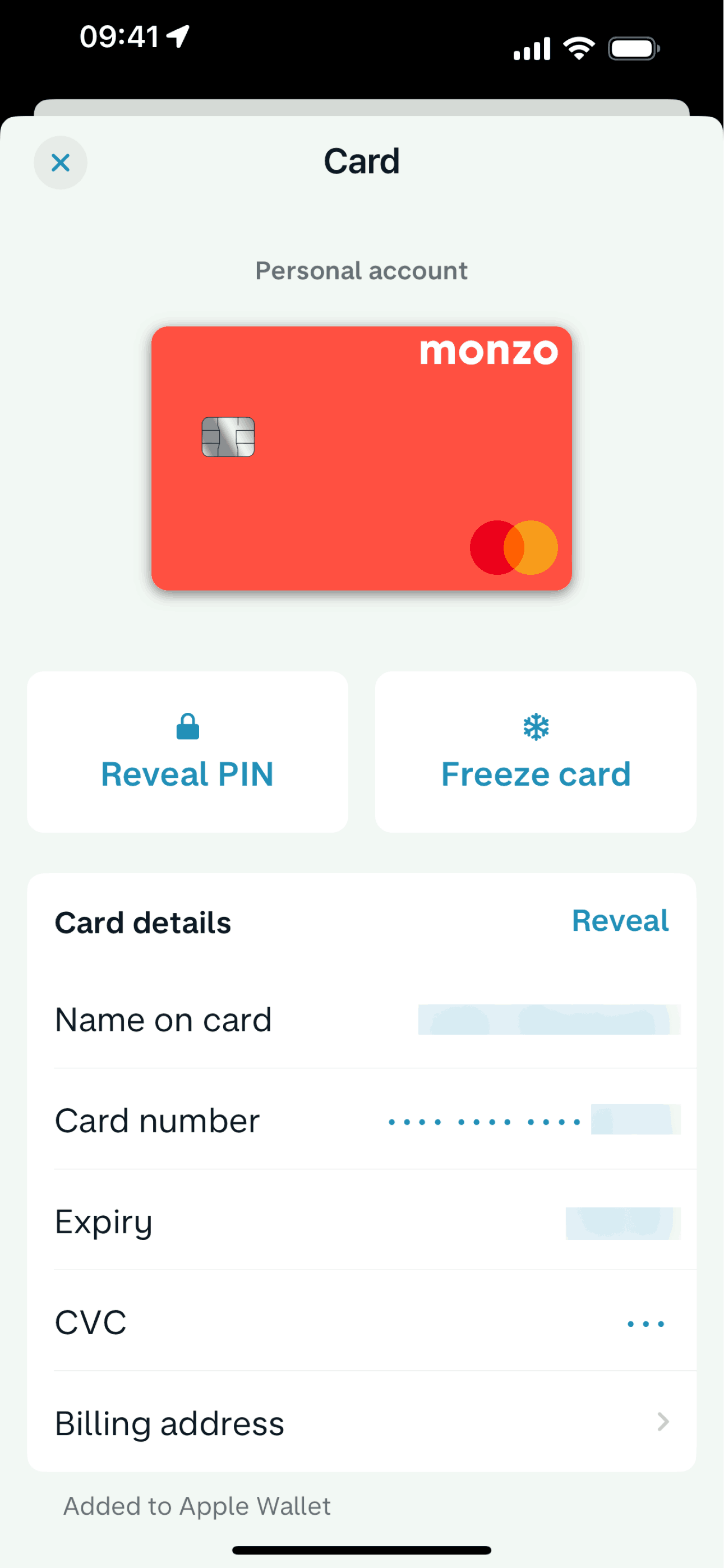
Card detail on Monzo (ios) screen 2
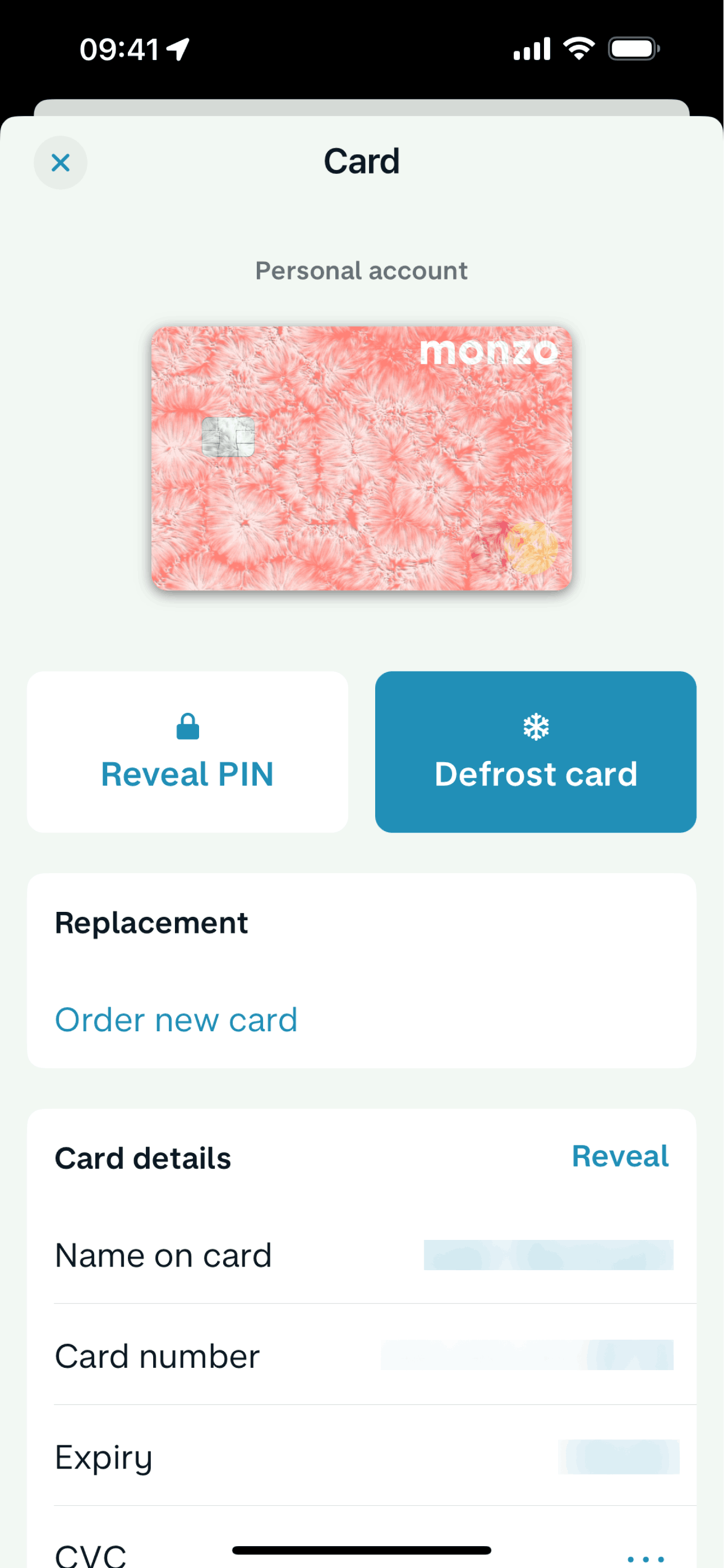
Freezing a card on Monzo (ios) screen 2
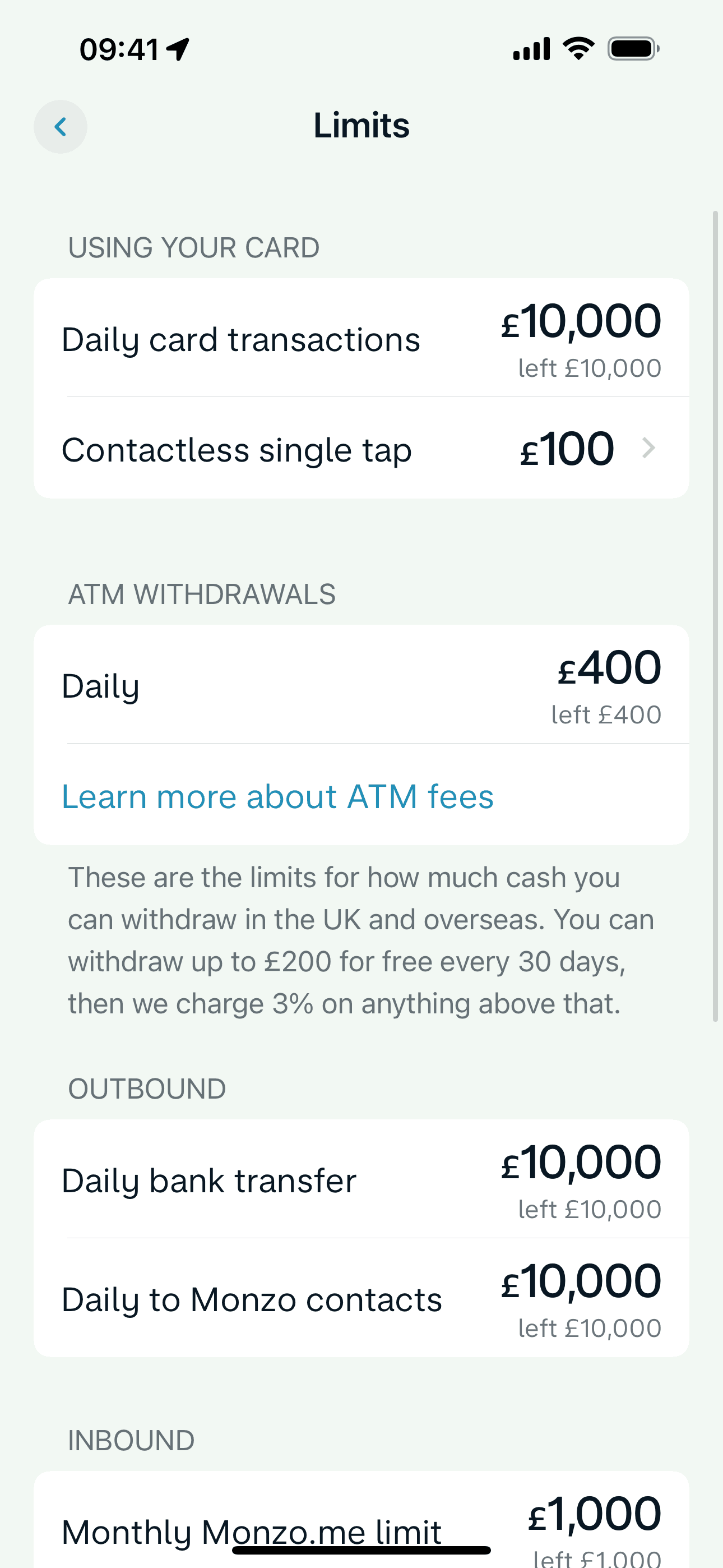
Limits on Monzo (ios) screen 2
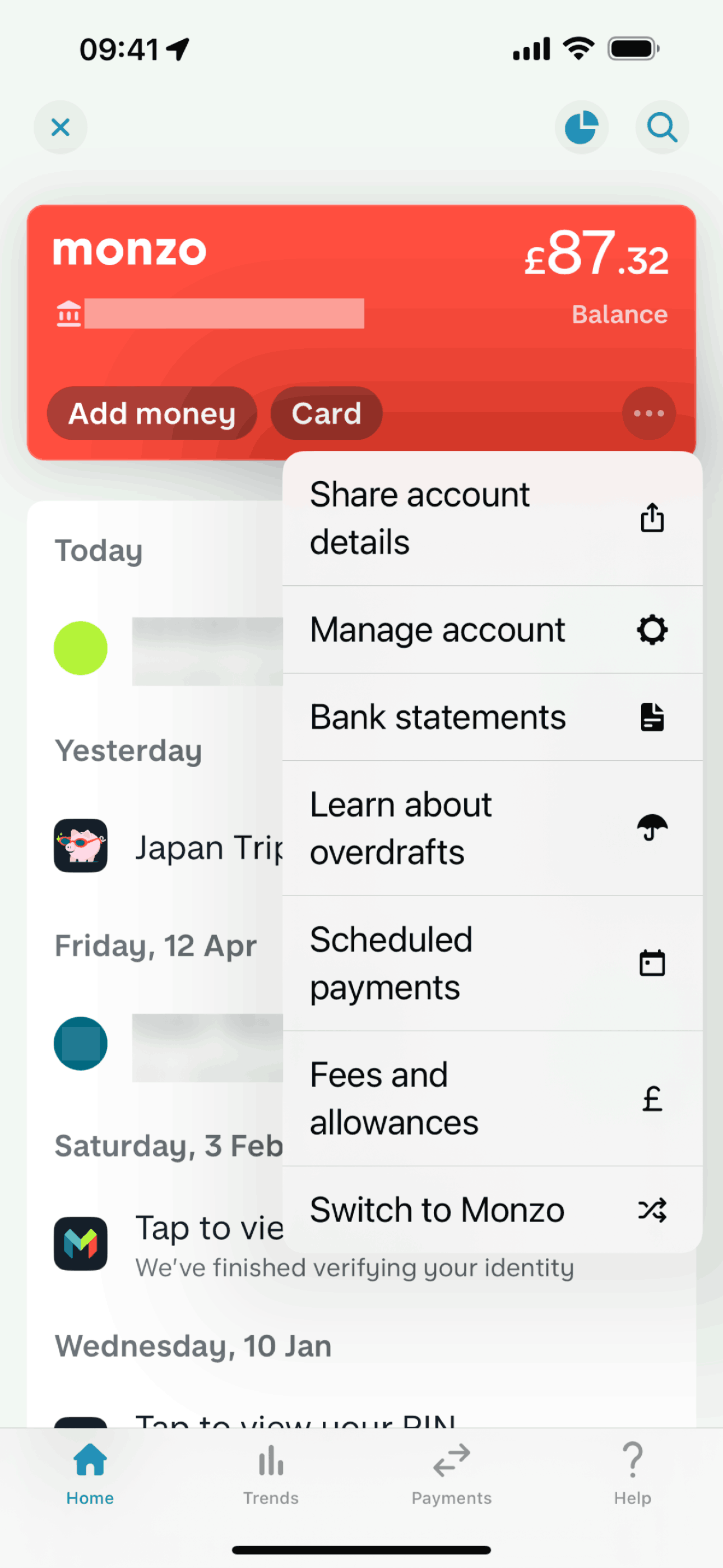
Action options on Monzo (ios) screen 2
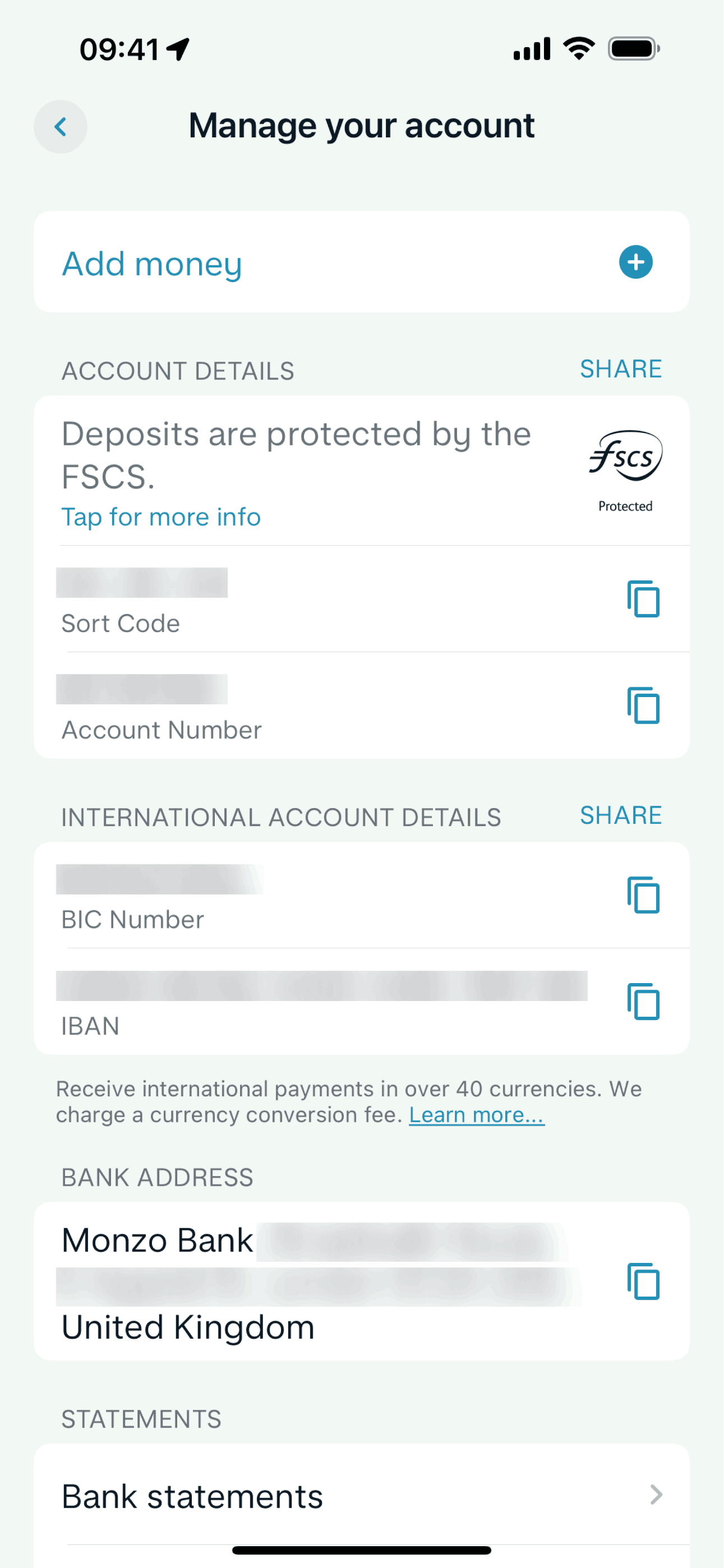
Manage account on Monzo (ios) screen 2
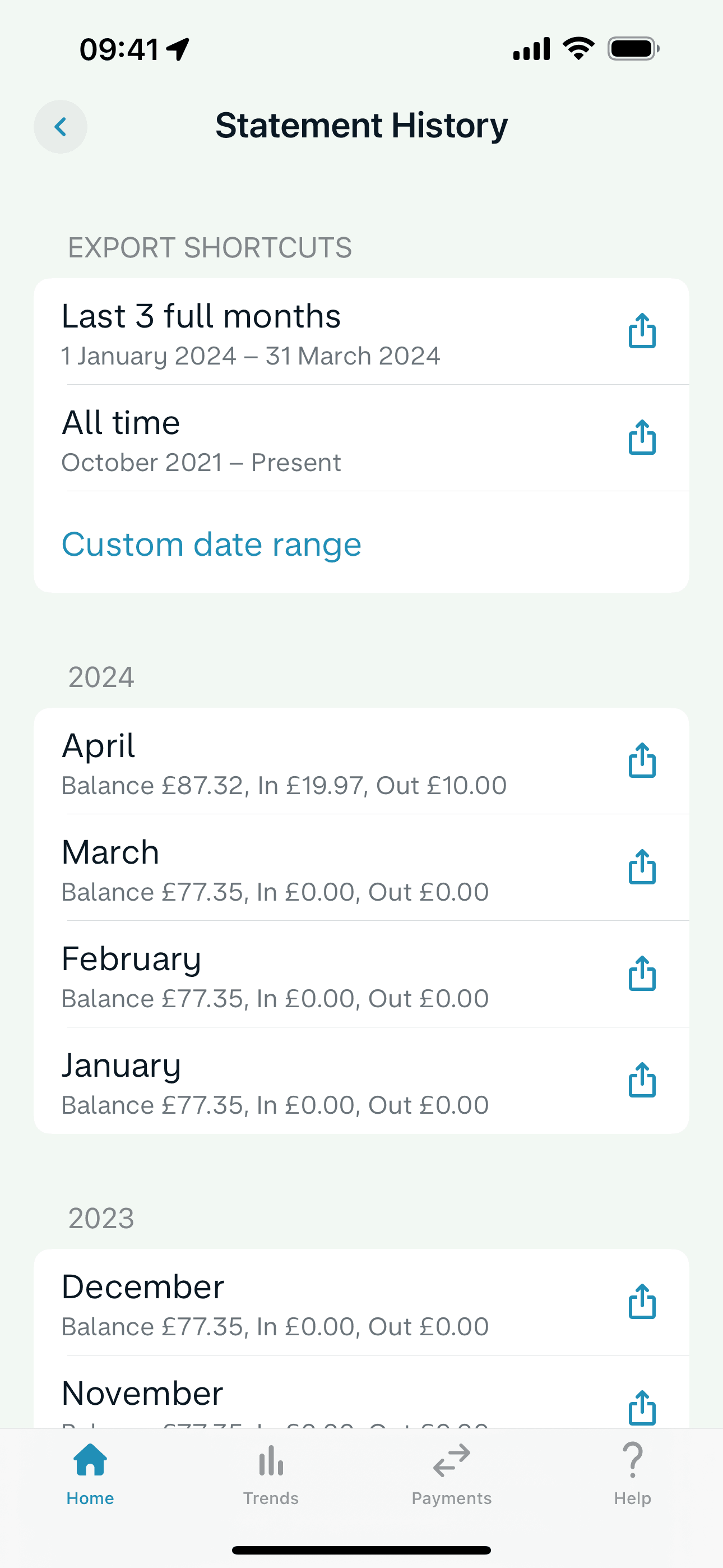
Bank statements on Monzo (ios) screen 2
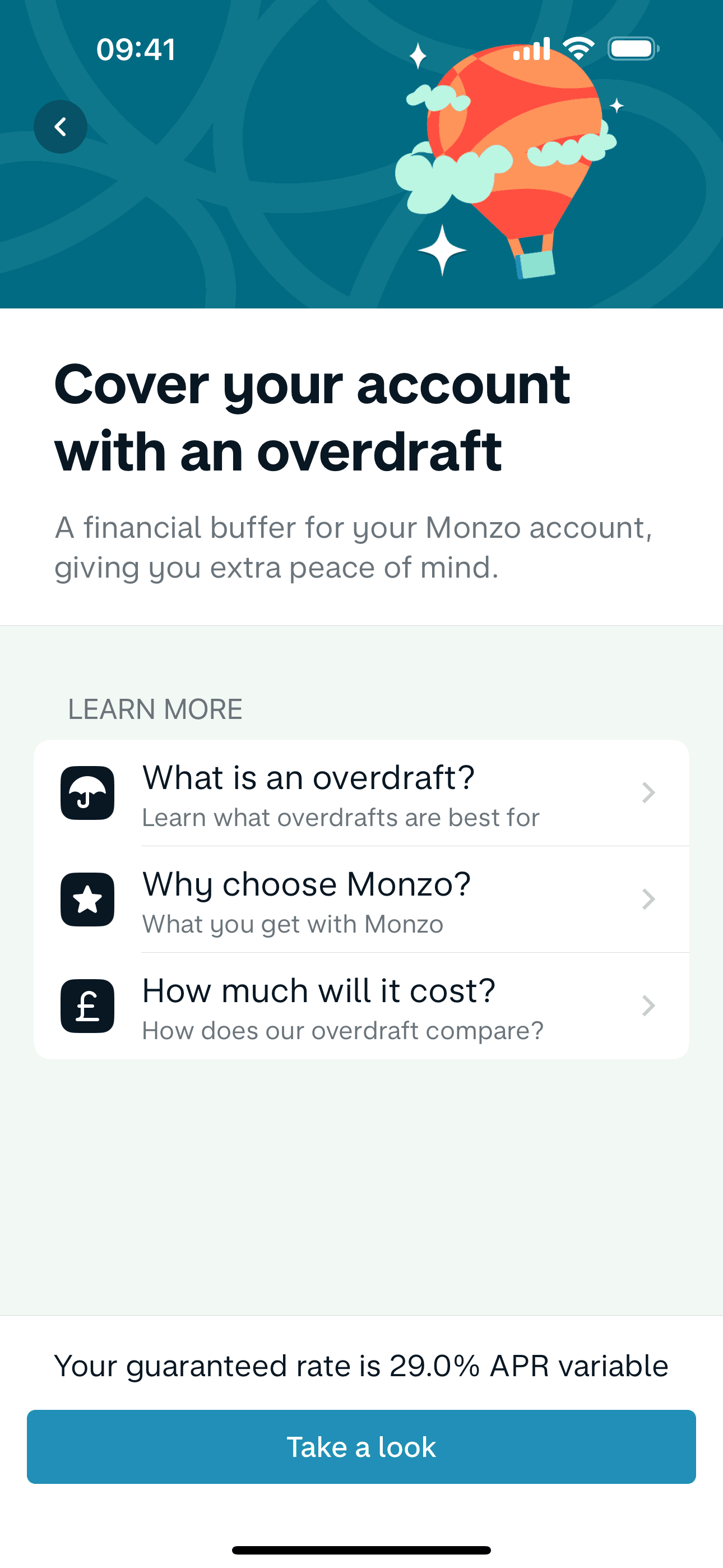
Setting up an overdraft limit on Monzo (ios) screen 2
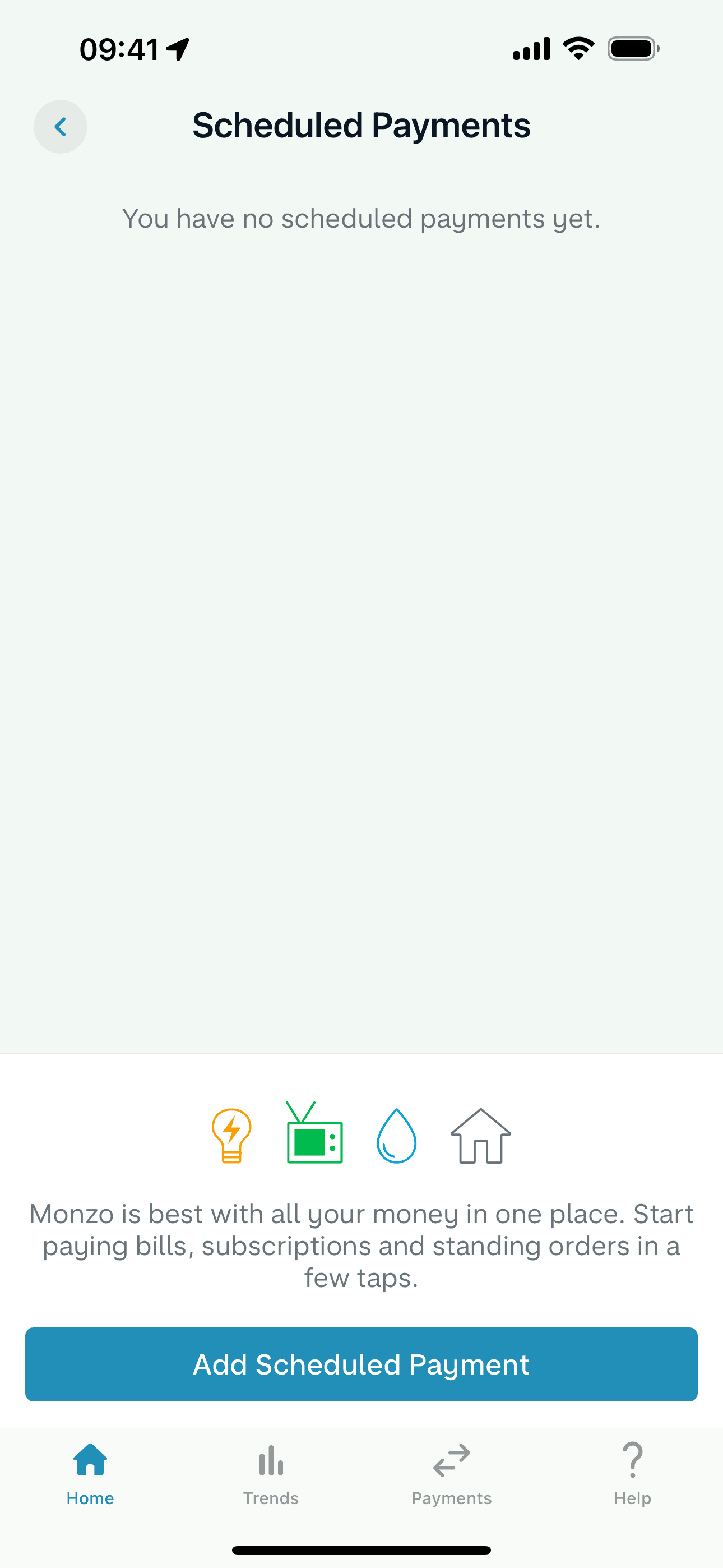
Scheduled payments on Monzo (ios) screen 2
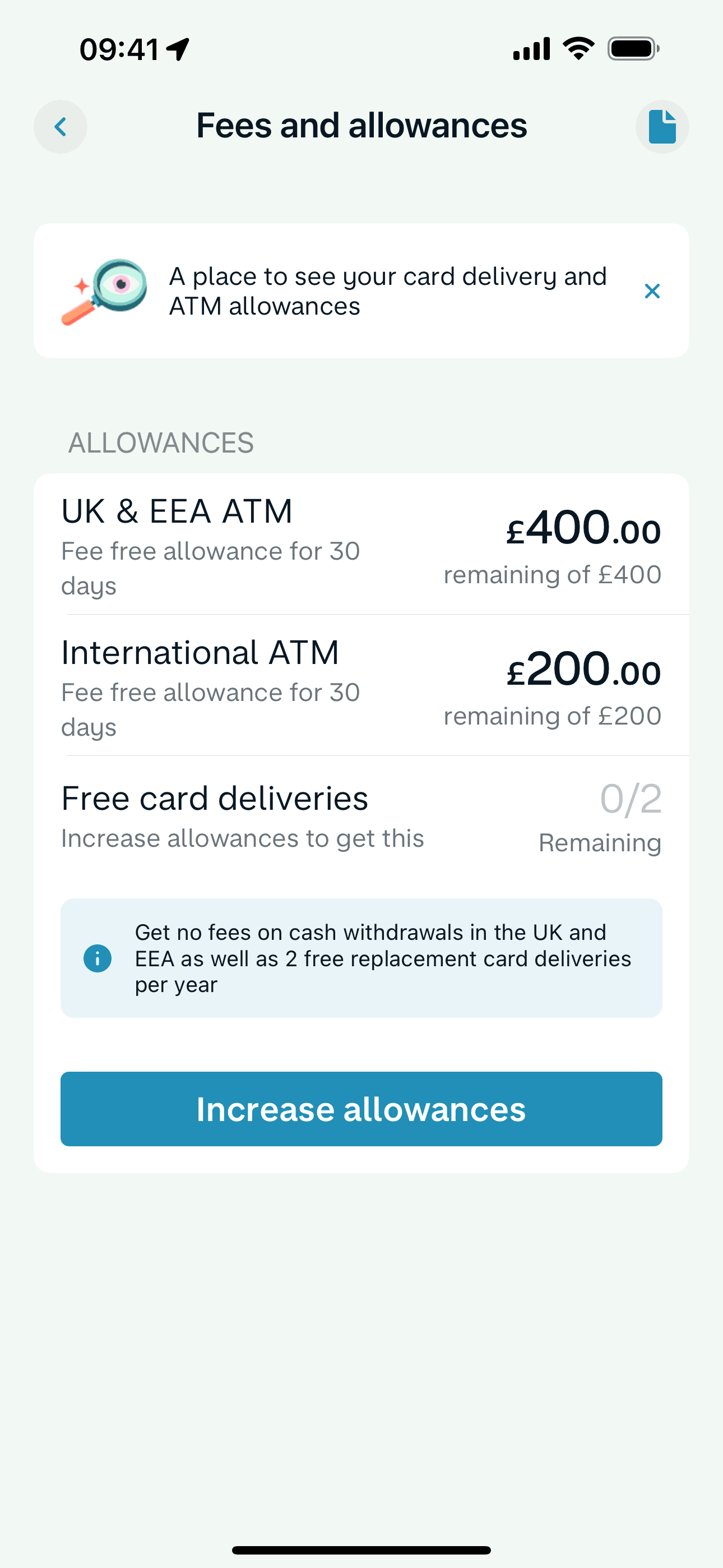
Fees and allowances on Monzo (ios) screen 2
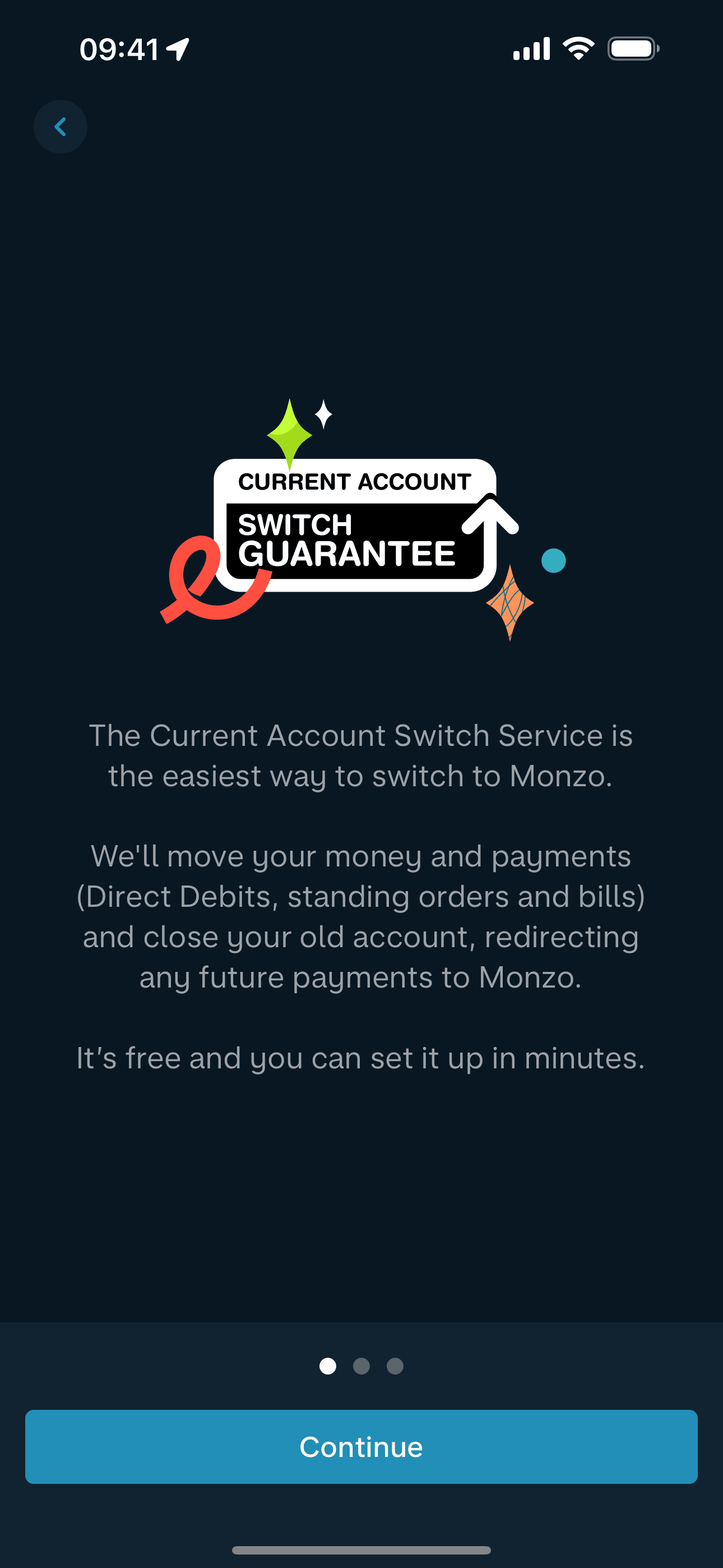
Switch to Monzo on Monzo (ios) screen 2
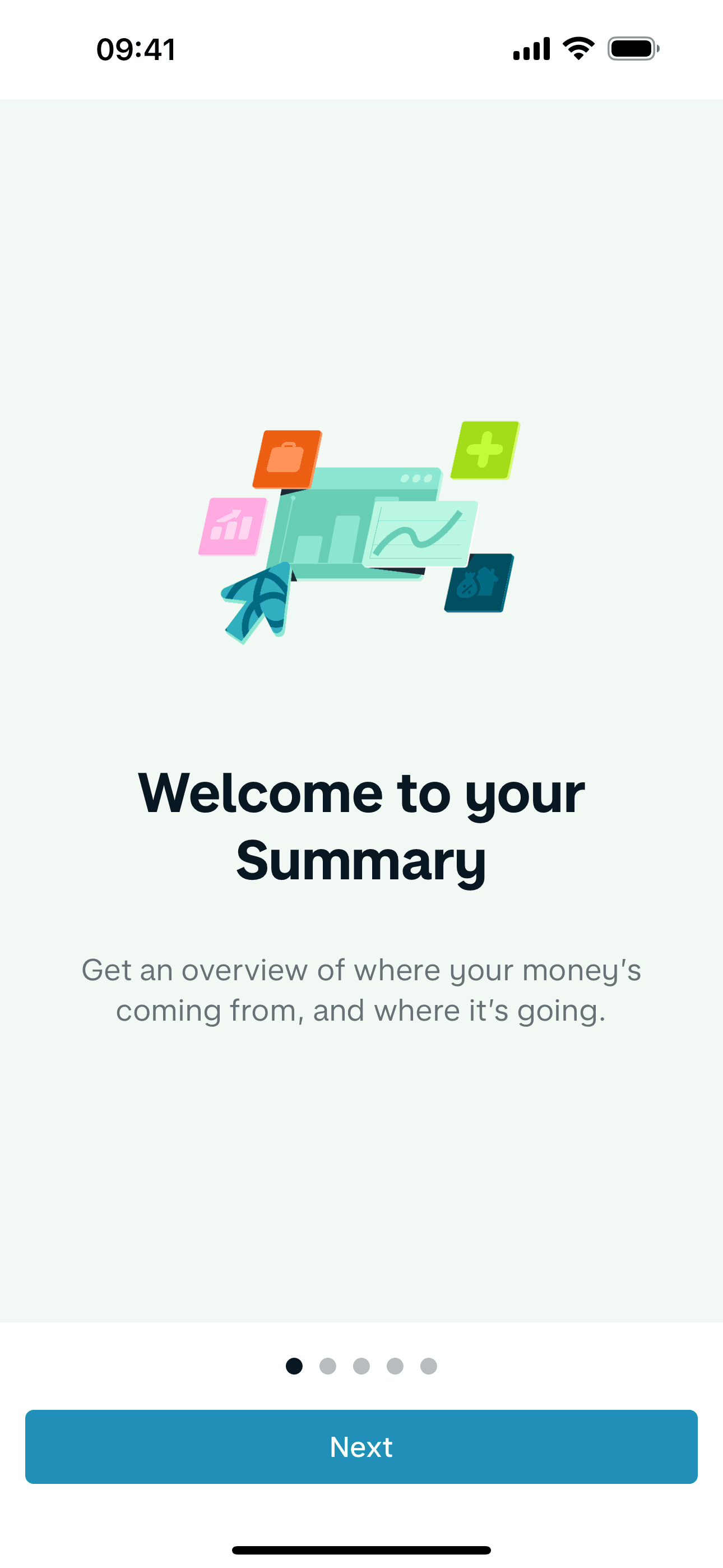
Summary on Monzo (ios) screen 2
Gummble currently indexes 684 Monzo iOS screens captured Current Version and 8 captured UX flows including onboarding and login. Spend, manage and save money. Categorized under Finance. Step through each captured Monzo flow screen by screen, or study individual screens for navigation, layout, and microcopy patterns.
Editorial teardown
Monzo is a digital only bank built for mobile from day one. The iOS app provides instant spending notifications, automatic categorization, budgeting tools, and fee free international spending. There are no branches — everything from account opening to customer support happens in app. Monzo targets users frustrated with traditional banking's opacity, offering real time visibility into money that legacy banks' batch processing systems cannot match.
Read the full Monzo UX teardownGummble currently indexes 684 Monzo iOS screens captured Current Version and 8 captured UX flows including onboarding and login. Browse the gallery to study Monzo's interface patterns and design decisions.
Monzo is categorized under Finance. Gummble holds 8 captured UX flows including onboarding and login for Monzo iOS. Open the Flows tab to step through each captured sequence screen by screen.
Yes. Gummble Browse, Pro, and Team users can download Monzo iOS screenshots for design reference. Free users can browse a limited selection and view design analysis.