

Mint iOS Finance interface screenshot 1
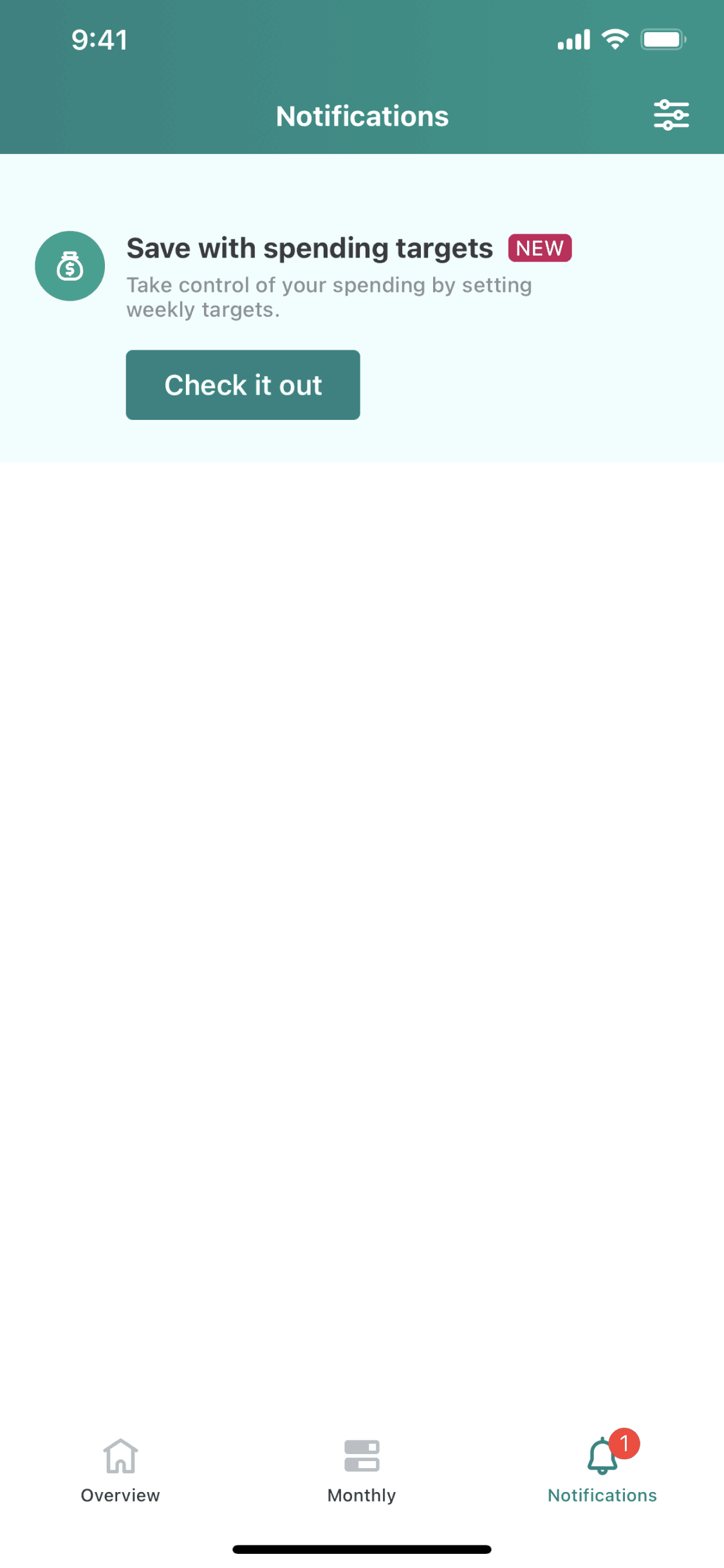
Mint iOS Finance interface screenshot 2
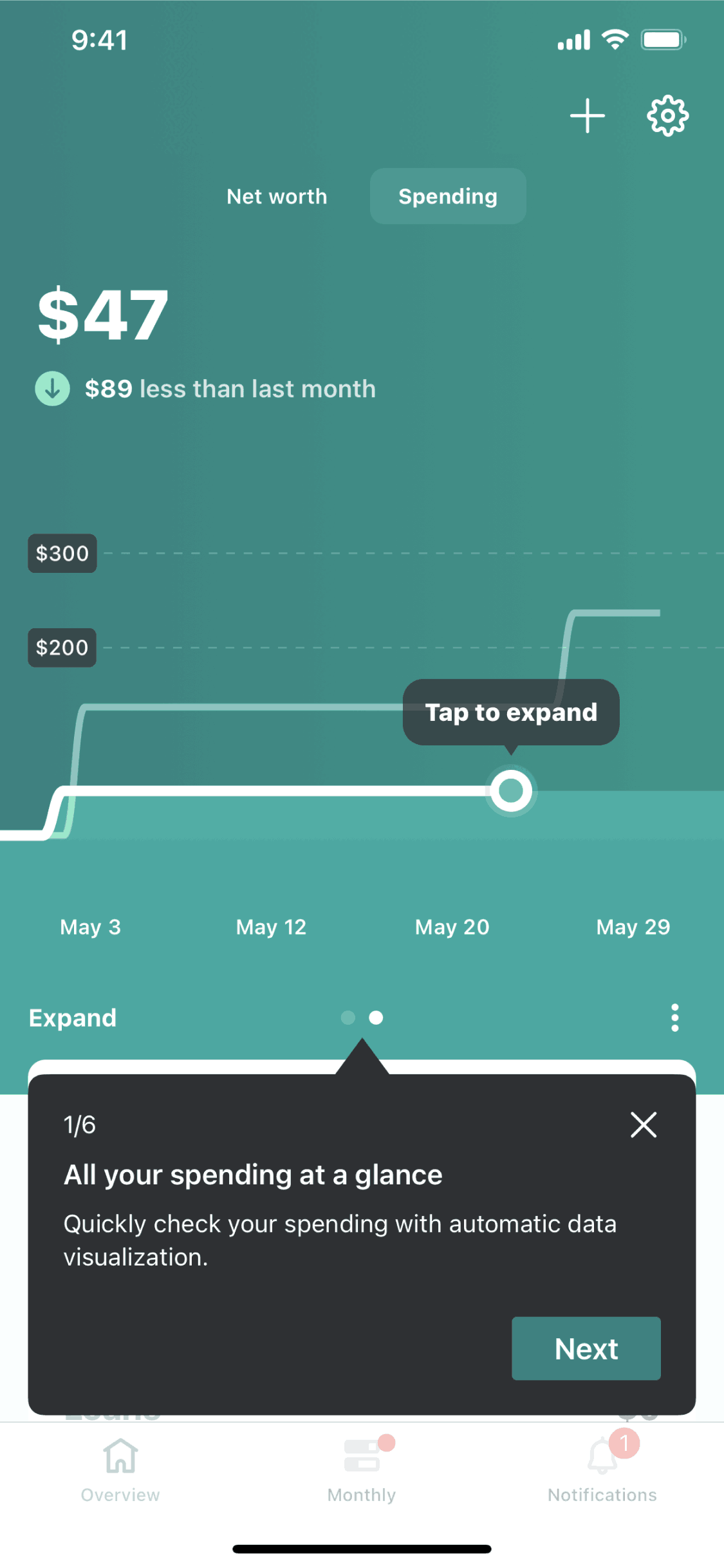
Mint iOS Finance interface screenshot 3
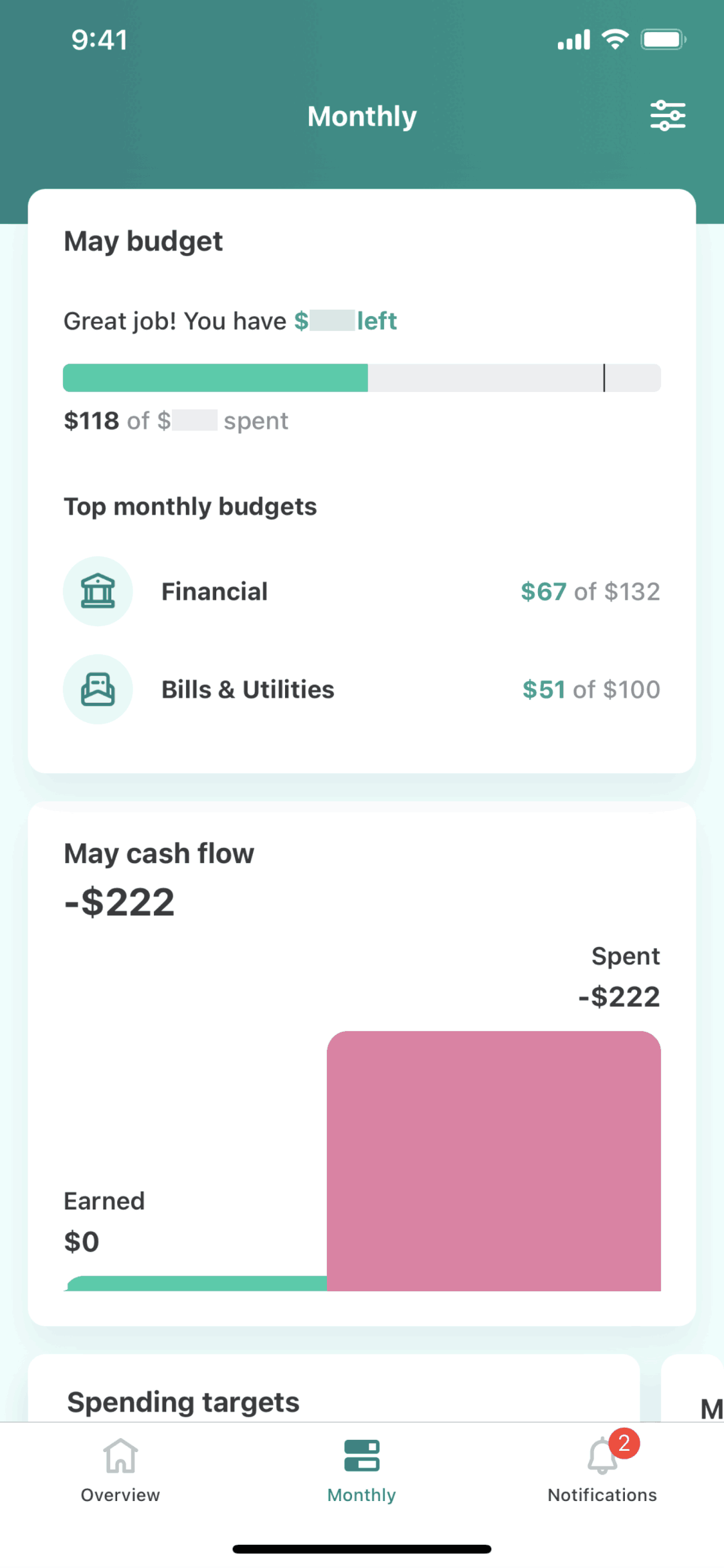
Mint iOS Finance interface screenshot 4

Mint iOS Finance interface screenshot 5
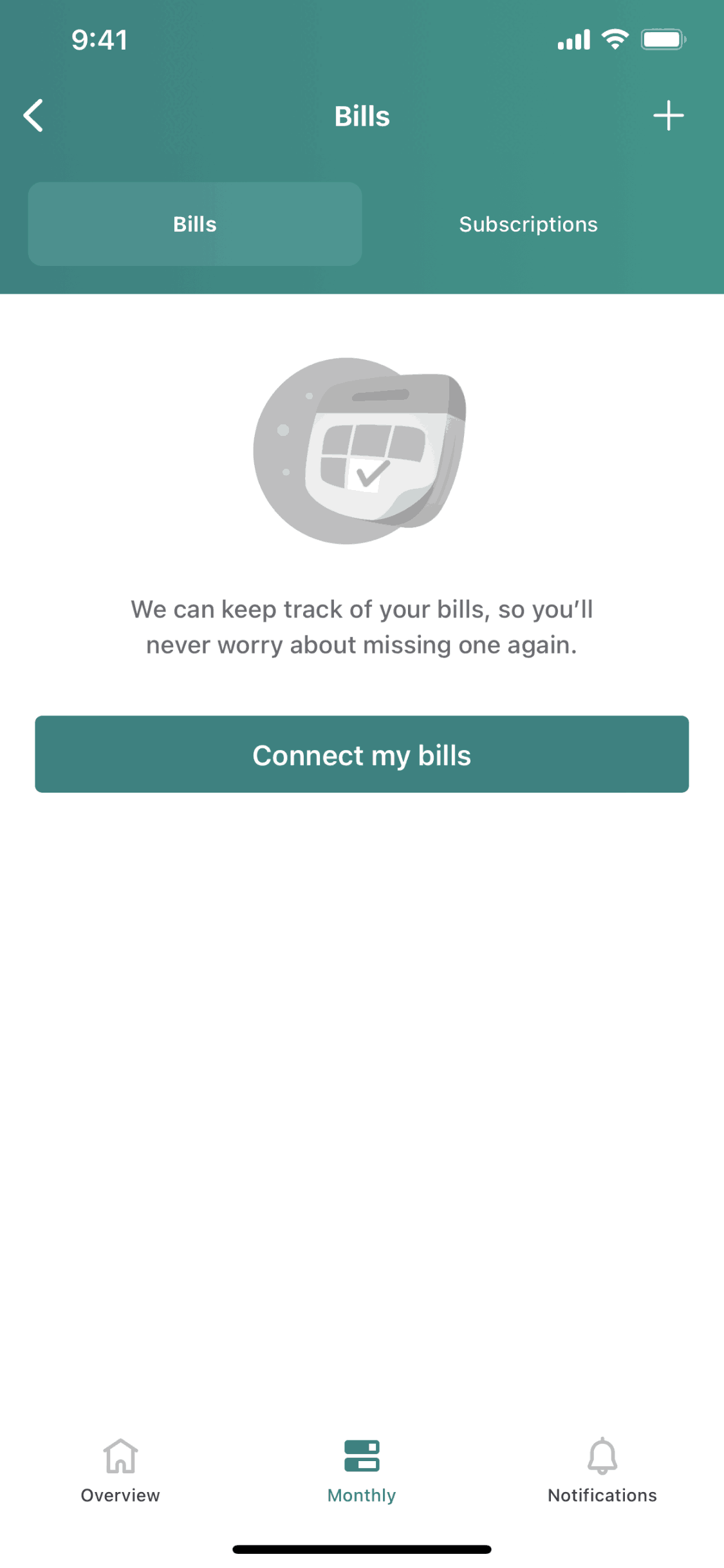
Mint iOS Finance interface screenshot 6
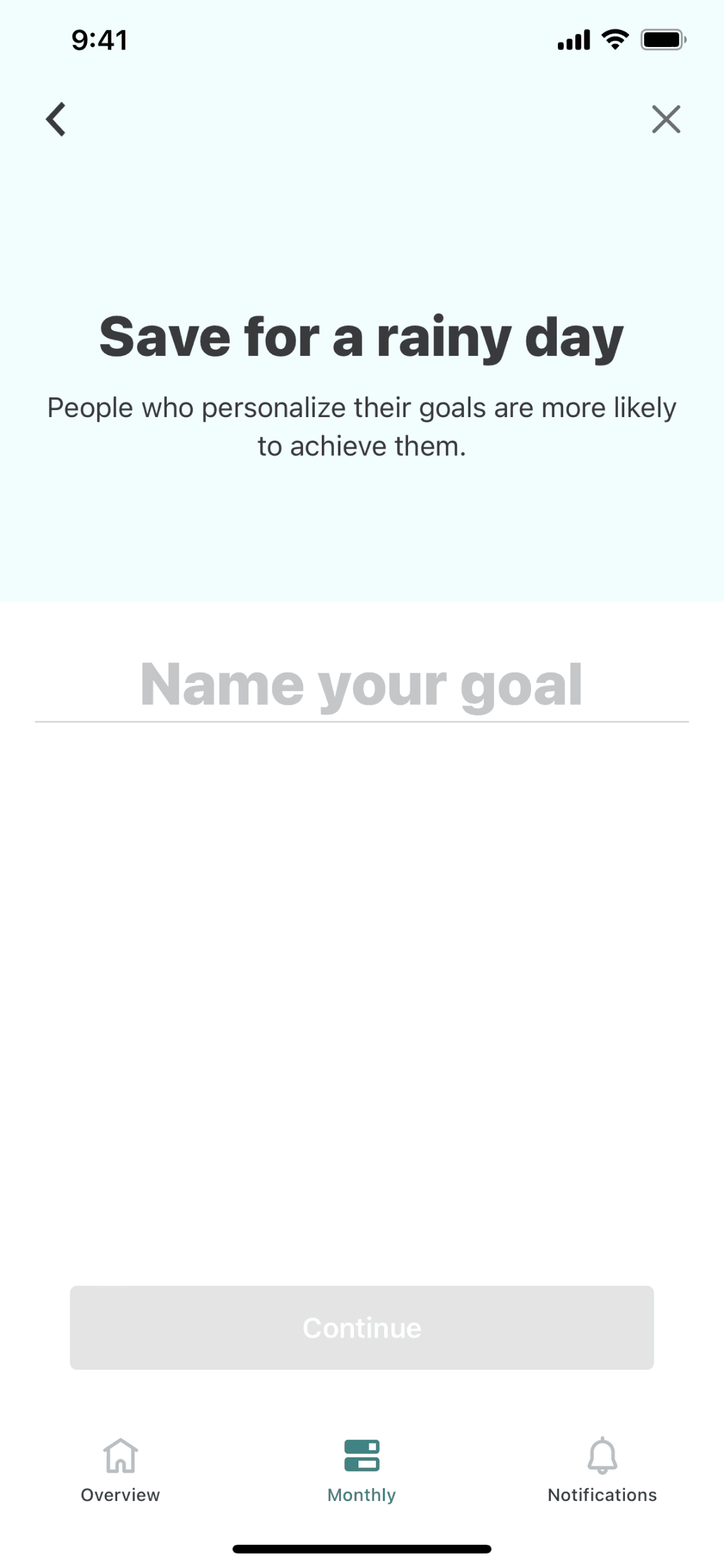
Mint iOS Finance interface screenshot 7
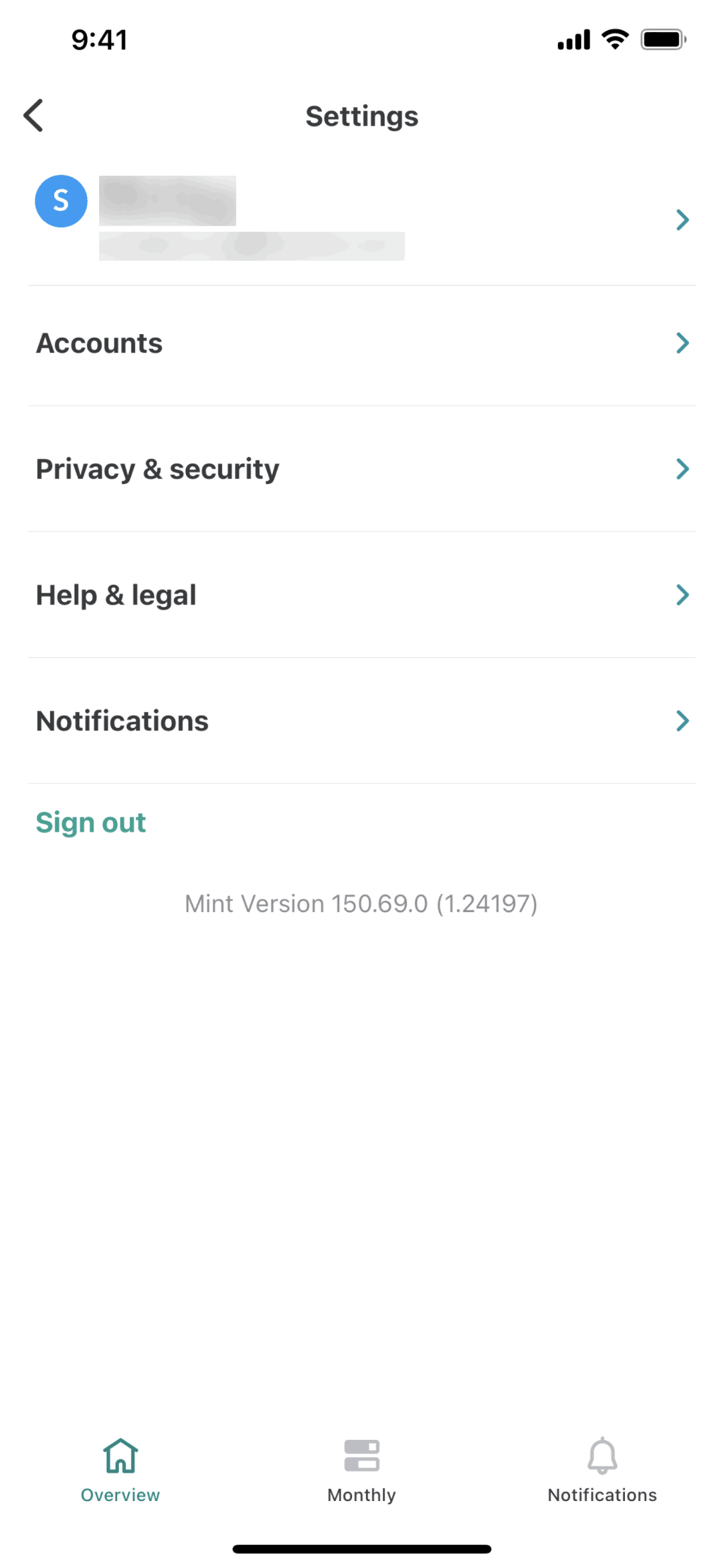
Mint iOS Finance interface screenshot 8
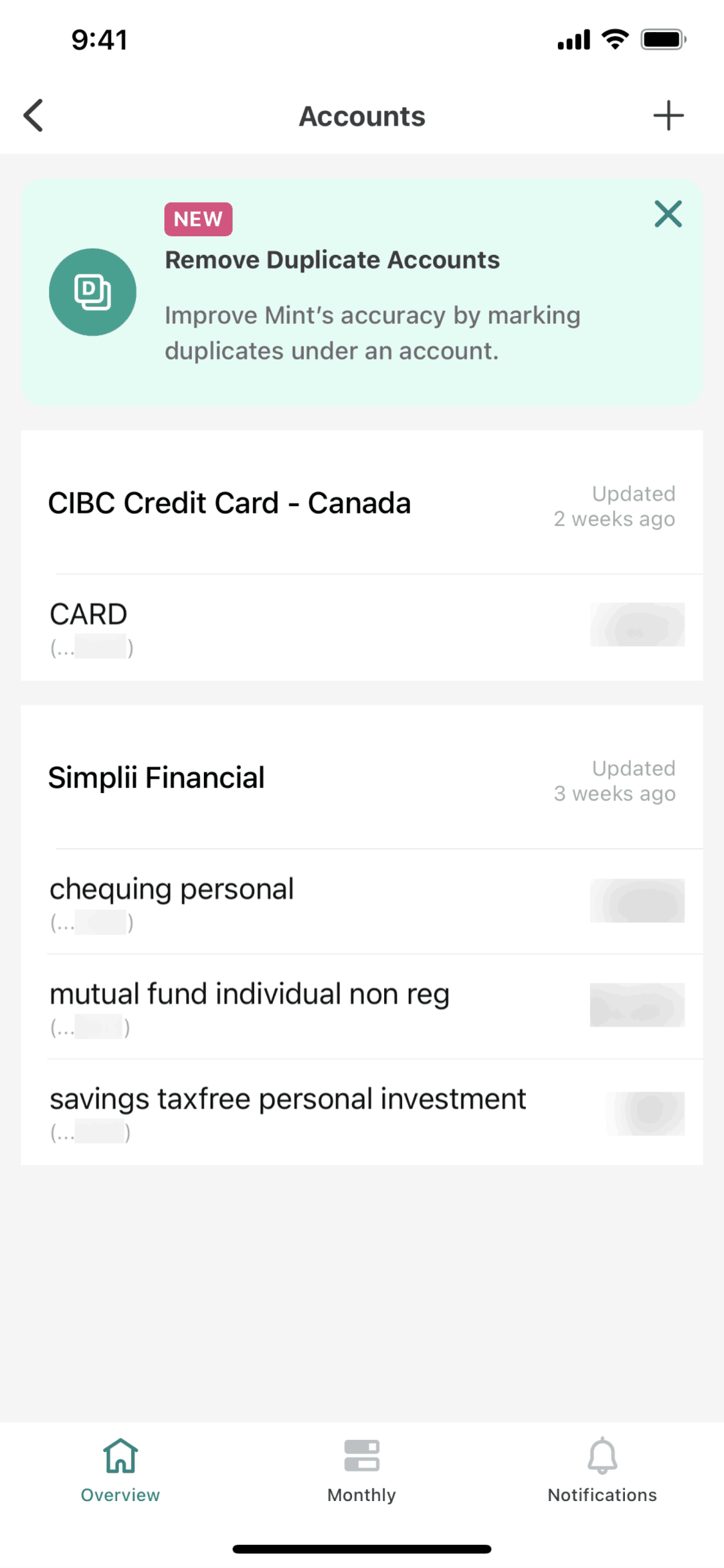
Mint iOS Finance interface screenshot 9
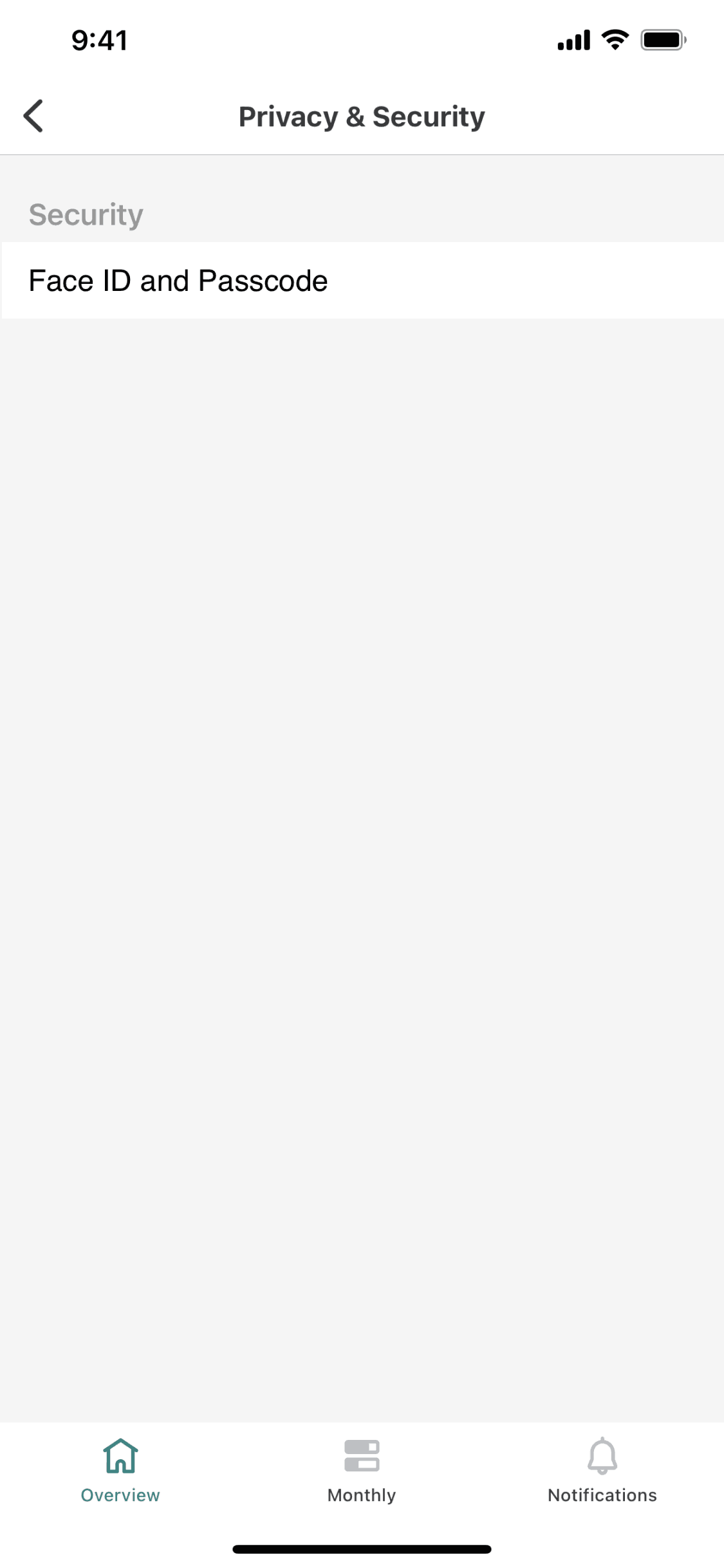
Mint iOS Finance interface screenshot 10
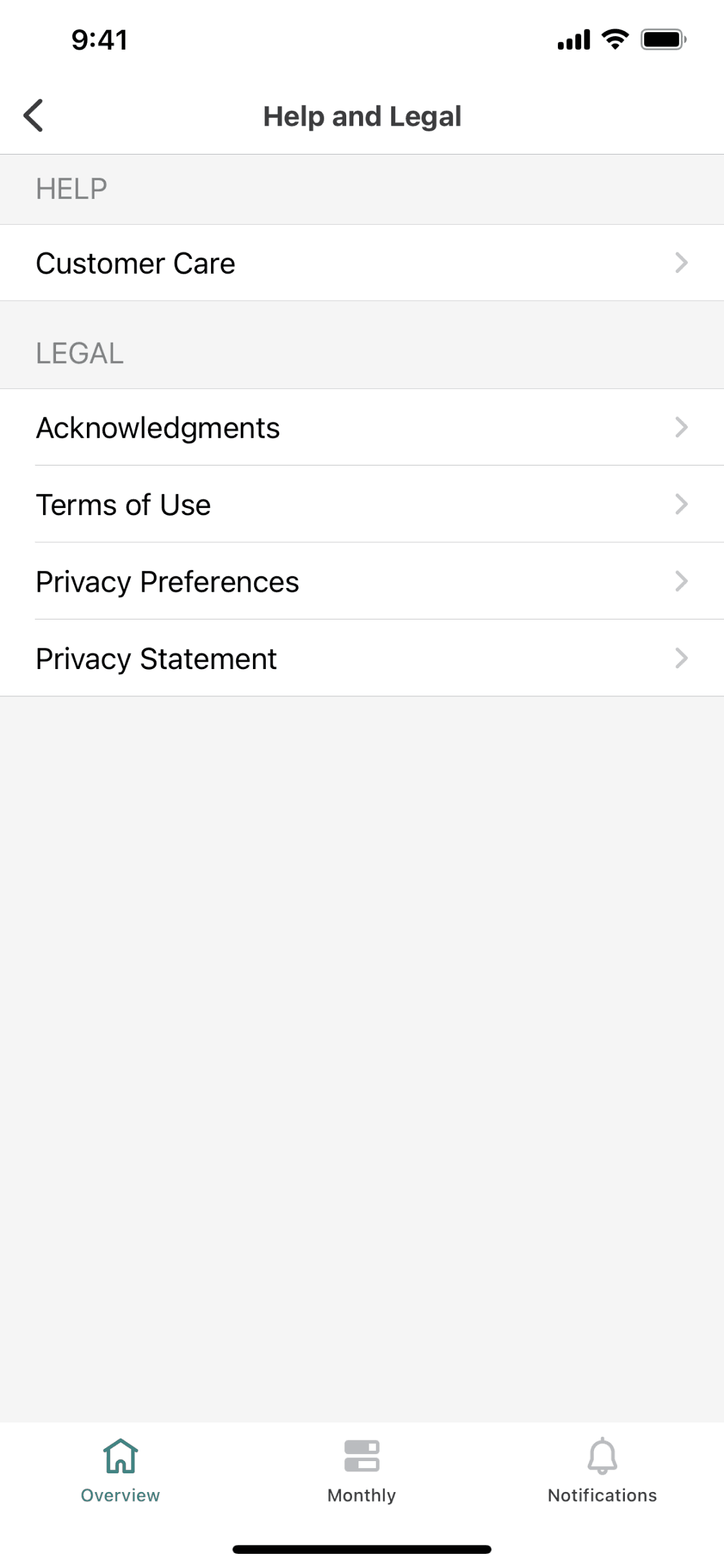
Mint iOS Finance interface screenshot 11
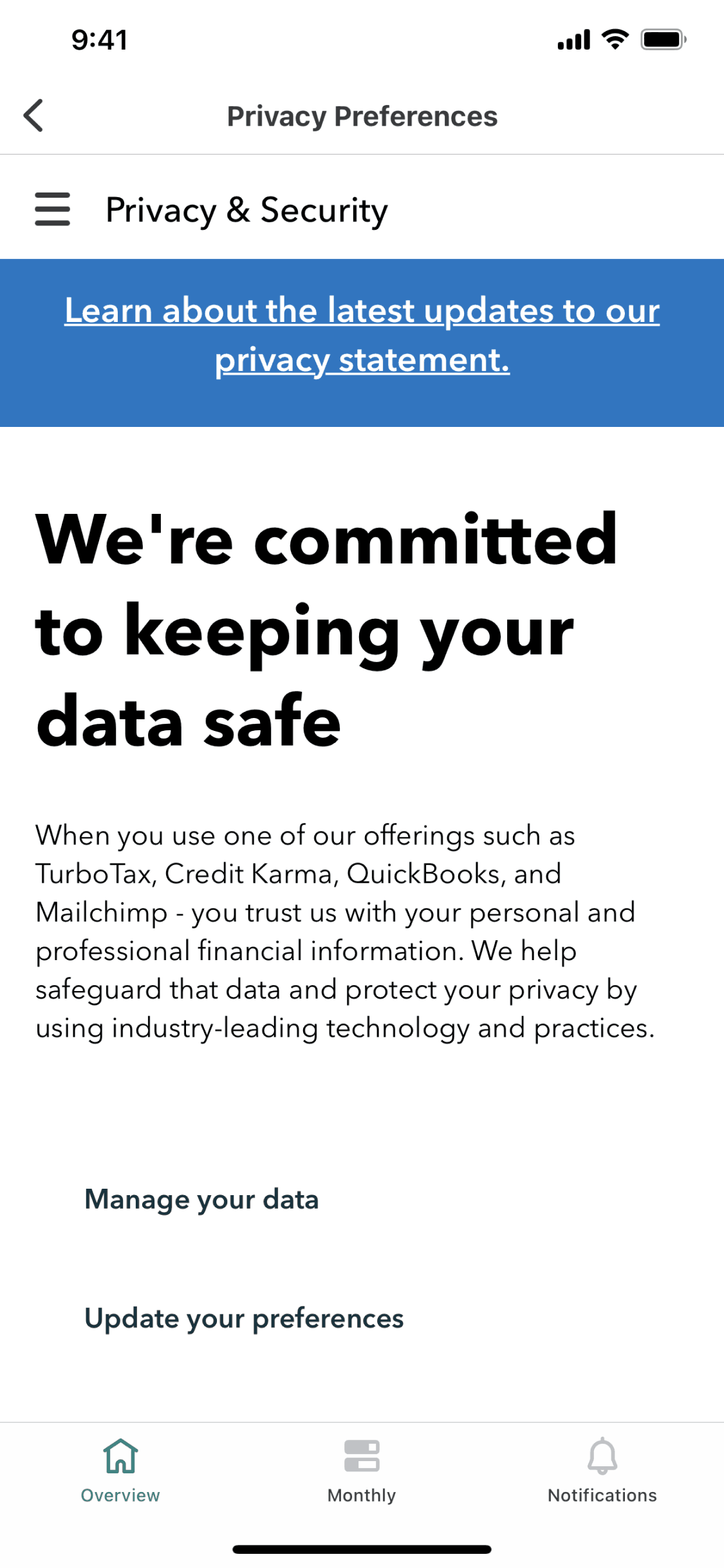
Mint iOS Finance interface screenshot 12
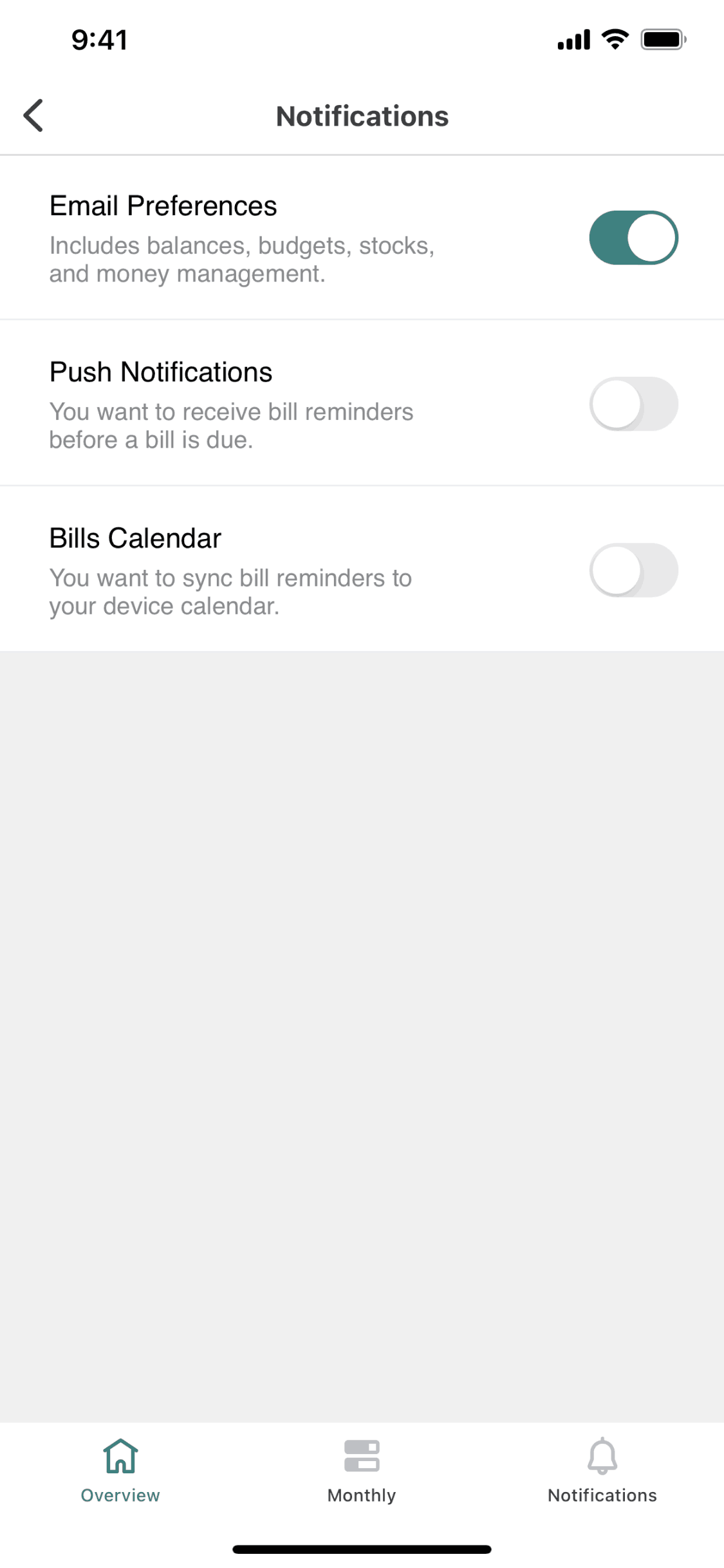
Mint iOS Finance interface screenshot 13
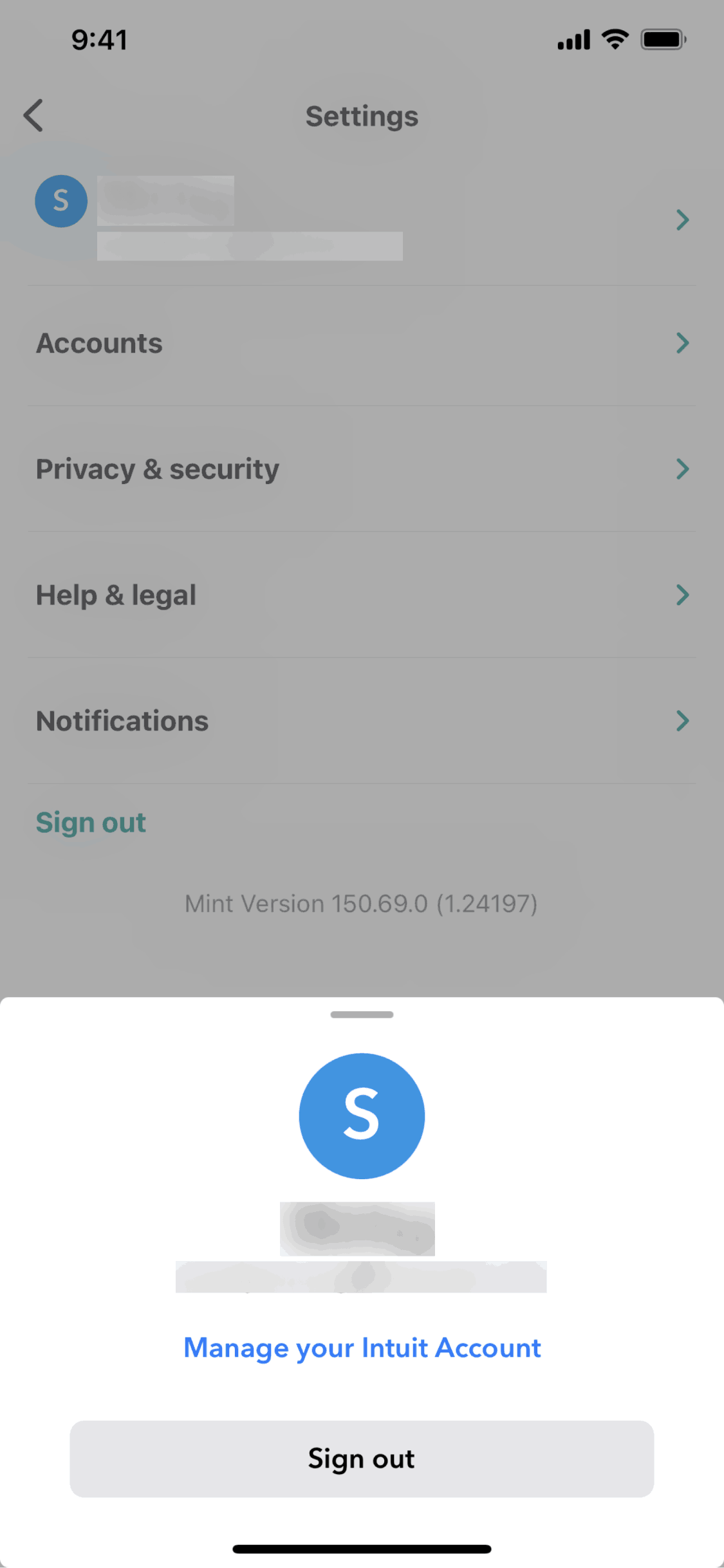
Mint iOS Finance interface screenshot 14
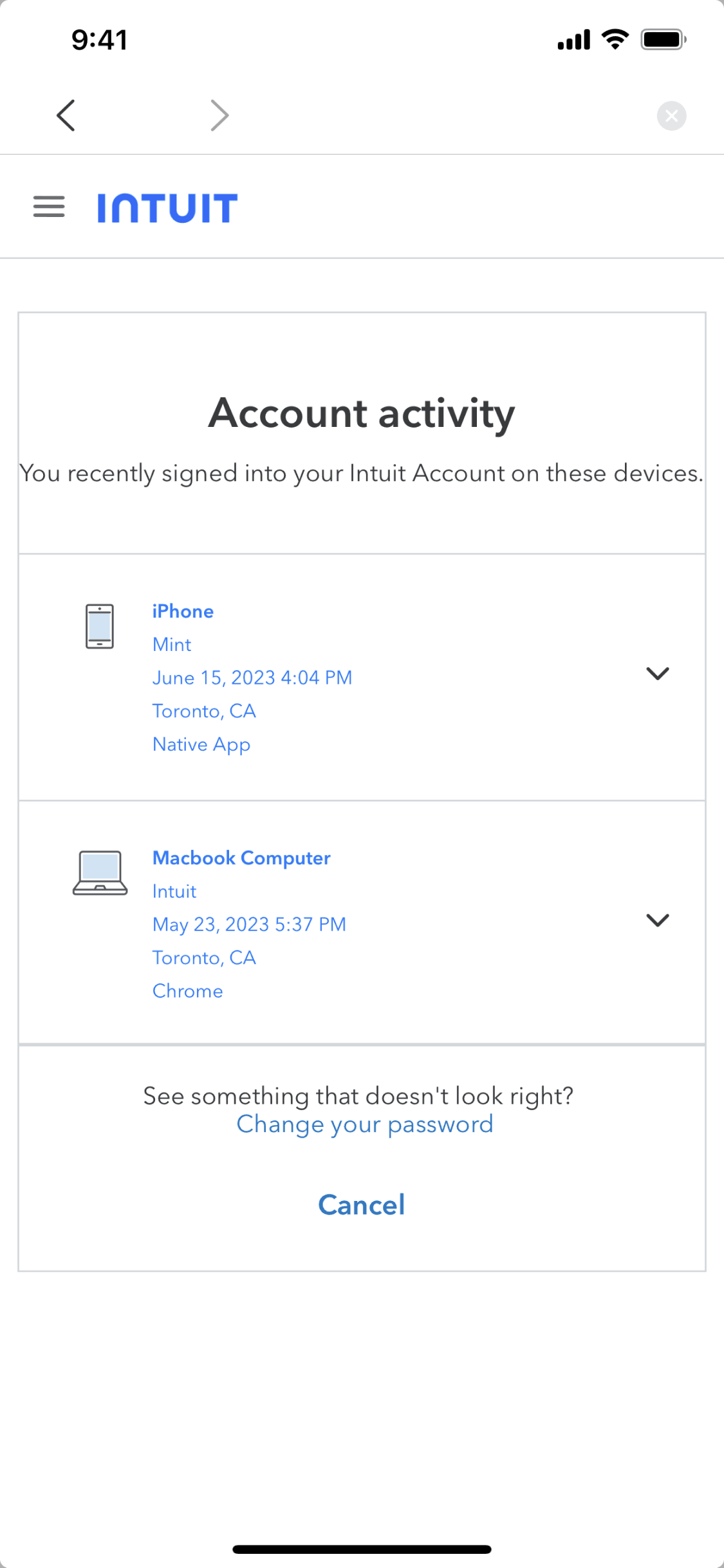
Mint iOS Finance interface screenshot 15
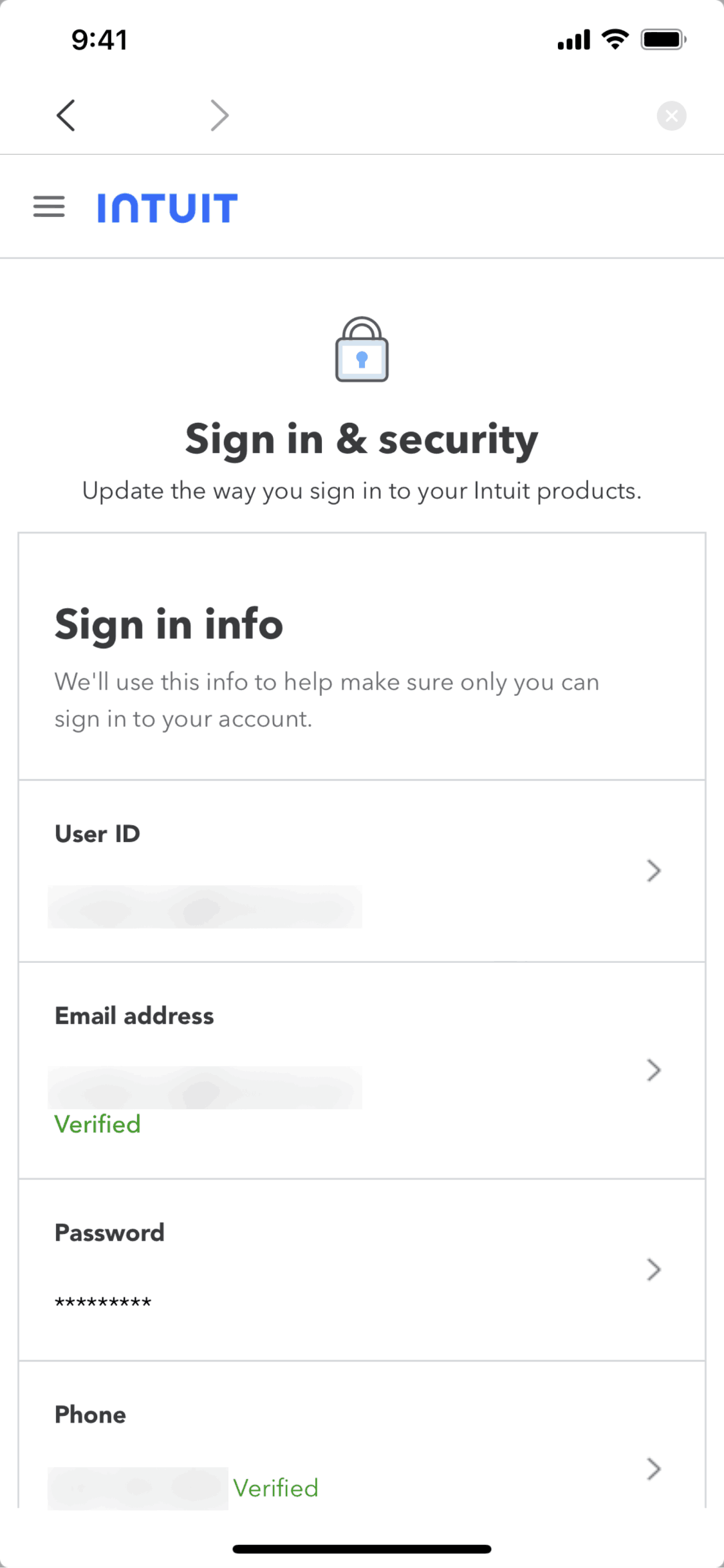
Mint iOS Finance interface screenshot 16
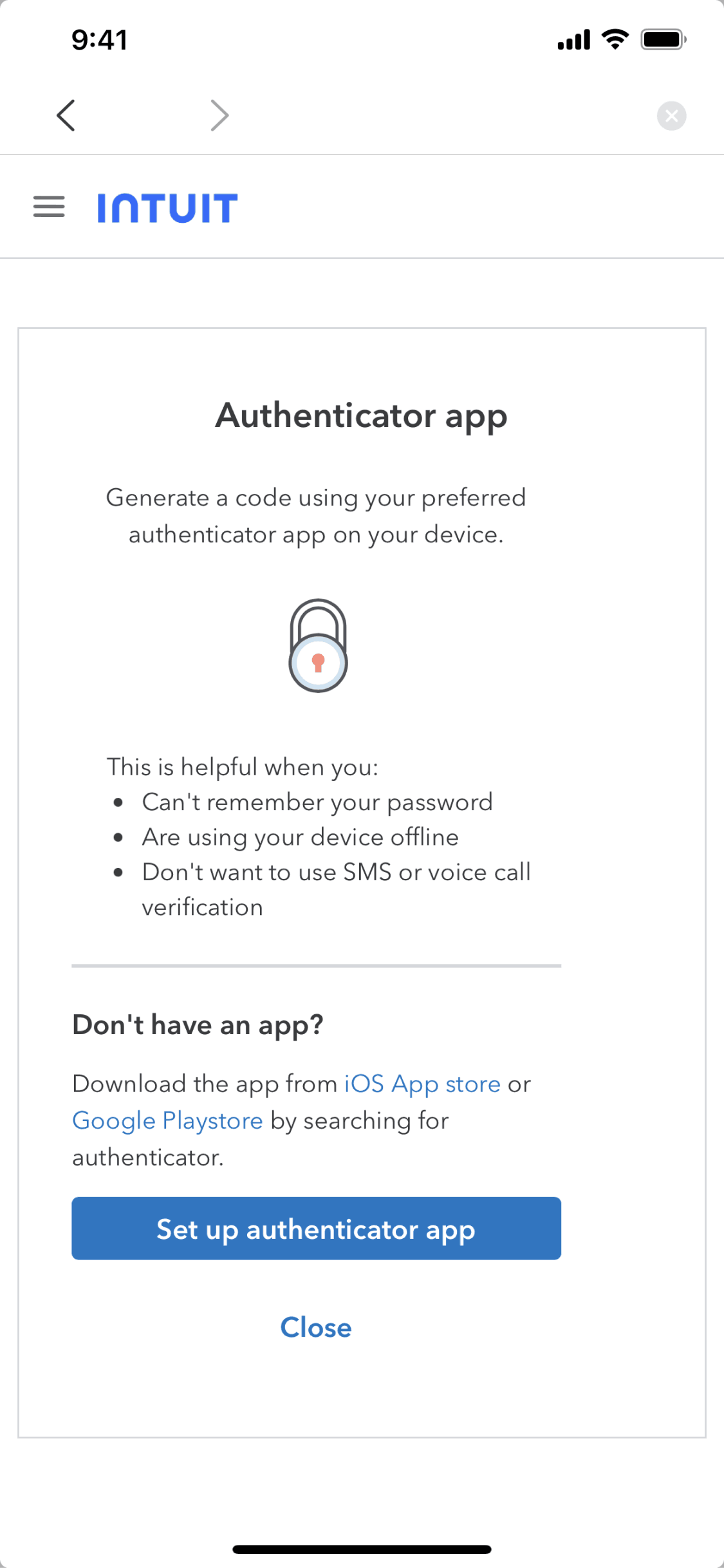
Mint iOS Finance interface screenshot 17
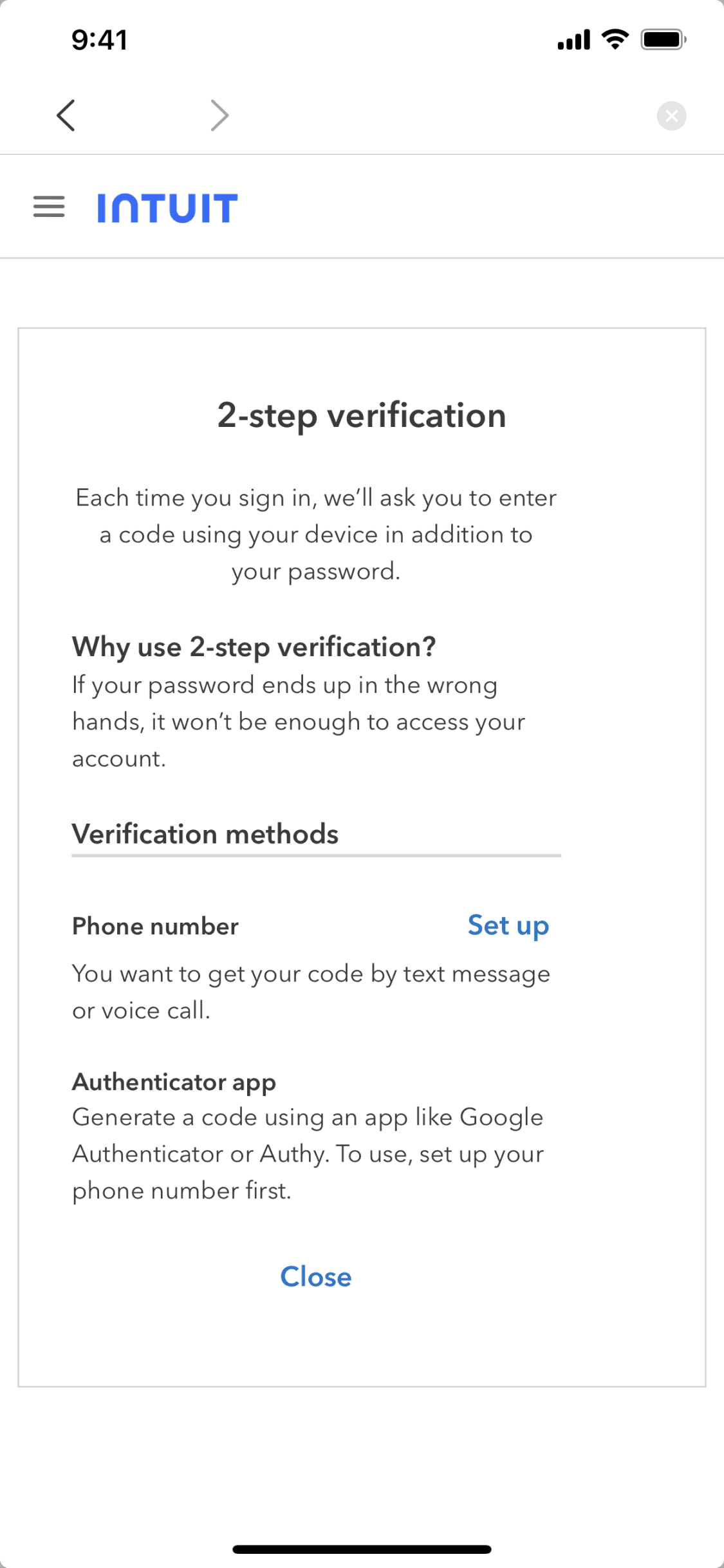
Mint iOS Finance interface screenshot 18
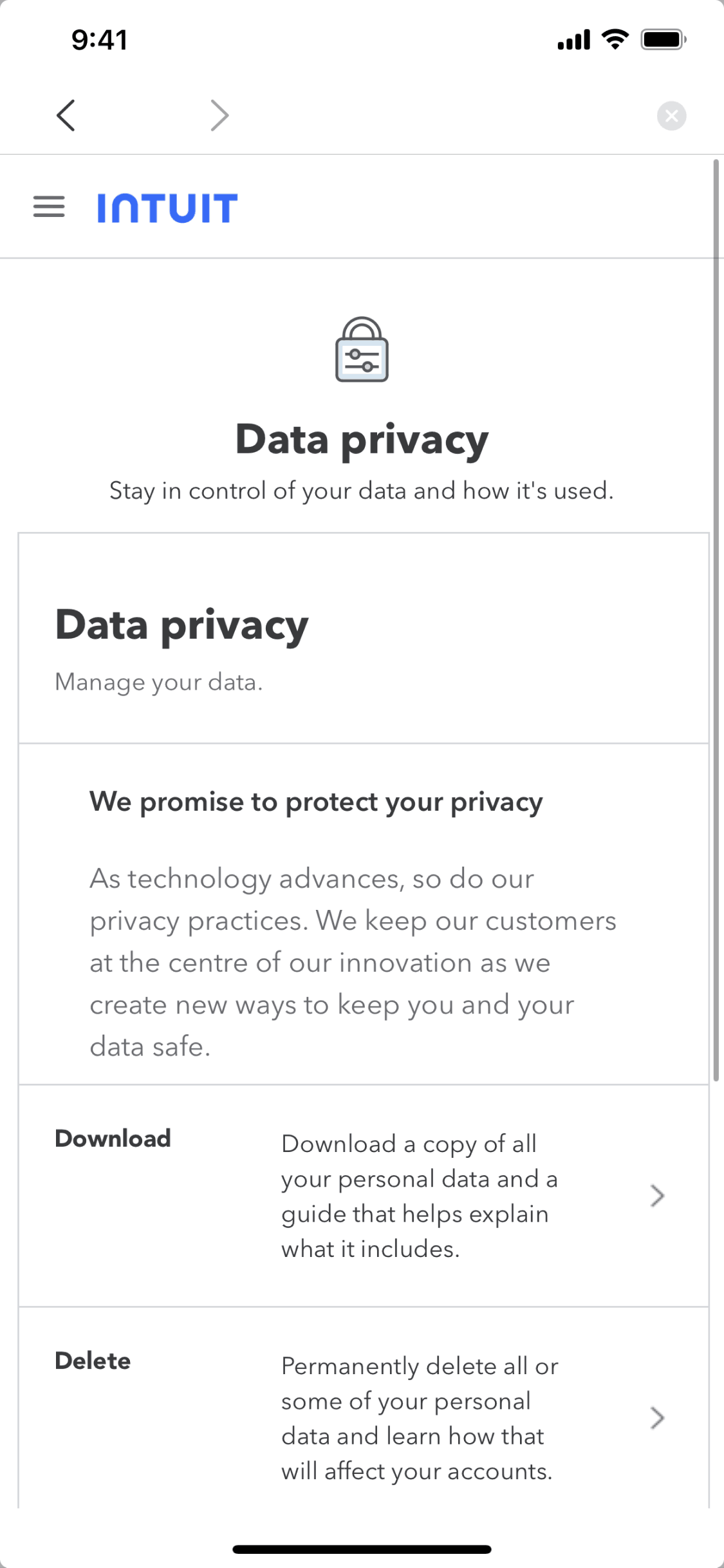
Mint iOS Finance interface screenshot 19
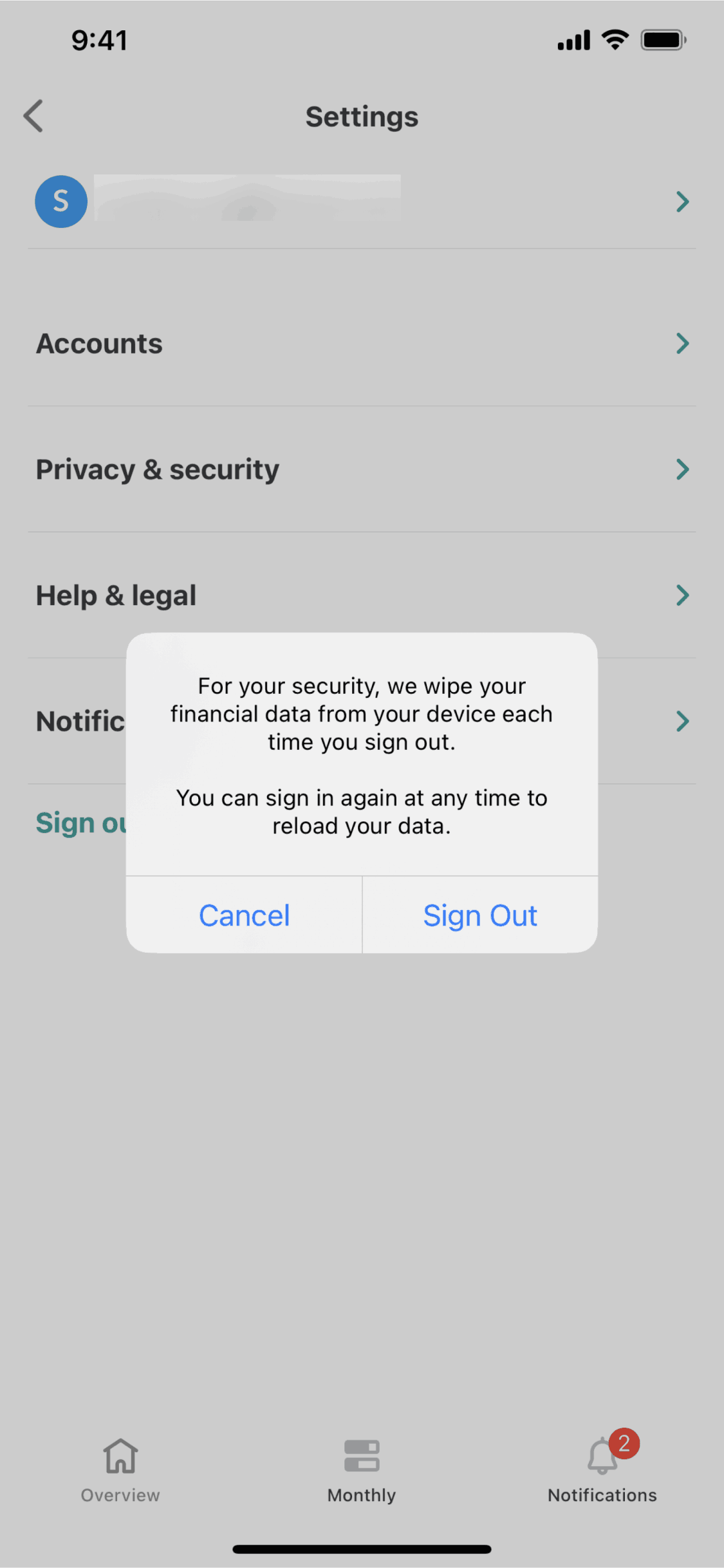
Mint iOS Finance interface screenshot 20
Mint iOS Finance interface screenshot 21
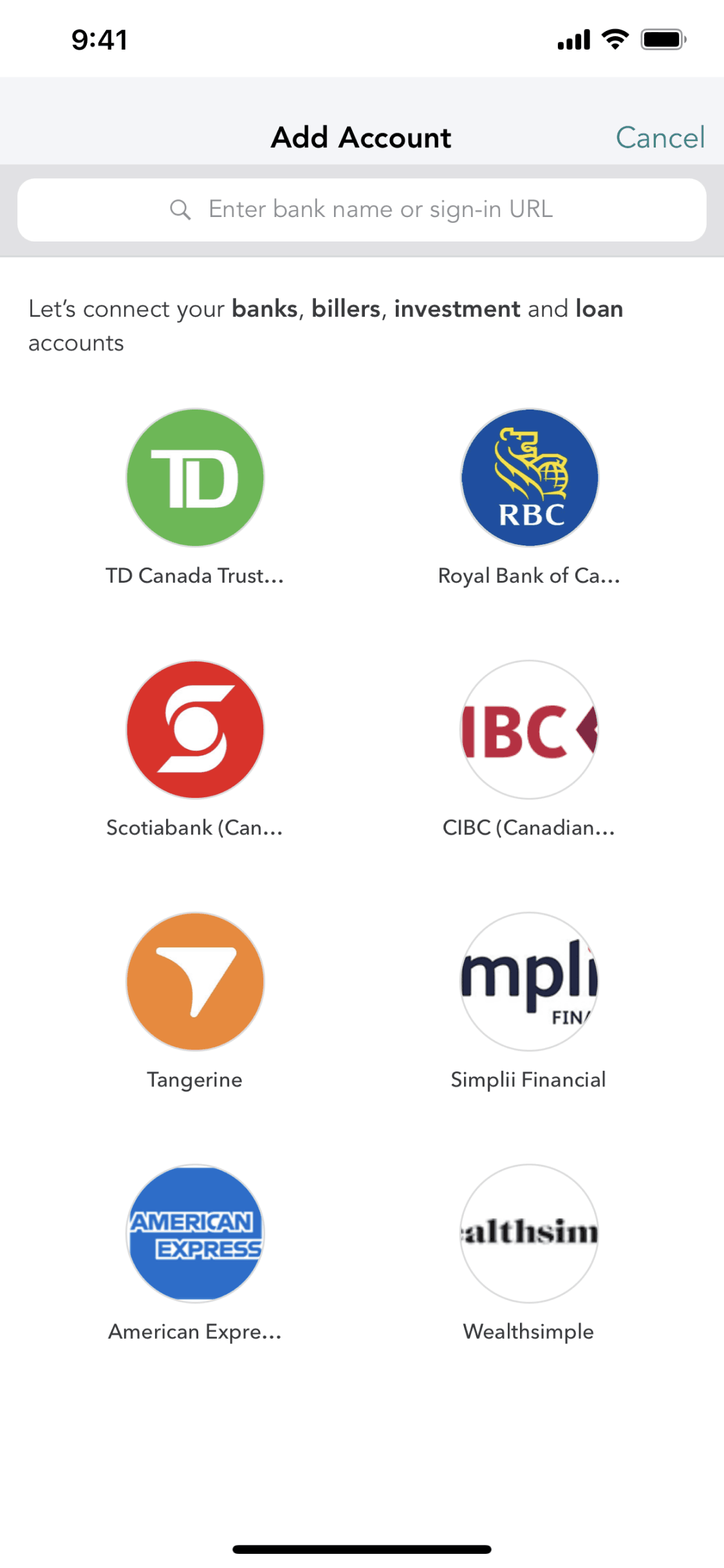
Mint iOS Finance interface screenshot 22
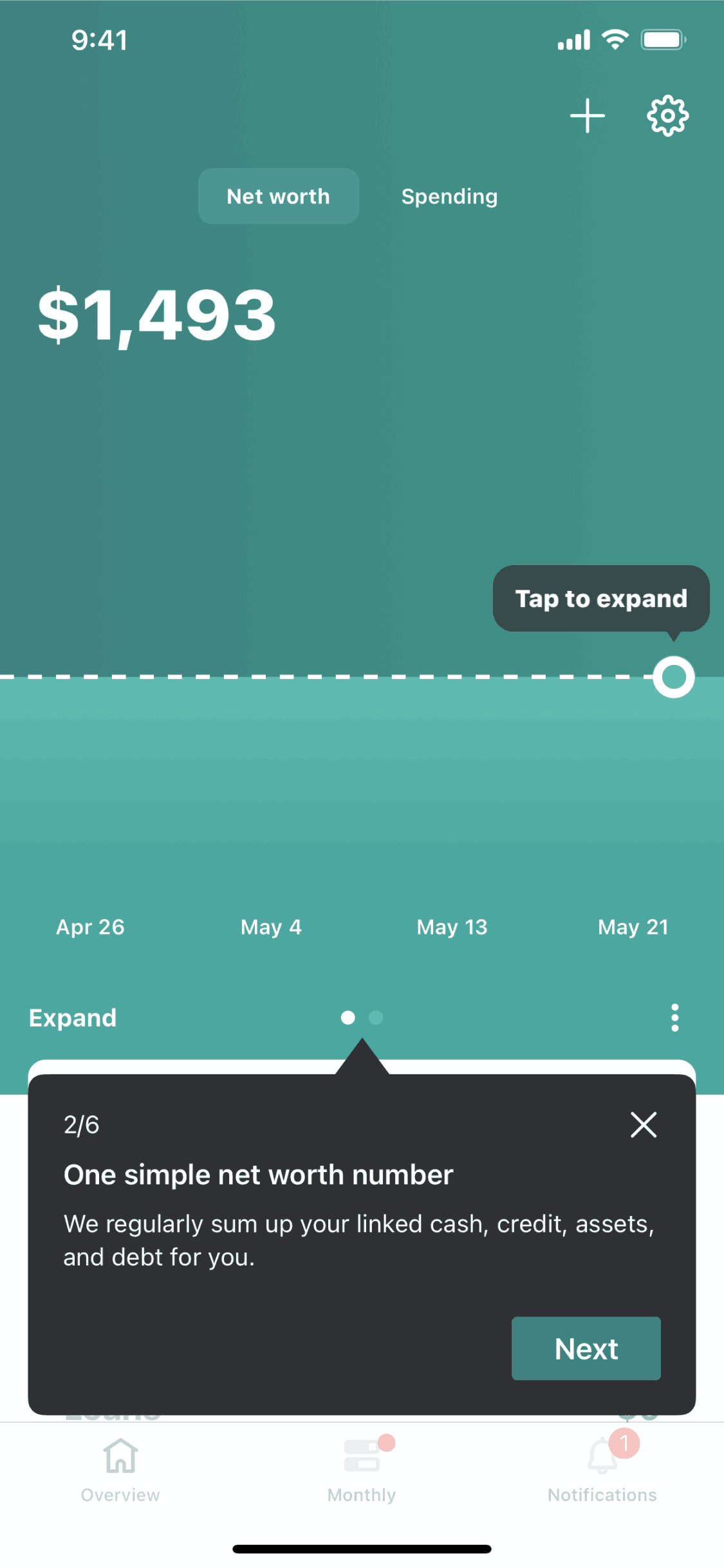
Mint iOS Finance interface screenshot 23
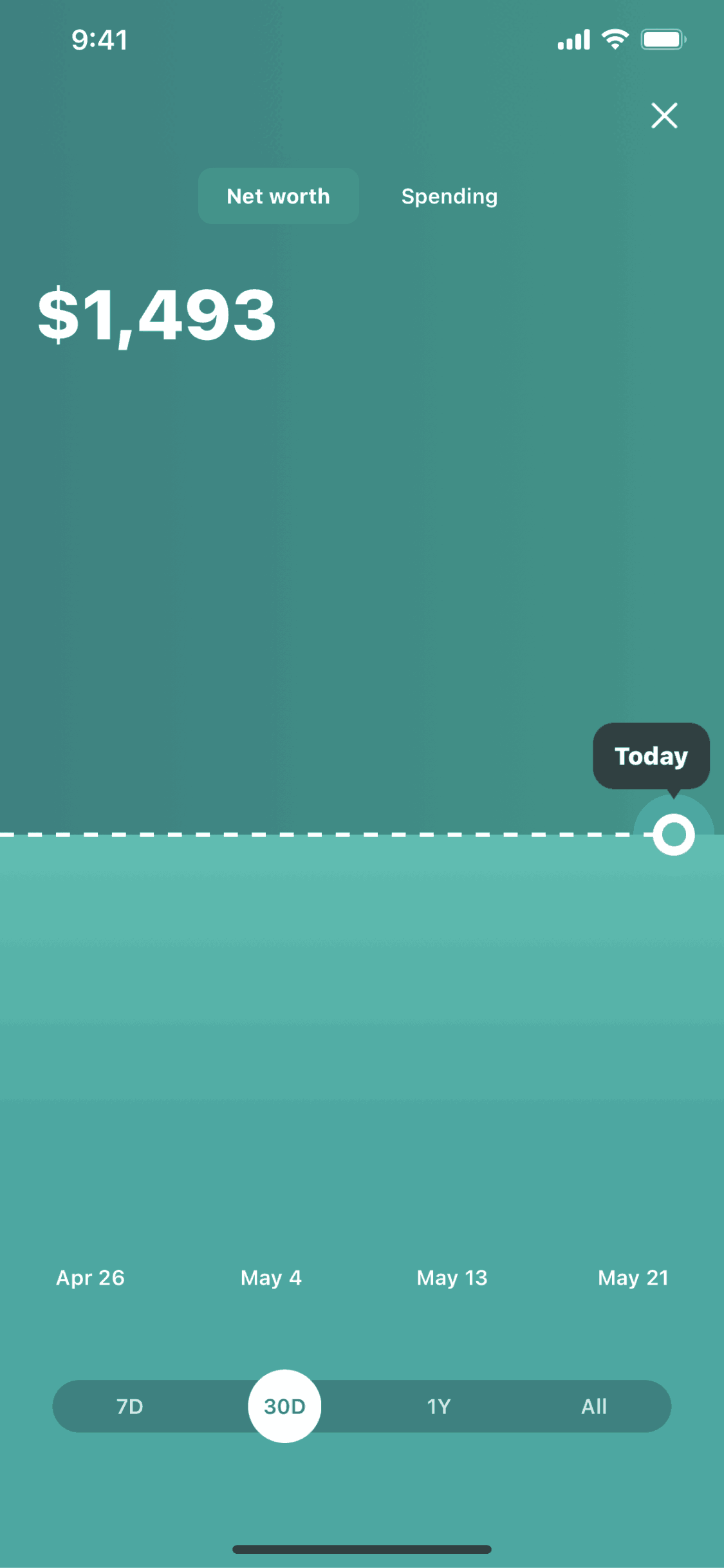
Mint iOS Finance interface screenshot 24
Gummble currently indexes 396 Mint iOS screens across 2 captured versions (latest capture Jun 26, 2023: 163 screens) and 6 captured UX flows including onboarding, login, and settings. Track personal finance & money. Categorized under Finance. Step through each captured Mint flow screen by screen, or study individual screens for navigation, layout, and microcopy patterns.
Editorial teardown
Mint is a personal finance app that aggregates all financial accounts into a single dashboard. The iOS app connects to banks, credit cards, loans, and investments to provide a complete picture of financial health. Users track spending by category, set budgets, monitor bills, and receive alerts for unusual activity. Mint automatically categorizes transactions, making financial awareness effortless compared to manual spreadsheet tracking. The app aims to be the one place users check to understand their complete financial situation.
Read the full Mint UX teardownGummble currently indexes 396 Mint iOS screens across 2 captured versions (latest capture Jun 26, 2023: 163 screens) and 6 captured UX flows including onboarding, login, and settings. Browse the gallery to study Mint's interface patterns and design decisions.
Mint is categorized under Finance. Gummble holds 6 captured UX flows including onboarding, login, and settings for Mint iOS. Open the Flows tab to step through each captured sequence screen by screen.
Yes. Gummble Browse, Pro, and Team users can download Mint iOS screenshots for design reference. Free users can browse a limited selection and view design analysis.