GummbleGummble
AppsPricing
Search Apps...⌘K
Gummble

Browse thousands of curated UI screenshots from the world's best apps. Find design inspiration for your next project.

Browse

  • Browse Apps
  • Browse Flows
  • Browse Screens
  • Browse Patterns

Categories

  • All Categories
  • Dating Apps
  • AI Photo Editors
  • AI Chatbots
  • Finance Apps
  • Budget Planners
  • Habit Trackers
  • Language Learning

UI Patterns

  • Onboarding
  • Login
  • Checkout
  • Empty States
  • Search
  • Settings

Company

  • Pricing
  • Gummble MCP
  • Mobbin Alternative
  • Refero Alternative
  • About
  • Blog
  • Affiliate Program

© 2026 Gummble. All rights reserved.

LinkedIn iOS UI Design Reference

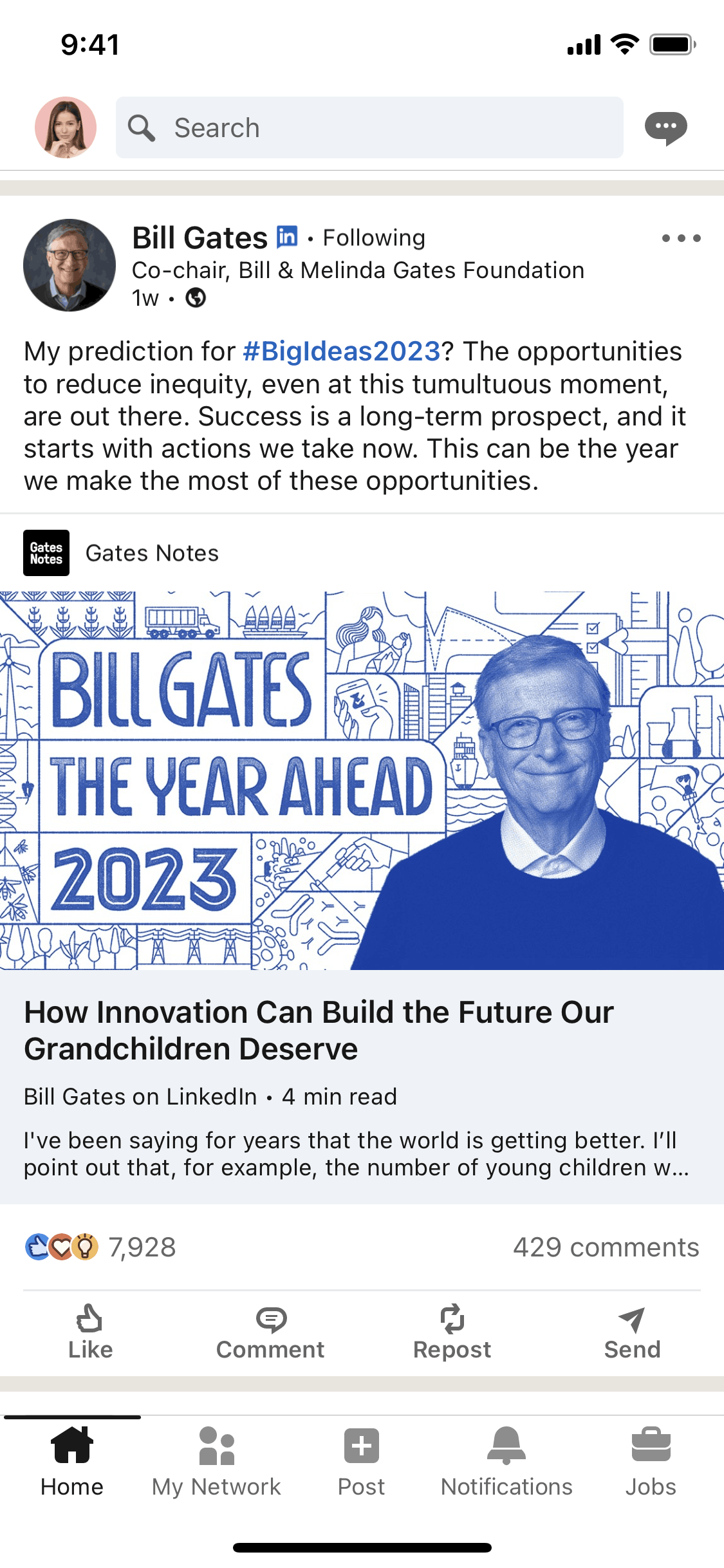
Browse 552+ LinkedIn iOS screenshots on Gummble. Manage your professional identity. Categorized under Business, Social Networking, Jobs & Recruitment, News. Study LinkedIn's onboarding flow, login screens, checkout process, navigation patterns, and more to inspire your next design project.

Business AppsSocial Networking AppsJobs & Recruitment AppsNews AppsiOS Apps

Frequently Asked Questions

How many LinkedIn iOS screenshots are available?

Gummble has 552+ LinkedIn iOS UI screenshots available for design inspiration. Browse the full collection to study LinkedIn's interface patterns, user flows, and design decisions.

What design patterns does LinkedIn use?

LinkedIn is categorized under Business, Social Networking, Jobs & Recruitment, News. You can study its onboarding flow, login screens, navigation patterns, and other UI elements on Gummble.

Can I download LinkedIn screenshots?

Yes, Gummble Pro users can download LinkedIn iOS screenshots for design reference. Free users can browse all screenshots and view detailed design analysis.

Browse all apps →Browse by category →Browse user flows →Browse design patterns →Onboarding patterns →Login patterns →Checkout patterns →

LinkedIn — Design Analysis

In-depth UX teardown and design patterns

What it does

LinkedIn is the professional networking platform where users build career profiles, connect with colleagues, discover job opportunities, and share industry content. The iOS app serves as a mobile professional identity manager — users update their experience, engage with their network's posts, message recruiters, and apply to jobs. Beyond individual networking, LinkedIn offers company pages, content publishing, and learning courses that make it a comprehensive professional development platform.

Design highlights

LinkedIn's interface balances the personal (individual profiles and connections) with the professional (company pages and job listings). The profile serves as a living resume, with completion prompts encouraging users to add detail that aids discoverability. The feed mixes algorithm-curated content with connection updates, attempting to surface professionally relevant posts without pure engagement optimization. Blue dominates the color scheme, projecting trustworthiness and professionalism. Notifications strategically highlight job matches, profile views, and connection requests — engagement hooks tied to career anxiety.

UX patterns

  • **Profile Strength Indicators**: A completion meter shows profile strength and suggests missing sections. This gamification drives users to add more data, improving LinkedIn's value as a recruiting database while helping users get discovered.
  • **Who Viewed Your Profile**: Showing profile viewers creates reciprocal curiosity and engagement. Users click to see who's interested, driving daily app opens even without active job searching.
  • **Easy Apply**: One-tap job applications using profile data eliminate the friction of tailored resumes for each application. This increases application volume, benefiting LinkedIn's job marketplace metrics.
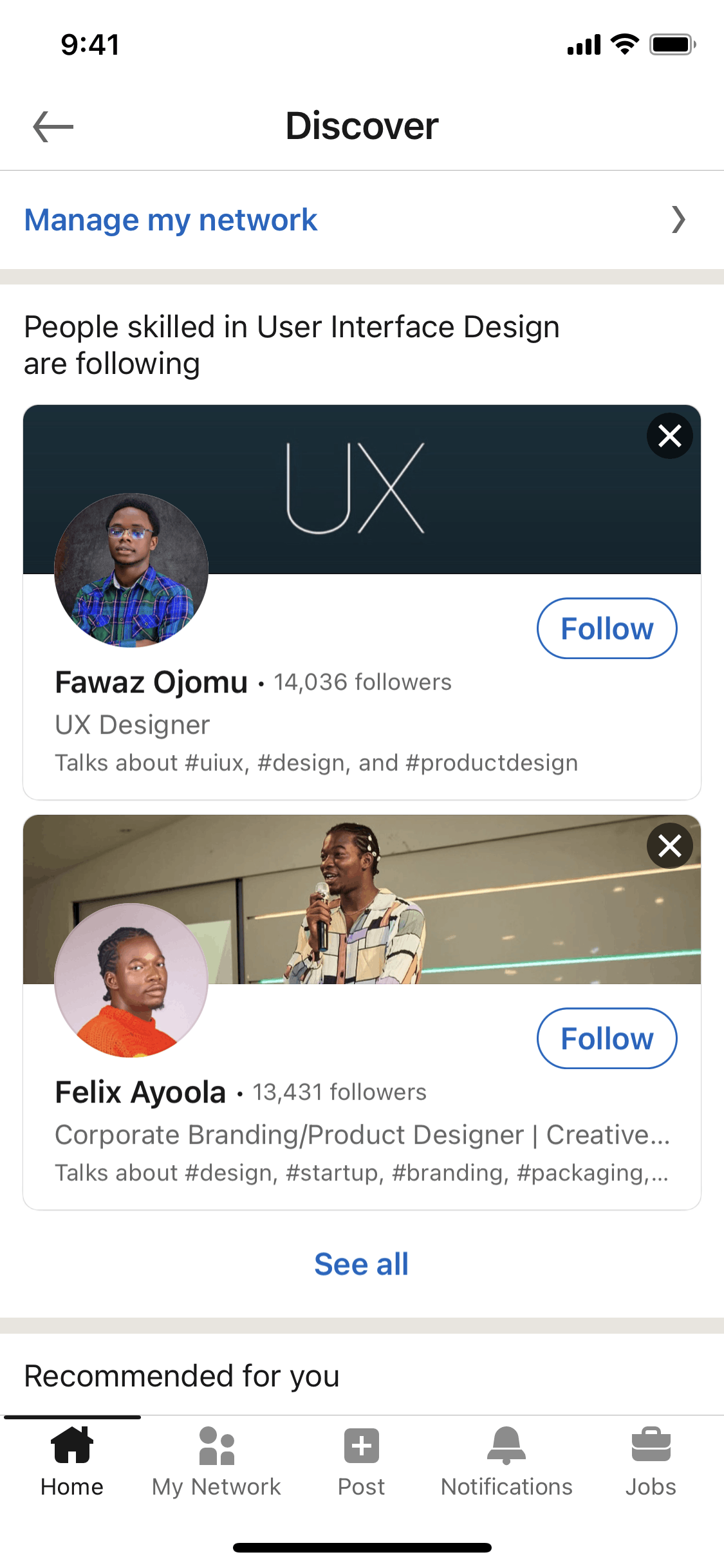
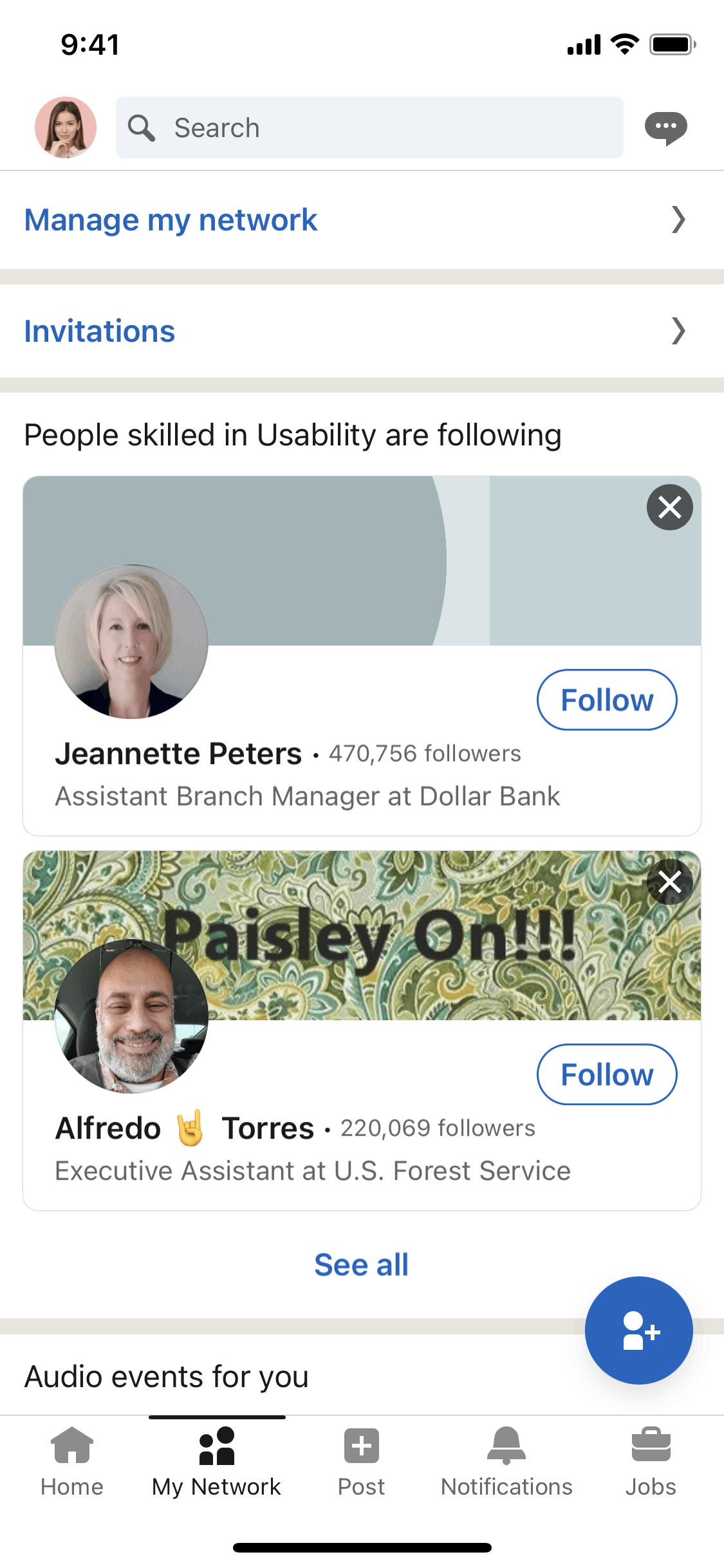
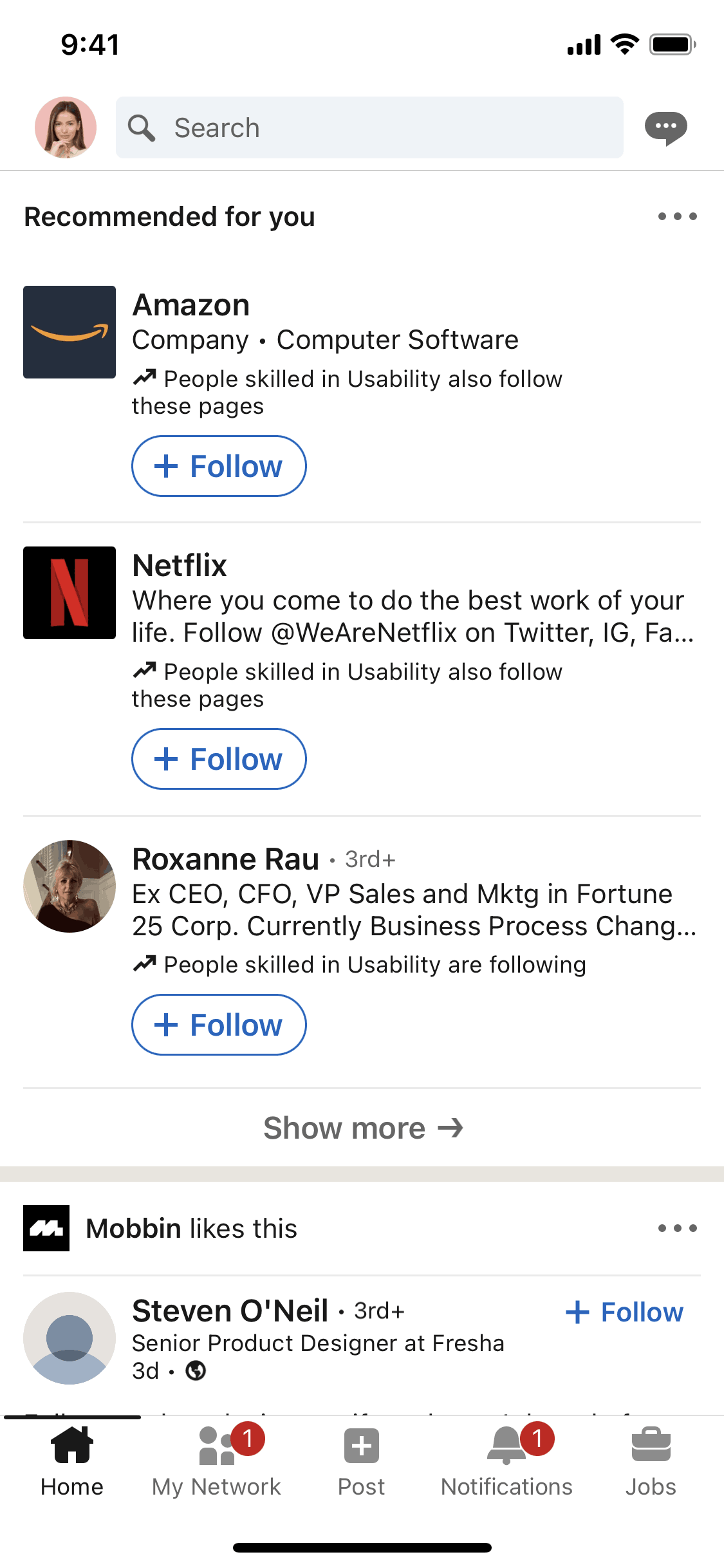
  • **Connection Suggestions**: "People You May Know" surfaces former colleagues, classmates, and industry peers. The algorithm uses employment history, email contacts, and network proximity to generate relevant suggestions.
  • **Post Reactions Beyond Like**: Professional-specific reactions (Celebrate, Support, Insightful) let users engage appropriately with career milestones and industry analysis without the awkwardness of "liking" a layoff announcement.

Monetization approach

LinkedIn operates a diversified revenue model. Premium subscriptions ($29.99-$59.99/month) offer InMail credits, applicant insights, and learning courses. Talent Solutions (recruiting tools) generate the majority of revenue from companies paying to post jobs and search candidates. Marketing Solutions sells ads and sponsored content. Sales Navigator helps sales teams with prospecting. This B2B-heavy model means users are often the product (their profiles) as much as the customer.

Target audience

LinkedIn serves professionals at all career stages — students building first resumes, mid-career job seekers, executives networking, and recruiters sourcing candidates. The core user is white-collar, career-oriented, and views networking as professional necessity. Secondary audiences include content creators building thought leadership, salespeople prospecting, and businesses recruiting talent. The platform skews toward industries where credentials and professional reputation matter: tech, finance, consulting, marketing.

Design takeaways

LinkedIn demonstrates how anxiety (job security, career progress, professional relevance) can drive engagement when addressed appropriately. Profile completion gamification shows that progressive disclosure of data requests converts better than demanding everything upfront. The "Who Viewed Your Profile" feature proves that curiosity is a powerful engagement loop — showing activity around users creates reason to return. For professional apps, reaction types show that context-appropriate interaction options prevent awkwardness that would otherwise reduce engagement.

Read full LinkedIn showcase →
Browse all apps →Browse user flows →Browse design patterns →