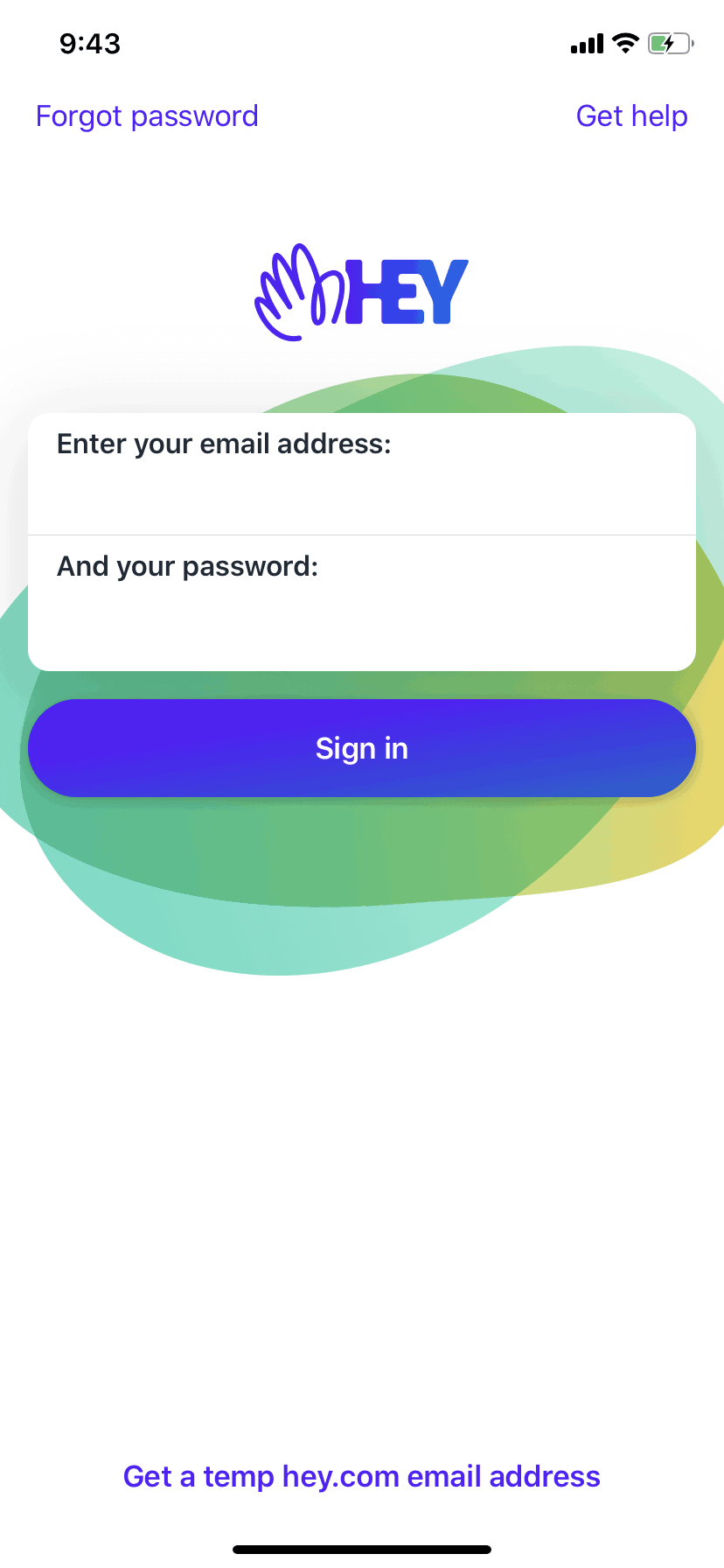

HEY iOS Productivity interface screenshot 1
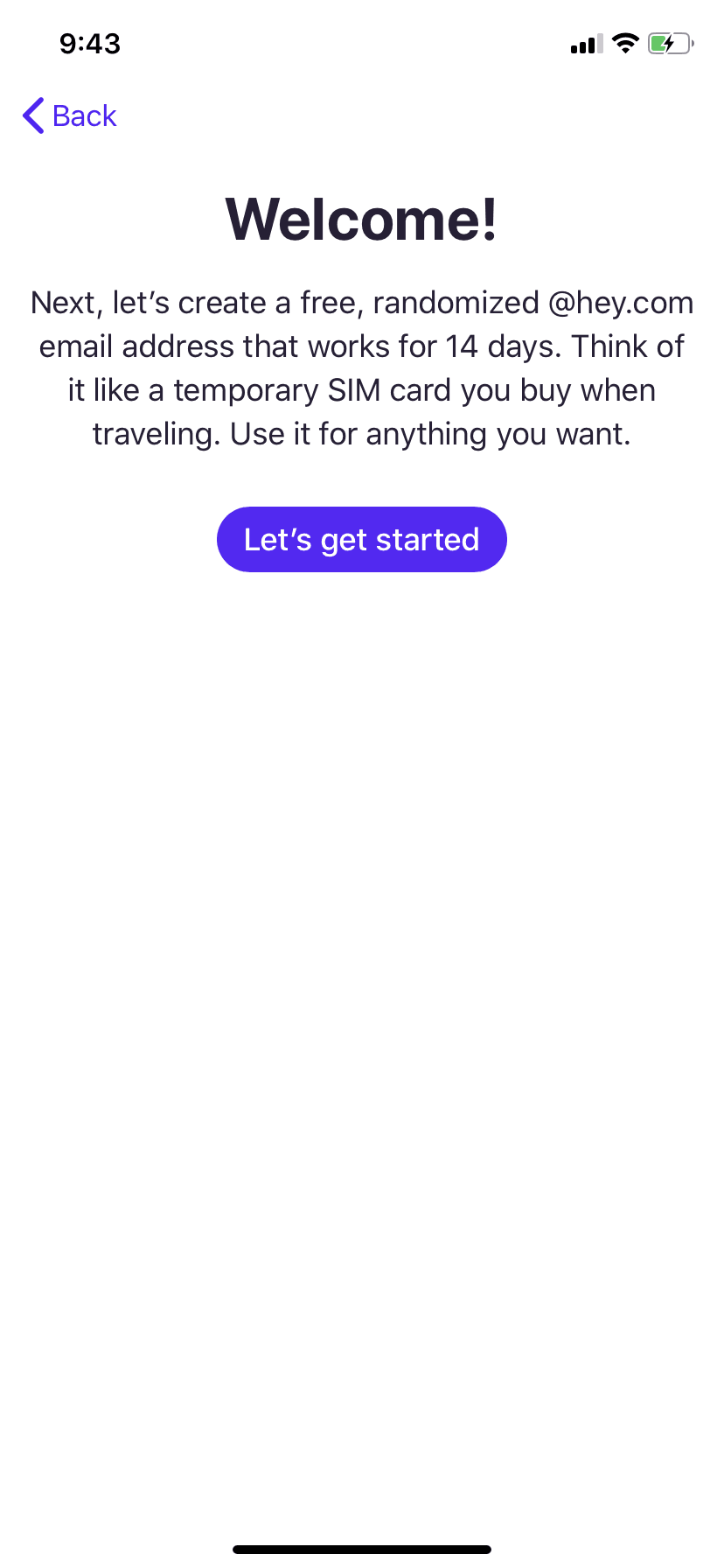
HEY iOS Productivity interface screenshot 2
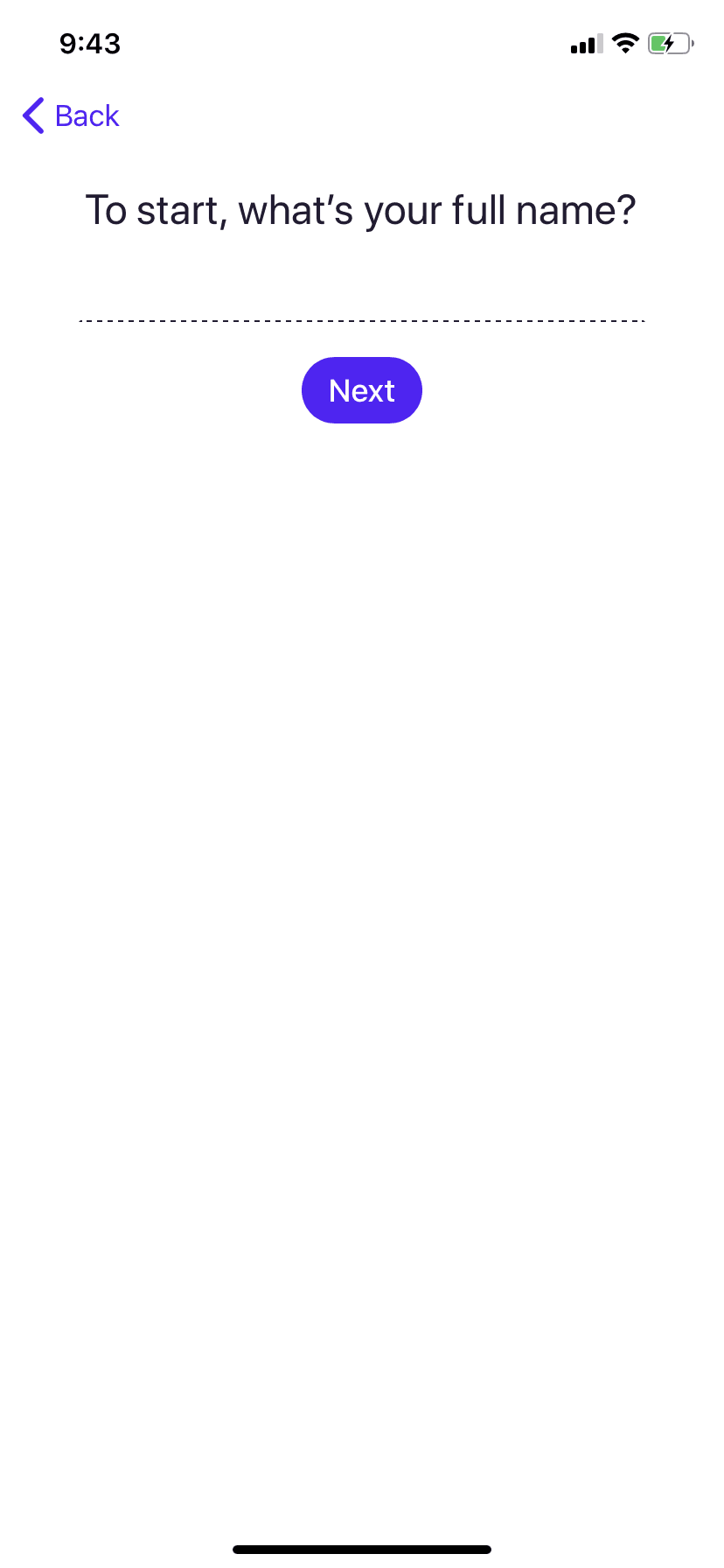
HEY iOS Productivity interface screenshot 3
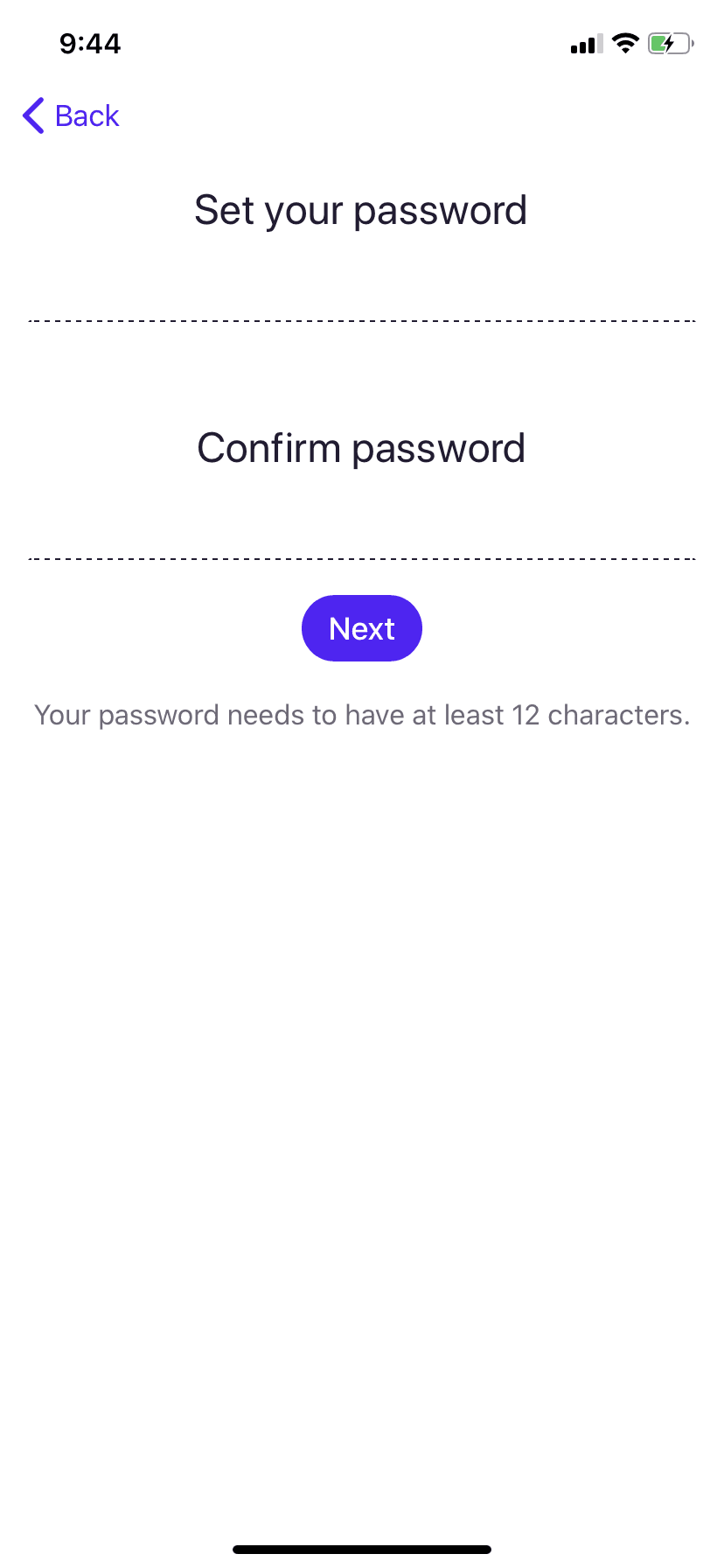
HEY iOS Productivity interface screenshot 4

HEY iOS Productivity interface screenshot 5
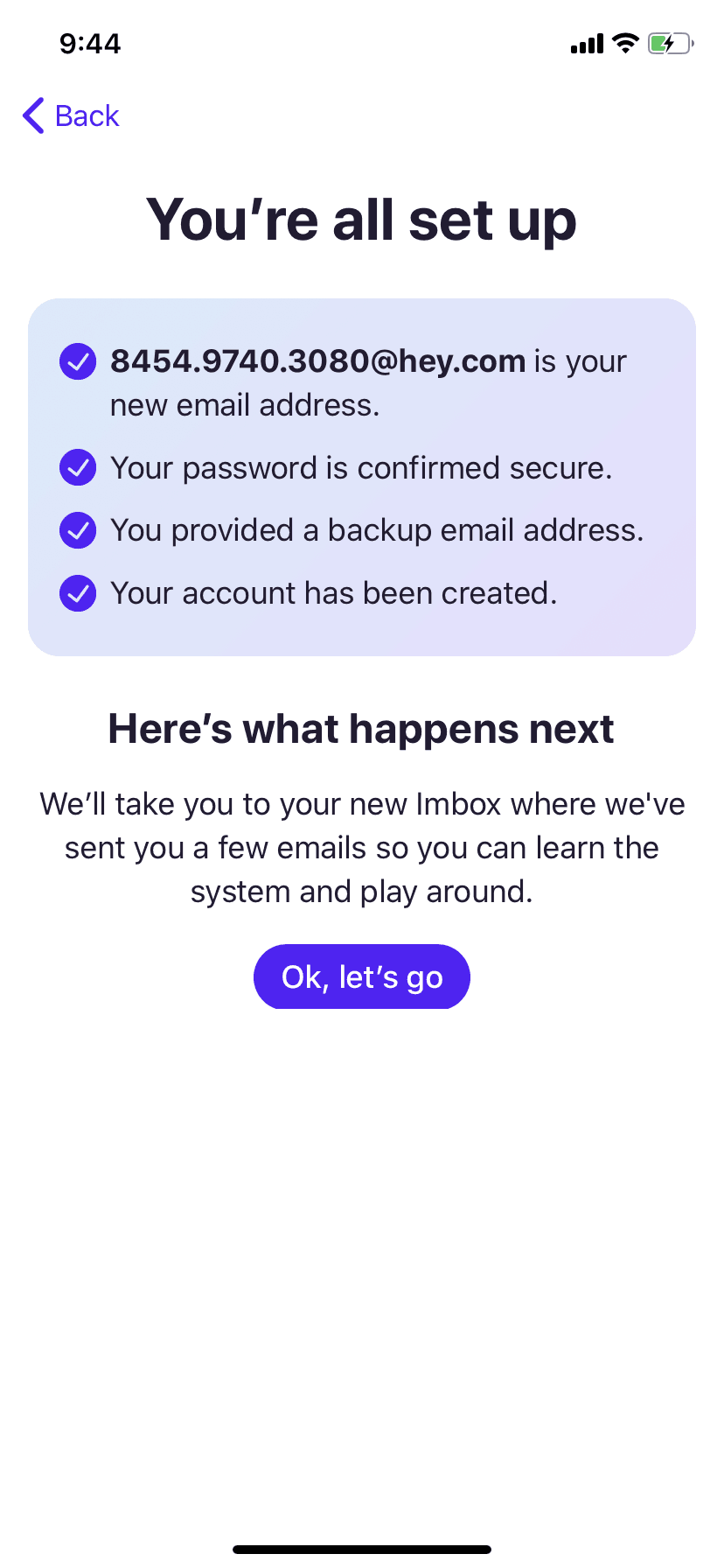
HEY iOS Productivity interface screenshot 6
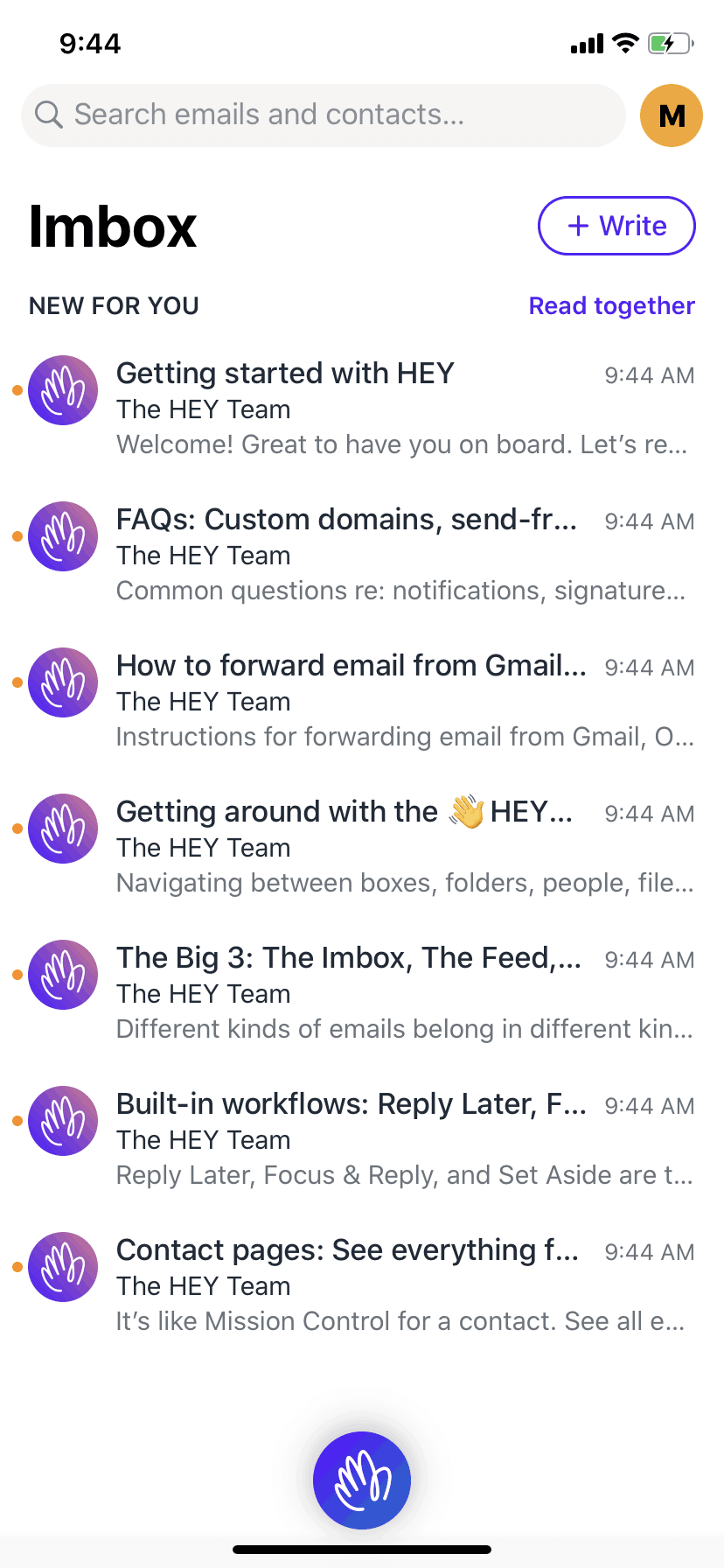
HEY iOS Productivity interface screenshot 7
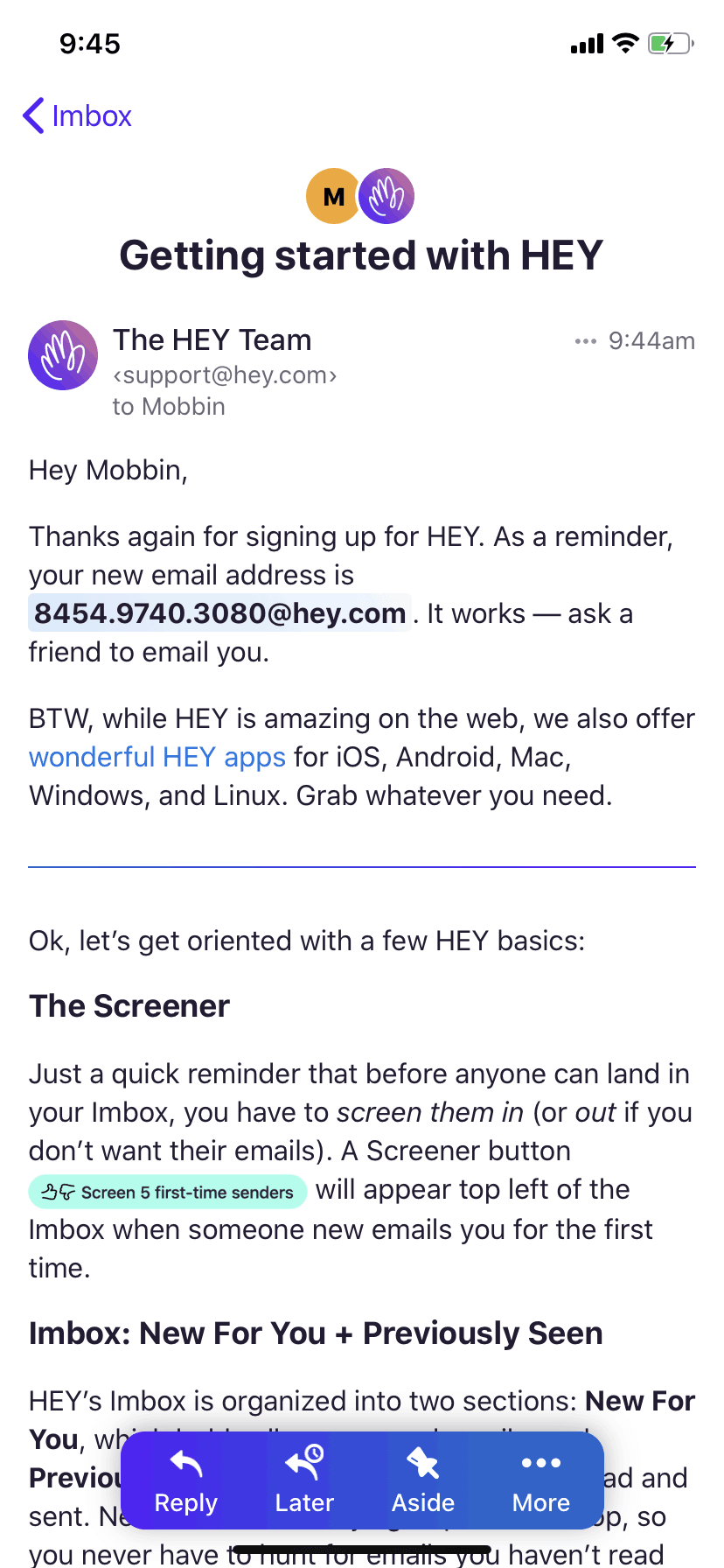
HEY iOS Productivity interface screenshot 8
HEY iOS Productivity interface screenshot 9
HEY iOS Productivity interface screenshot 10
HEY iOS Productivity interface screenshot 11
HEY iOS Productivity interface screenshot 12
HEY iOS Productivity interface screenshot 13
HEY iOS Productivity interface screenshot 14
HEY iOS Productivity interface screenshot 15
HEY iOS Productivity interface screenshot 16
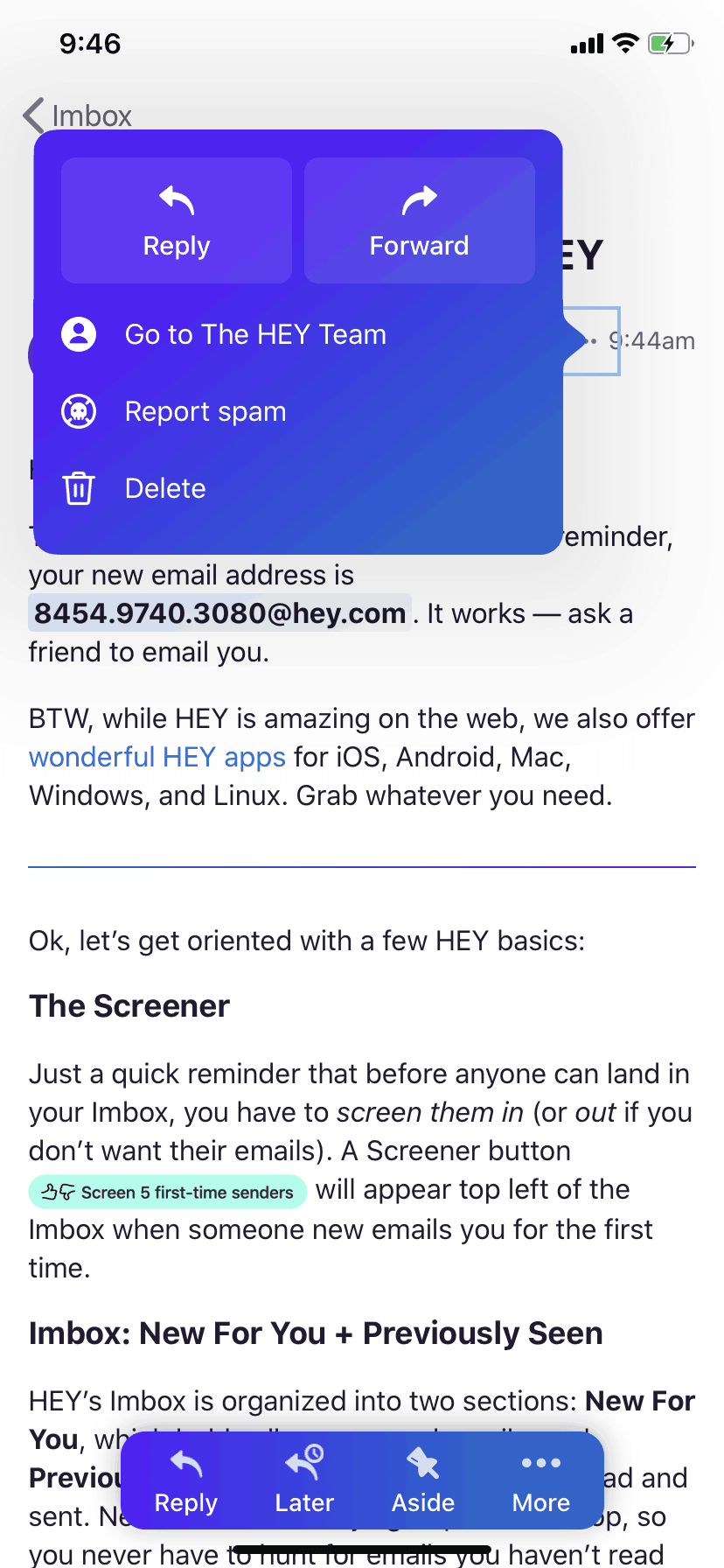
HEY iOS Productivity interface screenshot 17
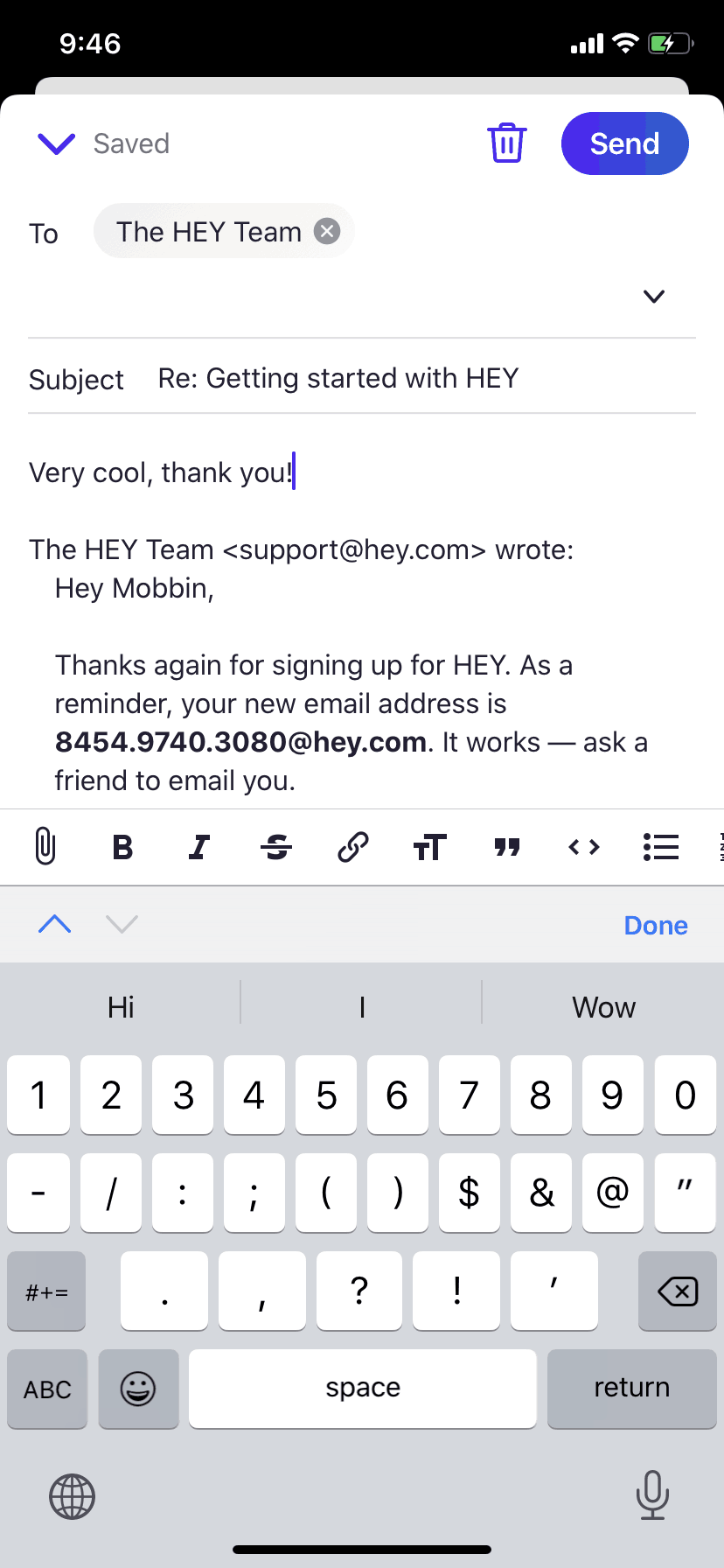
HEY iOS Productivity interface screenshot 18
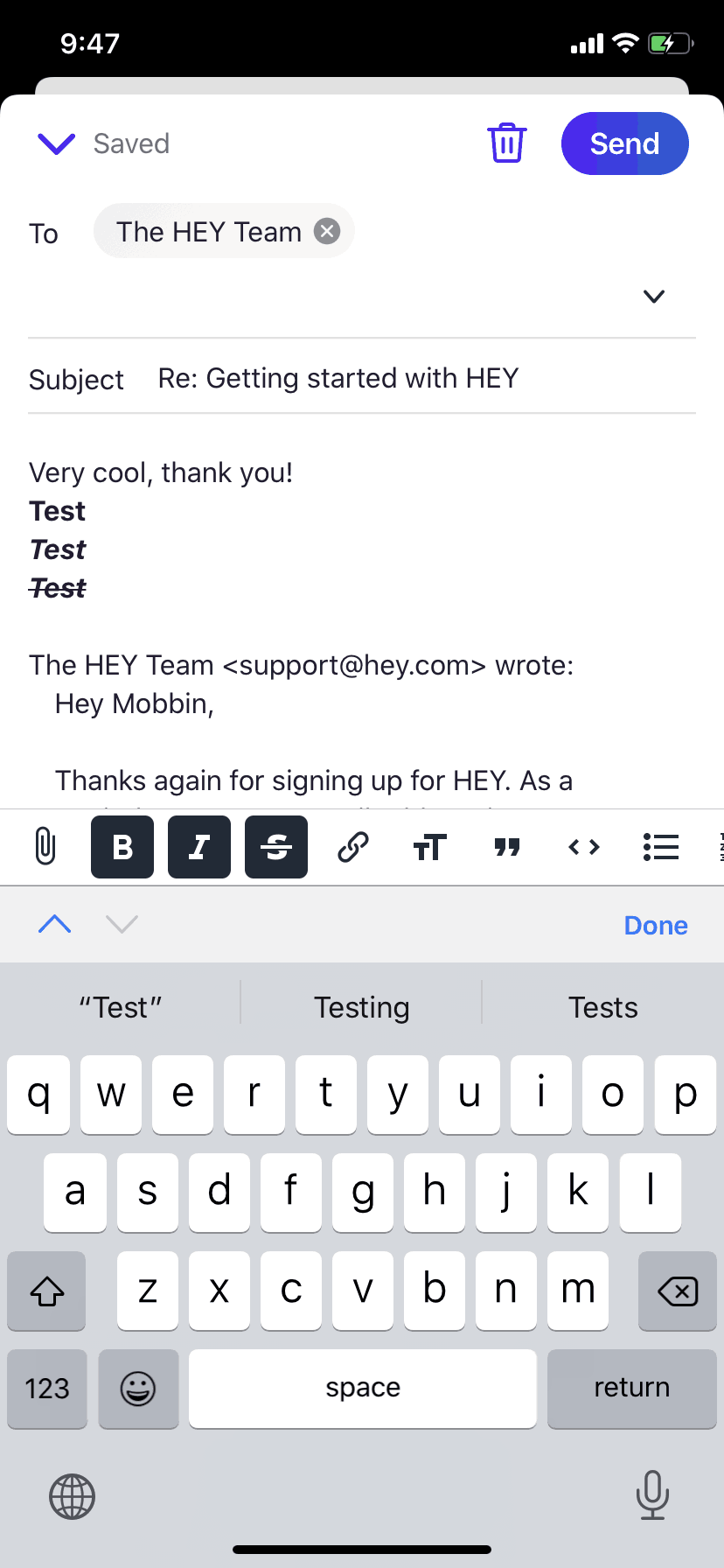
HEY iOS Productivity interface screenshot 19
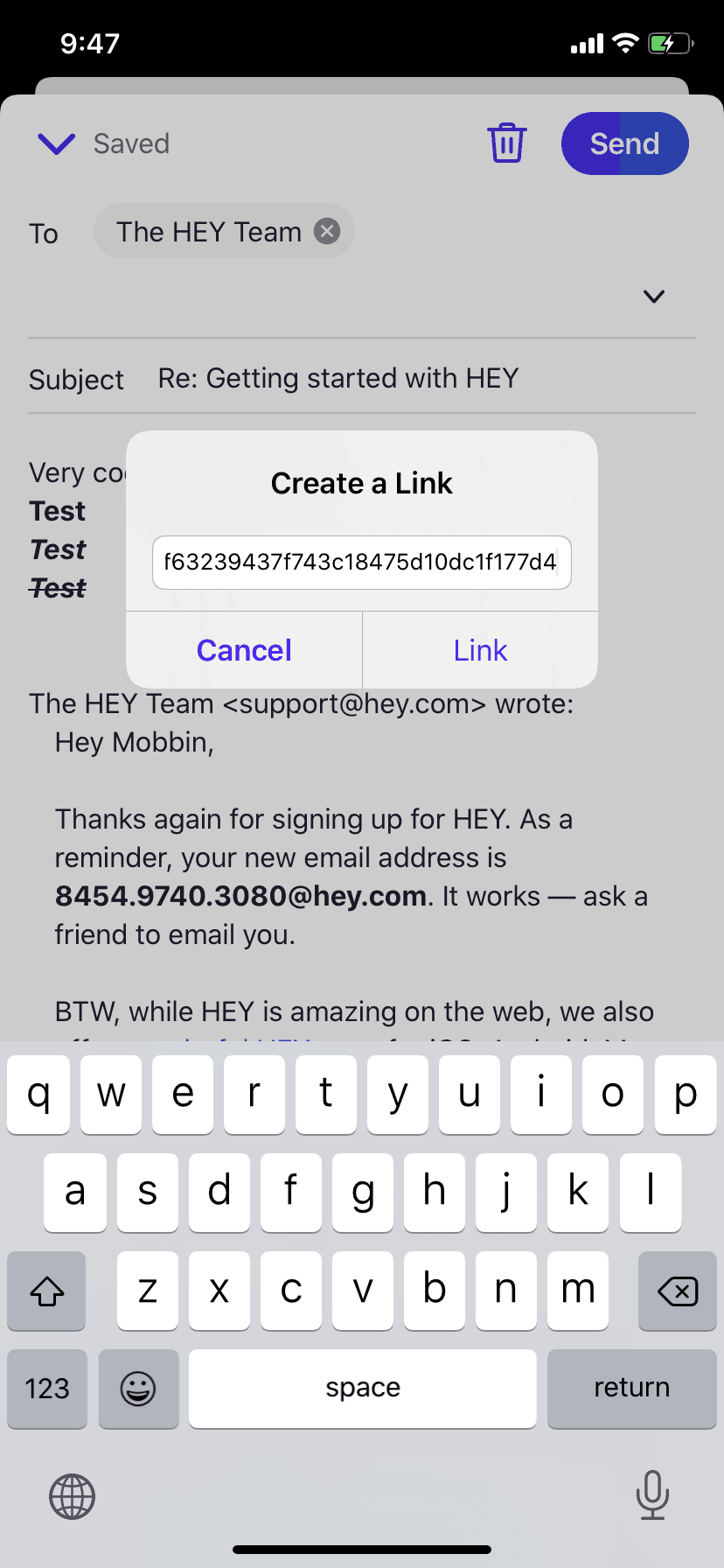
HEY iOS Productivity interface screenshot 20
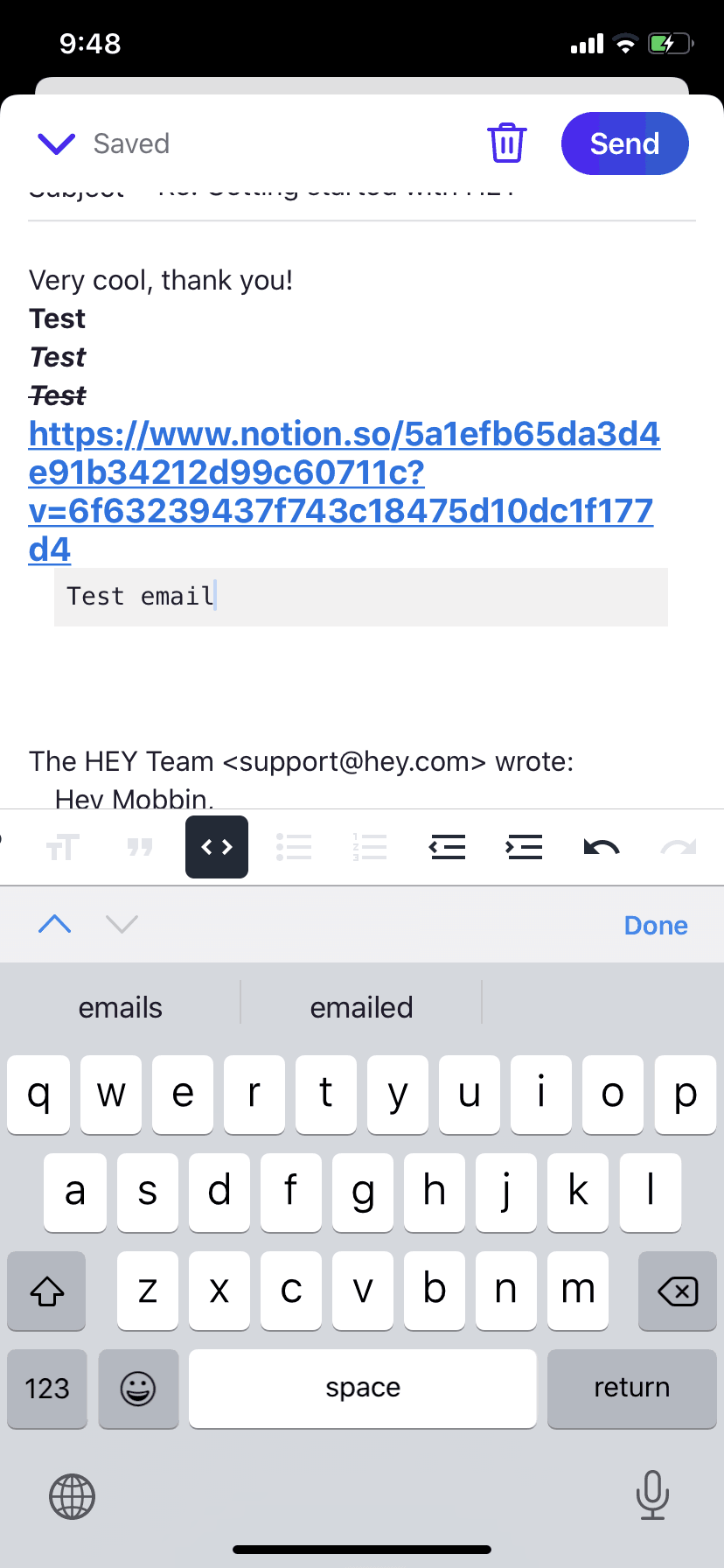
HEY iOS Productivity interface screenshot 21
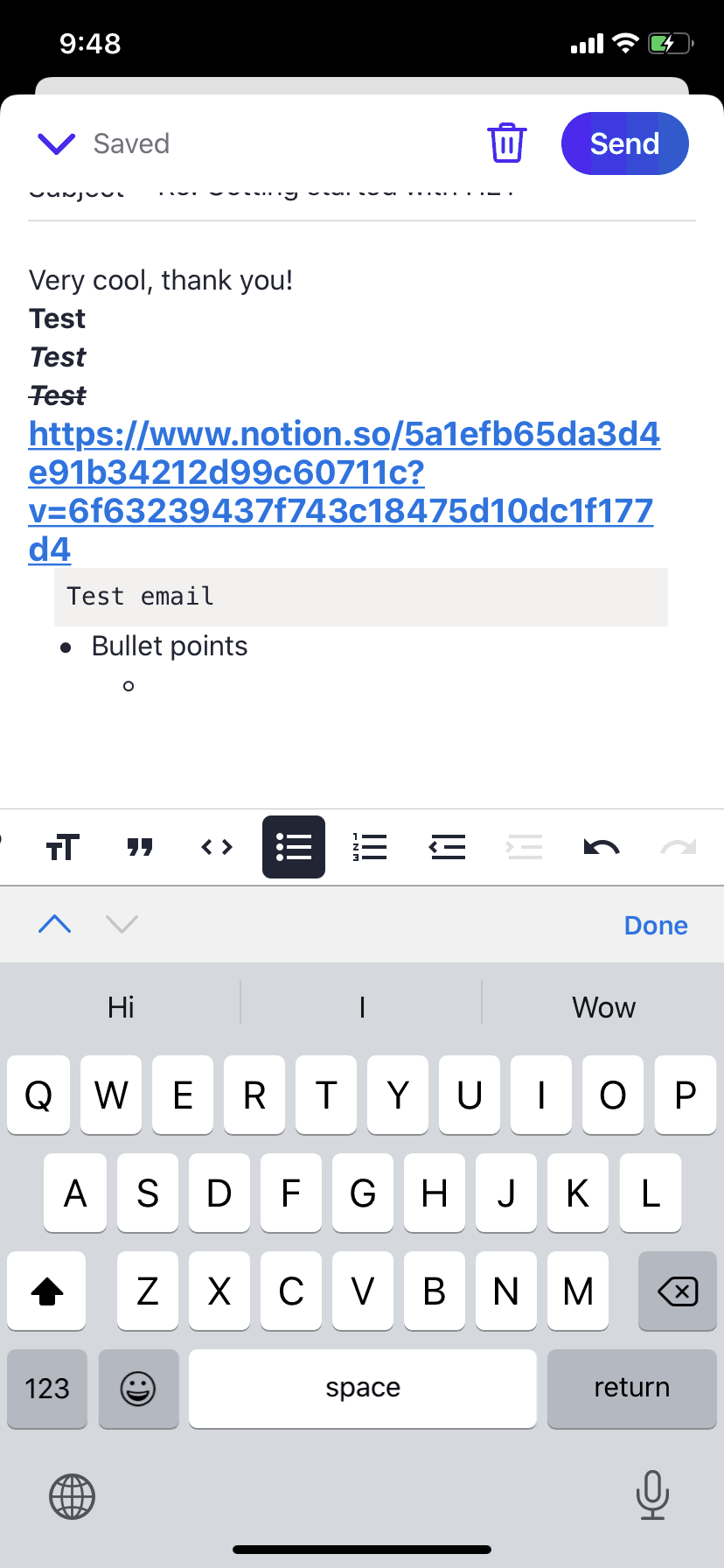
HEY iOS Productivity interface screenshot 22
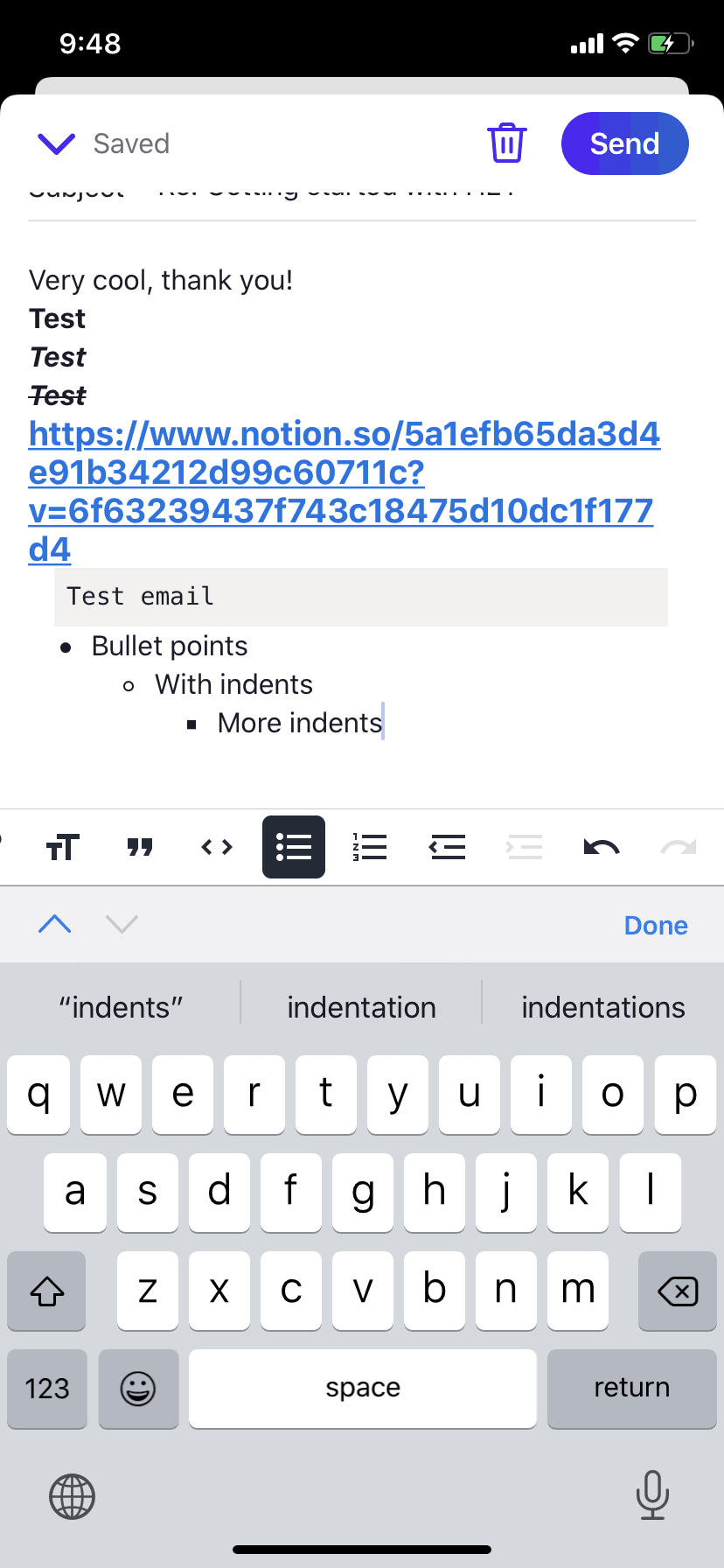
HEY iOS Productivity interface screenshot 23
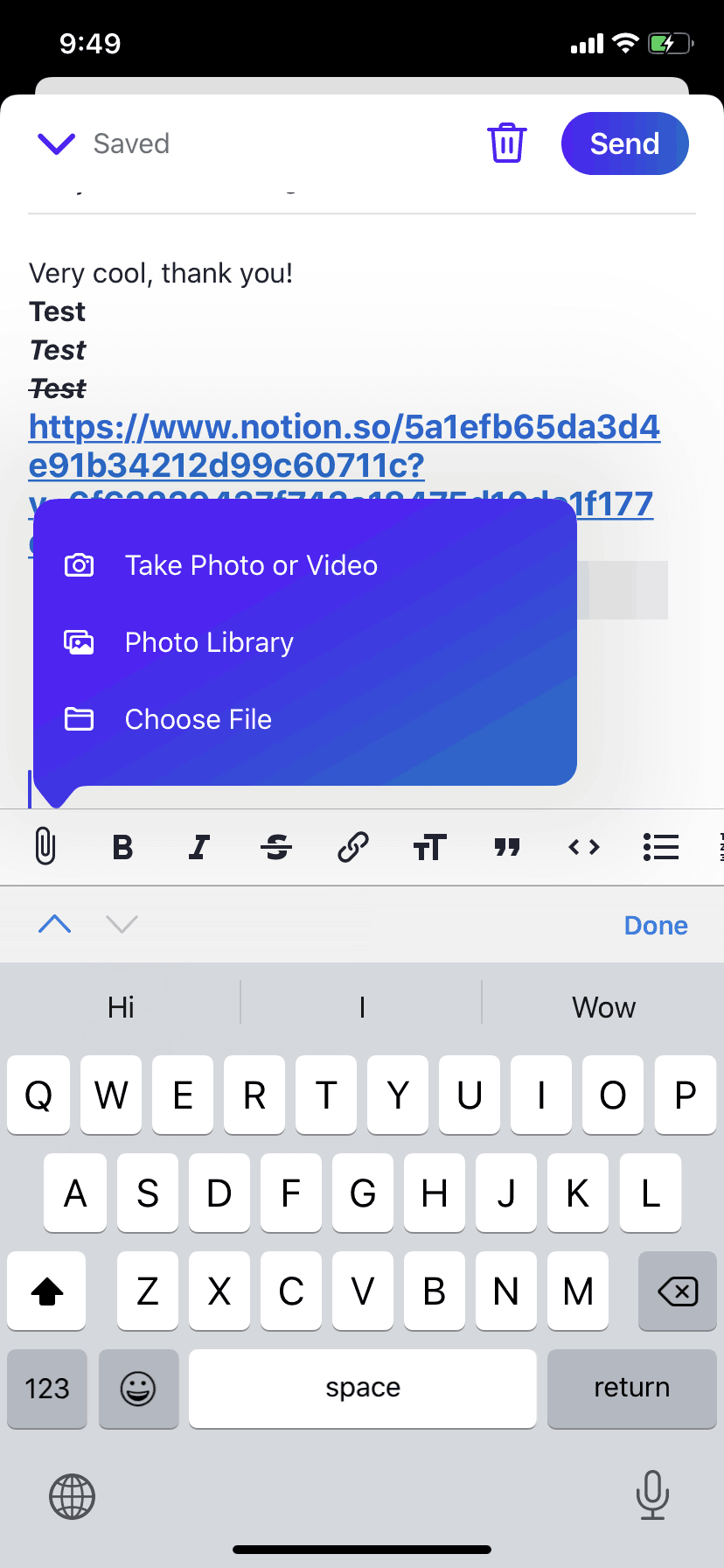
HEY iOS Productivity interface screenshot 24
Gummble currently indexes 94 HEY iOS screens captured Sep 8, 2020. Email at its best. Categorized under Productivity. Study individual HEY screens for navigation, layout, and microcopy patterns.
Editorial teardown
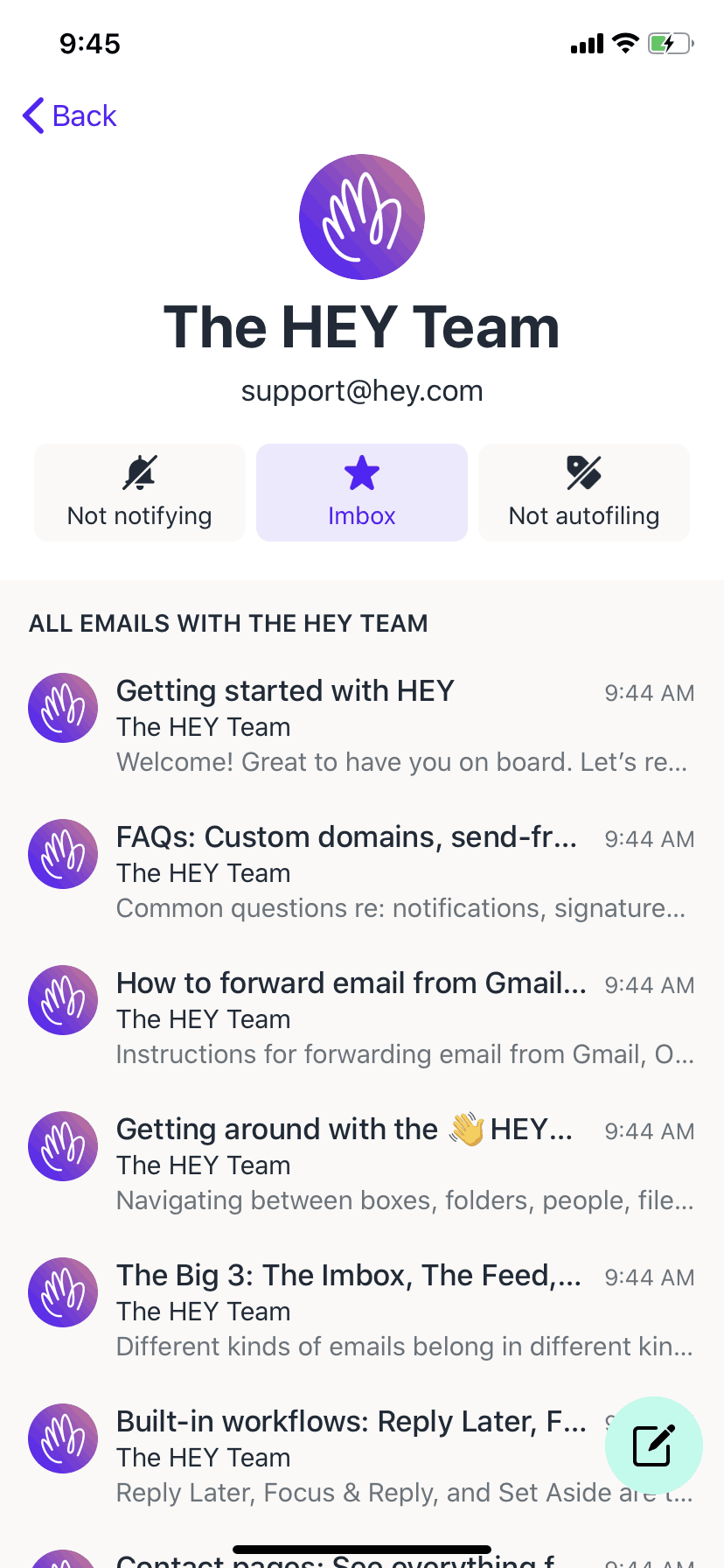
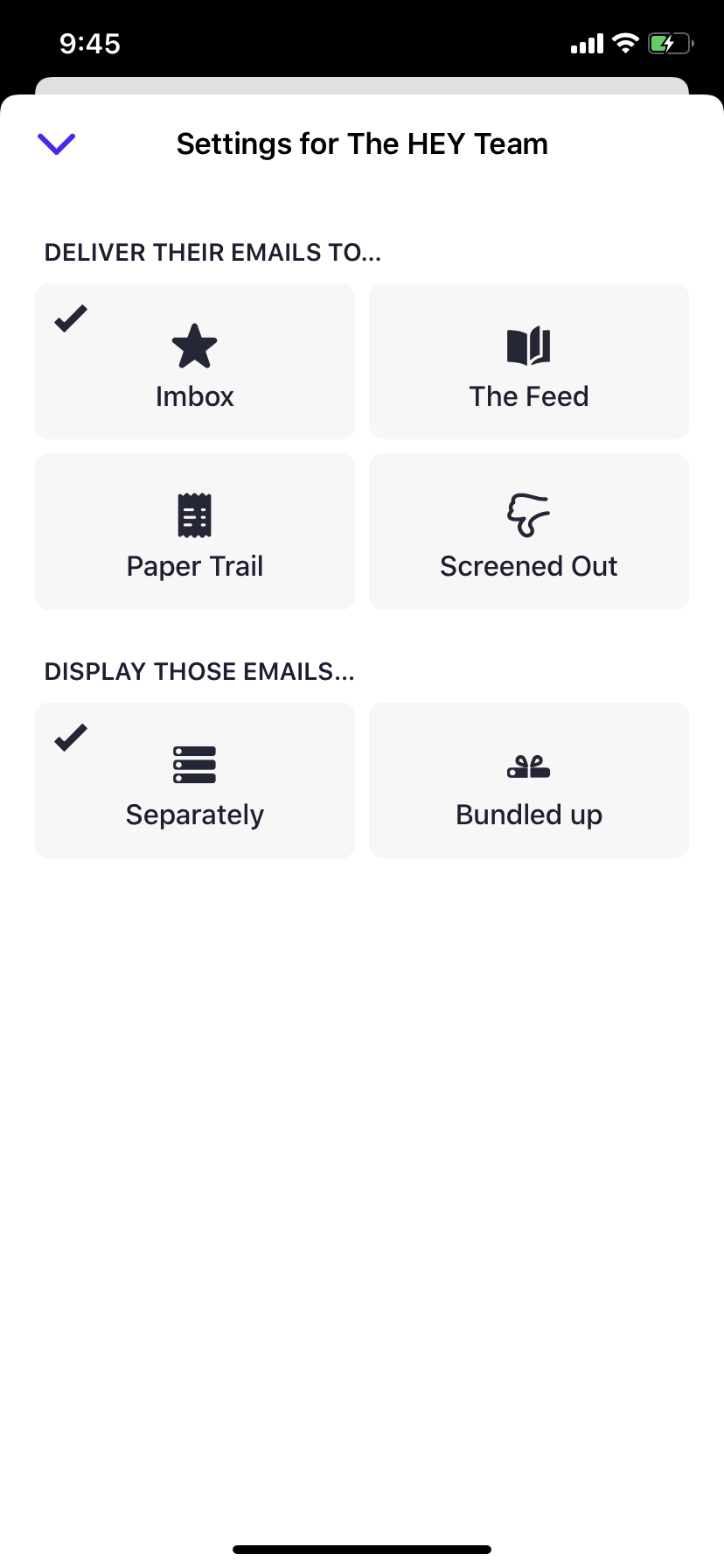
HEY is a radically redesigned email client from Basecamp that challenges conventional inbox management. Instead of a chronological feed of everything, HEY introduces a screener system where new senders must be approved before reaching your inbox. The app organizes emails into three distinct sections — Imbox for important messages, The Feed for newsletters, and Paper Trail for receipts and transactional emails. This opinionated approach forces users to reconsider how they interact with email daily.
Read the full HEY UX teardownGummble currently indexes 94 HEY iOS screens captured Sep 8, 2020. Browse the gallery to study HEY's interface patterns and design decisions.
HEY is categorized under Productivity. No complete HEY iOS flow is in the current catalog snapshot. Screen-level UI patterns are browsable in the gallery, and flows are added automatically once captured.
Yes. Gummble Browse, Pro, and Team users can download HEY iOS screenshots for design reference. Free users can browse a limited selection and view design analysis.