
Evernote iOS Productivity interface screenshot 1
Onboarding on Evernote (ios) screen 1
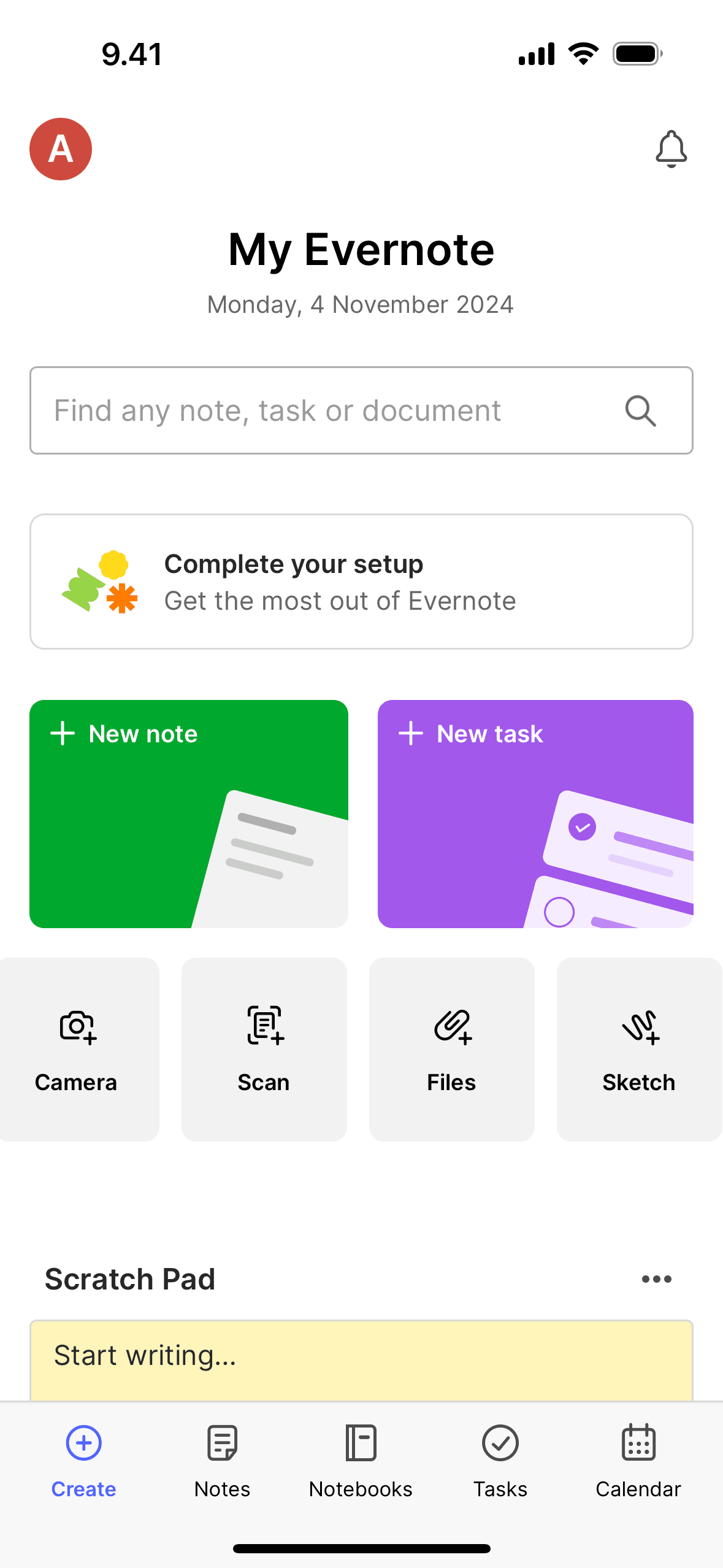
Create on Evernote (ios) screen 2
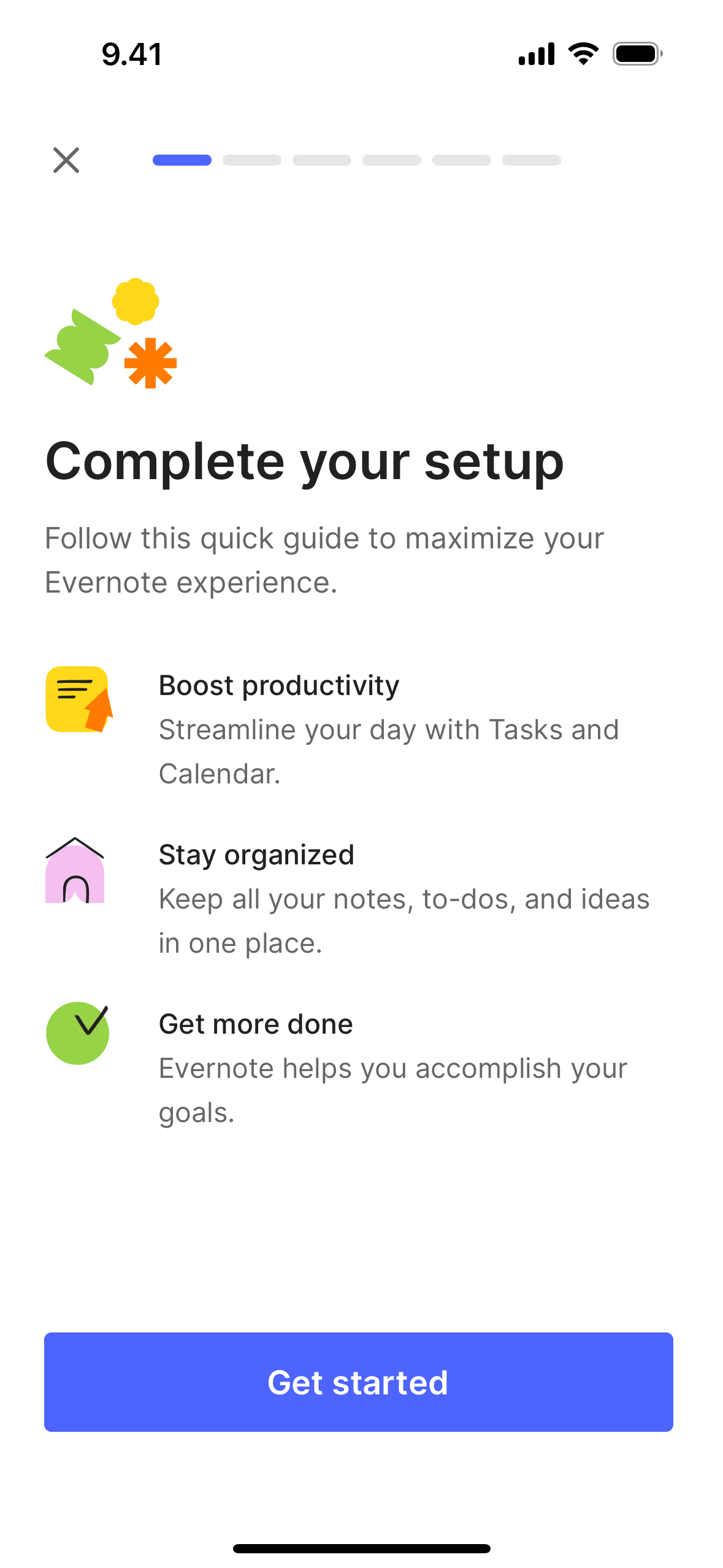
Completing app setup on Evernote (ios) screen 2
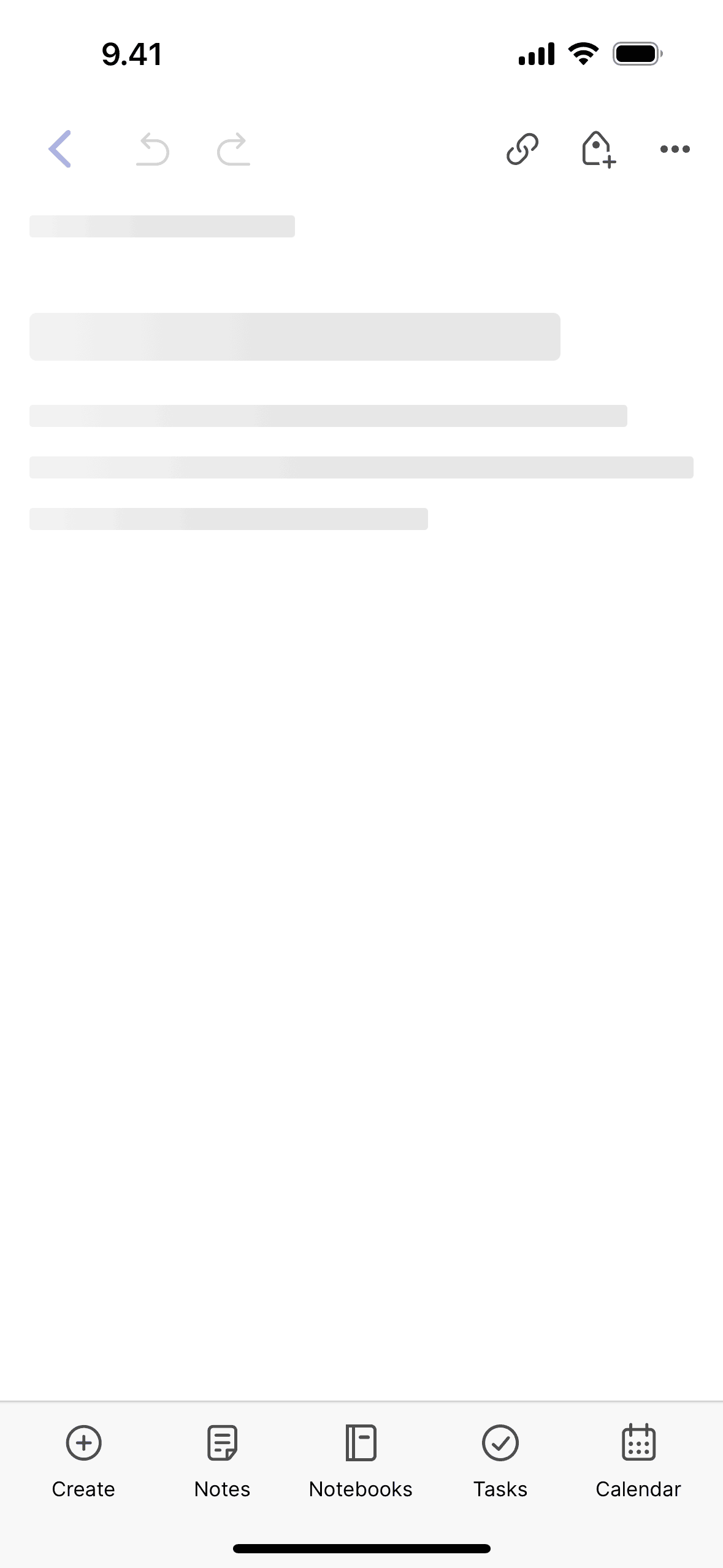
Creating a new note on Evernote (ios) screen 2
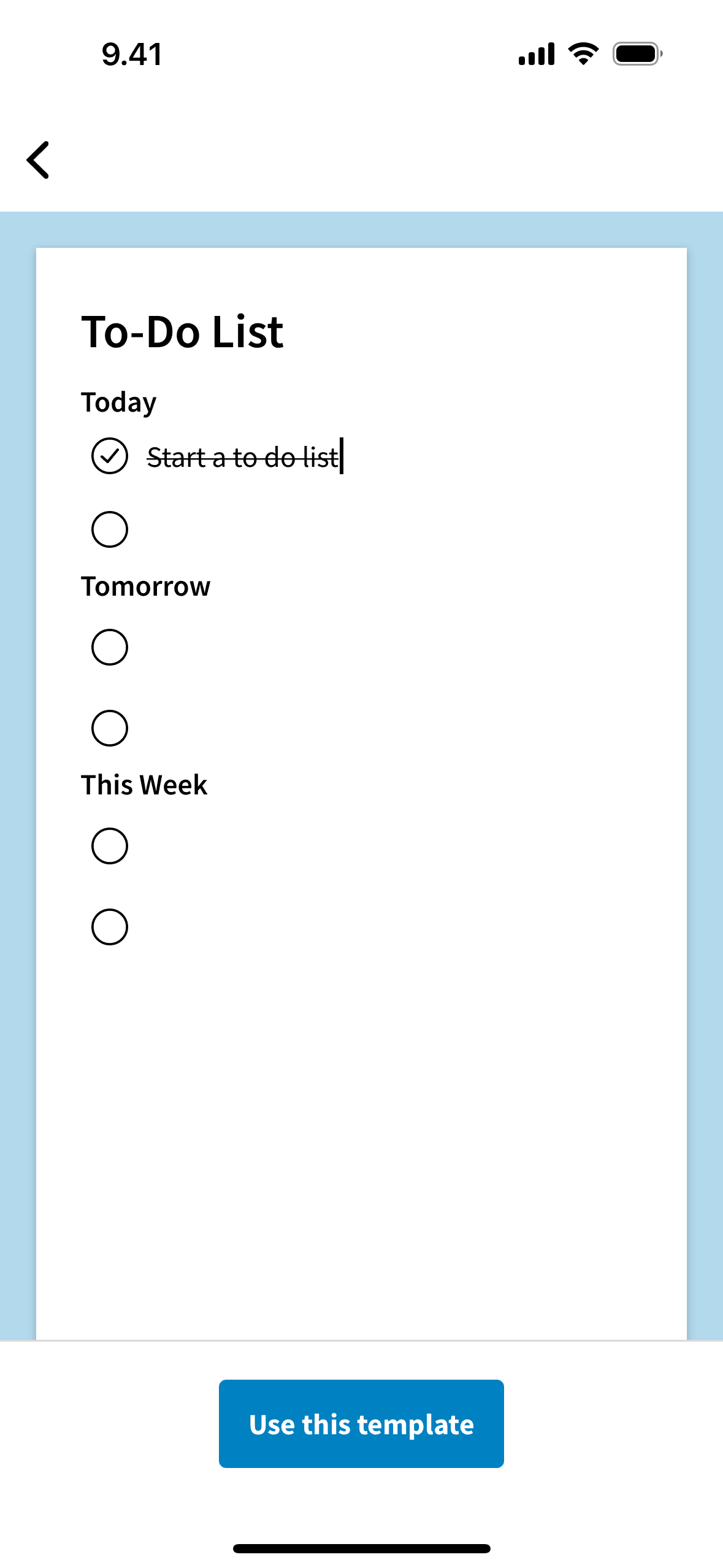
Using a template on Evernote (ios) screen 2
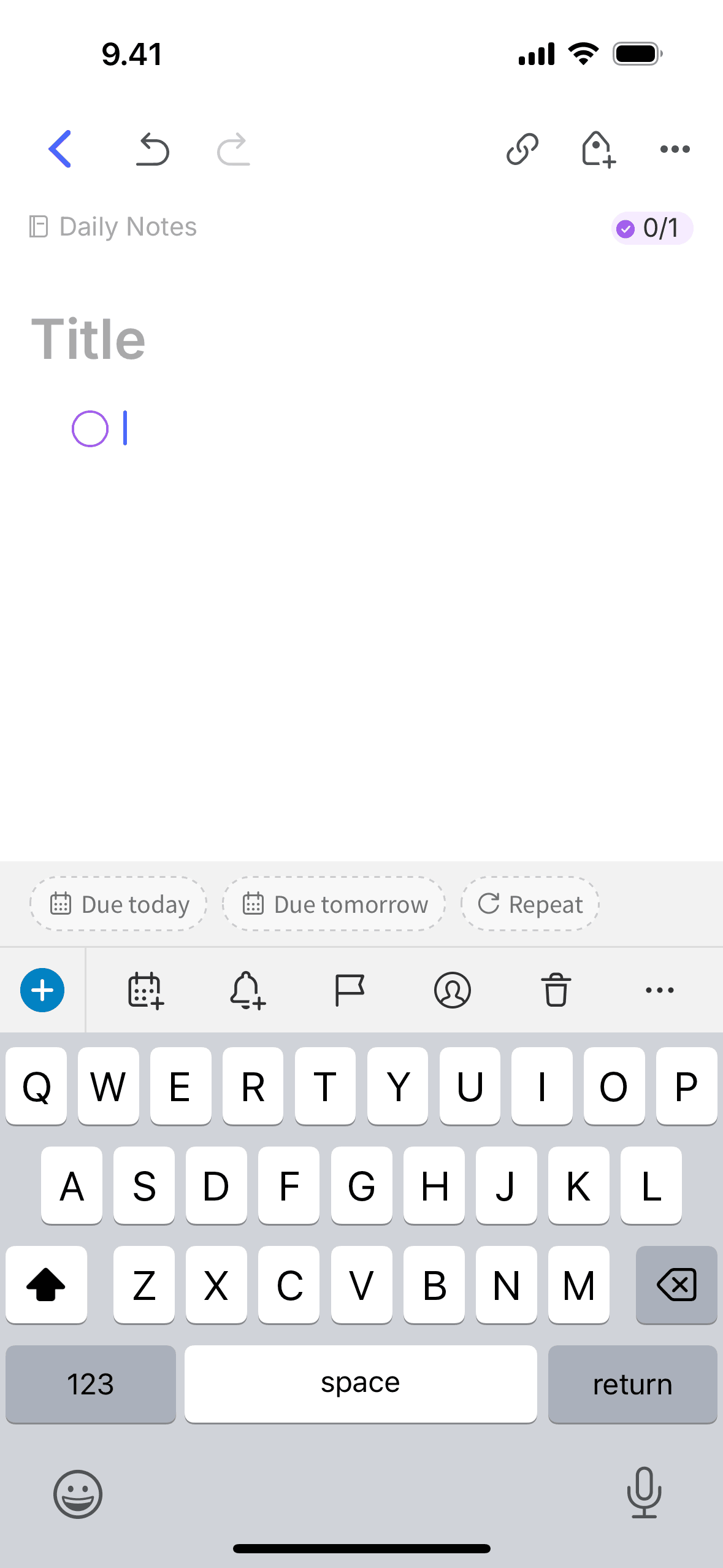
Adding a task on Evernote (ios) screen 2
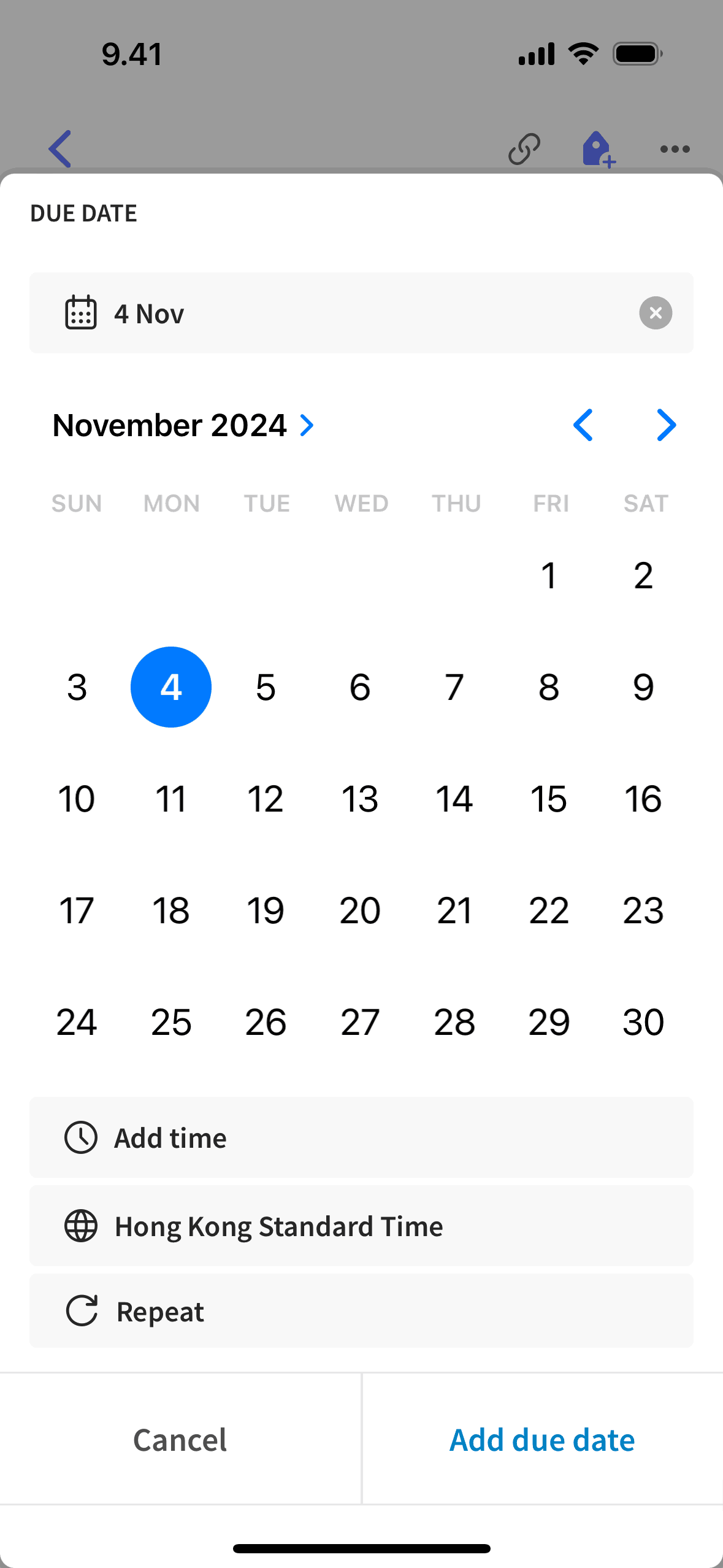
Adding a due date on Evernote (ios) screen 2
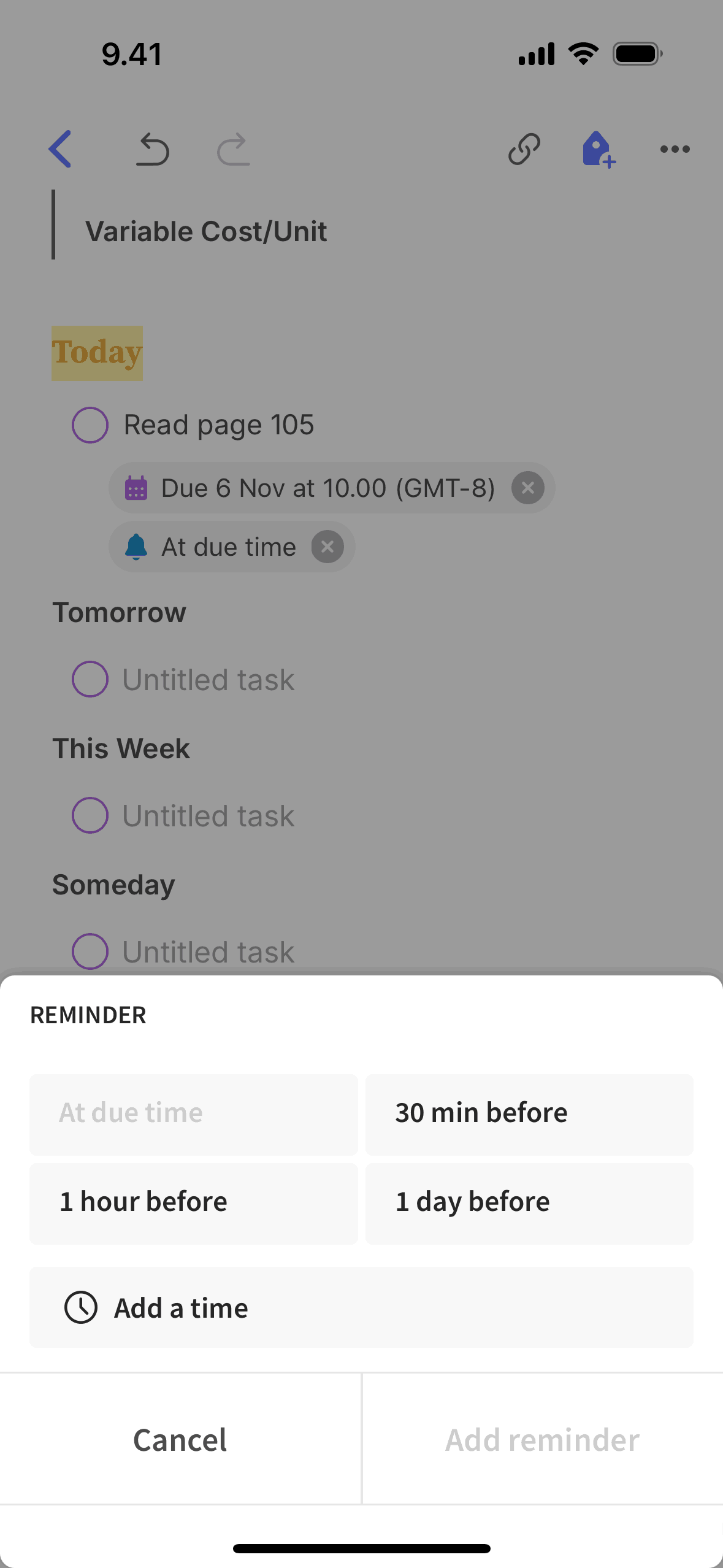
Adding a task reminder on Evernote (ios) screen 2
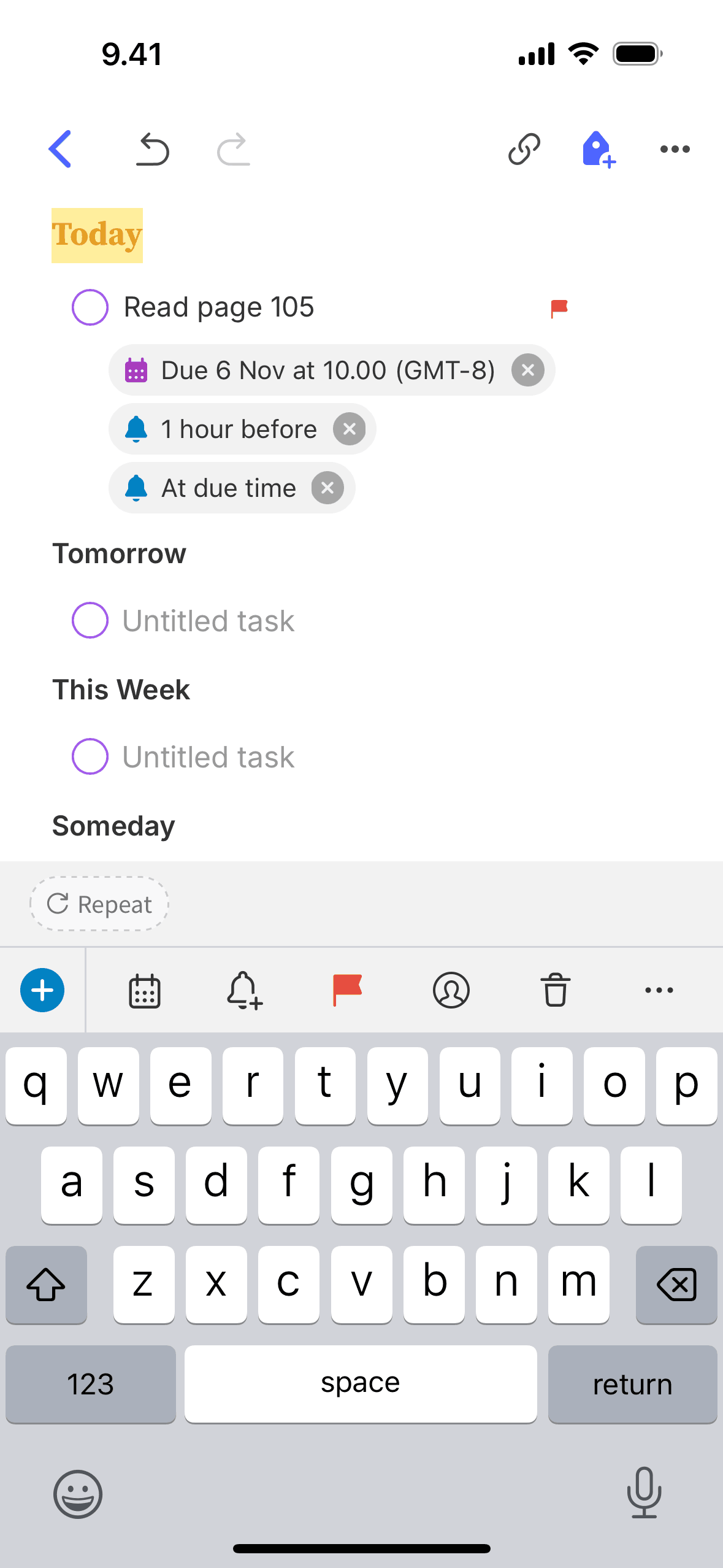
Flagging a task on Evernote (ios) screen 2
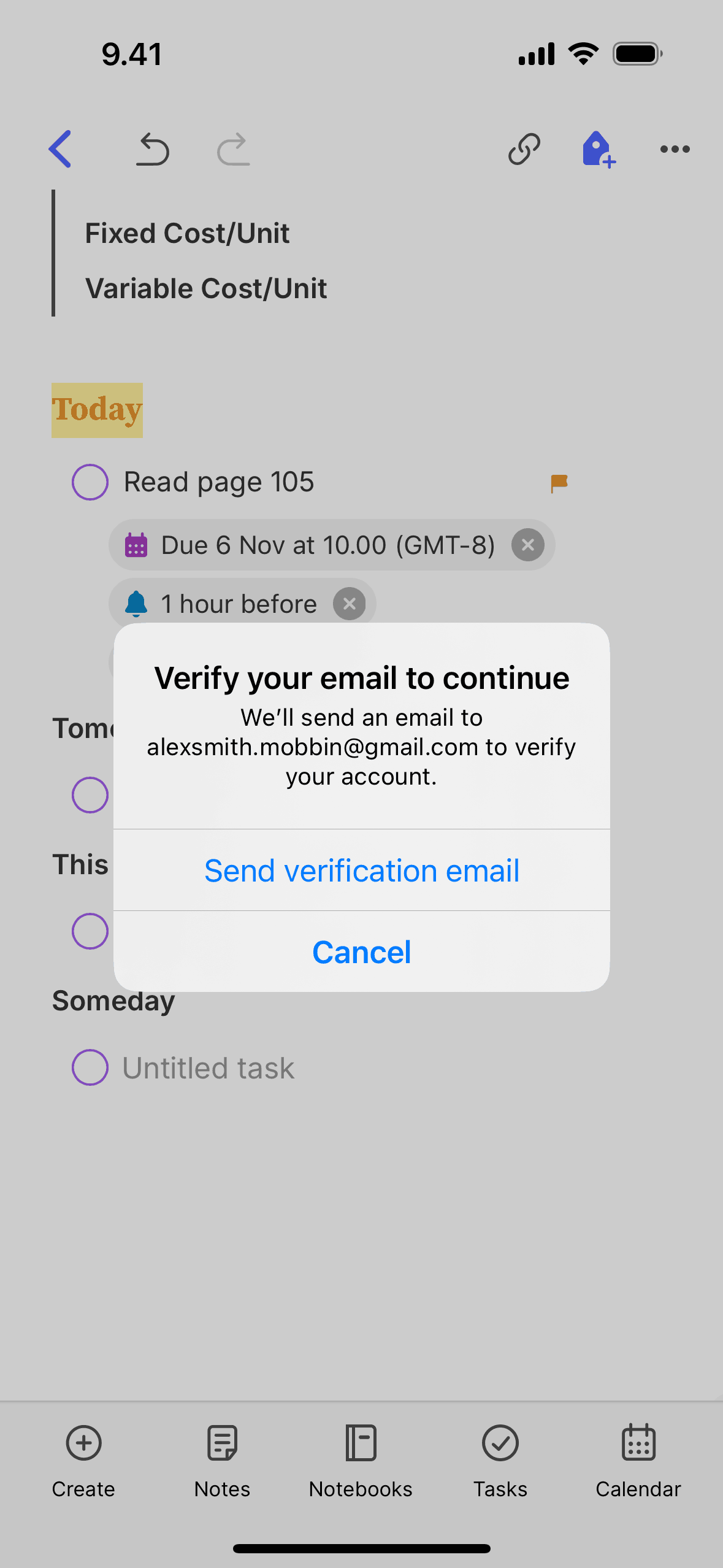
Assigning a task on Evernote (ios) screen 2
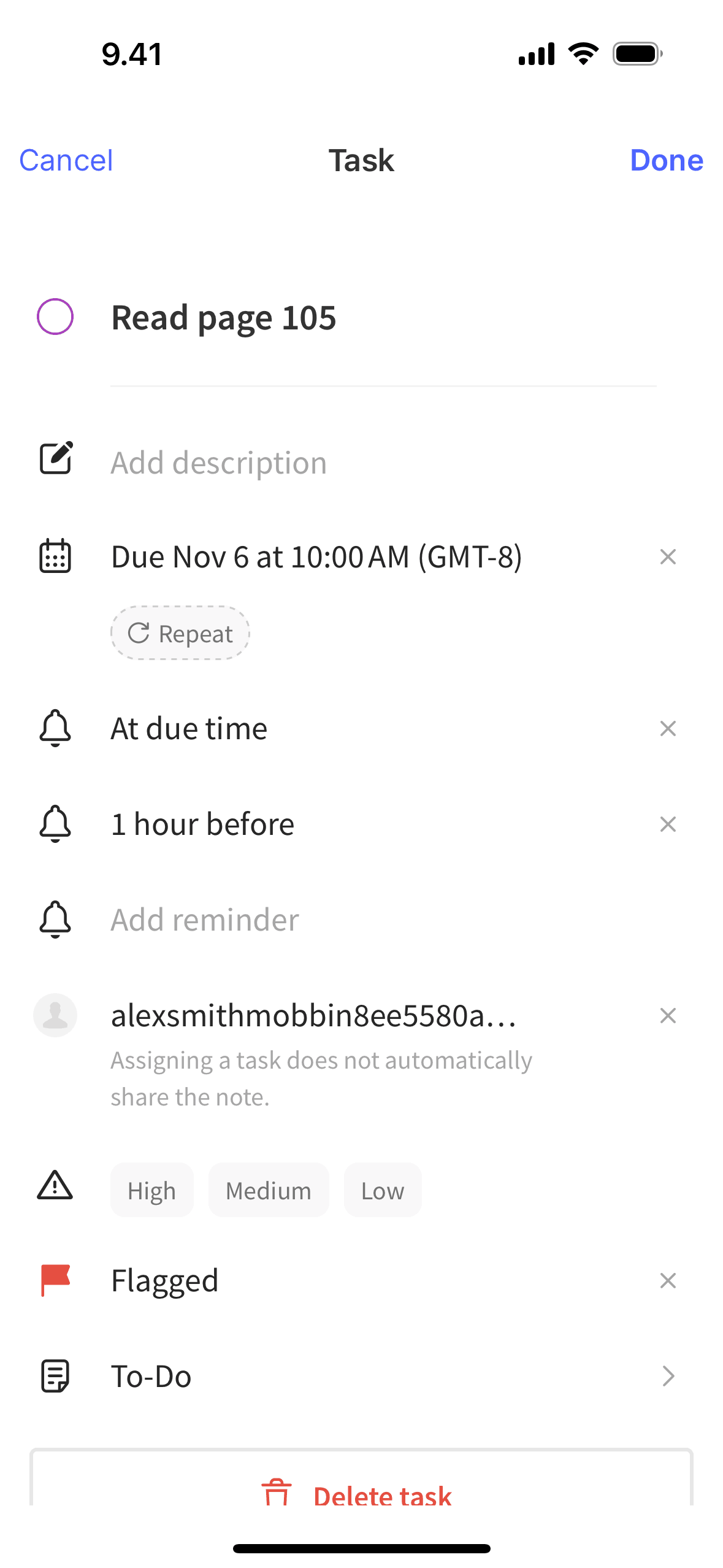
Editing a task on Evernote (ios) screen 2
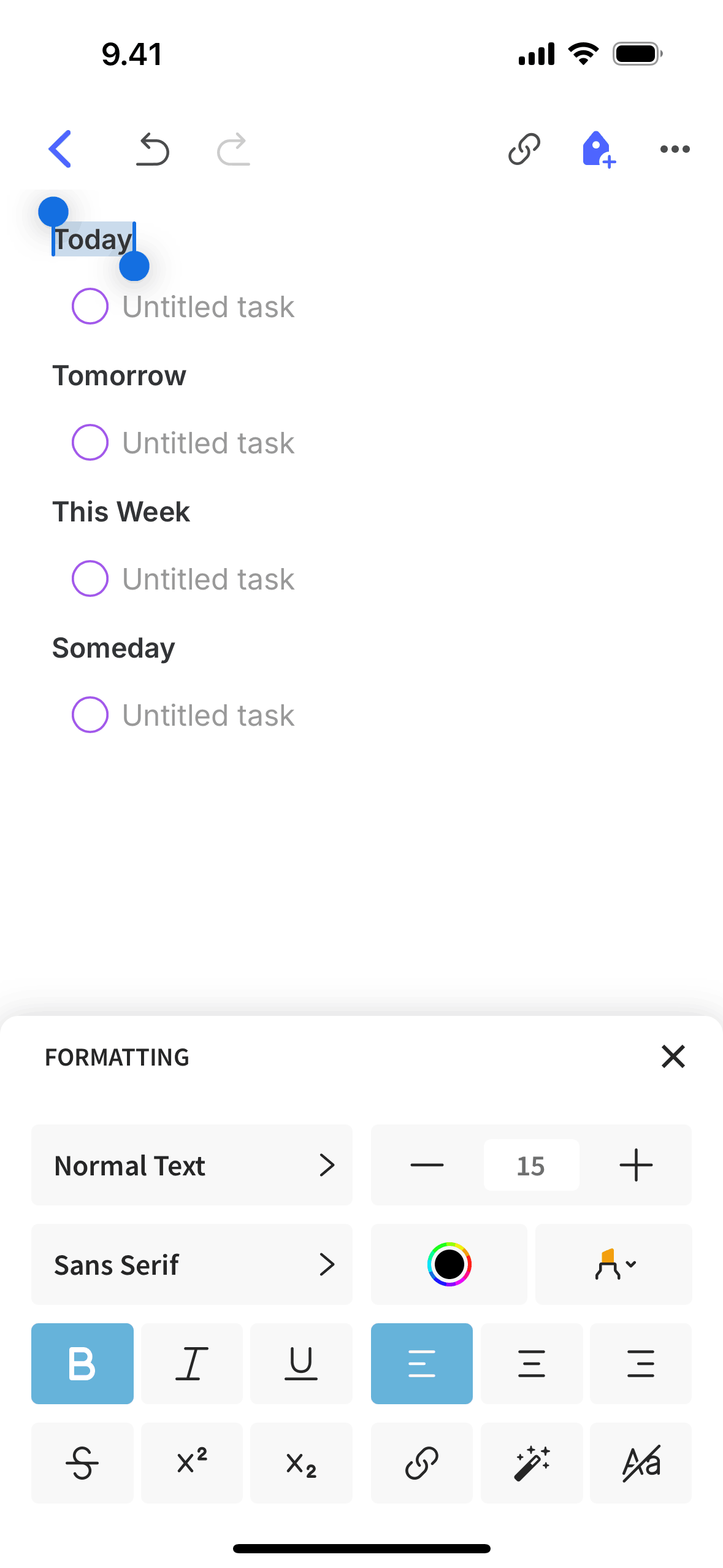
Formatting text on Evernote (ios) screen 2
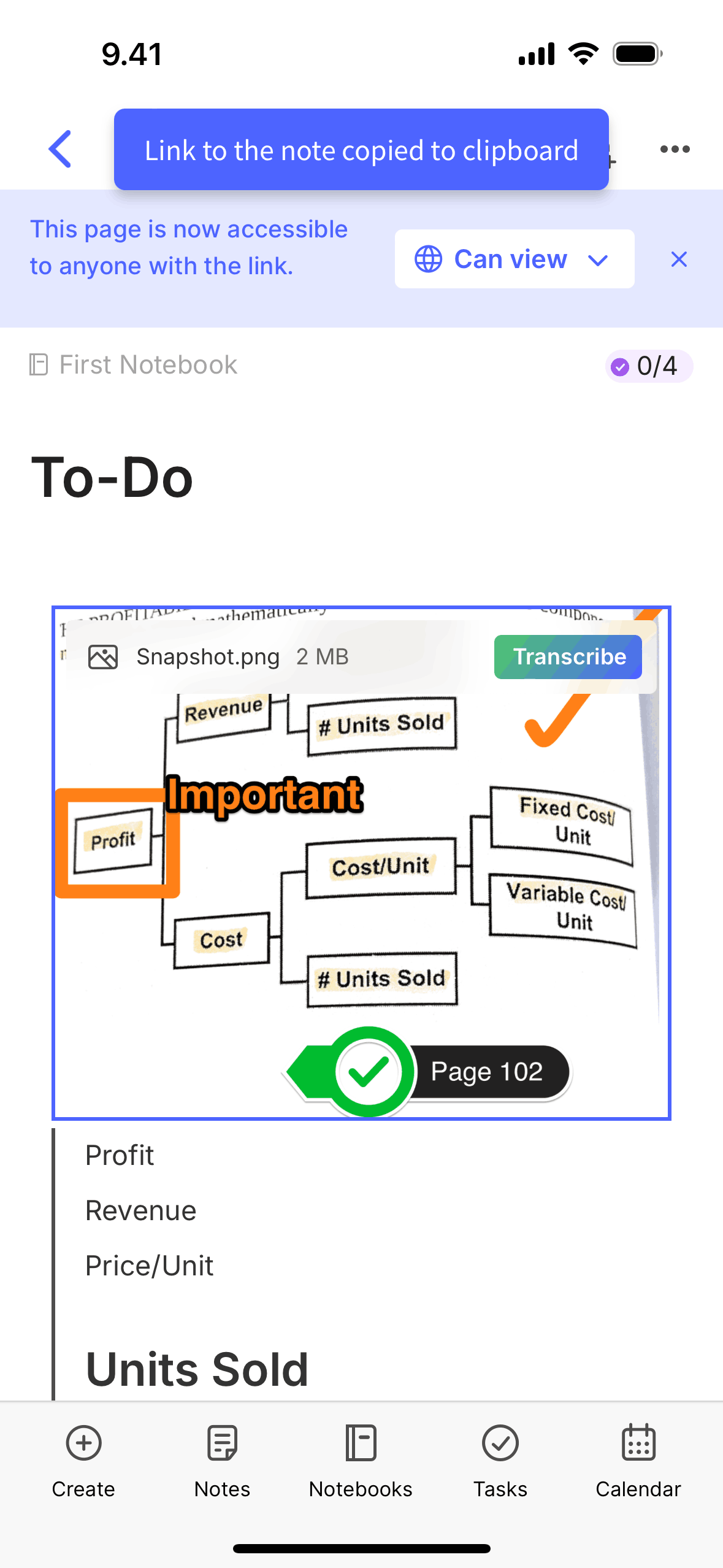
Copying a note link on Evernote (ios) screen 2
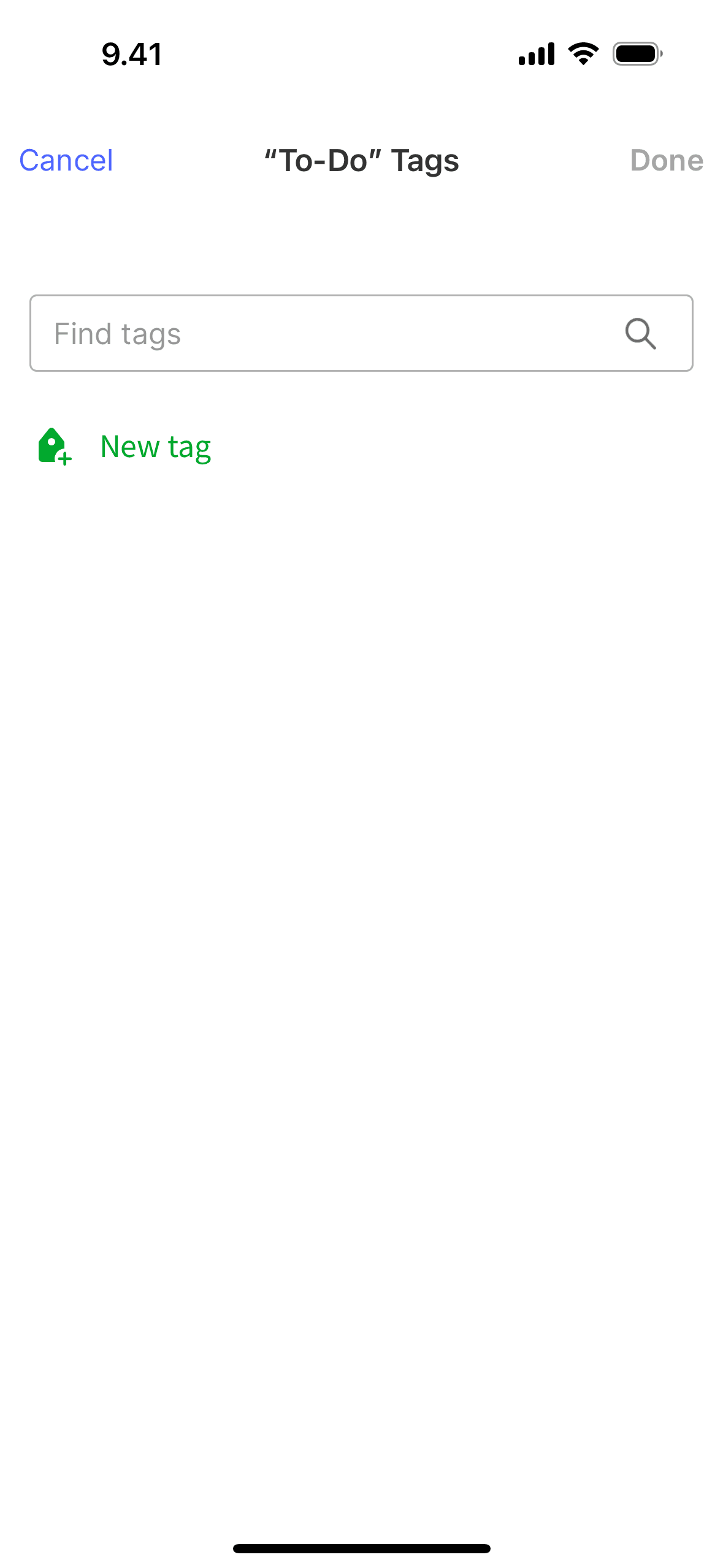
Adding a tag on Evernote (ios) screen 2
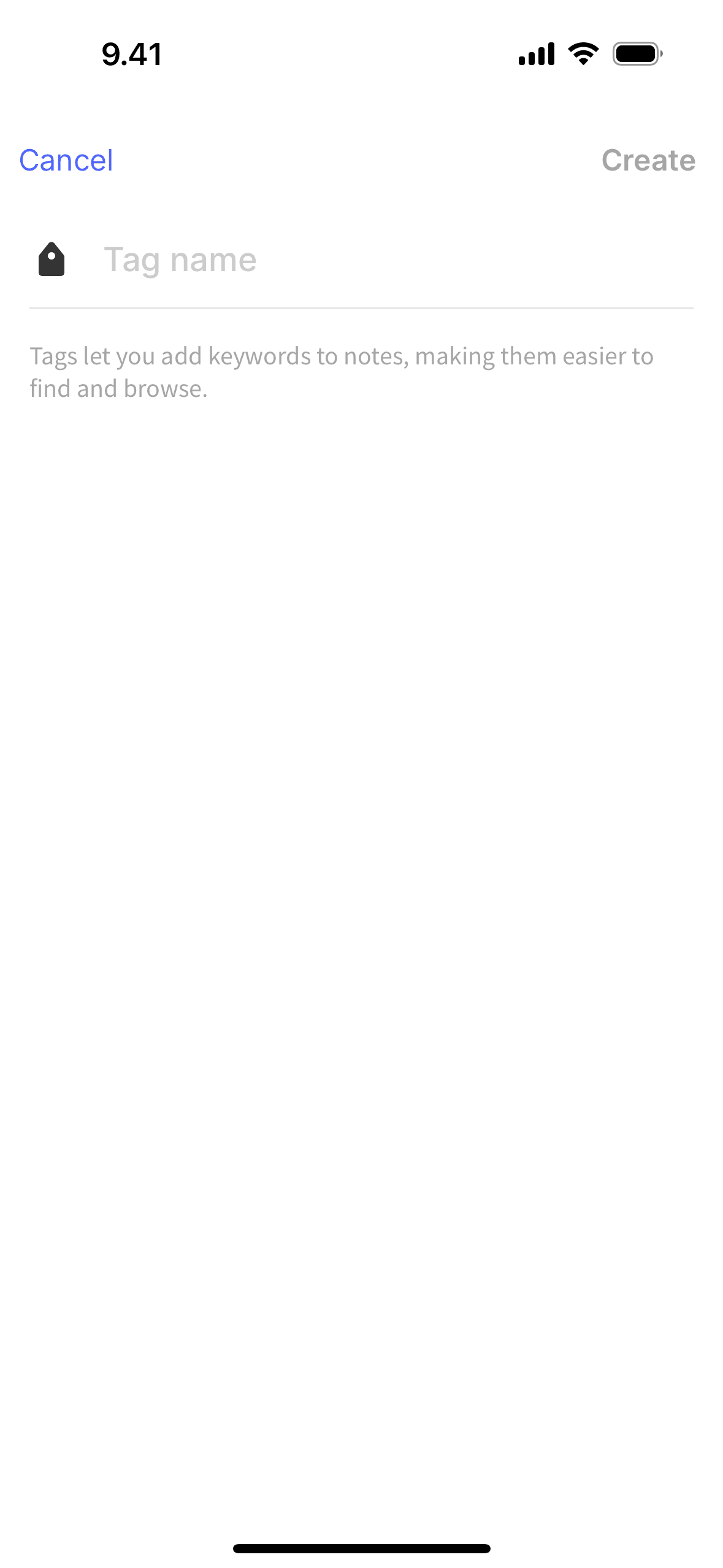
Creating a new tag on Evernote (ios) screen 2
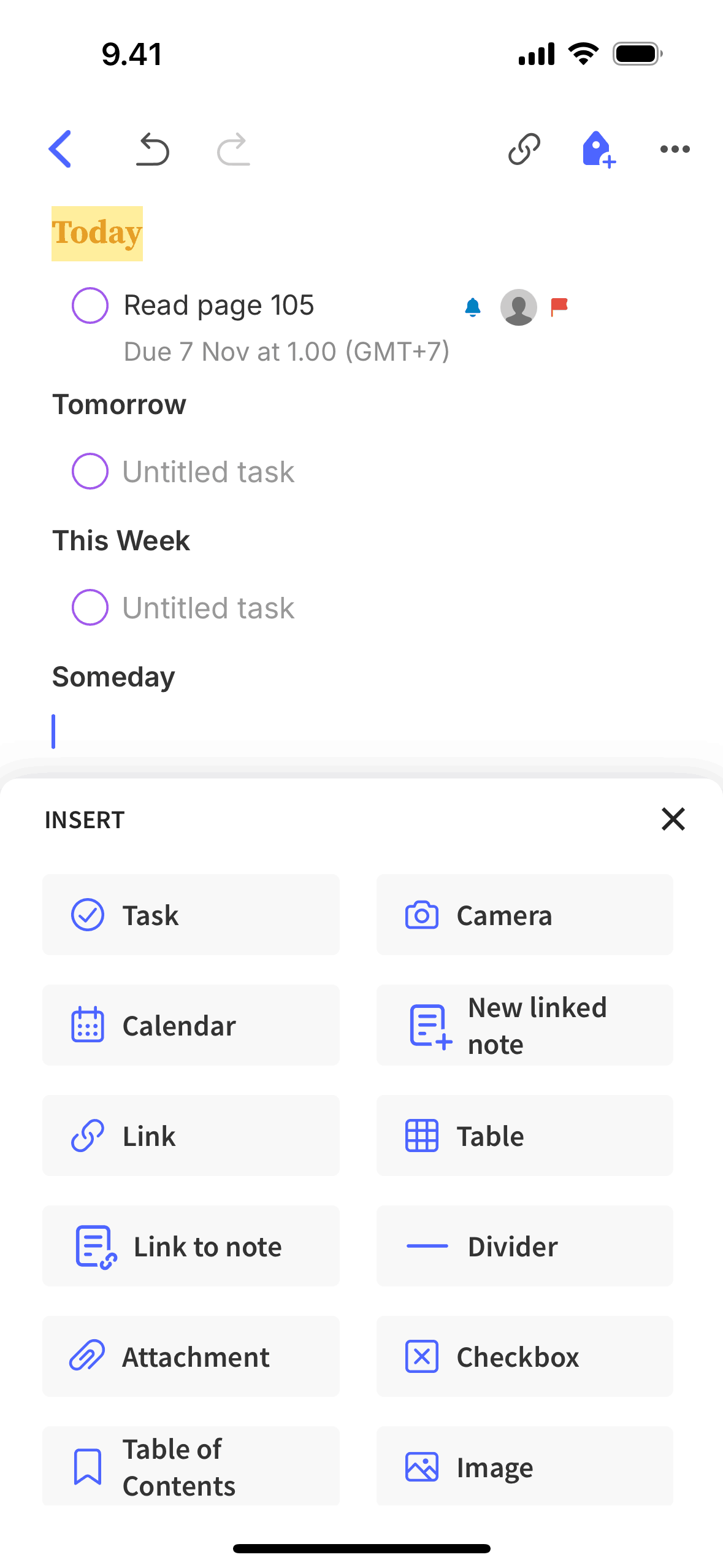
Insert on Evernote (ios) screen 2
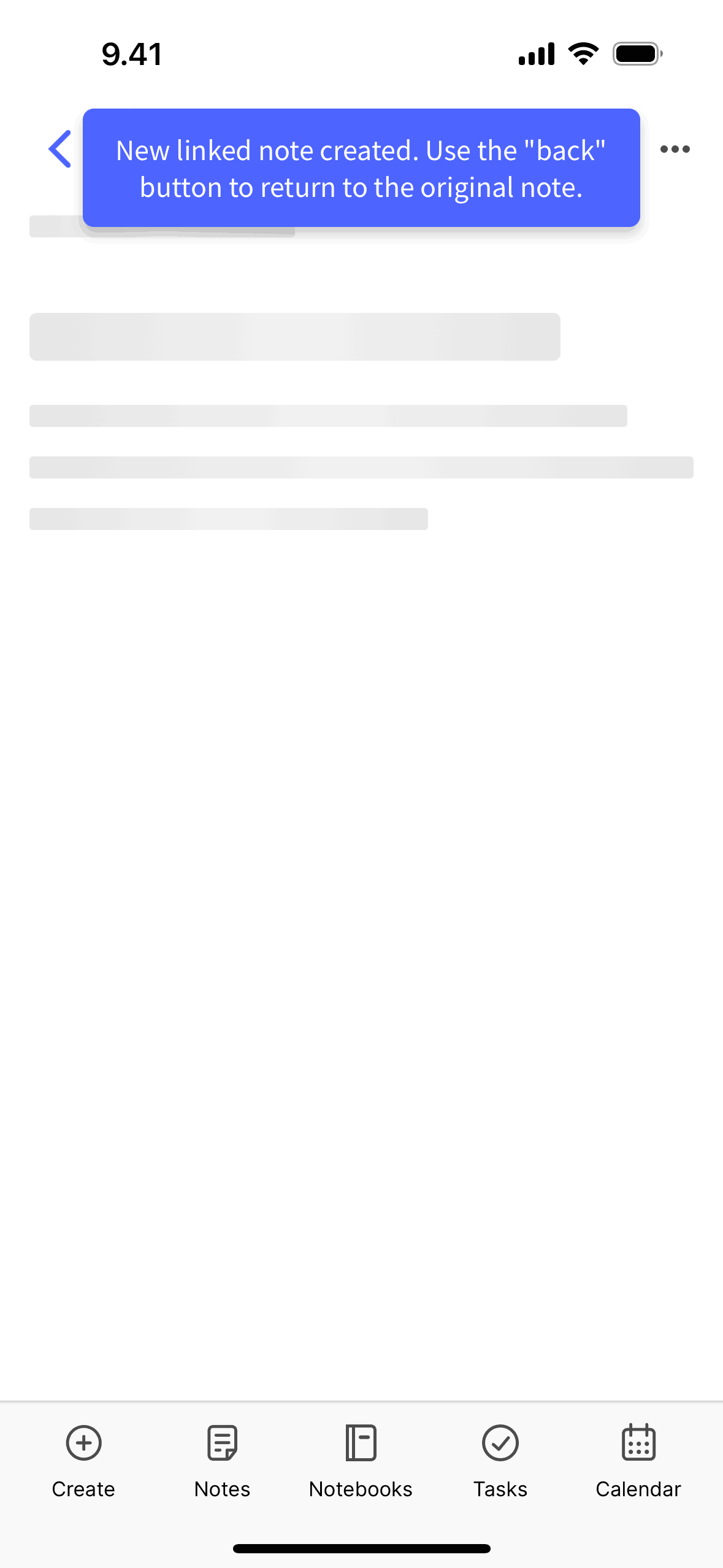
Creating a new linked note on Evernote (ios) screen 2

Linking a note on Evernote (ios) screen 2
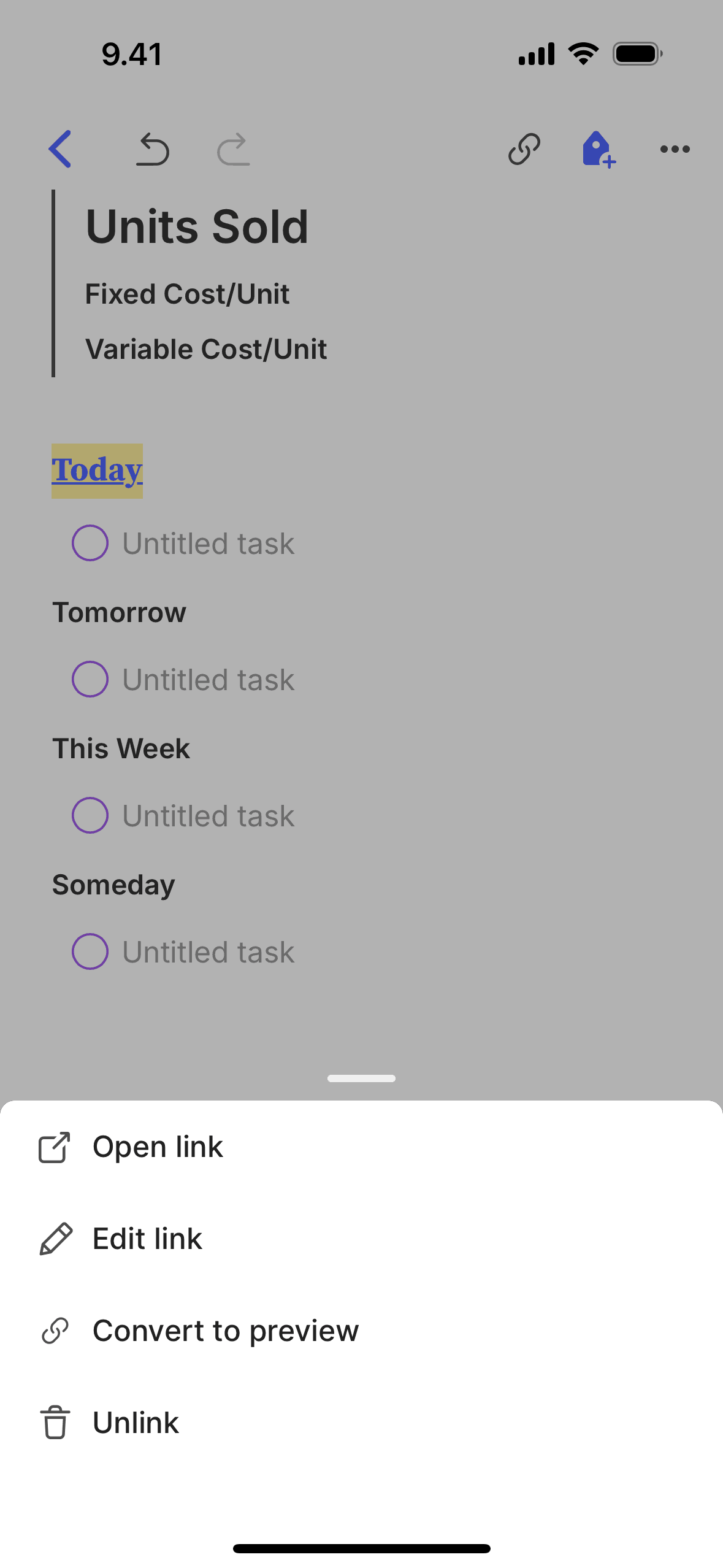
Converting to preview on Evernote (ios) screen 2
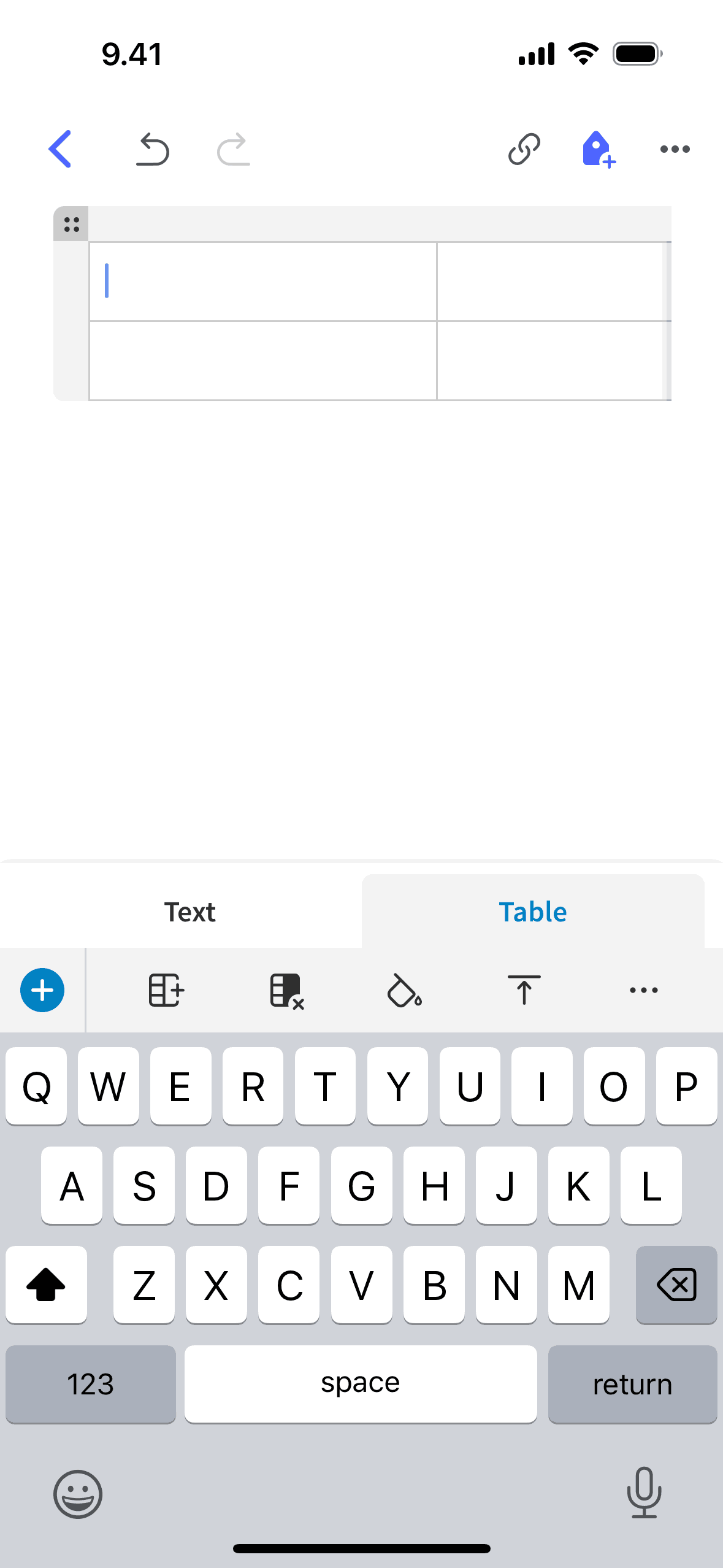
Adding a table on Evernote (ios) screen 2
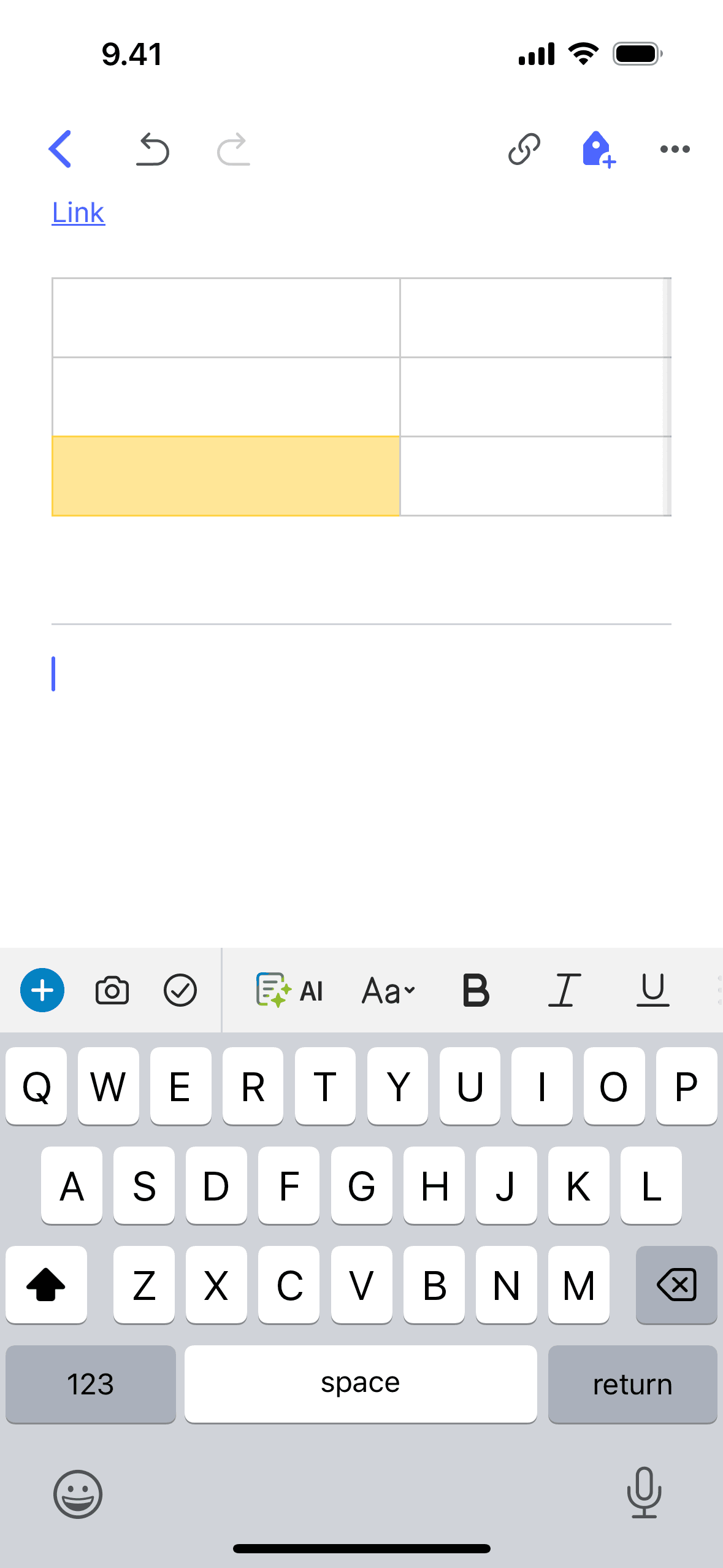
Adding a divider on Evernote (ios) screen 2
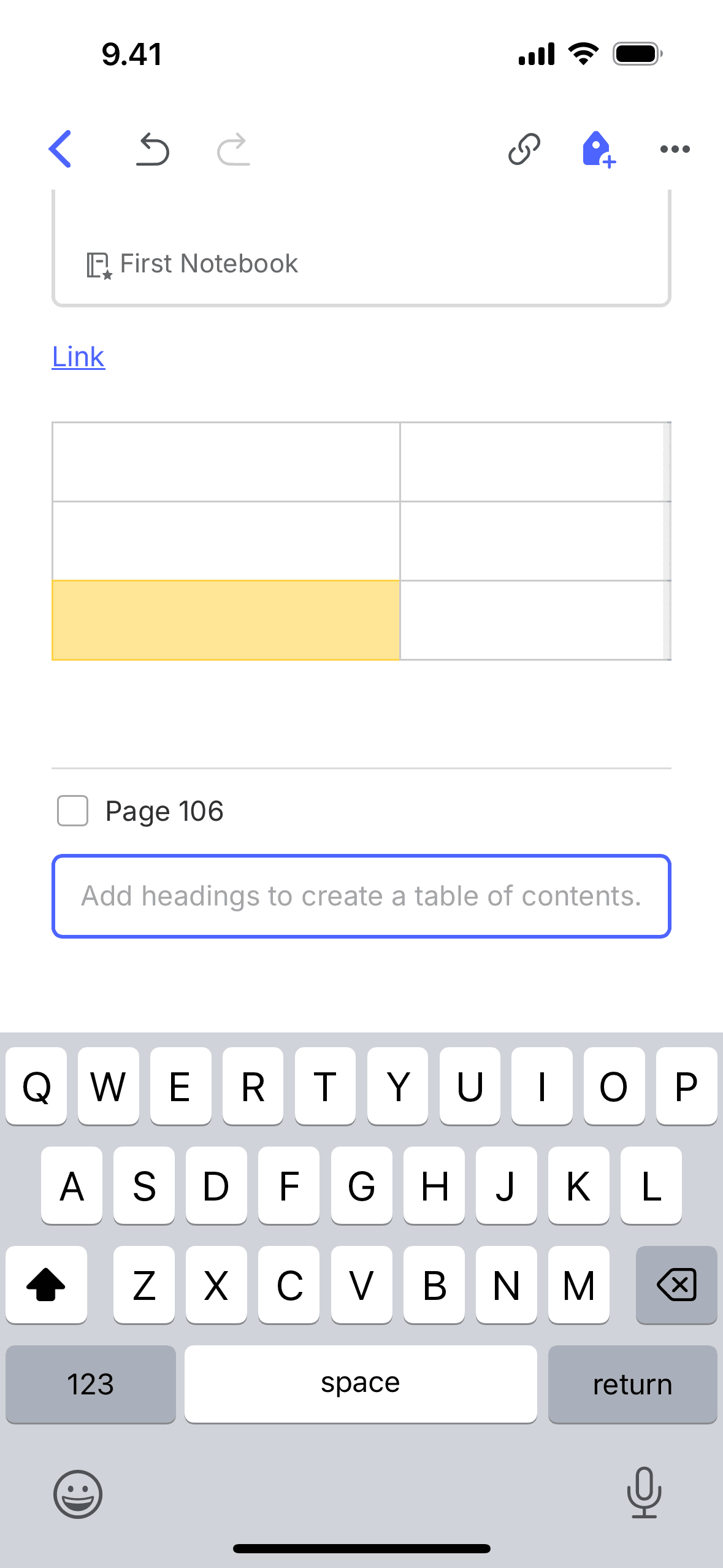
Adding table of contents on Evernote (ios) screen 2
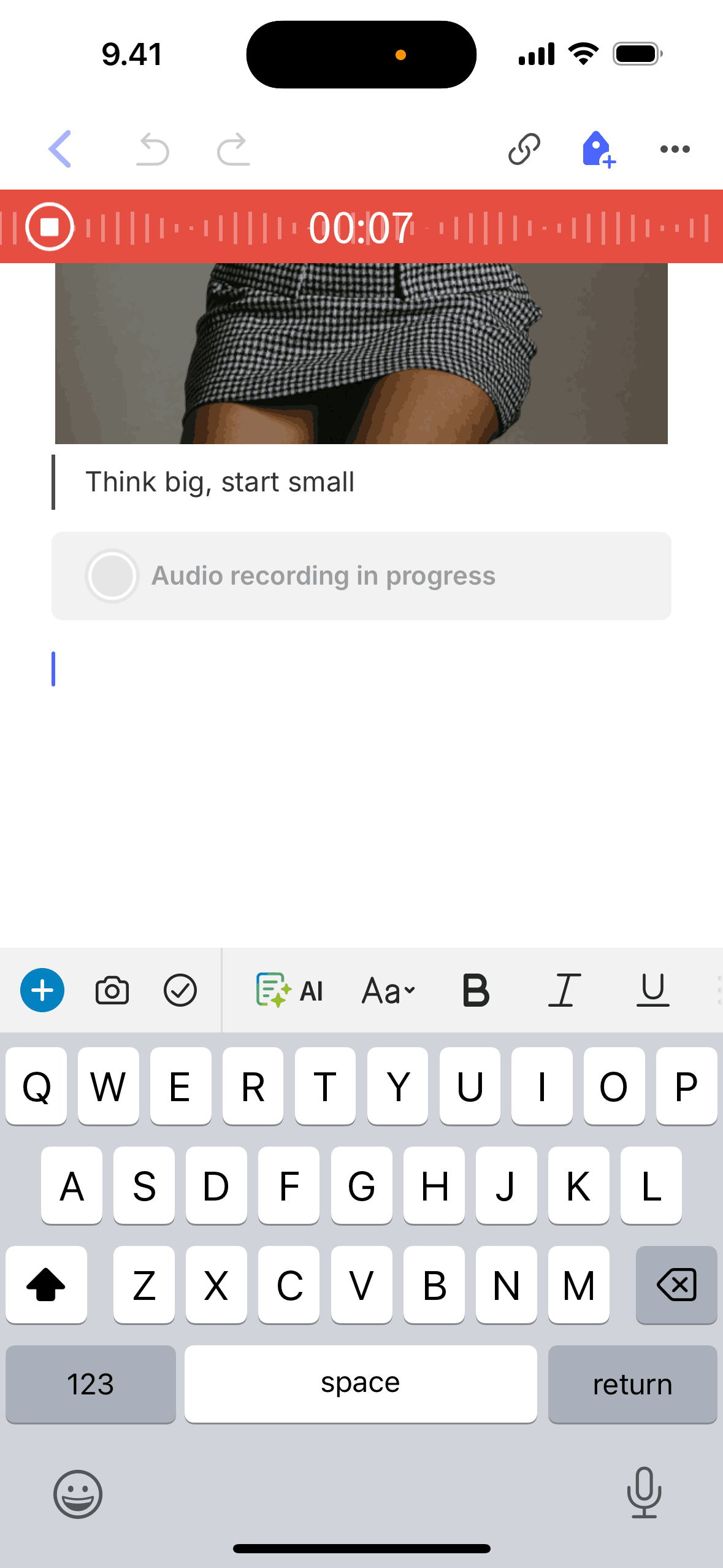
Recording an audio on Evernote (ios) screen 2
Gummble currently indexes 704 Evernote iOS screens captured Current Version and 9 captured UX flows including onboarding and login. Note pad, to-do list, planner. Categorized under Productivity. Step through each captured Evernote flow screen by screen, or study individual screens for navigation, layout, and microcopy patterns.
Editorial teardown
Evernote is a note taking and organization app that captures text, images, audio, PDFs, and web clips in a searchable system synced across all devices. Users organize notes into notebooks and apply tags for flexible categorization. The app's killer feature is universal search — Evernote indexes everything including text within images and scanned documents, making handwritten notes and photographed whiteboards searchable. It functions as an external brain where users dump everything knowing they can find it later.
Read the full Evernote UX teardownGummble currently indexes 704 Evernote iOS screens captured Current Version and 9 captured UX flows including onboarding and login. Browse the gallery to study Evernote's interface patterns and design decisions.
Evernote is categorized under Productivity. Gummble holds 9 captured UX flows including onboarding and login for Evernote iOS. Open the Flows tab to step through each captured sequence screen by screen.
Yes. Gummble Browse, Pro, and Team users can download Evernote iOS screenshots for design reference. Free users can browse a limited selection and view design analysis.