

Blank Street iOS Food & Drink interface screenshot 1
Onboarding on Blank Street (ios) screen 1
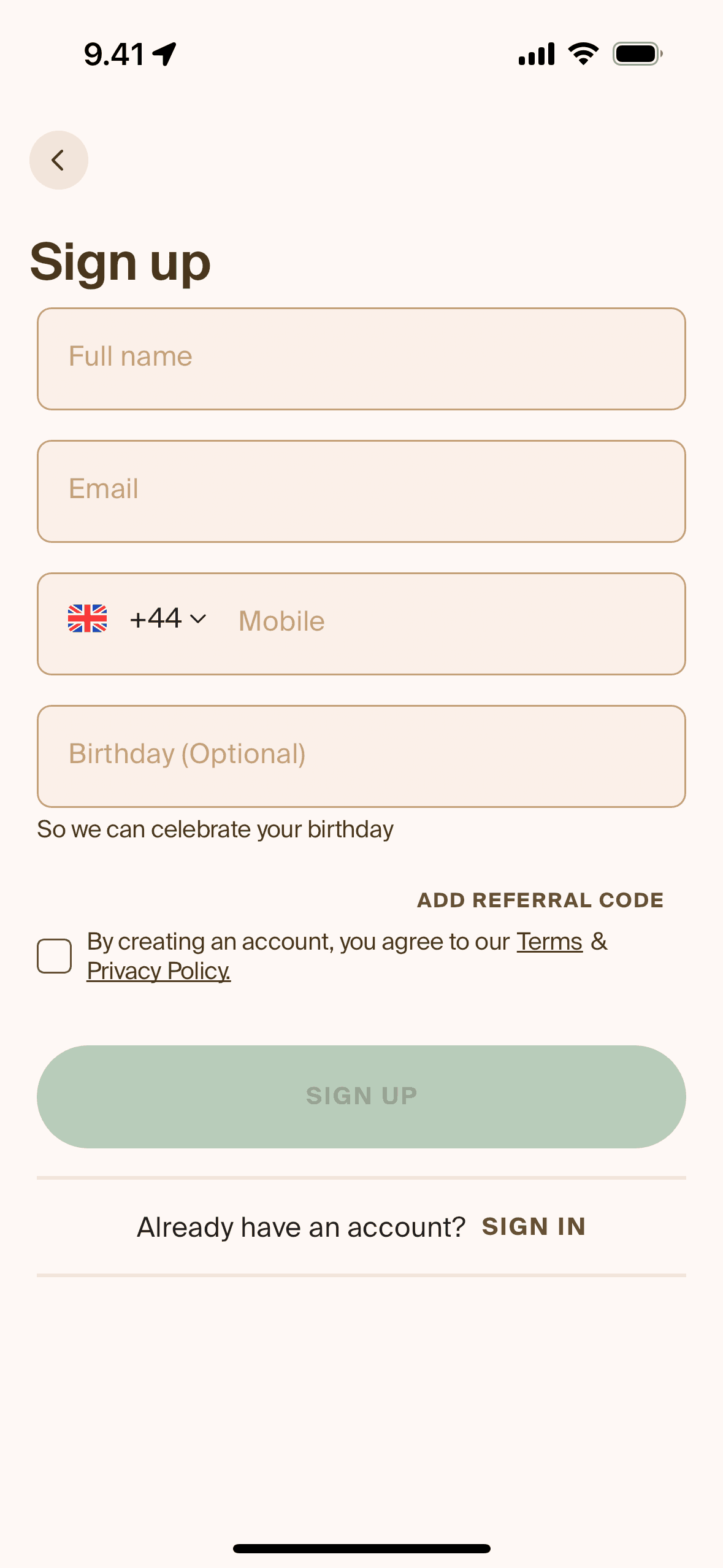
Creating an account on Blank Street (ios) screen 2
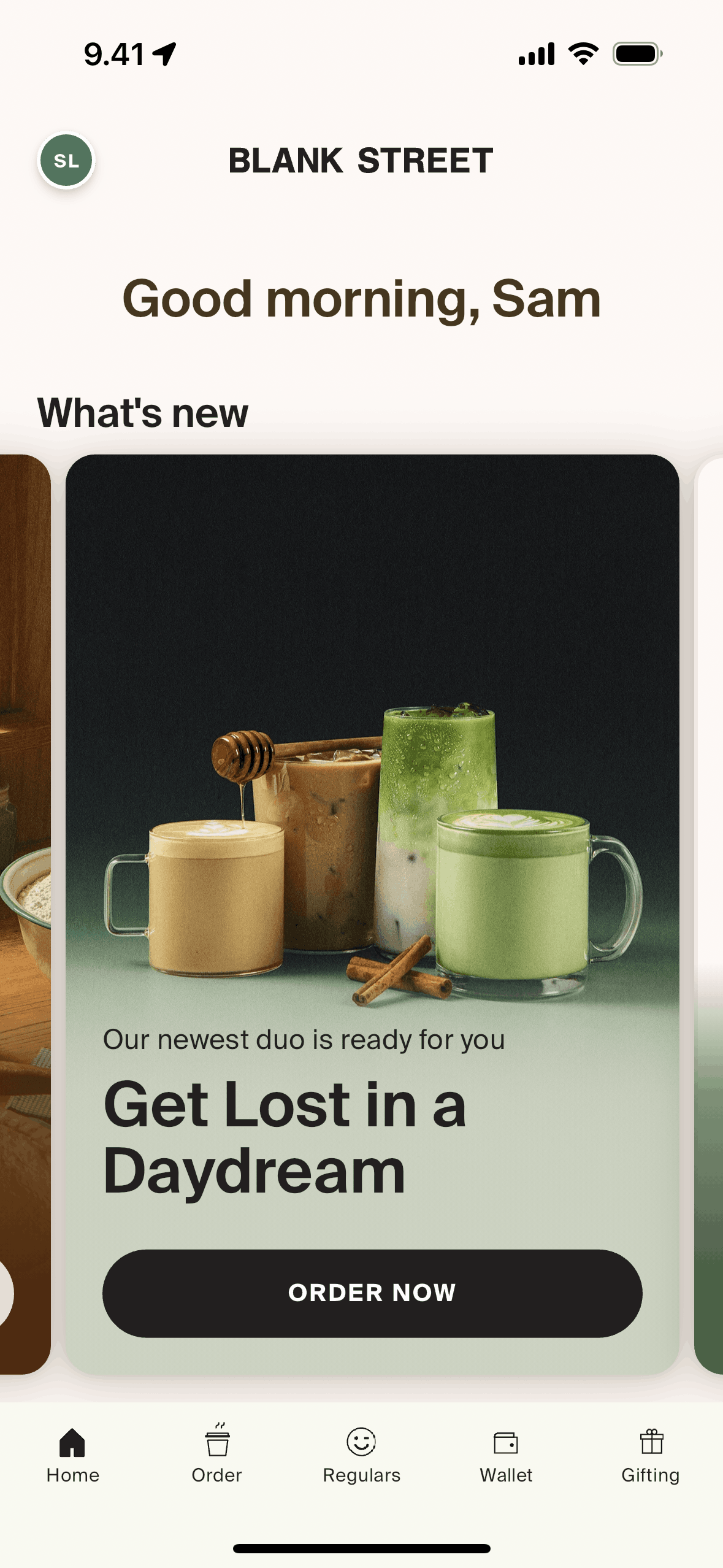
Home on Blank Street (ios) screen 2
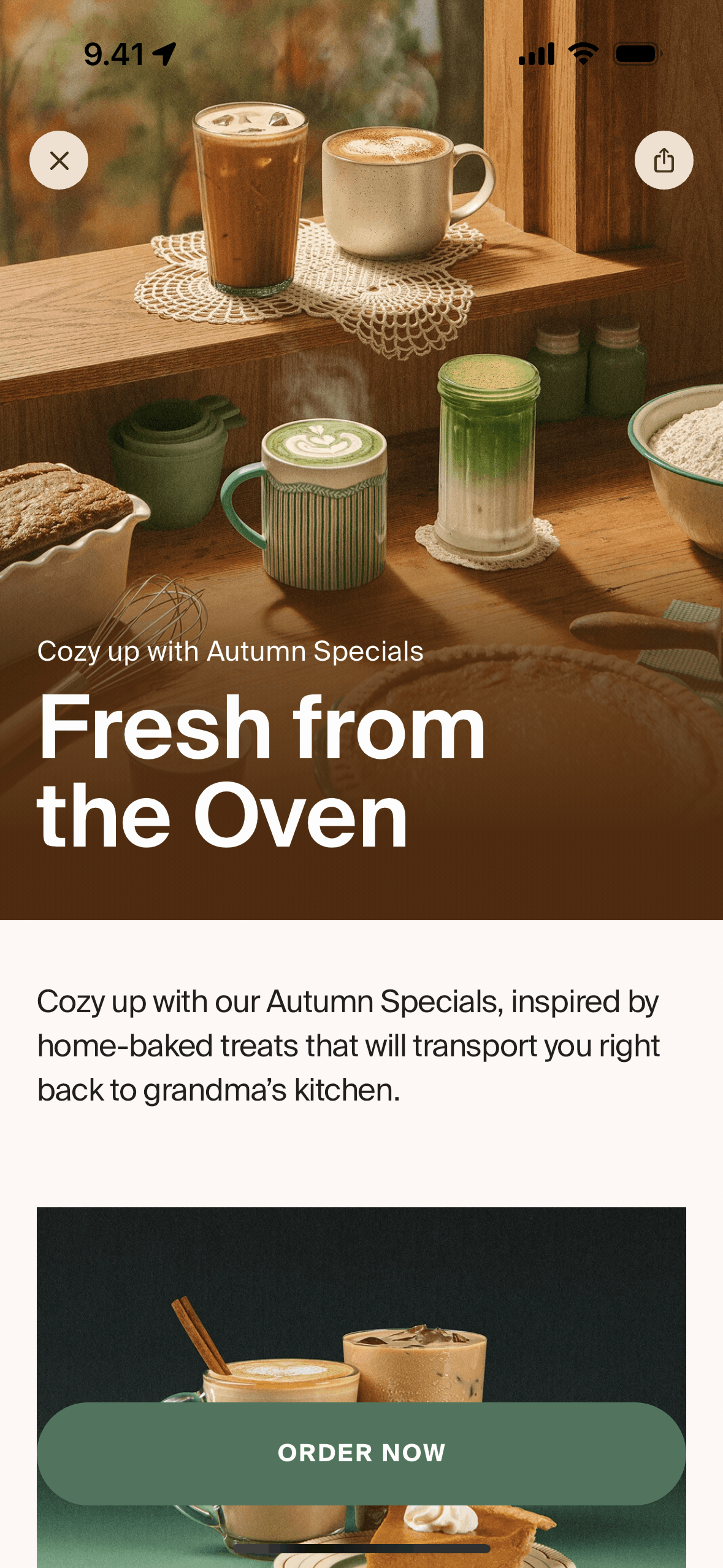
New launch on Blank Street (ios) screen 2
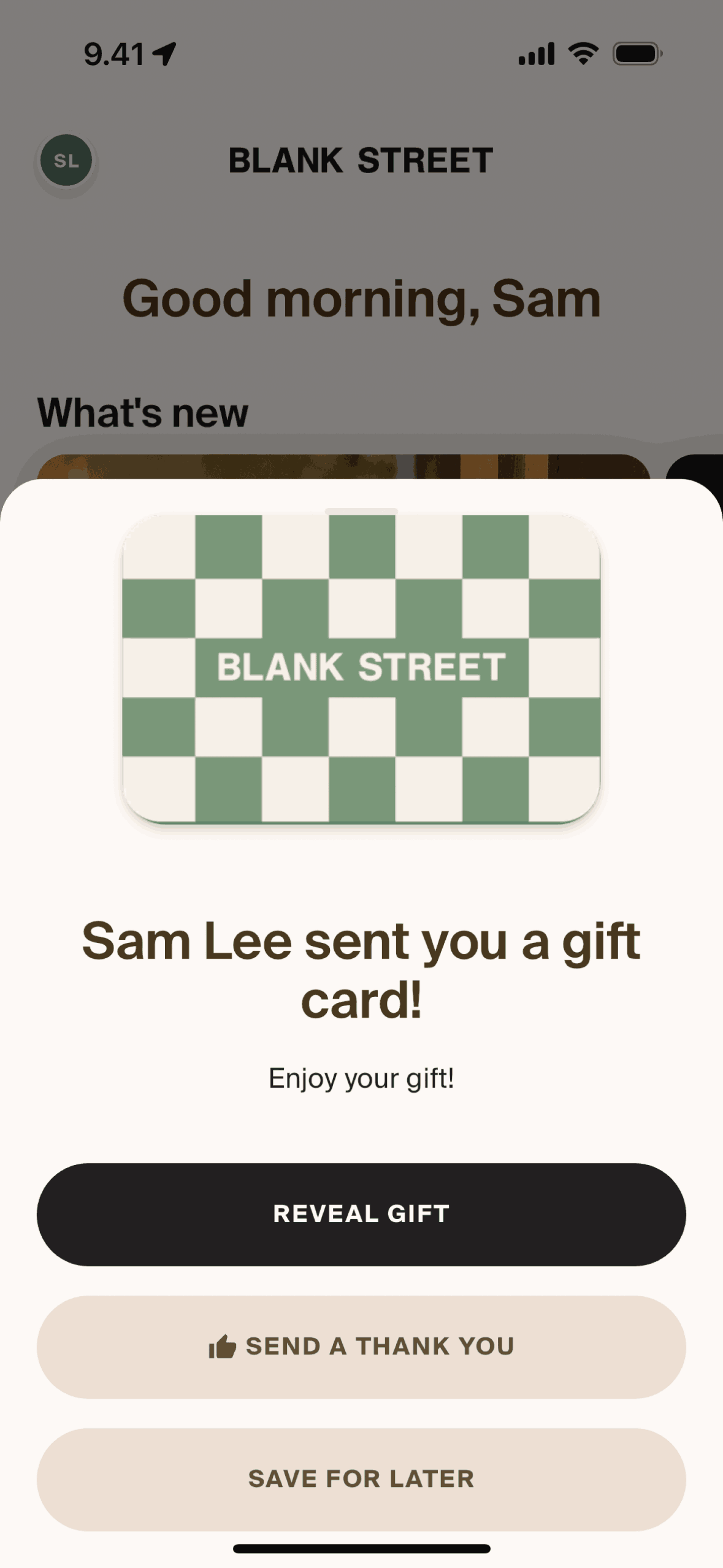
Receiving a gift card on Blank Street (ios) screen 2
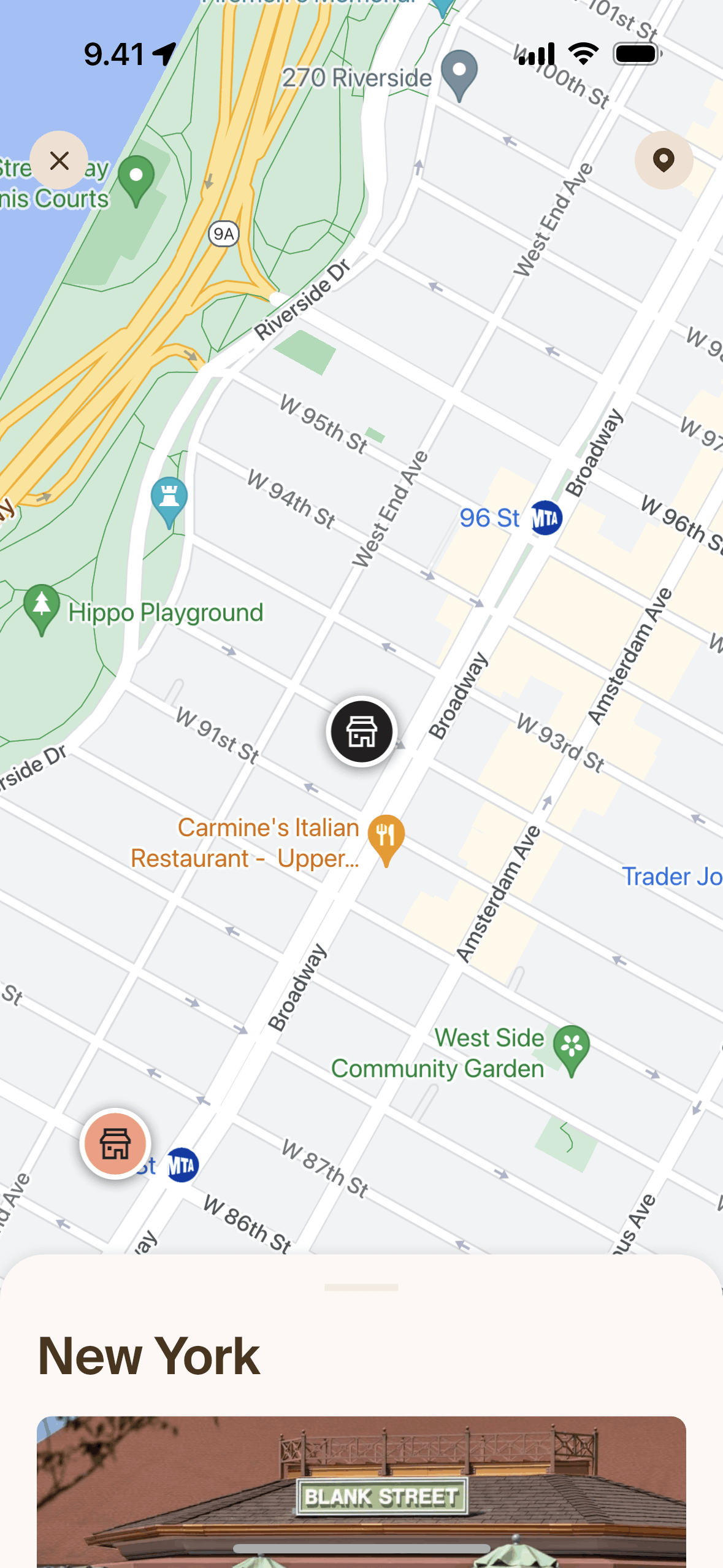
Order on Blank Street (ios) screen 2
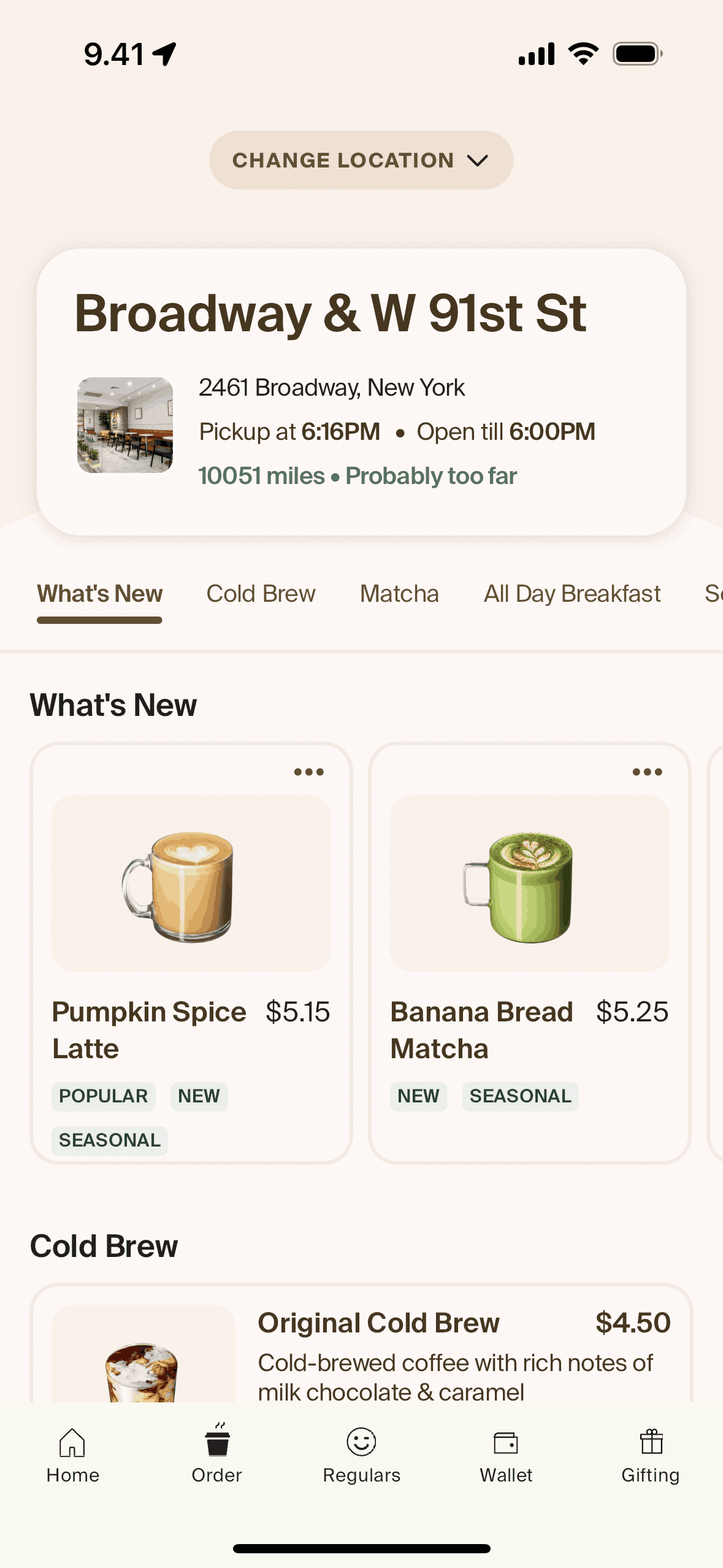
Store details on Blank Street (ios) screen 2
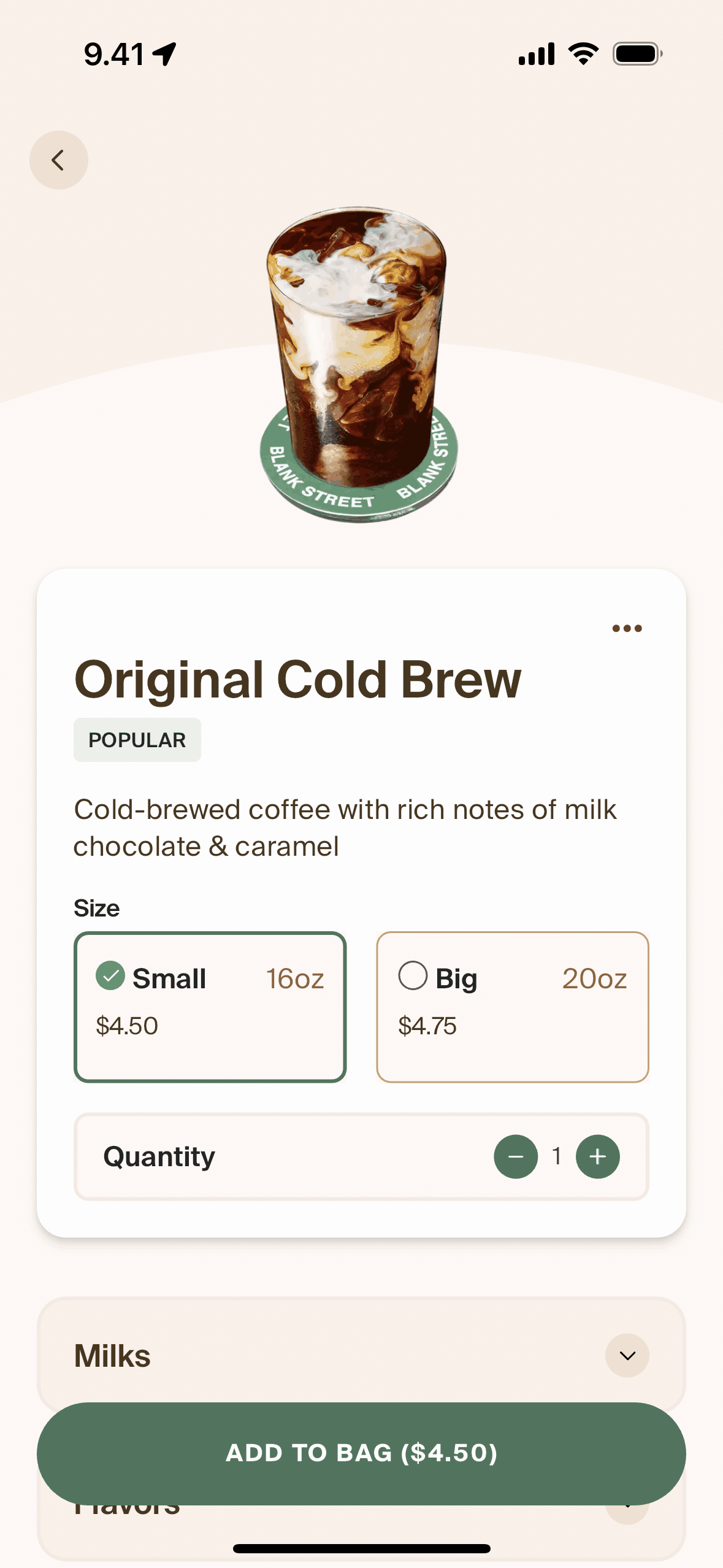
Adding to bag on Blank Street (ios) screen 2
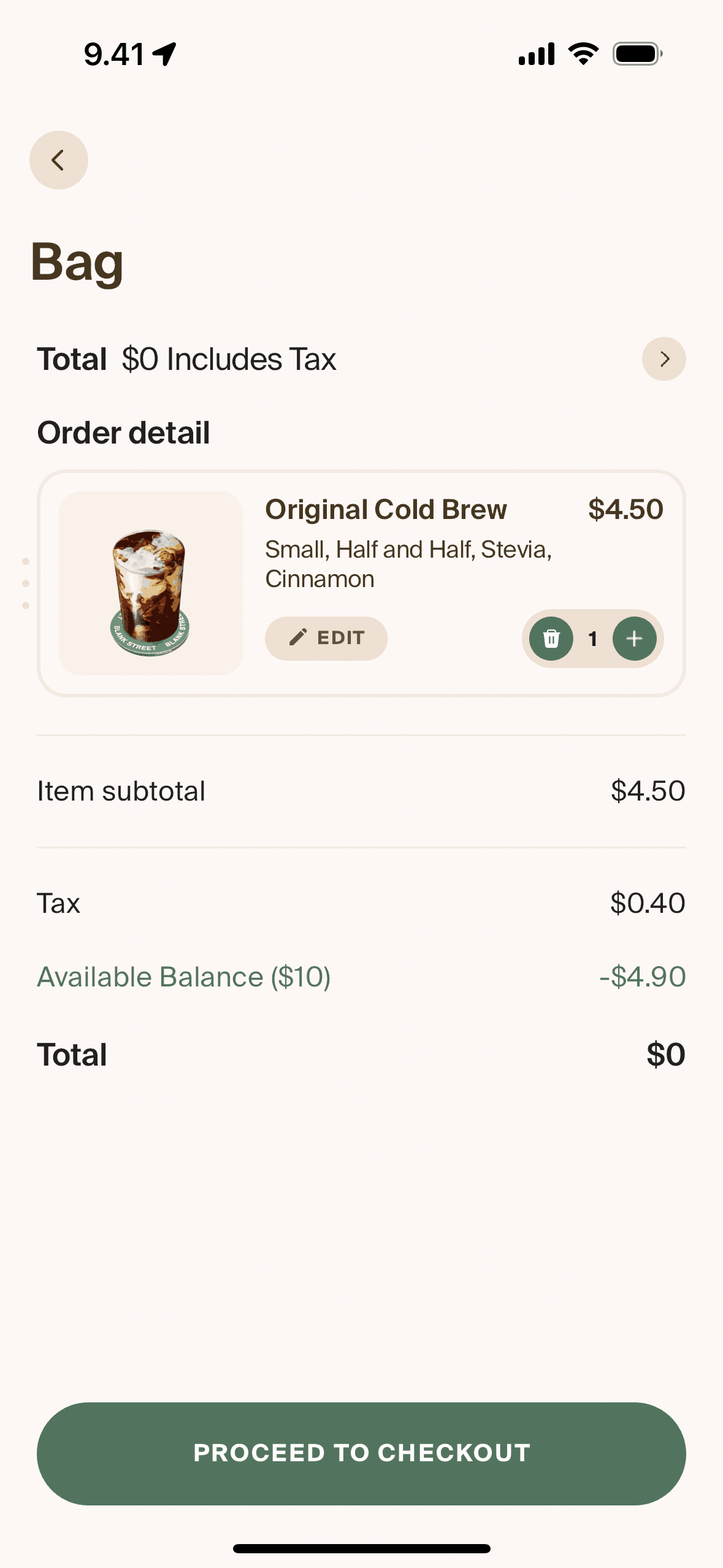
Checking out an order on Blank Street (ios) screen 2
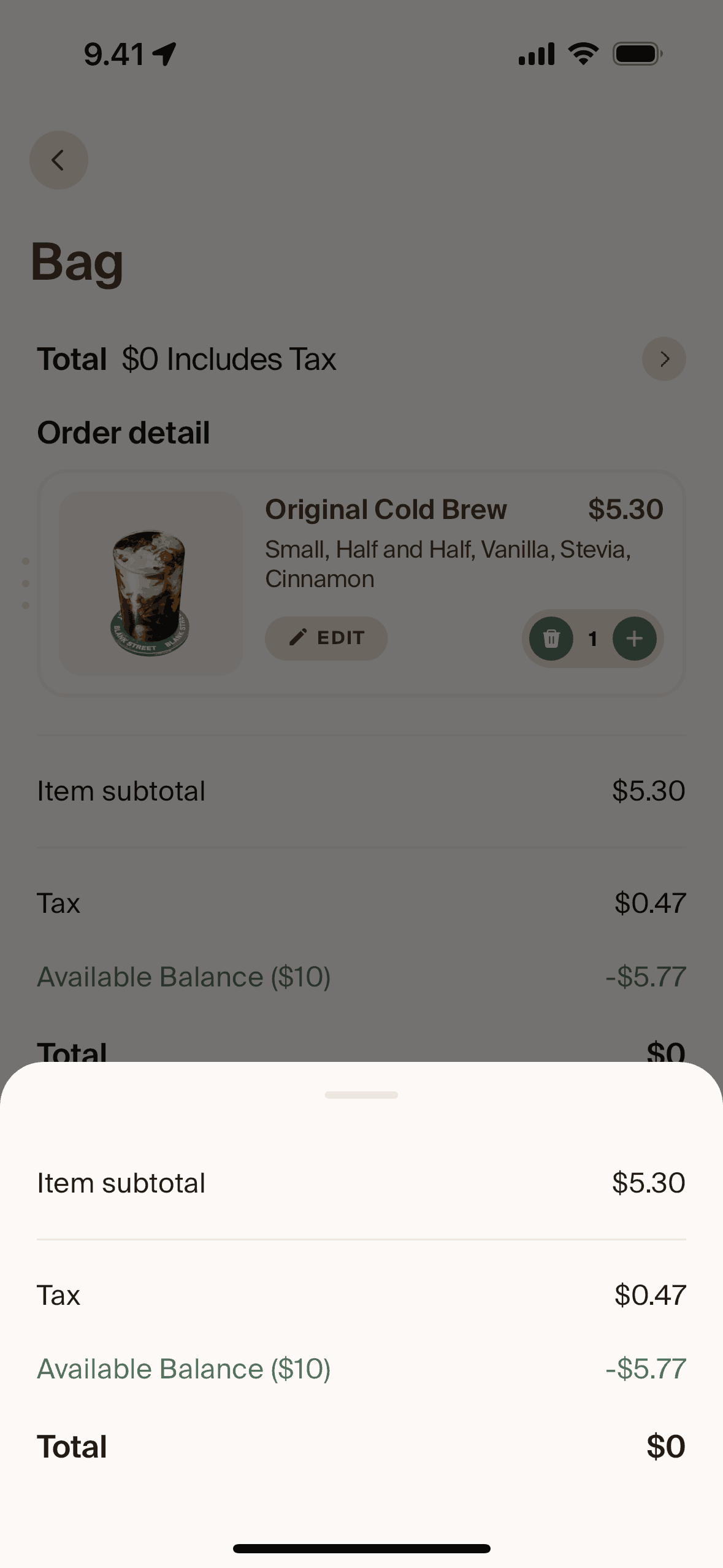
Price detail on Blank Street (ios) screen 2
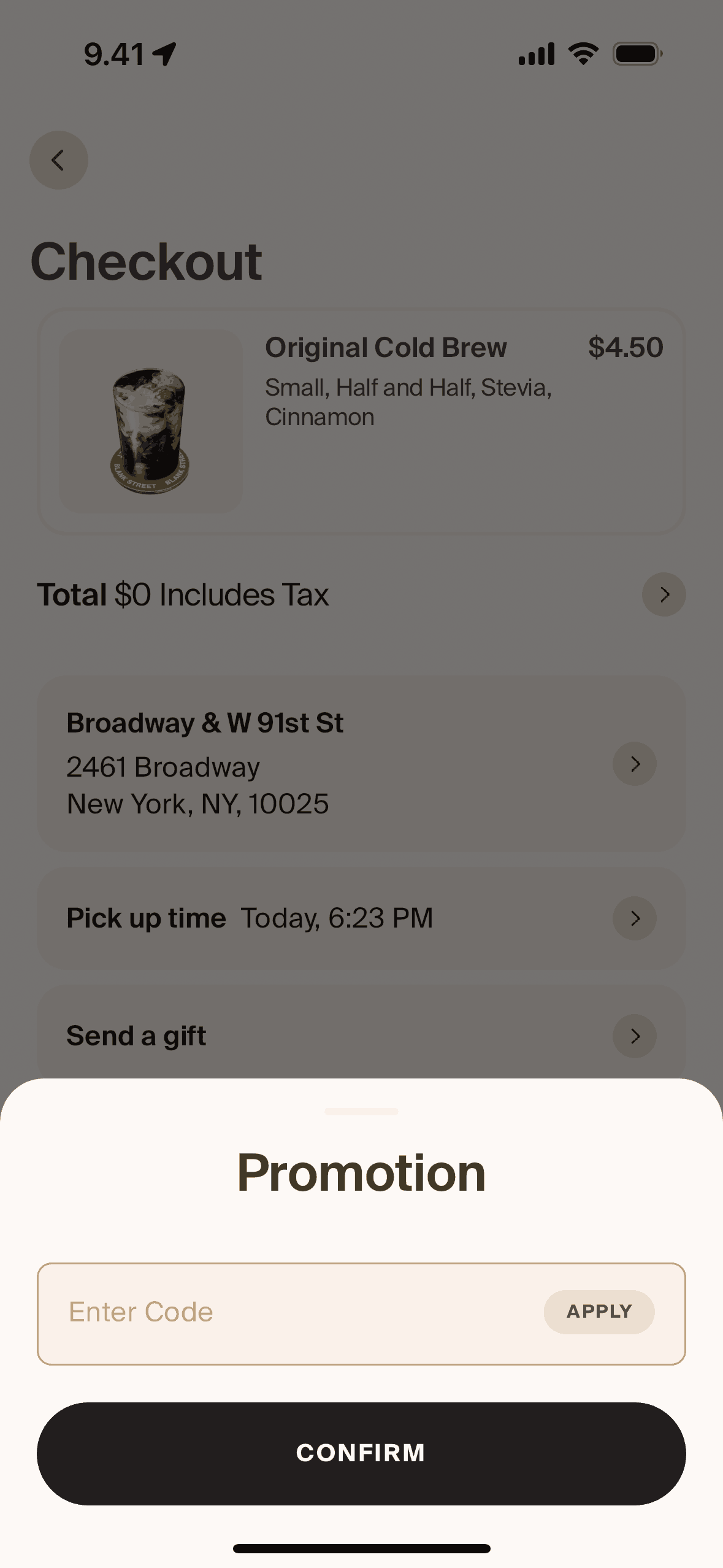
Promotion on Blank Street (ios) screen 2
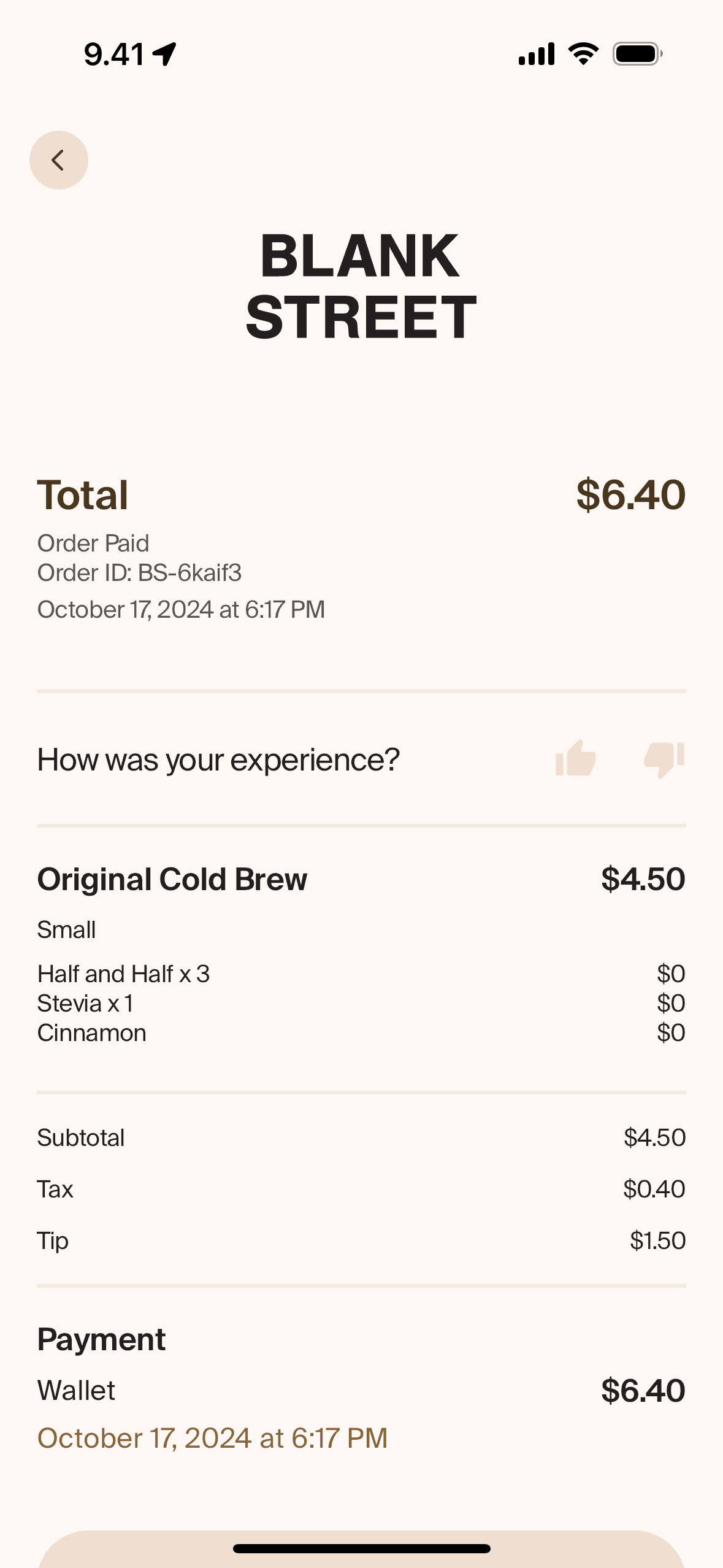
View receipt on Blank Street (ios) screen 2
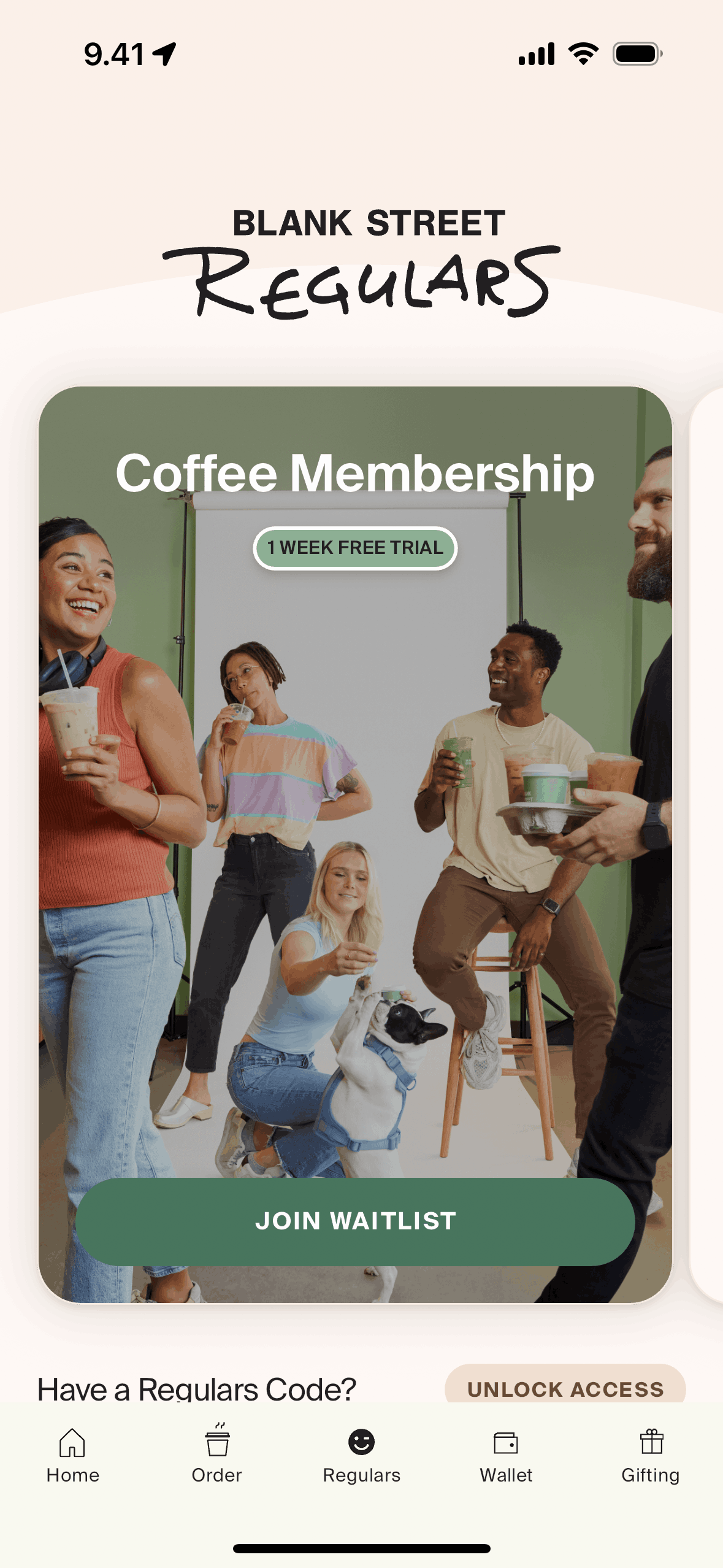
Regulars on Blank Street (ios) screen 2
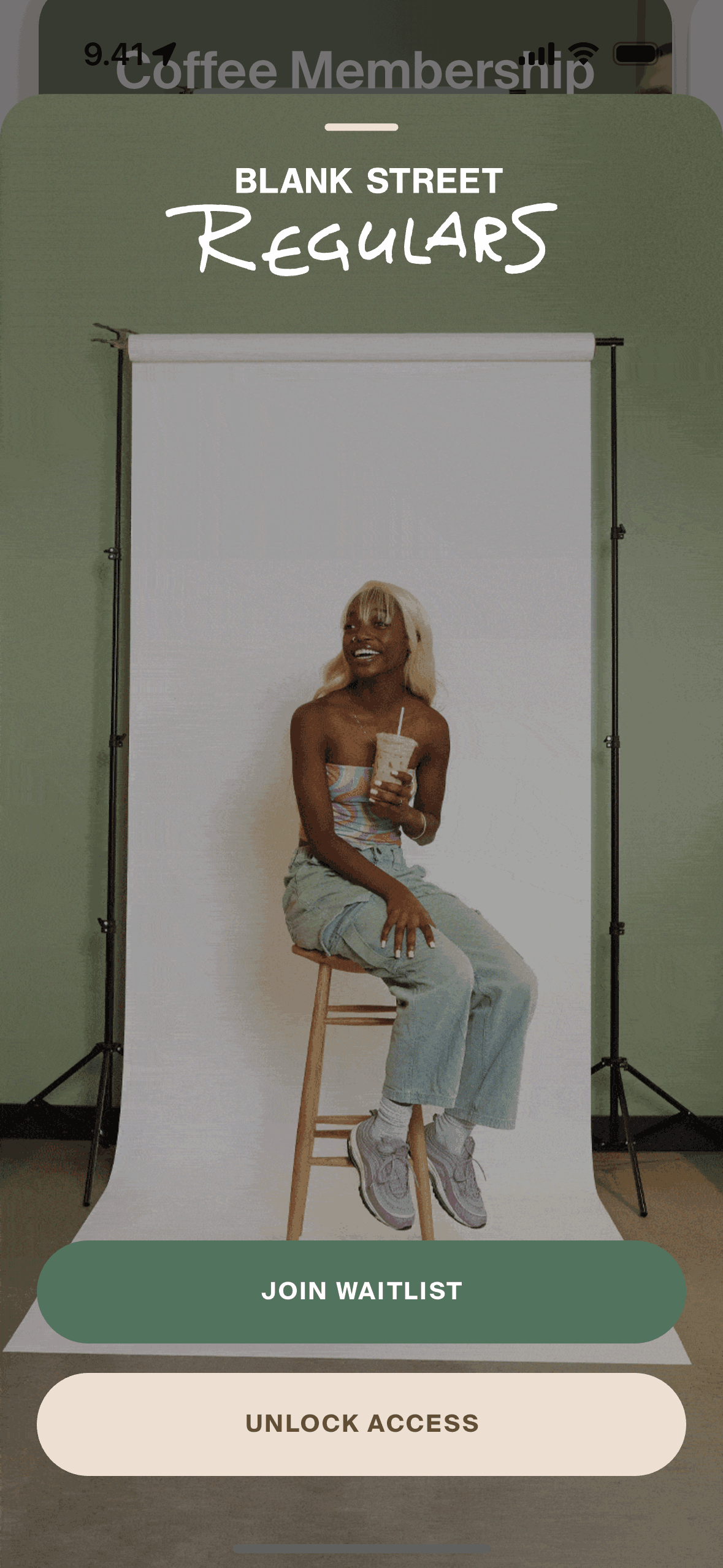
Joining waitlist on Blank Street (ios) screen 2
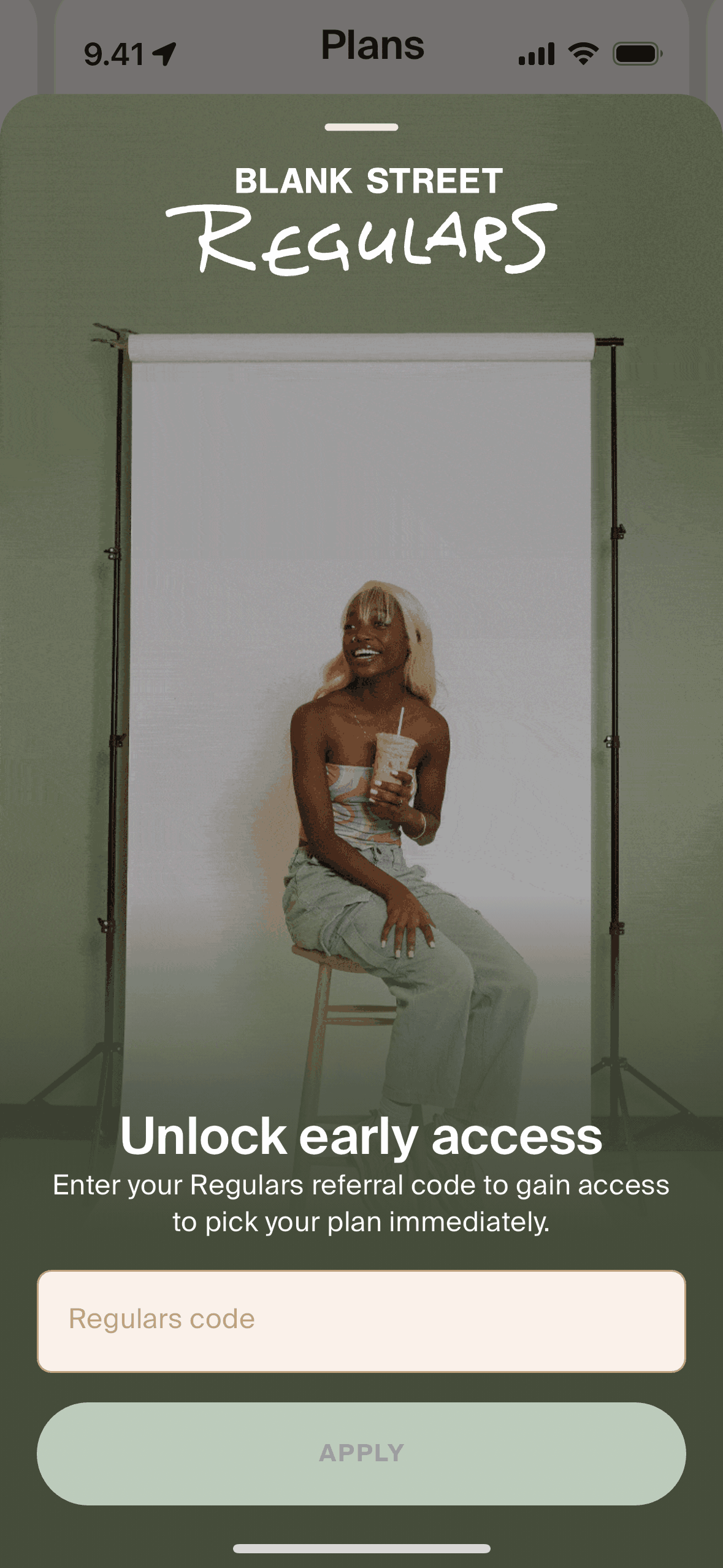
Unlock access on Blank Street (ios) screen 2
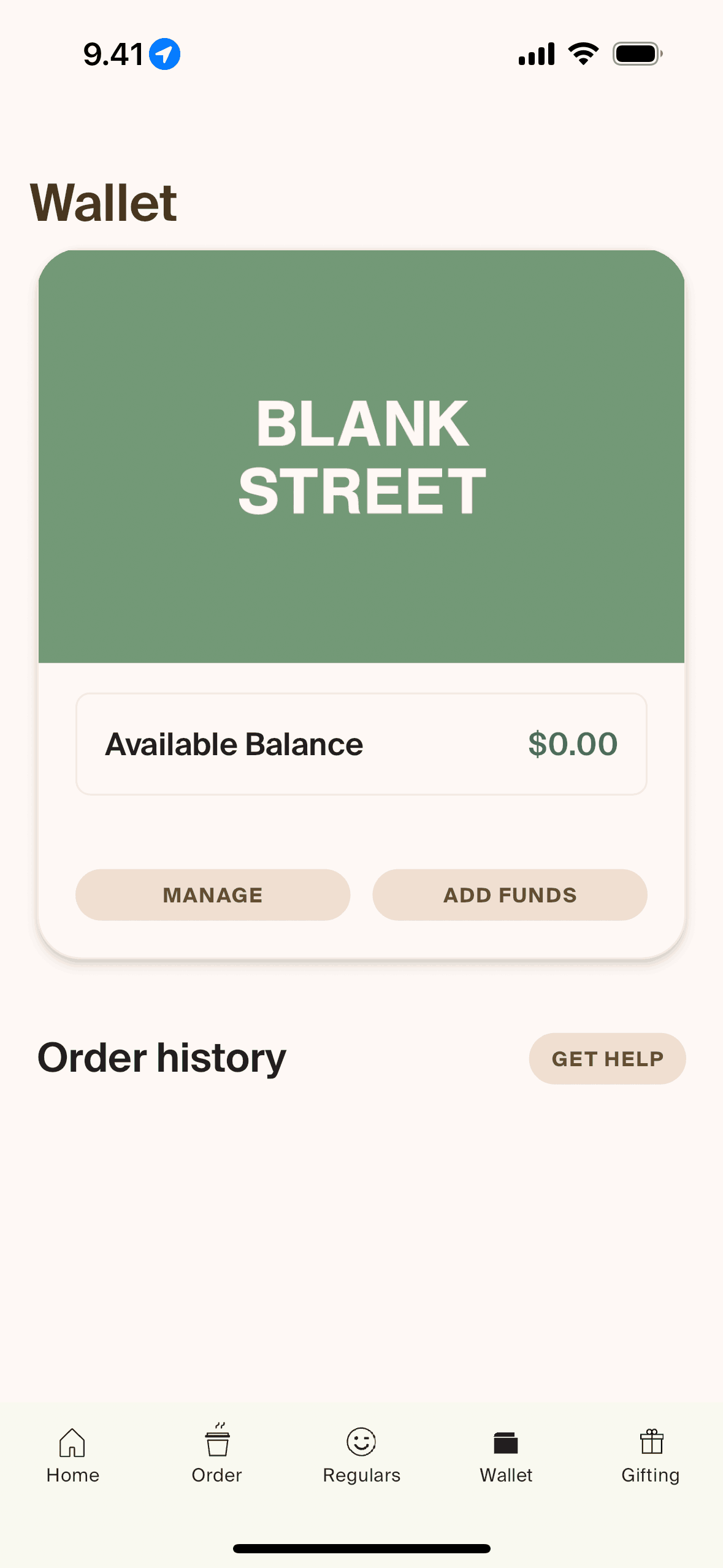
Wallet on Blank Street (ios) screen 2
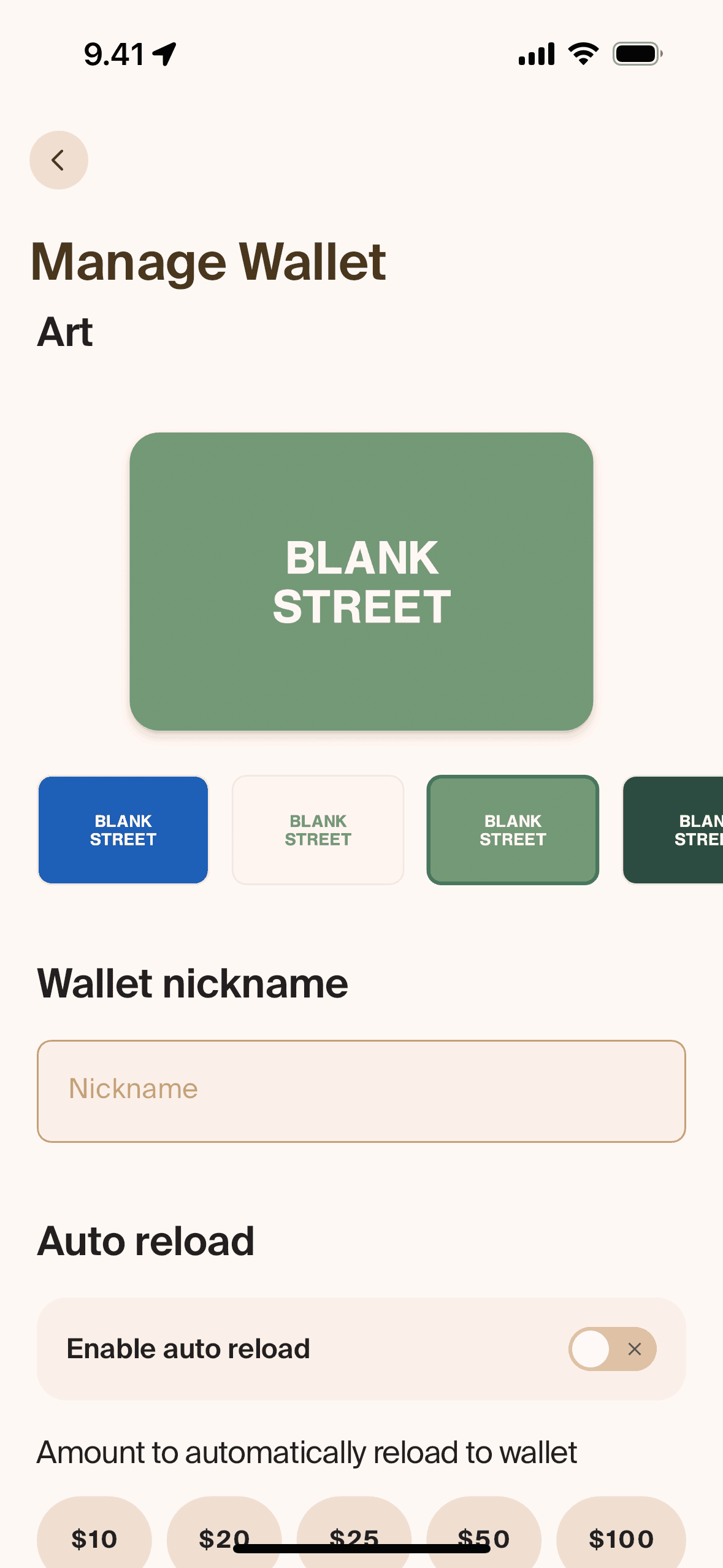
Customizing wallet on Blank Street (ios) screen 2
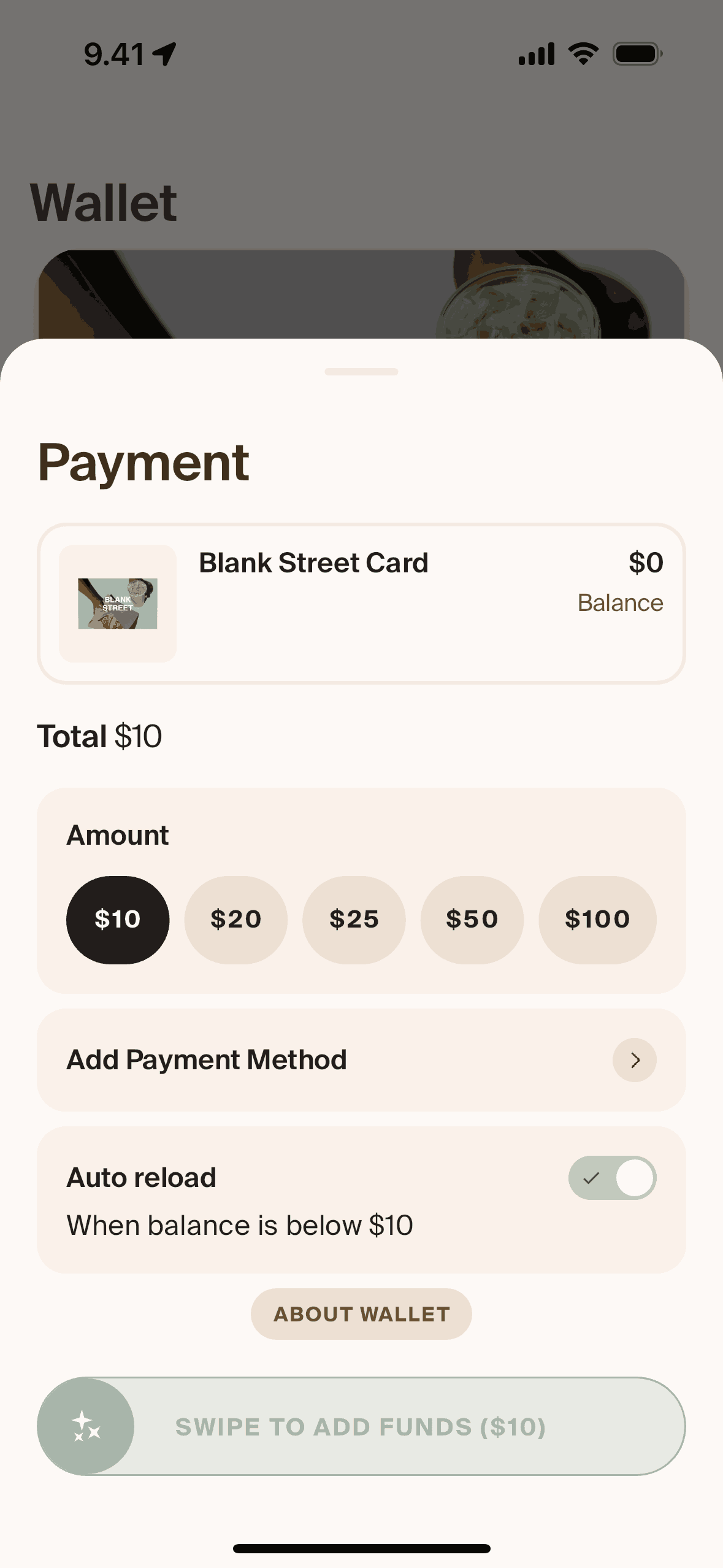
Adding funds on Blank Street (ios) screen 2
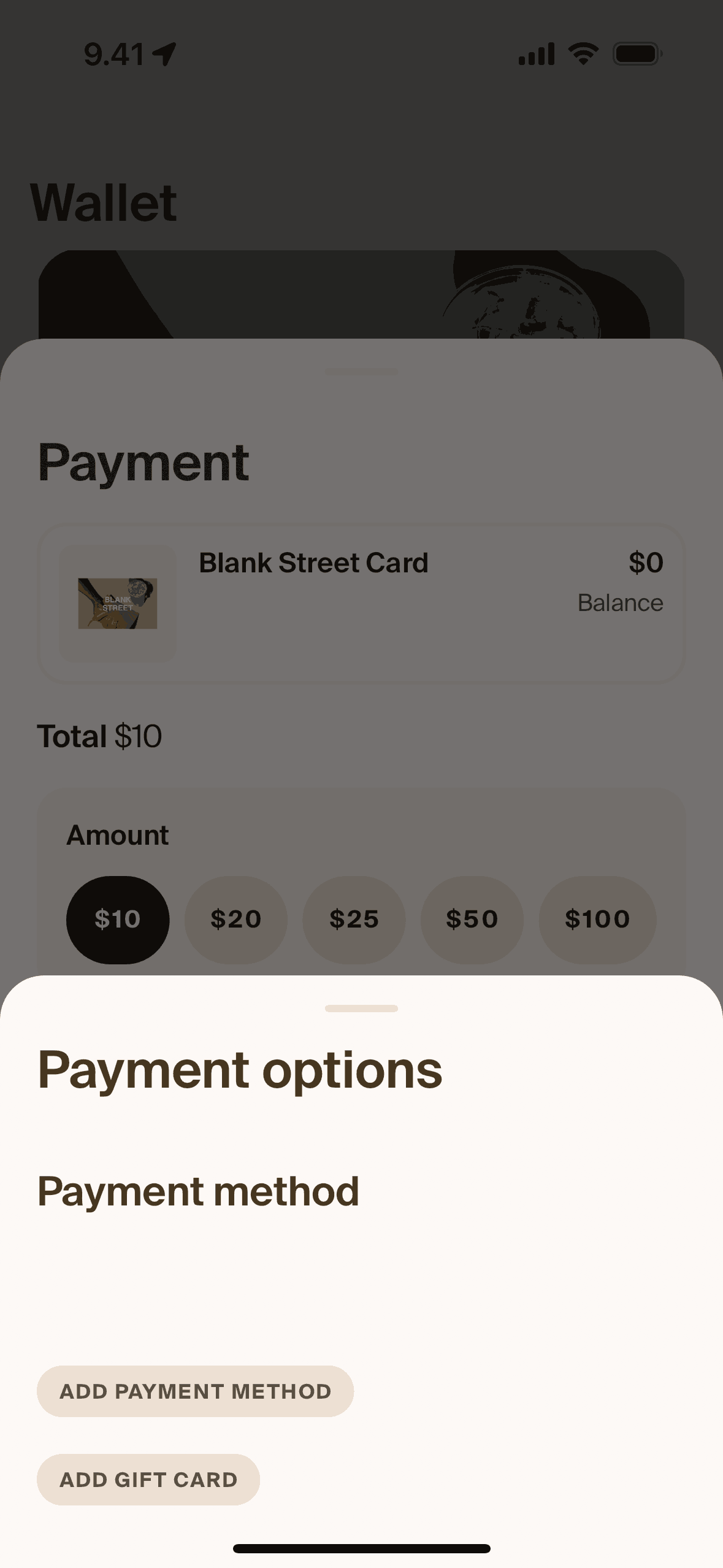
Adding payment method on Blank Street (ios) screen 2
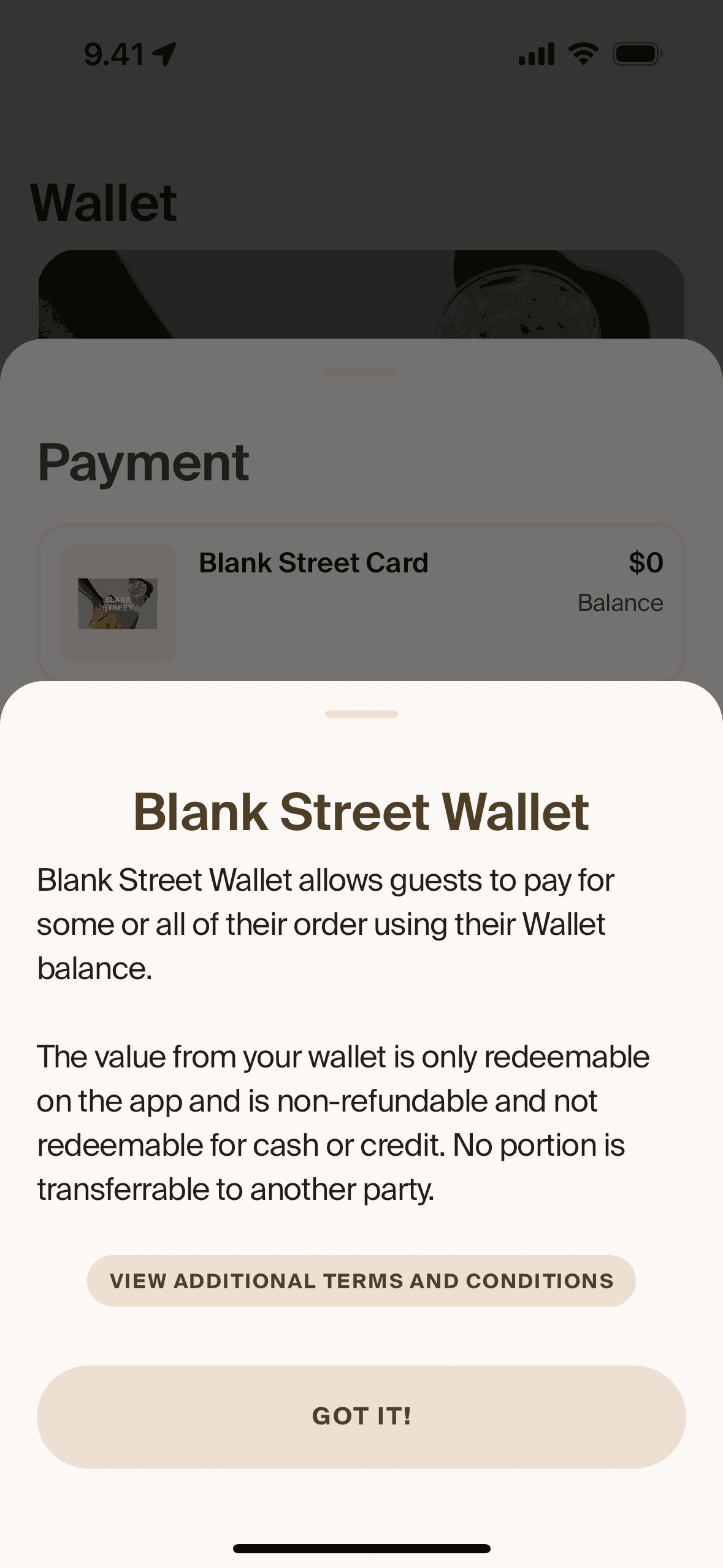
About wallet on Blank Street (ios) screen 2
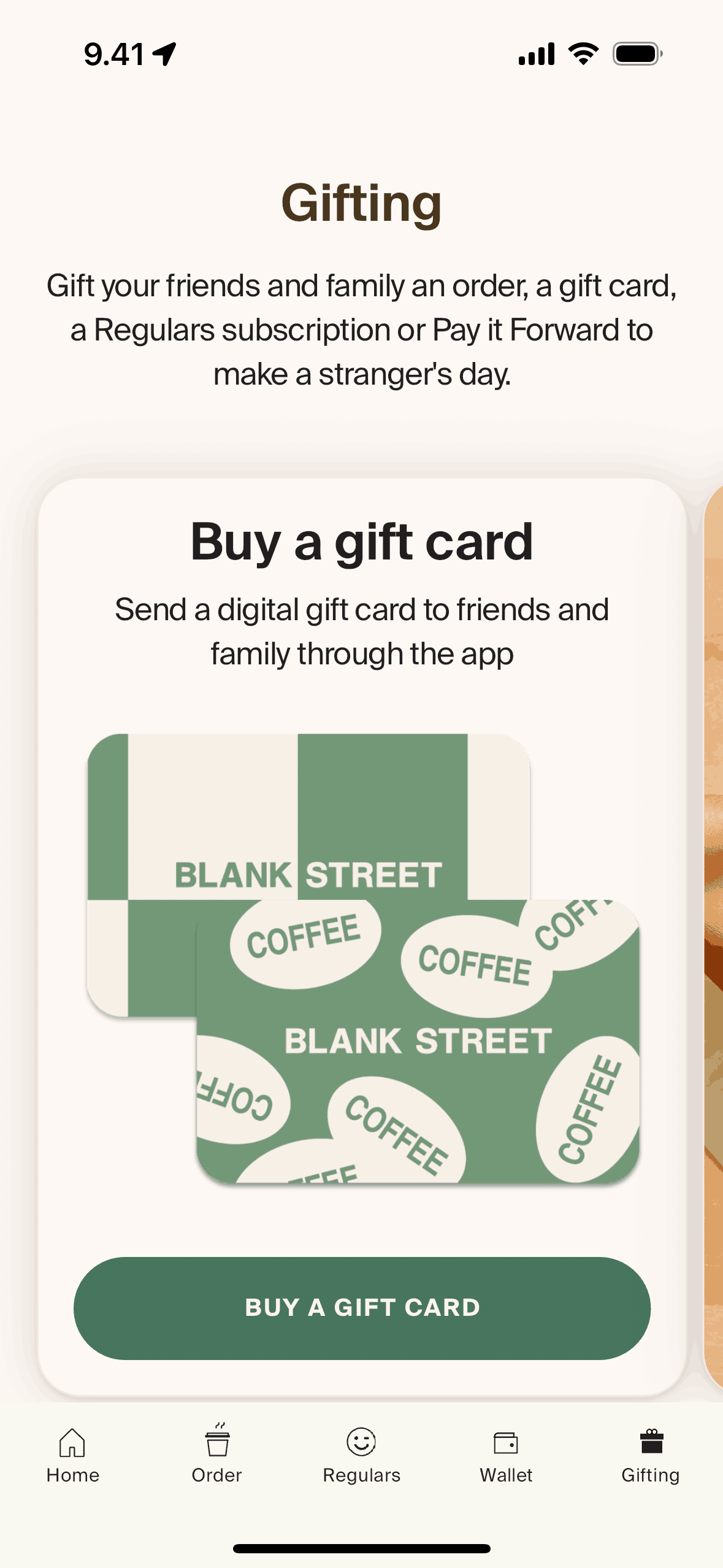
Gifting on Blank Street (ios) screen 2
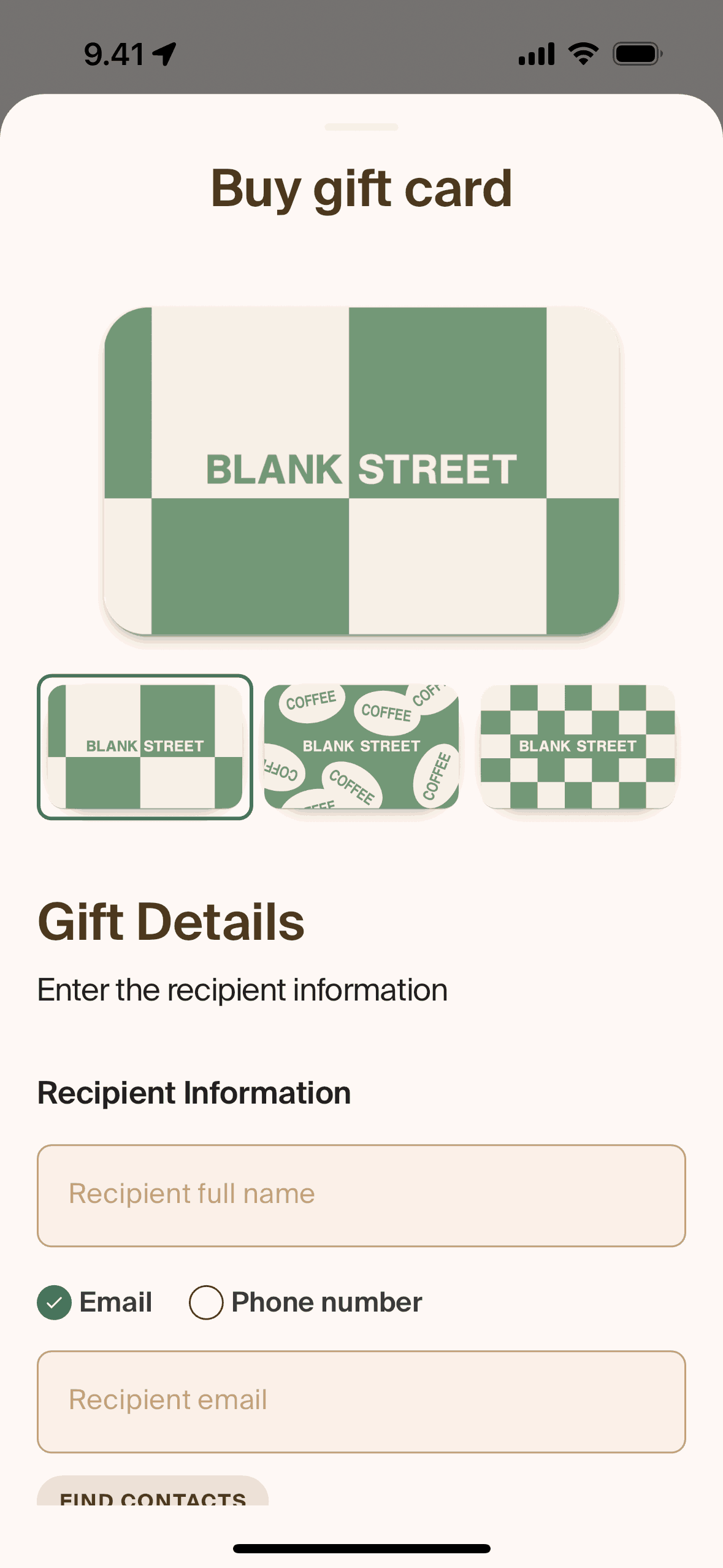
Buying a gift card on Blank Street (ios) screen 2
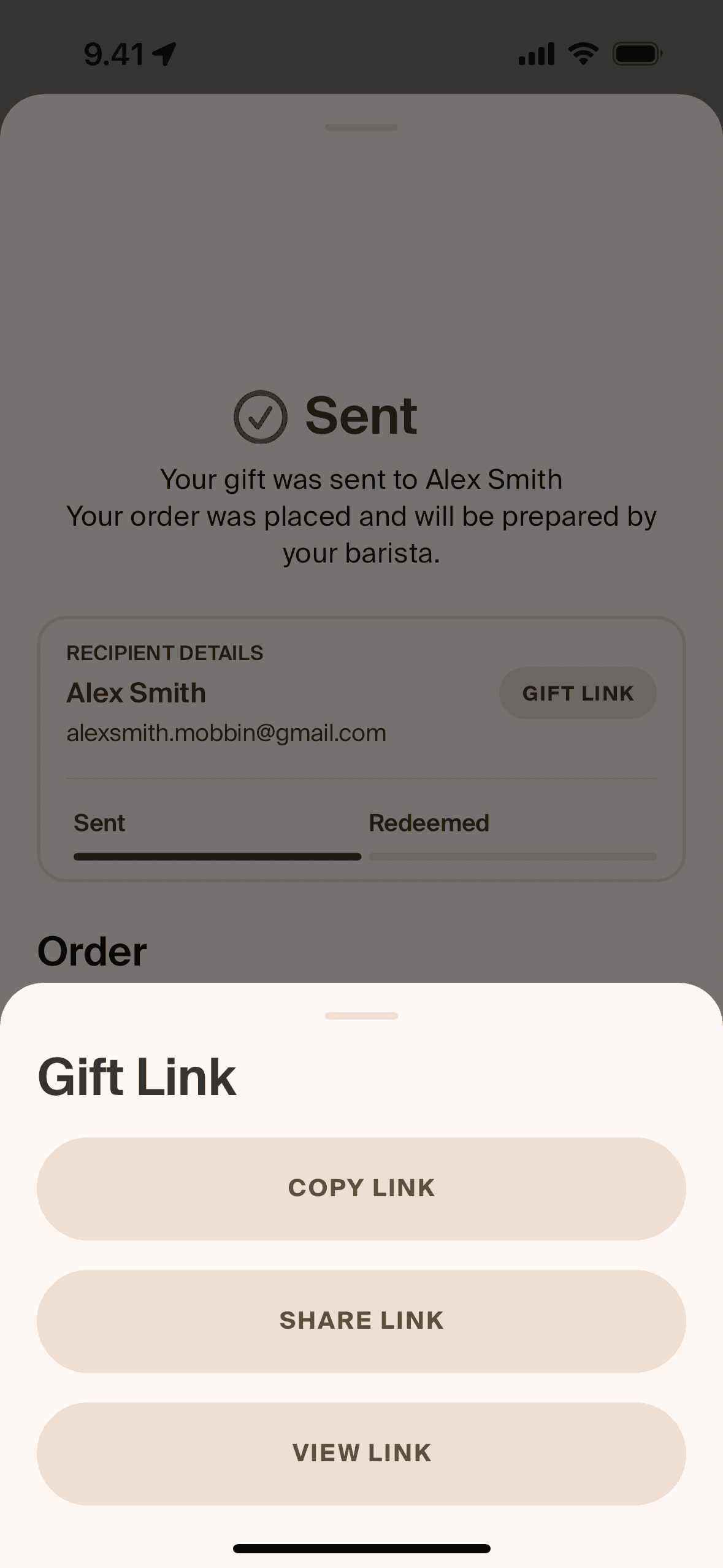
Copying gift link on Blank Street (ios) screen 2
Gummble currently indexes 344 Blank Street iOS screens captured Current Version and 8 captured UX flows including onboarding, login, and checkout. Great coffee, for everyone. Categorized under Food & Drink. Step through each captured Blank Street flow screen by screen, or study individual screens for navigation, layout, and microcopy patterns.
Editorial teardown
Blank Street is a tech forward coffee chain with a mobile first ordering experience. The iOS app lets users browse the menu, customize drinks, earn rewards, and order ahead for pickup. Unlike traditional cafes where you order at the counter, Blank Street encourages app ordering to reduce wait times and optimize the small format store operations. The app serves as the primary customer touchpoint, making it a coffee ordering interface rather than just a loyalty card.
Read the full Blank Street UX teardownGummble currently indexes 344 Blank Street iOS screens captured Current Version and 8 captured UX flows including onboarding, login, and checkout. Browse the gallery to study Blank Street's interface patterns and design decisions.
Blank Street is categorized under Food & Drink. Gummble holds 8 captured UX flows including onboarding, login, and checkout for Blank Street iOS. Open the Flows tab to step through each captured sequence screen by screen.
Yes. Gummble Browse, Pro, and Team users can download Blank Street iOS screenshots for design reference. Free users can browse a limited selection and view design analysis.