


Amazon Shopping iOS Shopping interface screenshot 1
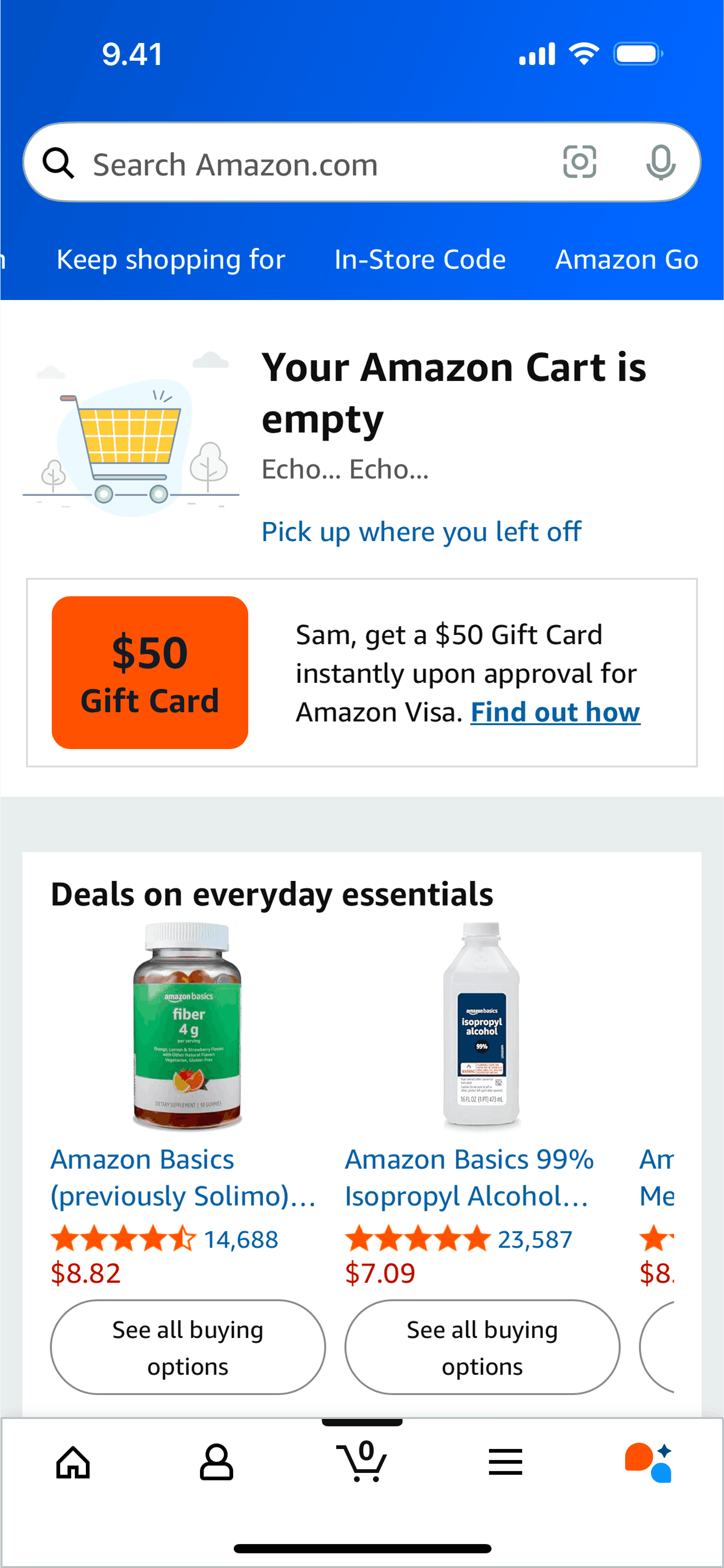
Amazon Shopping iOS Shopping interface screenshot 2
Onboarding on Amazon Shopping (ios) screen 1
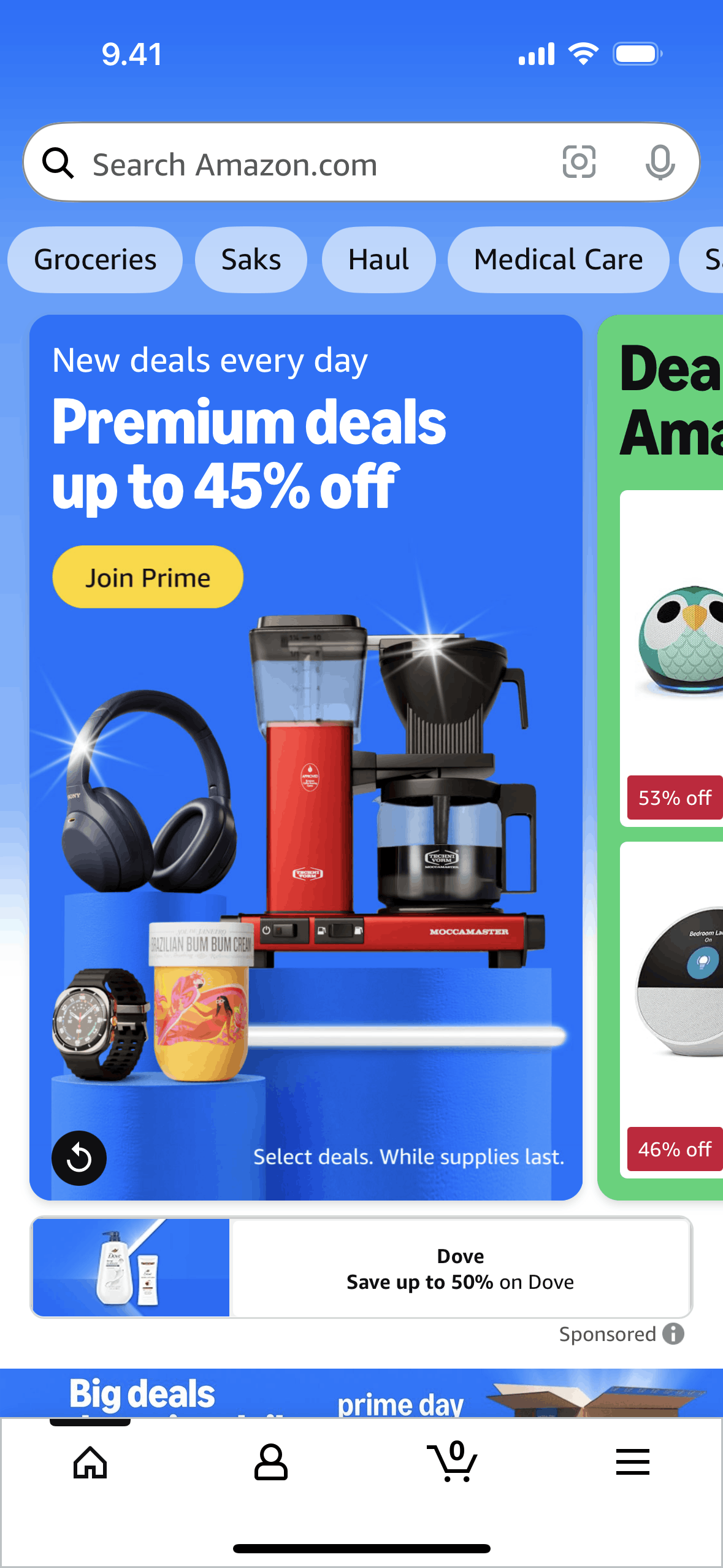
Home on Amazon Shopping (ios) screen 2
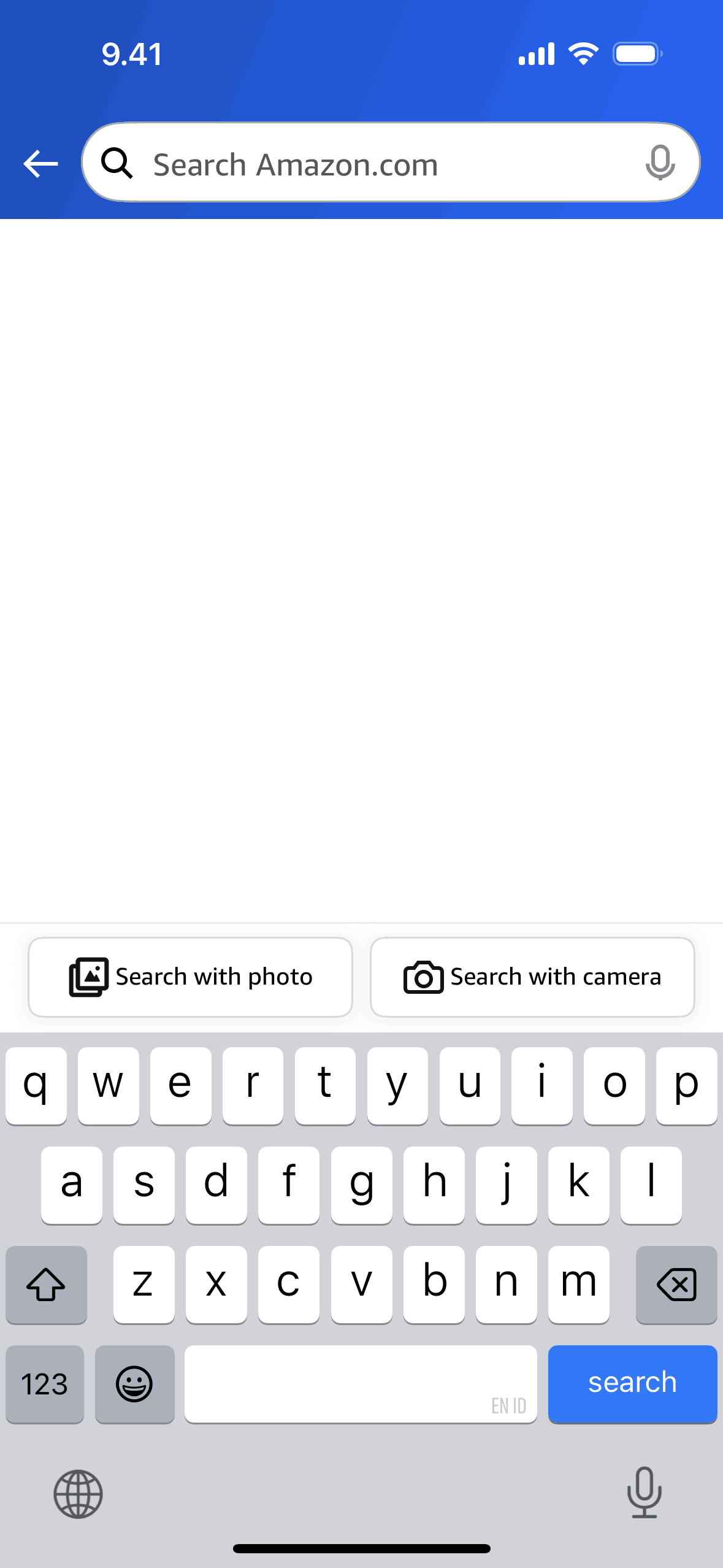
Searching Amazon Shopping on Amazon Shopping (ios) screen 2
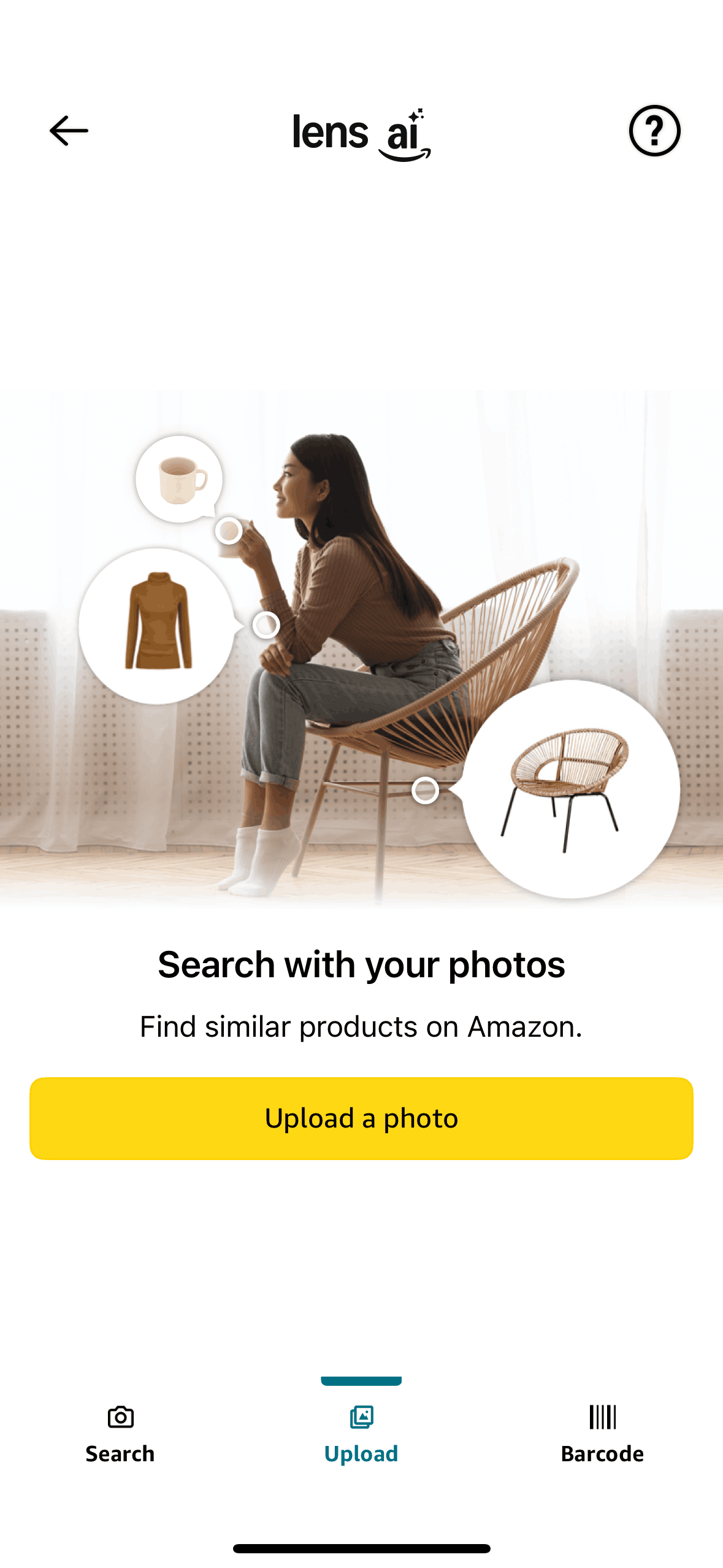
Search with photo on Amazon Shopping (ios) screen 2
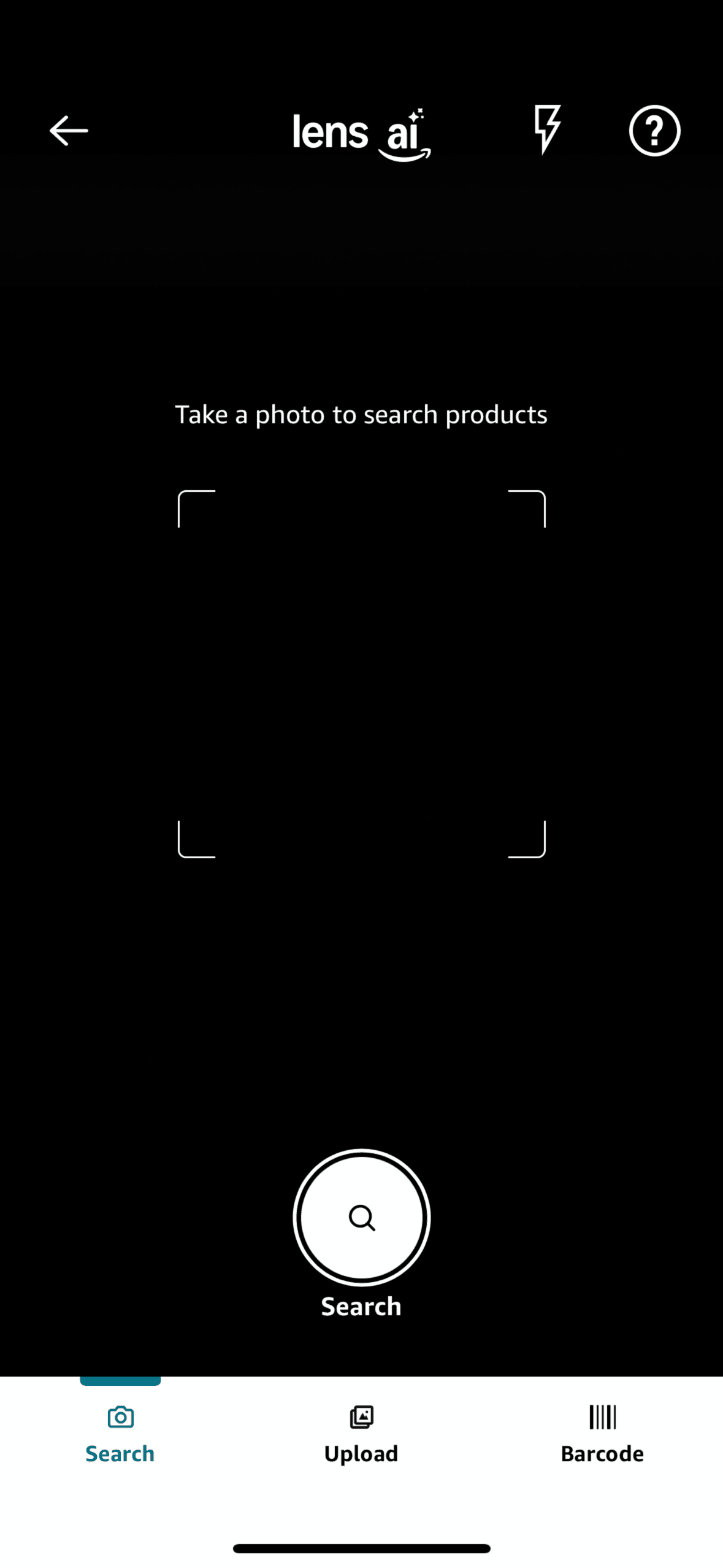
Search with camera on Amazon Shopping (ios) screen 2

Scan a barcode on Amazon Shopping (ios) screen 2
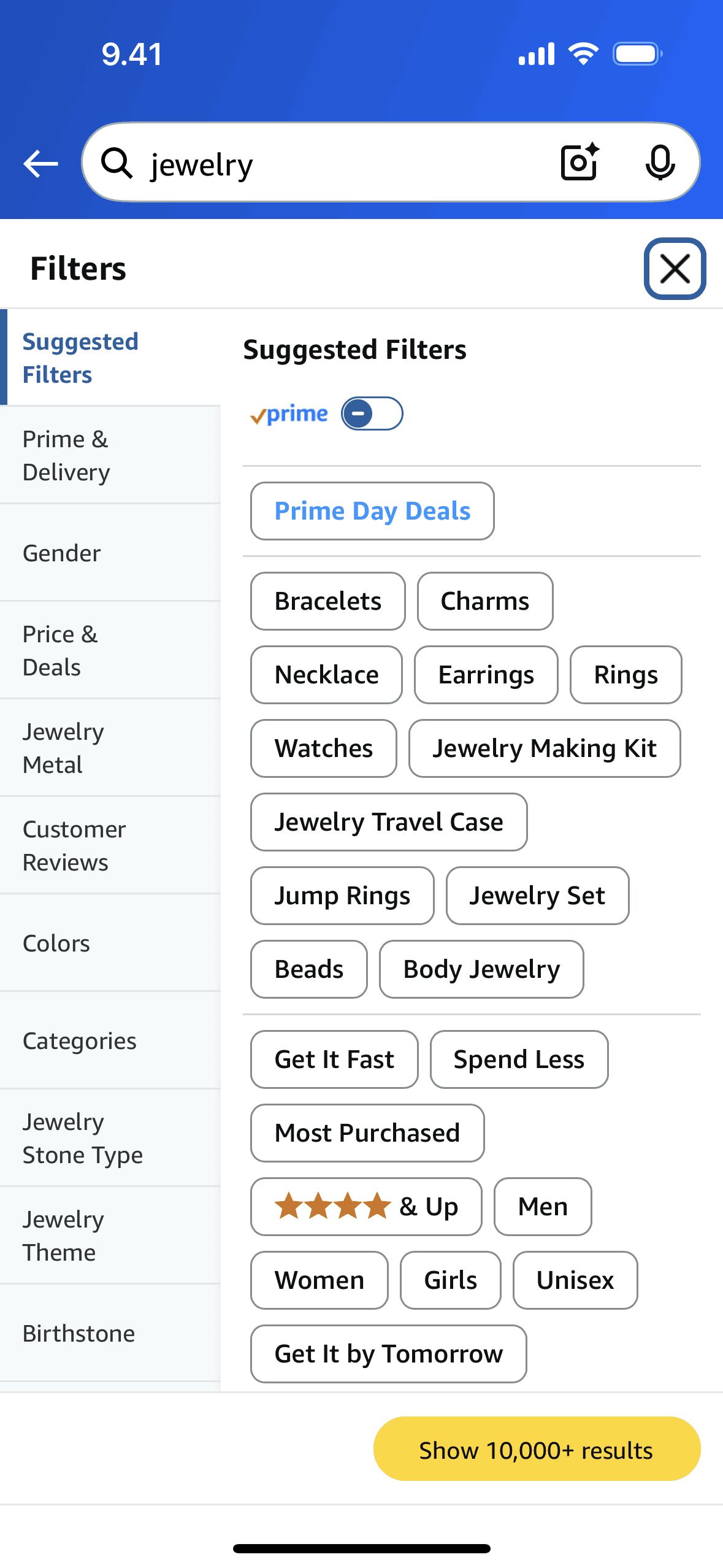
Filtering products (search) on Amazon Shopping (ios) screen 2
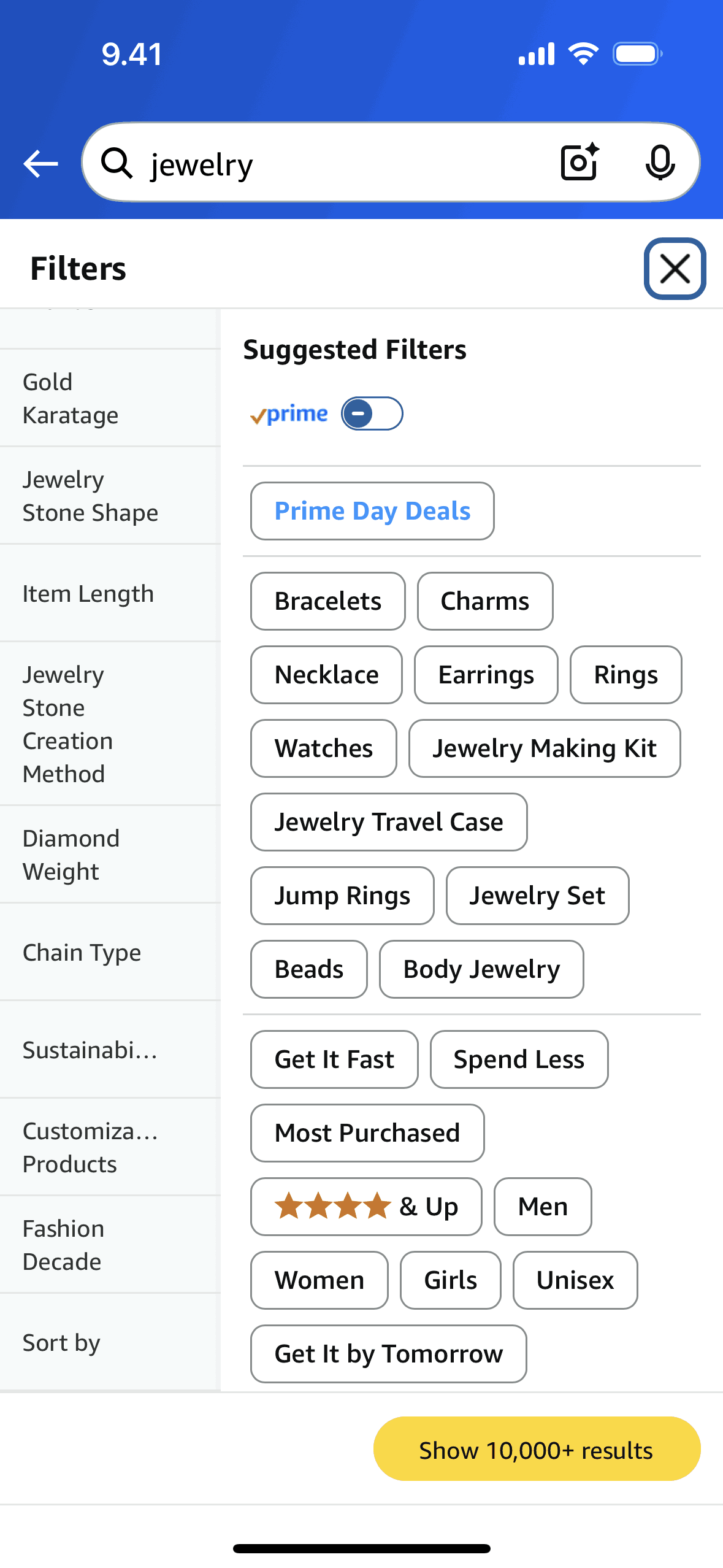
Sorting products (search) on Amazon Shopping (ios) screen 2
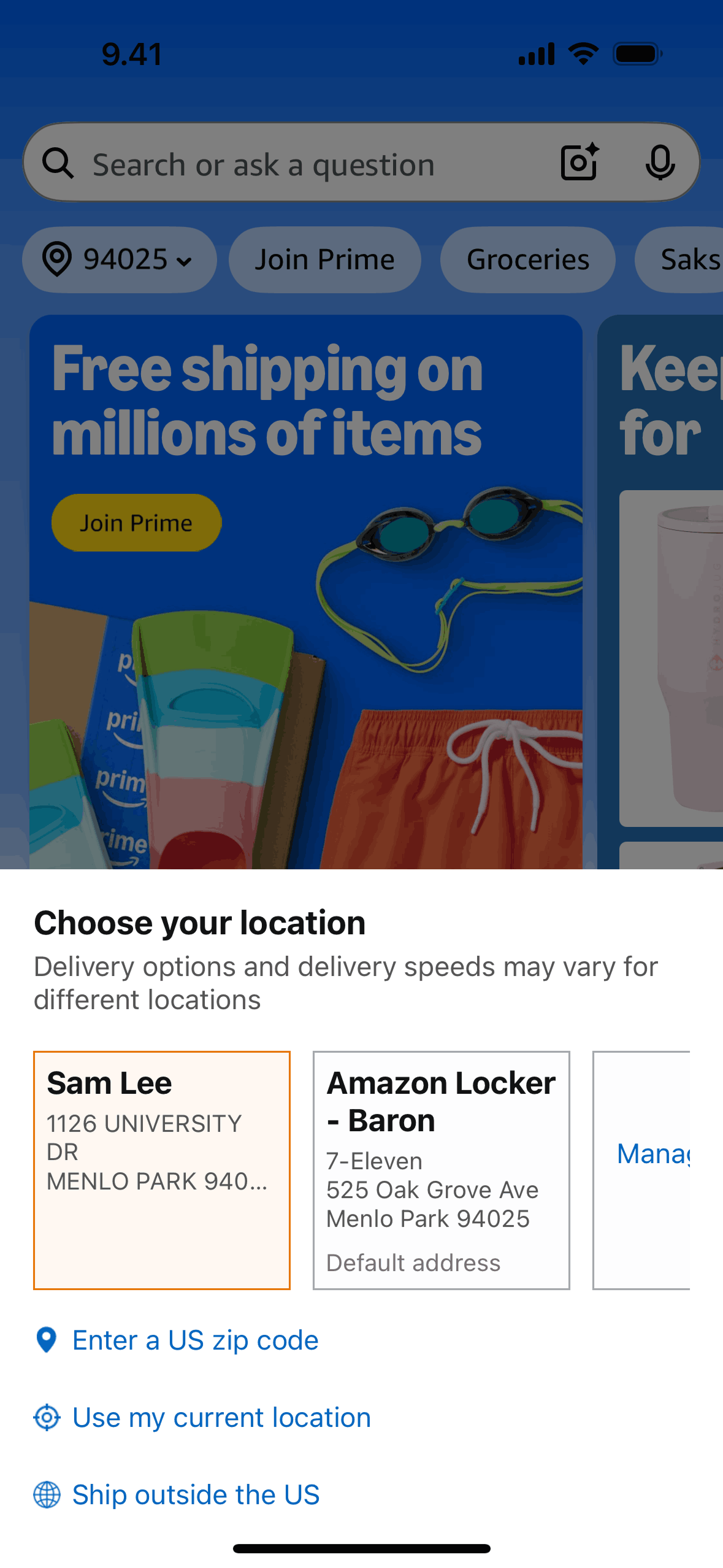
Changing location on Amazon Shopping (ios) screen 2

Join Prime on Amazon Shopping (ios) screen 2
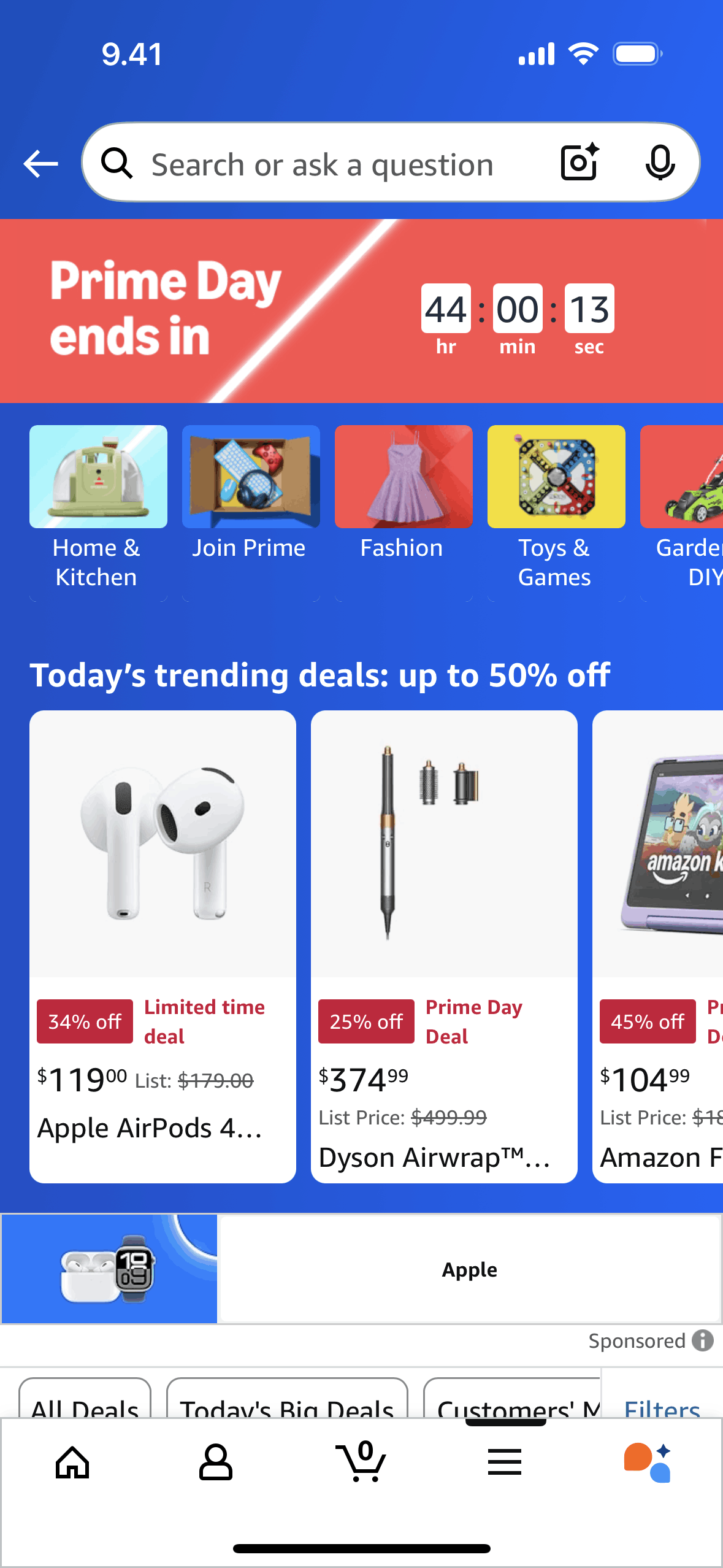
Prime day deals on Amazon Shopping (ios) screen 2
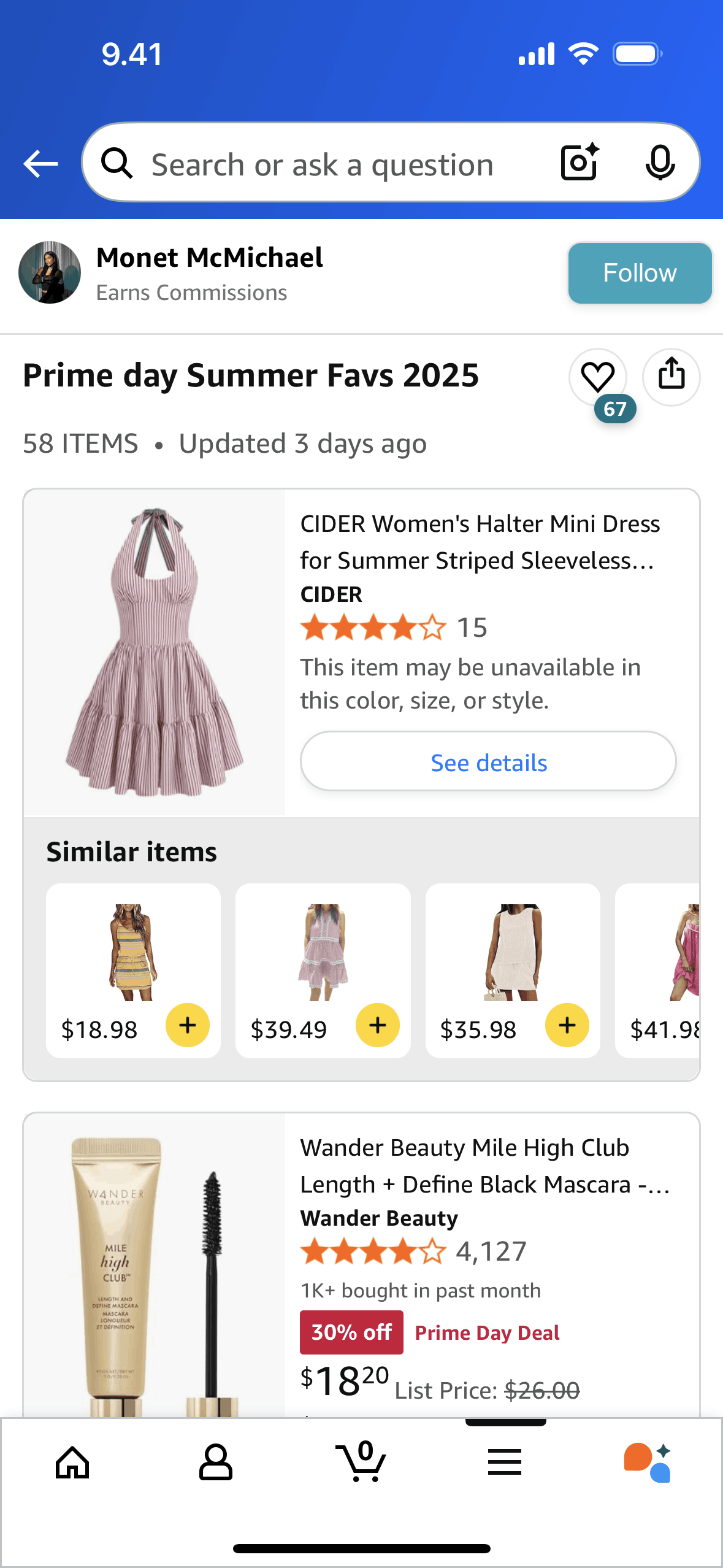
Amazon creator profile detail on Amazon Shopping (ios) screen 2
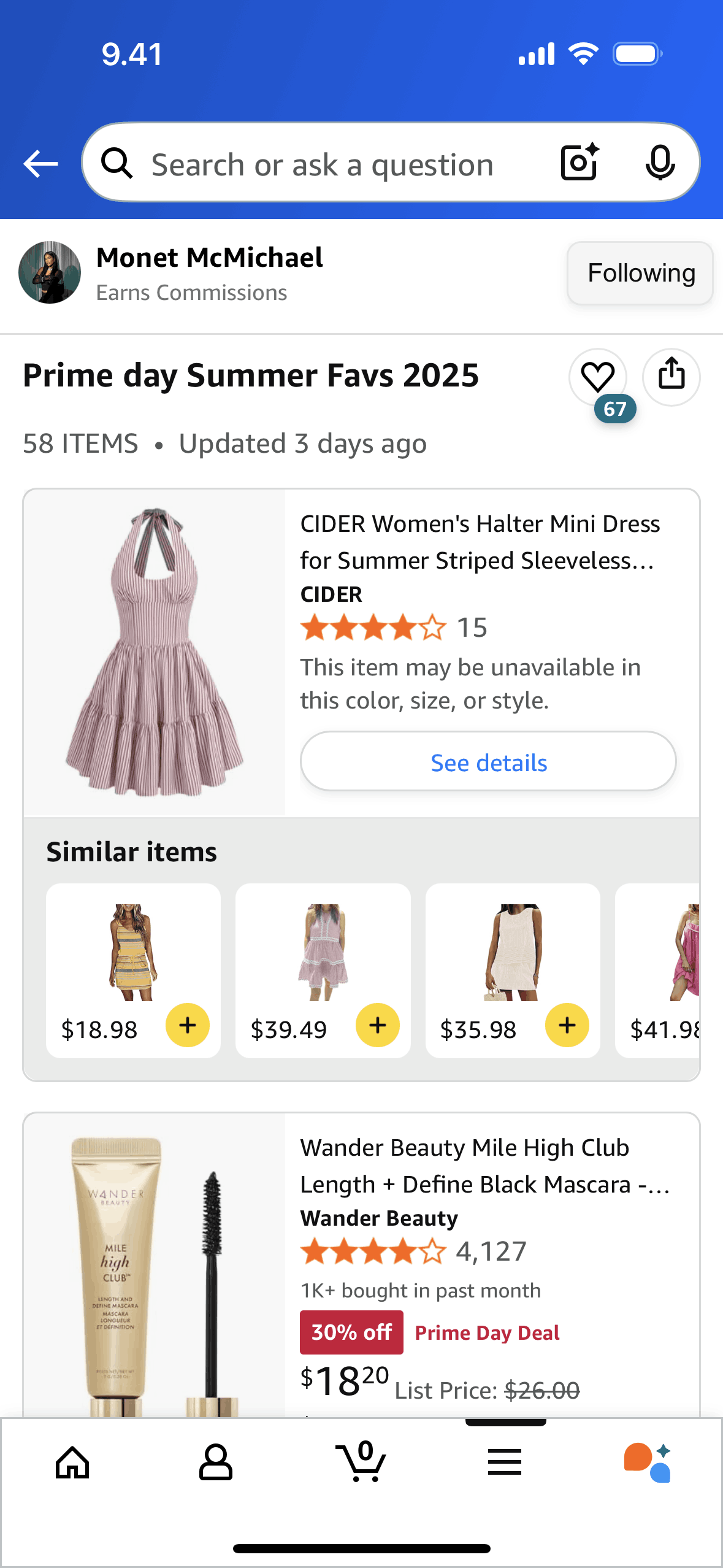
Following a creator on Amazon Shopping (ios) screen 2
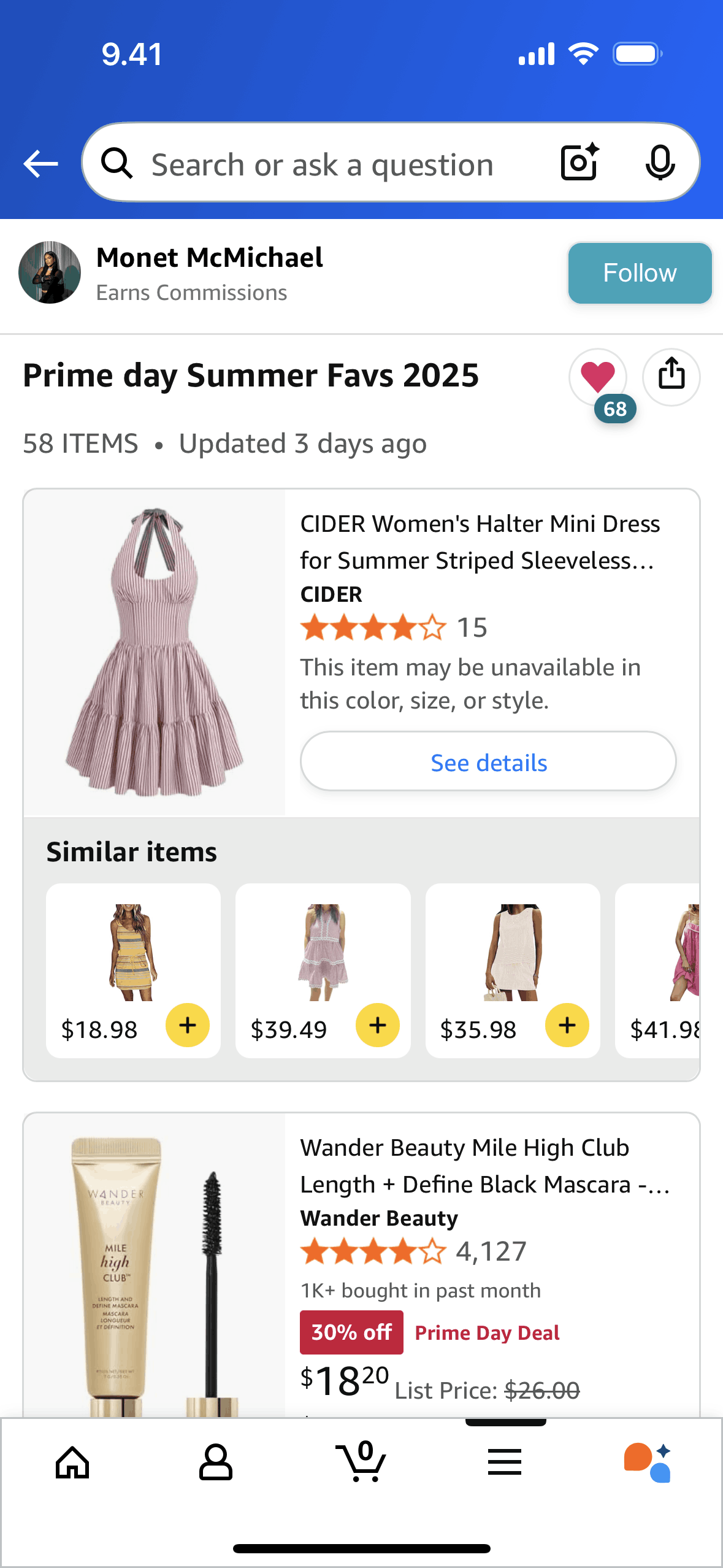
Favoriting a creator's list on Amazon Shopping (ios) screen 2
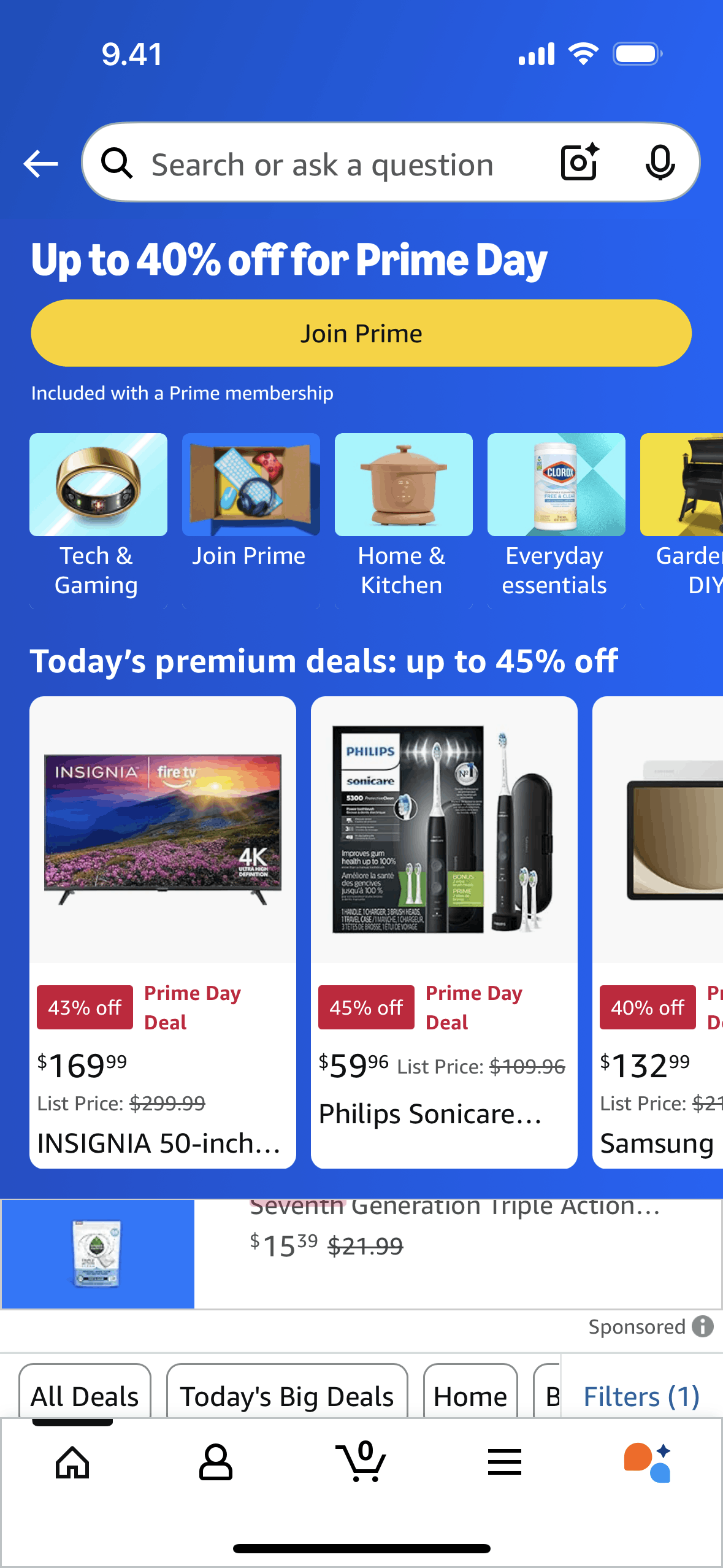
View category on Amazon Shopping (ios) screen 2
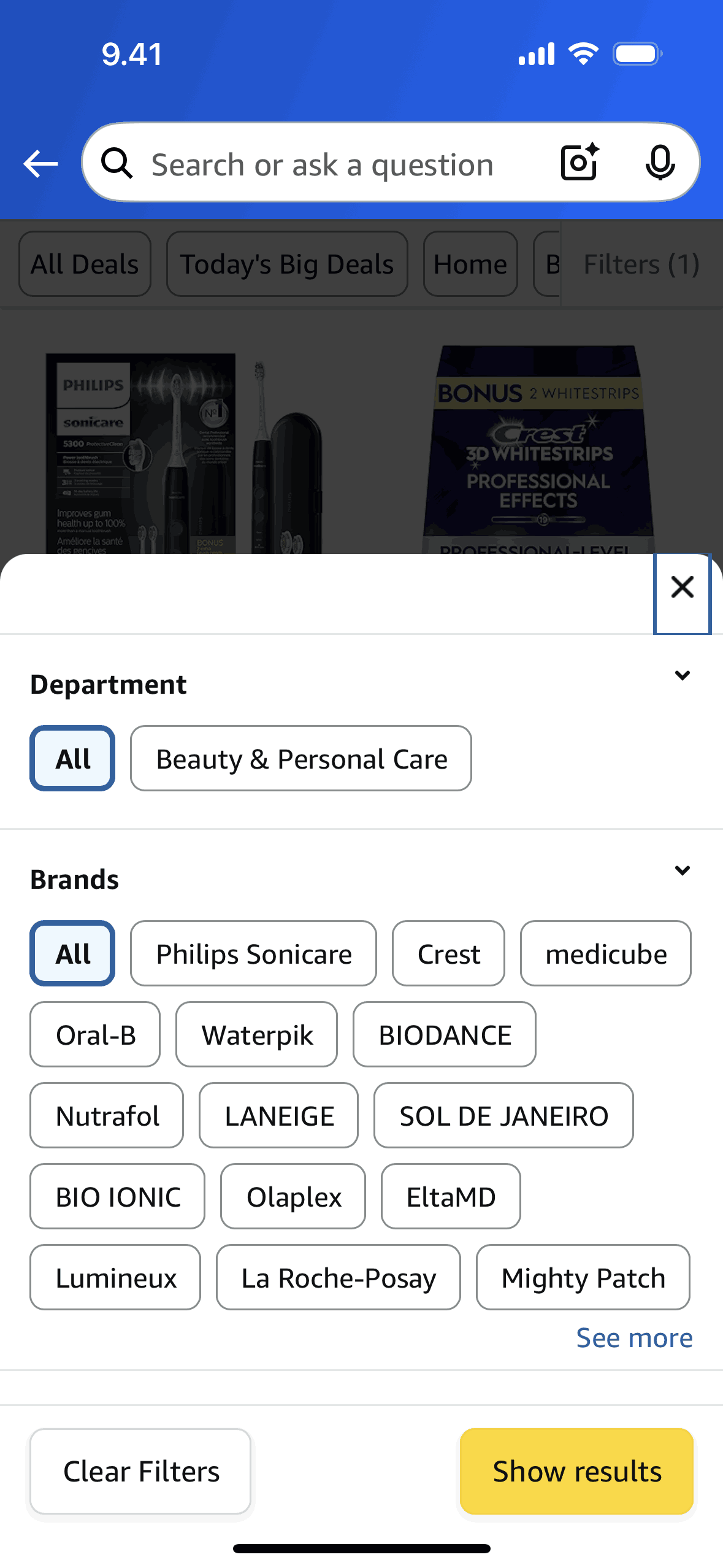
Filtering products (category) on Amazon Shopping (ios) screen 2
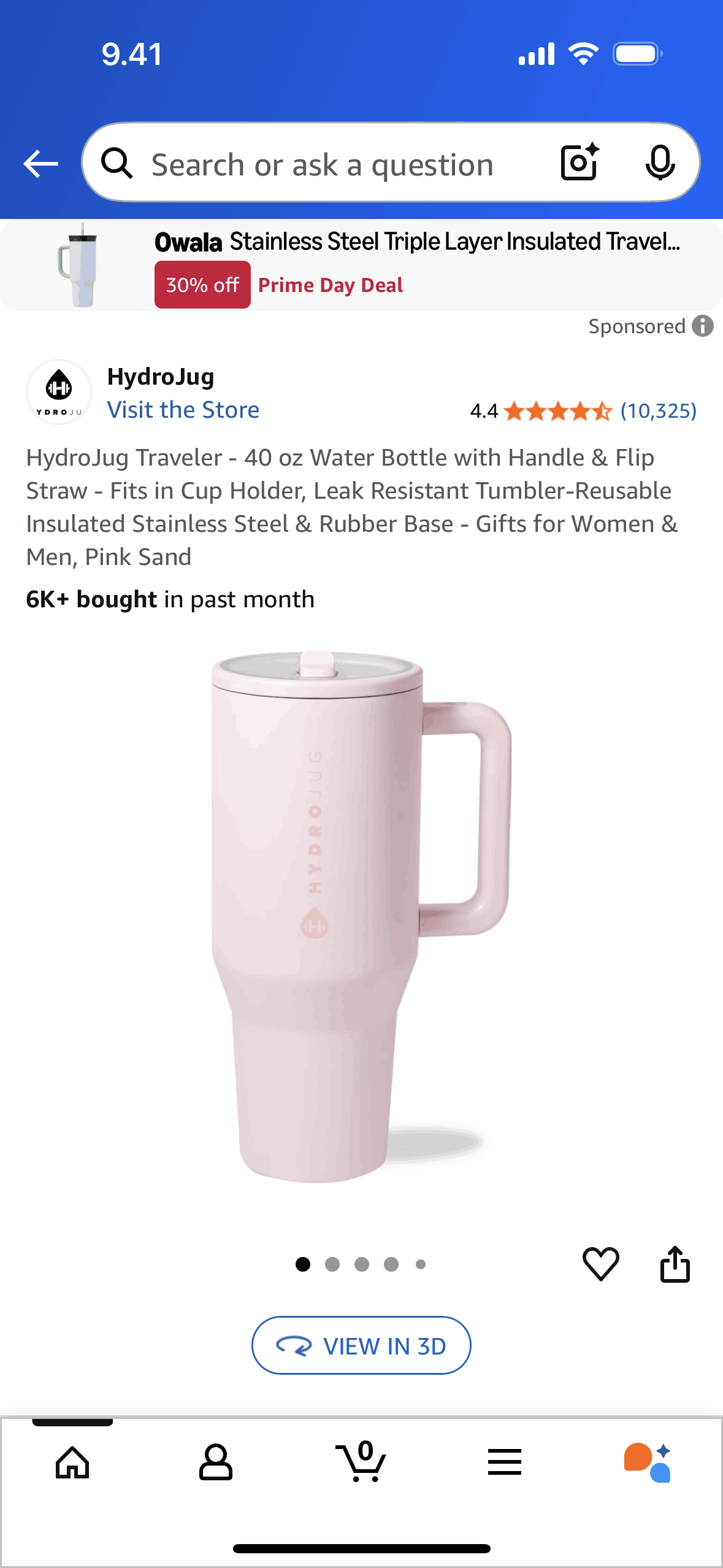
Product detail on Amazon Shopping (ios) screen 2
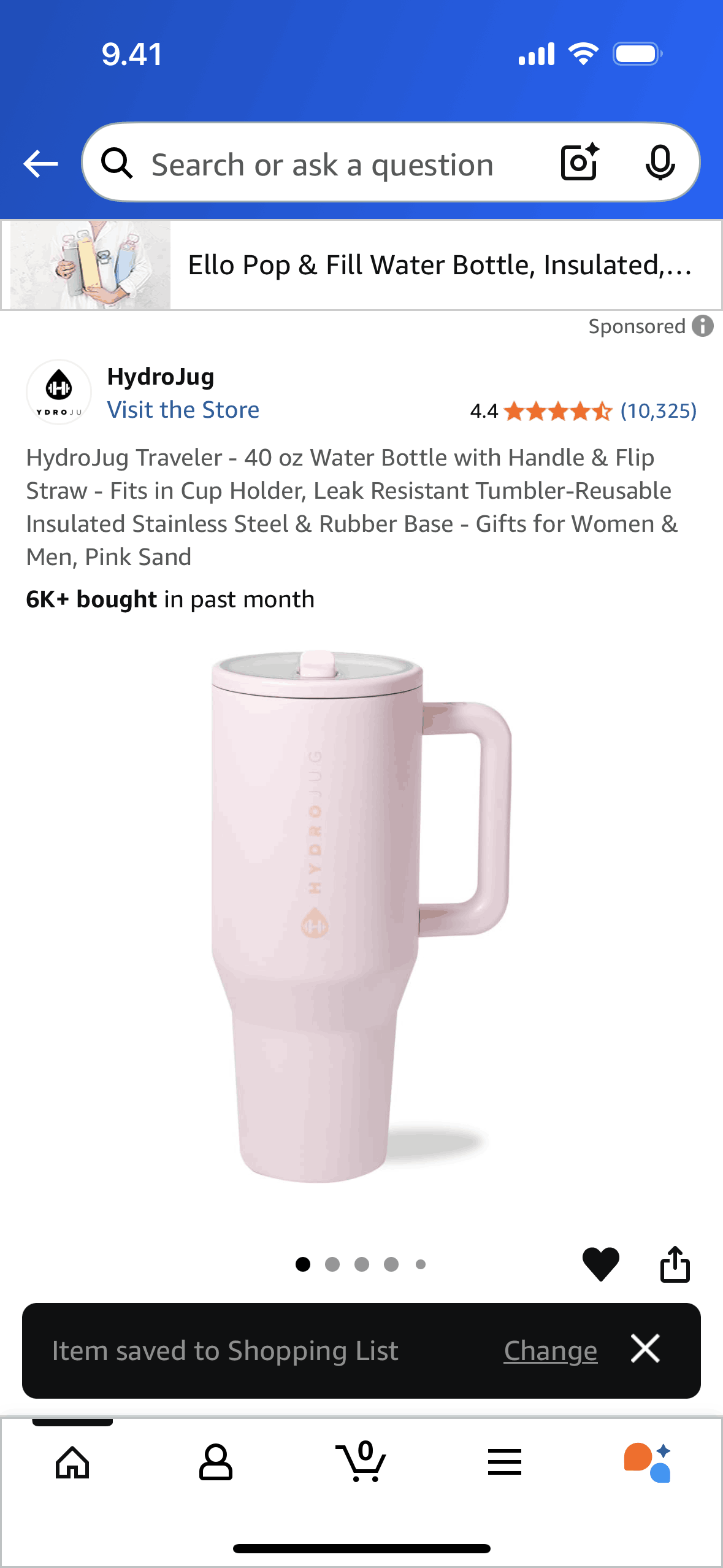
Saving a product to shopping list on Amazon Shopping (ios) screen 2
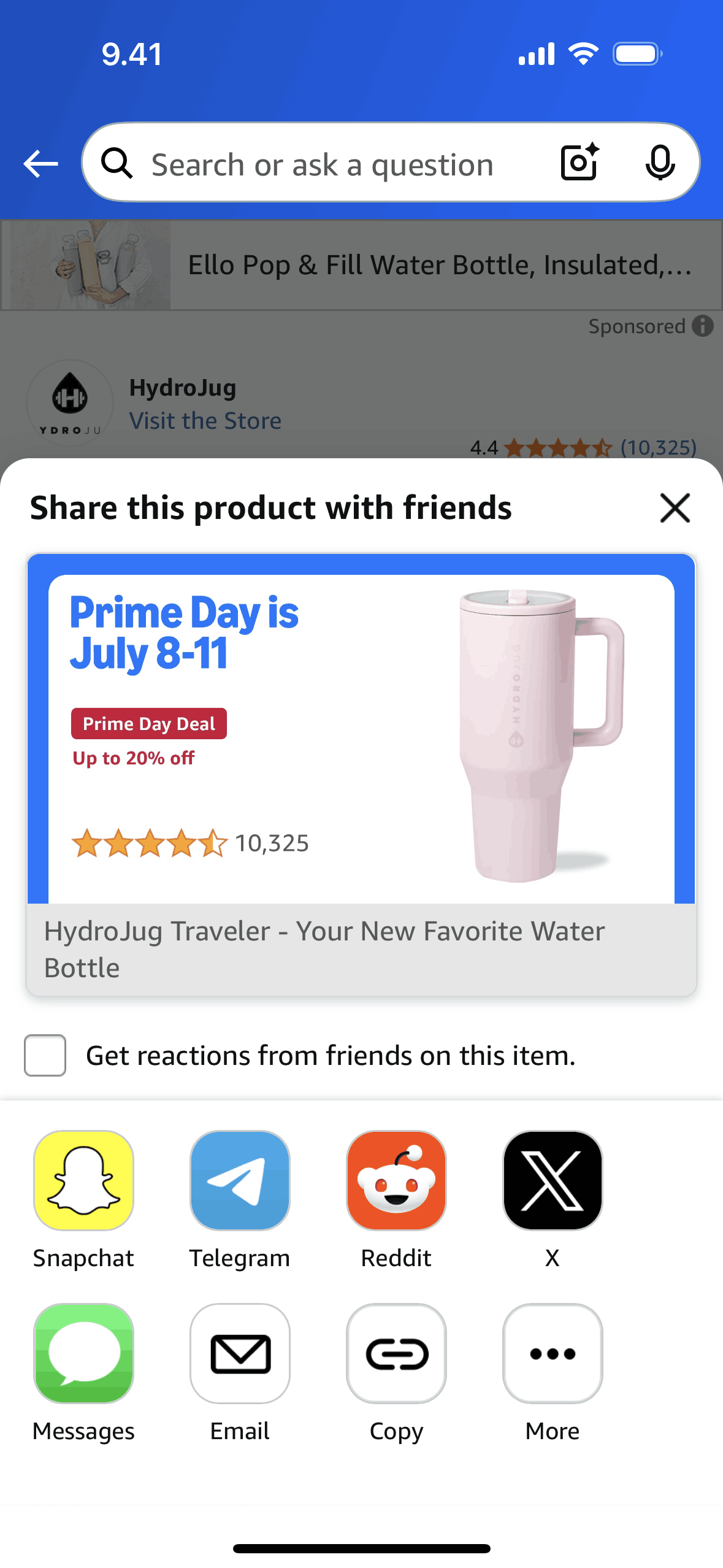
Copying a link on Amazon Shopping (ios) screen 2

Viewing a product in 3D on Amazon Shopping (ios) screen 2
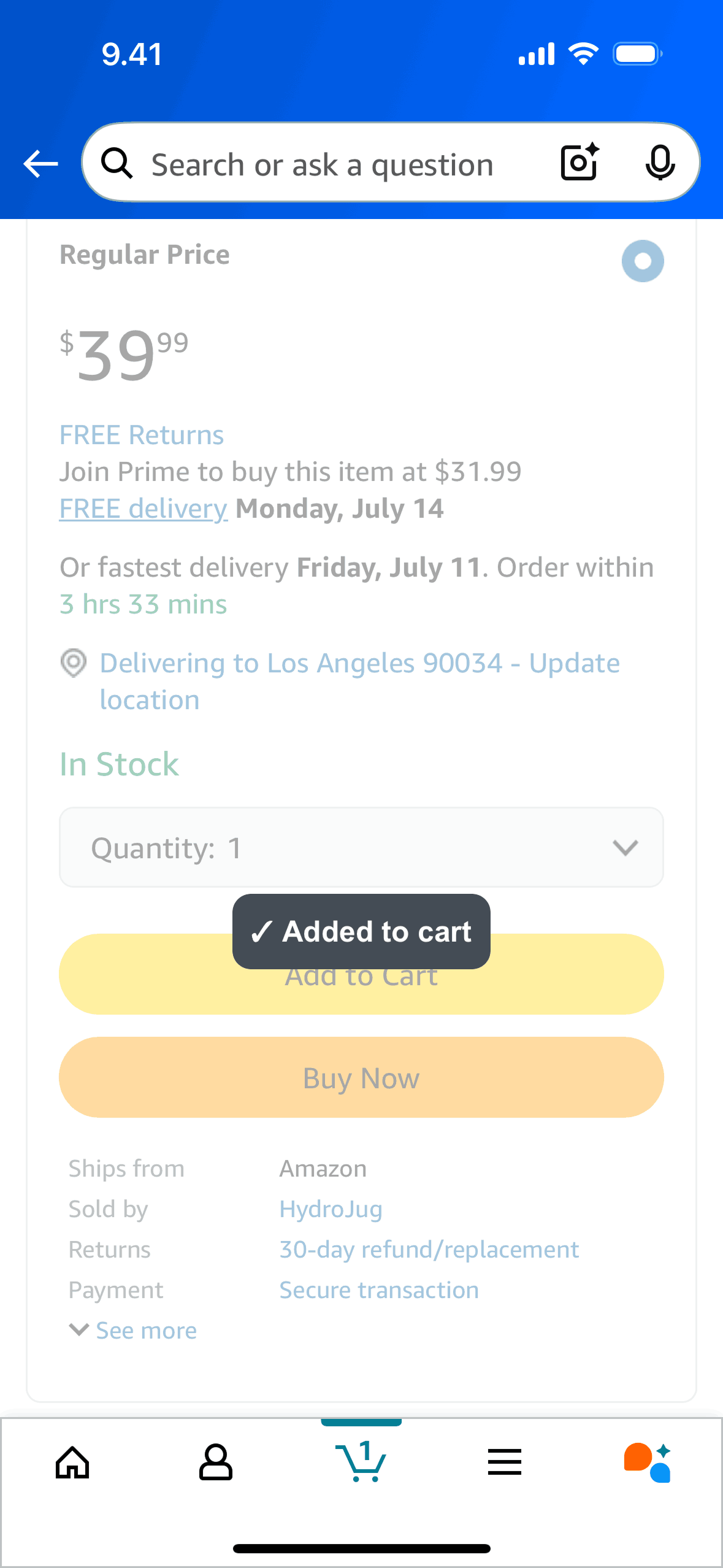
Adding to cart on Amazon Shopping (ios) screen 2
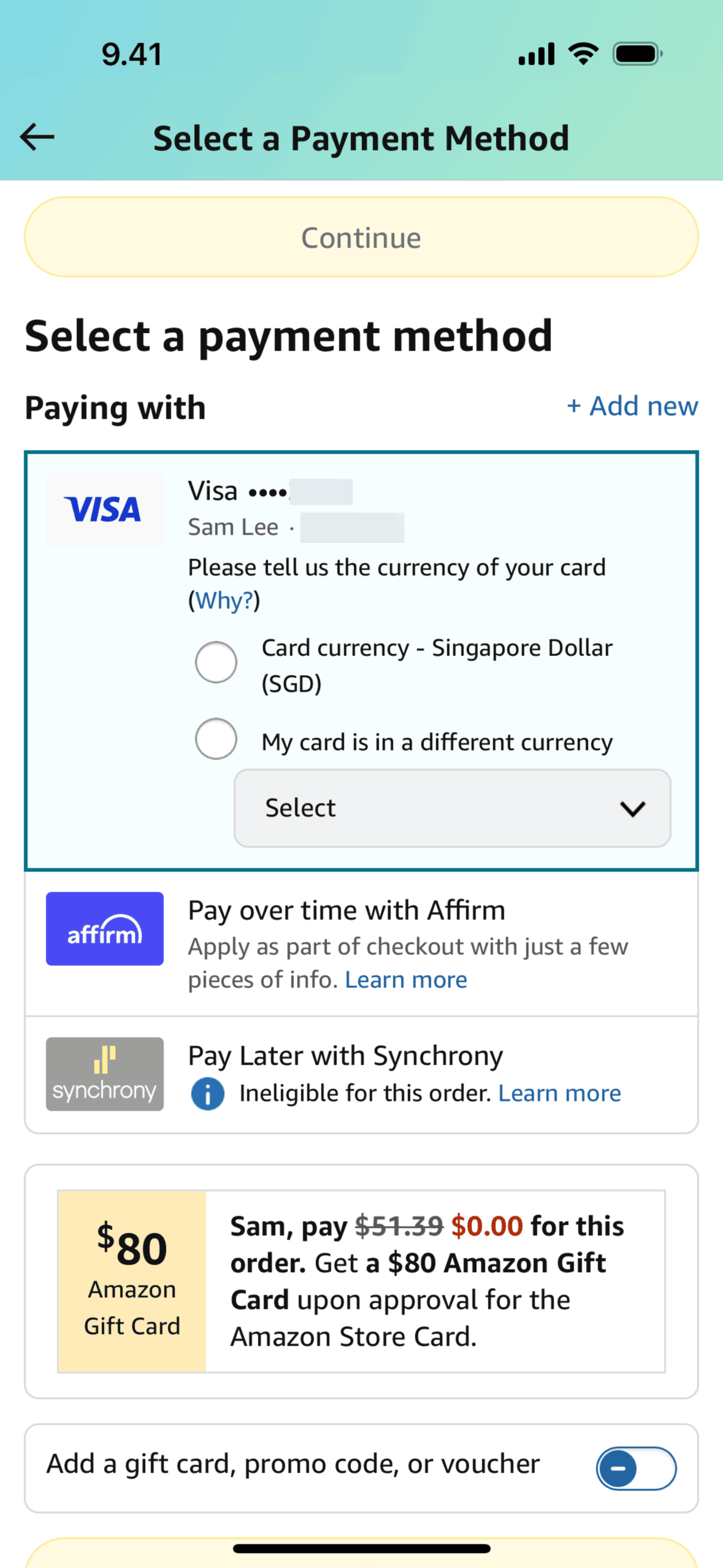
Placing an order on Amazon Shopping (ios) screen 2
Gummble currently indexes 1,137 Amazon Shopping iOS screens captured Current Version and 8 captured UX flows including onboarding and login. More benefits, fewer steps. Categorized under Shopping. Step through each captured Amazon Shopping flow screen by screen, or study individual screens for navigation, layout, and microcopy patterns.
Editorial teardown
Amazon Shopping is the iOS app for the world's largest online marketplace, offering millions of products across every category imaginable. The app enables product search, price comparison, one tap purchasing, order tracking, and returns management. Beyond shopping, it integrates Prime benefits, Subscribe & Save, and Alexa voice shopping. Amazon's mobile experience prioritizes purchase completion — every design decision optimizes for conversion and repeat purchases.
Read the full Amazon Shopping UX teardownGummble currently indexes 1,137 Amazon Shopping iOS screens captured Current Version and 8 captured UX flows including onboarding and login. Browse the gallery to study Amazon Shopping's interface patterns and design decisions.
Amazon Shopping is categorized under Shopping. Gummble holds 8 captured UX flows including onboarding and login for Amazon Shopping iOS. Open the Flows tab to step through each captured sequence screen by screen.
Yes. Gummble Browse, Pro, and Team users can download Amazon Shopping iOS screenshots for design reference. Free users can browse a limited selection and view design analysis.